Close vs Pipedrive (2026): Which CRM Wins for Your Team?
Close vs Pipedrive, compared honestly: pricing, calling, automation, and pipeline UX. See which CRM fits high-velocity outbound teams versus visual pipeline sellers.
Choosing between Close and Pipedrive comes down to one question: do you sell by dialing and emailing at high volume, or by dragging deals through a visual pipeline? Both are respected sales CRMs, but they were built for different motions. This comparison breaks down pricing, features, calling, automation, and real-world fit so you can pick the right one instead of the popular one.
TL;DR: Close vs Pipedrive at a glance#
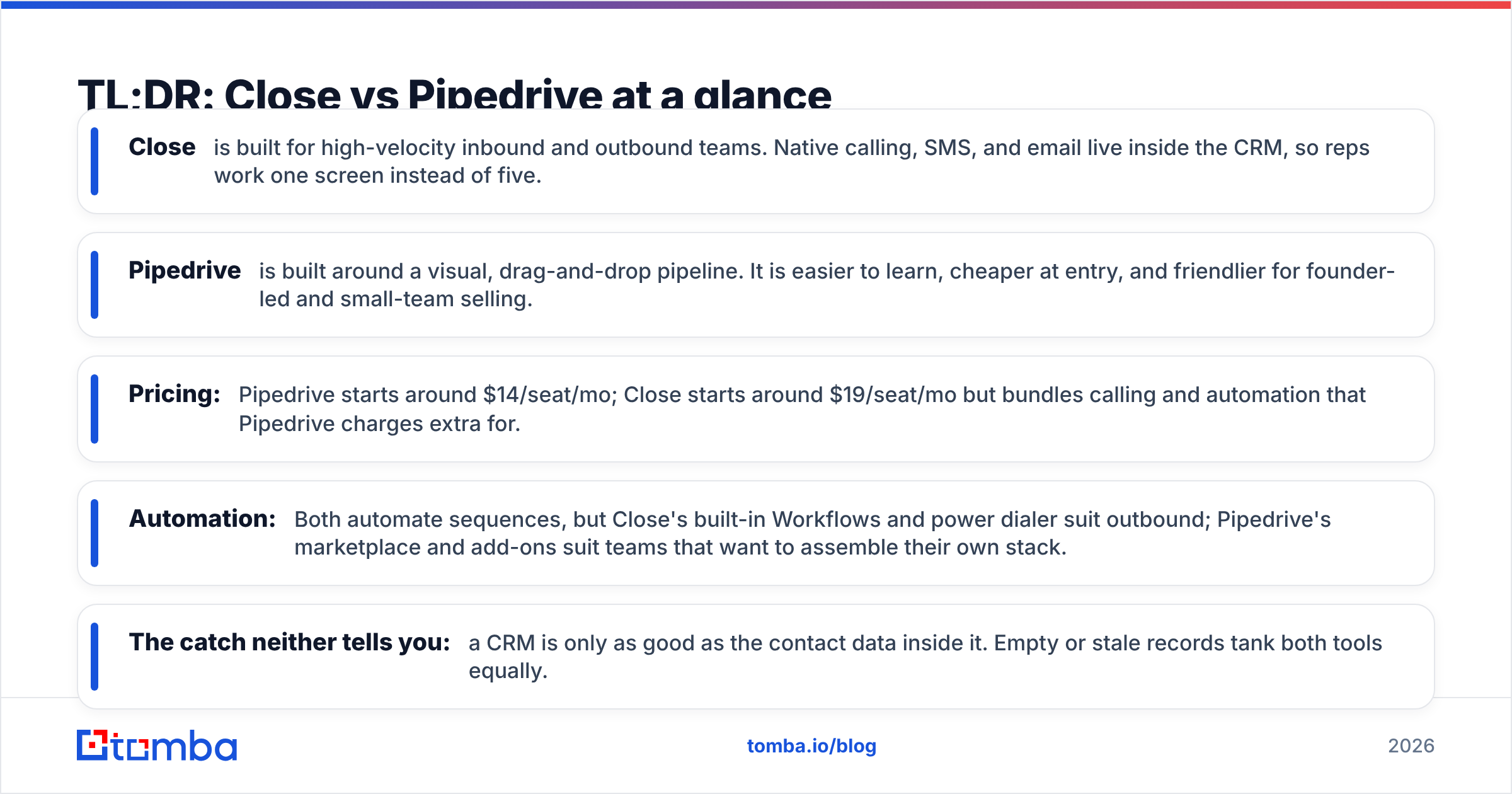
- Close is built for high-velocity inbound and outbound teams. Native calling, SMS, and email live inside the CRM, so reps work one screen instead of five.
- Pipedrive is built around a visual, drag-and-drop pipeline. It is easier to learn, cheaper at entry, and friendlier for founder-led and small-team selling.
- Pricing: Pipedrive starts around $14/seat/mo; Close starts around $19/seat/mo but bundles calling and automation that Pipedrive charges extra for.
- Automation: Both automate sequences, but Close's built-in Workflows and power dialer suit outbound; Pipedrive's marketplace and add-ons suit teams that want to assemble their own stack.
- The catch neither tells you: a CRM is only as good as the contact data inside it. Empty or stale records tank both tools equally.
What is Close and who is it for?#
Close is a CRM designed for sales teams that live on the phone and in the inbox. Instead of bolting a dialer onto a database, Close puts calling, SMS, and email at the center of the workflow. A rep can load a smart list, dial through it with a power or predictive dialer, log every touch automatically, and move to the next lead without leaving the record.
That design makes Close a natural fit for inside sales, SaaS SDR teams, agencies, and any group running structured outbound. The reporting leans toward activity and velocity metrics — calls made, emails sent, response rates, and pipeline movement — rather than sprawling customization.
The trade-off is that Close is opinionated. If your process does not resemble high-touch, multi-channel outreach, some of what you pay for goes unused.
What is Pipedrive and who is it for?#
Pipedrive is a pipeline-first CRM built to make deal stages visual and obvious. Its signature view is a Kanban board where every deal is a card you drag from "Qualified" to "Proposal" to "Won." That simplicity is the whole point: reps and founders can see exactly where revenue sits without training or a RevOps team.
Pipedrive shines for small businesses, solo founders, real estate, and services teams that want a clean, affordable system of record. It has a large marketplace of integrations and add-ons (LeadBooster, Campaigns, Smart Docs, Web Visitors), so you can extend it as you grow — though each add-on carries its own cost.
The weakness is native communication. Calling and email sequencing exist but feel like features layered on top rather than the core, so heavy outbound teams often outgrow them.
Close vs Pipedrive: full comparison table#
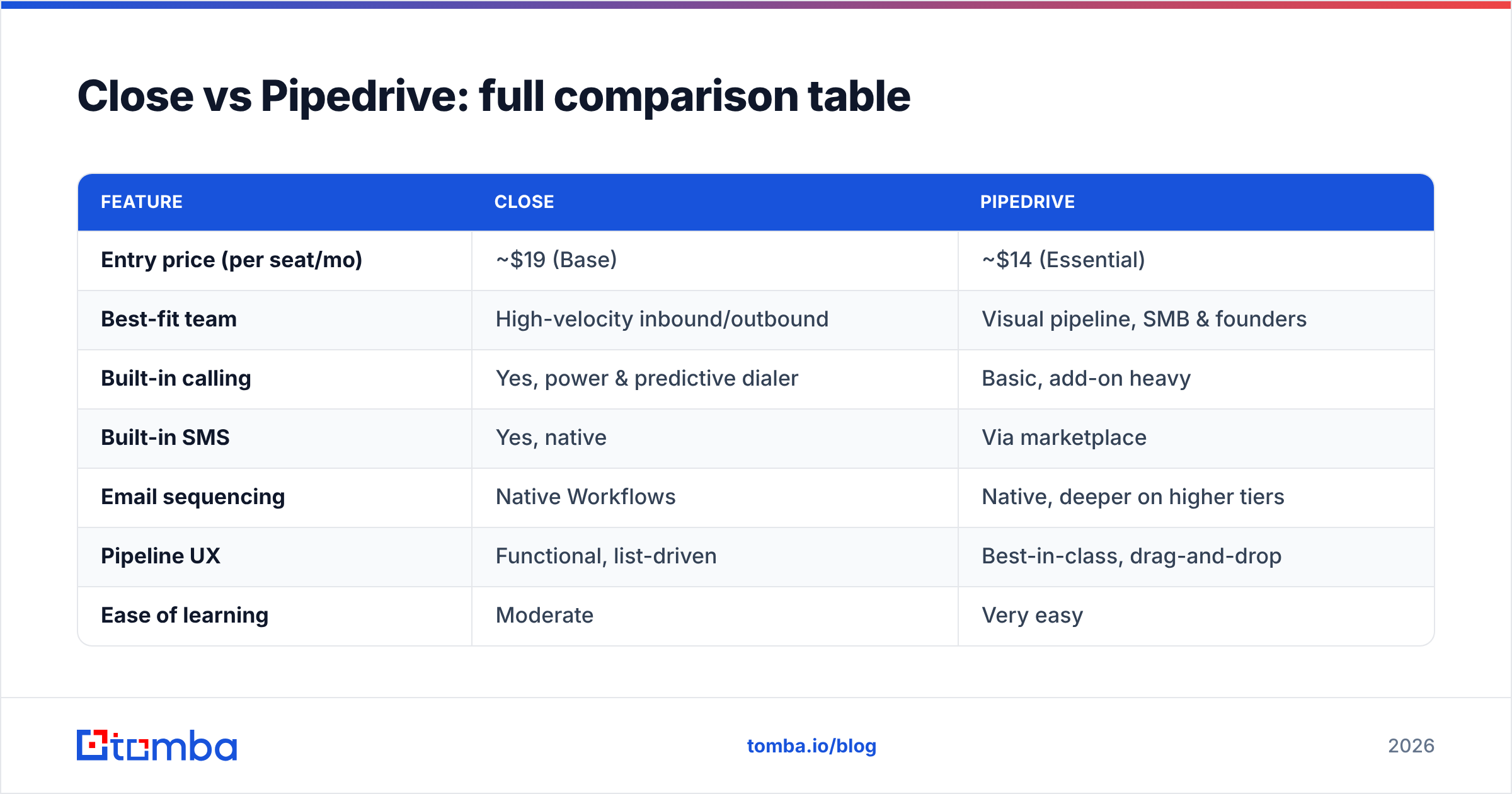
| Feature | Close | Pipedrive |
|---|---|---|
| Entry price (per seat/mo) | ~$19 (Base) | ~$14 (Essential) |
| Best-fit team | High-velocity inbound/outbound | Visual pipeline, SMB & founders |
| Built-in calling | Yes, power & predictive dialer | Basic, add-on heavy |
| Built-in SMS | Yes, native | Via marketplace |
| Email sequencing | Native Workflows | Native, deeper on higher tiers |
| Pipeline UX | Functional, list-driven | Best-in-class, drag-and-drop |
| Ease of learning | Moderate | Very easy |
| Automation | Workflows, bulk actions | Automations + marketplace apps |
| Reporting | Activity & velocity focused | Deal & goal focused |
| Free tier | 14-day trial, no free plan | 14-day trial, no free plan |
Prices and packaging change; check each vendor's pricing page before you commit, and compare against your seat count rather than the headline number.
Is Close better than Pipedrive for outbound sales?#
Yes — if outbound calling and multichannel sequencing are your core motion, Close wins. The reason is architecture, not marketing. Close's dialer, SMS, and email sit inside the same record, so a rep's cost-per-dial (in clicks and context switches) is dramatically lower. Predictive dialing, call coaching, and automatic activity logging are included rather than assembled from third-party tools.
Pipedrive can run outbound, but you will lean on its marketplace and add-ons to match what Close offers natively. For a five-rep SDR team hammering the phones, that add-on math often erases Pipedrive's cheaper entry price.
Where Pipedrive pulls ahead is deal management. If your sellers are relationship-driven closers who value seeing the whole board at a glance — and who make far fewer, higher-value calls — Pipedrive's visual clarity is worth more than Close's dialer.
How do Close and Pipedrive handle automation?#
Both automate the boring parts, but they aim at different users.
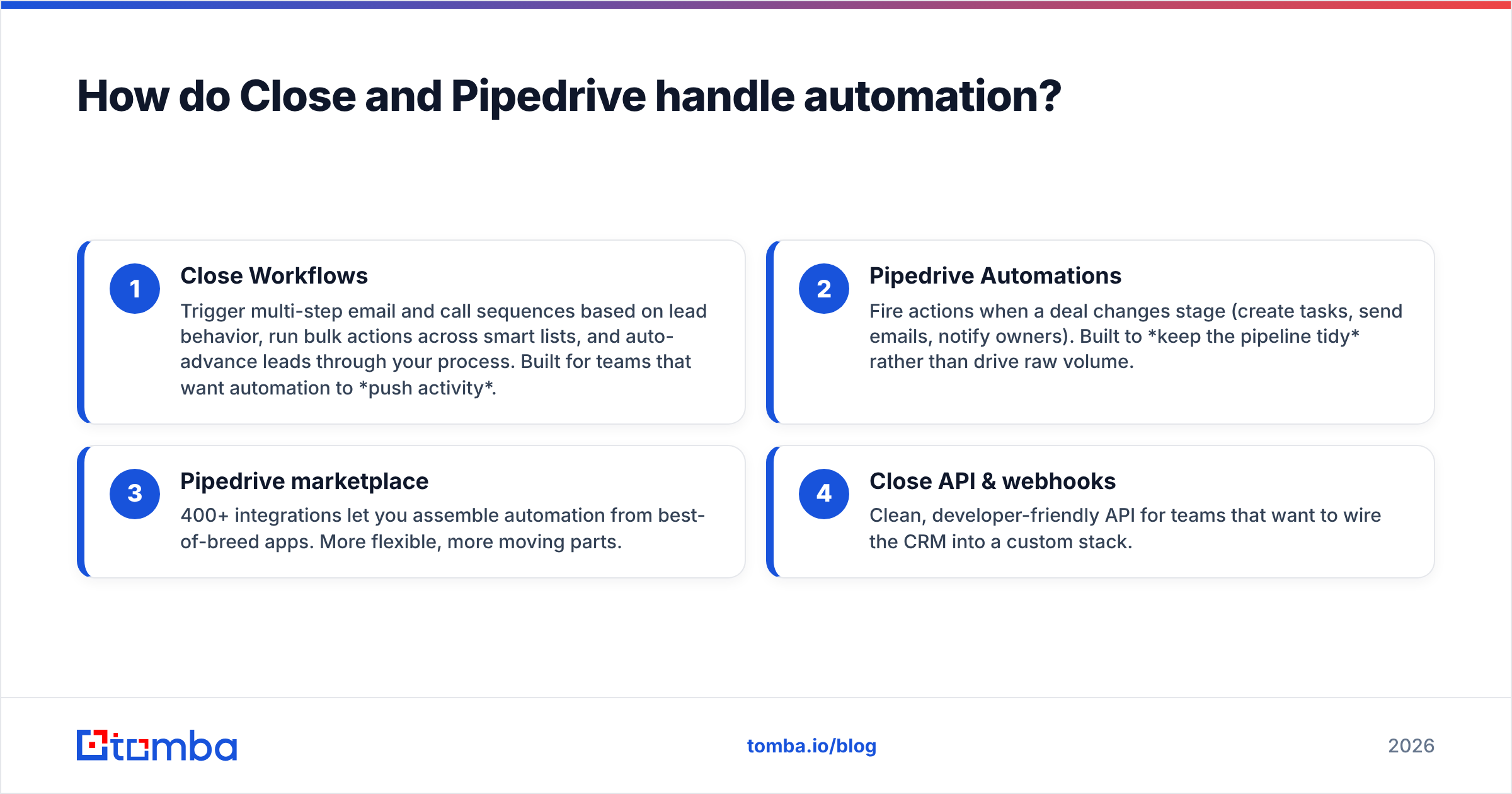
- Close Workflows — Trigger multi-step email and call sequences based on lead behavior, run bulk actions across smart lists, and auto-advance leads through your process. Built for teams that want automation to push activity.
- Pipedrive Automations — Fire actions when a deal changes stage (create tasks, send emails, notify owners). Built to keep the pipeline tidy rather than drive raw volume.
- Pipedrive marketplace — 400+ integrations let you assemble automation from best-of-breed apps. More flexible, more moving parts.
- Close API & webhooks — Clean, developer-friendly API for teams that want to wire the CRM into a custom stack.
If you want automation out of the box, Close needs less assembly. If you want to compose your own workflow from many tools, Pipedrive's ecosystem gives you more Lego bricks.
Which is easier to learn and use?#
Pipedrive is the easier tool to adopt, full stop. A new rep understands the drag-and-drop pipeline in minutes, and admins can configure stages without documentation. That low friction is why so many first-time CRM buyers land on it.
Close is not hard, but it rewards teams that commit to its way of working. The power comes from smart lists, dialers, and sequences — concepts a founder new to sales tooling has to learn. Once a team internalizes it, throughput climbs; before that, it can feel like more machine than a two-person shop needs.
If you are comparing broader options, our roundups of the best B2B sales tools and how they connect to your CRM can help you place Close and Pipedrive against the wider market.
What about pricing — which CRM is cheaper?#
Pipedrive wins the headline, Close often wins the total.
Pipedrive's Essential tier is the lowest sticker price, which is why budget-conscious buyers gravitate to it. But calling minutes, advanced email tools, web visitor tracking, and campaign features frequently sit in higher tiers or paid add-ons. Stack two or three of those and the effective per-seat cost climbs toward — or past — Close.
Close's Base plan costs more up front but includes the dialer and core automation that outbound teams would otherwise buy separately. For a phone-heavy team, that bundling is the better deal. For a founder tracking 20 deals a month who never touches the dialer, it is money left on the table.
The honest answer: model your real usage. Count seats, calling minutes, and the add-ons you would actually enable, then compare like-for-like. The cheapest entry plan is rarely the cheapest working system.
The variable neither CRM controls: your contact data#
Here is what a Close vs Pipedrive debate quietly ignores. Both tools are containers. Fill them with wrong emails, missing phone numbers, and stale titles, and your fancy dialer dials dead numbers while your beautiful pipeline fills with deals that were never reachable.
CRM choice affects how your team works. Data quality affects whether the work connects at all. Garbage in, garbage out applies to the best CRM on the market.
That is where a dedicated data layer matters more than the CRM logo. Before a lead ever hits Close or Pipedrive, you want a verified work email, a valid direct phone, and enriched company context. You can pull those with an email finder, confirm them with an email verifier so your sender reputation survives, and add direct dials with a phone finder before your reps waste a single call.
How do Close and Pipedrive fit into a real prospecting stack?#
Neither CRM is a lead source — both assume contacts arrive from somewhere. A clean workflow looks like this:
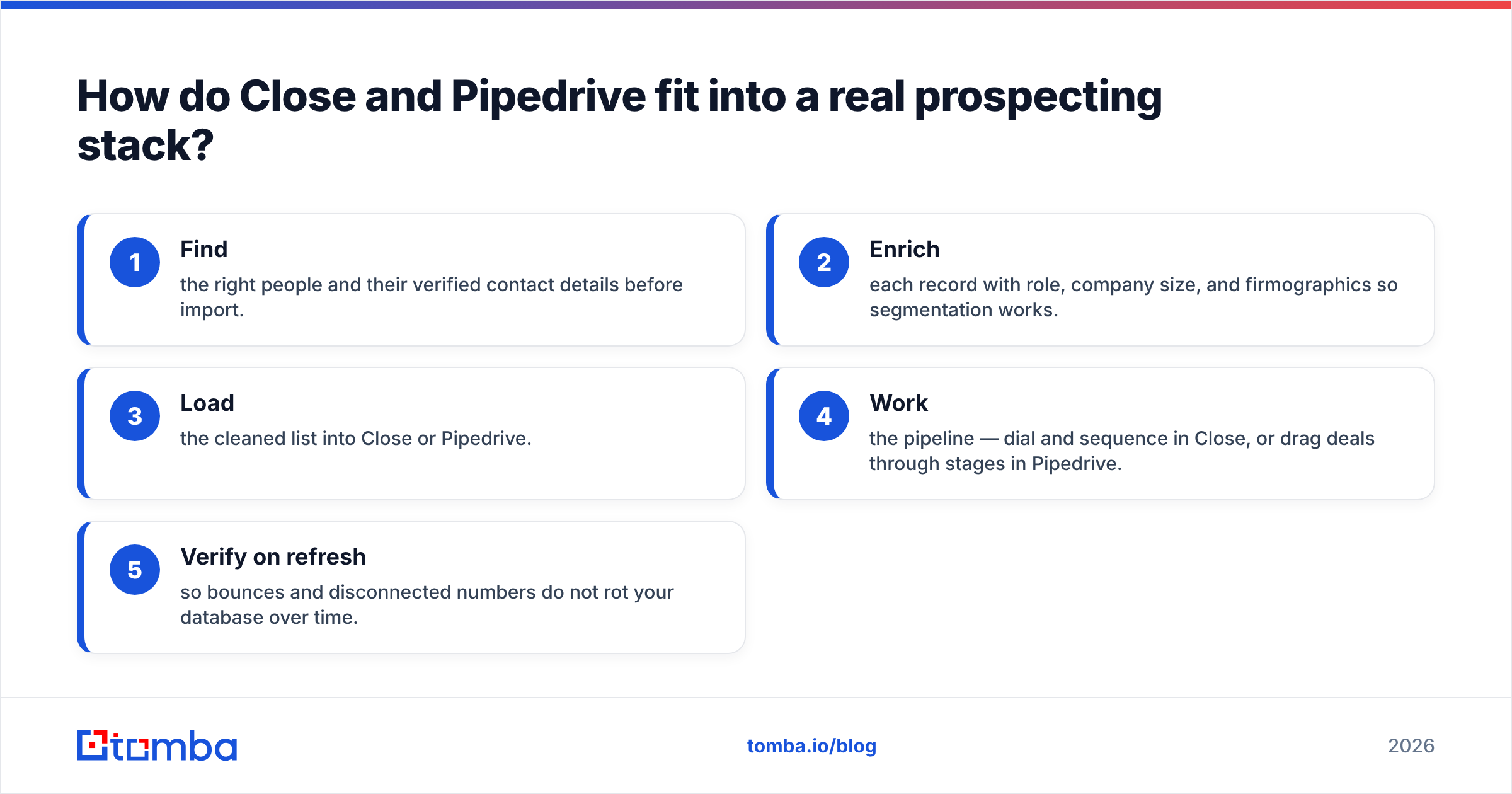
- Find the right people and their verified contact details before import.
- Enrich each record with role, company size, and firmographics so segmentation works.
- Load the cleaned list into Close or Pipedrive.
- Work the pipeline — dial and sequence in Close, or drag deals through stages in Pipedrive.
- Verify on refresh so bounces and disconnected numbers do not rot your database over time.
Steps 1, 2, and 5 sit outside the CRM. Tomba's data enrichment and bulk email finder handle that layer, and both push straight into your CRM through native integrations with tools like HubSpot and Pipedrive. The CRM you pick becomes far less risky when the data feeding it is already accurate — a point echoed across independent reviews on G2.
Verdict: which should you choose?#
Pick Close if your team sells by volume — dialing, texting, and sequencing every day — and you want those channels native instead of bolted on. Inside sales, SaaS SDR teams, and agencies get the most out of it.
Pick Pipedrive if you want the cleanest visual pipeline, the gentlest learning curve, and the lowest entry price, and your motion is fewer, relationship-led deals. Founders, SMBs, and services teams thrive here.
But whichever you choose, remember the multiplier that sits upstream of both: contact data. The best dialer in the world still needs a real number to call, and the prettiest pipeline still needs a reachable person behind each card. Start by feeding your CRM verified, enriched contacts with the Tomba Email Finder — find professional emails by domain, name, or company, verify them before they land, and let Close or Pipedrive do what it does best on data that actually connects. Explore Tomba pricing, including a free tier of 25 searches a month, and stop paying for a CRM full of dead ends.
Related guides#
Ready to find emails that actually work?
Join 150,000+ professionals who stopped guessing and started sending. Free credits on signup — no credit card required.
Get the Tomba newsletter
Practical outbound tactics and product updates — once every two weeks.
About the author