Close vs Salesforce (2026): Which CRM Actually Wins?
Close is built for speed and small sales teams; Salesforce is built for scale and customization. Here's an honest, side-by-side breakdown of pricing, setup, and features to help you pick the right CRM.
Choosing a CRM is one of those decisions you live with for years. Rip-and-replace projects are painful, data migrations are risky, and your reps will resist anything that slows them down. So when the choice comes down to Close vs Salesforce, you're really deciding between two very different philosophies of how a sales team should work.
This is a neutral, hands-on comparison. No fluff, no "it depends on your needs" cop-out without telling you what it depends on. Let's get into it.
TL;DR — Close vs Salesforce in one glance#
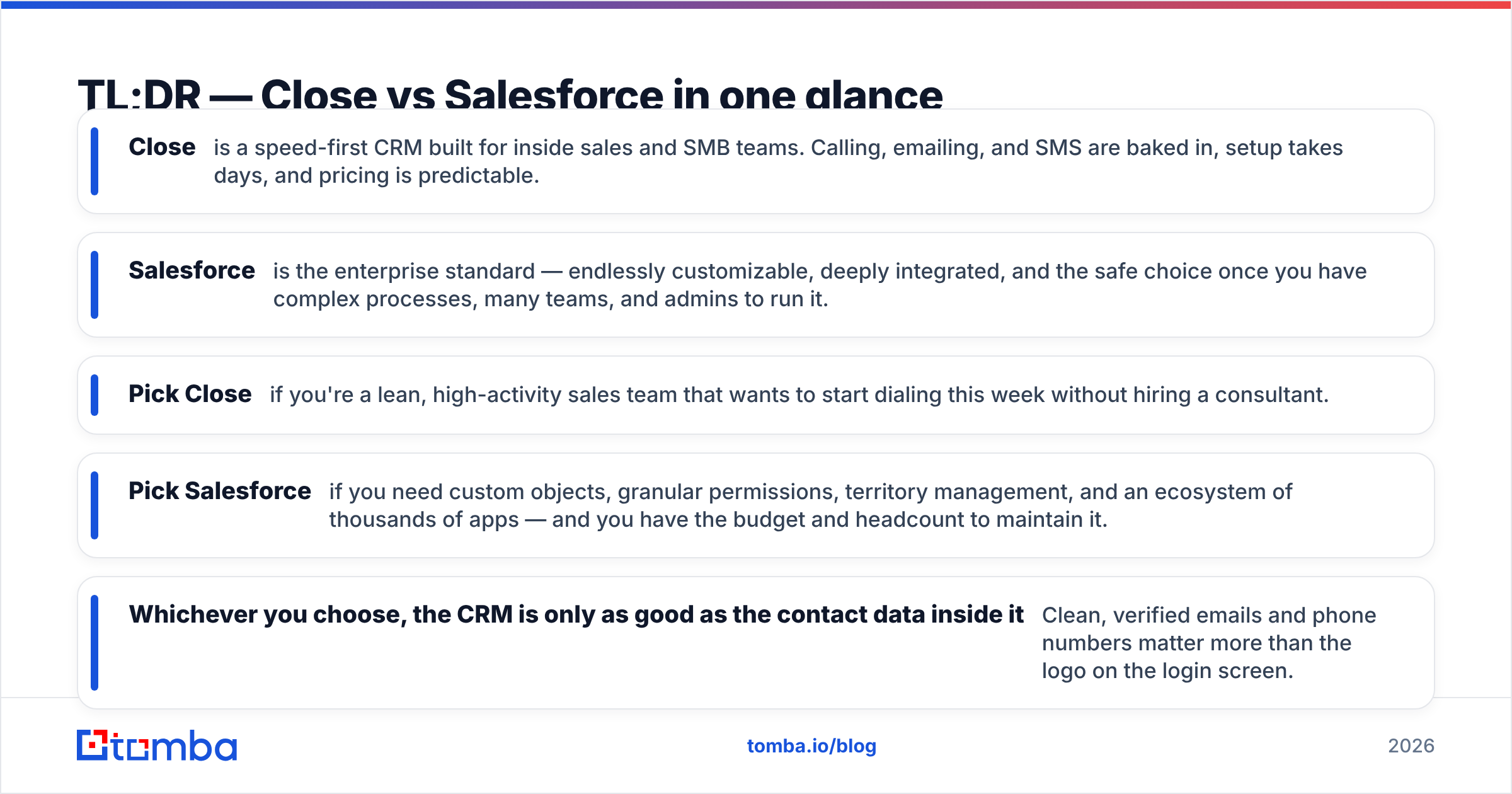
- Close is a speed-first CRM built for inside sales and SMB teams. Calling, emailing, and SMS are baked in, setup takes days, and pricing is predictable.
- Salesforce is the enterprise standard — endlessly customizable, deeply integrated, and the safe choice once you have complex processes, many teams, and admins to run it.
- Pick Close if you're a lean, high-activity sales team that wants to start dialing this week without hiring a consultant.
- Pick Salesforce if you need custom objects, granular permissions, territory management, and an ecosystem of thousands of apps — and you have the budget and headcount to maintain it.
- Whichever you choose, the CRM is only as good as the contact data inside it. Clean, verified emails and phone numbers matter more than the logo on the login screen.
What is Close and who is it built for?#
Close (formerly Close.io) is a CRM designed around one idea: reps should spend their time selling, not doing data entry. It ships with a built-in power dialer, two-way email sync, SMS, and calling — so a rep can work an entire lead list without leaving the app or bolting on five separate tools.
That focus makes Close a favorite among startups, agencies, and inside-sales teams doing high-volume outbound. The interface is opinionated and fast. You can import a list, start a calling session, and log outcomes in minutes. There's no six-week implementation phase and no dedicated admin required.
The tradeoff is depth. Close deliberately avoids the sprawling customization Salesforce offers. If your sales motion is straightforward — leads in, calls and emails out, deals closed — that constraint feels like freedom. If you need heavily branched approval workflows or dozens of custom objects, you'll hit the ceiling.
What is Salesforce and who is it built for?#
Salesforce is the 800-pound gorilla of CRM. It's the platform most enterprises standardize on, and for good reason: almost anything you can imagine, you can build in Salesforce. Custom objects, custom fields, complex automation via Flow, role hierarchies, territory management, forecasting, and an AppExchange with thousands of integrations.
That power is the point — and the cost. Salesforce typically requires a certified admin (or a whole team), a proper implementation project, and ongoing maintenance. Many companies bring in a consulting partner to configure it. Once it's dialed in, it can model almost any business process on earth. Getting there is the hard part.
Salesforce shines when you have multiple sales teams, intricate handoffs between marketing, sales, and customer success, and a need for airtight reporting and governance. If you're a 200-person revenue org with a RevOps function, Salesforce is usually the default and safest answer.
Close vs Salesforce: side-by-side comparison#
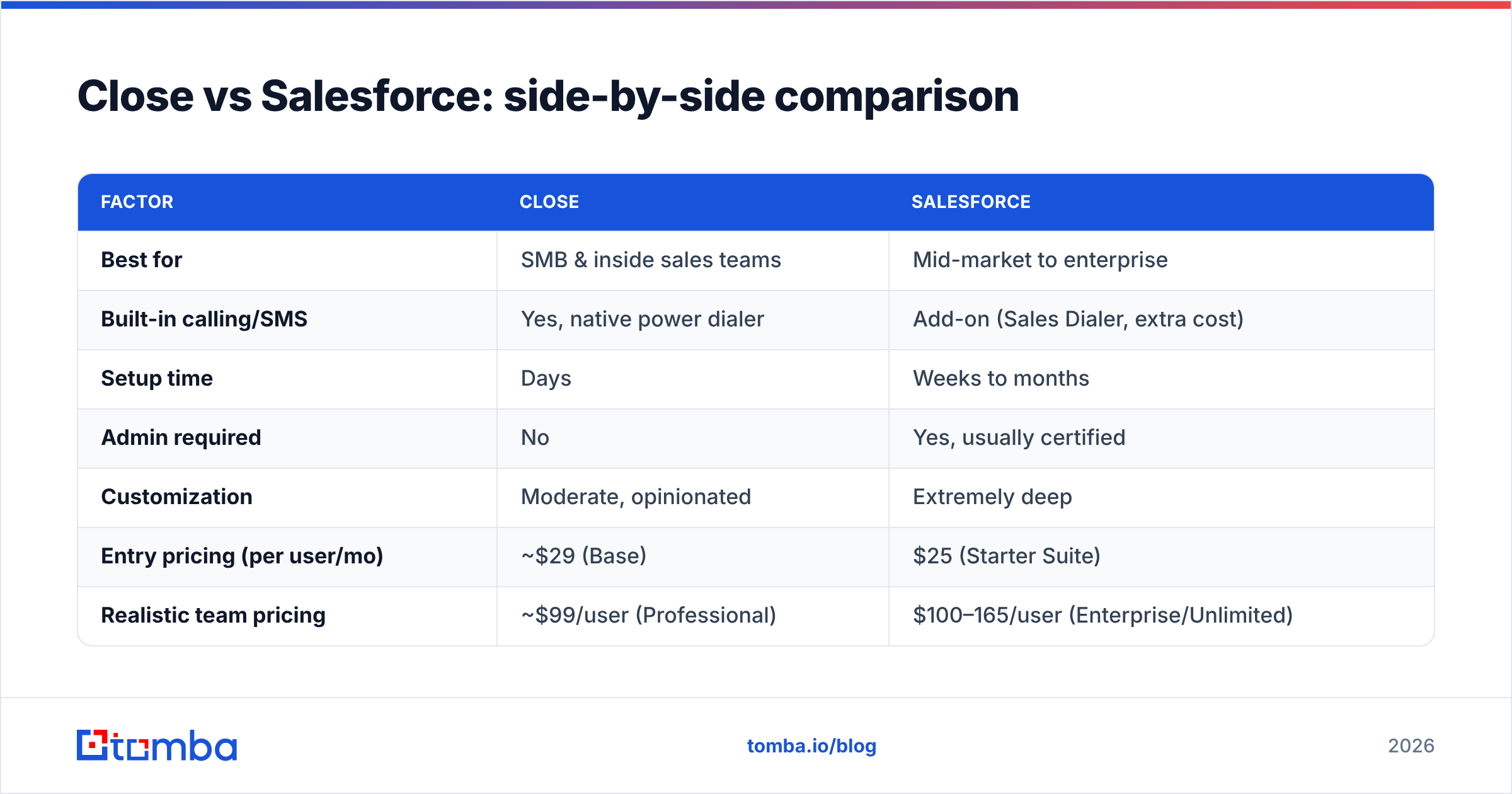
Here's the head-to-head on the dimensions that actually change your day-to-day.
| Factor | Close | Salesforce |
|---|---|---|
| Best for | SMB & inside sales teams | Mid-market to enterprise |
| Built-in calling/SMS | Yes, native power dialer | Add-on (Sales Dialer, extra cost) |
| Setup time | Days | Weeks to months |
| Admin required | No | Yes, usually certified |
| Customization | Moderate, opinionated | Extremely deep |
| Entry pricing (per user/mo) | ~$29 (Base) | $25 (Starter Suite) |
| Realistic team pricing | ~$99/user (Professional) | $100–165/user (Enterprise/Unlimited) |
| Reporting | Solid, sales-focused | Best-in-class, fully custom |
| Ecosystem/apps | Focused set of integrations | AppExchange (thousands) |
| Learning curve | Low | Steep |
A few honest notes on that table. Salesforce's advertised entry price looks competitive, but the Starter tier is not what most sales orgs actually run — the useful automation and customization live in Enterprise and above, where the per-seat cost climbs and add-ons stack up. Close's pricing is flatter and more predictable, which is exactly why cash-conscious startups gravitate to it. Always check the current Salesforce pricing and Close's own page before you commit, since both change tiers regularly.
Is Close better than Salesforce for small teams?#
For most small teams, yes — Close is the better starting CRM. Here's the reasoning, not just the verdict.
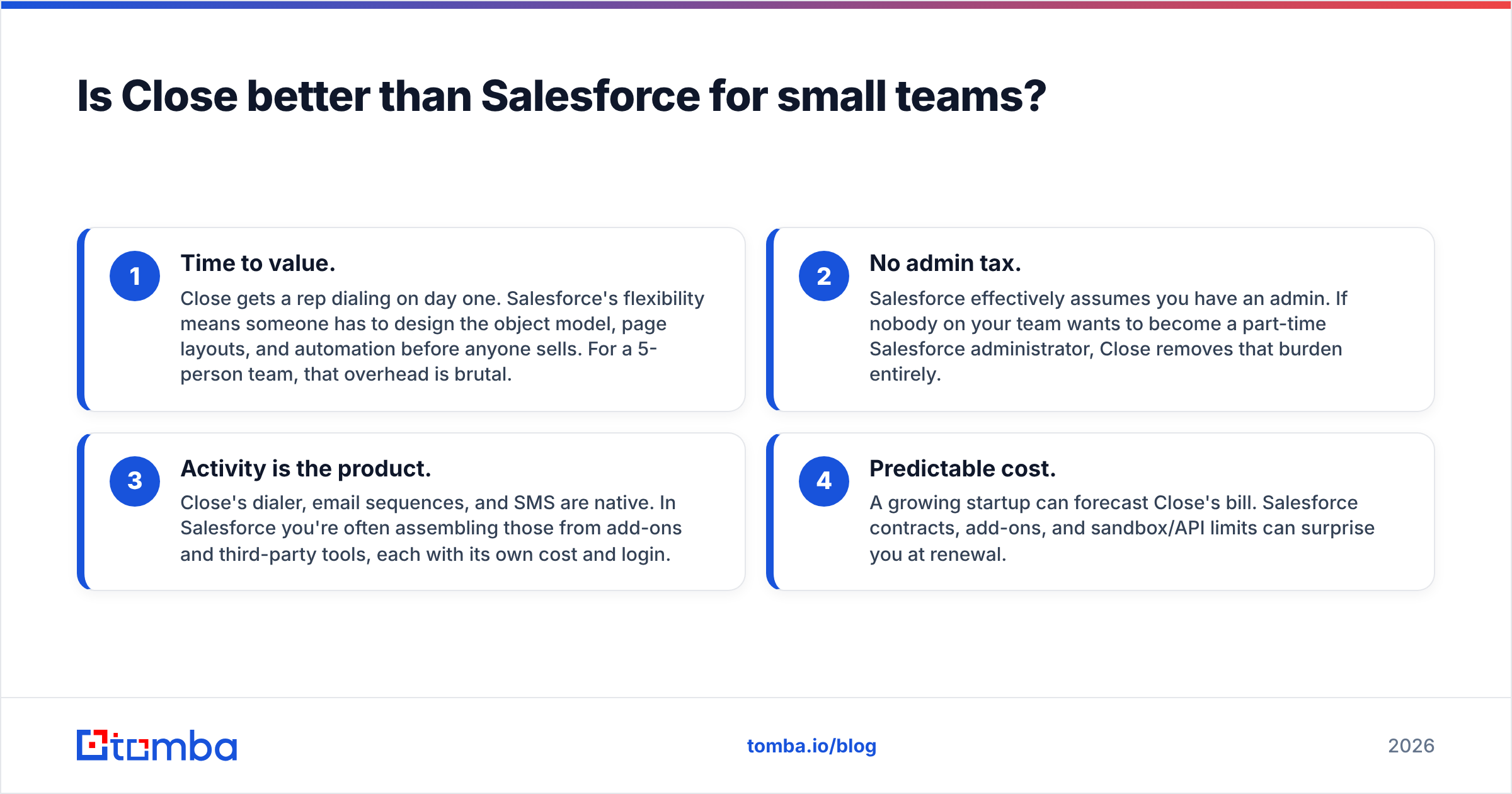
- Time to value. Close gets a rep dialing on day one. Salesforce's flexibility means someone has to design the object model, page layouts, and automation before anyone sells. For a 5-person team, that overhead is brutal.
- No admin tax. Salesforce effectively assumes you have an admin. If nobody on your team wants to become a part-time Salesforce administrator, Close removes that burden entirely.
- Activity is the product. Close's dialer, email sequences, and SMS are native. In Salesforce you're often assembling those from add-ons and third-party tools, each with its own cost and login.
- Predictable cost. A growing startup can forecast Close's bill. Salesforce contracts, add-ons, and sandbox/API limits can surprise you at renewal.
The moment that calculus flips is when your processes outgrow Close's opinionated design — multiple business units, complex quoting, or compliance-heavy workflows. That's Salesforce territory.
How do pricing and total cost of ownership compare?#
Sticker price is the smallest part of the story. Total cost of ownership is where Close and Salesforce genuinely diverge.
Close bills per user with clear tiers, and the features reps need most (calling, email, SMS, reporting) are included rather than sold à la carte. Your total cost is mostly seats plus telephony usage. Onboarding is self-serve, so implementation cost is near zero.
Salesforce has three cost layers people underestimate:
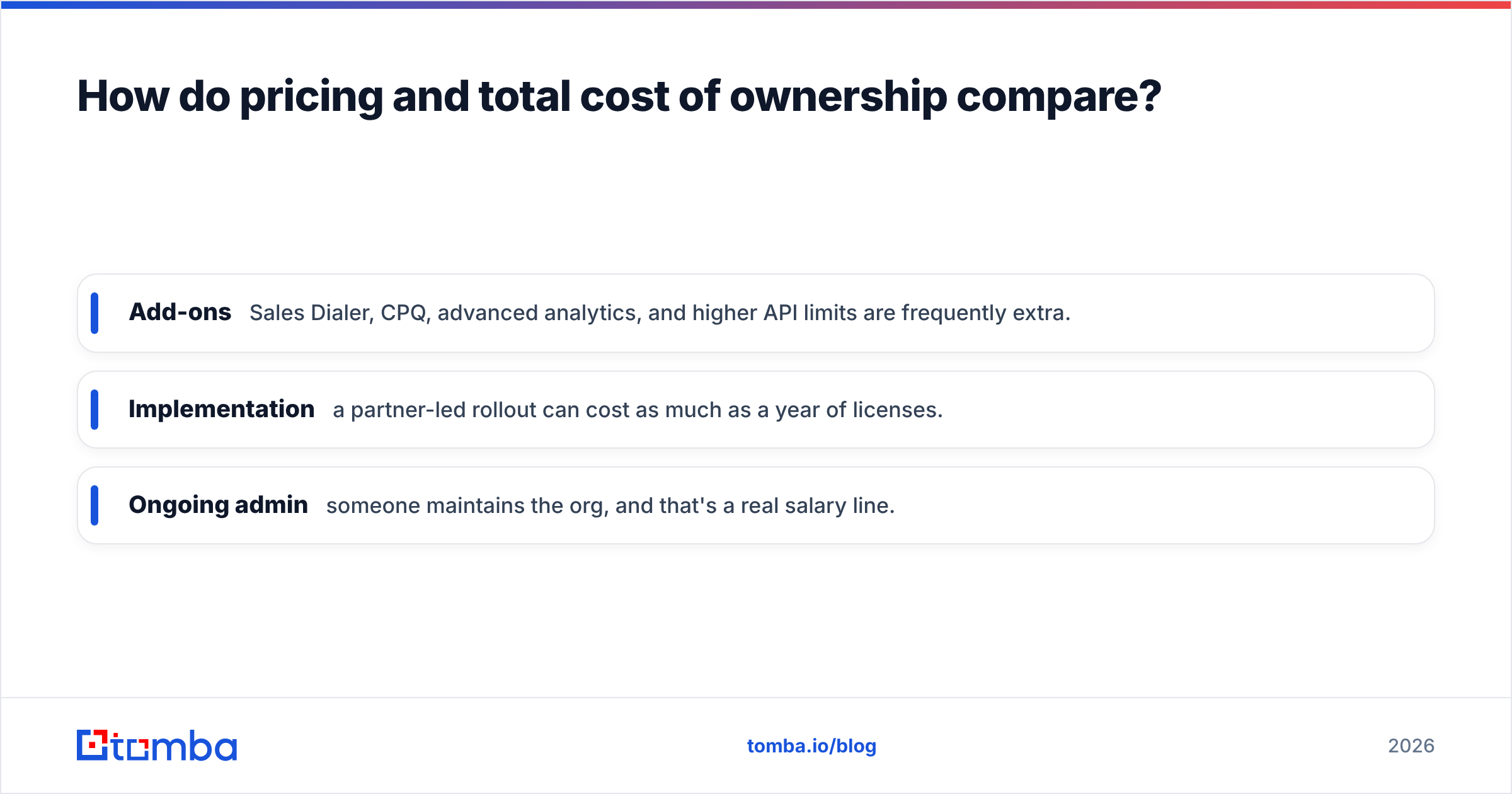
- Add-ons — Sales Dialer, CPQ, advanced analytics, and higher API limits are frequently extra.
- Implementation — a partner-led rollout can cost as much as a year of licenses.
- Ongoing admin — someone maintains the org, and that's a real salary line.
None of this makes Salesforce "overpriced" — you're buying capability and governance that Close doesn't attempt. But a 10-rep startup comparing "$99 vs $165 per seat" is missing the several thousand dollars of implementation and admin time hiding behind the Salesforce number. Model the fully loaded cost, not the per-seat sticker.
Which CRM has better data quality and enrichment?#
Neither Close nor Salesforce is primarily a data provider — both are systems of record that are only as accurate as the contacts you feed them. This is the part teams underinvest in and later regret.
Salesforce offers native enrichment through Data.com's successor products and a large AppExchange of data vendors, but quality and freshness vary and premium enrichment costs extra. Close leans on integrations and imports; it expects you to bring good data in.
Either way, the fix is the same: verify contacts before they hit the CRM and enrich records that are missing key fields. Bouncing emails wreck your sender reputation, and dead records inflate your seat count and skew reporting. Running new leads through an email verifier and filling gaps with data enrichment keeps both CRMs trustworthy. If you're prospecting net-new accounts, an email finder sources verified business emails you can push straight into Close or Salesforce.
How do integrations and workflow automation compare?#
Salesforce wins on breadth. The AppExchange is unmatched — thousands of vetted apps, plus Flow for building automation without code and Apex for when you need real code. If a tool exists in your stack, it almost certainly connects to Salesforce. This is a genuine moat.
Close wins on out-of-the-box usefulness. Its automation is aimed squarely at sales activity: sequences, call routing, workflow triggers, and built-in reporting that a rep can actually configure themselves. You won't build a custom quoting engine, but you also won't need a consultant to set up a follow-up cadence.
Both connect to the tools around your funnel. If your data-sourcing and verification live outside the CRM, Tomba pushes clean contacts into either platform — see the Salesforce integration and the broader integrations list. The practical rule: choose Salesforce if your automation ambitions are open-ended, and Close if you want strong sales automation working by Friday.
Close vs Salesforce: pros and cons#
Close — pros
- Native calling, SMS, and email — no cobbling tools together
- Fast setup, minimal training, no admin required
- Predictable, transparent pricing
- Purpose-built for high-volume inside sales
Close — cons
- Limited deep customization and custom objects
- Smaller integration ecosystem
- Less suited to complex, multi-team enterprise processes
Salesforce — pros
- Virtually unlimited customization and scalability
- Best-in-class reporting and forecasting
- Massive AppExchange ecosystem
- The safe standard for enterprise governance
Salesforce — cons
- Steep learning curve and slow implementation
- Requires admin resources to run well
- Total cost of ownership climbs fast with add-ons
You can sanity-check both against real user sentiment on G2, where the reviews consistently mirror this split: Close praised for speed and simplicity, Salesforce for power and flexibility.
So, which should you choose?#
Choose Close if you're an SMB, startup, or agency running high-activity outbound and inside sales. You want to be selling this week, you don't want to hire an admin, and you value predictable costs over infinite flexibility. Close respects your time.
Choose Salesforce if you're mid-market or enterprise with complex processes, multiple teams, strict reporting requirements, and the budget and headcount to implement and maintain it. The upfront cost buys you a platform that can model almost any business — an investment that pays off at scale.
A useful middle path: some teams start on Close to move fast, then graduate to Salesforce once complexity demands it. Others start on Salesforce because their board or parent company mandates it. Both are legitimate. There's no universally "better" CRM here — only the one that fits your stage, motion, and team.
The one thing both CRMs depend on#
Whichever platform you pick, the deciding factor for pipeline isn't the CRM — it's the quality of the contacts inside it. A perfectly configured Salesforce org full of stale, unverified data will underperform a scrappy Close account with clean, current records every single time.
That's where Tomba fits into either stack. Use the Tomba Email Finder to source verified professional emails by name, domain, or company, then push them straight into Close or Salesforce. Pair it with verification and enrichment so every record lands accurate, and check the Tomba pricing — a free tier with 25 searches a month, Starter at $49/mo, and Growth at $99/mo — to feed your CRM without blowing the budget. Pick the CRM that fits your team; keep the data underneath it clean, and both Close and Salesforce will earn their keep.
Related guides#
// get started
Find, verify and enrich your first contacts today
Start on the free plan with 25 searches a month, then scale when your team is ready.
Free plan · No credit card required · GDPR & CCPA
// about the author