The Cold Calling Tracking Sheet That Actually Lifts Connect Rates
A cold calling tracking sheet only works if you log the right fields. Here is a free 2026 template, the metrics that matter, and when to graduate to a CRM.
The Cold Calling Tracking Sheet That Actually Lifts Connect Rates
Most reps make 40 calls a day and remember almost none of them. A cold calling tracking sheet fixes that — but only if you track the right things. This guide gives you a ready-to-copy template, the columns that actually move revenue, and a clear signal for when a spreadsheet stops being enough.
TL;DR#
- A cold calling tracking sheet is a structured log of every dial: who, when, outcome, and next step — so no lead falls through the cracks.
- Track outcomes and connect rate, not just call volume. Volume without conversion data is noise.
- The 10-column template below covers 90% of what a solo rep or small SDR team needs.
- Graduate to a CRM once you pass ~500 active prospects or add a second rep — manual sheets break down at scale.
- Bad phone numbers wreck your connect rate. Verified contact data (via a tool like Tomba's phone finder) is the single biggest lever most reps ignore.
What is a cold calling tracking sheet?#
A cold calling tracking sheet is a simple database — usually in Google Sheets or Excel — where you log every outbound call and its result. Think of it like a pilot's flight log: each entry is boring on its own, but the pattern across hundreds of entries tells you exactly what's working and what's burning fuel.
At minimum, a good sheet answers three questions after any week of dialing:
- How many people did I actually reach (not just dial)?
- What happened on the calls that connected?
- Who do I need to follow up with, and when?
If your current method can't answer those in under a minute, it isn't tracking — it's just note-taking.
Why do you even need one? (The case against "I'll remember")#
You won't remember. Neither will your team. The average SDR who skips structured logging loses an estimated 20–30% of viable follow-ups simply because there's no reminder trail. That's revenue you already paid for in dial time.
A tracking sheet delivers four things a notepad can't:
- Accountability — managers see real activity, not vibes.
- Coaching data — you can spot which objection kills the most deals.
- Follow-up discipline — the fortune is in the follow-up, and follow-ups need dates.
- Forecasting — a tracked pipeline predicts revenue; an untracked one guesses.
There's also a compounding effect. Once you log connect rates against, say, time-of-day or job title, you stop dialing blindly. You start dialing where the data says people pick up.
What columns should a cold calling tracking sheet include?#
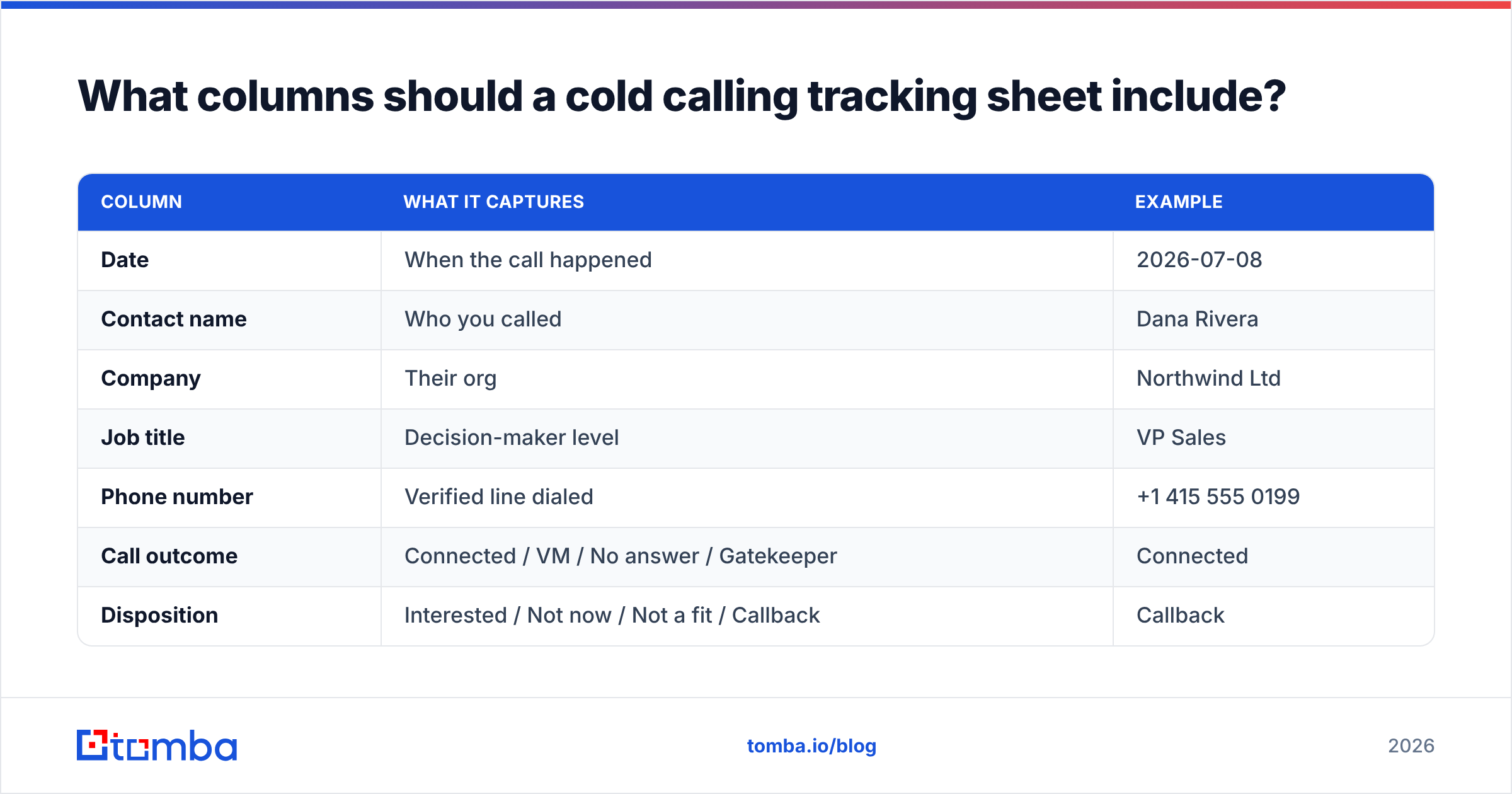
Here's the core structure. Copy this into row 1 of a fresh Google Sheet and you have a working system in five minutes.
| Column | What it captures | Example |
|---|---|---|
| Date | When the call happened | 2026-07-08 |
| Contact name | Who you called | Dana Rivera |
| Company | Their org | Northwind Ltd |
| Job title | Decision-maker level | VP Sales |
| Phone number | Verified line dialed | +1 415 555 0199 |
| Call outcome | Connected / VM / No answer / Gatekeeper | Connected |
| Disposition | Interested / Not now / Not a fit / Callback | Callback |
| Next step | The action you committed to | Send pricing |
| Follow-up date | When to act next | 2026-07-15 |
| Notes | Objection, context, rapport hooks | Uses Apollo, contract ends Q4 |
Keep it to these ten. Reps abandon sheets that have 25 columns because the friction of logging outweighs the payoff. You can always add a "lead source" or "attempt #" column later once the habit sticks.
For a deeper dive on qualifying who's even worth dialing, our guide to sales prospecting fundamentals pairs well with this template.
Which metrics actually matter?#
Logging is step one. The point is the metrics you calculate from it. Track these four weekly:
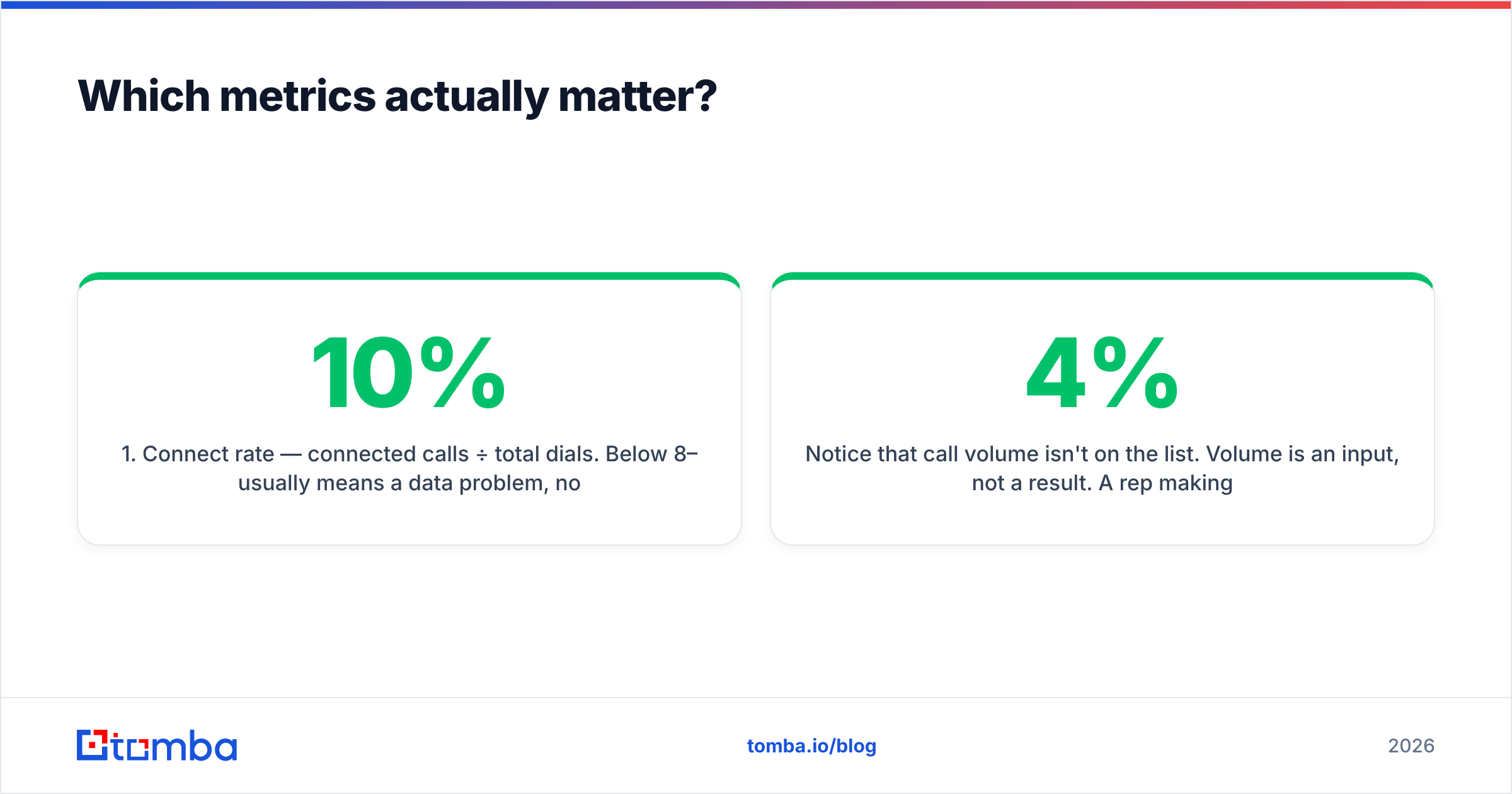
- Connect rate — connected calls ÷ total dials. Below 8–10% usually means a data problem, not a skill problem.
- Conversation-to-meeting rate — meetings booked ÷ conversations. This measures your pitch.
- Callback conversion — how many "call me later" promises actually turn into anything.
- Dials per meeting — the honest cost of a booked meeting. This is your north star.
Notice that call volume isn't on the list. Volume is an input, not a result. A rep making 100 dials at a 4% connect rate is losing to a rep making 50 dials at a 14% connect rate — every single day.
Spreadsheet vs. CRM: which should you use?#
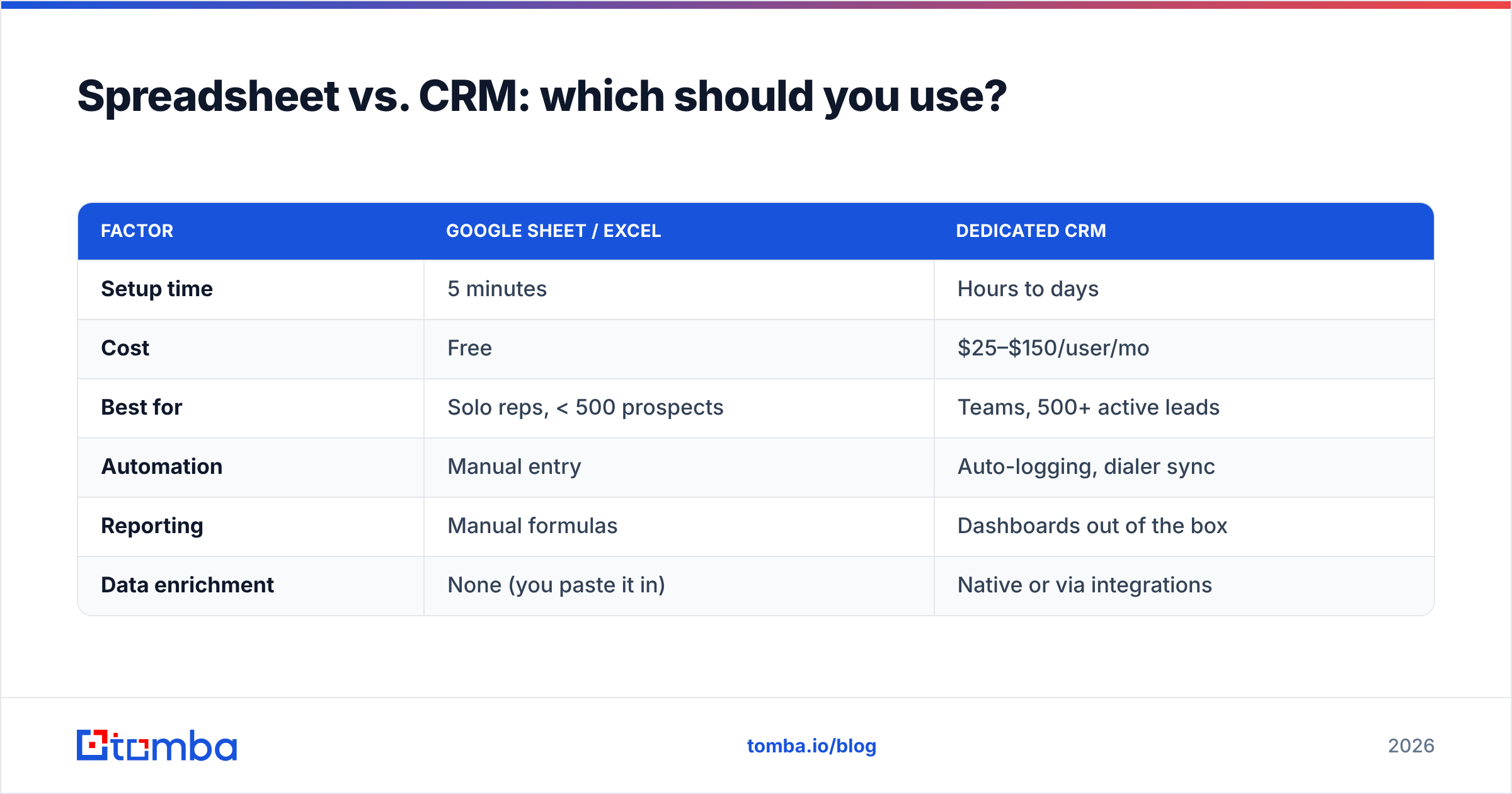
Both work — for different stages. The mistake is staying on a manual sheet too long, or buying a $99/seat CRM before you have a repeatable process worth automating.
| Factor | Google Sheet / Excel | Dedicated CRM |
|---|---|---|
| Setup time | 5 minutes | Hours to days |
| Cost | Free | $25–$150/user/mo |
| Best for | Solo reps, < 500 prospects | Teams, 500+ active leads |
| Automation | Manual entry | Auto-logging, dialer sync |
| Reporting | Manual formulas | Dashboards out of the box |
| Data enrichment | None (you paste it in) | Native or via integrations |
A reasonable rule: start on a sheet, move to a CRM when the sheet starts costing you more time than it saves. That tipping point is usually a second rep, or crossing ~500 open prospects. Tools like HubSpot's free CRM make the jump painless, and Tomba pushes contact data straight into it via the HubSpot integration.
How do you keep the data from rotting?#
Here's the ugly truth nobody puts in the template posts: your tracking sheet is only as good as the phone numbers in it. According to Gartner research on B2B data, contact records decay at roughly 20–30% per year as people change jobs. A sheet full of dead numbers produces a garbage connect rate no matter how disciplined your logging is.
Three habits keep the data alive:
- Verify before you dial. Feeding a list through a phone validator removes disconnected and invalid numbers before they tank your connect rate.
- Enrich as you go. When a number bounces, use data enrichment to pull the current direct line instead of deleting the lead.
- Re-verify quarterly. Batch-check your active list every 90 days. It's cheaper than dialing ghosts.
This is where sourcing and tracking meet. If you're building lists from scratch, Tomba's phone finder returns verified B2B direct dials by name and company, so the numbers entering your sheet are already clean. Cross-referencing an email via the email finder gives you a fallback channel when the call goes to voicemail — the reps who book most run calls and email in parallel, not in isolation.
A simple weekly review routine#
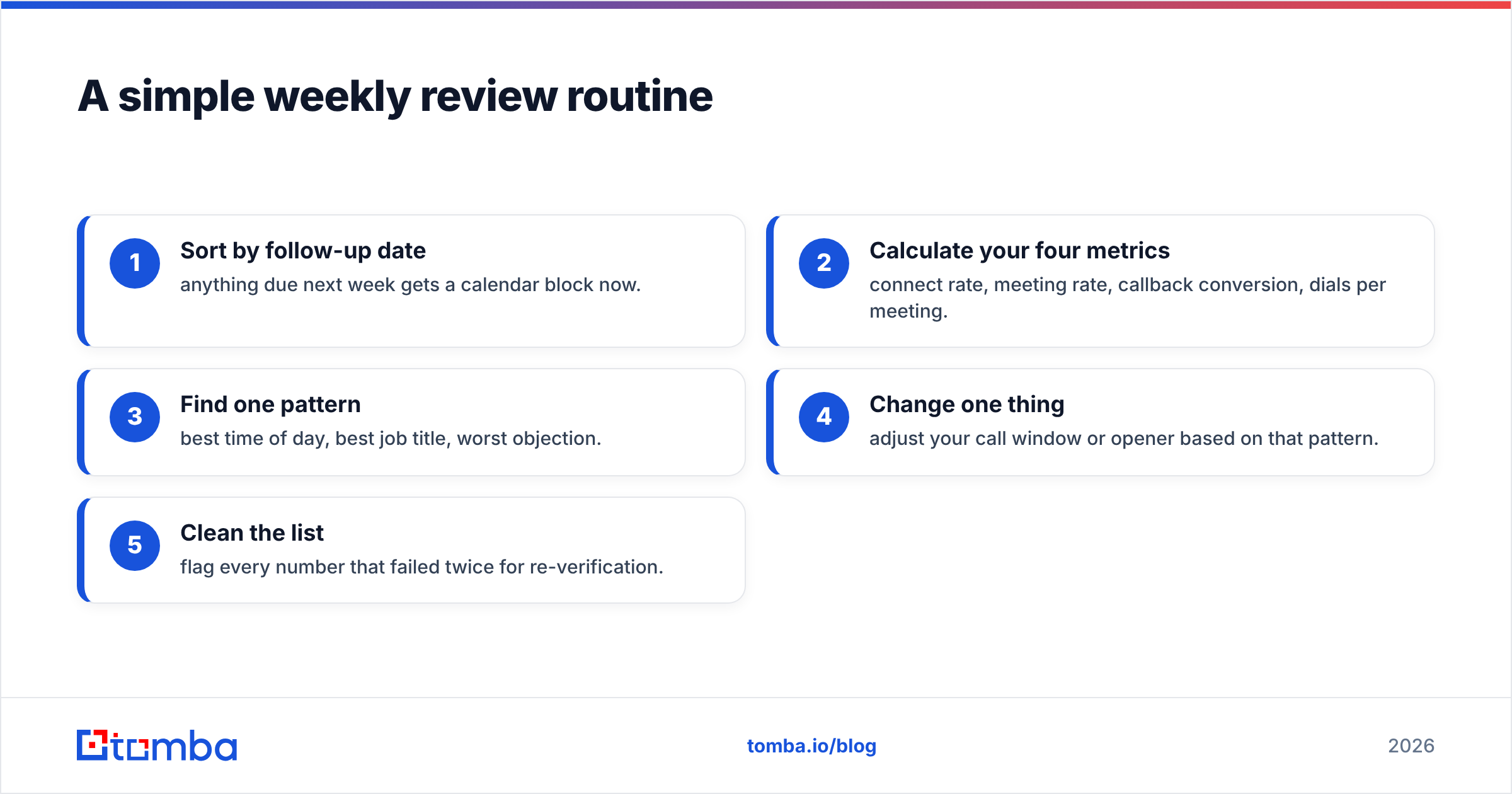
A tracking sheet you never review is a diary, not a tool. Block 20 minutes every Friday and run this loop:
- Sort by follow-up date — anything due next week gets a calendar block now.
- Calculate your four metrics — connect rate, meeting rate, callback conversion, dials per meeting.
- Find one pattern — best time of day, best job title, worst objection.
- Change one thing — adjust your call window or opener based on that pattern.
- Clean the list — flag every number that failed twice for re-verification.
One change per week compounds. Reps who run this loop typically see connect rates climb over a quarter without making a single extra dial — they're just dialing smarter targets at better times with cleaner data.
Common mistakes that make tracking useless#
- Logging volume only. "I made 60 calls" tells you nothing about outcomes. Log dispositions.
- No next-step column. Without a committed action and date, follow-ups evaporate.
- Over-engineering the sheet. Twenty columns kills adoption. Start with ten.
- Never re-verifying numbers. A stale list guarantees a falling connect rate.
- Keeping it private. If your manager can't see it, you lose coaching and cover.
- No single source of truth. Notes in your head, numbers in a sheet, and reminders in your inbox is three systems that all fail.
Avoid these six and your sheet outperforms most CRMs that teams paid for and abandoned.
Frequently asked questions#
How many columns should a cold calling tracking sheet have? Ten is the sweet spot for solo reps and small teams — enough to calculate real metrics, few enough that logging stays fast. Add columns only when a specific report demands one.
Is a spreadsheet good enough, or do I need a CRM? A spreadsheet is genuinely fine until you have a second rep or roughly 500 active prospects. Past that, manual entry costs more time than it saves and a CRM's auto-logging pays for itself.
What's the most important metric to track? Dials per meeting. It rolls up connect rate and pitch quality into one honest number: the true cost of a booked meeting. Drive that down and everything else improves.
Why is my connect rate so low even though I dial constantly? Almost always a data problem. Disconnected and wrong numbers cap your connect rate regardless of skill. Verify the list with a phone validator before blaming your opener.
The bottom line#
A cold calling tracking sheet is the cheapest performance upgrade in outbound sales — but only if you log outcomes, review weekly, and keep the underlying phone data clean. Start with the ten-column template above, run the Friday loop, and graduate to a CRM when the volume earns it.
And remember: the best tracking sheet in the world can't fix a list of dead numbers. Feed it verified, enriched contact data from the start. Try Tomba's phone finder to pull clean, verified B2B direct dials by name and company — with a free tier of 25 searches to test it against your next call block. Fewer wrong numbers means a higher connect rate, and a higher connect rate is the only metric your quota actually cares about.
Related guides#
Ready to find emails that actually work?
Join 150,000+ professionals who stopped guessing and started sending. Free credits on signup — no credit card required.
Get the Tomba newsletter
Practical outbound tactics and product updates — once every two weeks.
About the author