Cold Email Automation Tools in 2026: The Complete Guide
A no-fluff breakdown of the best cold email automation tools in 2026—what each one actually does well, real pricing, and how to avoid the deliverability traps that quietly kill your outbound.
Cold email automation tools promise the same thing on every landing page: send more, book more, scale infinitely. The reality is messier. The tool you pick decides whether your emails land in the inbox or the spam folder, whether your domain survives a year of sending, and whether your reps spend their day selling or babysitting software.
This guide cuts through the marketing. You'll get a concrete comparison of the leading platforms in 2026, an honest look at where each one wins and loses, and the one thing most buyers overlook until it's too late.
TL;DR#
- Cold email automation tools handle sending, sequencing, inbox rotation, and reply detection so you can run outbound at scale without manual sends.
- The best tool depends on your motion: Instantly and Smartlead dominate high-volume agency sending; Apollo and Lemlist blend data plus sending; Saleshandy is the budget pick.
- Deliverability—not features—is what separates a tool that works from one that burns your domain. Warmup, inbox rotation, and list verification matter more than template libraries.
- No sending tool fixes a bad list. Verify every address before it enters a sequence or you'll pay in bounces and blacklists.
- Pair a sending platform with a dedicated data source. Tomba's email finder and email verifier feed clean contacts into whichever sender you choose.
What are cold email automation tools?#
Think of a cold email automation tool as an assembly line for outreach. You load in a list of prospects, define the message sequence and timing, and the machine sends, waits, follows up, and pulls anyone who replies off the line—so a human never touches a single send.
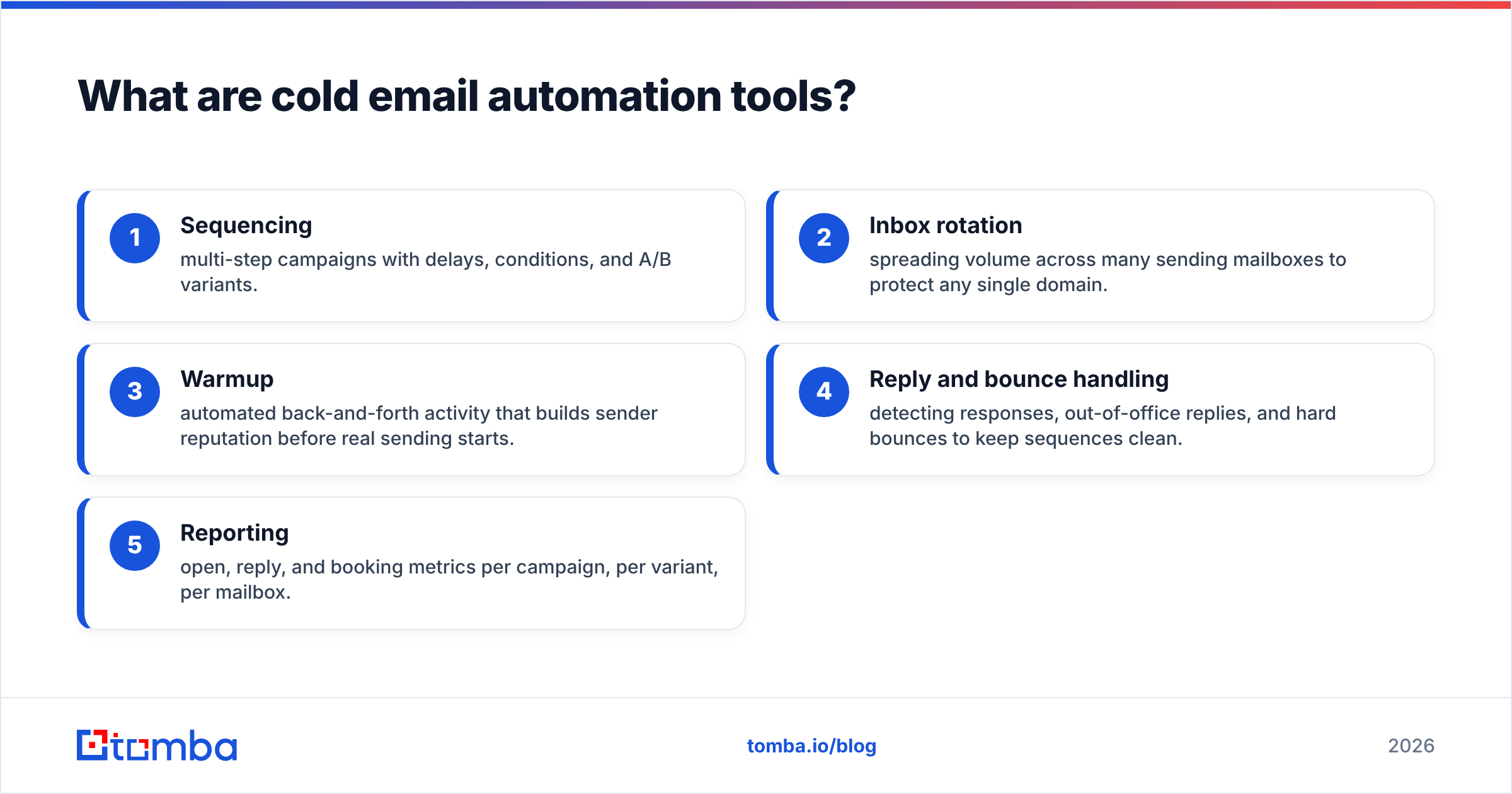
Technically, these platforms bundle a few jobs that used to require separate software:
- Sequencing — multi-step campaigns with delays, conditions, and A/B variants.
- Inbox rotation — spreading volume across many sending mailboxes to protect any single domain.
- Warmup — automated back-and-forth activity that builds sender reputation before real sending starts.
- Reply and bounce handling — detecting responses, out-of-office replies, and hard bounces to keep sequences clean.
- Reporting — open, reply, and booking metrics per campaign, per variant, per mailbox.
The category exploded because Google and Microsoft tightened bulk-sender rules. Sending 500 cold emails from one mailbox is a fast way to get flagged. Modern tools solve this by rotating across dozens of inboxes and throttling volume per mailbox—something you simply cannot do by hand.

How do cold email automation tools actually work?#
The workflow is consistent across almost every platform, even when the UI looks different:
- Connect mailboxes. You add multiple sending accounts (often cheap Google Workspace or Outlook seats on secondary domains) so no single inbox carries the full load.
- Warm them up. The tool simulates natural conversation between warmup accounts for two to four weeks, teaching mailbox providers that your domain sends real mail people engage with.
- Import and verify contacts. You upload a list or sync from a CRM. Good operators verify addresses here—before the first send.
- Build the sequence. Step one is the opener, followed by two to four follow-ups spaced across days. Replies auto-pause the sequence.
- Send with rotation and throttling. Volume is distributed across mailboxes with human-like intervals, staying under provider limits.
- Monitor and iterate. You watch reply rate by variant and mailbox health, then cut what underperforms.
The tools differ mostly in how well they hide this complexity and how honest their deliverability infrastructure is. That's where the real evaluation happens.
Which cold email automation tools are best in 2026?#
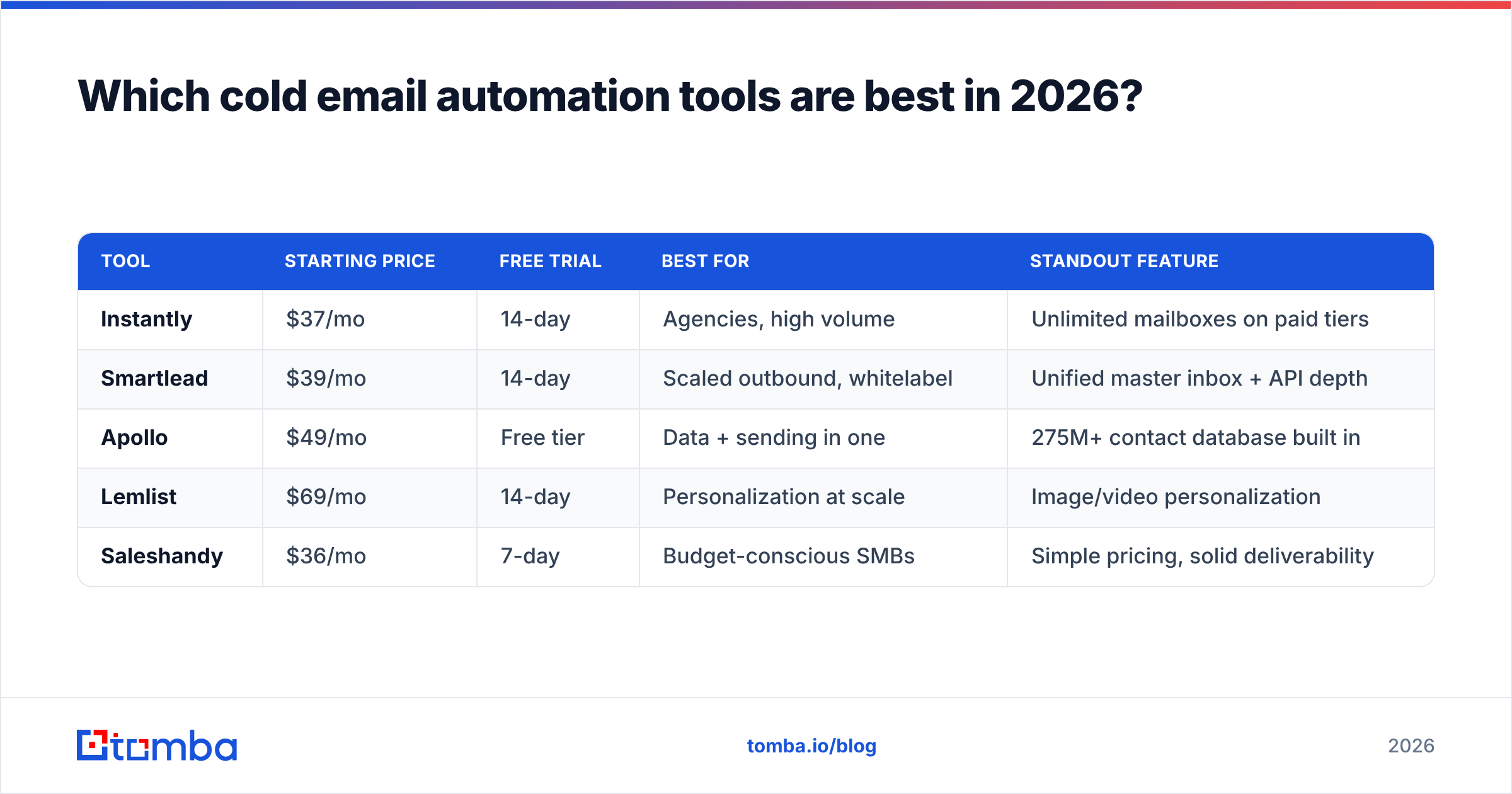
Here is a straight comparison of the platforms most teams shortlist. Prices reflect entry-level paid plans and shift often—treat them as directional and confirm on each vendor's site.
| Tool | Starting price | Free trial | Best for | Standout feature |
|---|---|---|---|---|
| Instantly | $37/mo | 14-day | Agencies, high volume | Unlimited mailboxes on paid tiers |
| Smartlead | $39/mo | 14-day | Scaled outbound, whitelabel | Unified master inbox + API depth |
| Apollo | $49/mo | Free tier | Data + sending in one | 275M+ contact database built in |
| Lemlist | $69/mo | 14-day | Personalization at scale | Image/video personalization |
| Saleshandy | $36/mo | 7-day | Budget-conscious SMBs | Simple pricing, solid deliverability |
A few notes the pricing tables never tell you:
- Instantly and Smartlead are the volume kings. If you run an agency or send tens of thousands of emails a month, their inbox rotation and per-mailbox controls are hard to beat. Smartlead's API is deeper if you're building custom workflows.
- Apollo is the only one here that ships with its own contact database, which is convenient—but its sending deliverability is generally rated below the pure-play senders on G2. Many teams use Apollo for data and export to a dedicated sender.
- Lemlist wins on creative personalization (dynamic images, landing pages) but costs more per seat and is overkill if your play is straight text.
- Saleshandy is the value pick for small teams who want reliable sending without agency-grade complexity.
If you're evaluating Instantly alternatives specifically, the decision usually comes down to whether you need Smartlead's whitelabel and API or Saleshandy's lower price.
Is more automation always better?#
No—and this is where most buyers get burned. Automation multiplies whatever you feed it. Point a powerful sender at an unverified list and you don't scale results, you scale bounces.
Here's the chain reaction that kills accounts:
- Bad list → high bounce rate. Anything above a 3-5% bounce rate signals mailbox providers that you're not managing your list.
- High bounces → reputation drop. Your domain and IP reputation fall, and even good emails start landing in spam.
- Spam placement → blacklisting. Enough spam complaints and your sending domains get blacklisted, sometimes permanently.
The tool's warmup and rotation features slow this decline, but they can't reverse a fundamentally dirty list. The fix is upstream: verify before you send.

That's why the strongest outbound stacks separate two concerns. The sending tool handles orchestration and deliverability infrastructure. A dedicated data layer handles finding and cleaning contacts. Trying to do both inside one platform usually means one job is done poorly.
What should a cold email automation tool include?#
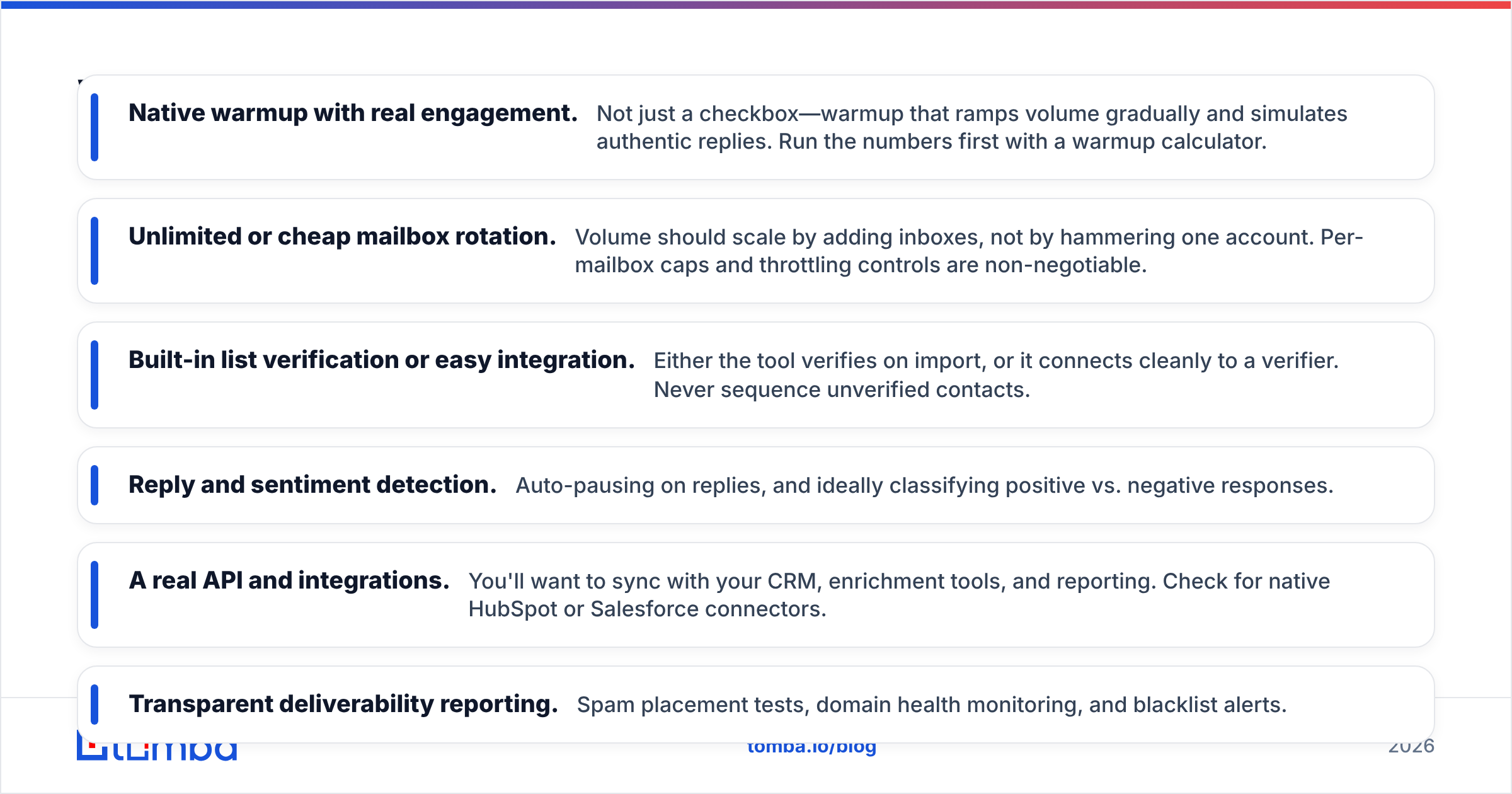
When you compare platforms, weigh these capabilities more heavily than the feature count on the pricing page:
- Native warmup with real engagement. Not just a checkbox—warmup that ramps volume gradually and simulates authentic replies. Run the numbers first with a warmup calculator.
- Unlimited or cheap mailbox rotation. Volume should scale by adding inboxes, not by hammering one account. Per-mailbox caps and throttling controls are non-negotiable.
- Built-in list verification or easy integration. Either the tool verifies on import, or it connects cleanly to a verifier. Never sequence unverified contacts.
- Reply and sentiment detection. Auto-pausing on replies, and ideally classifying positive vs. negative responses.
- A real API and integrations. You'll want to sync with your CRM, enrichment tools, and reporting. Check for native HubSpot or Salesforce connectors.
- Transparent deliverability reporting. Spam placement tests, domain health monitoring, and blacklist alerts.
Notice that half of this list is about deliverability and data hygiene, not sending. That's intentional. The sending is the easy part; keeping messages in the inbox is the hard part.
How does data quality change the equation?#
Your reply rate is capped by your list quality long before it's capped by your copy. A tool sending to 40% guessed addresses will underperform a modest sender pointed at a verified list every time.
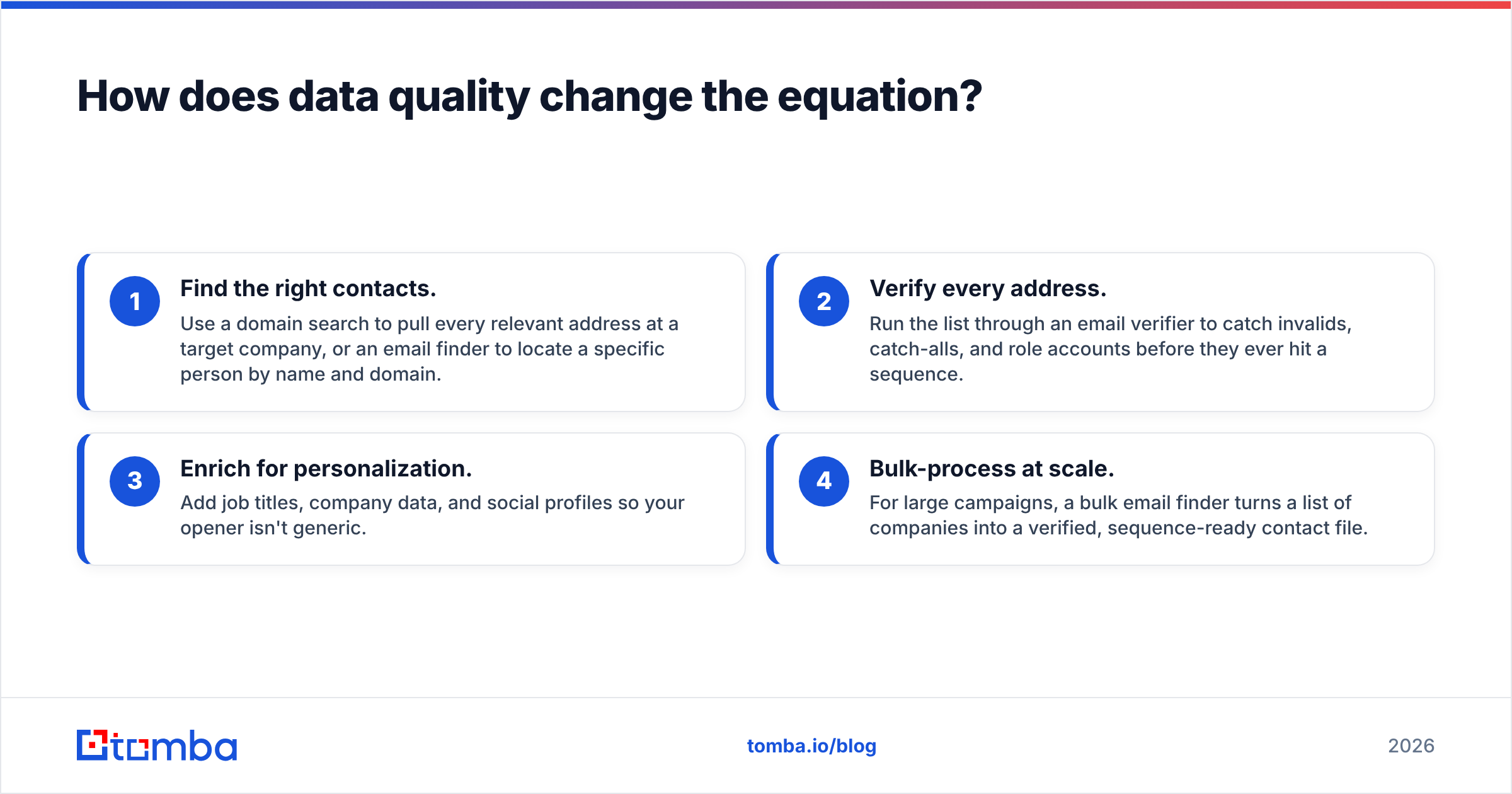
This is the part of the stack teams under-invest in. A dedicated data workflow looks like this:
- Find the right contacts. Use a domain search to pull every relevant address at a target company, or an email finder to locate a specific person by name and domain.
- Verify every address. Run the list through an email verifier to catch invalids, catch-alls, and role accounts before they ever hit a sequence.
- Enrich for personalization. Add job titles, company data, and social profiles so your opener isn't generic.
- Bulk-process at scale. For large campaigns, a bulk email finder turns a list of companies into a verified, sequence-ready contact file.
Do this and your bounce rate drops below 2%, your deliverability holds, and your automation tool gets to do what it's actually good at—sending consistently to real people.
What's the right stack for your team?#
Match the tool to your motion rather than chasing the longest feature list:
- Solo founder or SMB: Saleshandy or Instantly's entry plan, plus a verification step on every import. Keep volume modest and warmup patient.
- Agency running client campaigns: Smartlead for whitelabel and API depth, or Instantly for unlimited mailboxes. Verification and inbox rotation are mandatory at this scale.
- Sales team with a CRM: Apollo if you want data and sending in one pane, but consider exporting to a dedicated sender if deliverability dips.
- Personalization-heavy outbound: Lemlist for dynamic media, paired with strong enrichment data.
Across every one of these, the constant is clean data feeding the machine. The sending tool is interchangeable; the discipline of finding and verifying contacts is what compounds.
The bottom line#
Cold email automation tools are mature enough in 2026 that any of the top platforms will send reliably—if you feed them right. Spend less time agonizing over which sender has the prettiest sequence builder and more time on the two things that actually move reply rates: patient warmup and a verified, well-targeted list.
Pick your sender based on volume and workflow. Then build the data layer that makes it worth the subscription.
Before your next campaign hits send, make sure every address is real. Use the Tomba Email Finder to source accurate, professional emails by name, company, or domain—and verify them in the same workflow so your automation tool sends to inboxes, not dead ends. Start free with 25 searches a month, and check Tomba pricing when you're ready to scale. Clean data in, replies out.
Related guides#
// get started
Find, verify and enrich your first contacts today
Start on the free plan with 25 searches a month, then scale when your team is ready.
Free plan · No credit card required · GDPR & CCPA
// about the author