Cold Email Template for New Clients: 5 Proven Examples
Most cold emails to new clients die in the first two lines. Here are five templates that get replies, the structure behind them, and the mistakes that quietly kill your reply rate.
TL;DR
- A cold email template for new clients is not a script you paste — it's a structure: a specific trigger, one claim, one proof point, one low-friction ask.
- The five templates below cover the realistic openings you'll face: the trigger event, the referral, the audit offer, the competitor-switch, and the re-approach after silence.
- Personalization above the fold beats personalization anywhere else. If your first sentence could be sent to 500 people, it will perform like it was.
- Every template collapses if the address is wrong. Bounces above roughly 3% start damaging your sending domain before your copy ever gets read.
- Short wins. Under 120 words, one link maximum, one question mark, no attachments on the first touch.
What Is a Cold Email Template for New Clients, Really?#
A template is a load-bearing skeleton, not a finished house. Think of it like a chef's mise en place: the same five containers are on the counter every night, but the dish changes with what came in that morning. The containers are the template. The ingredients are the research you did on that one company.
Most people get this backwards. They treat the template as the finished email and the research as the optional garnish, then wonder why a 400-send campaign returns two replies and a "please remove me."
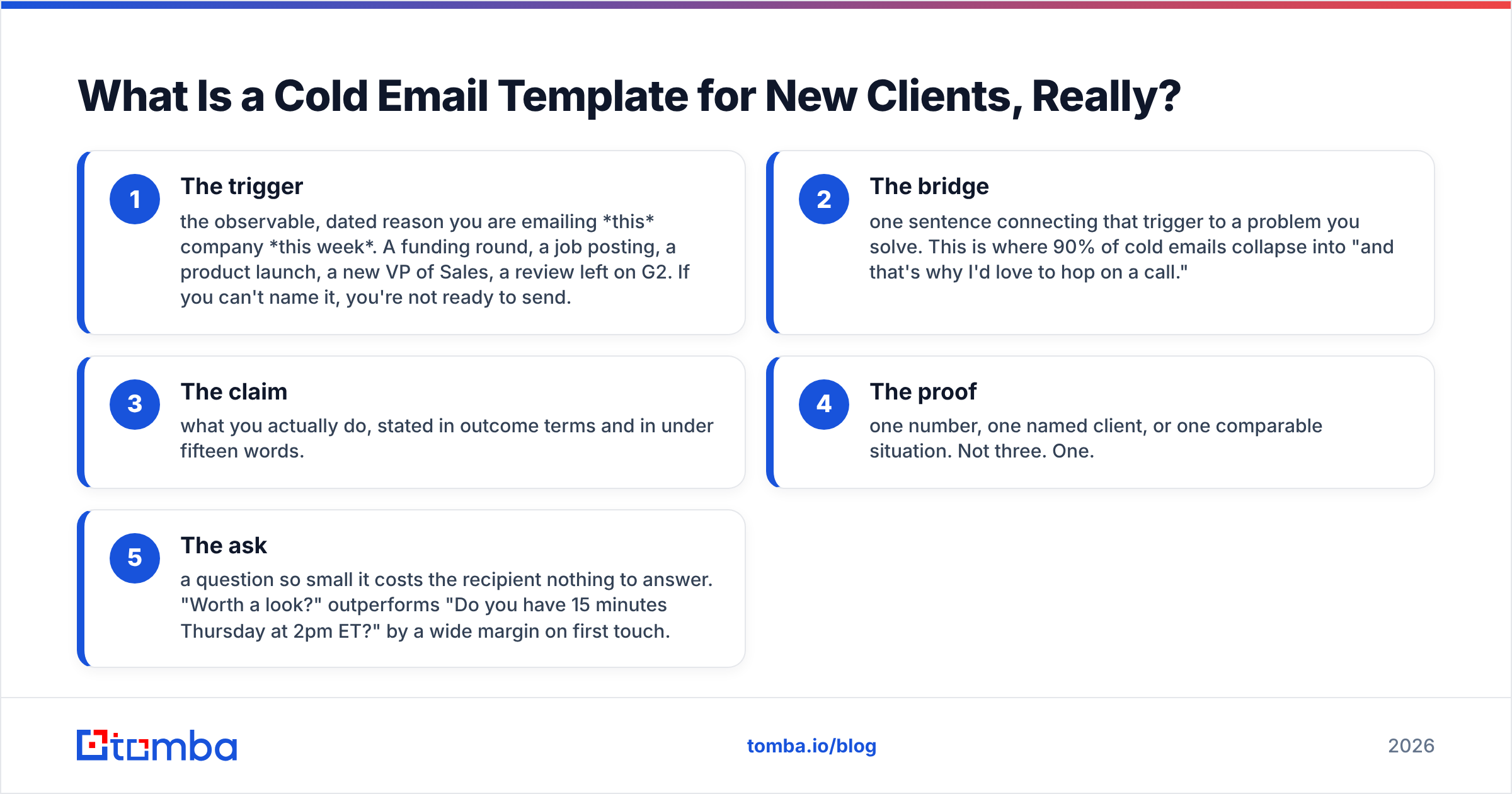
A working cold email template for new clients has exactly five moving parts:
- The trigger — the observable, dated reason you are emailing this company this week. A funding round, a job posting, a product launch, a new VP of Sales, a review left on G2. If you can't name it, you're not ready to send.
- The bridge — one sentence connecting that trigger to a problem you solve. This is where 90% of cold emails collapse into "and that's why I'd love to hop on a call."
- The claim — what you actually do, stated in outcome terms and in under fifteen words.
- The proof — one number, one named client, or one comparable situation. Not three. One.
- The ask — a question so small it costs the recipient nothing to answer. "Worth a look?" outperforms "Do you have 15 minutes Thursday at 2pm ET?" by a wide margin on first touch.
Everything else — the greeting, the signature, the P.S. — is decoration. Get the five parts right and mediocre decoration still works. Get them wrong and no amount of clever subject-line writing saves you.
Wait — that's the rendering of a common mistake. Here it is properly:
Why Do Most Cold Emails to New Clients Get Ignored?#
Because they are written from the sender's calendar, not the recipient's inbox.
HubSpot's ongoing sales research consistently shows that buyers open on relevance and reply on effort — meaning they can smell whether a human spent four minutes on them or four seconds. The tell is almost always the first line. "I hope this email finds you well" is a four-second line. "Saw you're hiring three AEs in Austin — usually that means the current team is at capacity" is a four-minute line.
The second reason is mechanical, and it's the one nobody wants to hear: the email never arrived.
If you're sending to guessed addresses, a meaningful share of your list bounces. Mailbox providers read high bounce rates as a signal of a scraped list, and your sender reputation drops. Once that happens, even your good emails to valid addresses start landing in Promotions or spam. Your copy is now irrelevant. You're not losing an argument with the prospect; you're losing an argument with Google's filter.
This is the least glamorous, highest-leverage fix in outbound: verify before you send. Run your list through an email verifier, drop anything unknown or risky, and only then argue about subject lines.
What Should Go in the Subject Line?#
Three rules, learned the expensive way.
Keep it under 45 characters. Mobile clients truncate past that, and roughly six in ten B2B emails are first previewed on a phone.
Make it look like an internal email. "Quick question on the Austin hires" reads like a colleague. "Transform Your Sales Pipeline with AI" reads like a billboard.
Never promise what the body doesn't deliver. A subject line writes a check. The first sentence cashes it. If the subject says "Austin hires" and the body opens with "We're a leading provider of...", you've taught the reader that you lie, and they'll delete every future email in under a second.
If you're stuck, run drafts through a subject line tester before you commit a whole campaign to a guess.
Which Cold Email Template Should You Use for New Clients?#
Pick by situation, not by preference. Here's the honest breakdown:
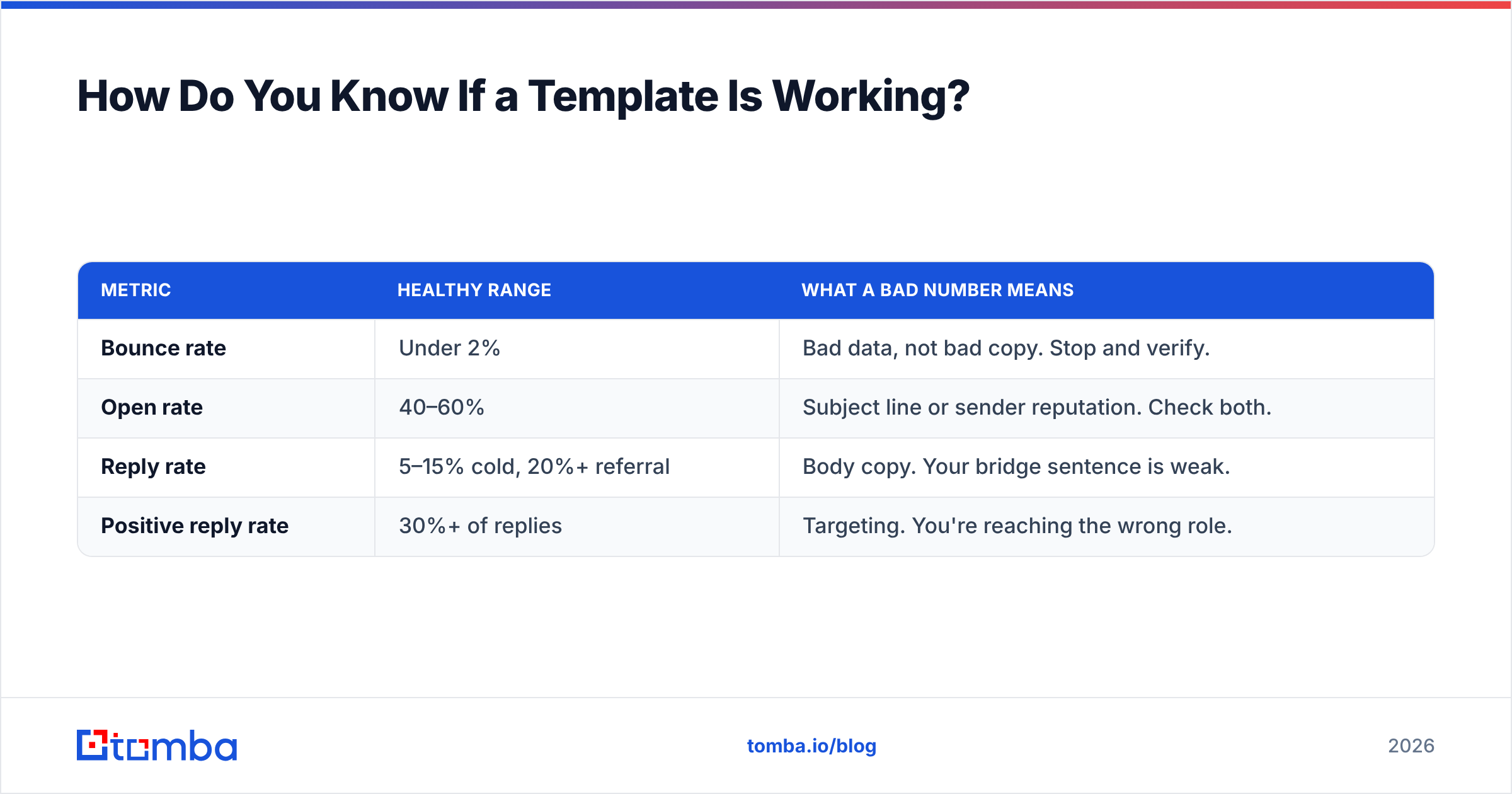
| Template | Best when | Typical reply rate | Effort per email | Main failure mode |
|---|---|---|---|---|
| Trigger event | Company just did something public (funding, hire, launch) | 8–15% | 4–6 min | Trigger is stale or trivial |
| Warm referral | You share a mutual connection or client | 20–35% | 3–5 min | Name-dropping without permission |
| Free audit | You can produce visible value in <20 min | 6–12% | 15–25 min | Audit is obviously templated |
| Competitor switch | Prospect publicly uses a rival tool | 5–10% | 5–8 min | Trashing the incumbent |
| Re-approach | Went quiet after a prior touch | 10–18% | 2 min | Guilt-tripping ("just following up") |
Note what the table is telling you: the referral wins on reply rate and costs almost nothing to write. Most teams skip it because sourcing the referral feels like work. It is work. It is also the highest-ROI hour in your week.
Template 1 — The Trigger Event#
Subject: Austin hires
Hi Maya,
Saw the three AE roles you posted last week. Usually that means the current team is booked solid and pipeline coverage is the constraint, not headcount.
We build verified contact lists for teams in exactly that spot — Northbeam went from 4 to 11 AEs last year and used us to keep every new rep's first month from being a data scavenger hunt.
Worth a look?
— Sam
Ninety-two words. One trigger, one bridge, one claim, one proof, one ask. Notice the bridge does the heavy lifting: it demonstrates that you understand what a job posting implies, not just that one exists.
Template 2 — The Warm Referral#
Subject: Dana Reyes suggested I reach out
Hi Tom,
Dana at Fieldpath mentioned you're rebuilding the outbound motion at Corvus and said the data layer was the part keeping her up at night when she did the same thing.
We handled that for her — 340k contacts cleaned, bounce rate went from 9% to under 1%.
Happy to send the two things she said mattered most, no call needed. Want them?
— Sam
Two mechanics here. First, get permission before you use the name. A referral used without consent burns two relationships. Second, the ask offers value without a meeting. You're not asking for time; you're asking for permission to give something. That inverts the usual power dynamic.
Template 3 — The Free Audit#
Subject: 14 broken emails on your careers page
Hi Priya,
Ran your public contact list through a verifier this morning. 14 of the 61 addresses on your careers and press pages bounce — including press@ , which is on your last three releases.
Full list attached to this doc [link]. Free, no strings.
If it's useful, the same check runs on your whole CRM in about an hour. Want me to?
— Sam
The audit template only works if the audit is real and specific. "I noticed some issues with your website" is not an audit; it's a lie with a friendly font. Do the work, name the number, show the receipt. Tools like a free email checker or a blacklist checker let you produce a genuine finding in ten minutes.
Template 4 — The Competitor Switch#
Subject: ZoomInfo renewal
Hi Chen,
Your job posts list ZoomInfo experience as required, so I'll assume renewal season lands sometime this quarter.
Not going to tell you it's a bad tool — it isn't. But teams under 30 reps usually pay for a database size they never touch. We price per verified contact instead of per seat, and most switchers cut spend 60% without losing coverage on their ICP.
Want the side-by-side we ran?
— Sam
The rule that makes this template survivable: never disparage the incumbent. The prospect chose that tool. Attacking it attacks their judgment. Concede the strength, then reframe the fit. "It's a good tool for a company twice your size" is persuasive. "It's overpriced garbage" is a lost deal and a screenshot in someone's Slack.
Template 5 — The Re-Approach#
Subject: Closing the loop
Hi Maya,
Reached out in March about pipeline coverage during your AE ramp. Timing was probably wrong.
You've since launched the partner program — different problem, same root cause: nobody has a clean list of who to call.
If it's still not the moment, tell me and I'll stop. If it is, I'll send the partner-channel list format we built for Northbeam.
— Sam
Two words carry this email: "tell me and I'll stop." Giving a clean exit is the single most underused move in outbound. It converts non-answers into answers, and answers — even no's — are what let you stop wasting sends on dead accounts.
How Do You Find the Right Person to Send To?#
A perfect template sent to info@company.com is a perfect template in a trash can.
The workflow that actually holds up at volume:
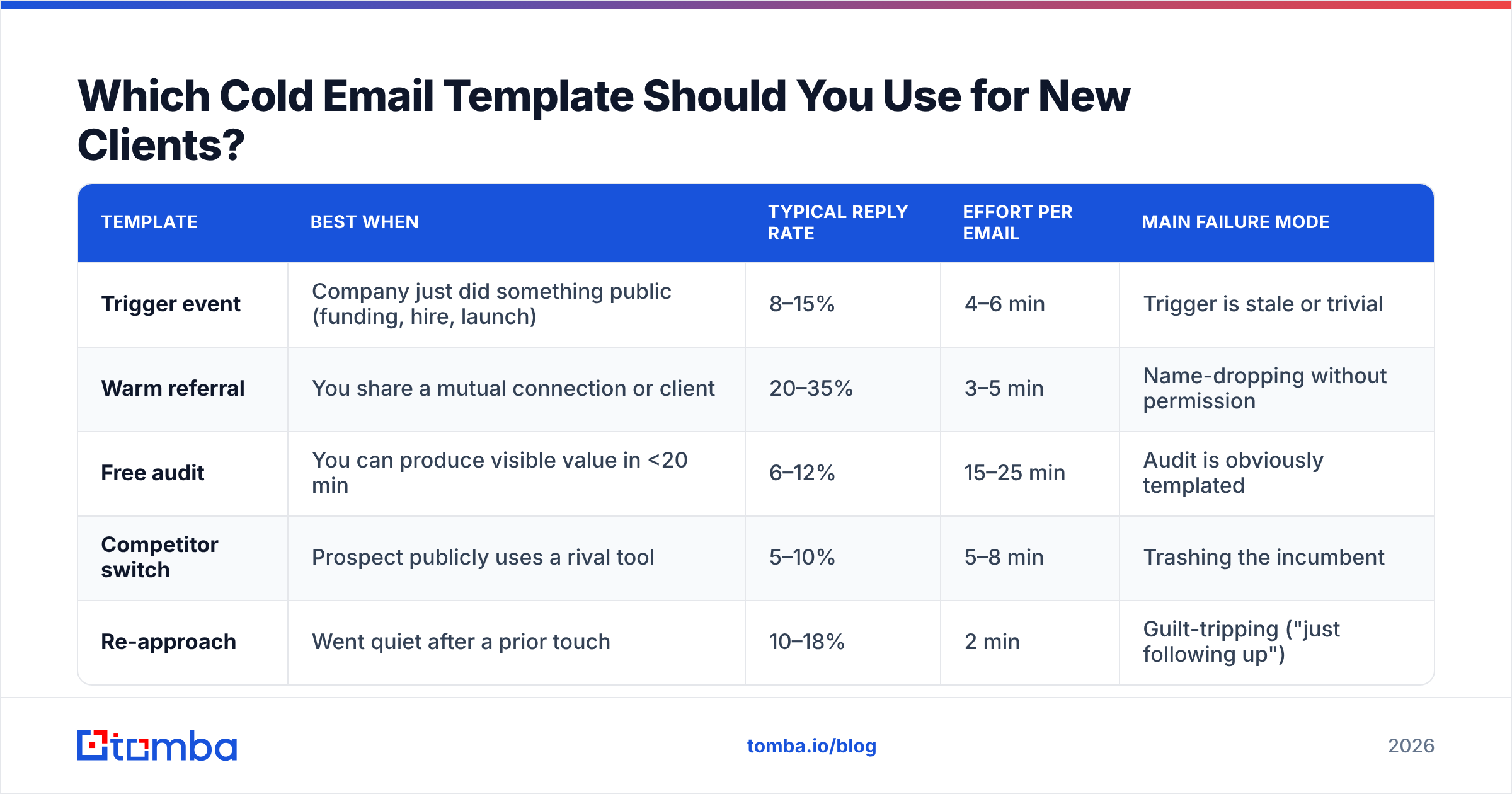
- Define the title, not the person. "VP Revenue Operations at Series B SaaS, 50–200 employees" is a query. "Someone senior" is a wish.
- Find the company list first. Job boards, funding announcements, G2 category pages, conference attendee lists, your own website's anonymous traffic.
- Resolve names to addresses. Use domain search to pull every public address pattern on a company, then an email finder to resolve the specific person. Most companies use one of six patterns; once you know theirs, the rest of the org unlocks.
- Verify before writing a single word. Bounces are cheaper to prevent than to survive.
- Enrich for the trigger. Job titles, recent hires, tech stack, funding date. This is what feeds line one of every template above.
- Cap the send volume per domain. New sending domain? Start at 20/day and climb. A warmup calculator will tell you how fast you can safely ramp.
Steps 3 and 4 are where most teams silently bleed. If you're pulling contacts from a scrape and skipping verification, your list decays roughly 2–3% per month through job changes alone — a number Gartner and most B2B data vendors converge on. A twelve-month-old list is a coin flip.
How Do You Know If a Template Is Working?#
Track four numbers, in this order. Each gates the next.
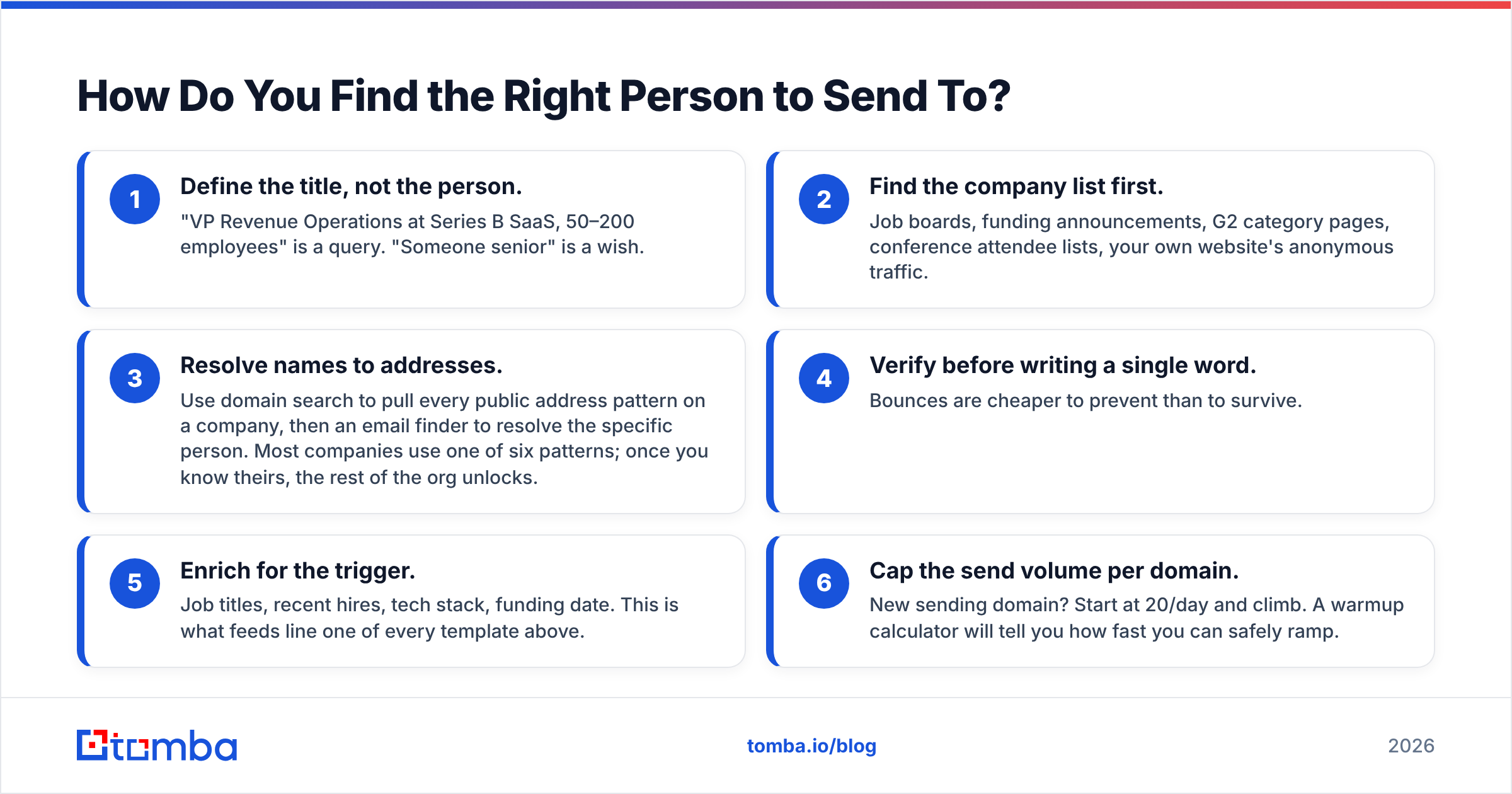
| Metric | Healthy range | What a bad number means |
|---|---|---|
| Bounce rate | Under 2% | Bad data, not bad copy. Stop and verify. |
| Open rate | 40–60% | Subject line or sender reputation. Check both. |
| Reply rate | 5–15% cold, 20%+ referral | Body copy. Your bridge sentence is weak. |
| Positive reply rate | 30%+ of replies | Targeting. You're reaching the wrong role. |
The order matters because fixing copy while your bounce rate sits at 8% is like repainting a car with a seized engine. Diagnose from the bottom of the funnel up.
Also worth saying plainly: a 5% cold reply rate on a well-targeted list of 200 is ten conversations. That is a good month. Chasing 30% reply rates on cold, non-referral traffic is chasing a number that mostly appears in case studies with small denominators. Independent review data on G2 tells the same story once you read past the headline claims.
What Should You Never Put in a First Cold Email?#
- Attachments. They trip spam filters and nobody opens a PDF from a stranger.
- More than one link. Two links roughly double your spam score for zero added persuasion.
- A calendar link. You haven't earned a slot in their week yet.
- "I hope this finds you well." It finds them annoyed.
- Your company's founding year, funding total, or number of employees. They don't care yet.
- Three proof points. One is credible. Three sounds like a pitch deck read aloud.
- "Just following up." Say what changed since last time, or don't send.
Run drafts through a spam checker before the first campaign. It takes ninety seconds and it will surprise you at least once.
Where Should You Start This Week?#
Pick one template. Build one list of forty companies with a shared, dated trigger. Verify every address. Send twenty on Tuesday, twenty on Thursday. Read every reply, including the rude ones. Change exactly one variable next week.
That's the whole method. It looks slow because it is slow, and it compounds because everyone else is busy sending four hundred generic emails into a spam folder.
The part you shouldn't hand-build is the data layer. Use the Tomba Email Finder to turn a company list into verified, deliverable addresses before a single word of copy gets written — free tier covers 25 searches a month, and paid plans start at $49/mo on Tomba pricing if you're running real volume. Get the addresses right, and every template on this page starts doing the job it was designed for.
Related guides#
Ready to find emails that actually work?
Join 150,000+ professionals who stopped guessing and started sending. Free credits on signup — no credit card required.
Get the Tomba newsletter
Practical outbound tactics and product updates — once every two weeks.
About the author