Coldlytics vs Tomba: Which B2B Lead Tool Wins in 2026?
Coldlytics builds done-for-you prospect lists by hand; Tomba is a self-serve email finder you run yourself. We compare price, speed, accuracy, and fit so you can pick the right one.
Choosing between Coldlytics and Tomba is really a choice between two philosophies of prospecting data: pay a research team to hand-build a list for you, or run the tooling yourself and get results in seconds. Both put verified B2B contacts in your pipeline. They just take opposite roads to get there.
This comparison breaks down where each one wins, what you actually pay, and which teams should pick which.
TL;DR: Coldlytics vs Tomba at a glance#
- Coldlytics is a done-for-you prospecting service. You submit a research task, a human team builds and verifies a custom list, and you get it back — typically within a day.
- Tomba is a self-serve platform. You search by domain, name, or company and get verified emails instantly through the app, browser extension, or API.
- Speed: Tomba returns data in seconds; Coldlytics returns it in hours to a day, but with human eyes on every row.
- Cost model: Tomba is flat monthly pricing you control; Coldlytics is task/credit-based and scales with how much research you outsource.
- Best fit: Pick Coldlytics when you want to hand off list-building entirely. Pick Tomba when you want speed, volume, an email finder API, and predictable per-seat cost.
What is Coldlytics?#
Coldlytics is a done-for-you lead research service aimed at agencies and outbound teams that would rather outsource list-building than run it in-house. You describe your ideal customer — industry, title, geography, company size — and their research team assembles a targeted contact list, verifying emails before handing it back.
The pitch is human judgment. Instead of trusting an algorithm to guess a job title match, a researcher reviews the fit. That reduces the "why is a warehouse manager in my CMO list" problem that plagues purely automated database exports. Coldlytics also ships a Chrome extension for queuing research tasks straight from a prospect's site or LinkedIn.
The trade-off is baked into the model: you're paying for labor and waiting for turnaround. It's closer to a fractional research assistant than a piece of software you operate yourself.
What is Tomba?#
Tomba is a self-serve email-finder and lead-enrichment platform. You give it a domain, a full name, or a company, and it returns professional email addresses with a confidence score — instantly. Under the hood it pairs a large B2B dataset with real-time SMTP verification, so you're not just getting a guessed pattern; you're getting a checked address.
Tomba covers the full self-serve workflow: domain search to pull every email at a company, an email verifier to clean lists before you send, bulk processing for large jobs, and a developer-first email finder API so you can wire lookups into your own product or CRM. There's a Chrome extension, Google Sheets add-on, and native integrations with HubSpot, Pipedrive, and Salesforce.
In short: Coldlytics does the work for you; Tomba gives you the machine to do the work at scale.
How do Coldlytics and Tomba compare head-to-head?#
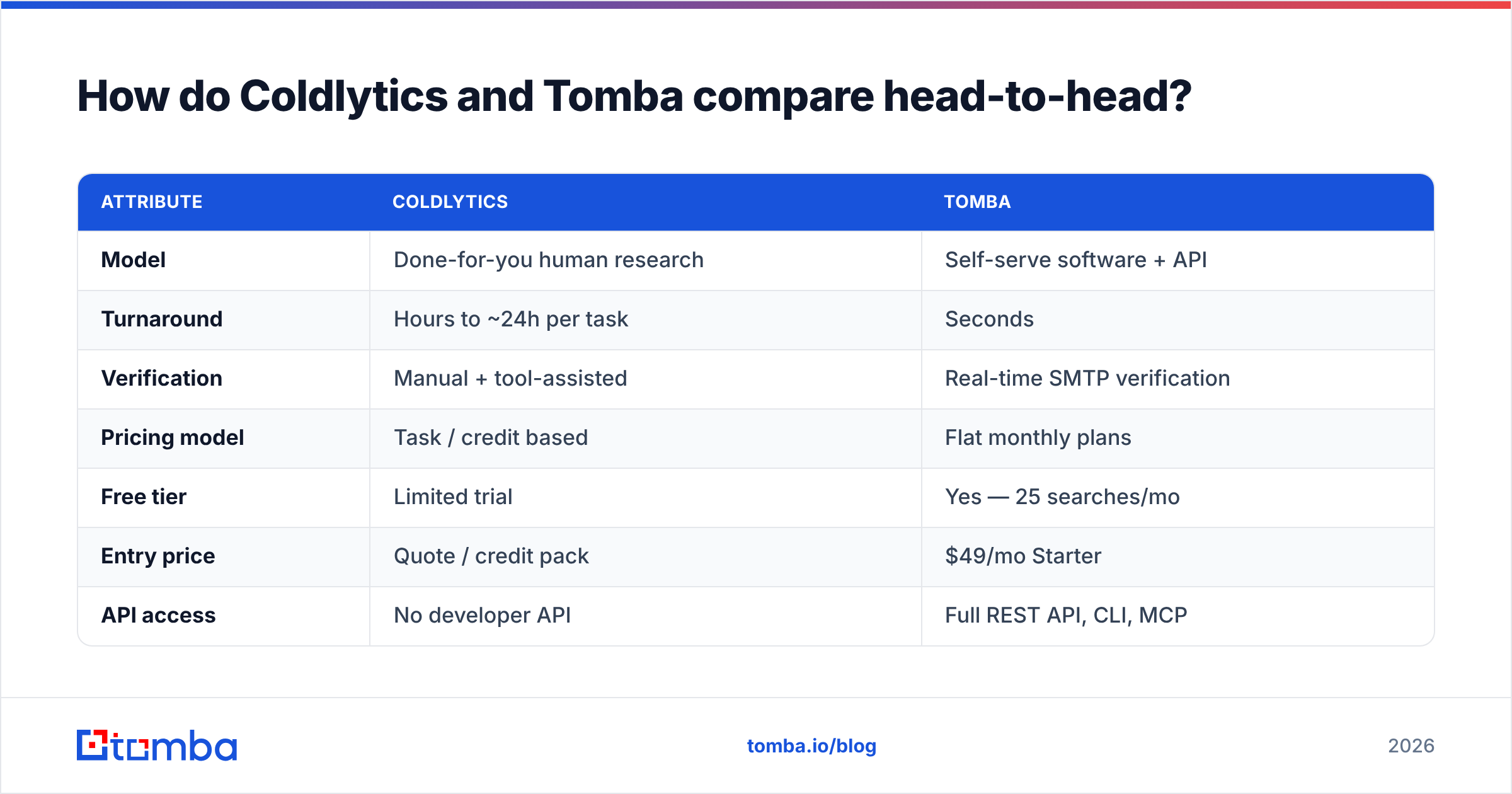
Here's the direct feature-by-feature breakdown.
| Attribute | Coldlytics | Tomba |
|---|---|---|
| Model | Done-for-you human research | Self-serve software + API |
| Turnaround | Hours to ~24h per task | Seconds |
| Verification | Manual + tool-assisted | Real-time SMTP verification |
| Pricing model | Task / credit based | Flat monthly plans |
| Free tier | Limited trial | Yes — 25 searches/mo |
| Entry price | Quote / credit pack | $49/mo Starter |
| API access | No developer API | Full REST API, CLI, MCP |
| Bulk processing | Handled by their team | Self-serve bulk uploads |
| Best for | Hands-off list outsourcing | Speed, volume, automation |
The pattern is clear. Coldlytics optimizes for "I don't want to touch this." Tomba optimizes for "I want control, speed, and the ability to automate."
Which is more accurate?#
Both aim for high deliverability, but they get there differently.
Coldlytics leans on human verification — a researcher confirms the contact is a real, relevant person before the list ships. That extra layer catches context errors software can miss, like a decision-maker who just changed roles or a generic list that technically matches your filter but not your intent.
Tomba leans on real-time verification at scale. Every email runs through SMTP checks, and Tomba exposes tools most manual services don't, like a catch-all verifier for domains that accept everything and a confidence score on each result. For teams sending thousands of emails a month, automated verification you can re-run on demand beats a one-time human pass that goes stale the moment someone changes jobs.
The honest verdict: for a small, high-stakes list of named accounts, human review is genuinely valuable. For volume outbound where lists refresh constantly, Tomba's re-runnable verification keeps your data clean over time in a way a static hand-built list can't.
How does pricing compare?#
This is where the two models diverge most.
Coldlytics charges per research task or via credit packs. You're buying labor time, so cost scales with how many lists you order and how deep the research goes. That's efficient if you order occasionally but unpredictable if your volume swings.
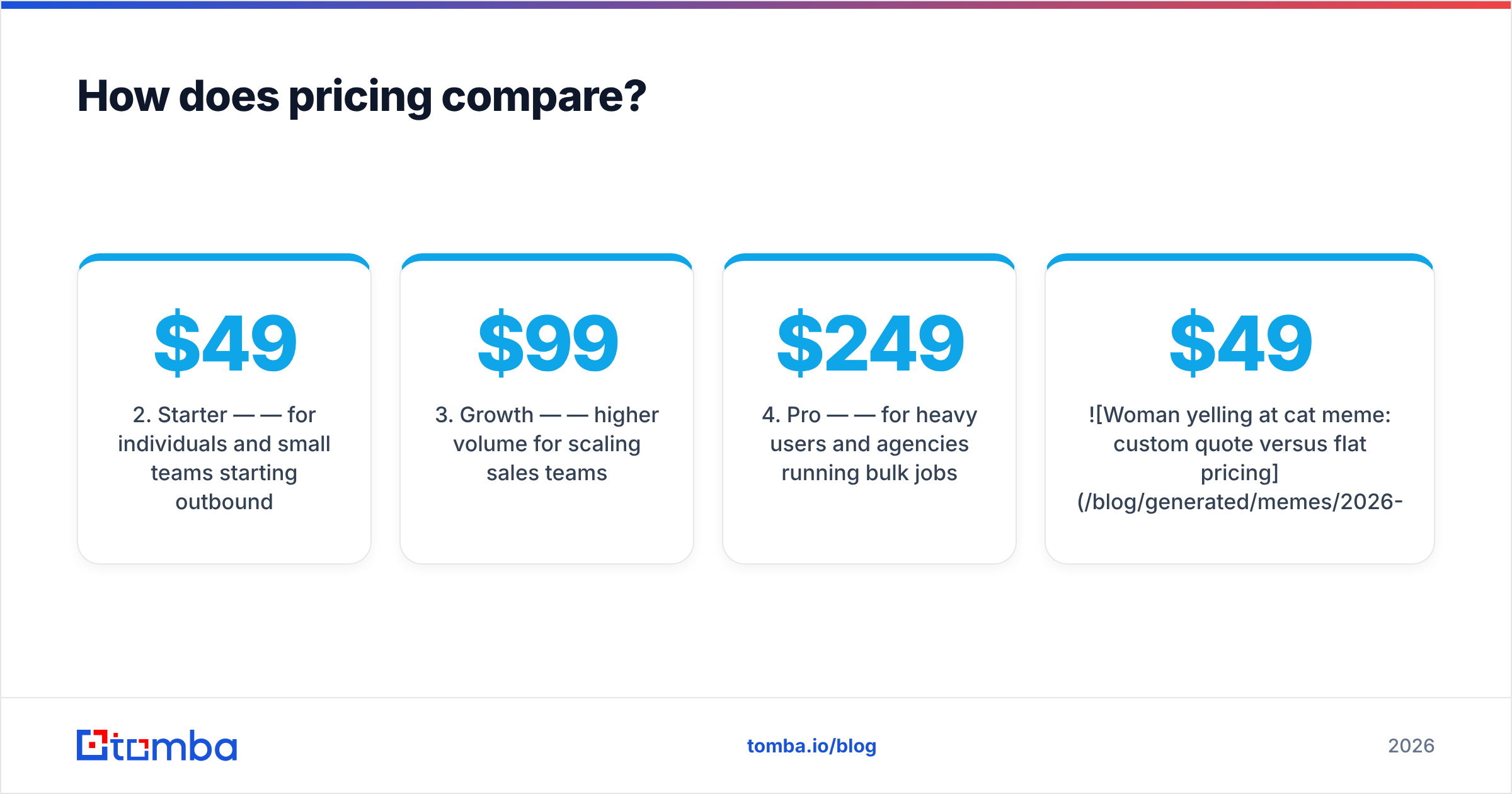
Tomba uses flat, transparent tiers:
- Free — 25 searches/mo to test it.
- Starter — $49/mo — for individuals and small teams starting outbound.
- Growth — $99/mo — higher volume for scaling sales teams.
- Pro — $249/mo — for heavy users and agencies running bulk jobs.
- Enterprise — custom — volume pricing, SSO, and dedicated support.
You can see the full breakdown on the Tomba pricing page. The key difference: with Tomba you know your monthly cost regardless of how many searches you run within your plan. With Coldlytics, cost tracks the amount of research you outsource — great for hands-off buyers, harder to forecast for high-volume teams.

Which one is faster?#
Tomba, and it isn't close on raw speed.
A domain search or email lookup in Tomba returns in seconds. Upload a list of companies to the bulk email finder and you have hundreds of verified contacts before your coffee's cold. Because there's an API, you can also trigger lookups automatically the moment a lead hits your CRM — no human in the loop, no queue.
Coldlytics is fast for a human service — often same-day turnaround — but it's still a queue. You submit a task and wait for a person to complete it. For campaigns where you know exactly who you want and need the emails now, that delay is friction. For campaigns where you'd rather describe your ICP and walk away, that delay is the whole value proposition.
When should you choose Coldlytics?#
Coldlytics is the stronger pick when:
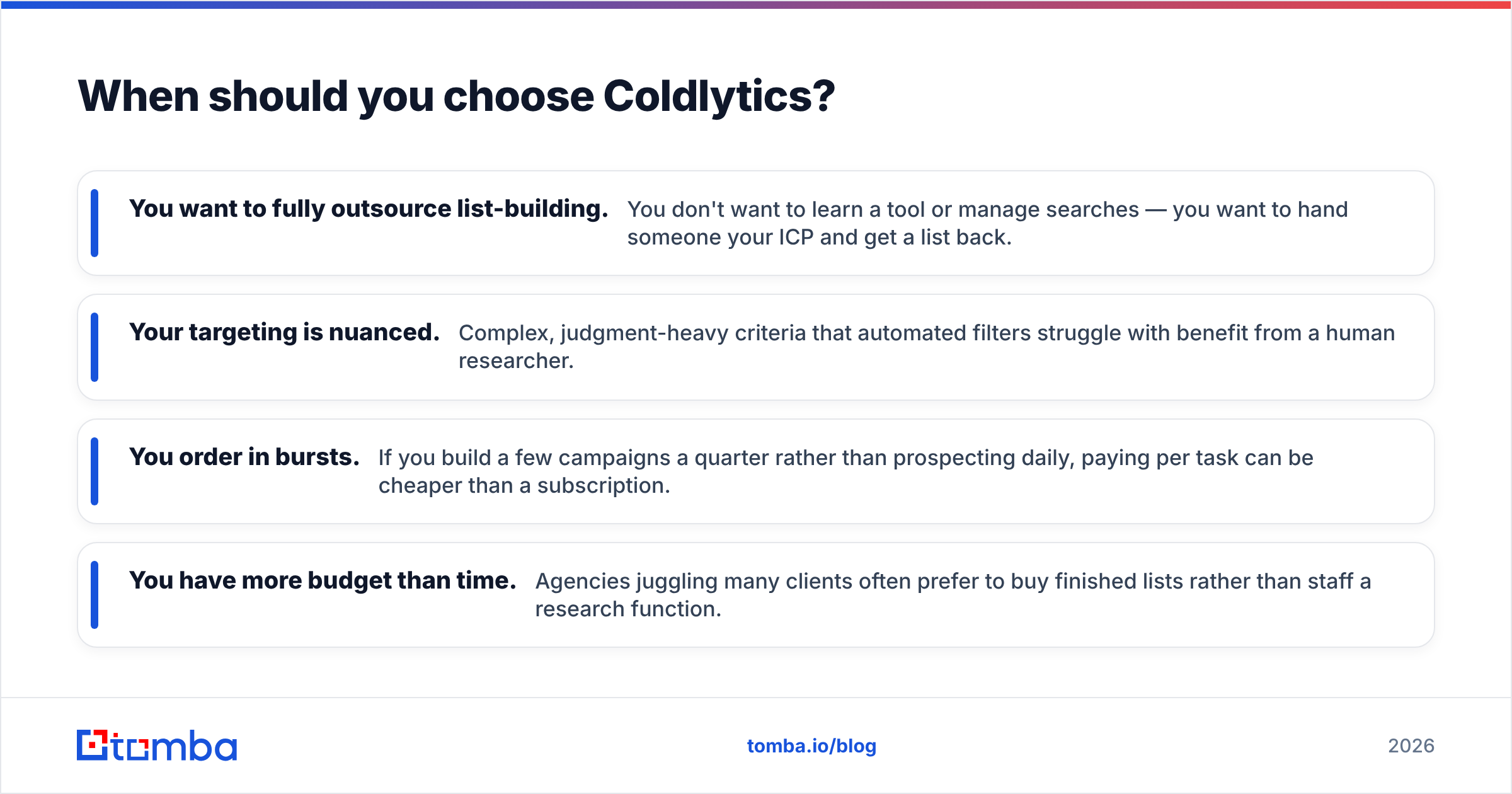
- You want to fully outsource list-building. You don't want to learn a tool or manage searches — you want to hand someone your ICP and get a list back.
- Your targeting is nuanced. Complex, judgment-heavy criteria that automated filters struggle with benefit from a human researcher.
- You order in bursts. If you build a few campaigns a quarter rather than prospecting daily, paying per task can be cheaper than a subscription.
- You have more budget than time. Agencies juggling many clients often prefer to buy finished lists rather than staff a research function.
If that's you, Coldlytics is a legitimate, respected option — check current reviews on G2 and their own site at coldlytics.io to confirm the service scope fits your workflow.
When should you choose Tomba?#
Tomba is the stronger pick when:
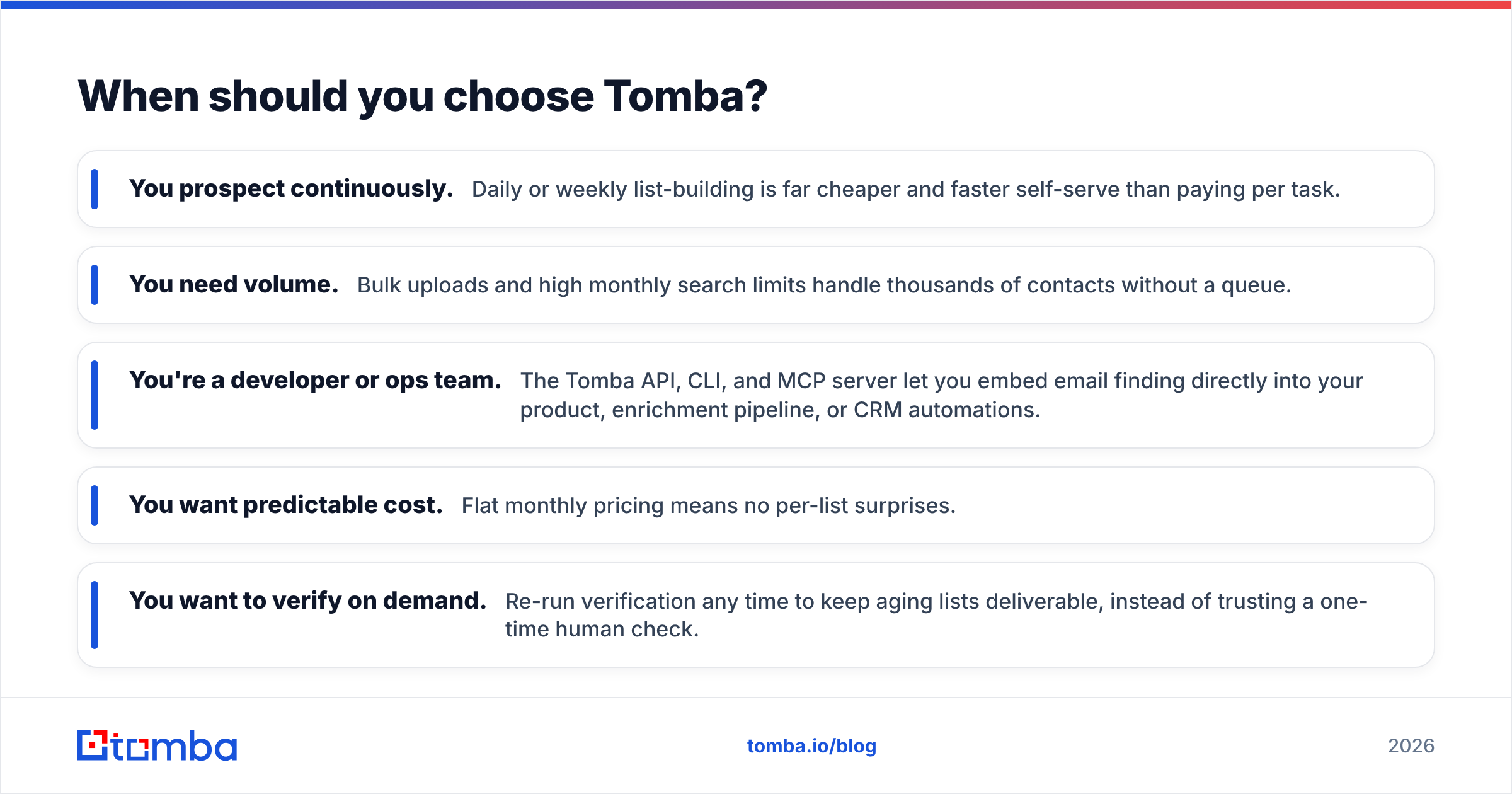
- You prospect continuously. Daily or weekly list-building is far cheaper and faster self-serve than paying per task.
- You need volume. Bulk uploads and high monthly search limits handle thousands of contacts without a queue.
- You're a developer or ops team. The Tomba API, CLI, and MCP server let you embed email finding directly into your product, enrichment pipeline, or CRM automations.
- You want predictable cost. Flat monthly pricing means no per-list surprises.
- You want to verify on demand. Re-run verification any time to keep aging lists deliverable, instead of trusting a one-time human check.
For most modern outbound and RevOps teams, this describes the day-to-day reality: recurring, high-volume, automation-friendly prospecting.
Can you use both together?#
Yes, and plenty of teams do. The two aren't mutually exclusive — they solve different jobs.
A practical setup: use Tomba as your always-on engine for the 90% of prospecting that's routine — domain searches, bulk enrichment, CRM auto-fill through the API. Then bring in a done-for-you service like Coldlytics for the 10% that's genuinely hard: a strategic account list where nuanced human research earns its cost.
You can also flip it. Have a service build the initial account list, then run those contacts through Tomba's email verifier before every send to catch anyone who's moved on since the list was built. Fresh verification on top of good targeting is the strongest combination.
Which tool wins overall?#
It depends on what you're optimizing for — but for most teams reading a "vs" post, Tomba is the better default.
Choose Coldlytics if your priority is offloading work entirely and your prospecting is occasional and judgment-heavy. It's a real service with a real advantage in hands-off convenience and human review.
Choose Tomba if you value speed, volume, automation, an API, and pricing you can predict — which is the profile of nearly every team doing continuous outbound. You get instant results, self-serve control, and the ability to scale from 25 free searches to enterprise volume without ever waiting in a queue.
The deciding question is simple: do you want someone to build your list, or do you want to own the machine that builds lists forever? If it's the latter, start free with the Tomba Email Finder — find and verify professional emails by domain, name, or company in seconds, wire it into your stack through the API, and only upgrade when your volume tells you to. It's the faster, more scalable, and more predictable way to keep your pipeline full.
Related guides#
Ready to find emails that actually work?
Join 150,000+ professionals who stopped guessing and started sending. Free credits on signup — no credit card required.
Get the Tomba newsletter
Practical outbound tactics and product updates — once every two weeks.
About the author