Company Email Address: Formats, Examples, and How to Find One
A company email address is more than a name and a domain. Here's what it is, the formats teams actually use, and how to find and verify any professional email fast.
A company email address looks simple — a name, an @, a domain. But behind that string sits a naming convention, a mail server, a verification status, and a deliverability reputation that decides whether your message lands in an inbox or vanishes. If you do outreach, recruiting, or partnerships, understanding how company email addresses are structured is the difference between a reply and a bounce.
This guide breaks down what a company email address actually is, the formats organizations use, how to find one for any professional, and how to confirm it's real before you hit send.
TL;DR#
- A company email address is a work email tied to an organization's domain (like
jane.doe@acme.com), not a personal Gmail or Outlook account. - Most companies use one of about six predictable naming patterns —
first.last,flast,first, and a few others. - You can find a company email by guessing the pattern, using a domain search, or running a name + domain through an email finder.
- Always verify before sending — an unverified address risks a bounce, and bounces wreck your sender reputation.
- Free tools work for a handful of lookups; paid platforms like Tomba scale to thousands with accuracy scores and catch-all handling.
What is a company email address?#
A company email address is an email account hosted on an organization's own domain and issued to an employee, team, or function. Think of it like a desk phone extension at an office: the main number (the domain, acme.com) is shared, and each person gets a unique extension (the local part, jane.doe) that routes mail straight to them.
That structure is what separates a professional address from a personal one:
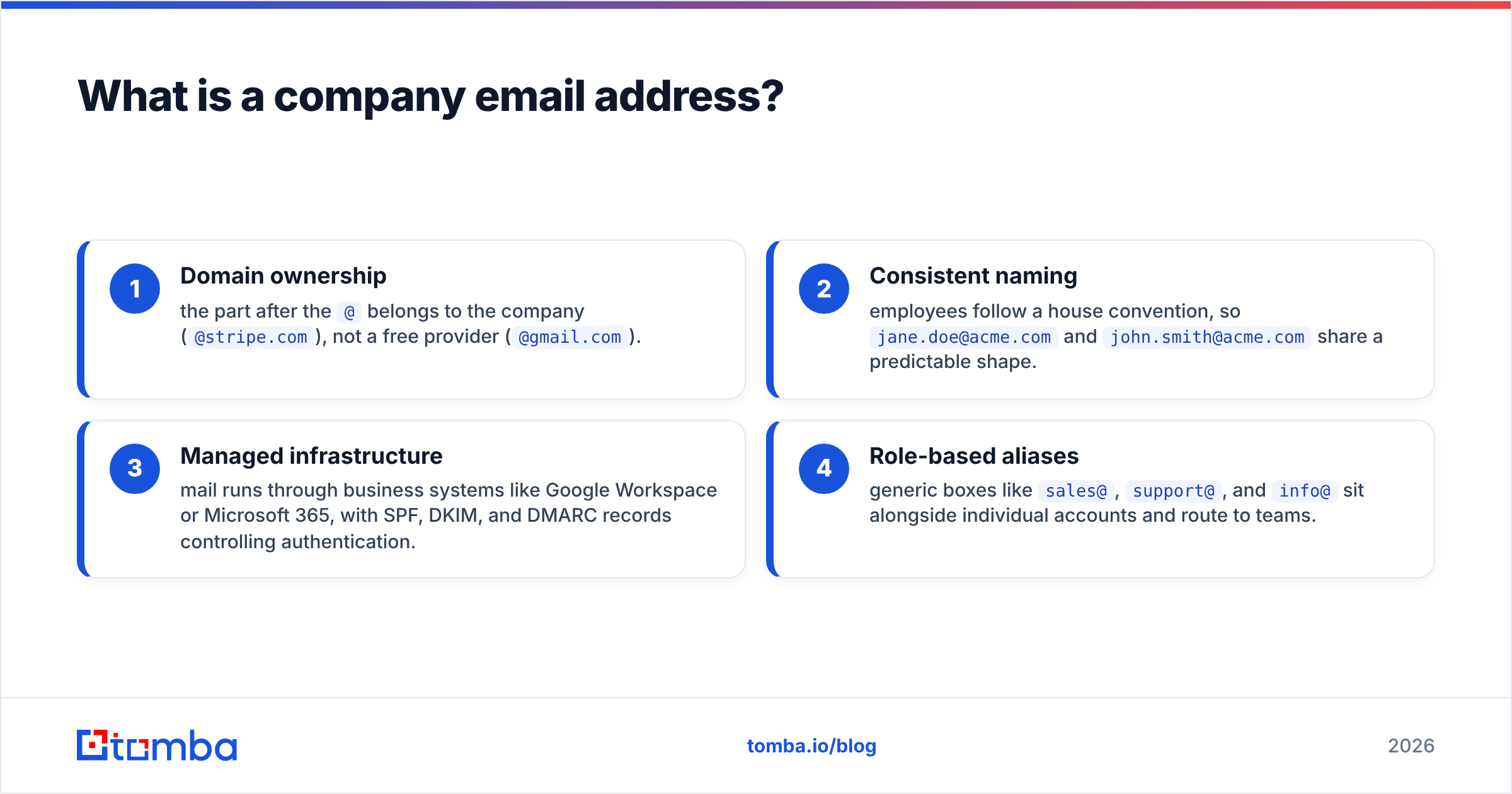
- Domain ownership — the part after the
@belongs to the company (@stripe.com), not a free provider (@gmail.com). - Consistent naming — employees follow a house convention, so
jane.doe@acme.comandjohn.smith@acme.comshare a predictable shape. - Managed infrastructure — mail runs through business systems like Google Workspace or Microsoft 365, with SPF, DKIM, and DMARC records controlling authentication.
- Role-based aliases — generic boxes like
sales@,support@, andinfo@sit alongside individual accounts and route to teams.
The practical takeaway: because the domain and naming pattern are shared across a whole company, if you know one person's email format, you can often predict everyone else's.
Why do company email addresses matter for outreach?#
Getting the company email address right is the first gate in any B2B workflow. A wrong address doesn't just fail to reach the person — it actively harms you. Every hard bounce signals to inbox providers that you're sending to unmaintained lists, dragging down email deliverability for every future message.
Accurate company emails power:
- Cold outreach — reaching decision-makers directly instead of a generic
info@black hole. - Recruiting — contacting candidates on their work domain when their personal details aren't public.
- Partnerships and PR — pitching the specific person who owns the decision.
- Data enrichment — filling CRM gaps so reps aren't chasing dead records.
Guessing at scale is where teams get burned. Fire off 500 pattern-guessed emails and a chunk will bounce, some will hit spam traps, and your domain reputation takes the hit.

What are the most common company email address formats?#
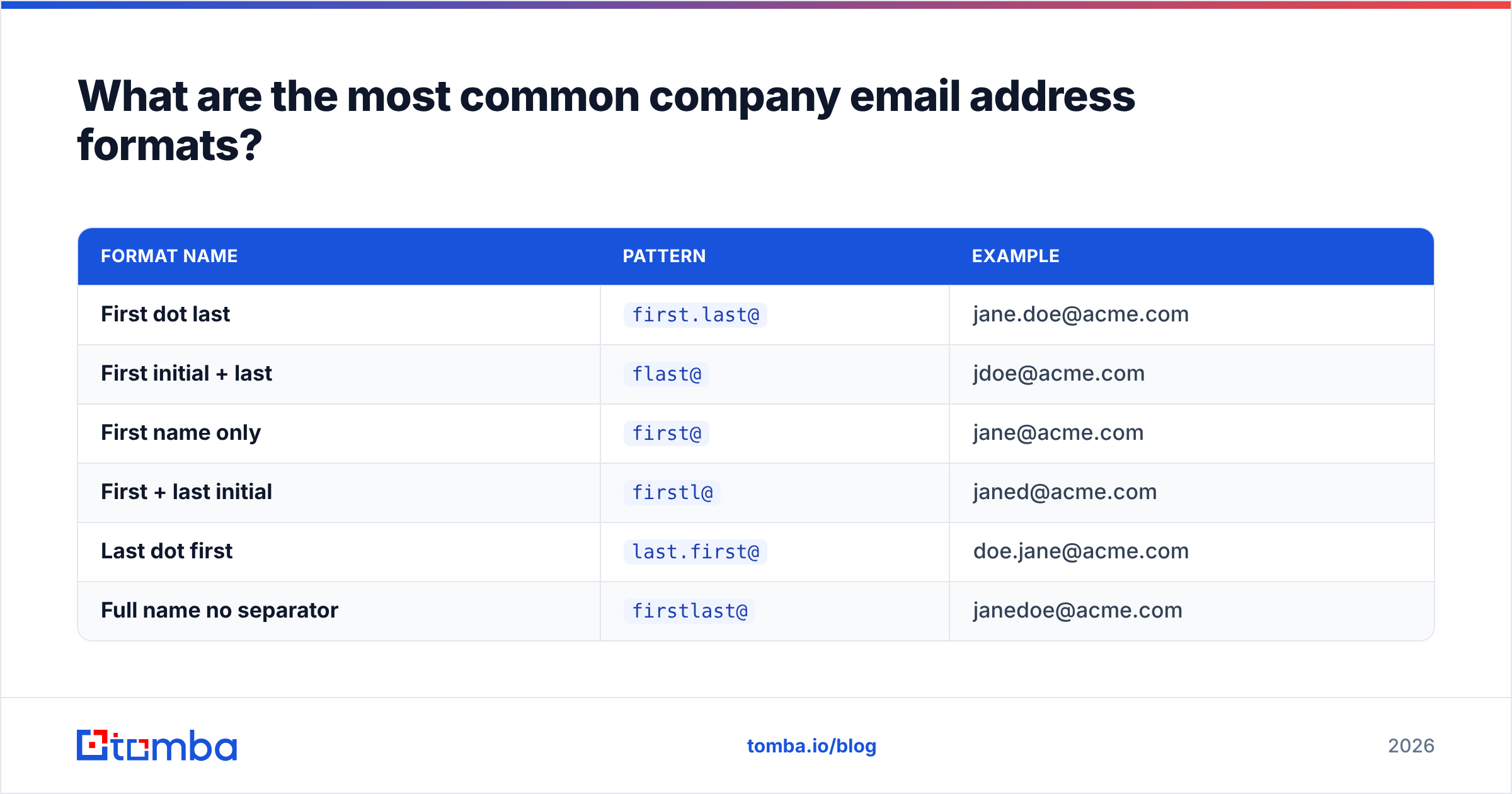
Companies rarely invent formats at random. They pick one convention and apply it company-wide. Here are the patterns you'll encounter most, using Jane Doe at acme.com as the example:
| Format name | Pattern | Example |
|---|---|---|
| First dot last | first.last@ |
jane.doe@acme.com |
| First initial + last | flast@ |
jdoe@acme.com |
| First name only | first@ |
jane@acme.com |
| First + last initial | firstl@ |
janed@acme.com |
| Last dot first | last.first@ |
doe.jane@acme.com |
| Full name no separator | firstlast@ |
janedoe@acme.com |
According to widely cited industry data, first.last@ and flast@ together account for the majority of B2B company email addresses — but the only way to be sure for a given domain is to confirm against a known-good address. A quick way to check a specific organization's convention is a company email pattern tool, which infers the dominant format from verified addresses on that domain.
Role-based addresses follow their own logic and are worth knowing:
sales@,support@,help@— team inboxes, usually monitored.info@,contact@,hello@— general catch-alls, often low-response.careers@,jobs@,hr@— recruiting.press@,media@,pr@— communications.
How do you find someone's company email address?#
You have four realistic paths, from slowest to most scalable.
1. Manual guessing. Take the person's name, apply a common format, and hope. It's free but error-prone, and it puts your reputation on the line with every unverified send. Fine for one contact; reckless for a list.
2. Search their public footprint. Company "About" and "Team" pages, conference bios, GitHub commits, and press releases sometimes expose emails directly. Time-consuming and inconsistent, but zero cost.
3. Use a domain search. Enter a company domain and get back the addresses that platform has on file for that organization, along with the dominant pattern. This is ideal when you want anyone at a company — a whole department, say — rather than one named person. Tomba's domain search returns known emails plus role and seniority context.
4. Use an email finder. When you know the person's name and their company, an email finder resolves it to a specific address and returns a confidence score. This is the fastest route for named prospects and the one that scales through bulk lead generation when you have a list.
One does not simply guess an entire prospect list and expect it to land — the math works against you at volume.
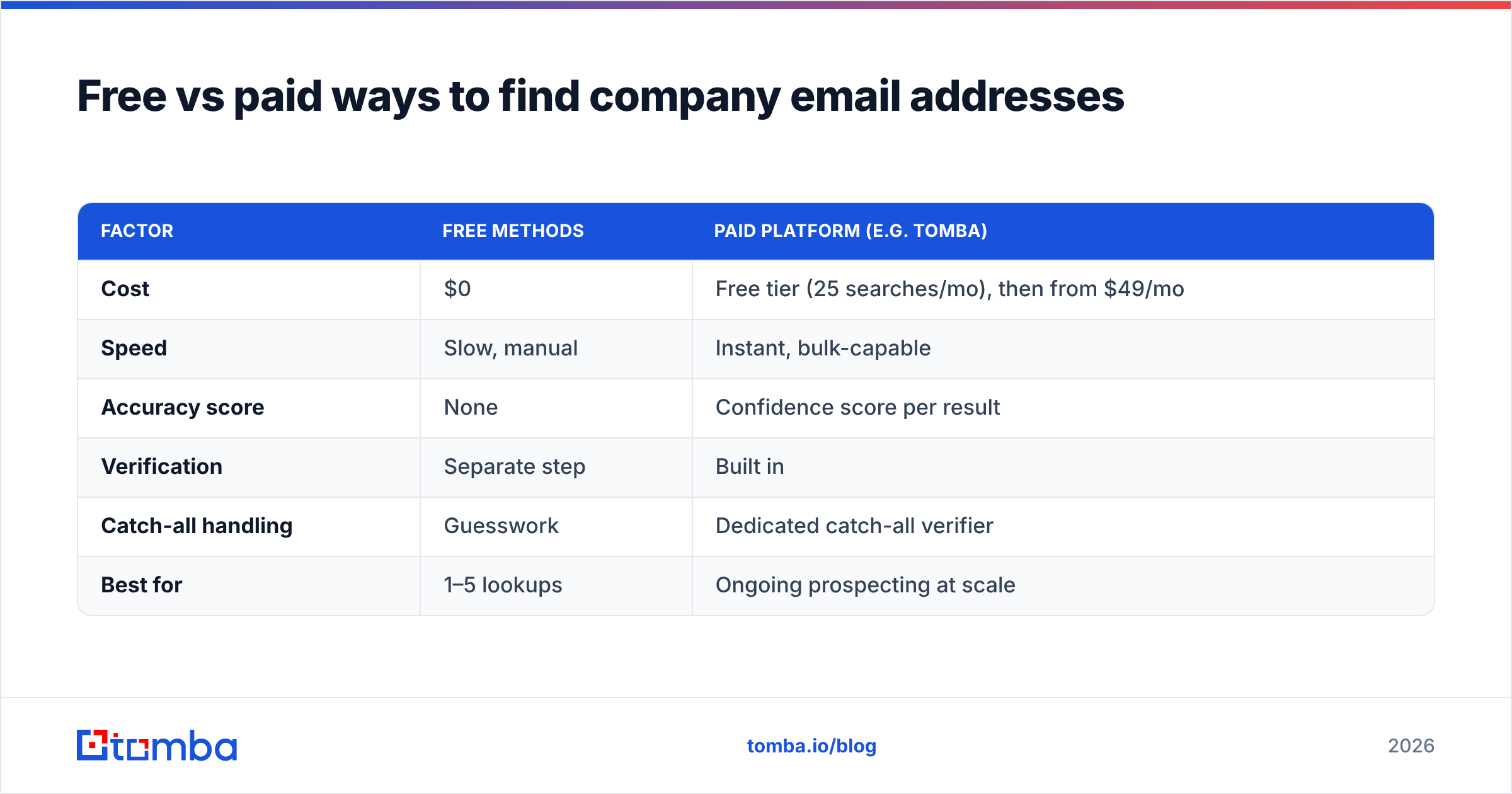
Free vs paid ways to find company email addresses#
Both have a place. The right choice depends on volume and how much a bounce costs you.
| Factor | Free methods | Paid platform (e.g. Tomba) |
|---|---|---|
| Cost | $0 | Free tier (25 searches/mo), then from $49/mo |
| Speed | Slow, manual | Instant, bulk-capable |
| Accuracy score | None | Confidence score per result |
| Verification | Separate step | Built in |
| Catch-all handling | Guesswork | Dedicated catch-all verifier |
| Best for | 1–5 lookups | Ongoing prospecting at scale |
For a handful of contacts, free public research and a manual guess may be enough. Once you're finding dozens or hundreds of company email addresses a week, the time saved and bounces avoided make a paid tool cheaper than "free." You can compare tiers on the Tomba pricing page; the free plan is enough to test accuracy before you commit.
How do you verify a company email address?#
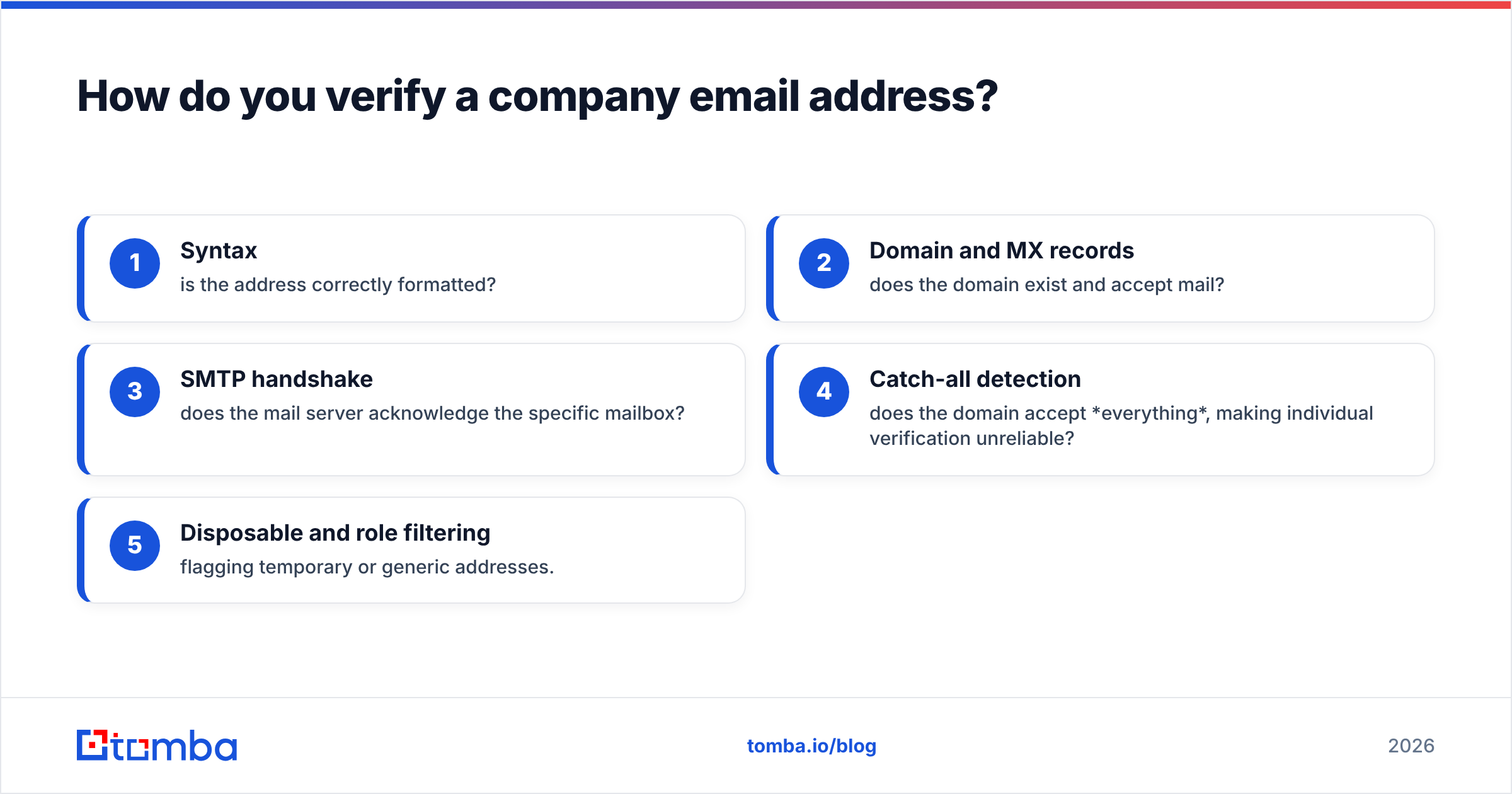
Finding an address is only half the job — verification confirms the mailbox actually exists before you send. A good email verifier runs several checks:
- Syntax — is the address correctly formatted?
- Domain and MX records — does the domain exist and accept mail?
- SMTP handshake — does the mail server acknowledge the specific mailbox?
- Catch-all detection — does the domain accept everything, making individual verification unreliable?
- Disposable and role filtering — flagging temporary or generic addresses.
Catch-all domains are the trickiest case. A catch-all server says "yes" to every address at the domain, so a normal SMTP check can't tell a real mailbox from a typo. That's why catch-all handling — via a catch-all verifier — is a feature worth paying for if your target market uses them heavily.
As a rule, keep your bounce rate under 2–3%. Verifying before you send is the single most reliable way to protect deliverability and stay out of spam folders, a point echoed across HubSpot's email best-practice guidance.
How do you set up a company email address for your own business?#
If you're on the other side — creating addresses for your team — the steps are straightforward:
- Register a domain that matches your brand (
yourcompany.com). - Choose a mail provider — Google Workspace or Microsoft 365 are the common choices for businesses.
- Pick a naming convention and apply it consistently.
first.last@is the safest default: it's human-readable, scales without collisions, and is easy for outsiders to guess correctly (which helps inbound). - Configure authentication — set up SPF, DKIM, and an SPF record plus DMARC so your mail authenticates and doesn't get spoofed.
- Create role aliases —
sales@,support@,careers@— and route them to the right people. - Warm up new domains gradually before high-volume sending to build sender reputation.
A consistent convention isn't just tidy — it makes your team discoverable and your outbound predictable, which is exactly the property that email finders rely on.
Frequently asked questions#
Is a company email address the same as a business email? Yes — the terms are used interchangeably. Both mean an email on an organization's own domain rather than a free consumer provider.
Can I find a company email address for free? For a few contacts, yes — through public pages and manual guessing. But you won't get accuracy scores or verification, so bounce risk is higher. Free-tier tools like Tomba's 25 monthly searches bridge the gap.
Why do some company emails bounce even when the format looks right? The person may have left, the mailbox may not exist, or the domain may be a catch-all that accepts then silently drops mail. Verification catches most of these before you send.
What's the most common company email format?
first.last@company.com and flast@company.com are the two dominant patterns across B2B, but always confirm against a known address on that specific domain.
Find any company email address with Tomba#
Stop guessing and start reaching the right inbox. Tomba's Email Finder turns a name and a company into a verified professional email in seconds — complete with a confidence score, catch-all detection, and built-in verification so your bounce rate stays low and your sender reputation stays clean. Start on the free tier with 25 searches a month, then scale to bulk lookups when your pipeline demands it. Find company email addresses that actually deliver — and spend your time on replies, not retries.
Related guides#
Ready to find emails that actually work?
Join 150,000+ professionals who stopped guessing and started sending. Free credits on signup — no credit card required.
Get the Tomba newsletter
Practical outbound tactics and product updates — once every two weeks.
About the author