CompanyData.com, BoldData vs FindThatLead: 2026 Guide
CompanyData.com, BoldData, and FindThatLead all sell B2B contact data—but they solve very different problems. Here's the honest breakdown of accuracy, pricing, and fit.
Comparing CompanyData.com, BoldData vs FindThatLead feels like a three-way toss-up. But these tools aren't really the same product. One sells static company files. One sells custom-built list exports. One is a live email-finding tool. Pick the wrong category and you'll pay for data you can't use.
This is a neutral, side-by-side look at each tool. We cover what each does well and where each falls short. You'll also see which team should pick which. And we show where a modern email finder like Tomba fits when you need verified, on-demand contacts instead of a one-off CSV.
TL;DR — Which One Should You Pick?#
- CompanyData.com is best for firmographic enrichment and company-level intelligence (industry, size, tech stack). It's weaker on individual verified emails.
- BoldData is a done-for-you list broker. You request a segment, and they deliver a custom export. It's great for bulk work but slow for iterative outbound.
- FindThatLead is a self-serve email finder and light cold-email sender. It's aimed at small teams and solo founders.
- None of the three leads on real-time email verification at scale. If bounce rates matter, pair your data source with a dedicated email verifier.
- Want verified emails on demand by name or domain? A live tool like the Tomba Email Finder usually beats buying a static list you must re-clean in 90 days.
What Does Each Tool Actually Do?#
The confusion starts because all three market themselves as "B2B data." In practice, they occupy three different lanes.
- CompanyData.com — company intelligence. Its core asset is firmographic and technographic data: what a company is, how big it is, and what software it runs. You use it to score accounts and enrich records you already have. You don't use it to find a specific person's inbox.
- BoldData — custom list delivery. BoldData works like a traditional list broker with a modern front end. You specify a target segment (industry, country, job title). It then returns a bought database file. The strength is breadth across international markets. The tradeoff is that it's a snapshot, not a live feed.
- FindThatLead — self-serve email finder. FindThatLead lets you look up emails by domain or name, run small bulk jobs, and send basic cold campaigns. It's built for individual reps and founders who want to prospect without a data-ops team.
The takeaway is simple. CompanyData.com answers "who is this account?" BoldData answers "give me a list of accounts." FindThatLead answers "what's this person's email?" Overlap exists, but their centers of gravity sit far apart.
CompanyData.com, BoldData vs FindThatLead: Full Comparison#
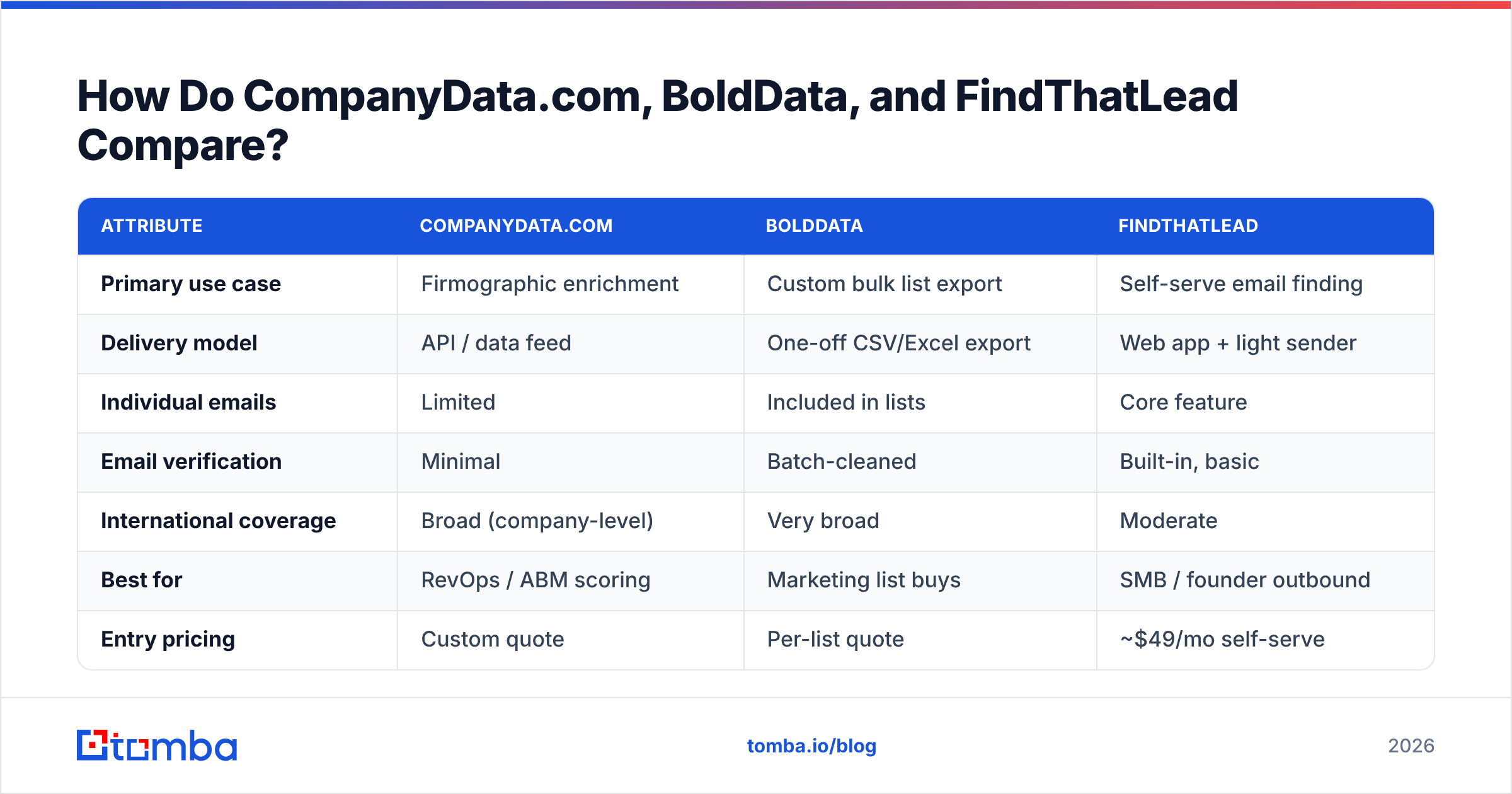
Here's the core comparison across the attributes that decide most purchases. Pricing is approximate. It varies by region, volume, and contract, so always confirm on the vendor's own page.
| Attribute | CompanyData.com | BoldData | FindThatLead |
|---|---|---|---|
| Primary use case | Firmographic enrichment | Custom bulk list export | Self-serve email finding |
| Delivery model | API / data feed | One-off CSV/Excel export | Web app + light sender |
| Individual emails | Limited | Included in lists | Core feature |
| Email verification | Minimal | Batch-cleaned | Built-in, basic |
| International coverage | Broad (company-level) | Very broad | Moderate |
| Best for | RevOps / ABM scoring | Marketing list buys | SMB / founder outbound |
| Entry pricing | Custom quote | Per-list quote | ~$49/mo self-serve |
| Free tier | No | No | Limited trial |
Two things jump out. First, only FindThatLead offers a true low-friction self-serve entry point. The other two lean toward quotes and contracts. Second, none of them treats real-time email verification as the headline feature. That's exactly where deliverability problems begin.
Which Has the Most Accurate Data?#
Accuracy depends on freshness. And freshness depends on the delivery model. This is the single biggest differentiator.
A static list — the BoldData approach — is accurate the day it's built. After that, it decays. B2B data degrades fast. People change jobs, companies rebrand, and domains get retired. Industry estimates from sources like Gartner and validation vendors put contact-data decay at roughly 25–30% per year. So a list bought in January can be badly stale by summer.

Company-level data — CompanyData.com's strength — decays more slowly. A firm's industry and headcount band don't change monthly. So firmographic enrichment ages gracefully. But that same stability makes it a poor source for individual inboxes. The person you want may have moved teams three months ago.
Live lookup tools — FindThatLead, and email finders generally — query at the moment you search. So they reflect current reality better than a purchased file. The catch is that a raw find isn't a verified address. That's why serious outbound teams verify every result. For risky domains, they also run a catch-all verifier before sending. Want to see how a provider validates records? Check its published data sources instead of trusting a headline accuracy number.

What About Pricing and Contracts?#
Pricing structure tells you who each tool is really for.
- CompanyData.com and BoldData both lean toward custom quotes. That's normal for enrichment feeds and brokered lists. But it means slower procurement, minimums, and less room to "just try it" on a small campaign.
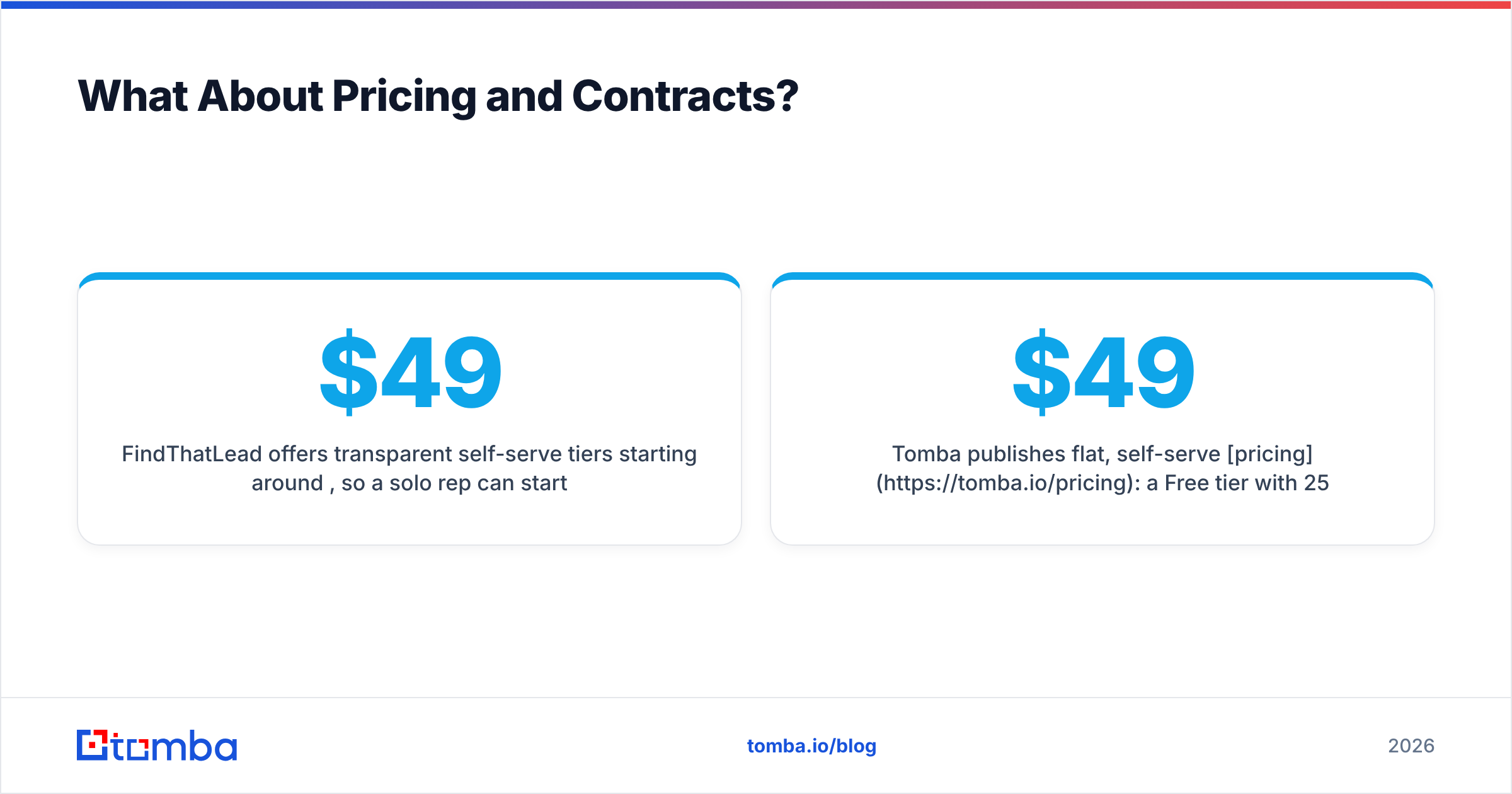
- FindThatLead offers transparent self-serve tiers starting around $49/mo. A solo rep can start today without a sales call.
- Tomba publishes flat, self-serve pricing. There's a Free tier with 25 searches/month, Starter at $49/mo, Growth at $99/mo, and Pro at $249/mo. An Enterprise option covers higher volume.
For most small and mid-sized teams, transparent monthly pricing beats a bulk contract. Outbound is iterative. You don't want to buy 50,000 records once. You want to pull the right 200 contacts every week and verify them before they hit your sequencer.
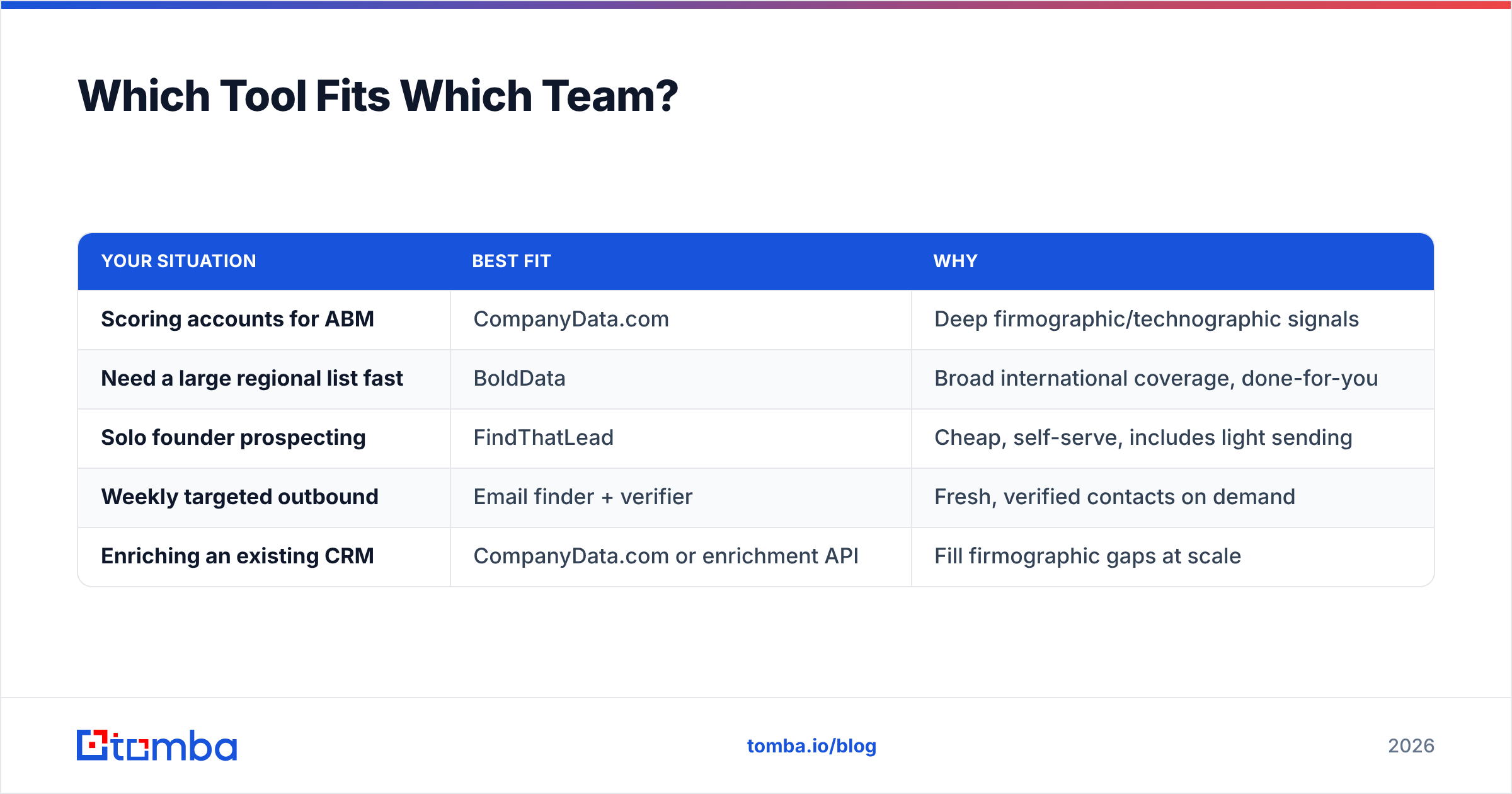
Which Tool Fits Which Team?#
Match the tool to the job, not to the marketing.
| Your situation | Best fit | Why |
|---|---|---|
| Scoring accounts for ABM | CompanyData.com | Deep firmographic/technographic signals |
| Need a large regional list fast | BoldData | Broad international coverage, done-for-you |
| Solo founder prospecting | FindThatLead | Cheap, self-serve, includes light sending |
| Weekly targeted outbound | Email finder + verifier | Fresh, verified contacts on demand |
| Enriching an existing CRM | CompanyData.com or enrichment API | Fill firmographic gaps at scale |
If your workflow is "buy once, blast once," a list broker can work. But maybe your workflow is continuous: build a segment, find contacts, verify, sequence, repeat. Then a live finder plus verification beats re-buying stale files.
Where Does Tomba Fit In This Comparison?#
Tomba sits in the live-lookup lane alongside FindThatLead. But it puts more weight on verification and coverage across use cases.
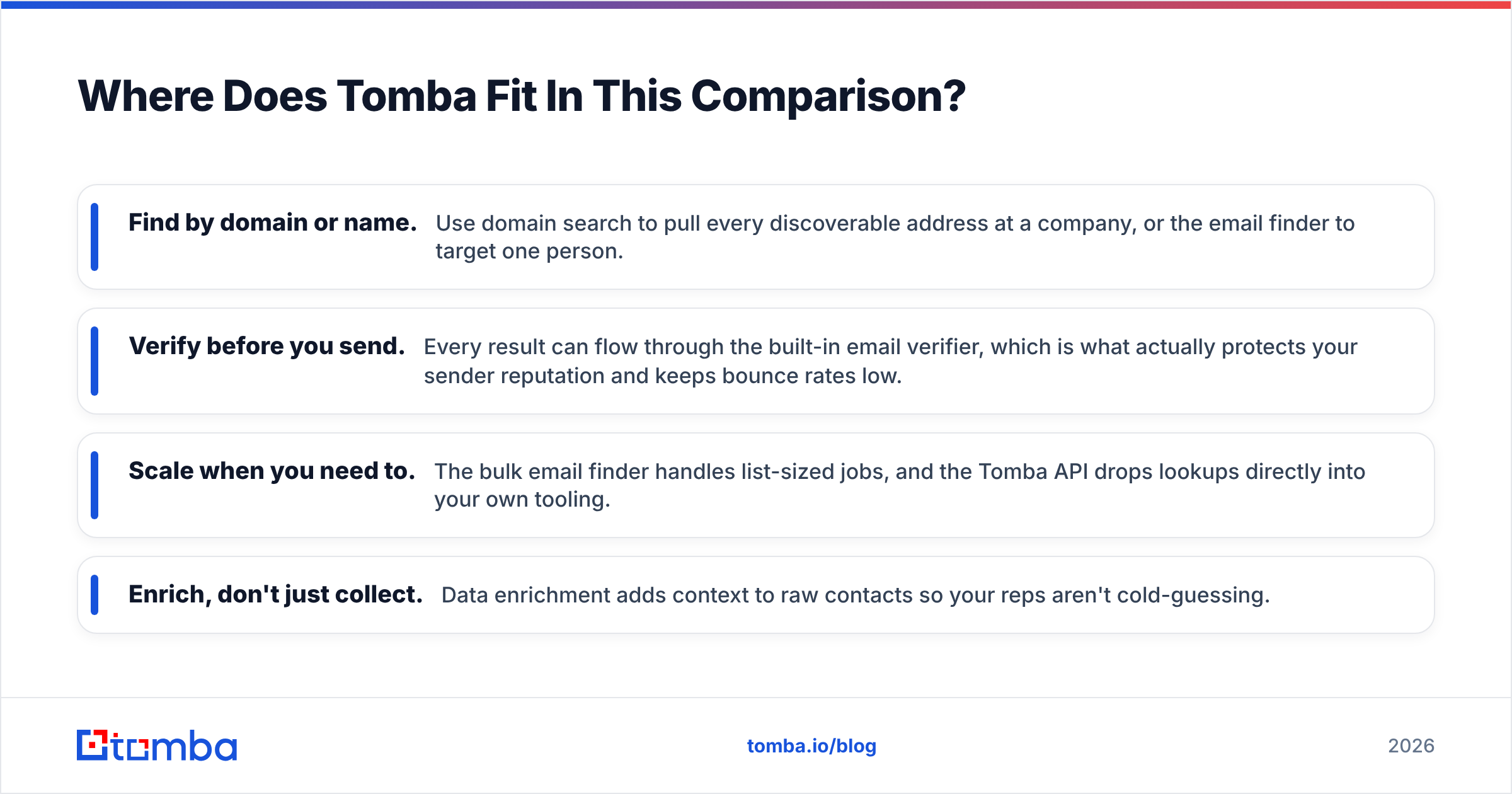
- Find by domain or name. Use domain search to pull every discoverable address at a company. Or use the email finder to target one person.
- Verify before you send. Every result can flow through the built-in email verifier. That's what protects your sender reputation and keeps bounce rates low.
- Scale when you need to. The bulk email finder handles list-sized jobs. The Tomba API drops lookups directly into your own tooling.
- Enrich, don't just collect. Data enrichment adds context to raw contacts, so your reps aren't cold-guessing.
Here's the honest framing. Need deep company-level intelligence? CompanyData.com does that job well. Need a broad brokered export for a one-time campaign? BoldData delivers it. Tomba isn't trying to be either one. It's for teams who'd rather generate fresh, verified contacts continuously than manage a decaying purchase. And it bakes deliverability into the same workflow.
Are Purchased Lists Even Worth It in 2026?#
Sometimes, but with clear caveats. A brokered list makes sense when you need scale in a hard-to-reach market. You also have to accept that a chunk of it will be stale. It makes far less sense as your everyday prospecting engine. You'll spend the "savings" re-cleaning data and nursing your domain back to health after bounces.
Three rules keep you safe, whatever the source:
- Verify everything before sending. No exceptions. A free email checker catches the obvious problems. A full verifier catches the rest.
- Warm up and protect the domain. Check your setup with an SPF checker and monitor deliverability. A great list on a burned domain still fails.
- Prefer fresh over big. Two hundred current, verified contacts beat ten thousand aging ones on reply rate almost every time.
You can compare vendor claims all day. But the workflow around the data matters more than the badge on the box. Tools like G2 help you read real user reviews before you commit to any contract.
The Verdict#
There's no universal winner. There's a winner per job. CompanyData.com wins company intelligence and enrichment. BoldData wins one-off international list buys, and it stays a solid, reputable option for that need. FindThatLead wins cheap, self-serve founder prospecting. And when you weigh CompanyData.com, BoldData vs FindThatLead for a steady stream of verified, current contacts, a dedicated email finder is the more sustainable engine — verification, enrichment, and an API in one place.
If that's you, start free and test it on your own domains. Pull a batch with the Tomba Email Finder, run the results through the verifier, and compare the deliverable-contact count against whatever list you were about to buy. Twenty-five free searches a month is enough to see whether fresh-and-verified beats big-and-stale. In our experience, it usually does.
Related guides#
Ready to find emails that actually work?
Join 150,000+ professionals who stopped guessing and started sending. Free credits on signup — no credit card required.
Get the Tomba newsletter
Practical outbound tactics and product updates — once every two weeks.
About the author