Connection Email Template: 12 Examples That Get Replies
A connection email only works if it earns a reply. Steal 12 proven connection email templates, plus the framework and mistakes that separate openers from ignored messages.
Most connection emails die in the first two lines. Not because the offer is bad, but because the message reads like it was blasted to 4,000 people who all happen to share your prospect's job title. A good connection email template fixes that: it gives you a repeatable structure you can personalize in 30 seconds, so every message feels like it was written for one person.
This guide gives you 12 connection email templates for the situations you actually face — new prospects, mutual contacts, event follow-ups, LinkedIn, and re-engagement — plus the framework behind why they work and the mistakes that quietly tank your reply rate.
TL;DR#
- A connection email template is a reusable skeleton for a first-touch email that opens a relationship — not a hard pitch.
- The winning structure is relevance → reason → light ask: prove you know who they are, explain why you're reaching out, and make the next step tiny.
- Personalization beats volume. One researched line at the top outperforms three paragraphs of generic value props.
- Deliverability is half the battle. A perfect template still fails if it lands on a bad address or in spam — verify before you send.
- Below: 12 copy-paste templates, a comparison of when to use each, and a closing checklist.
What is a connection email template?#
A connection email template is a pre-written framework for the first email you send to someone you want a relationship with — a prospect, a peer, a partner, or a mutual contact. Think of it like a handshake script: the words change per person, but the rhythm (eye contact, name, firm grip, reason for the conversation) stays the same.
The goal is not to close a deal in one message. The goal is to earn a reply. That distinction changes everything about how you write. A pitch asks for a 30-minute demo in paragraph one. A connection email earns permission to have a conversation, then lets the relationship do the selling.
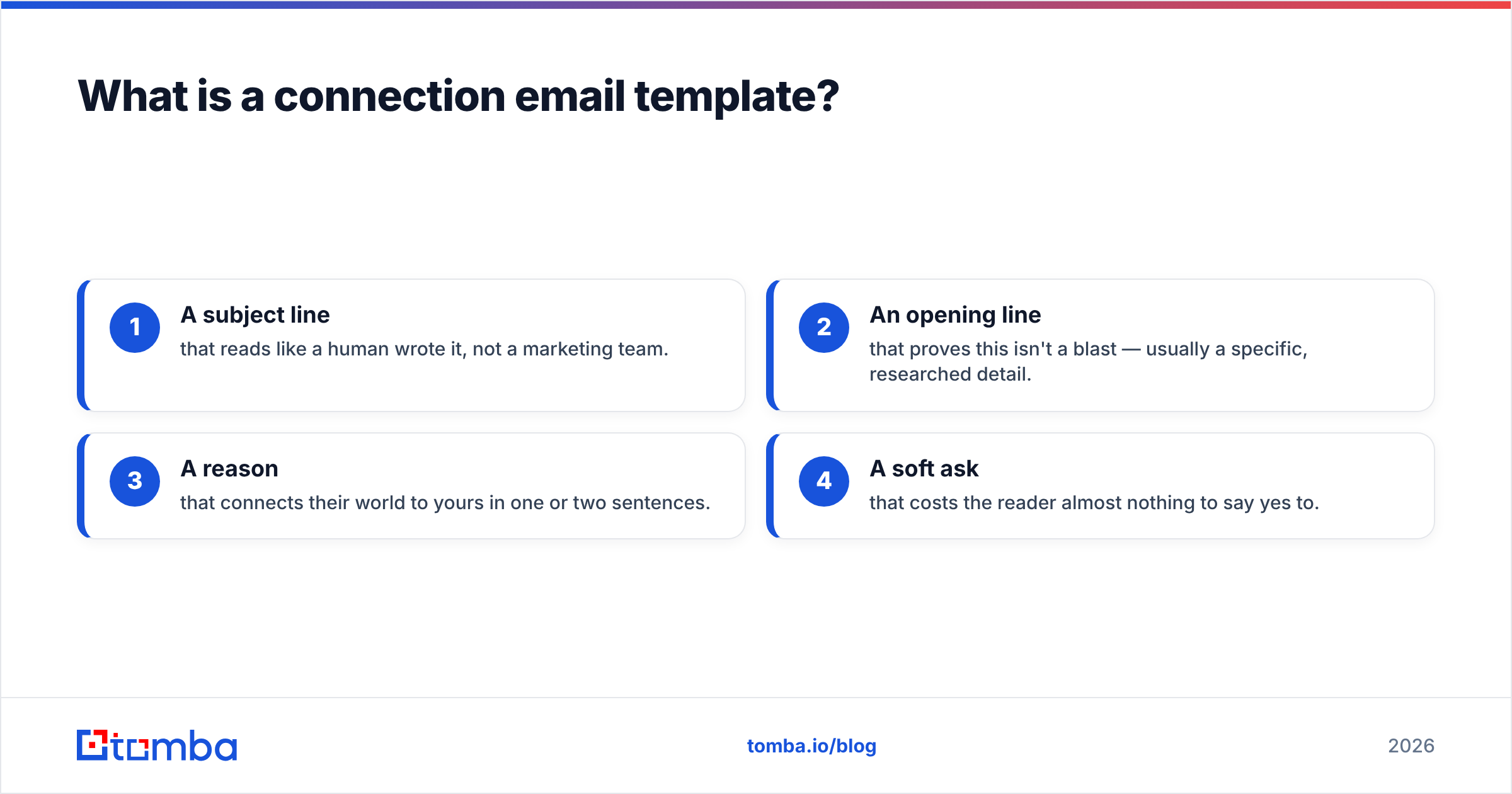
Technically, a connection email template has four moving parts:
- A subject line that reads like a human wrote it, not a marketing team.
- An opening line that proves this isn't a blast — usually a specific, researched detail.
- A reason that connects their world to yours in one or two sentences.
- A soft ask that costs the reader almost nothing to say yes to.
Get those four right and the template does the heavy lifting. Get them wrong and no amount of follow-up saves it.

Why do most connection emails get ignored?#
Because they're about the sender, not the recipient. The average cold connection email spends 80% of its word count on "we help companies like yours" and 20% on the person reading it. Prospects have trained themselves to delete that pattern on sight.
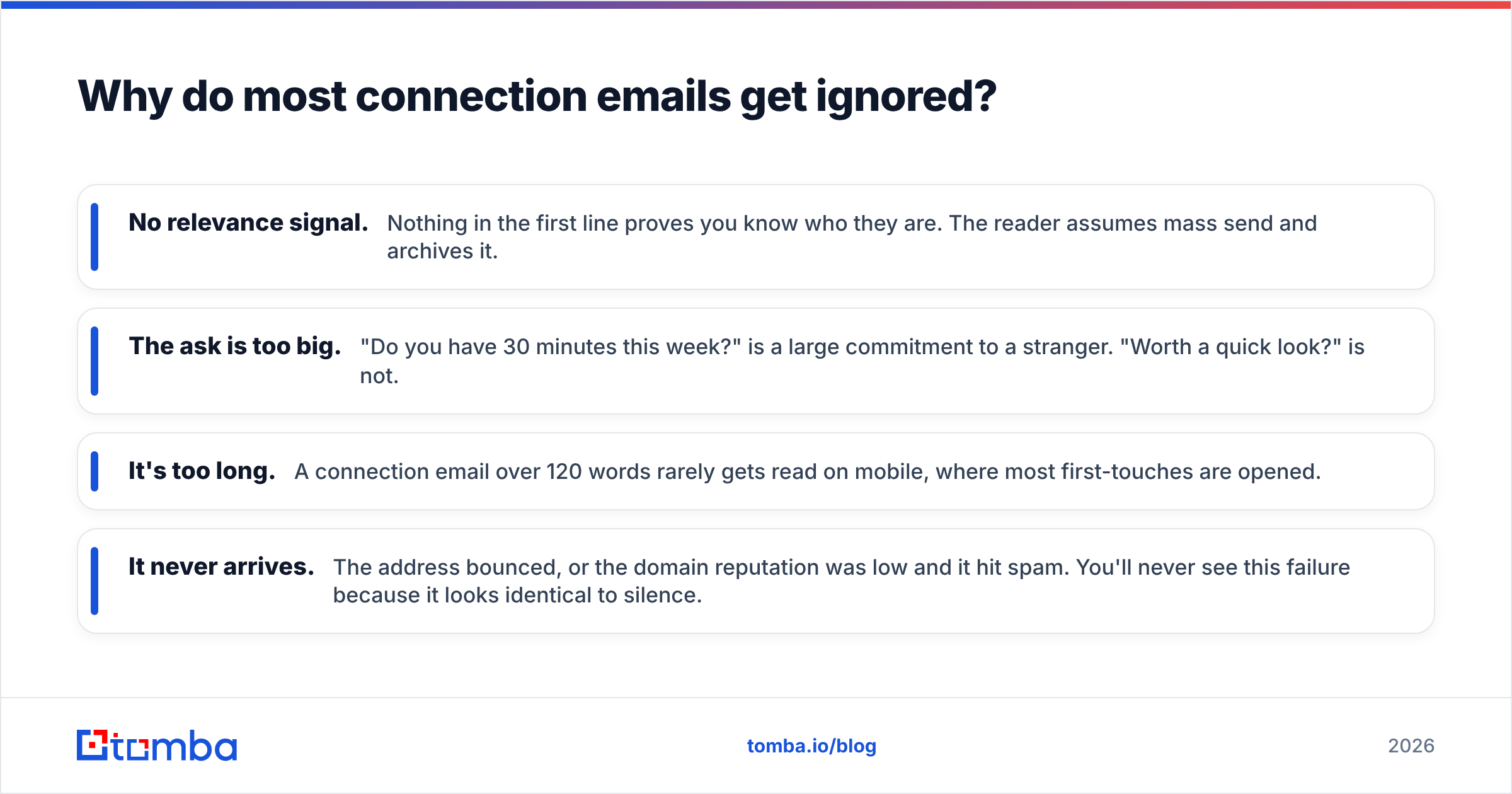
Here are the four failure modes, ranked by how often they kill a message:
- No relevance signal. Nothing in the first line proves you know who they are. The reader assumes mass send and archives it.
- The ask is too big. "Do you have 30 minutes this week?" is a large commitment to a stranger. "Worth a quick look?" is not.
- It's too long. A connection email over 120 words rarely gets read on mobile, where most first-touches are opened.
- It never arrives. The address bounced, or the domain reputation was low and it hit spam. You'll never see this failure because it looks identical to silence.
That last one is the quiet killer. According to sender-reputation guidance from providers like Google Postmaster Tools, a spike in bounces or spam complaints drags down your domain reputation and pushes even your good emails into spam. So the template you agonized over never gets a chance. That's why serious senders clean their list with an email verifier before a campaign — the copy can't win if it never lands.

What makes a connection email template convert?#
The relevance-reason-ask structure. Everything else is decoration. Below is the anatomy, then the templates.
The three-part framework#
- Relevance (line 1): One specific, provable detail — a recent post, a funding round, a shared connection, a product launch. This is the price of admission.
- Reason (2–3 sentences): Why that detail made you reach out, and what's in it for them. Frame it around their outcome, not your product.
- Ask (1 line): The smallest next step. A yes/no question converts better than an open calendar link.
Keep the whole thing under 120 words. Every sentence you cut raises your reply rate.
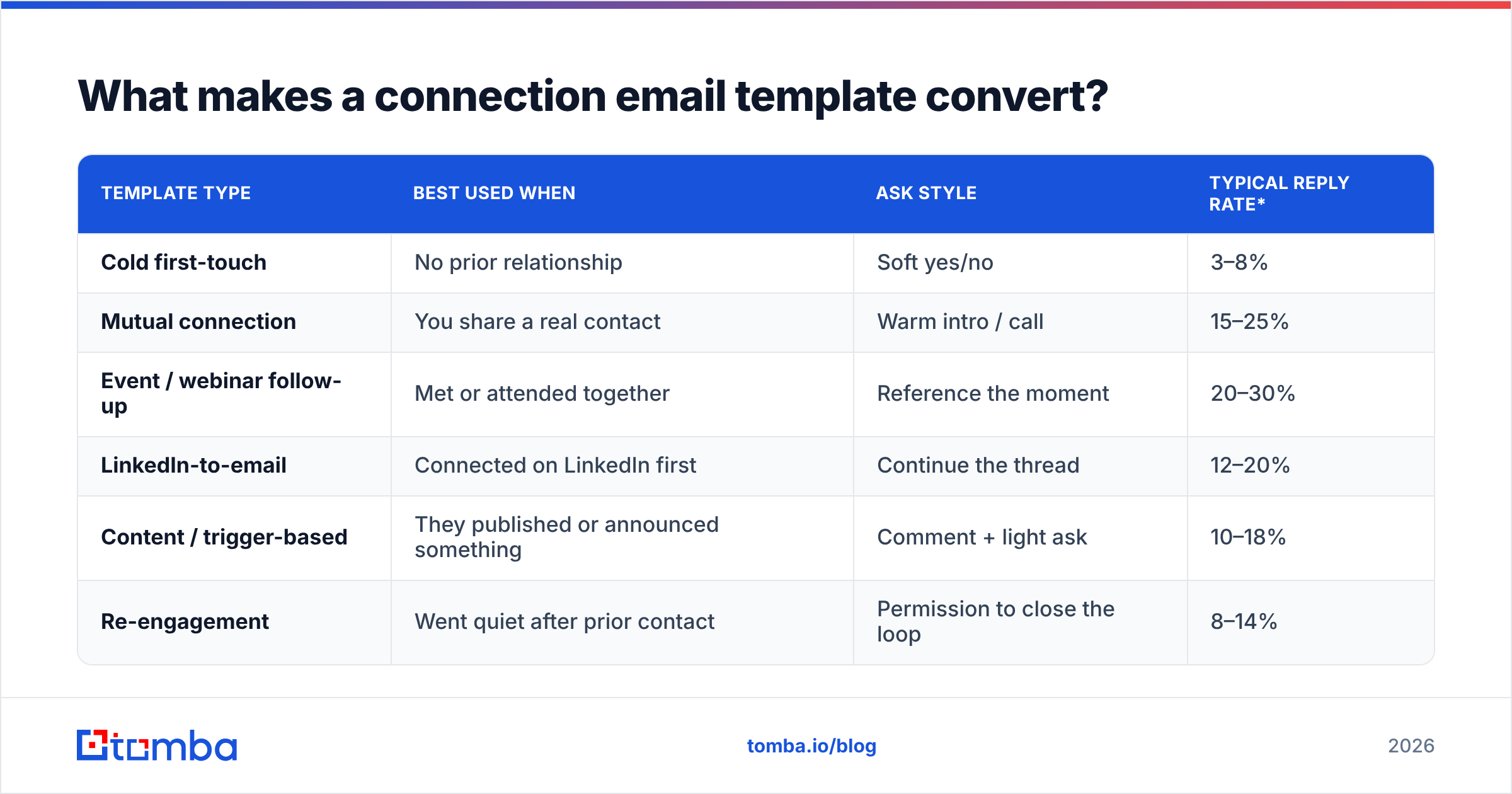
Template comparison at a glance#
| Template type | Best used when | Ask style | Typical reply rate* |
|---|---|---|---|
| Cold first-touch | No prior relationship | Soft yes/no | 3–8% |
| Mutual connection | You share a real contact | Warm intro / call | 15–25% |
| Event / webinar follow-up | Met or attended together | Reference the moment | 20–30% |
| LinkedIn-to-email | Connected on LinkedIn first | Continue the thread | 12–20% |
| Content / trigger-based | They published or announced something | Comment + light ask | 10–18% |
| Re-engagement | Went quiet after prior contact | Permission to close the loop | 8–14% |
*Directional ranges from public benchmarks like HubSpot's sales email data and vendor studies; your numbers depend on list quality and targeting.
12 connection email templates you can steal#
Copy these, swap the brackets, and cut anything that doesn't apply. Shorter is almost always better.
Cold first-touch#
1. The trigger-event opener
Subject: congrats on the [Series B]
Hi [First name],
Saw [Company] just closed [$X] — congrats. Teams usually staff up [function] fast right after that, which is exactly when [problem] gets loud.
We help [similar company] handle that without [pain]. Worth a quick look, or is this off your radar right now?
2. The observation opener
Subject: a note on your [pricing page / careers page]
Hi [First name],
Noticed [specific detail]. It looks like you're [inferred goal] — most teams at that stage hit [specific friction].
Curious how you're handling it today. Open to comparing notes?
3. The question opener
Subject: quick question on [topic]
Hi [First name],
How are you currently handling [specific process] at [Company]? Asking because [reason tied to what you do].
No pitch — genuinely curious. Two lines back and I'll leave you alone either way.
Mutual connection#
4. The name-drop intro
Subject: [Mutual] mentioned you
Hi [First name],
[Mutual name] suggested I reach out — we worked together on [context]. They thought [topic] might be relevant to what you're building at [Company].
Mind if I send over the two-minute version?
5. The shared-community angle
Subject: fellow [community / alum]
Hi [First name],
Fellow [community member] here. Saw your take on [topic] in [place] and it lined up with something we've been working on.
Would love to swap notes — open to a quick call next week?
Event and content follow-up#
6. The post-event note
Subject: great chat at [event]
Hi [First name],
Enjoyed our conversation about [specific topic] at [event]. You mentioned [pain] — I dug up [resource] afterward that might help.
Want me to send it over?
7. The webinar attendee
Subject: you asked about [topic]
Hi [First name],
You dropped a question about [topic] during [webinar] and we ran out of time. Short answer: [one-line answer].
Happy to go deeper if useful — worth 10 minutes?
8. The content-comment bridge
Subject: your post on [topic]
Hi [First name],
Your piece on [topic] nailed [specific point]. We see the same thing with [audience], and we've been testing [approach].
Would you be open to comparing what's working?
LinkedIn to email#
9. The continue-the-thread
Subject: following up from LinkedIn
Hi [First name],
Thanks for connecting on LinkedIn. You mentioned [detail from profile / message] — that's squarely what we work on.
Easier to show than tell. Want a two-minute overview?
10. The profile-signal opener
Subject: saw you own [area] at [Company]
Hi [First name],
Your profile says you lead [function]. Teams in that seat usually own [metric], and [problem] is what gets in the way.
Is that a priority this quarter, or should I check back later?
Re-engagement#
11. The polite close-the-loop
Subject: should I close this out?
Hi [First name],
Haven't heard back, which usually means the timing's off or it's not a fit — both totally fine.
Mind if I ask which one, so I know whether to check in down the road?
12. The new-reason re-touch
Subject: something changed since we last spoke
Hi [First name],
When we last talked, [old objection] was the blocker. That's exactly what [new development] solves now.
Worth a fresh look, or is the door closed for good?
For dozens more ready-to-send frameworks, browse the full library of cold email templates and adapt them to your niche.
How do you personalize a connection email template at scale?#
You separate the parts that stay fixed from the parts that must change per person, then you research only the parts that change. That's the entire trick.
- Fixed: the reason and the ask. Write these once per segment.
- Variable: line one — the relevance signal. This is the only line that requires research, and it's the only line that decides whether the email gets read.
Spending two minutes finding a real trigger (a promotion, a launch, a hiring spike, a published post) buys you more reply-rate lift than rewriting the body three times. If you're sourcing prospects at volume, pair the research with an accurate email finder so the right message reaches the right inbox instead of a guessed address that bounces.
And test your subject lines — the opener never gets judged if the subject doesn't earn the open. A quick pass through a subject line generator gives you variants to A/B without staring at a blank line.
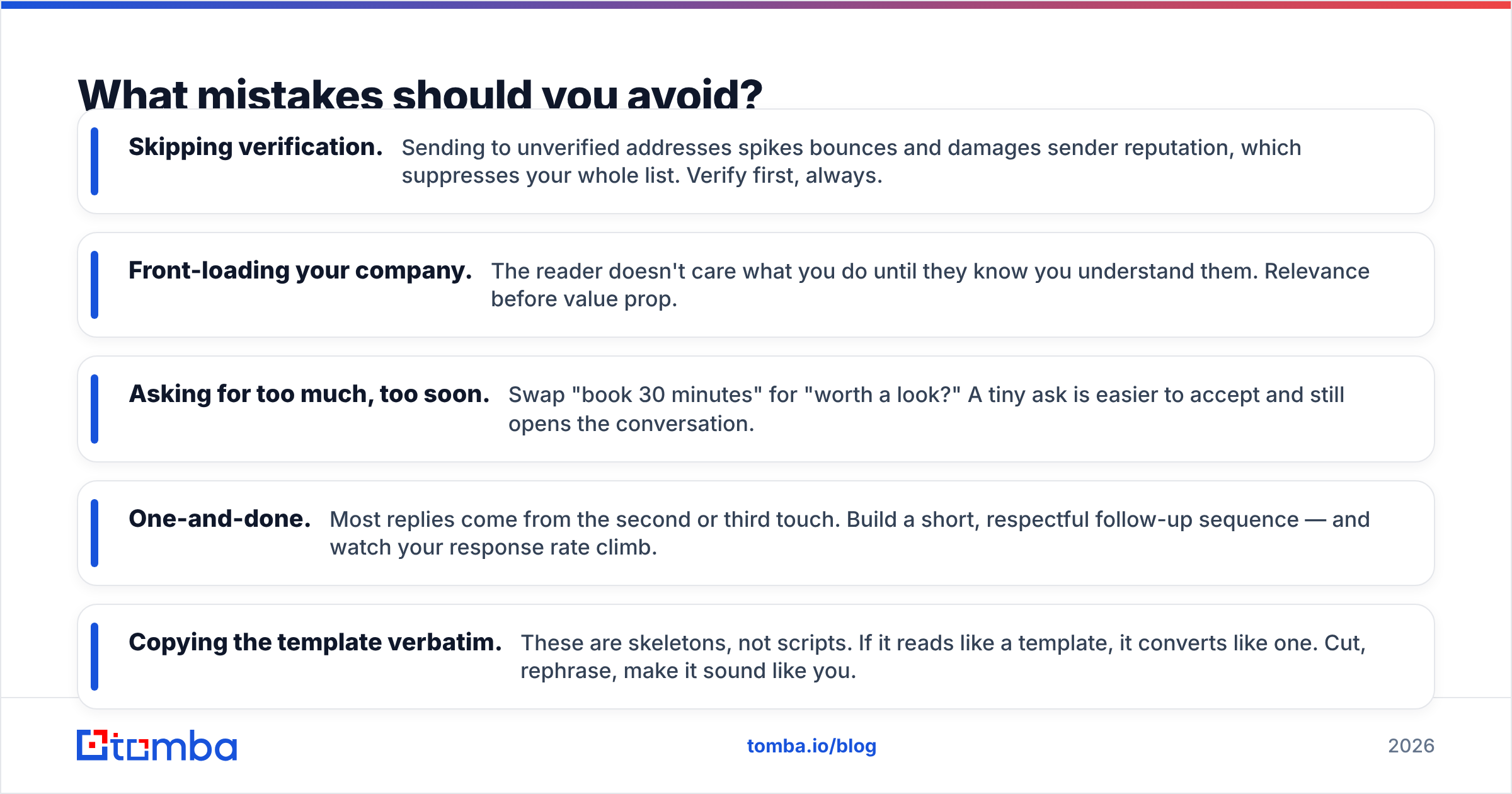
What mistakes should you avoid?#
- Skipping verification. Sending to unverified addresses spikes bounces and damages sender reputation, which suppresses your whole list. Verify first, always.
- Front-loading your company. The reader doesn't care what you do until they know you understand them. Relevance before value prop.
- Asking for too much, too soon. Swap "book 30 minutes" for "worth a look?" A tiny ask is easier to accept and still opens the conversation.
- One-and-done. Most replies come from the second or third touch. Build a short, respectful follow-up sequence — and watch your response rate climb.
- Copying the template verbatim. These are skeletons, not scripts. If it reads like a template, it converts like one. Cut, rephrase, make it sound like you.
Connection email template checklist#
Before you hit send, run the message against this list:
| Check | Pass condition |
|---|---|
| Subject line | Lowercase, human, under 6 words, no "quick question to grow revenue" |
| Line 1 | Contains one specific, provable detail about them |
| Length | Under 120 words, reads well on mobile |
| The ask | A single yes/no or low-effort next step |
| Address | Verified and deliverable, not guessed |
| Follow-up | At least two follow-ups scheduled, spaced out |
If every row passes, you've got a connection email that earns the reply instead of the delete.
Which template should you start with?#
Start with the mutual-connection template if you have a warm path — it has the highest reply rate by a wide margin. No warm path? Use the trigger-event opener; a real, timely reason is the closest a cold email gets to warm. Whichever you pick, the fixed rule holds: relevance first, small ask last, and never send to an address you haven't verified.
The best copy in the world still fails on a bad list. Before your next campaign, run your prospects through the Tomba Email Finder to source accurate, deliverable addresses by name, company, or domain — so every connection email template you just copied actually reaches a real inbox and gets the chance to earn a reply. Start free with 25 searches a month, and check the Tomba pricing plans when you're ready to scale.
Related guides#
Ready to find emails that actually work?
Join 150,000+ professionals who stopped guessing and started sending. Free credits on signup — no credit card required.
Get the Tomba newsletter
Practical outbound tactics and product updates — once every two weeks.
About the author