What Is a Contact Database and How to Build One in 2026
A contact database is only as good as its freshness. Here's how to build, buy, and verify one that actually converts in 2026 — without burning budget on bounced emails.
A contact database sounds simple: a list of people you can reach. In practice it's the single asset that decides whether your outbound, marketing, and RevOps motions work at all. Feed your team fresh, verified records and everything downstream compounds. Feed them a stale CSV and you pay for it in bounce rates, wasted rep hours, and a burned sending domain.
This guide breaks down what a contact database actually is, how to decide between building and buying one, what it costs in 2026, and — the part most people skip — how to stop it from rotting.
TL;DR#
- A contact database is a structured, queryable store of people and company records (name, email, phone, title, firmographics) that powers sales and marketing outreach.
- Build vs buy is the wrong question — most winning teams do both: buy a base layer, then enrich and verify continuously.
- Contact data decays ~2.5% per month (roughly 30% per year), so accuracy maintenance matters more than initial size.
- Real cost is rarely the subscription — it's bounced sends, lost deliverability, and rep time chasing dead records.
- Verify before you send. A contact database plus real-time email verification beats a bigger, dirtier list every time.
What is a contact database?#
A contact database is a structured collection of records about the people and companies you want to reach, organized so you can search, filter, segment, and export them on demand.
Think of it like a library catalog rather than a pile of books. A pile of business cards is data; a contact database is that same information indexed by title, industry, company size, and location so you can pull "VP-level marketers at 200–500 person SaaS companies in the US" in seconds. The structure is the product.
A modern B2B contact record usually holds three layers:
- Identity data — full name, verified work email, direct or mobile phone, LinkedIn URL.
- Firmographic data — company name, domain, headcount, revenue band, industry, HQ location.
- Context data — job title, seniority, department, technologies used, and signals like recent funding or hiring.
That layering is what separates a real contact database from a spreadsheet. Each field becomes a filter, and each filter becomes a targeting decision.

What makes a contact database actually good?#
Size is the vanity metric everyone quotes; accuracy is the one that pays. A database of 5 million records where a third bounce is worse than 500k clean, deliverable contacts — because bounces damage your sender reputation and drag every future campaign down with them.
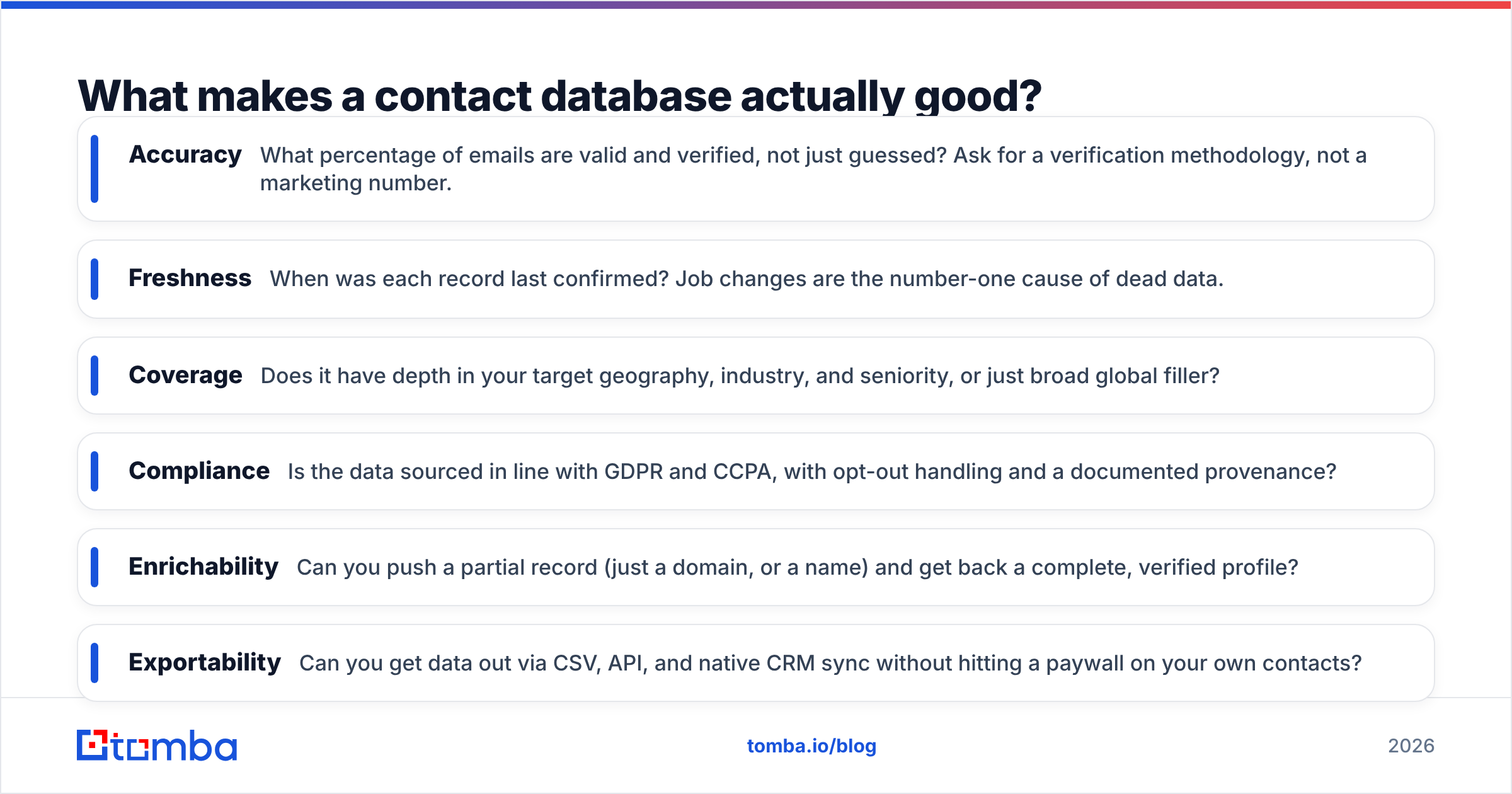
Judge any contact database on these attributes, not the headline count:
- Accuracy — What percentage of emails are valid and verified, not just guessed? Ask for a verification methodology, not a marketing number.
- Freshness — When was each record last confirmed? Job changes are the number-one cause of dead data.
- Coverage — Does it have depth in your target geography, industry, and seniority, or just broad global filler?
- Compliance — Is the data sourced in line with GDPR and CCPA, with opt-out handling and a documented provenance?
- Enrichability — Can you push a partial record (just a domain, or a name) and get back a complete, verified profile?
- Exportability — Can you get data out via CSV, API, and native CRM sync without hitting a paywall on your own contacts?
If a vendor can't answer the freshness and accuracy questions with specifics, treat the headline record count as fiction.
Should you build or buy a contact database?#
Short answer: buy a foundation, then build on top of it with continuous enrichment. Pure "build from scratch" is slow; pure "buy a static list" rots. The hybrid model wins because it combines coverage with control.
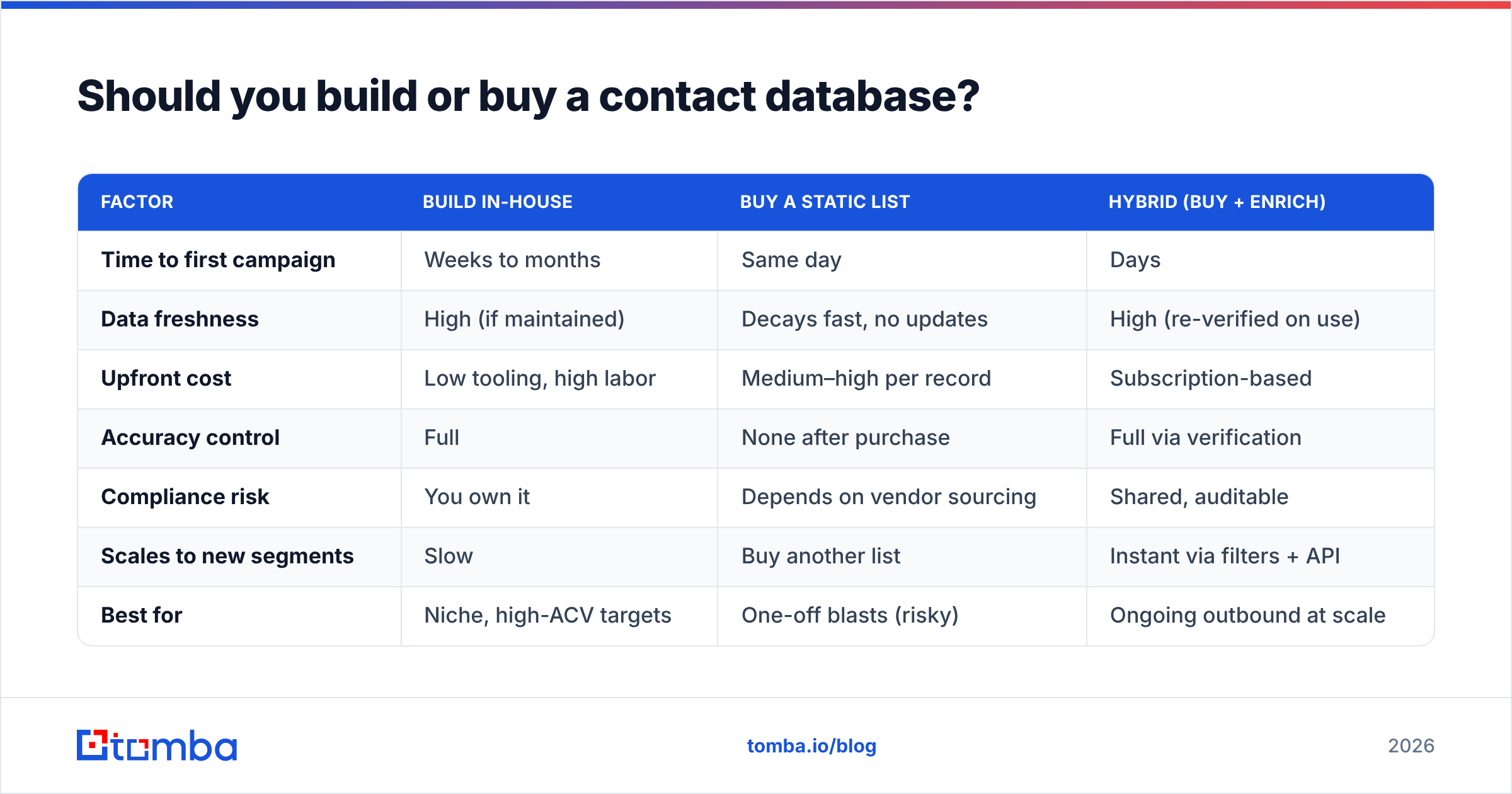
Here's how the three approaches compare:
| Factor | Build in-house | Buy a static list | Hybrid (buy + enrich) |
|---|---|---|---|
| Time to first campaign | Weeks to months | Same day | Days |
| Data freshness | High (if maintained) | Decays fast, no updates | High (re-verified on use) |
| Upfront cost | Low tooling, high labor | Medium–high per record | Subscription-based |
| Accuracy control | Full | None after purchase | Full via verification |
| Compliance risk | You own it | Depends on vendor sourcing | Shared, auditable |
| Scales to new segments | Slow | Buy another list | Instant via filters + API |
| Best for | Niche, high-ACV targets | One-off blasts (risky) | Ongoing outbound at scale |
The failure mode teams regret most is the middle column: buying a big static list, blasting it once, and torching their domain reputation before anyone reviews a single reply. If you only remember one thing, remember that a purchased list is a starting point to verify — never a finished asset to send.
For the build side, a B2B database with a company email search API lets your team pull verified contacts by domain on demand, so the "build" motion is really just querying and verifying rather than manual research.

How much does a contact database cost in 2026?#
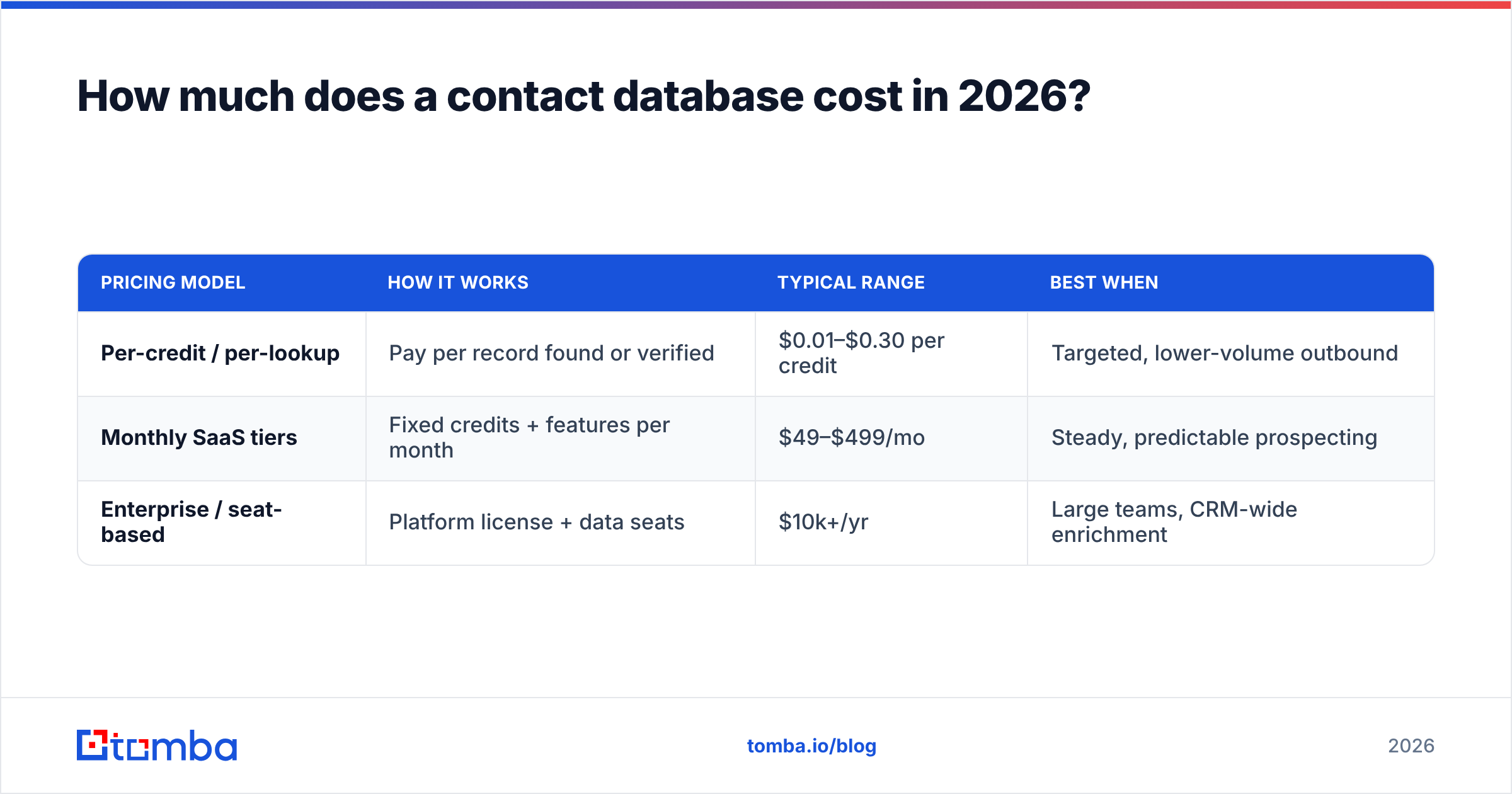
The sticker price is the smallest line item. Most contact-database pricing falls into three models, and the right one depends on how you consume data.
| Pricing model | How it works | Typical range | Best when |
|---|---|---|---|
| Per-credit / per-lookup | Pay per record found or verified | $0.01–$0.30 per credit | Targeted, lower-volume outbound |
| Monthly SaaS tiers | Fixed credits + features per month | $49–$499/mo | Steady, predictable prospecting |
| Enterprise / seat-based | Platform license + data seats | $10k+/yr | Large teams, CRM-wide enrichment |
As a concrete anchor, Tomba pricing runs a Free tier at 25 searches per month, Starter at $49/mo, Growth at $99/mo, Pro at $249/mo, and custom Enterprise — a credit-plus-tiers model that keeps per-record cost predictable as you scale.
But the real cost of a contact database is hidden below the subscription:
- Bounce cost — Every hard bounce chips at your domain reputation. Enough of them and your good emails start landing in spam, which is far more expensive than any per-credit fee.
- Rep time — A sales rep researching or cleaning bad records instead of selling is your most expensive data-quality tax.
- Opportunity cost — Reaching the wrong person, or the right person two roles ago, means the deal never enters your pipeline at all.
When you price a contact database, model cost-per-deliverable-contact, not cost-per-record. A cheaper list with a 25% bounce rate is almost always more expensive once you account for the damage.
How do you keep a contact database accurate?#
Accept the decay, then engineer around it. Industry analysts have long estimated B2B contact data degrades by roughly 2–3% per month as people change jobs, companies rebrand, and domains shift — Gartner and others peg annual decay near 30%. A database you bought clean in January is meaningfully dirty by summer if you do nothing.
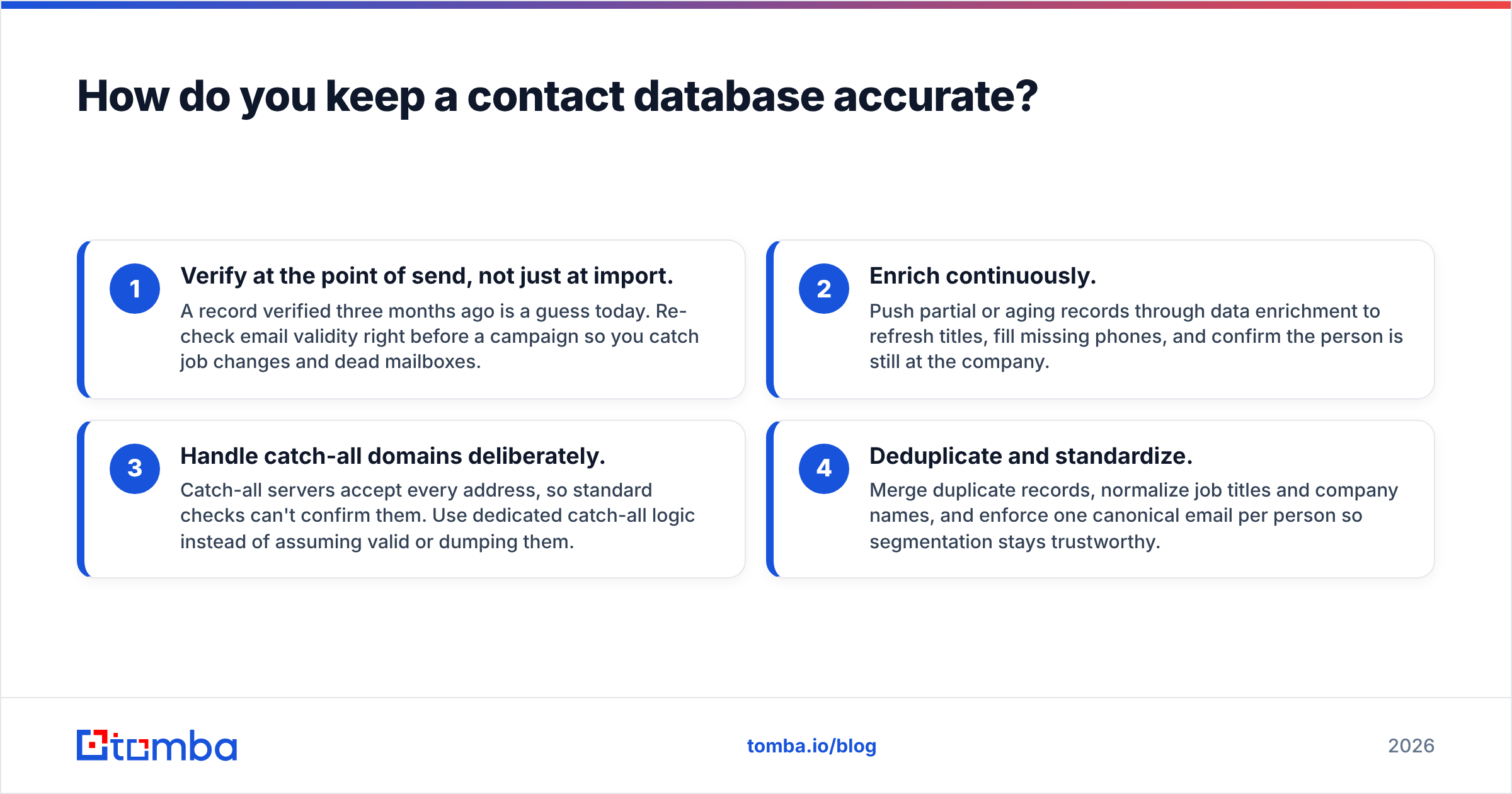
Four practices keep it usable:
- Verify at the point of send, not just at import. A record verified three months ago is a guess today. Re-check email validity right before a campaign so you catch job changes and dead mailboxes.
- Enrich continuously. Push partial or aging records through data enrichment to refresh titles, fill missing phones, and confirm the person is still at the company.
- Handle catch-all domains deliberately. Catch-all servers accept every address, so standard checks can't confirm them. Use dedicated catch-all logic instead of assuming valid or dumping them.
- Deduplicate and standardize. Merge duplicate records, normalize job titles and company names, and enforce one canonical email per person so segmentation stays trustworthy.
The teams that treat verification as a workflow — not a one-time cleanup — are the ones whose reply rates hold steady quarter over quarter.
Contact database vs. CRM vs. lead list — what's the difference?#
These three get used interchangeably and shouldn't be. A contact database is the sourcing and enrichment layer: where verified records come from. A CRM (what a CRM is) is the system of record for relationships you're already managing — deals, activities, history. A lead list is a static, point-in-time slice you pulled for one purpose.
The healthy flow is: contact database → verify → import into CRM → work the relationship. Problems start when people treat a stale exported lead list as if it were a live database, or dump unverified records straight into the CRM and pollute the system everything else depends on.
Reputable review sites like G2 and buyer research from HubSpot both make the same point in different words: clean data at the top of the funnel is cheaper than fixing dirty data everywhere downstream.
What should you look for when choosing a contact database provider?#
Run every vendor through the same short checklist before you commit budget:
- Show me the accuracy method. Guessed emails and verified emails are not the same product. Ask how addresses are confirmed.
- How fresh, exactly? Get the last-verified logic in writing, not a "regularly updated" line.
- Can I verify in real time? The best providers let you re-check a record via API at the moment of use.
- What are the export and API limits? Your data should be portable — CSV, API, and CRM sync without a fee to access your own contacts.
- Where does the data come from? Documented, compliant sourcing protects you from GDPR and CCPA exposure.
- Does it enrich, not just list? A provider that turns a domain or a name into a full verified profile saves your team the research entirely.
A provider that answers all six with specifics is rare — and worth more than one boasting the biggest raw count.
The bottom line#
A great contact database isn't the biggest one; it's the one that's still accurate the day you hit send. Buy a solid foundation, enrich it continuously, verify before every campaign, and measure cost per deliverable contact rather than per record. Do that and your database becomes a compounding asset instead of a depreciating liability.
Ready to build a contact database that stays clean? Start with the Tomba Email Finder to source verified professional emails by name, domain, or company — then run every record through real-time verification before it ever touches your CRM. You can test it on the Free tier (25 searches/month) and scale into a paid plan only when the accuracy proves itself. Fresh, deliverable data is the cheapest growth lever you have; stop paying the bounce tax and put it to work.
Related guides#
Ready to find emails that actually work?
Join 150,000+ professionals who stopped guessing and started sending. Free credits on signup — no credit card required.
Get the Tomba newsletter
Practical outbound tactics and product updates — once every two weeks.
About the author