Contact Finder in 2026: Find Emails, Phones, and More
A contact finder turns a name or domain into verified emails and phone numbers. Here's how they work, what accuracy really means, and how the top tools compare in 2026.
You have a name and a company. What you need is a working email, a direct phone line, and enough context to write something a busy buyer will actually answer. A contact finder is the tool that closes that gap — but the market is loud, accuracy claims are inflated, and it is easy to pay for a database of bounces.
This guide explains what a contact finder actually does, how to judge accuracy honestly, where the good ones differ, and how to pick one without wasting a month of credits.
TL;DR#
- A contact finder converts a name, domain, or LinkedIn profile into verified business contact details — email, phone, title, and company data.
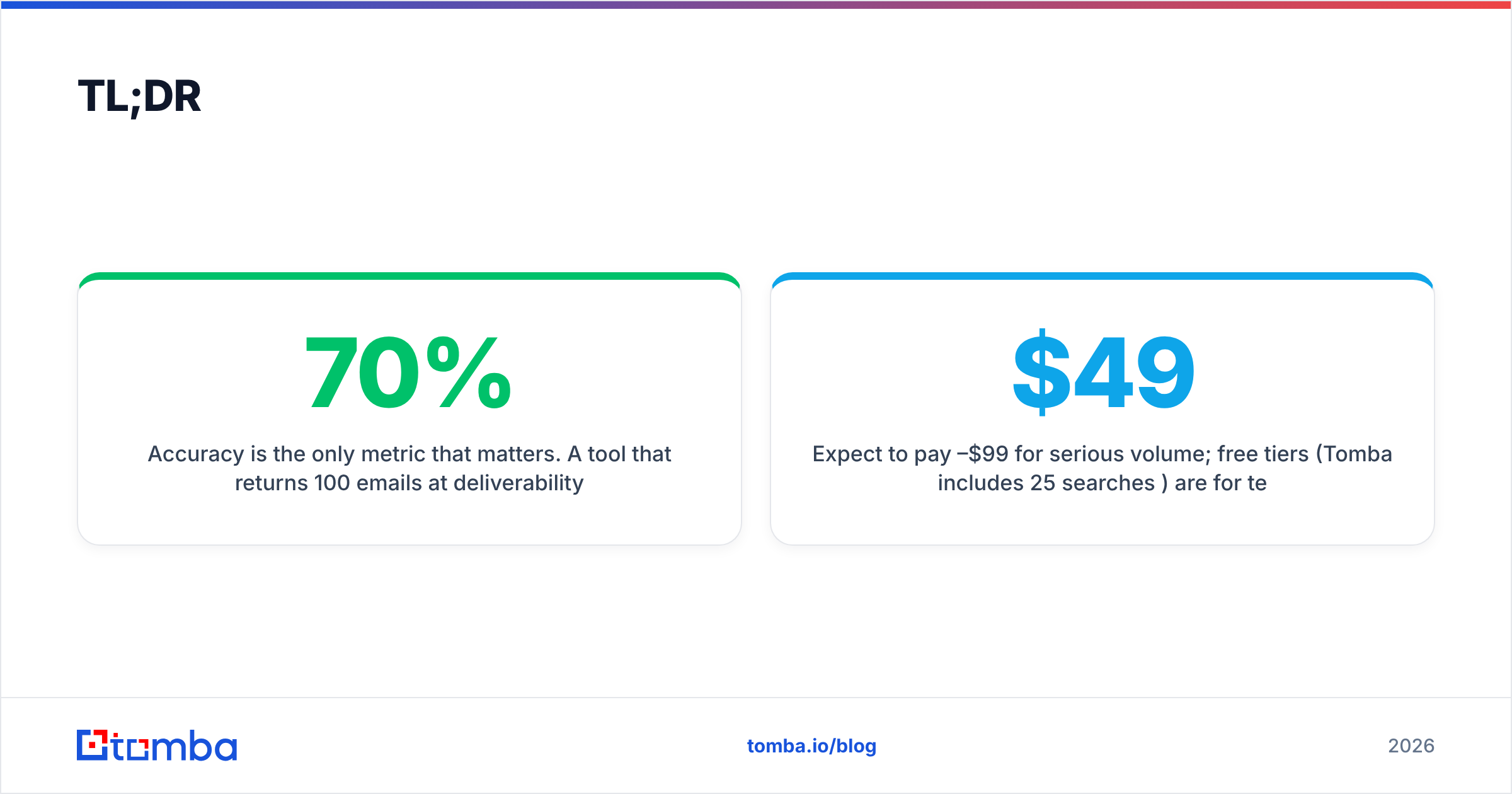
- Accuracy is the only metric that matters. A tool that returns 100 emails at 70% deliverability is worse than one returning 60 at 97%.
- The best tools verify at the moment of search (real-time SMTP checks) instead of serving stale rows from a scraped dump.
- Expect to pay $49–$99/mo for serious volume; free tiers (Tomba includes 25 searches/mo) are for testing accuracy before you commit.
- Match the tool to the job: domain-wide discovery, single-lead lookups, or bulk list enrichment are three different workflows.
What is a contact finder?#
A contact finder is software that takes a small input — a person's name plus a company, a company domain, or a LinkedIn URL — and returns their reachable business contact information. Think of it as a reverse phone book for the modern web: you already know who, and the tool figures out how to reach them.
Under the hood, a good contact finder does three things in sequence:
- Discovery — it locates candidate contact data from public sources, its own crawled index, and partner data.
- Pattern matching — it infers the company's email format (for example,
first.last@company.com) from known addresses on that domain. - Verification — it pings the mail server or phone carrier to confirm the contact exists right now, not last quarter.
That third step is where cheap tools quietly fail. Anyone can scrape a list. Confirming that jane.doe@acme.com still accepts mail without sending her an email is the hard, valuable part.

How does a contact finder actually work?#
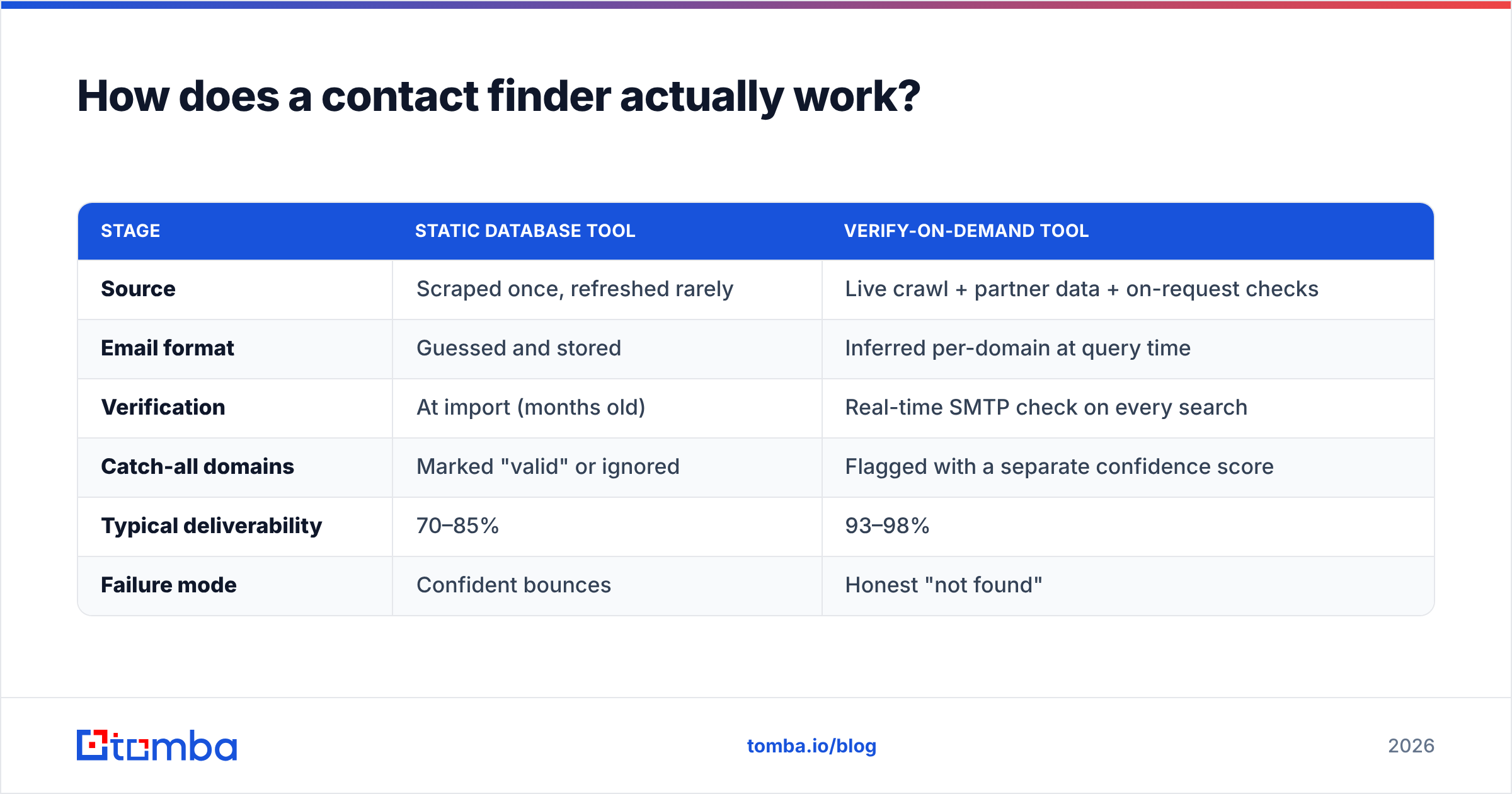
Most people picture a giant static spreadsheet in the cloud. The good tools are closer to a live search engine. Here is the difference between a "database dump" model and a "verify-on-demand" model, which is the single biggest driver of the results you get.
| Stage | Static database tool | Verify-on-demand tool |
|---|---|---|
| Source | Scraped once, refreshed rarely | Live crawl + partner data + on-request checks |
| Email format | Guessed and stored | Inferred per-domain at query time |
| Verification | At import (months old) | Real-time SMTP check on every search |
| Catch-all domains | Marked "valid" or ignored | Flagged with a separate confidence score |
| Typical deliverability | 70–85% | 93–98% |
| Failure mode | Confident bounces | Honest "not found" |
The practical takeaway: a tool that sometimes says "we could not verify this" is being honest with you. A tool that always returns something is often handing you guesses dressed up as data. You pay for that optimism in bounce rate, and a high bounce rate damages your sender reputation — which quietly tanks every future campaign.
If you want to go deeper on the search-by-company mechanic, Tomba's domain search walks through how a single domain expands into a full org chart of verified addresses.
What can a contact finder actually find?#
"Contact" means more than an email address in 2026. A capable platform returns a stack of fields you can use to personalize and route outreach:
- Business email — the core deliverable, ideally with a confidence score attached.
- Direct phone numbers — mobile or desk lines for cold calling, which still outperforms email for late-stage deals.
- Job title and seniority — so you filter for decision-makers, not interns.
- Company firmographics — size, industry, tech stack, and location for segmentation.
- Social profiles — LinkedIn and other handles for multi-channel sequencing.
The width of that record matters because modern outbound is multi-touch. An email-only tool forces you to stitch together three subscriptions; a full contact finder with built-in data enrichment gives you one clean row per lead.
How accurate are contact finders, really?#
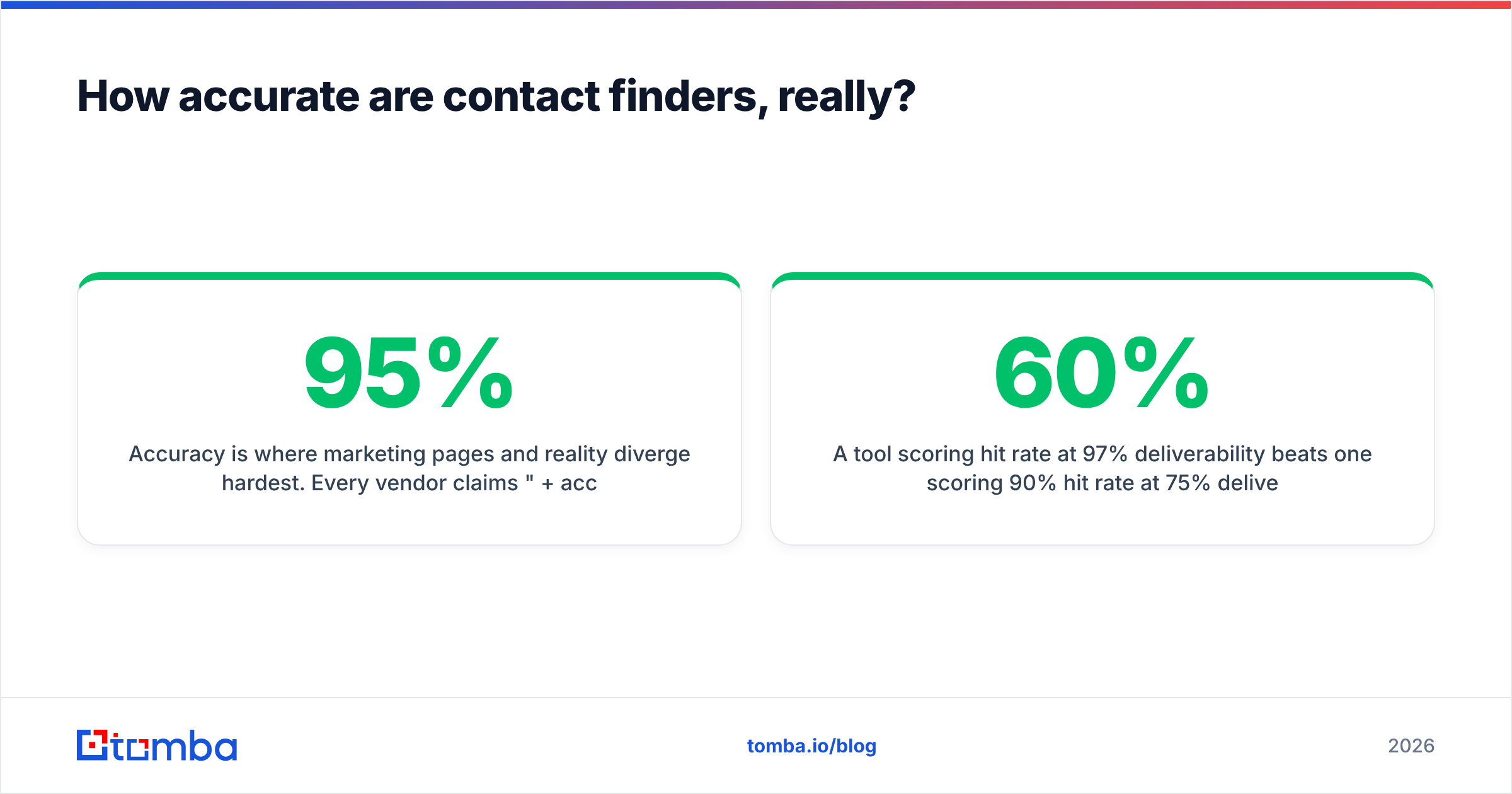
Accuracy is where marketing pages and reality diverge hardest. Every vendor claims "95%+ accuracy," but they measure it differently — some count "syntactically valid" emails, others count actual inbox delivery. Only the second definition should influence your purchase.

When you evaluate, run your own test rather than trusting a headline number. Take 50 contacts you can independently confirm, run them through the free tier, and check three things:
- Hit rate — what percentage returned any result?
- Deliverability — of those results, how many survived an independent email verification pass?
- Honesty rate — how often did the tool admit it could not find someone, versus inventing a plausible-looking address?
A tool scoring 60% hit rate at 97% deliverability beats one scoring 90% hit rate at 75% deliverability. The second one feels better until you watch a quarter of your sends bounce. Independent review sites like G2 are useful for spotting patterns across hundreds of users, but nothing replaces a test on your own target market.
Is a contact finder better than buying a lead list?#
For almost every B2B team, yes — and it is not close. Purchased lists are static the moment they are sold. People change jobs at roughly 20–30% per year, so a list is decaying before the invoice clears. A contact finder pulls fresh data at the moment you need it and verifies it live.
There is one nuance worth respecting: some vendors, like BookYourData, sell pre-built lists that come with a deliverability guarantee, which can be a reasonable fit when you want a large volume of a specific persona fast and do not want to run searches yourself. The honest framing is that list-buying and on-demand finding solve slightly different problems. If your motion is "reach these 40 named accounts this week," an on-demand contact finder wins on precision and freshness. If your motion is "load 10,000 matching a firmographic filter," a guaranteed list has a place.

How do the top contact finder tools compare?#
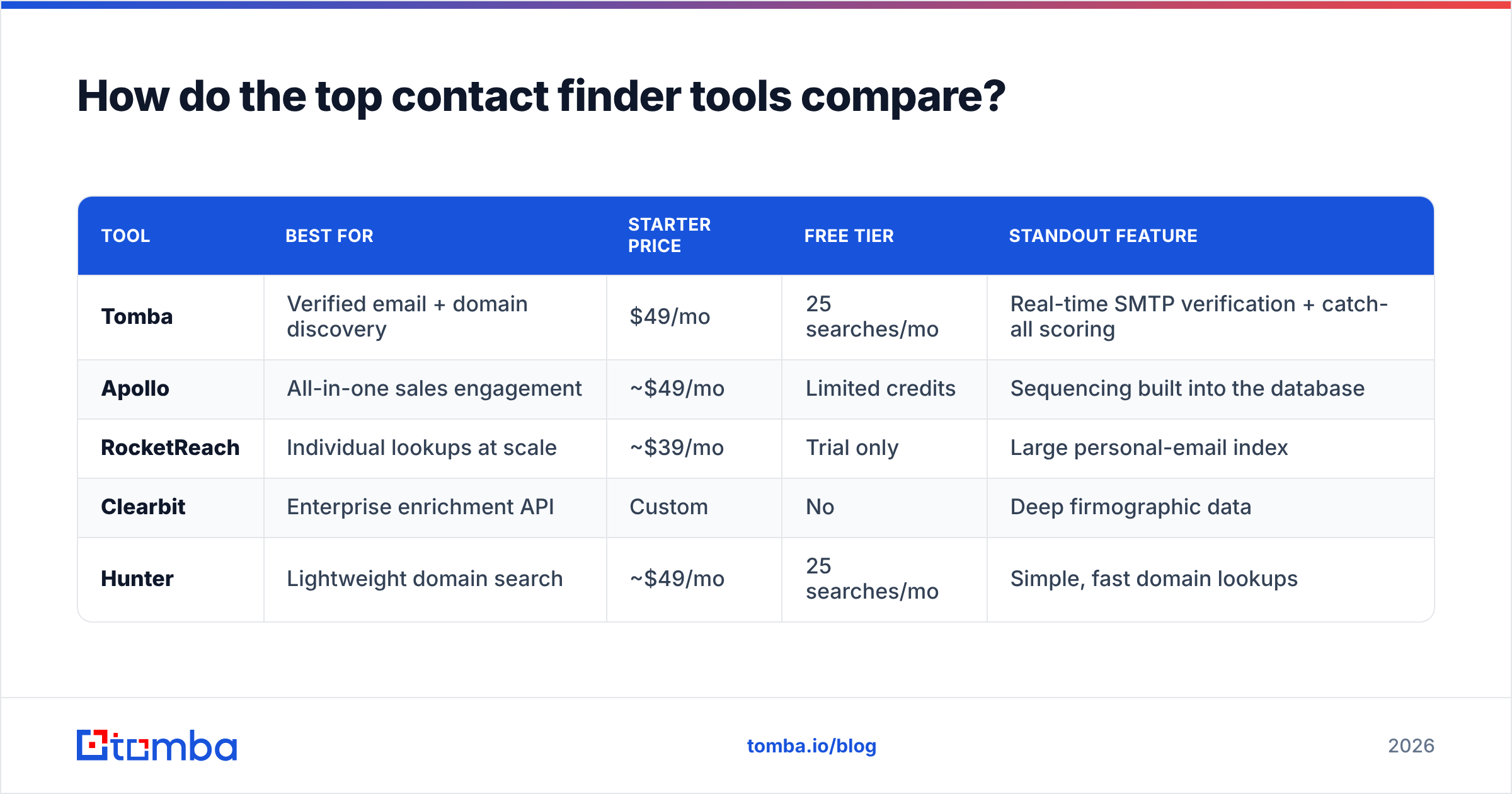
The category blurs together email finders, sales-intelligence suites, and enrichment APIs. Here is a grounded comparison of what each type optimizes for and where the pricing lands.

| Tool | Best for | Starter price | Free tier | Standout feature |
|---|---|---|---|---|
| Tomba | Verified email + domain discovery | $49/mo | 25 searches/mo | Real-time SMTP verification + catch-all scoring |
| Apollo | All-in-one sales engagement | ~$49/mo | Limited credits | Sequencing built into the database |
| RocketReach | Individual lookups at scale | ~$39/mo | Trial only | Large personal-email index |
| Clearbit | Enterprise enrichment API | Custom | No | Deep firmographic data |
| Hunter | Lightweight domain search | ~$49/mo | 25 searches/mo | Simple, fast domain lookups |
A few honest notes on reading this table. Apollo bundles a full sequencing engine, so it is a heavier commitment if you only want lookups. RocketReach leans toward personal emails, which suits recruiters more than compliant B2B outbound. Clearbit is an enrichment engine first and a finder second — powerful, but priced for platform teams. Tomba and Hunter sit closest on the "find and verify" job, with Tomba adding catch-all verification and a broader tool suite around the core finder.
For the full breakdown of tiers and volume, the Tomba pricing page lays out where the credit ceilings sit on each plan.
What should you look for when choosing a contact finder?#
Cut through the feature lists with these five questions. If a vendor cannot answer them plainly, that is your answer.
- Does it verify in real time? Verification at search time, not at import, is non-negotiable for deliverability.
- How does it handle catch-all domains? Roughly 15–20% of B2B domains accept all mail. A good tool scores these separately instead of pretending they are clean.
- Is there a real free tier? You need to test accuracy on your market before paying. A trial that expires in three days is not a test.
- Does it fit your workflow? Chrome extension, bulk CSV enrichment, API, and CRM sync each serve a different team. Buy for how you actually work.
- Is the data sourced compliantly? Ask where the data comes from and how deletion requests are handled. This matters for GDPR and CCPA exposure.
The contact finder as a concept is simple; the execution gap between vendors is enormous. These five questions surface that gap quickly.
Which workflow fits your team?#
Match the tool shape to your motion:
- Single-lead, high-value outreach — you want a Chrome extension and a browser-based finder so you can grab a verified email while viewing a prospect's profile.
- Account-based selling — you want domain search to map every reachable person at a target account, then filter by title.
- High-volume bulk lists — you want CSV upload and API access, with verification baked in so you are not exporting bounces into your CRM.
- Multi-channel sequencing — you want email and phone in one record, so a finder with an integrated phone module saves a second subscription.
Most teams underestimate how much time they lose stitching three tools together. A single contact finder that covers discovery, verification, and enrichment usually pays for itself in reclaimed rep hours before you even count the deliverability gains.
The bottom line#
A contact finder is worth it when it is honest — when it verifies at search time, flags what it is unsure about, and hands you contacts that actually reach a human inbox. The wrong tool feels generous and quietly wrecks your sender reputation with confident bounces. The right one occasionally says "not found," and your reply rate thanks it.
Start by testing accuracy on your own target list before you commit a dollar. If you want a finder built around real-time verification with a genuine free tier, try the Tomba Email Finder — 25 free searches a month, per-domain pattern matching, and live SMTP checks on every result, so what lands in your CRM is what lands in the inbox. Run your 50-contact test, compare the deliverability, and let the numbers pick your tool.
Related guides#
Ready to find emails that actually work?
Join 150,000+ professionals who stopped guessing and started sending. Free credits on signup — no credit card required.
Get the Tomba newsletter
Practical outbound tactics and product updates — once every two weeks.
About the author