Contact Info Finder: How to Find Anyone's Email and Phone in 2026
A contact info finder turns a name or domain into a verified email and phone number in seconds. Here's how the tools actually work, what accuracy really means, and how to pick one in 2026.
Finding one person's work email used to mean digging through an "About" page, guessing first.last@, and hoping the message didn't bounce. A contact info finder collapses that whole ritual into a single lookup: type a name and a company, get back a verified email address, a phone number, and often a LinkedIn profile. This guide explains how these tools work, what "accuracy" actually means, and how to choose one in 2026 without overpaying for data you can't trust.
TL;DR#
- A contact info finder takes an identifier you already have (a name, a domain, or a LinkedIn URL) and returns the missing pieces — email, phone, title, company — with a confidence or verification score.
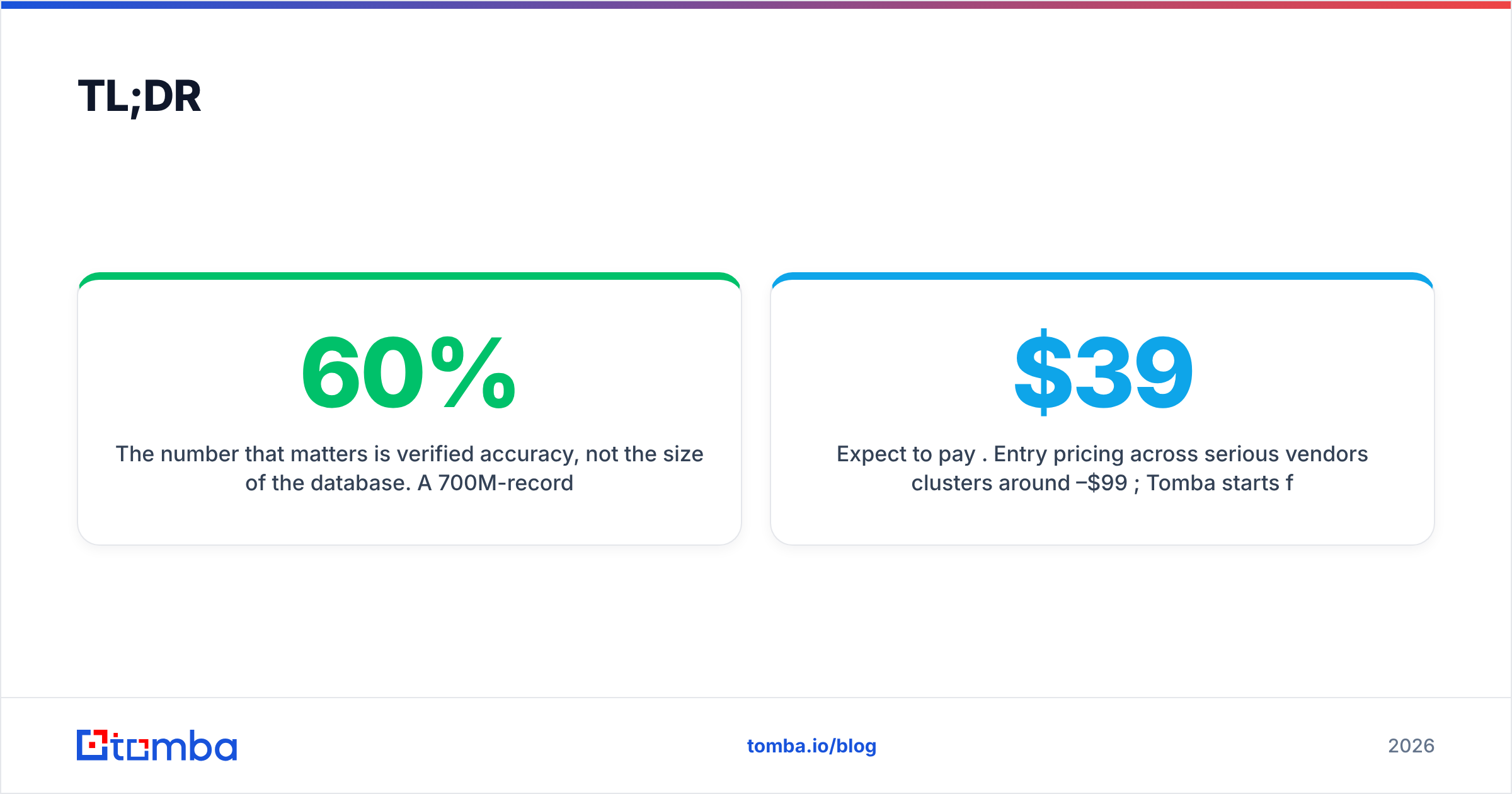
- The number that matters is verified accuracy, not the size of the database. A 700M-record tool with 60% deliverability is worse than a 400M-record tool that verifies every result.
- Expect to pay per credit. Entry pricing across serious vendors clusters around $39–$99/month; Tomba starts free (25 searches) and moves to $49/mo at the Starter tier.
- The best workflow is find → verify → enrich: locate the contact, confirm the email is deliverable, then append firmographic data before it hits your CRM.
- Match the tool to the job — B2B email at scale, mobile phone numbers, or website-visitor identification are three different problems with three different best-fit tools.

What is a contact info finder?#
A contact info finder is a lookup engine that resolves a partial identity into a complete, reachable contact record. Think of it like a reverse phone book for the modern web: instead of flipping from a name to a listing, you feed it whatever fragment you have — a full name plus employer, a company domain, or a social profile — and it returns the channels you can actually use to reach that person.
Under the hood, most tools blend three data-gathering methods:
- Pattern detection — The engine learns a company's email format (
{first}.{last}@domain.com,{f}{last}@, and so on) from known addresses at that domain, then applies the pattern to new names. - Web crawling and public sources — Corporate sites, press releases, author bylines, GitHub commits, and other openly published pages are indexed for contact signals.
- Real-time verification — Before a result is handed back, the tool pings the mail server (SMTP handshake), checks MX records, and flags catch-all domains so you know whether the address will actually accept mail.
The output isn't a raw guess. A good contact info finder attaches a confidence score to every result and, ideally, a separate deliverability verdict. That distinction — found versus verified — is the single most important thing to understand before you buy.
If you want the deeper mechanics of the first pillar, our breakdown of how a domain search maps every address on a company's domain is the natural next read.
How does a contact info finder actually work?#
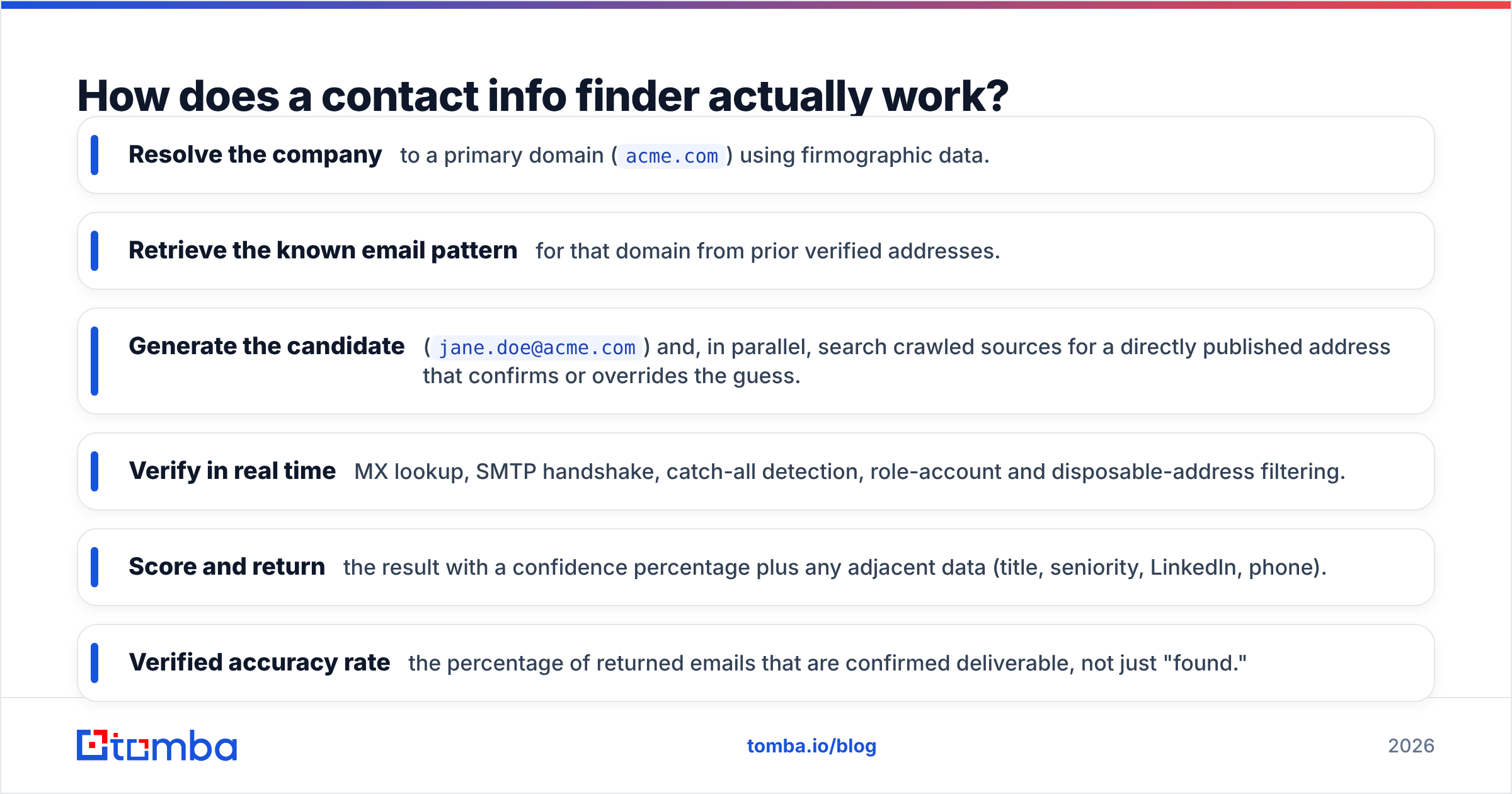
Here's the sequence a typical B2B lookup runs through when you submit "Jane Doe, Acme Corp":
- Resolve the company to a primary domain (
acme.com) using firmographic data. - Retrieve the known email pattern for that domain from prior verified addresses.
- Generate the candidate (
jane.doe@acme.com) and, in parallel, search crawled sources for a directly published address that confirms or overrides the guess. - Verify in real time — MX lookup, SMTP handshake, catch-all detection, role-account and disposable-address filtering.
- Score and return the result with a confidence percentage plus any adjacent data (title, seniority, LinkedIn, phone).
The phone side works differently. Mobile and direct-dial numbers rarely sit on public web pages, so phone-capable tools lean on partner data networks, opt-in contributory databases, and telecom-grade validation. That's why a tool can be excellent at email and mediocre at phone, or vice versa — the sourcing problems aren't the same. If direct dials are your priority, evaluate a dedicated phone finder separately rather than assuming your email tool covers it.

Why "accuracy" is the number that matters#
Vendors love to advertise database size — "700 million contacts!" — because it's a big, impressive number. It's also close to meaningless on its own. Contact data decays fast: people change jobs, companies rebrand domains, and email formats get updated. Research across the industry consistently pegs B2B data decay at roughly 30% per year. A giant database that isn't continuously re-verified is a giant pile of bounces waiting to torch your sender reputation.
What you actually want to compare:
- Verified accuracy rate — the percentage of returned emails that are confirmed deliverable, not just "found."
- Bounce rate in practice — what real users report, ideally corroborated on G2 reviews rather than the vendor's own landing page.
- Catch-all handling — does the tool tell you when a domain accepts everything (making verification uncertain), or does it quietly pass those off as "valid"?
- Coverage for your segment — a tool strong on US tech companies may be thin on EU manufacturing or APAC startups.
Run a small paid pilot against a list of contacts you can independently confirm before you trust any headline accuracy claim. The gap between marketing and reality is where wasted credits live.
What data can a contact info finder return?#
The best tools go well past a single email field. A complete contact record in 2026 typically includes:
- Professional email — the primary work address, verified.
- Phone numbers — direct dial or mobile, where available and compliant.
- Job title and seniority — for routing and personalization.
- Company firmographics — industry, size, revenue band, HQ location.
- Social profiles — LinkedIn most importantly, sometimes X/Twitter or GitHub.
- A confidence/verification score — so you can threshold before you send.
This is where enrichment overlaps with finding. Many teams use a finder to locate the contact, then run data enrichment to append the firmographic and technographic layers their scoring model needs. Keeping those two steps in one platform avoids the credit leakage and record-matching headaches that come from stitching three vendors together.
How to choose a contact info finder in 2026#
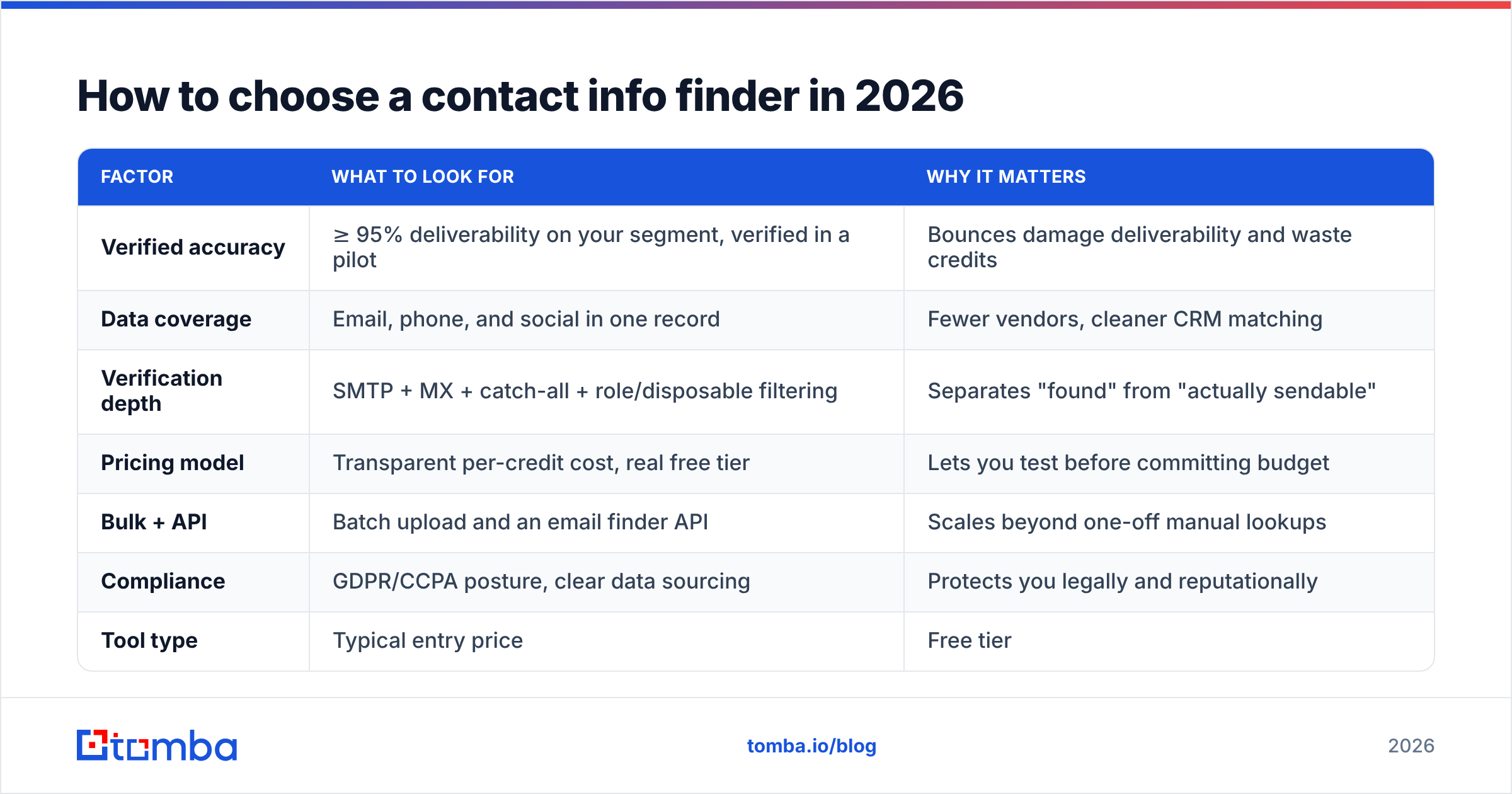
Pick based on the job to be done, not the longest feature list. Use this comparison as a starting frame, then validate the accuracy claims yourself with a pilot.
| Factor | What to look for | Why it matters |
|---|---|---|
| Verified accuracy | ≥ 95% deliverability on your segment, verified in a pilot | Bounces damage deliverability and waste credits |
| Data coverage | Email, phone, and social in one record | Fewer vendors, cleaner CRM matching |
| Verification depth | SMTP + MX + catch-all + role/disposable filtering | Separates "found" from "actually sendable" |
| Pricing model | Transparent per-credit cost, real free tier | Lets you test before committing budget |
| Bulk + API | Batch upload and an email finder API | Scales beyond one-off manual lookups |
| Compliance | GDPR/CCPA posture, clear data sourcing | Protects you legally and reputationally |
How the main tool types compare on price#
Vendors bundle "contact finding" differently — some price on credits, some on seats, some gate phone data behind higher tiers. Here's the shape of the market at the entry level.
| Tool type | Typical entry price | Free tier | Best for |
|---|---|---|---|
| Tomba | $49/mo (Starter) | 25 searches/mo | B2B email + domain search, verification built in |
| All-in-one sales platform | $49–$99/mo per seat | Limited trial | Teams wanting email + sequences + dialer together |
| Phone-first finder | $79–$99/mo | Small trial | Mobile/direct-dial-heavy outbound |
| Verification-only tool | Pay-as-you-go | A few hundred checks | Cleaning existing lists, not sourcing new ones |
Tomba's full pricing details run Free (25 searches), Starter $49/mo, Growth $99/mo, Pro $249/mo, and Enterprise custom — and every plan includes verification rather than charging for it as an add-on. That last point matters more than the sticker price: a "cheap" finder that makes you pay separately to verify each result is rarely cheaper once you total the bill.

Is a contact info finder better than manual research?#
For anything past a handful of contacts, yes — and it isn't close. Manual research averages several minutes per verified contact once you account for finding the person, guessing the format, and test-sending to confirm. At even 100 contacts a week, that's hours you could spend actually selling. A finder returns the same record in seconds with a verification verdict attached.
Manual research still has a narrow place: for a single, extremely high-value account where you're hand-crafting one message, reading the person's recent posts and public writing directly is worth the time. The tooling and the manual approach aren't rivals there — you use the finder to get the address and your own judgment to write the note.
Where the calculus flips hard toward tooling is scale and verification. No human is going to run an SMTP handshake on 500 addresses before a campaign. A bulk email finder does exactly that, which is the difference between a 2% bounce rate and a 20% one. High bounce rates don't just waste sends — they signal mailbox providers that you're a spammer, and your email deliverability craters for every future campaign, including the good ones.
The find → verify → enrich workflow#
The teams that get clean CRM data and low bounce rates follow the same three-step pattern:
- Find — Use the email finder to locate the contact from a name, domain, or LinkedIn URL.
- Verify — Run the result through an email verifier to confirm deliverability and catch catch-all uncertainty before it costs you a bounce.
- Enrich — Append title, firmographics, and phone so your lead scoring and routing have something to work with.
Do those three in one platform and your data stays matched, deduplicated, and consistent. Stitch them across three vendors and you'll spend more time reconciling records than reaching prospects.
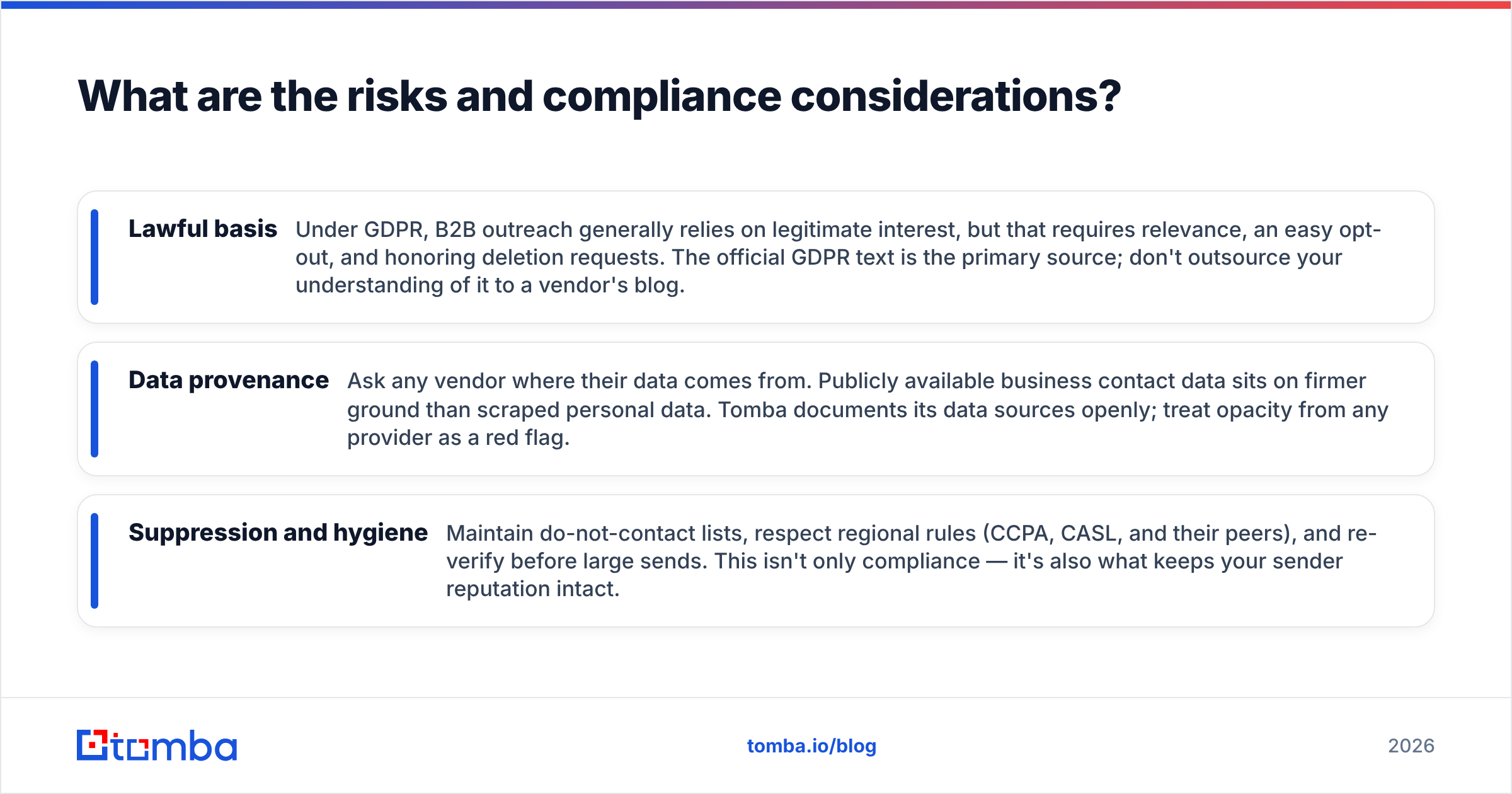
What are the risks and compliance considerations?#
Contact finding lives in a regulated space, and pretending otherwise is how teams get in trouble. Three things to get right:
- Lawful basis — Under GDPR, B2B outreach generally relies on legitimate interest, but that requires relevance, an easy opt-out, and honoring deletion requests. The official GDPR text is the primary source; don't outsource your understanding of it to a vendor's blog.
- Data provenance — Ask any vendor where their data comes from. Publicly available business contact data sits on firmer ground than scraped personal data. Tomba documents its data sources openly; treat opacity from any provider as a red flag.
- Suppression and hygiene — Maintain do-not-contact lists, respect regional rules (CCPA, CASL, and their peers), and re-verify before large sends. This isn't only compliance — it's also what keeps your sender reputation intact.
Compliance and deliverability reinforce each other. Clean sourcing, honest verification, and disciplined suppression are the same habits that keep you out of spam folders and out of legal letters.
Which contact info finder should you use?#
Match the tool to your dominant motion:
- B2B email at volume, with verification you can trust — a domain-and-name email finder with built-in verification and bulk support. This is the most common need, and the one Tomba is built around.
- Mobile and direct-dial heavy outbound — prioritize a phone-first tool and test its dial-connect rate specifically.
- Cleaning a list you already own — a verification-only tool is enough; you don't need a sourcing engine.
- Identifying anonymous website traffic — that's a website visitor reveal problem, a different category from name-based lookup.
For most B2B sales and marketing teams, the winning combination is accurate email discovery, verification that's included rather than billed separately, and enrichment in the same place. That's the workflow that keeps bounce rates low, CRM data clean, and reps focused on conversations instead of copy-pasting from LinkedIn.
Start finding verified contacts#
If your job is turning names and domains into reachable, verified contacts, start with the tool built for exactly that. The Tomba Email Finder locates professional email addresses by name, domain, or company, verifies deliverability before it hands the result back, and enriches each record so it lands in your CRM ready to use. The free tier gives you 25 searches a month to test the accuracy against contacts you can confirm — no card, no commitment. Run that pilot, check the bounce rate yourself, and let the data decide.
Related guides#
Ready to find emails that actually work?
Join 150,000+ professionals who stopped guessing and started sending. Free credits on signup — no credit card required.
Get the Tomba newsletter
Practical outbound tactics and product updates — once every two weeks.
About the author