ContactOut Email Finder Review 2026: Pricing, Accuracy & Alternatives
An honest look at the ContactOut email finder — how accurate it really is, what the plans cost, where it shines for LinkedIn prospecting, and the cheaper alternative worth testing first.
TL;DR
- The contact out email finder is best known as a LinkedIn-first tool: it pulls personal and work emails from profiles through its Chrome extension, and that's where it genuinely earns its reputation.
- Accuracy on work emails is solid but not magic — plan on verifying results before you send, especially for catch-all domains.
- Pricing is gated behind higher tiers and annual billing, so the "free" impression fades fast once you need volume or exports.
- If you prospect beyond LinkedIn — by domain, company, or bulk lists — a dedicated finder like Tomba covers more ground at a lower entry price ($49/mo vs. ContactOut's paid tiers).
- Read the comparison table below before you commit to an annual seat.
What is the ContactOut email finder?#
ContactOut is a contact-data platform built around a Chrome extension that surfaces emails and phone numbers while you browse LinkedIn, Sales Navigator, GitHub, and company sites. Think of it as a highlighter for hidden contact details: you're reading a profile, you click the extension, and it tries to hand you a personal email, a work email, and sometimes a phone number.
That LinkedIn-native workflow is the whole pitch. Recruiters and SDRs live inside LinkedIn all day, and ContactOut meets them there instead of asking them to copy names into a separate search box. The company positions itself as a recruiting and sales enrichment tool, and you can read the specifics on the official ContactOut site.
The tradeoff is scope. Because the product is anchored to profile browsing, it's excellent when you already have a person in front of you and weaker when you want to work top-down — "give me every reachable contact at this domain." That single design choice explains most of the pros and cons below.

How accurate is the ContactOut email finder?#
Accuracy is the only metric that matters, because a wrong email costs you twice: a wasted send and a bounce that chips away at your sender reputation. ContactOut markets high match rates, and for well-known professionals at mid-to-large companies it does deliver. Personal (non-work) emails are a real differentiator — few tools surface them as reliably.
Where results get shakier:
- Catch-all domains — servers that accept every address make any finder look confident when it shouldn't be. You need a real catch-all verifier to separate deliverable from decorative.
- Small companies and non-English regions — thinner public data means lower coverage.
- Freshly changed jobs — profile data can lag the person's actual current inbox by weeks.
The honest takeaway: treat any finder's output as a strong hypothesis, not gospel. Run every address through an email verifier before it enters a sequence. That one habit protects deliverability more than any single tool choice.

What does the ContactOut email finder cost?#
Here's where neutral reviewing earns its keep. ContactOut leads with a free plan, but the free tier is capped tightly and the useful capabilities — bulk work, exports, higher daily credits, team seats — sit on paid plans that are often quoted annually. The public pricing has historically pushed you toward a sales conversation for anything at scale, which is fine for enterprise buyers and frustrating for a solo founder testing the waters.
Two things to check before you sign:
- Billing cadence. Annual-only discounts look cheap per month but lock you in. Confirm whether a true monthly option exists for your tier.
- Credit definition. A "credit" that only counts a successful reveal is very different from one that burns on every attempt. Ask.
For context on transparent, published tiers, compare against Tomba pricing, which lists every plan without a gate.
ContactOut email finder vs. Tomba: side-by-side#
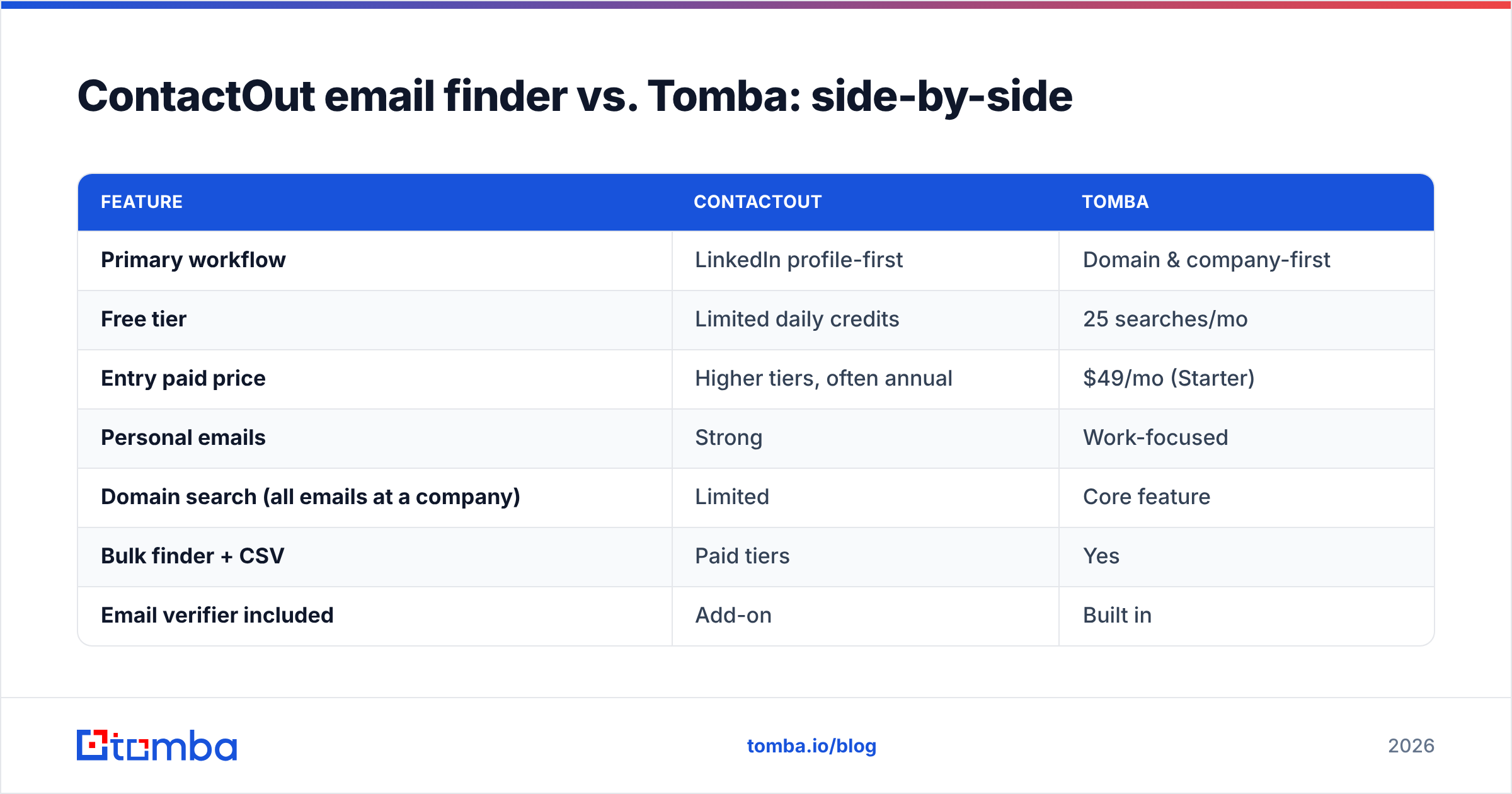
Both tools find emails; they just start from different ends of the funnel. ContactOut starts at the person (LinkedIn profile). Tomba starts at the company or domain, then works down to people — which is how most outbound and RevOps workflows are actually built.
| Feature | ContactOut | Tomba |
|---|---|---|
| Primary workflow | LinkedIn profile-first | Domain & company-first |
| Free tier | Limited daily credits | 25 searches/mo |
| Entry paid price | Higher tiers, often annual | $49/mo (Starter) |
| Personal emails | Strong | Work-focused |
| Domain search (all emails at a company) | Limited | Core feature |
| Bulk finder + CSV | Paid tiers | Yes |
| Email verifier included | Add-on | Built in |
| Catch-all handling | Basic | Dedicated verifier |
| Public, gate-free pricing | Partial | Yes |
| API / CLI / MCP | API | API, CLI, MCP |
Neither wins outright — it depends on where your prospecting begins. If your day is 90% inside LinkedIn and you value personal emails, ContactOut is a reasonable buy. If you build lists from domains, run bulk enrichment, or want verification baked in, a dedicated email finder fits the workflow better. For a deeper feature map, Tomba maintains a ContactOut alternative breakdown.

When is the ContactOut email finder the right choice?#
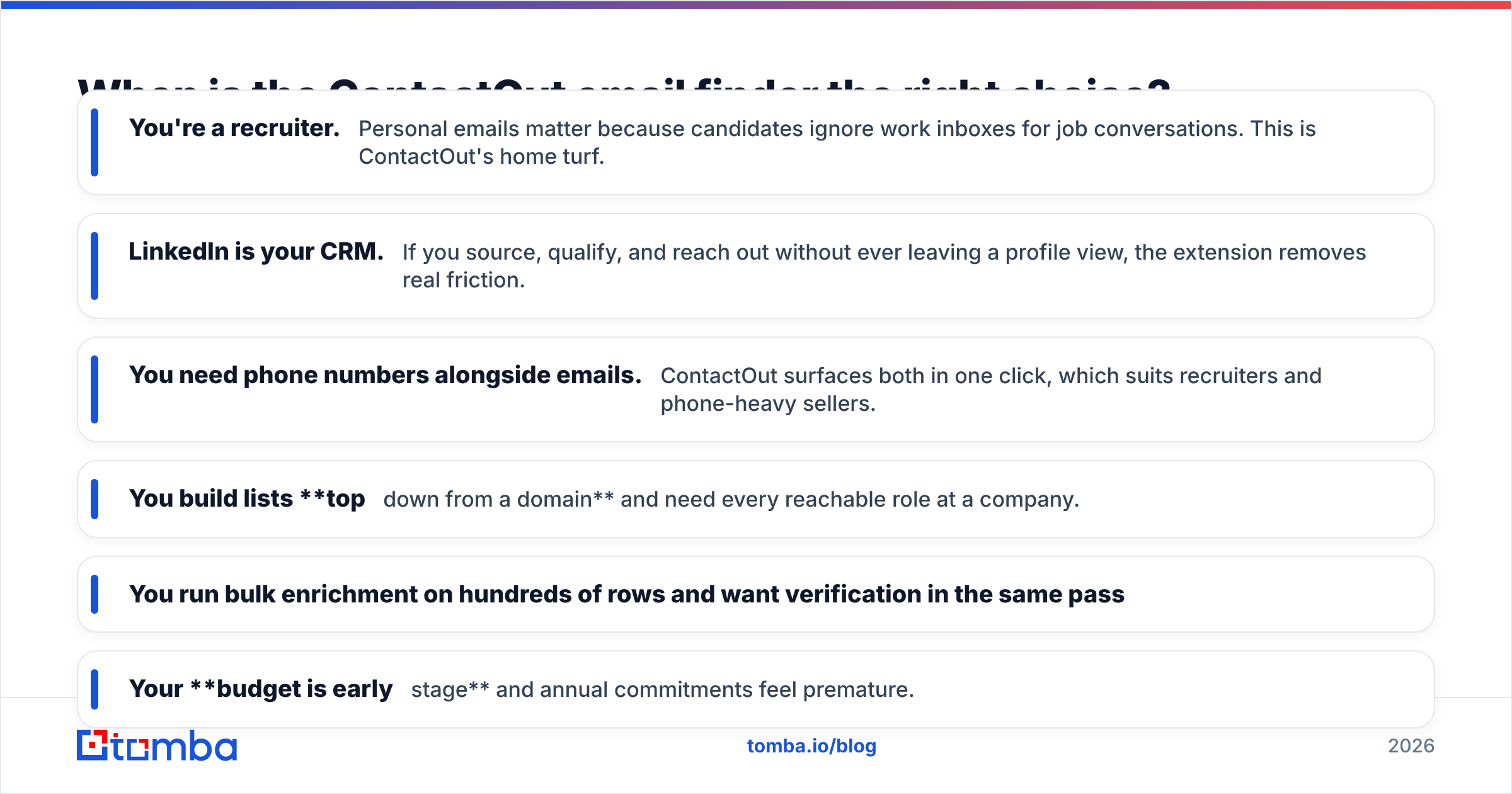
Buy ContactOut when your prospecting looks like this:
- You're a recruiter. Personal emails matter because candidates ignore work inboxes for job conversations. This is ContactOut's home turf.
- LinkedIn is your CRM. If you source, qualify, and reach out without ever leaving a profile view, the extension removes real friction.
- You need phone numbers alongside emails. ContactOut surfaces both in one click, which suits recruiters and phone-heavy sellers.
Skip it — or pair it with something else — when:
- You build lists top-down from a domain and need every reachable role at a company.
- You run bulk enrichment on hundreds of rows and want verification in the same pass.
- Your budget is early-stage and annual commitments feel premature.
What are the best ContactOut email finder alternatives?#
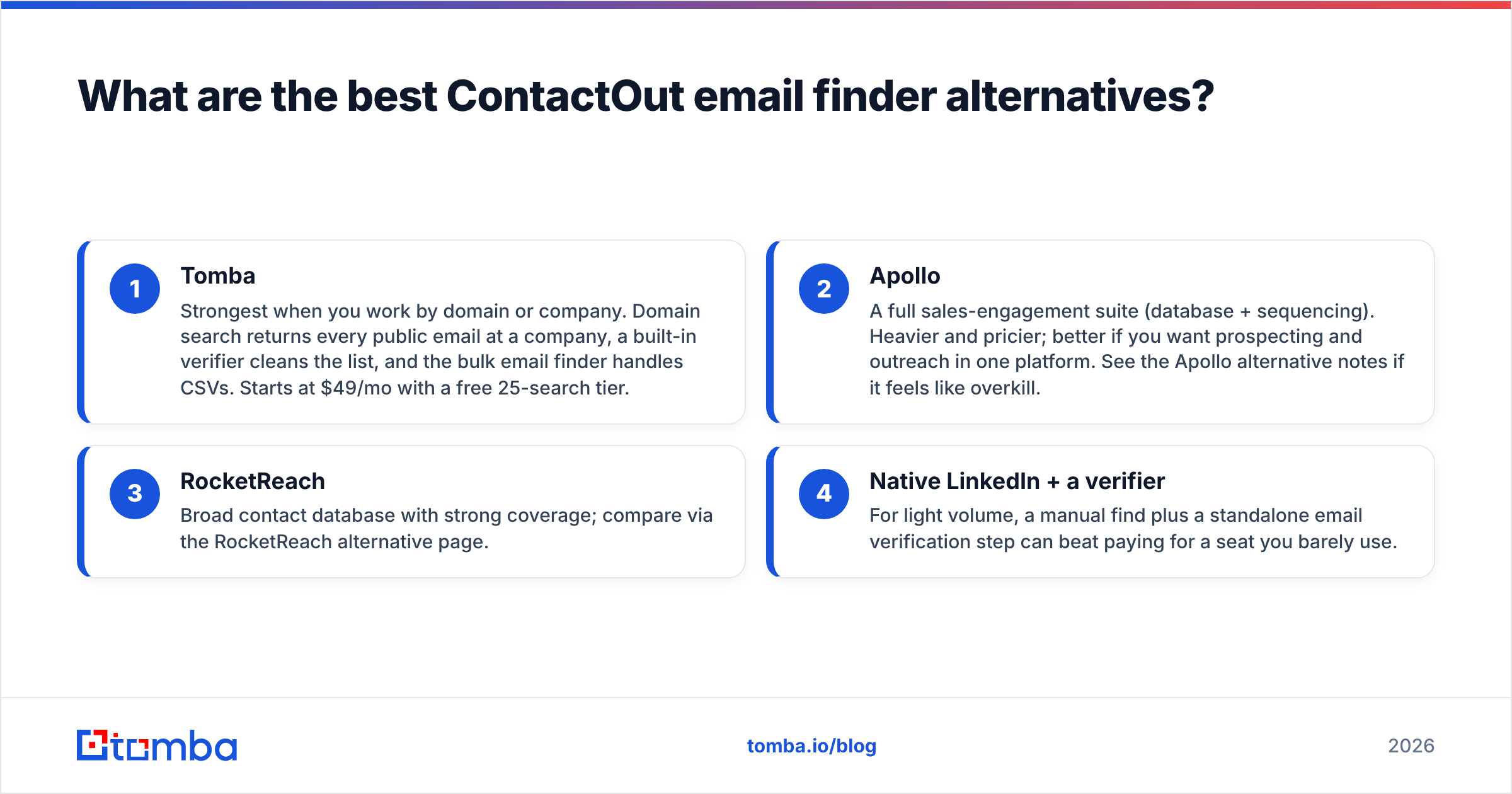
No single tool is universally best, so match the alternative to your bottleneck rather than to a leaderboard.
- Tomba — Strongest when you work by domain or company. Domain search returns every public email at a company, a built-in verifier cleans the list, and the bulk email finder handles CSVs. Starts at $49/mo with a free 25-search tier.
- Apollo — A full sales-engagement suite (database + sequencing). Heavier and pricier; better if you want prospecting and outreach in one platform. See the Apollo alternative notes if it feels like overkill.
- RocketReach — Broad contact database with strong coverage; compare via the RocketReach alternative page.
- Native LinkedIn + a verifier — For light volume, a manual find plus a standalone email verification step can beat paying for a seat you barely use.
If you want an outside benchmark on any of these, G2 and Capterra aggregate real user reviews that cut through vendor claims.

How do you get the most accurate results from any email finder?#
Tool choice is half the battle; process is the other half. A disciplined workflow beats a "better" tool used carelessly.
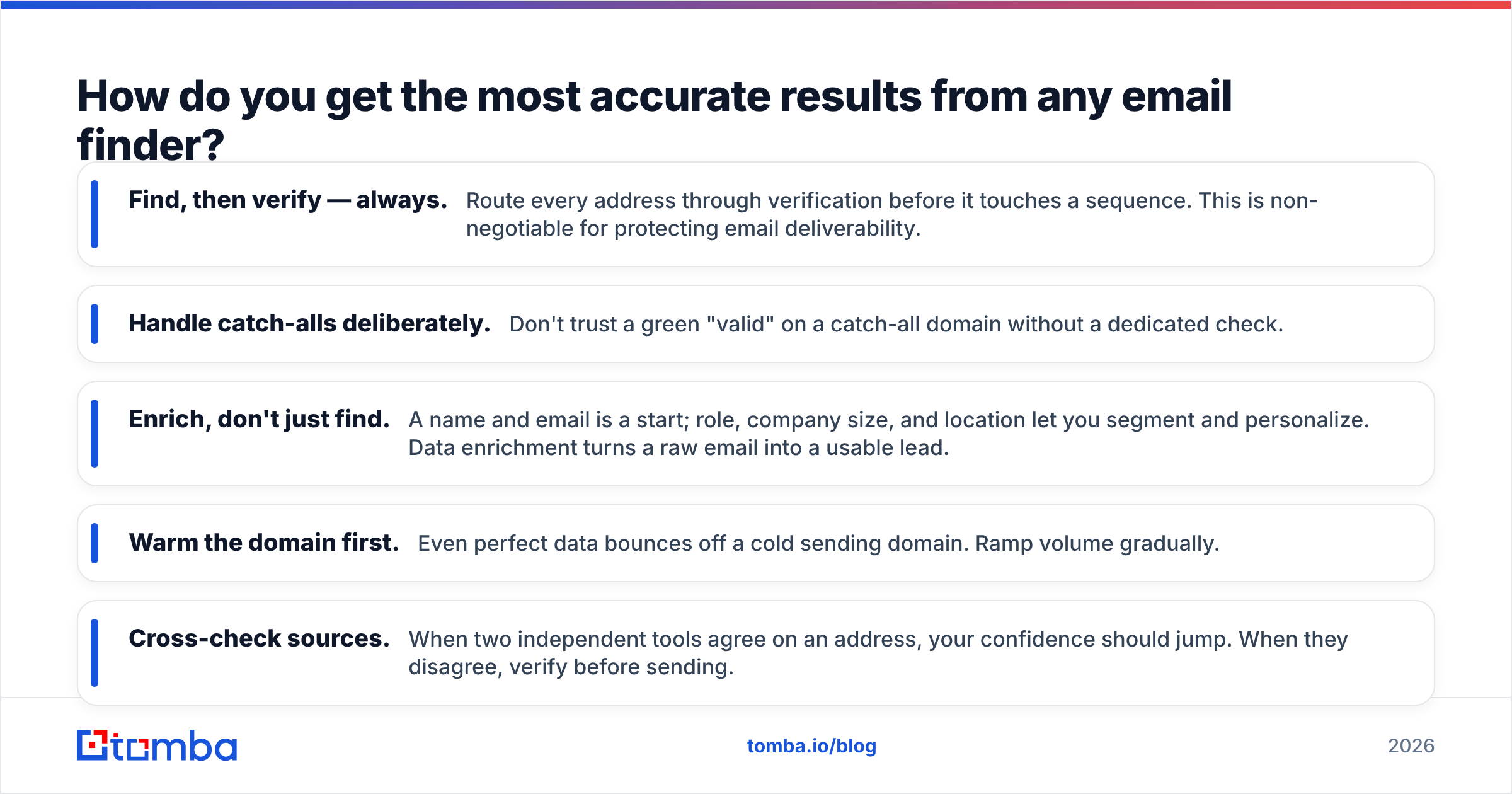
- Find, then verify — always. Route every address through verification before it touches a sequence. This is non-negotiable for protecting email deliverability.
- Handle catch-alls deliberately. Don't trust a green "valid" on a catch-all domain without a dedicated check.
- Enrich, don't just find. A name and email is a start; role, company size, and location let you segment and personalize. Data enrichment turns a raw email into a usable lead.
- Warm the domain first. Even perfect data bounces off a cold sending domain. Ramp volume gradually.
- Cross-check sources. When two independent tools agree on an address, your confidence should jump. When they disagree, verify before sending.
Follow those five and your bounce rate stays low regardless of which finder sits at the top of your stack. For the outreach side, established playbooks from vendors like HubSpot pair well with clean data.
Is the ContactOut email finder worth it in 2026?#
Conclusion first: yes, if you live inside LinkedIn and value personal emails — no, if your prospecting starts from domains, needs bulk enrichment, or runs on a tight early-stage budget.
ContactOut is a genuinely good LinkedIn-first tool with a real strength few rivals match: surfacing personal contact details. That's worth paying for in recruiting and relationship-led sales. But it's a specialist. The moment your workflow shifts from "this person" to "this company," a domain-first finder with built-in verification does more of the job in fewer clicks and at a lower entry price.
The smart move is to test both against your own list. Run 50 real prospects through each, verify every result, and compare bounce rates and coverage. The tool that wins on your data wins the seat — not the one with the loudest homepage.
Start finding verified emails today#
If your prospecting begins with a company or domain — not a single LinkedIn tab — start with the Tomba Email Finder. Enter a name and domain (or search a whole company at once), get work emails scored for confidence, and verify them in the same workflow so nothing bounces. The free tier gives you 25 searches a month to test accuracy on your own list, and paid plans start at a published $49/mo with no sales call required. Try the Tomba Email Finder and see how many reachable contacts you've been leaving on the table.
Related guides#
Ready to find emails that actually work?
Join 150,000+ professionals who stopped guessing and started sending. Free credits on signup — no credit card required.
Get the Tomba newsletter
Practical outbound tactics and product updates — once every two weeks.
About the author