Contacts Alternatives in 2026: 9 Better B2B Data Tools
Most contact databases sell you the same recycled records at different prices. Here are 9 contacts alternatives compared on accuracy, coverage, credit models, and who each one actually fits.
TL;DR
- "Contacts" tools all promise the same thing — verified B2B emails and phones — but they differ wildly on how they source data, how they charge for it, and what happens when a record is wrong.
- The three questions that actually decide your pick: does it charge you for failed lookups, does it verify catch-all domains, and can it run at the volume you need without a sales call?
- Credit-based finders (Tomba, Hunter, Findymail) win on cost-per-valid-email. Database plays (Apollo, Cognism, BookYourData) win on discovery when you don't know who to target yet.
- Phone coverage is where most tools quietly fall apart — mobile-number fill rates below 30% are common outside a few specialists.
- If your workflow is "I have a domain and a name, get me a valid mailbox," a dedicated email finder beats a bloated all-in-one platform on both accuracy and price.
Why are you looking for contacts alternatives in the first place?#
Almost every team that starts shopping for contacts alternatives is running from one of four specific problems, not from the product in general.
1. Bounce rates crept past 3%. Your data provider is confidently returning addresses that no longer exist. Mailbox providers noticed before you did, and now your domain reputation is paying for it.
2. The credit model punishes you for their misses. Some platforms deduct a credit whether or not they return a usable result. That turns a $99/mo plan into an unpredictable variable cost.
3. Coverage collapses outside the US mid-market. The tool nails a 500-person SaaS company in Austin and returns nothing for a 40-person manufacturer in Lyon.
4. You need an API, and the vendor wants a demo call. Nothing kills a build week like a pricing page that says "Contact Sales."
Sort your own pain into one of those buckets before you read another comparison table. The "best" tool is entirely dependent on which one is bleeding you.
What actually separates one contact data tool from another?#
Four variables. Everything else is marketing.
- Sourcing method. Some vendors crawl the public web and company sites. Some license third-party data co-ops. Some rely on contributed data from users who installed a browser extension. Each has a different decay curve — web-crawled data goes stale slowly; contributed data goes stale fast when the contributor churns.
- Verification depth. A tool that only checks MX records and syntax will hand you plausible garbage. Real verification does SMTP-level checks and has a strategy for catch-all domains, which is where roughly 15-20% of B2B domains sit.
- Billing unit. Per-credit, per-valid-result, per-seat, or per-record-exported. These are not equivalent. A "10,000 credit" plan where 40% of lookups fail is a 6,000-contact plan wearing a costume.
- Delivery surface. Chrome extension, web app, CSV bulk, API, spreadsheet add-on, CRM sync. A tool that's brilliant in the browser can be useless if your ops team lives in a data pipeline.

Accuracy claims from vendor marketing pages are close to worthless — nobody publishes their methodology, and "95% accurate" usually means "95% of the emails we chose to return were valid," which silently excludes every query where the tool returned nothing. The honest metric is cost per verified, deliverable contact on your ICP, which you can only get by running the same 100-row test list through every candidate.
Which contacts alternatives are worth testing in 2026?#
Here's the field, grouped by what each one is genuinely good at.
Tomba#
A finder-and-verifier stack rather than a database you rent. You give it a domain, a name, or a LinkedIn profile; it returns a mailbox with a confidence score and the sources it used. The domain search pulls every discoverable address at a company, and the catch-all verifier handles the domains most tools shrug at. Pricing is public: free tier at 25 searches/mo, Starter $49/mo, Growth $99/mo, Pro $249/mo, Enterprise custom. There's an API, a CLI, a Chrome extension, Sheets and Excel add-ins.
Best for: teams that already know their target accounts and need valid mailboxes at a predictable cost. Weak spot: it is not a prospecting database — it won't tell you which 500 companies to go after.
Apollo.io#
The category's 800-pound gorilla: a contact database plus a sequencer plus a light CRM. Excellent for discovery when you're starting from filters ("Series B fintech, 50-200 employees, VP Eng"). The data quality is decent on US tech and thins out elsewhere, and the platform is heavy if all you wanted was an email. See our breakdown of Apollo alternatives if you're specifically trying to unbundle.
Best for: SDR teams that want search, enrich, and send in one seat.
Cognism#
The enterprise European play. Strong GDPR posture, phone-verified mobile numbers ("Diamond Data"), and genuinely better EMEA coverage than most US-first vendors. Pricing is quote-only and lands well above the self-serve tier.
Best for: EMEA outbound teams with a compliance function.
BookYourData#
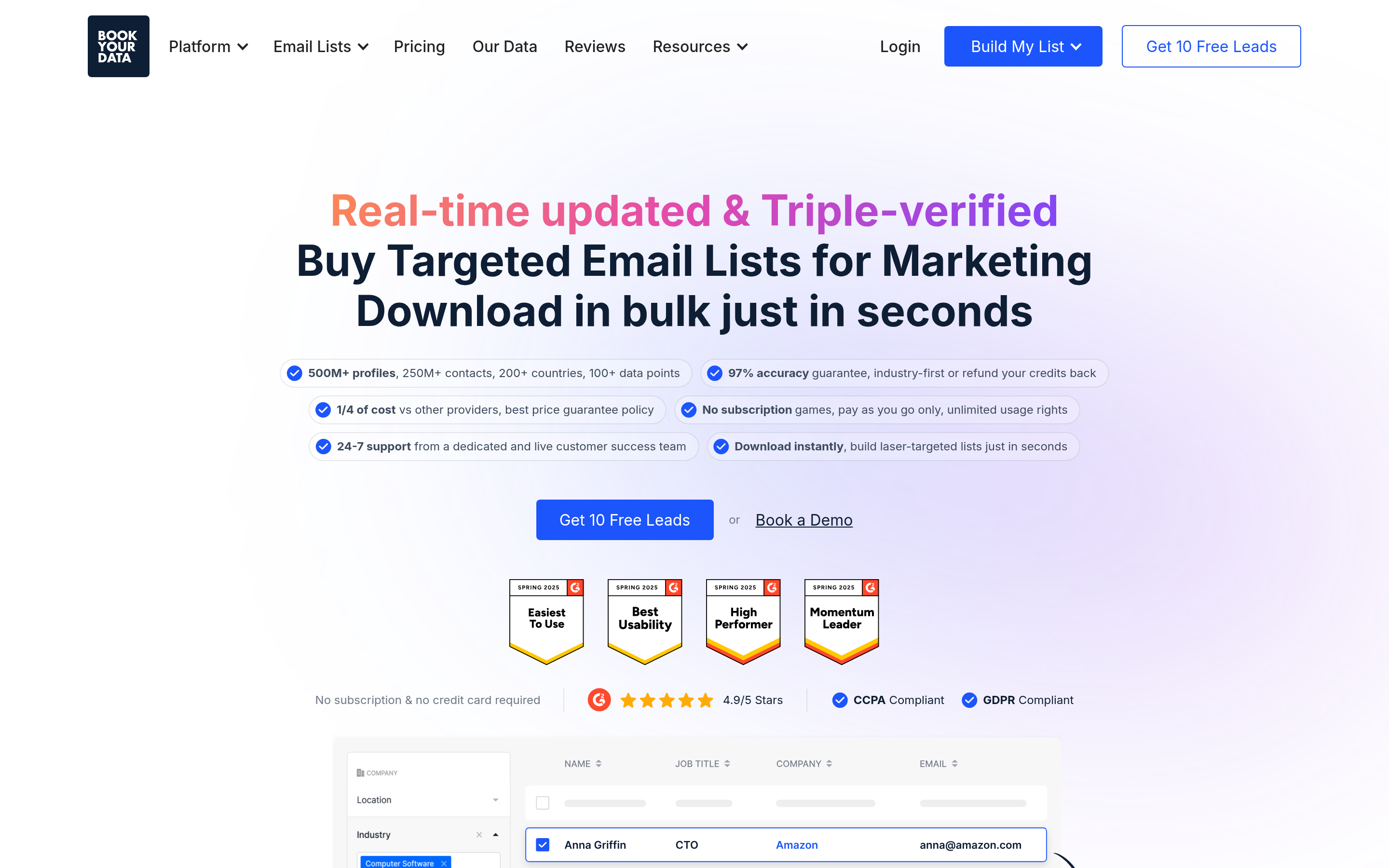
A pay-as-you-go B2B contact database with a strong accuracy guarantee and no forced subscription — you buy a list, you own it. Useful when you need a clean, filtered list once rather than a recurring seat. Coverage is broad across industries and geos, and the checkout is refreshingly free of sales calls. Worth a look if your buying pattern is episodic rather than continuous.
Best for: one-off campaign lists and teams that hate subscriptions.
RocketReach#
Very large aggregate index, strong on personal and professional emails plus phones. The RocketReach alternative question usually comes up on price at scale — per-lookup economics get uncomfortable above a few thousand contacts a month.
Best for: recruiters and anyone who needs personal-email fallbacks.
Lusha#
Browser-extension-first, very fast for one-off lookups while you're on a LinkedIn profile. Good mobile coverage relative to price. Credit packs disappear quickly on a real prospecting week.
Best for: AEs doing manual, high-touch research.
ContactOut#
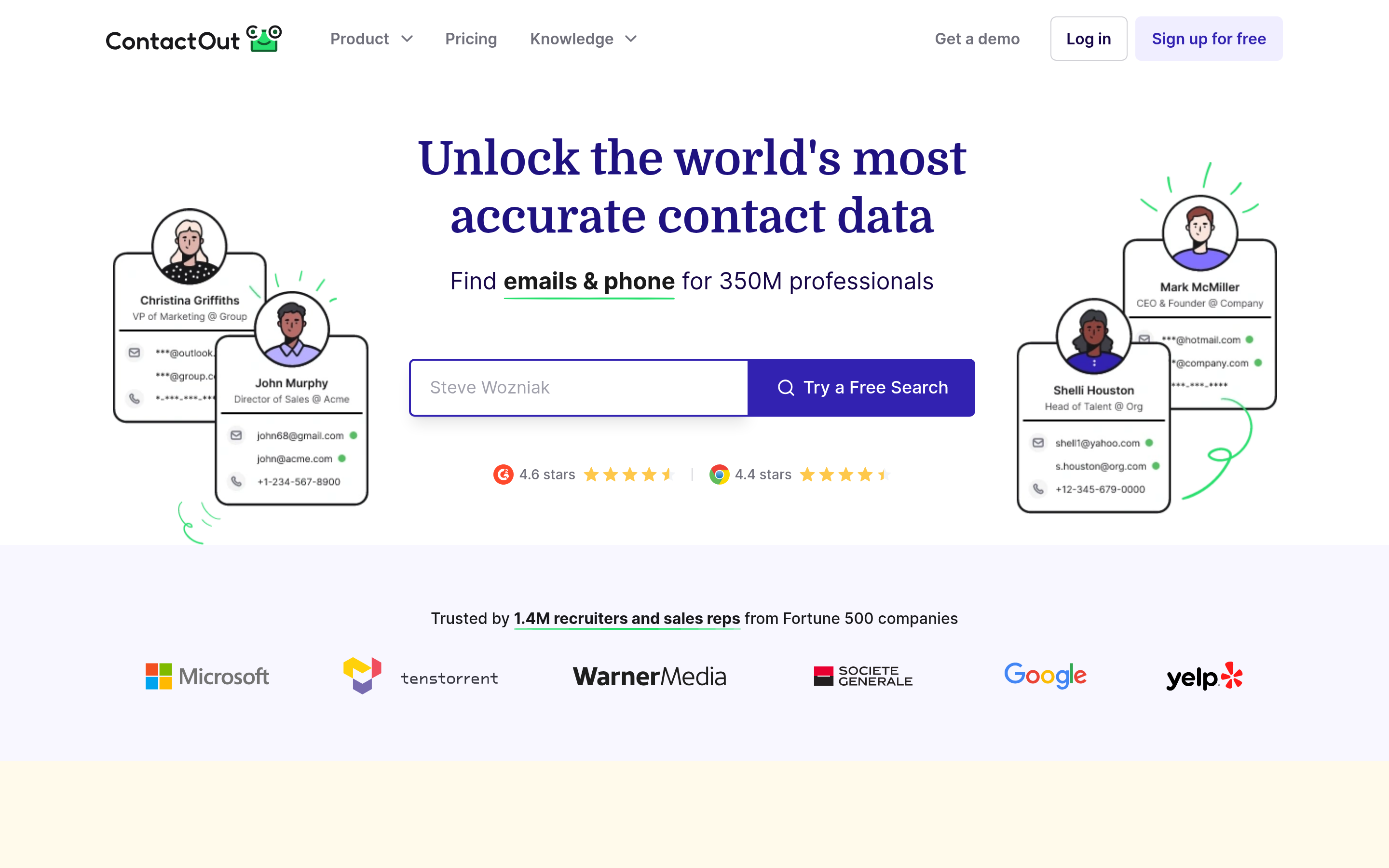
LinkedIn-native. If your entire prospecting motion happens inside LinkedIn Sales Navigator, it slots in with almost no friction. Outside of LinkedIn, it's less useful.
Best for: LinkedIn-first sourcing and recruiting.
Hunter#
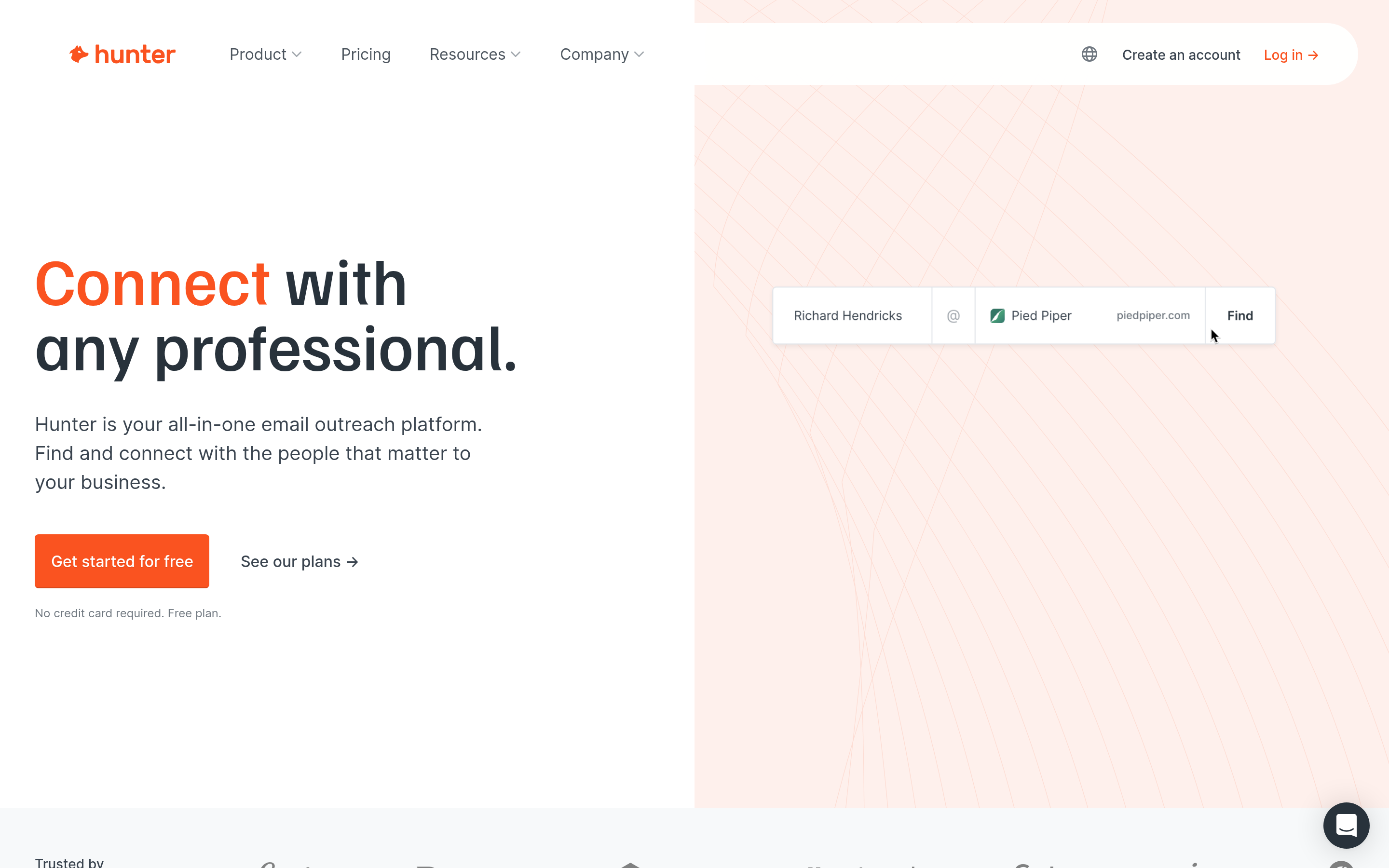
The other well-known domain-search-and-verify tool. Clean product, strong brand, straightforward free tier. Feature surface is narrower — fewer enrichment fields, no phone product.
Best for: simple domain-to-email workflows with modest volume.
Findymail#
Positions on "no wasted credits" — you're charged for found contacts, not for attempts. Tight integrations with Lemlist and Instantly. Smaller index than the giants.
Best for: cold-email operators who want the credit math to be honest.
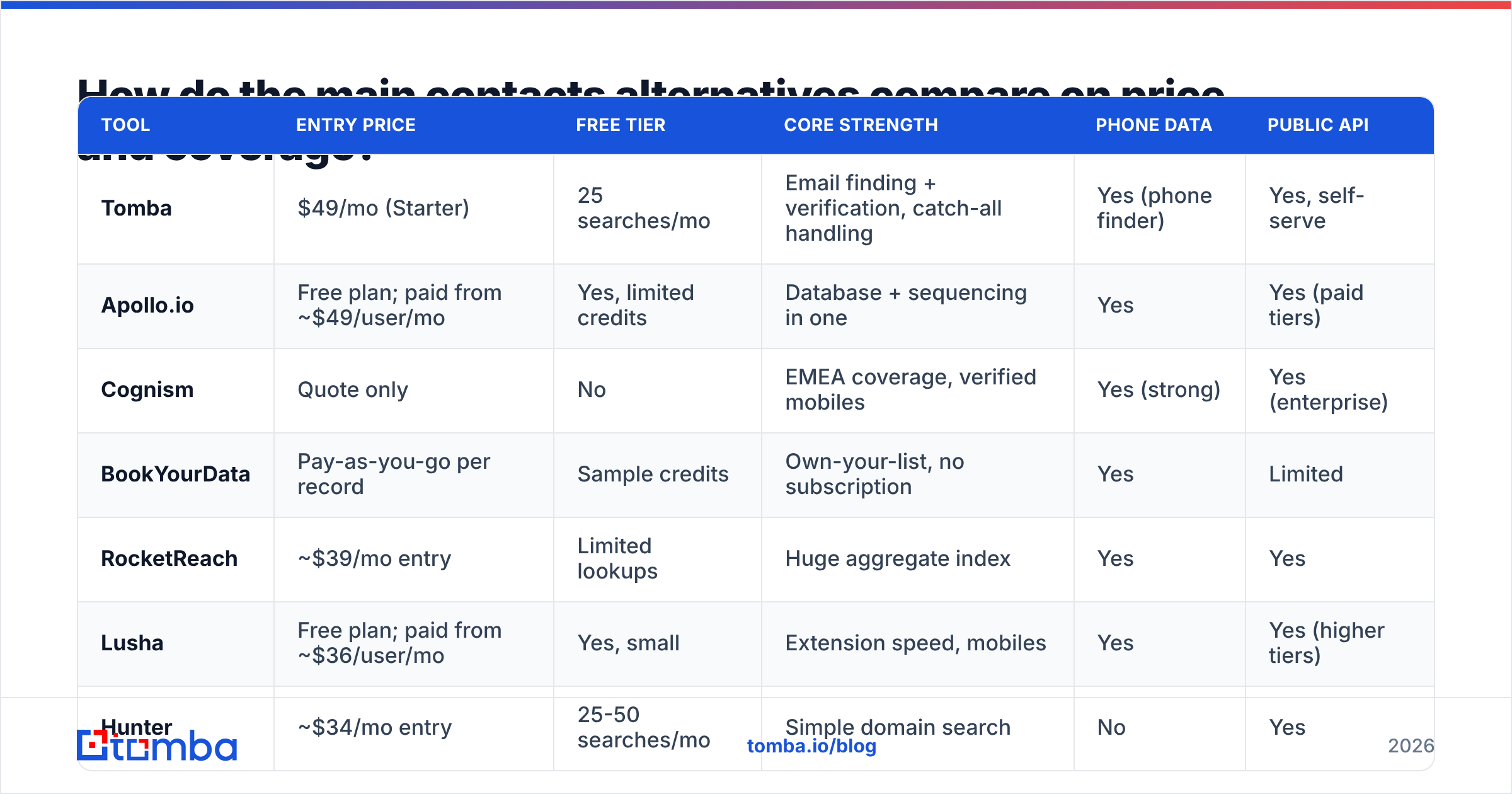
How do the main contacts alternatives compare on price and coverage?#
| Tool | Entry price | Free tier | Core strength | Phone data | Public API |
|---|---|---|---|---|---|
| Tomba | $49/mo (Starter) | 25 searches/mo | Email finding + verification, catch-all handling | Yes (phone finder) | Yes, self-serve |
| Apollo.io | Free plan; paid from ~$49/user/mo | Yes, limited credits | Database + sequencing in one | Yes | Yes (paid tiers) |
| Cognism | Quote only | No | EMEA coverage, verified mobiles | Yes (strong) | Yes (enterprise) |
| BookYourData | Pay-as-you-go per record | Sample credits | Own-your-list, no subscription | Yes | Limited |
| RocketReach | ~$39/mo entry | Limited lookups | Huge aggregate index | Yes | Yes |
| Lusha | Free plan; paid from ~$36/user/mo | Yes, small | Extension speed, mobiles | Yes | Yes (higher tiers) |
| Hunter | ~$34/mo entry | 25-50 searches/mo | Simple domain search | No | Yes |
| Findymail | ~$49/mo entry | Trial credits | Charges only for found contacts | Limited | Yes |
| ContactOut | Quote/tiered | Limited | LinkedIn-native sourcing | Yes | Yes (higher tiers) |
Entry prices for third-party tools change frequently and often depend on annual commitment — verify on each vendor's own pricing page before you budget. Tomba's numbers are fixed and published on the Tomba pricing page.

Is a contact database better than a dedicated email finder?#
They solve different halves of the problem, and conflating them is the most expensive mistake in this category.
A database answers who. You come in with a filter — industry, headcount, tech stack, funding stage — and leave with a list of names. That's discovery.
A finder answers how do I reach this specific person. You come in with a name and a company and leave with a deliverable mailbox. That's resolution.
Teams overbuy databases because discovery feels like the hard part. In practice, most B2B teams already know their target account list — it came from the CRM, a conference attendee list, a partner referral, an intent signal, or a website-visitor reveal. What they lack is a reliable way to turn 1,200 known names into 1,200 valid mailboxes without torching their domain.
If that describes you, buying a database is paying a premium for the half you don't need. Run your known list through a finder + verifier, keep your bounce rate under 2%, and spend the saved budget on sending infrastructure.
The inverse is also true: if you genuinely don't know who to sell to, no amount of email-finding accuracy saves you. Buy the database.
What breaks when you skip verification?#

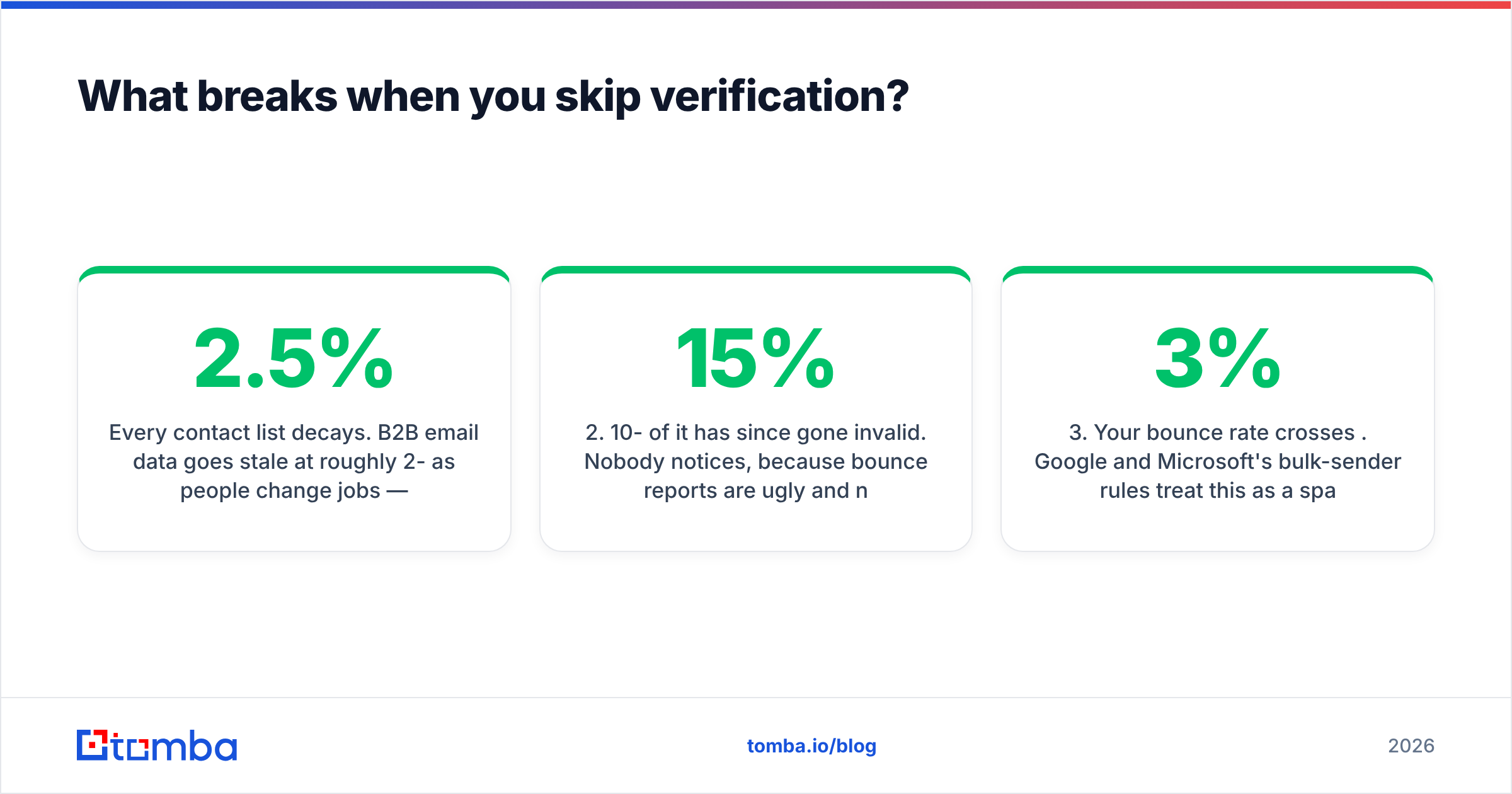
Every contact list decays. B2B email data goes stale at roughly 2-2.5% per month as people change jobs — that's a quarter of your list dead within a year, even if it was perfect on day one. Enrichment at import is not enough; you need verification at send time.
The failure chain is boringly predictable:
- You import a list that was "verified" by the vendor three months ago.
- 10-15% of it has since gone invalid. Nobody notices, because bounce reports are ugly and nobody reads them.
- Your bounce rate crosses 3%. Google and Microsoft's bulk-sender rules treat this as a spam signal, and both explicitly recommend keeping spam complaints under 0.3% while pruning invalid recipients (Google's bulk sender guidelines are the reference document here).
- Inbox placement drops for your entire domain, including the deals in flight and the invoices from finance.
- You blame the copy. You rewrite the sequence. Reply rate stays at zero, because nobody is receiving it.
Step 5 is where most teams waste a quarter. Verify before you send — a bulk pass through an email verifier costs less than one lost month of domain reputation. And be specific about catch-all domains: they accept everything at the SMTP layer, so a naive verifier marks them "valid" and you find out the truth from the bounce log.
How should you actually run the bake-off?#
Don't read reviews. Run the test. It takes an afternoon.
- Build a 100-row golden list. Real companies from your actual ICP, with a deliberate spread: 60 US, 20 EMEA, 20 APAC or LATAM. Mix company sizes from 20 to 5,000 employees. Include at least 10 domains you know are catch-all.
- Run the identical list through every candidate. Use the free tier or trial. Do not let a sales engineer run it for you.
- Record three numbers per tool: match rate (rows where anything was returned), verified match rate (rows where the address survives independent verification), and credits consumed.
- Verify the winners' output with a neutral third party. Never grade a vendor's homework with the vendor's own verifier.
- Divide. Cost of the plan ÷ verified matches = your real cost per contact. That number, not the sticker price, is what you're buying.
- Check the tail. Look at which rows every tool missed. If they're all missing the same segment — say, sub-50-person European firms — no vendor in this category will fix it and you need a different sourcing strategy entirely.
Cross-reference your shortlist against real user reviews on G2 or Capterra for the operational stuff a 100-row test won't surface — support responsiveness, billing disputes, API uptime.
Which contacts alternative is right for your team?#
- You have the account list, you need mailboxes. Take a finder-first stack: domain search, email finder, verifier, catch-all handling. Cheapest path to a clean send.
- You don't have an account list. Take a database: Apollo for US tech, Cognism for EMEA enterprise, BookYourData if you want to buy a clean list outright without a subscription.
- You live inside LinkedIn. ContactOut or a LinkedIn finder that resolves profiles to work emails.
- You're building, not clicking. Pick on API quality and self-serve access. If pricing requires a call, your build slips a week.
- You need phones, not just emails. Test mobile fill rate explicitly — it's the single most inflated number in vendor marketing, and the gap between the best and worst tools here is enormous.
The uncomfortable truth is that no single vendor wins every row of that test list. Most mature teams end up with two: a database for discovery and a finder/verifier for resolution, with the finder catching what the database gets wrong. That combination costs less than one enterprise seat at most all-in-ones and produces a materially cleaner list.
Start with the half that decides your bounce rate#
If you already know who you're selling to, the fastest ROI in this whole category is fixing resolution — turning known names into deliverable mailboxes without guessing. That's exactly what Tomba's Email Finder does: domain-and-name in, confidence-scored mailbox out, with the source records shown so you can audit the answer. Free tier gives you 25 searches a month to run your own golden-list test, Starter is $49/mo, and everything is available over an API and a Chrome extension so it fits whatever workflow you already have. Run your 100 rows through it alongside your current tool and compare the verified match rate. The number will decide the vendor for you.
Related guides#
Ready to find emails that actually work?
Join 150,000+ professionals who stopped guessing and started sending. Free credits on signup — no credit card required.
Get the Tomba newsletter
Practical outbound tactics and product updates — once every two weeks.
About the author