9 Best Corcava Alternatives in 2026 (Tested and Compared)
Corcava bundles CRM, projects, invoicing and time tracking into one app. That breadth is also its weakness. Here are 9 Corcava alternatives compared on price, seat costs, data quality and who each one actually fits.
TL;DR — what you actually need to know#
- Corcava is a bundle, not a specialist. CRM, projects, time tracking, invoicing and payroll in one app. If you only need two of those five, you're paying for shelfware and living with a weaker version of each.
- Most people leaving Corcava want one of two things: a real sales CRM (Pipedrive, HubSpot, Close) or a real agency ops tool (ClickUp, Bonsai, monday). Very few need both in the same login.
- No all-in-one fixes bad data. Every tool on this list is a container. If the emails you pour in bounce, the pipeline is fiction — that's a separate layer of the stack.
- Cheapest per-seat isn't cheapest total. Bitrix24 and Zoho win on sticker price; HubSpot and Close win on time-to-value. Add-on and seat-minimum math flips the ranking more often than the headline price does.
- Our short answer: Pipedrive if you sell, ClickUp if you deliver, Zoho One if you must have everything, and a dedicated data source like Tomba feeding whichever one you pick.
What is Corcava, and why do teams look for alternatives?#
Corcava is an all-in-one business operating system aimed at small agencies, consultancies and freelancers. In one subscription you get a CRM with a sales pipeline, project and task management, time tracking, invoicing, and some marketing and payroll features. It's priced aggressively per user and has appeared repeatedly as a lifetime deal, which is how most people first meet it.
That pitch works. One login, one bill, no Zapier duct tape between four tools. For a five-person agency that was previously running Trello plus a spreadsheet plus Wave, Corcava is a genuine upgrade.
The friction shows up later, and it's almost always one of these four things:
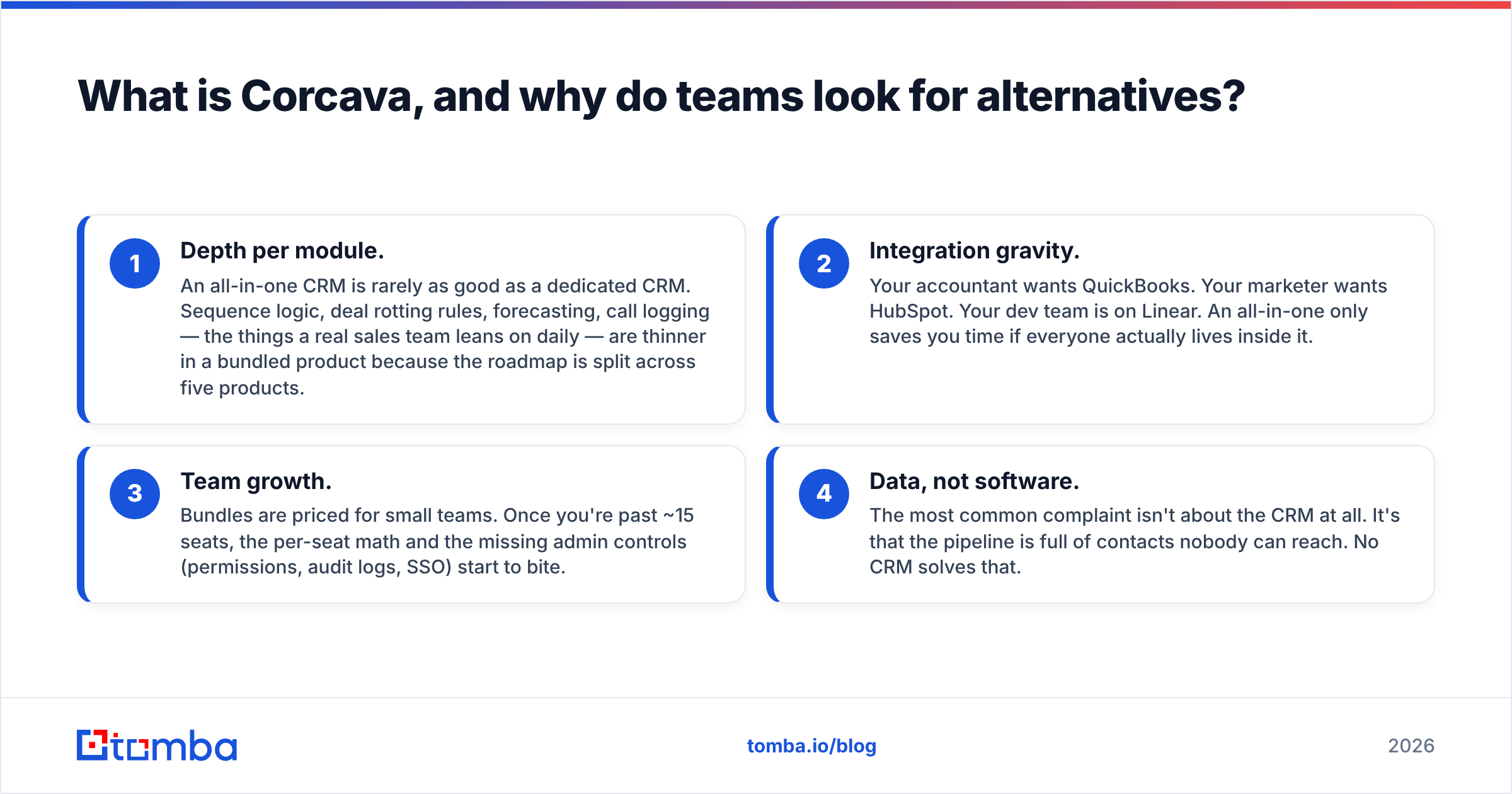
- Depth per module. An all-in-one CRM is rarely as good as a dedicated CRM. Sequence logic, deal rotting rules, forecasting, call logging — the things a real sales team leans on daily — are thinner in a bundled product because the roadmap is split across five products.
- Integration gravity. Your accountant wants QuickBooks. Your marketer wants HubSpot. Your dev team is on Linear. An all-in-one only saves you time if everyone actually lives inside it.
- Team growth. Bundles are priced for small teams. Once you're past ~15 seats, the per-seat math and the missing admin controls (permissions, audit logs, SSO) start to bite.
- Data, not software. The most common complaint isn't about the CRM at all. It's that the pipeline is full of contacts nobody can reach. No CRM solves that.
Before you migrate, be honest about which of the four is your real problem. If it's number four, switching CRMs will change nothing.

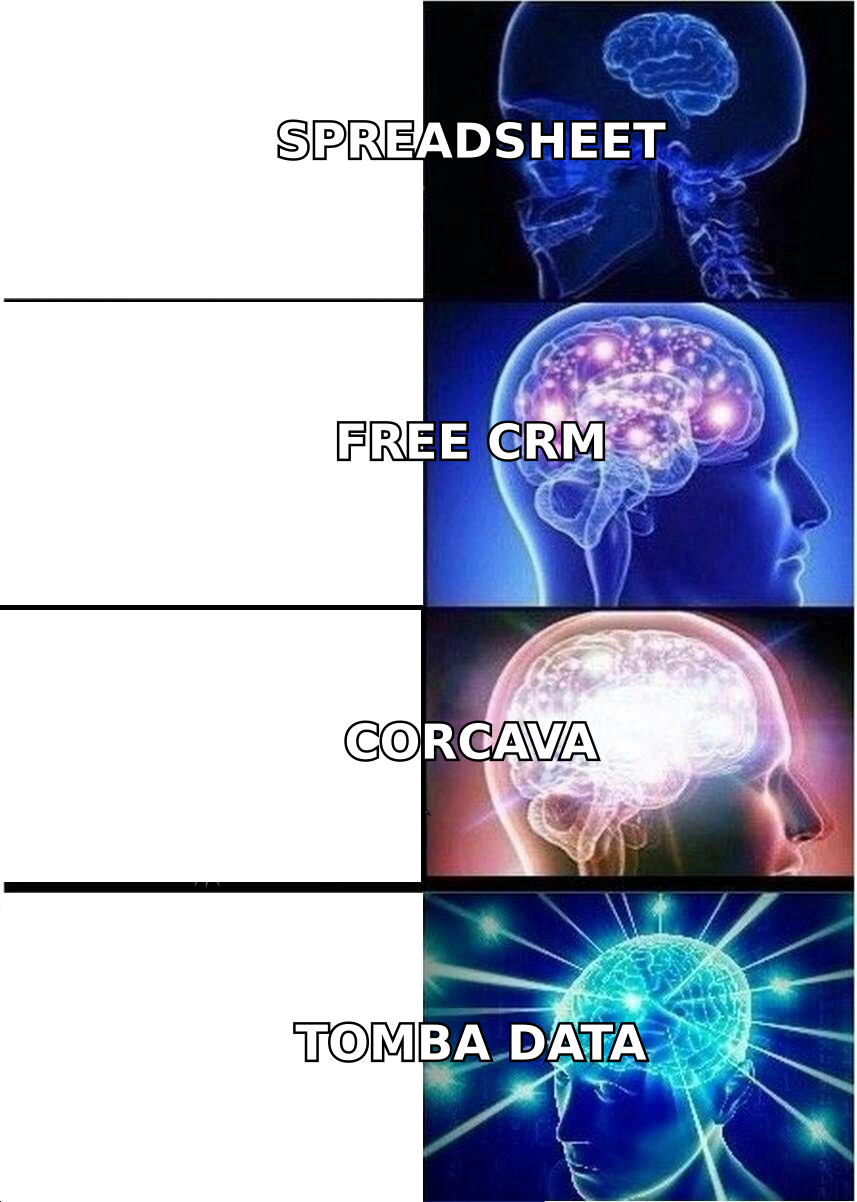
(Above: the escalation most teams go through — spreadsheet, free CRM, all-in-one, then finally fixing the data layer.)
How should you evaluate Corcava alternatives?#
Score every candidate against these six criteria before you look at a single demo. Most buyers skip straight to feature checklists and regret it in month three.
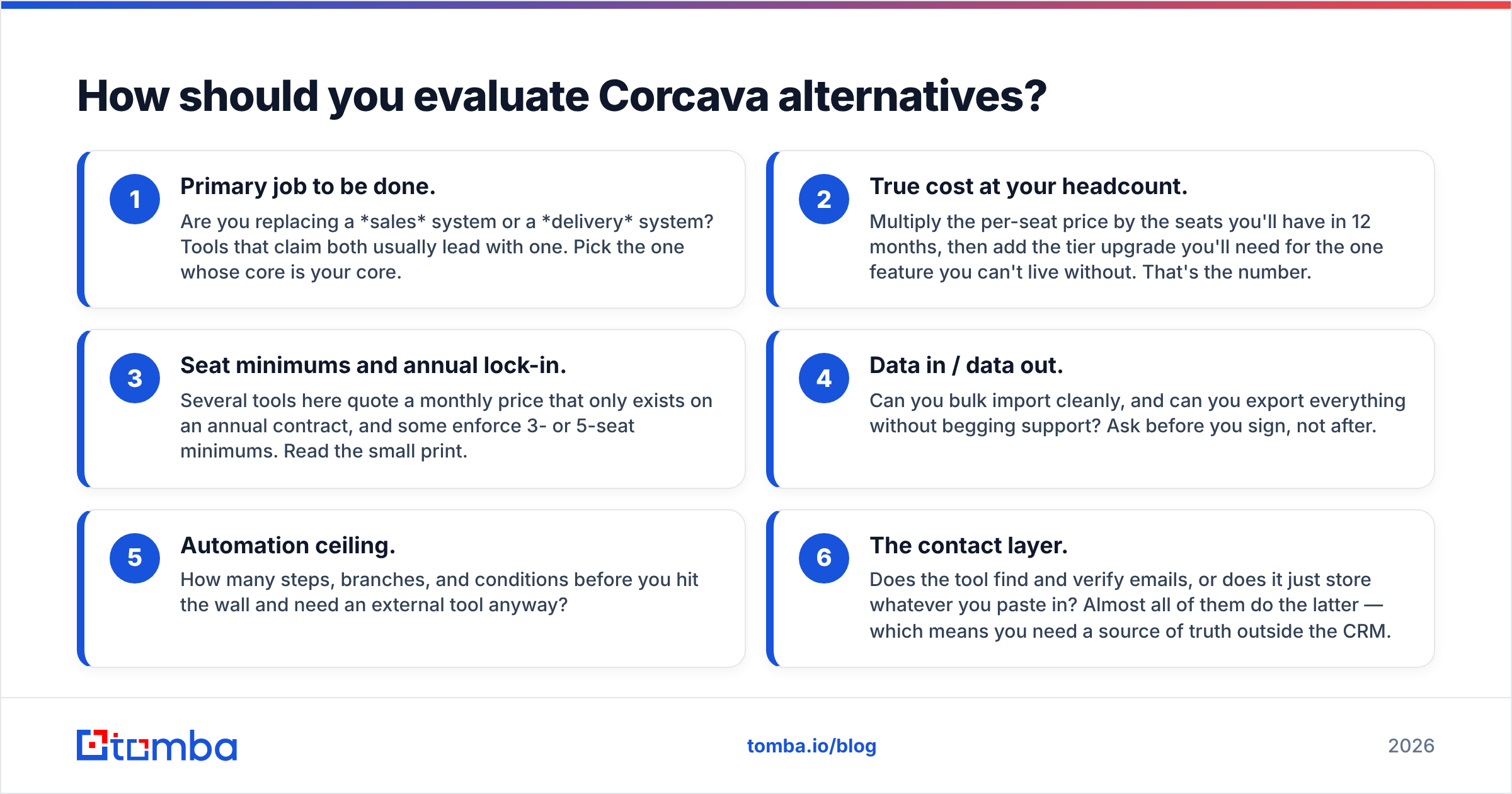
- Primary job to be done. Are you replacing a sales system or a delivery system? Tools that claim both usually lead with one. Pick the one whose core is your core.
- True cost at your headcount. Multiply the per-seat price by the seats you'll have in 12 months, then add the tier upgrade you'll need for the one feature you can't live without. That's the number.
- Seat minimums and annual lock-in. Several tools here quote a monthly price that only exists on an annual contract, and some enforce 3- or 5-seat minimums. Read the small print.
- Data in / data out. Can you bulk import cleanly, and can you export everything without begging support? Ask before you sign, not after.
- Automation ceiling. How many steps, branches, and conditions before you hit the wall and need an external tool anyway?
- The contact layer. Does the tool find and verify emails, or does it just store whatever you paste in? Almost all of them do the latter — which means you need a source of truth outside the CRM.
That last point is the one most comparison posts pretend doesn't exist.
Which Corcava alternatives compare best on price and fit?#
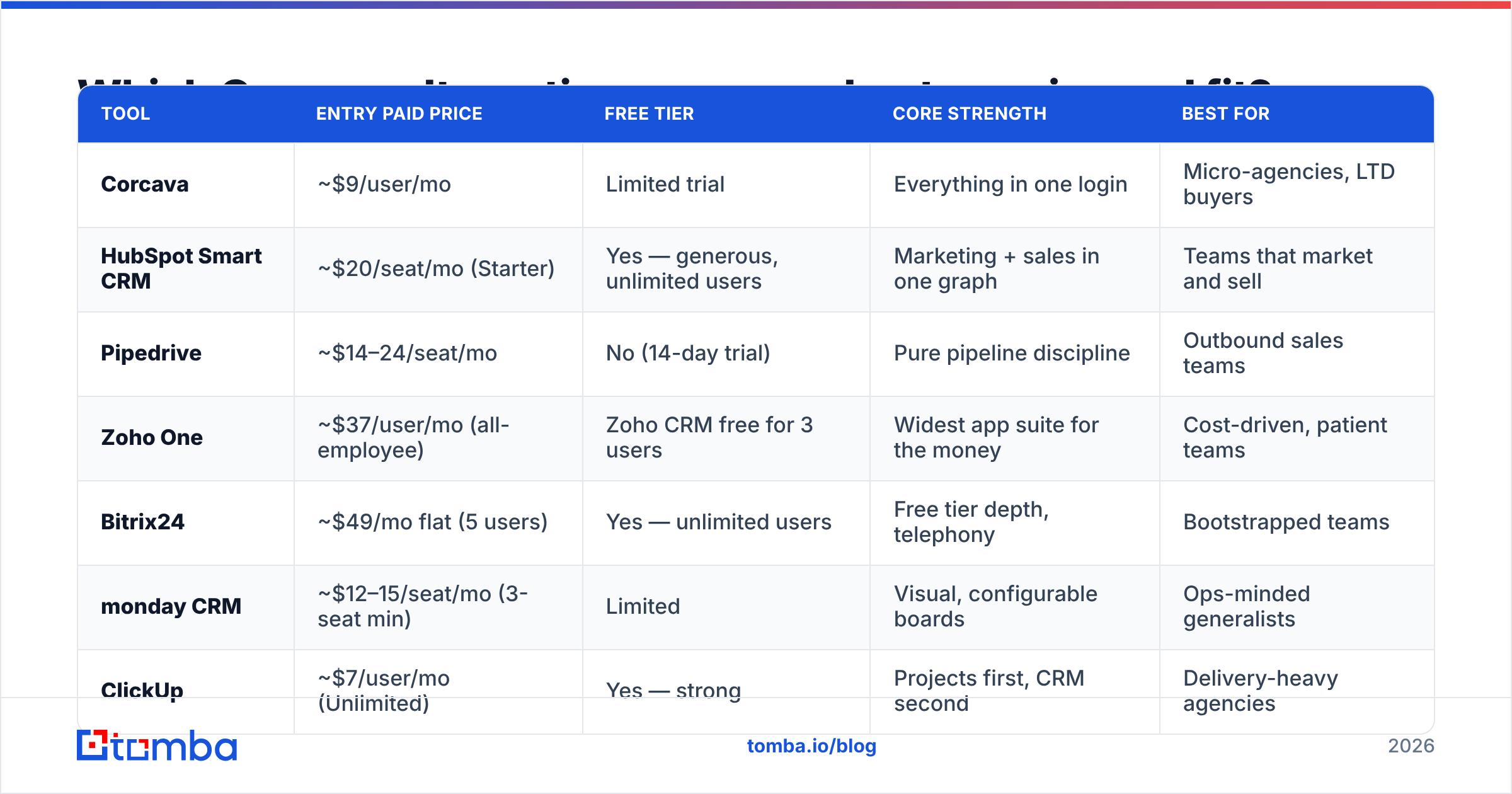
Here's the head-to-head. Prices are entry paid tiers as published at the time of writing and are billed per user per month unless noted — always confirm on the vendor's own pricing page, because these move.
| Tool | Entry paid price | Free tier | Core strength | Best for |
|---|---|---|---|---|
| Corcava | ~$9/user/mo | Limited trial | Everything in one login | Micro-agencies, LTD buyers |
| HubSpot Smart CRM | ~$20/seat/mo (Starter) | Yes — generous, unlimited users | Marketing + sales in one graph | Teams that market and sell |
| Pipedrive | ~$14–24/seat/mo | No (14-day trial) | Pure pipeline discipline | Outbound sales teams |
| Zoho One | ~$37/user/mo (all-employee) | Zoho CRM free for 3 users | Widest app suite for the money | Cost-driven, patient teams |
| Bitrix24 | ~$49/mo flat (5 users) | Yes — unlimited users | Free tier depth, telephony | Bootstrapped teams |
| monday CRM | ~$12–15/seat/mo (3-seat min) | Limited | Visual, configurable boards | Ops-minded generalists |
| ClickUp | ~$7/user/mo (Unlimited) | Yes — strong | Projects first, CRM second | Delivery-heavy agencies |
| Close | ~$29/user/mo (Base) | No (14-day trial) | Built-in calling + sequences | High-volume SDR teams |
| Bonsai | ~$21/mo (solo) | No (trial) | Proposals, contracts, invoices | Freelancers, small studios |
| Tomba (data layer) | $49/mo (Starter) | Yes — 25 searches/mo | Finding + verifying contacts | Anyone whose CRM is full of bounces |
Tomba isn't a CRM and doesn't pretend to be. It sits underneath whichever tool you choose. We'll come back to that.
Which alternative fits which team?#
1. HubSpot — best if marketing and sales share a pipeline#
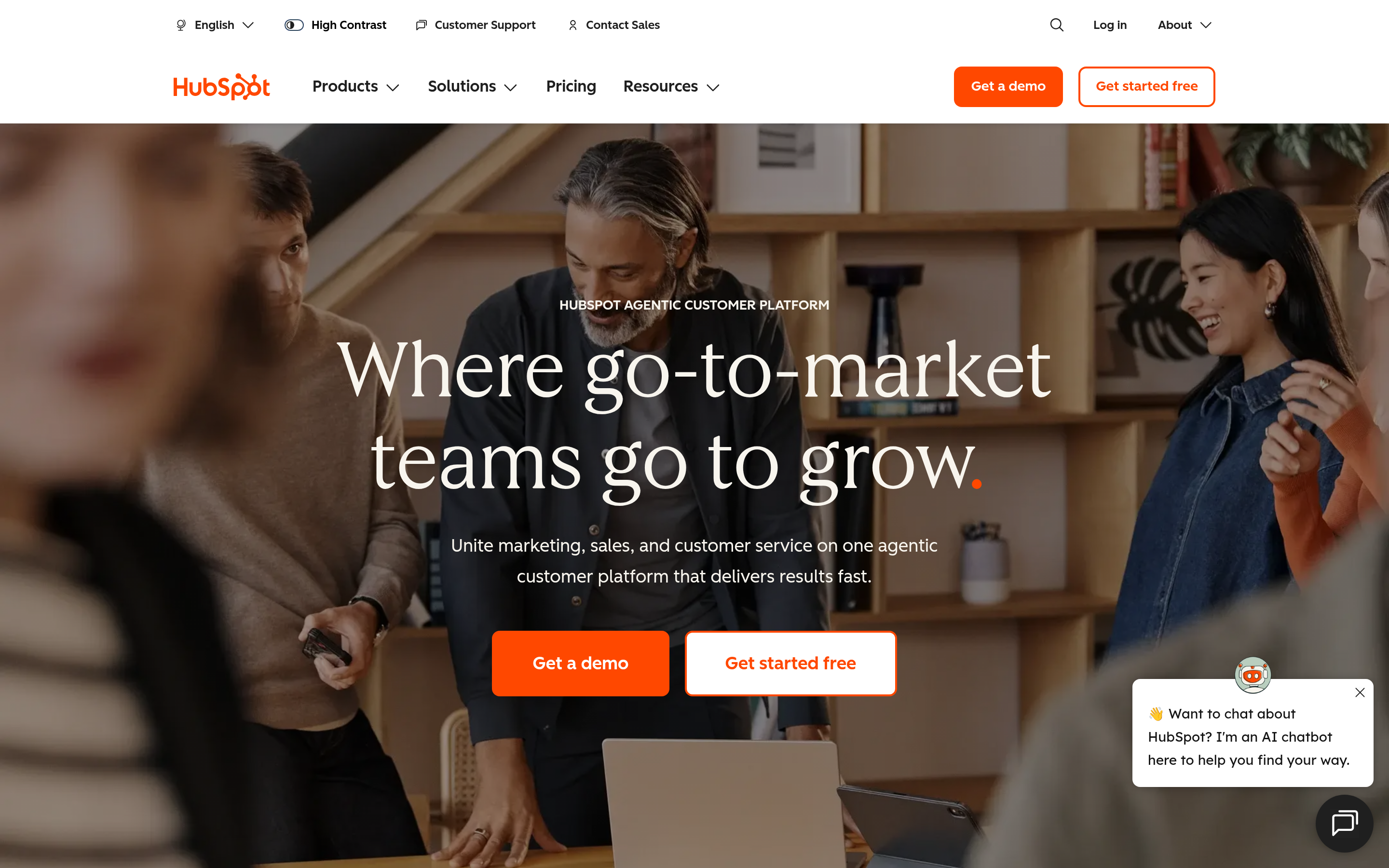
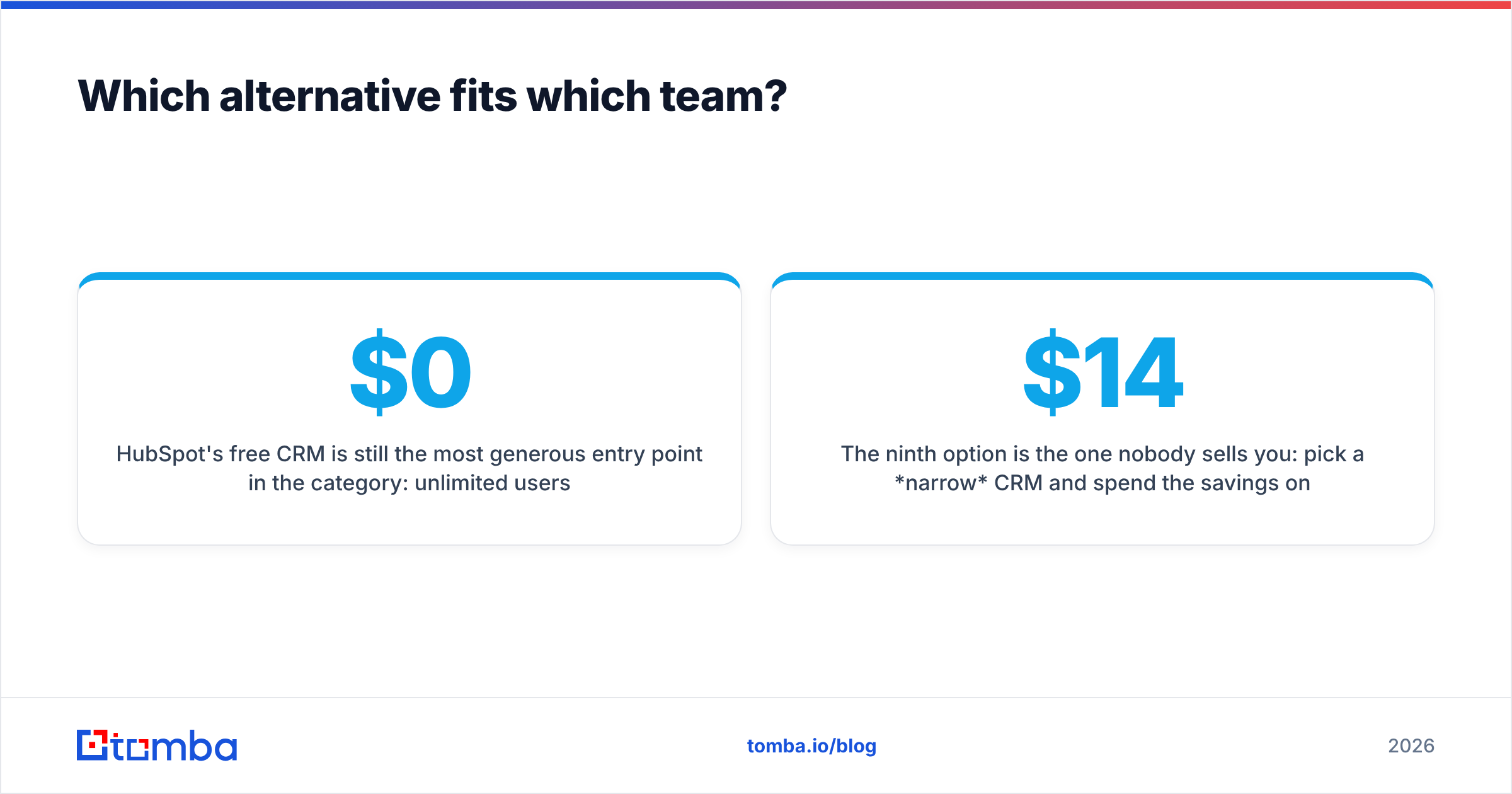
HubSpot's free CRM is still the most generous entry point in the category: unlimited users, contacts, and deal pipelines at $0. You pay when you want automation, sequences, and reporting depth. The reason to choose it over Corcava is the graph — every email, form fill, page view and deal lives on one contact record, and the marketing side is not an afterthought.
The catch is the upgrade cliff. Starter is affordable; Professional is a different universe of pricing, and that's the tier where most of the automation you actually wanted lives. Budget for where you'll be in a year, not where you are today. See the HubSpot pricing page and model it honestly.
If you already use HubSpot, connect it to your data layer — the HubSpot integration pushes verified contacts straight into records rather than into a CSV graveyard.
2. Pipedrive — best if you sell for a living#
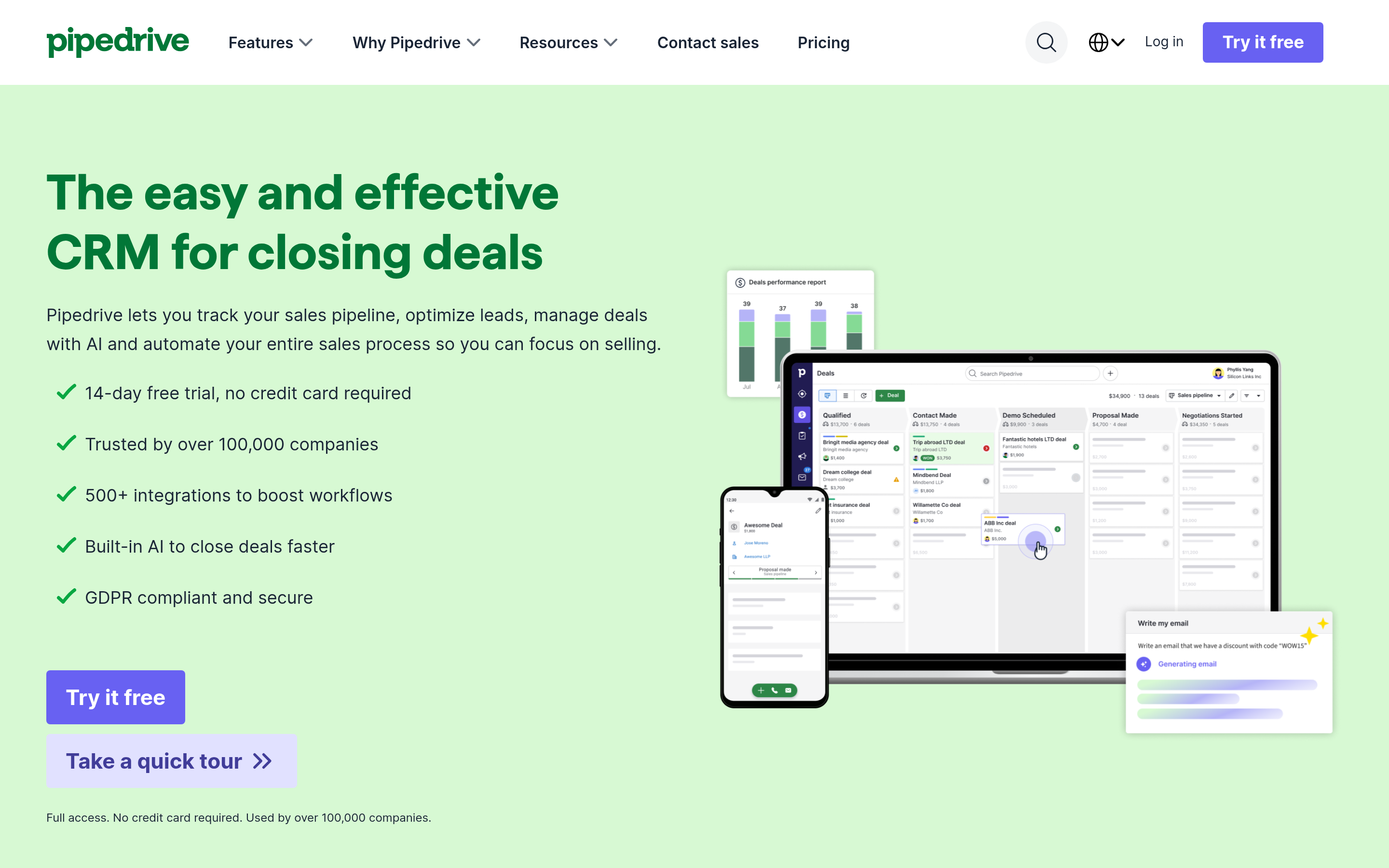
Pipedrive does one thing: it makes reps move deals. Stage-based pipelines, rotting-deal alerts, activity-based selling. There's no project module, no invoicing, no time tracking, and that's the point. Teams that leave Corcava for Pipedrive almost always report the same thing: fewer features, more closed deals.
Weaknesses are real — reporting is basic on lower tiers, and email sync is gated behind add-ons. But for a 3–20 person sales team, it's the lowest-friction option here. Compare it directly on G2 before committing.
3. Zoho One — best if you genuinely need everything#
If your objection to Corcava is "not deep enough" rather than "too much," Zoho One is the logical next step: 40+ applications — CRM, books, projects, desk, campaigns, HR — for one per-employee price. It's the most complete all-in-one on this list by a wide margin.
The trade is UX and setup time. Zoho apps feel like they were built by different teams, because they were. Expect weeks, not days, to configure. If you have an ops person, it's the best value in B2B software. If you don't, you'll hate it.
4. Bitrix24 — best free tier for bootstrapped teams#
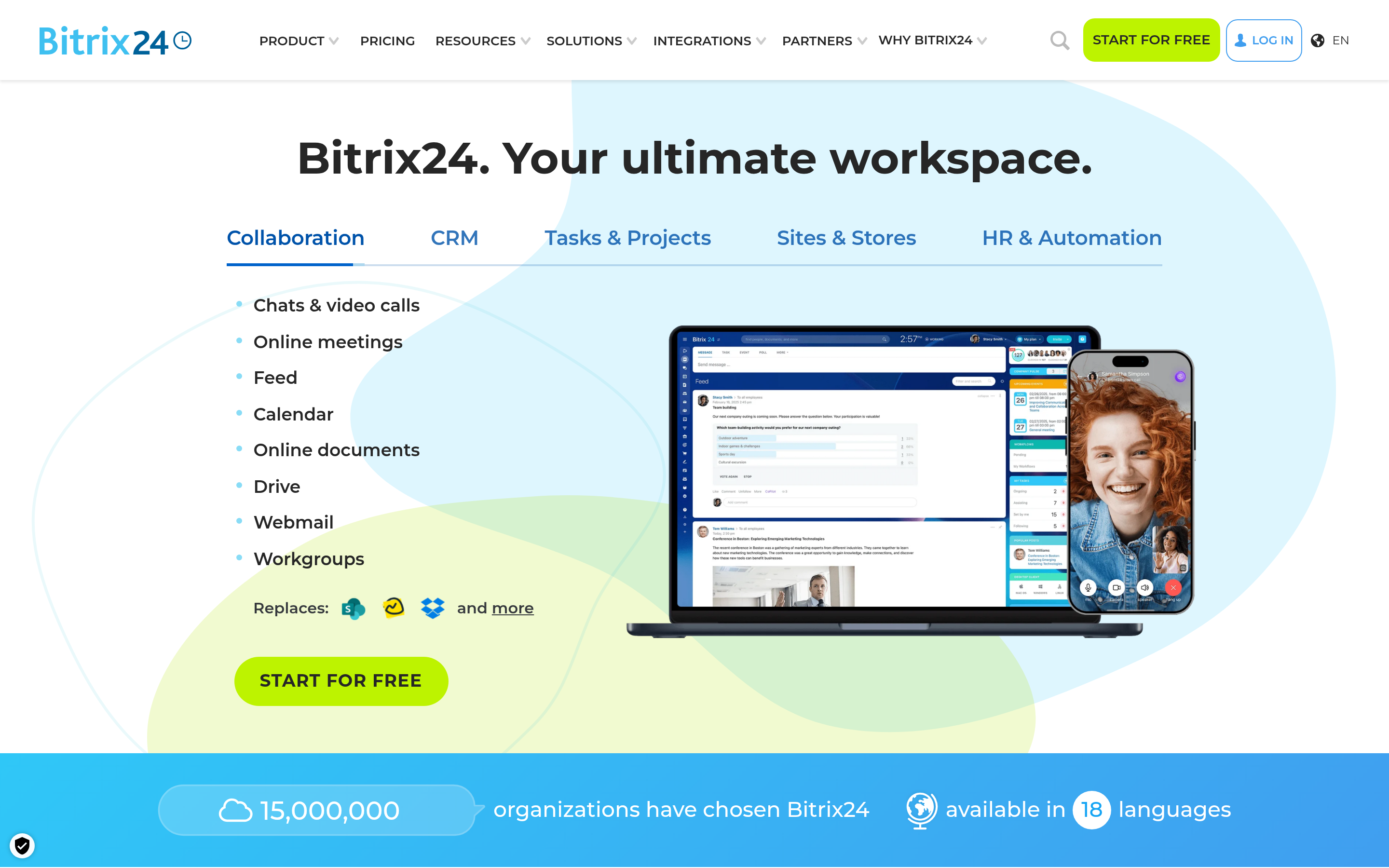
Unlimited users on the free plan, including CRM, tasks, a contact center, and telephony. Nothing else on this list gives away that much. Paid plans start as a flat monthly fee for a user block rather than per seat, which is unusually founder-friendly.
The interface is dense and dated, and the free tier caps storage aggressively. But for a scrappy team of eight that needs to stop paying for anything, it's hard to argue with.
5. monday CRM — best if you want to build your own workflow#
monday is a work OS with a CRM skin. Boards, automations, dashboards — it configures into almost anything, which is both the pitch and the risk. Teams that like building systems love it; teams that want an opinionated pipeline out of the box find themselves designing software instead of selling.
Note the 3-seat minimum, which makes it pricier than the headline for tiny teams.
6. ClickUp — best if delivery, not sales, is your bottleneck#
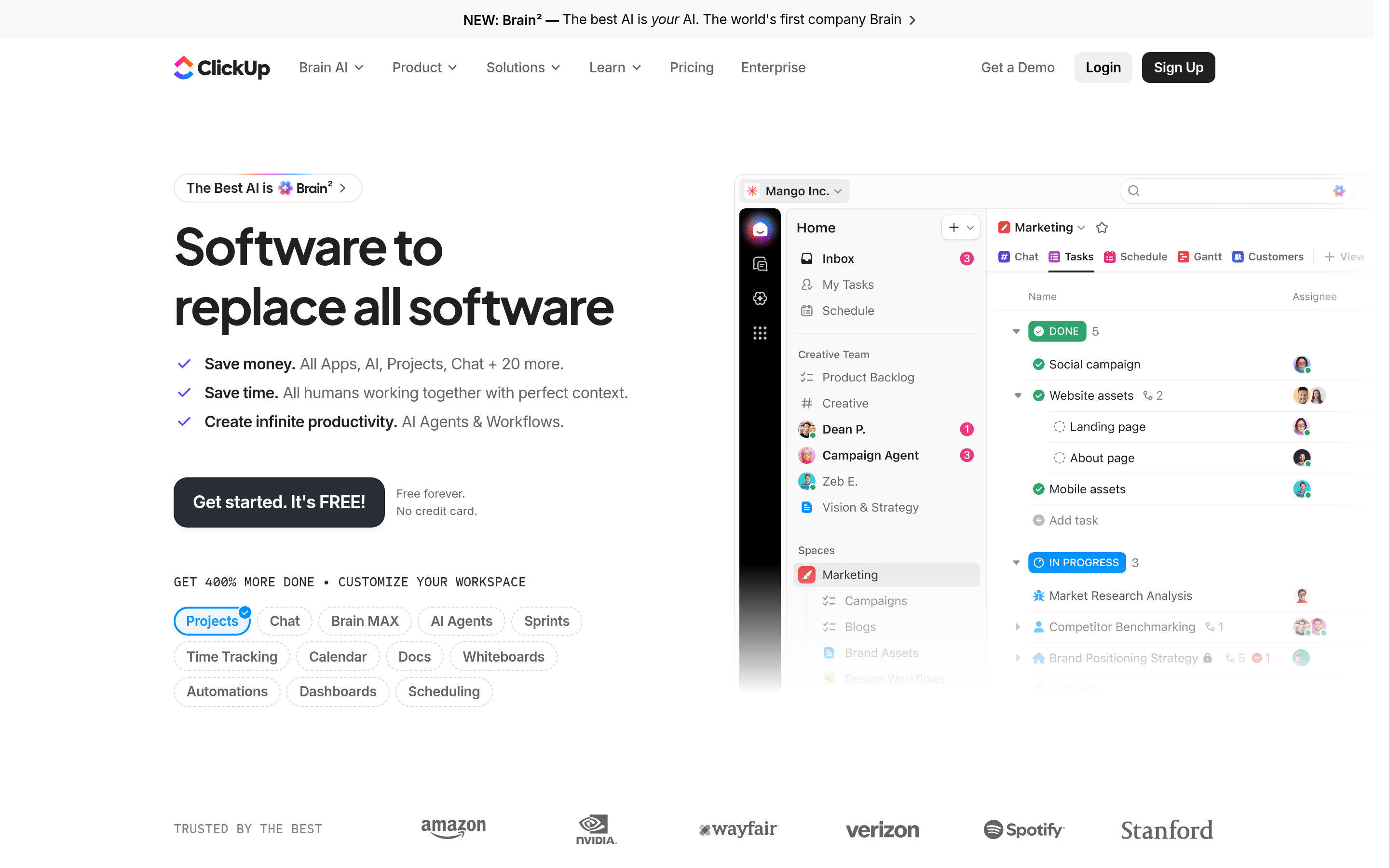
Most Corcava users are agencies, and most agencies are delivery-constrained, not lead-constrained. If that's you, drop the CRM ambition and get a real project tool. ClickUp gives you tasks, docs, goals, time tracking and a workable CRM template at a price that undercuts almost everyone.
The CRM is a template, not a product. Pair it with a lightweight pipeline elsewhere and don't pretend otherwise.
7. Close — best for outbound-heavy teams#
Close builds calling, SMS, and email sequences into the CRM itself. For SDR teams doing 50+ touches a day, the reduction in tab-switching is worth the higher per-seat price on its own. It's the only tool on this list where the phone is a first-class citizen — pair it with a phone finder and the dialer is never idle.
Overkill if you close five deals a quarter. Essential if you close five a week.
8. Bonsai — best for freelancers and small studios#
If what you actually liked about Corcava was the invoicing, contracts and time tracking — not the CRM — Bonsai does that specific bundle better. Proposals, e-signed contracts, time tracking, invoicing, and light client CRM in a package designed for people who bill hours.
It won't scale to a sales team. It doesn't try to.
9. A focused stack — CRM + a real data layer#
The ninth option is the one nobody sells you: pick a narrow CRM and spend the savings on data. A $14/seat Pipedrive plus a real contact source will out-perform a $9/seat everything-app with a database full of guessed addresses, every single time.
Why does the data layer matter more than the CRM?#
Because the CRM is a filing cabinet. It stores what you feed it, and it has no opinion about whether the contents are true.
Here's the failure mode we see constantly. A team migrates off Corcava, spends three weeks configuring HubSpot, launches a sequence to 2,000 contacts, and watches a 22% bounce rate torch their sender reputation in a single afternoon. The CRM was never the problem. The list was.

A working contact layer does four jobs your CRM does not:
- Find — resolve a name plus a company domain into a real, working address. This is what an email finder does, and it's a different technical problem than storing a record.
- Verify — SMTP-check every address before it enters the CRM, not after it bounces. Run new imports through an email verifier as a gate, not a cleanup step.
- Enrich — attach title, seniority, company size and phone so segmentation is possible at all. Data enrichment turns a name and an email into a routable lead.
- Refresh — B2B data decays roughly 2–3% a month as people change jobs. A one-time import is stale within a year, guaranteed.
Options here vary by shape. Tomba works best when you're finding contacts at specific companies you've already targeted — domain search, name-based lookup, verification, and an API to wire it into whatever CRM you land on. BookYourData is a strong pick when you'd rather buy a pre-built, filtered list and start dialing today; it's a well-regarded database with pay-as-you-go credits. Different jobs, both legitimate. Buy the one that matches how you actually prospect.
What does the migration off Corcava actually cost?#
Not money. Time and truth.
Export first, decide second. Pull your contacts, deals, and invoice history out of Corcava as CSV before you cancel. Confirm the export contains custom fields; most tools quietly drop them.
Deduplicate before import. Every all-in-one accumulates duplicates. Run the list through a deduplication pass and a verification pass before it touches the new system, or you will import the same mess into a nicer interface.
Don't rebuild what you didn't use. Look at what you actually opened in Corcava over 90 days. Most teams find they used the CRM and the invoicing and ignored the rest. That's your requirements doc — not the feature list.
Expect 2–4 weeks of drag. Pipedrive and Close are fast (days). HubSpot Starter is a week. Zoho One is a month if you're honest with yourself.
So which Corcava alternative should you choose?#
- You sell: Pipedrive. If you also cold-call at volume, Close.
- You market and sell: HubSpot, starting free.
- You deliver client work: ClickUp, with a lightweight pipeline board.
- You're a solo operator billing hours: Bonsai.
- You need every module and have an ops person: Zoho One.
- You need it free: Bitrix24.
- Your real problem is the data: none of the above will fix it.
Whichever container you land in, the contacts have to be real. That's the part no all-in-one CRM — Corcava included — has ever solved, and it's the part that decides whether your pipeline is a forecast or a fantasy.
Start with the Tomba Email Finder on the free tier: 25 searches a month, no card, enough to test whether your current list survives verification. If it doesn't, you just found the actual reason your pipeline is underperforming — and it wasn't the CRM. Paid plans start at $49/mo, and the Tomba API drops verified contacts straight into whichever tool you pick from this list.
Related guides#
Ready to find emails that actually work?
Join 150,000+ professionals who stopped guessing and started sending. Free credits on signup — no credit card required.
Get the Tomba newsletter
Practical outbound tactics and product updates — once every two weeks.
About the author