Best CRM Apps in 2026: Features, Pricing, and Honest Picks
A no-fluff guide to choosing CRM apps in 2026 — how the top platforms compare on price, features, and data quality, plus the one factor most buyers ignore.
Best CRM Apps in 2026: Features, Pricing, and Honest Picks
Picking a CRM feels like buying a mattress: everyone swears theirs is the best, the pricing pages hide the real cost, and you only find out it's wrong after you've committed. This guide cuts through that. It compares the CRM apps that actually matter in 2026, shows what each one costs once you add seats and features, and points out the one thing most buyers forget until their pipeline is already full of dead contacts.
TL;DR#
- The "best" CRM app depends on team size and motion. HubSpot wins on free-tier generosity, Salesforce on enterprise depth, Pipedrive on simplicity, and Zoho on price-to-feature ratio.
- Sticker price lies. Per-seat costs multiply fast, and premium tiers gate the features (automation, reporting, custom objects) you'll actually need within six months.
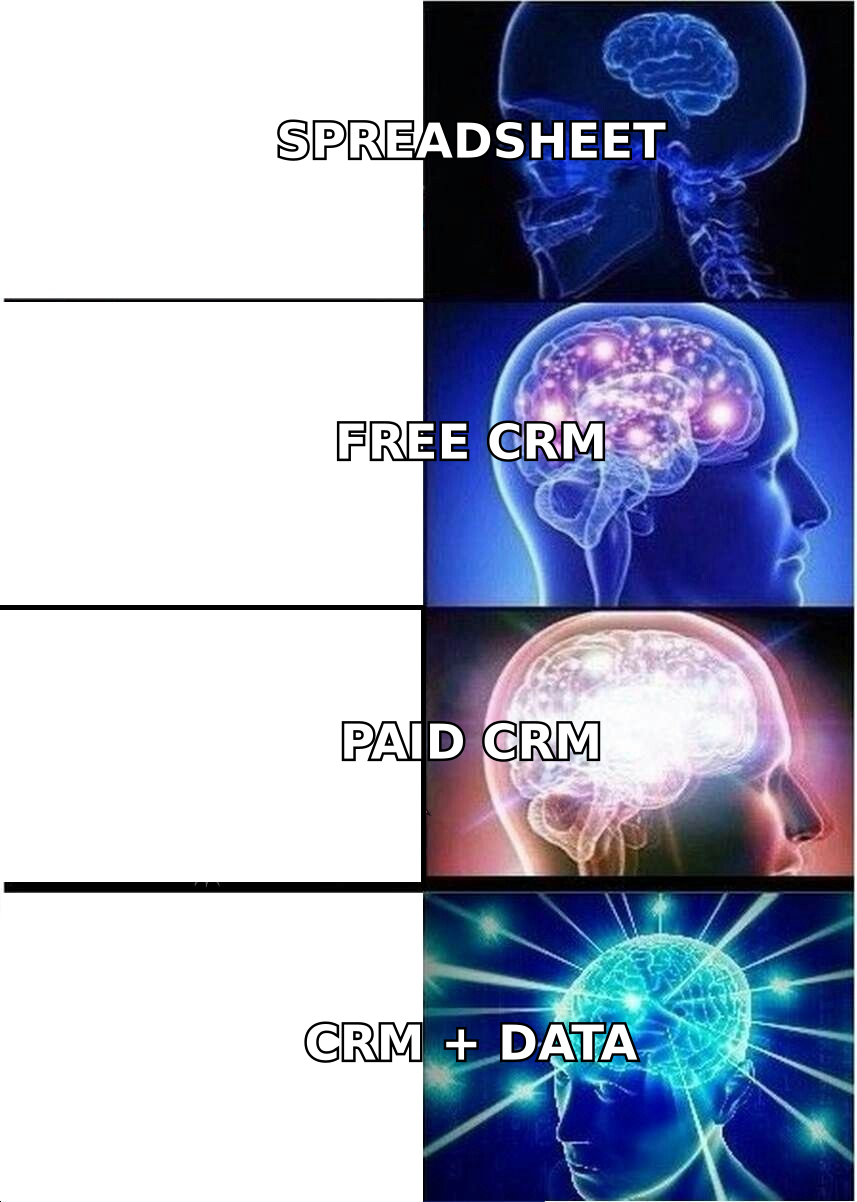
- A CRM is only as good as the data inside it. Roughly a quarter of B2B contact records go stale every year — no CRM app fixes that on its own.
- Pair your CRM with an enrichment and email-finding layer so records stay current and reps stop wasting time on bounced emails.
- Start free, prove the workflow, then upgrade. Every serious CRM app below offers a trial or free tier — use it before signing an annual contract.
What are CRM apps, and what do they actually do?#
A CRM app is the shared brain your sales team works out of. Think of it like an air-traffic-control tower for deals: every contact, conversation, and next step lands in one place, so no lead falls out of the sky because a rep forgot to follow up.
Technically, a CRM (customer relationship management) app stores contact and company records, tracks deals through pipeline stages, logs emails and calls, and automates the busywork around all of it. Modern CRM apps go further — they score leads, forecast revenue, sync with your inbox, and expose an API so the rest of your stack can read and write data.
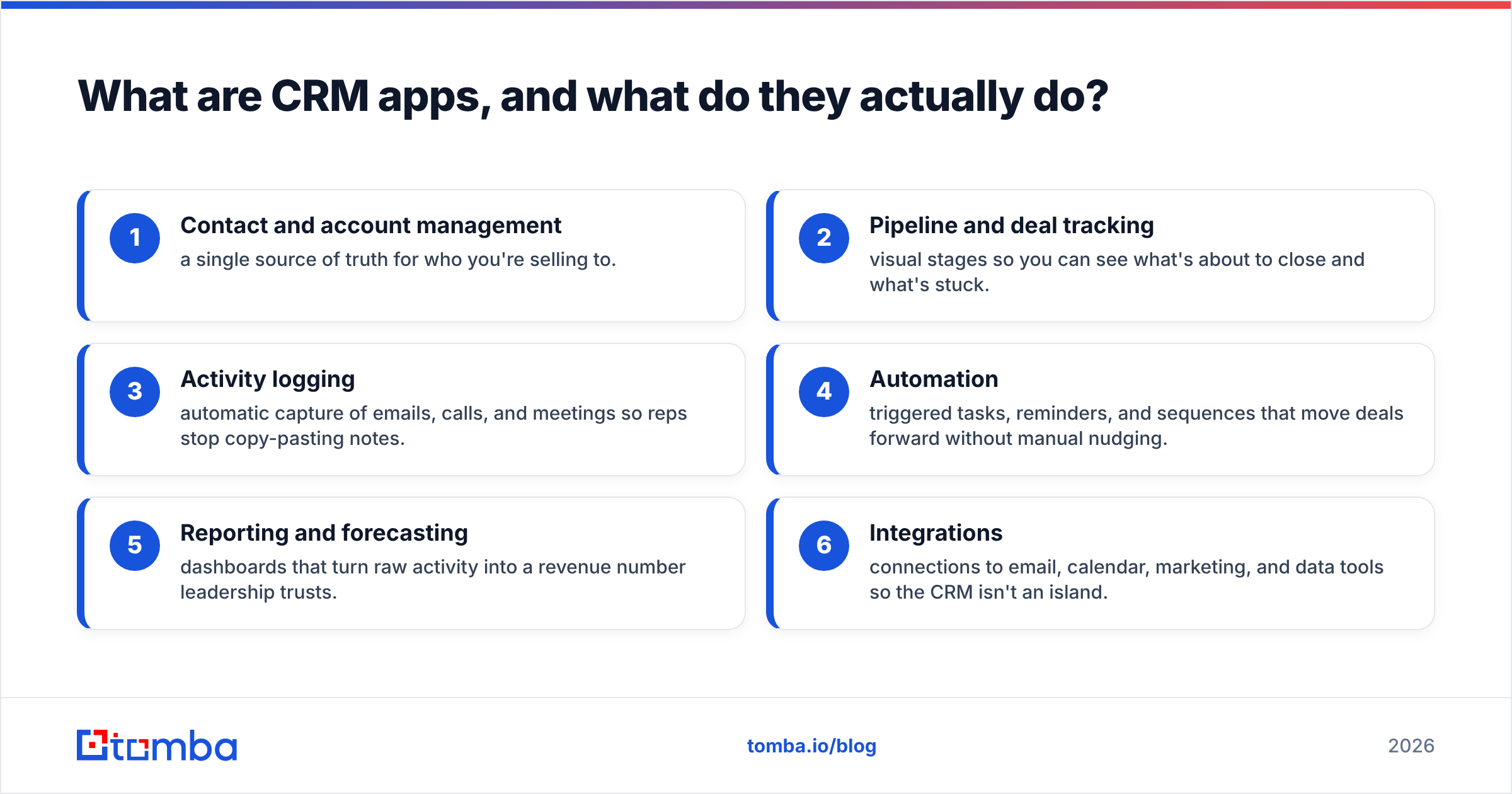
The core jobs of any CRM app break down like this:
- Contact and account management — a single source of truth for who you're selling to.
- Pipeline and deal tracking — visual stages so you can see what's about to close and what's stuck.
- Activity logging — automatic capture of emails, calls, and meetings so reps stop copy-pasting notes.
- Automation — triggered tasks, reminders, and sequences that move deals forward without manual nudging.
- Reporting and forecasting — dashboards that turn raw activity into a revenue number leadership trusts.
- Integrations — connections to email, calendar, marketing, and data tools so the CRM isn't an island.
If a tool you're evaluating can't do all six well, it's a contact list with a nice logo, not a CRM.
Which CRM apps are worth comparing in 2026?#
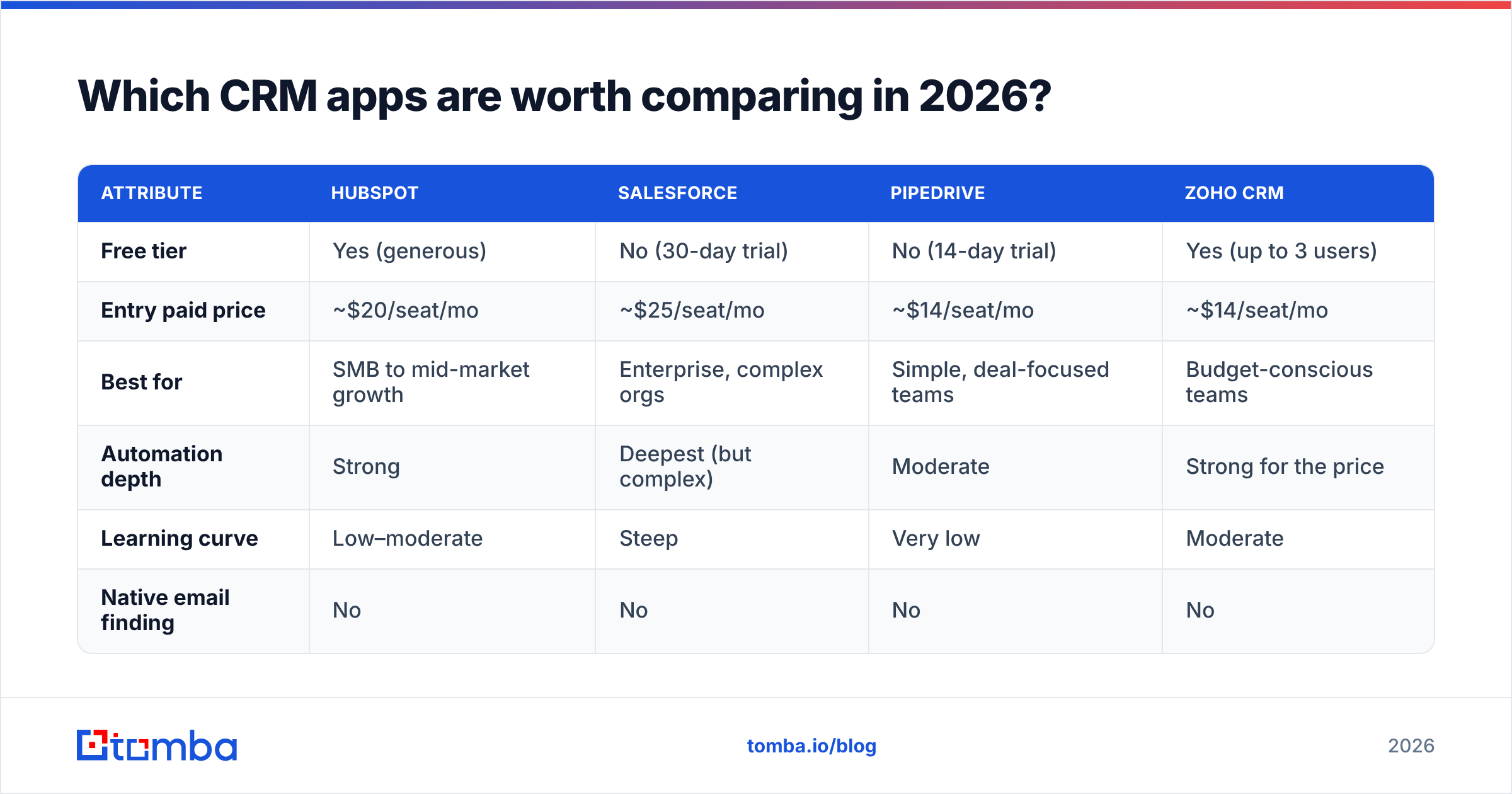
Four platforms dominate most shortlists, and each is genuinely the best choice for a specific kind of team. Here's how they stack up on the attributes that decide the purchase.
| Attribute | HubSpot | Salesforce | Pipedrive | Zoho CRM |
|---|---|---|---|---|
| Free tier | Yes (generous) | No (30-day trial) | No (14-day trial) | Yes (up to 3 users) |
| Entry paid price | ~$20/seat/mo | ~$25/seat/mo | ~$14/seat/mo | ~$14/seat/mo |
| Best for | SMB to mid-market growth | Enterprise, complex orgs | Simple, deal-focused teams | Budget-conscious teams |
| Automation depth | Strong | Deepest (but complex) | Moderate | Strong for the price |
| Learning curve | Low–moderate | Steep | Very low | Moderate |
| Native email finding | No | No | No | No |
A few honest takeaways from this table:
- Cheapest entry price ≠ cheapest in practice. Pipedrive and Zoho start low, but the automation and reporting you'll want usually sit a tier or two up.
- No mainstream CRM app finds or verifies email addresses for you. They store whatever data you feed them — accurate or not. That gap is where most pipelines quietly rot.
- Salesforce is the most powerful and the most expensive to run, once you factor in admin time and add-ons. Great at 200 reps, overkill at 12.
For a deeper feature-by-feature breakdown, G2's CRM category and HubSpot's own product pages are useful primary sources — just read them knowing every vendor frames the comparison to win.
How do you choose the right CRM app for your team?#
Match the tool to your motion, not to the feature count. A CRM app with 400 features you'll never touch is worse than a lean one your reps actually update.
Walk through these questions in order:
- What's your sales motion? High-volume transactional selling rewards automation and simplicity (Pipedrive, HubSpot). Complex, multi-stakeholder enterprise deals reward customization (Salesforce).
- How many seats, realistically, in 12 months? Per-seat pricing compounds. A $30/seat difference across 25 reps is $9,000 a year.
- Which tier gates the must-have feature? Find the single feature you can't live without (say, sequence automation or custom reporting) and price the tier that unlocks it. That's your real starting cost.
- What has to integrate? Your email provider, calendar, marketing platform, and data tools should all connect natively or through Zapier-style automation. If a CRM forces manual CSV exports, walk away.
- Who administers it? Salesforce often needs a dedicated admin. HubSpot, Pipedrive, and Zoho usually don't. Factor that headcount into the cost.
- How dirty is your data going to get? Every CRM degrades as contacts change jobs. Plan for enrichment from day one instead of bolting it on after deliverability tanks.
That last point is the one buyers underweight — and it's worth its own section.
Why does data quality matter more than the CRM app itself?#
Your CRM app is a filing cabinet; the files are what make you money. A pristine Salesforce org full of two-year-old email addresses will lose to a scrappy Pipedrive full of verified, current contacts every single time.
The numbers back this up. B2B data decays fast — people switch jobs, companies rebrand, and domains change. Industry estimates put annual contact-data decay around 22–30%. That means if you loaded 10,000 contacts today and never refreshed them, a few thousand would be wrong within a year. Reps emailing those records get bounces, which drags down your sender reputation and, eventually, your whole domain's deliverability.
No CRM app solves this natively. HubSpot, Salesforce, Pipedrive, and Zoho all assume the data going in is correct. So the winning setup is a CRM app plus a dedicated data layer that:
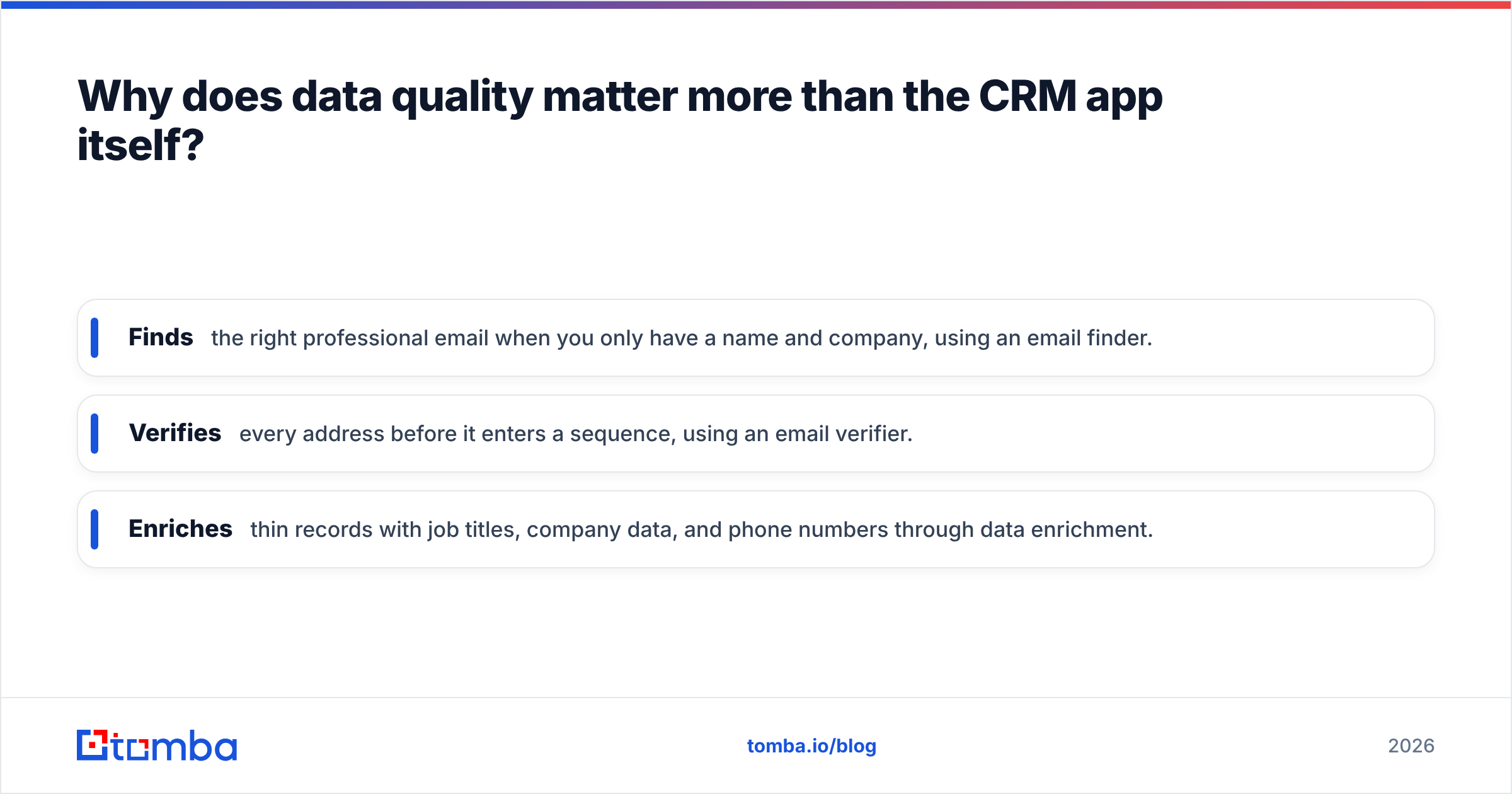
- Finds the right professional email when you only have a name and company, using an email finder.
- Verifies every address before it enters a sequence, using an email verifier.
- Enriches thin records with job titles, company data, and phone numbers through data enrichment.
That's exactly where a tool like Tomba slots in alongside your CRM rather than replacing it.
How does Tomba fit into your CRM stack?#
Tomba is the accuracy layer your CRM app doesn't ship with. Instead of asking a filing cabinet to also be a research team, you let Tomba find and verify contacts, then push clean records straight into the CRM you already chose.
Here's the practical workflow most teams land on:
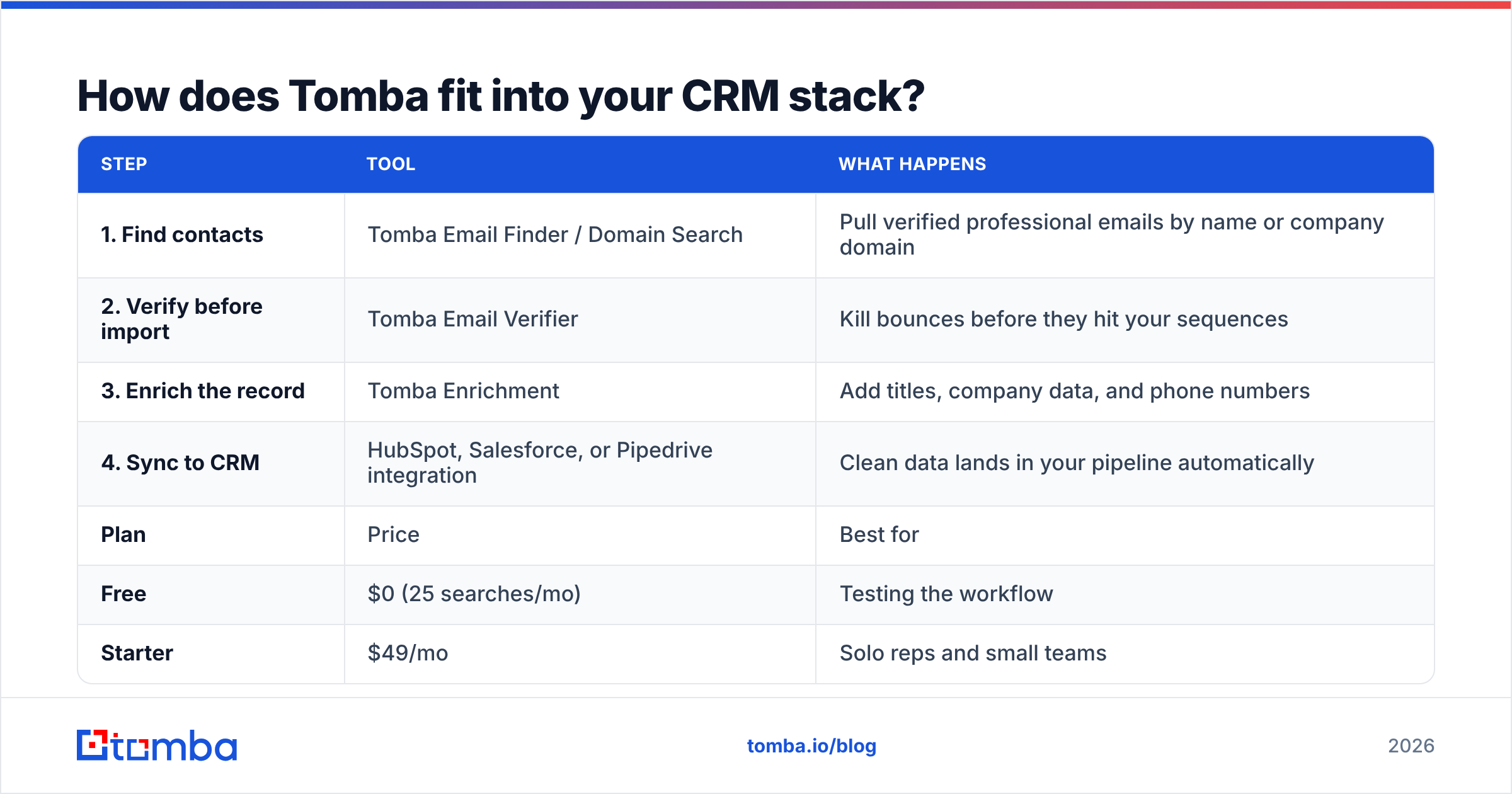
| Step | Tool | What happens |
|---|---|---|
| 1. Find contacts | Tomba Email Finder / Domain Search | Pull verified professional emails by name or company domain |
| 2. Verify before import | Tomba Email Verifier | Kill bounces before they hit your sequences |
| 3. Enrich the record | Tomba Enrichment | Add titles, company data, and phone numbers |
| 4. Sync to CRM | HubSpot, Salesforce, or Pipedrive integration | Clean data lands in your pipeline automatically |
Because Tomba connects through native integrations plus Zapier and Make, it works regardless of which CRM app you picked. Your reps keep living in HubSpot or Salesforce; Tomba just makes sure the contacts they're working are real.
Tomba's own pricing is built to sit next to a CRM budget without doubling it:
| Plan | Price | Best for |
|---|---|---|
| Free | $0 (25 searches/mo) | Testing the workflow |
| Starter | $49/mo | Solo reps and small teams |
| Growth | $99/mo | Scaling outbound teams |
| Pro | $249/mo | High-volume prospecting |
| Enterprise | Custom | Large orgs with API needs |
You can see the full breakdown on the Tomba pricing page. The point isn't that Tomba replaces your CRM — it's that spending $49–$99 a month to keep a $10,000-a-year CRM full of accurate data is the highest-leverage line item in the stack.
What are the most common CRM app mistakes to avoid?#
Most CRM failures aren't the software's fault — they're process failures that the wrong tool amplifies. Steer around these:
- Over-buying tiers you don't need yet. Start on the lowest plan that unlocks your one must-have feature. Upgrade when a real bottleneck appears, not before.
- Ignoring adoption. The best CRM app is the one your reps actually update. If logging activity takes more than a click, adoption dies and your data with it.
- Treating the CRM as a data source. It's a system of record, not a research tool. Feed it verified data from a dedicated layer.
- Skipping deduplication. Merged deals and double-counted contacts wreck forecasting. Clean on import, not quarterly.
- No verification step before outreach. Sending to unverified addresses is the fastest way to torch email deliverability. A quick verify pass prevents it.
- Forgetting the exit cost. Check how easy it is to export your data before you sign in. If a vendor makes leaving hard, that's a red flag about the relationship.
Avoid those six and almost any CRM app on your shortlist will perform well. Commit them and even Salesforce will feel like a spreadsheet with extra steps.
Which CRM app should you actually pick?#
Match the shortlist to your situation and stop second-guessing:
- Small team, tight budget, want free to start: HubSpot's free tier or Zoho's free plan. Both scale into paid tiers when you're ready.
- Simple, deal-driven sales you want reps to adopt in a day: Pipedrive. Lowest friction, clearest pipeline view.
- Complex enterprise selling with heavy customization: Salesforce. Accept the admin overhead; you're paying for depth.
- Best features per dollar across a mid-size team: Zoho CRM. Underrated, especially if you already use other Zoho apps.
Whichever you choose, the decision that separates a CRM that pays for itself from one that becomes shelfware is the data you put in it. Vendors like Salesforce and HubSpot publish solid migration and adoption guidance, but none of it matters if your contact records are wrong on arrival.
Keep your CRM full of contacts that actually convert#
A CRM app organizes your pipeline; it doesn't fill it with accurate, reachable people. That's the job Tomba's Email Finder does — find verified professional emails, enrich them with company and role data, and sync them straight into HubSpot, Salesforce, Pipedrive, or Zoho. Start on the free tier with 25 searches, run a batch of your target accounts through it, and watch your bounce rate drop before you've spent a dollar. Your CRM will thank you, and so will your reps.
Related guides#
Ready to find emails that actually work?
Join 150,000+ professionals who stopped guessing and started sending. Free credits on signup — no credit card required.
Get the Tomba newsletter
Practical outbound tactics and product updates — once every two weeks.
About the author