CRM Comparison 2026: HubSpot vs Salesforce vs Pipedrive
An honest CRM comparison for 2026: how HubSpot, Salesforce, Pipedrive, and Zoho stack up on price, usability, and the data quality that actually decides ROI.
Picking a CRM is easy to get wrong and expensive to fix. You migrate contacts, retrain reps, rebuild reports — and 14 months later you realize you're paying for seats nobody logs into and modules nobody configured. This CRM comparison cuts through the demo-day polish and looks at what actually matters in 2026: real pricing, the hidden costs vendors bury in "Enterprise," and the one variable that decides whether any CRM pays off — the quality of the data inside it.
TL;DR — The Quick Verdict#
- Best all-around for SMB and mid-market: HubSpot — generous free tier, fastest onboarding, but per-seat costs climb steeply as you add Marketing and Service Hubs.
- Best for large, complex orgs: Salesforce — endlessly customizable and the deepest ecosystem, but you'll need admin budget and patience.
- Best for lean sales teams: Pipedrive — cheapest, most intuitive pipeline view, weakest on marketing and reporting depth.
- Best value challenger: Zoho CRM — feature-dense for the price, clunkier UX.
- The real deciding factor: none of them fill your pipeline. A CRM is only as good as the contact data you feed it — garbage in, garbage forecast.
What Should a CRM Comparison Actually Measure?#
Most comparison posts count features. That's the wrong lens. Every major CRM in 2026 has deals, contacts, pipelines, email sync, and an AI assistant bolted on. Feature parity is real at the top.
What separates them is total cost of ownership and fit to how your team already sells. Think of a CRM like a kitchen: every one has a stove and a fridge. The difference is whether it fits your space, how much the appliances cost to run, and — critically — whether you're cooking with fresh ingredients or spoiled ones.
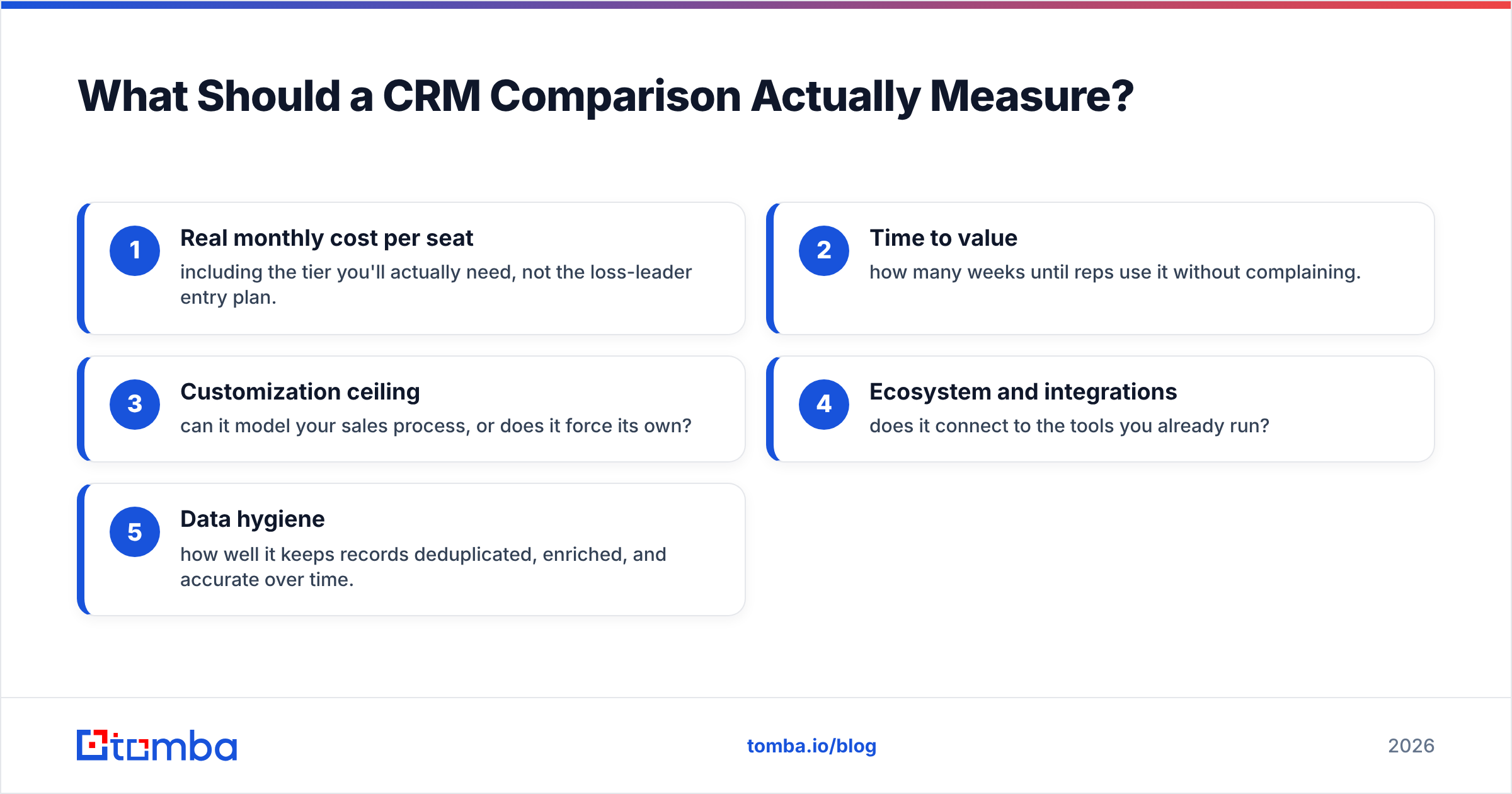
Judge any CRM on five axes:
- Real monthly cost per seat — including the tier you'll actually need, not the loss-leader entry plan.
- Time to value — how many weeks until reps use it without complaining.
- Customization ceiling — can it model your sales process, or does it force its own?
- Ecosystem and integrations — does it connect to the tools you already run?
- Data hygiene — how well it keeps records deduplicated, enriched, and accurate over time.
That last axis is the one buyers skip and later regret. More on that below.
How Do HubSpot, Salesforce, Pipedrive, and Zoho Compare on Price?#
Here's the honest side-by-side. Prices reflect publicly listed 2026 rates for the tier most teams actually land on — not the marketing headline number.
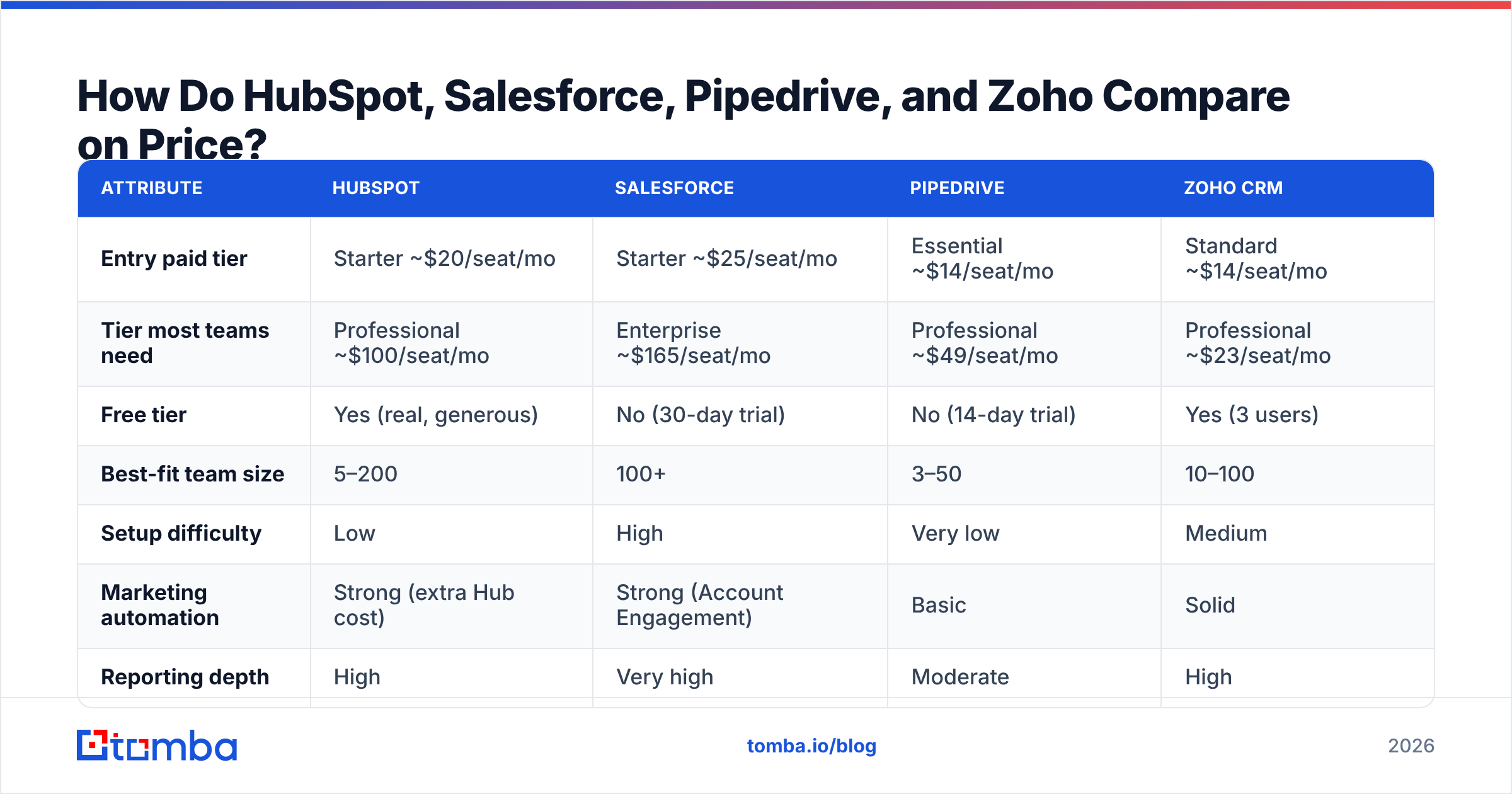
| Attribute | HubSpot | Salesforce | Pipedrive | Zoho CRM |
|---|---|---|---|---|
| Entry paid tier | Starter ~$20/seat/mo | Starter ~$25/seat/mo | Essential ~$14/seat/mo | Standard ~$14/seat/mo |
| Tier most teams need | Professional ~$100/seat/mo | Enterprise ~$165/seat/mo | Professional ~$49/seat/mo | Professional ~$23/seat/mo |
| Free tier | Yes (real, generous) | No (30-day trial) | No (14-day trial) | Yes (3 users) |
| Best-fit team size | 5–200 | 100+ | 3–50 | 10–100 |
| Setup difficulty | Low | High | Very low | Medium |
| Marketing automation | Strong (extra Hub cost) | Strong (Account Engagement) | Basic | Solid |
| Reporting depth | High | Very high | Moderate | High |
| Customization ceiling | Medium-high | Very high | Low-medium | High |
The pattern is clear: Pipedrive and Zoho win on raw price, HubSpot wins on onboarding speed, and Salesforce wins on ceiling. But the sticker price hides the real spend.

Where Do the Hidden CRM Costs Actually Live?#
The tier price is the number vendors want you to compare. The costs that wreck budgets live elsewhere:
- Seat creep. You buy 10 seats, hit 40 within a year, and the per-seat math you did at signup no longer holds. HubSpot and Salesforce both bite hardest here.
- Add-on modules. HubSpot's Marketing, Sales, Service, and Content Hubs are priced separately. Bundle three and your "affordable" CRM triples.
- Implementation and admin. Salesforce Enterprise realistically needs a part-time admin or a paid consultant. That's a five-figure line item most comparisons ignore.
- Data enrichment and cleanup. Every CRM decays. Contacts change jobs, emails bounce, records duplicate. You'll pay — in tools or labor — to keep it usable.
- Integration glue. If a native connector doesn't exist, you're buying middleware (Zapier, Make) or building it.
For a full breakdown of how these stack against a lean data-first stack, compare against transparent Tomba pricing — the per-credit model makes the enrichment line item predictable instead of a surprise.
Is HubSpot or Salesforce Better for a Growing Team?#
Short answer: HubSpot until complexity forces the switch.
HubSpot is the CRM you can roll out on a Monday and have reps using by Friday. The free tier is genuinely usable — not a crippled demo — which lets small teams start now and pay later. Its weakness is the pricing curve: once you need Professional-tier marketing automation across Hubs, you're often paying more per outcome than Salesforce.
Salesforce is the opposite trade. It can model almost any sales process, territory rule, or approval workflow you throw at it, and its AppExchange ecosystem is unmatched. But that power is also the tax — configuration is a project, not a setting, and you'll feel the admin overhead by year one. Choose Salesforce when your process is too complex for guardrails to contain, and you have the budget to run it properly.
A simple rule: if you can describe your sales process on a whiteboard in five minutes, HubSpot or Pipedrive will hold it. If it takes an hour and three exceptions, you're in Salesforce territory.
Both connect cleanly to a data layer, whether you run the HubSpot integration or the Salesforce integration to keep records enriched at the point of entry.
When Does Pipedrive or Zoho Make More Sense?#
Pipedrive exists for one job: move deals through a pipeline without friction. Its drag-and-drop board is the most intuitive in the category, and reps who hate CRMs tolerate this one. The trade-off is depth — reporting, marketing automation, and customization all top out fast. For a 3-to-15-person sales team that just needs to see what's stuck and where, it's the right tool and the cheapest serious option. You can wire it up through the Pipedrive integration and skip the middleware.
Zoho CRM is the value play. Dollar for feature, nothing else in this comparison matches it — automation, custom modules, analytics, and a full app suite around it. The cost is polish: the UX feels a generation behind HubSpot, and configuring it well takes patience. If budget is the hard constraint and you have someone willing to tune it, Zoho delivers more than its price suggests.
Why Does Data Quality Decide CRM ROI More Than Features?#
Here's the truth every CRM vendor is quiet about: the CRM doesn't generate pipeline. It stores it. A best-in-class CRM stuffed with stale, duplicated, or missing contact data produces confident-looking dashboards that are quietly wrong.
Consider what actually happens without a data discipline:
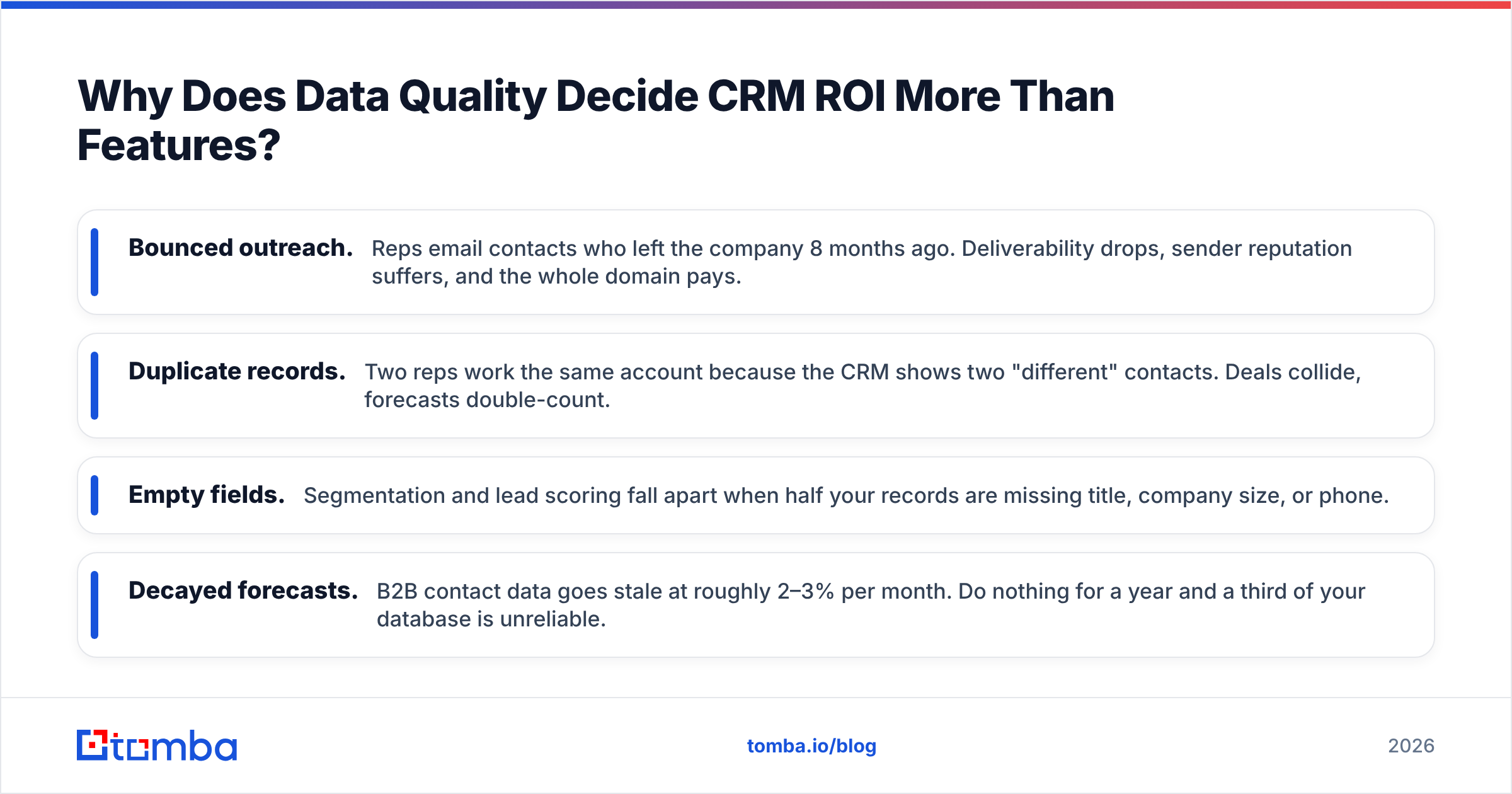
- Bounced outreach. Reps email contacts who left the company 8 months ago. Deliverability drops, sender reputation suffers, and the whole domain pays.
- Duplicate records. Two reps work the same account because the CRM shows two "different" contacts. Deals collide, forecasts double-count.
- Empty fields. Segmentation and lead scoring fall apart when half your records are missing title, company size, or phone.
- Decayed forecasts. B2B contact data goes stale at roughly 2–3% per month. Do nothing for a year and a third of your database is unreliable.
This is why the smartest teams treat the CRM as the destination, not the source. They put a data layer in front of it: find verified contacts, verify emails before they enter the system, and enrich records at the point of capture so every field is populated and current.
That's where Tomba fits — not as a CRM competitor, but as the quality gate feeding whichever CRM you pick. Use the email finder to source verified professional addresses, then enrich leads with firmographic and contact detail before they ever hit HubSpot, Salesforce, Pipedrive, or Zoho.
How Do You Choose Without Regret?#
Work top-down, not feature-up:
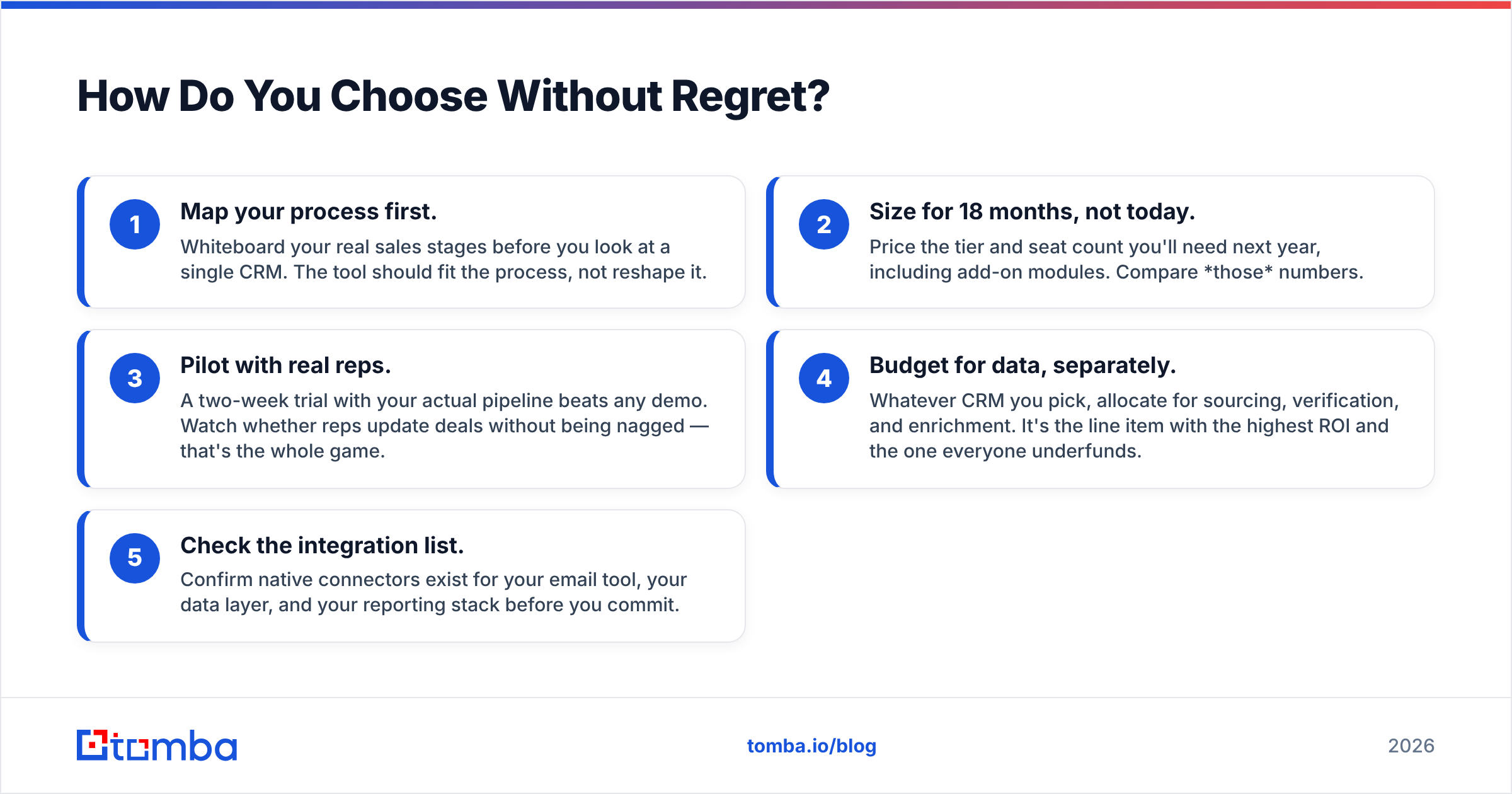
- Map your process first. Whiteboard your real sales stages before you look at a single CRM. The tool should fit the process, not reshape it.
- Size for 18 months, not today. Price the tier and seat count you'll need next year, including add-on modules. Compare those numbers.
- Pilot with real reps. A two-week trial with your actual pipeline beats any demo. Watch whether reps update deals without being nagged — that's the whole game.
- Budget for data, separately. Whatever CRM you pick, allocate for sourcing, verification, and enrichment. It's the line item with the highest ROI and the one everyone underfunds.
- Check the integration list. Confirm native connectors exist for your email tool, your data layer, and your reporting stack before you commit.
Cross-reference independent reviews on G2 to sanity-check vendor claims against real user sentiment — the gap between marketing pages and G2 threads is often where the truth lives.
The Bottom Line#
There is no universally "best" CRM — there's the one that fits your process, your team size, and your budget. HubSpot for speed and SMB fit, Salesforce for scale and complexity, Pipedrive for lean deal-flow, Zoho for value. Pick on total cost and process fit, not the feature checklist, because at the top the checklists are nearly identical.
But whichever logo you choose, remember the part no CRM comparison headline mentions: your pipeline is only as good as the data inside it. A pristine, expensive CRM full of stale contacts still forecasts fiction.
Fix the input, and every CRM works better. Start by feeding yours verified, enriched contacts with the Tomba Email Finder — find real professional emails by domain, name, or company, verify them before they land, and let your CRM do the one job it's actually good at: keeping the deals you sourced from slipping through the cracks. Try it free with 25 searches a month and see the difference clean data makes before you commit a dollar to seats.
Related guides#
Ready to find emails that actually work?
Join 150,000+ professionals who stopped guessing and started sending. Free credits on signup — no credit card required.
Get the Tomba newsletter
Practical outbound tactics and product updates — once every two weeks.
About the author