CRM Data Entry in 2026: How to Automate It and Cut Errors
Manual CRM data entry is a silent tax on every sales team—hours lost, records rotting, forecasts skewed. This guide shows how to automate capture, enforce clean records, and free reps to actually sell.
TL;DR
- CRM data entry is the hidden cost center of B2B sales. Reps spend up to a third of their week typing what a machine could capture, and the data is still wrong.
- Bad data compounds. One mistyped domain or stale title poisons routing, scoring, forecasting, and every automated sequence downstream.
- Automation beats discipline. "Just be more careful" fails at scale. Capture-at-source, enrichment, and validation rules do not get tired at 5 p.m.
- The winning stack is capture + enrich + verify. Pull contacts automatically, fill the gaps from a data provider, and validate before anything hits a live field.
- Clean input is cheaper than cleanup. Preventing a dirty record costs pennies; fixing one after it breaks a campaign costs hours.
CRM data entry sounds like a solved problem. It is not. It is the quiet reason your forecast is off, your reps are frustrated, and your "personalized" outbound lands in spam. This guide breaks down what CRM data entry actually costs, why manual approaches keep failing, and how to automate the whole loop without hiring an offshore team to copy-paste LinkedIn profiles.
What is CRM data entry, really?#
CRM data entry is the process of getting accurate contact, account, and activity information into your CRM and keeping it correct over time. That covers three distinct jobs that most teams lump together and then wonder why nothing stays clean:
- Initial capture — creating a new lead, contact, or account record (name, title, email, phone, company, source).
- Enrichment — filling the fields nobody bothered to type: firmographics, seniority, LinkedIn URL, verified email, direct dial.
- Maintenance — updating records as people change jobs, companies merge, and emails bounce.
Think of your CRM like a warehouse. Capture is receiving inventory at the loading dock. Enrichment is labeling each box so you can find it. Maintenance is throwing out the spoiled stock before it contaminates the shelf. Skip any one of those and the warehouse still "works"—right up until you ship the wrong thing to the wrong customer.
The reason CRM data entry stays broken is that it is boring, invisible, and never anyone's actual job. A rep is measured on pipeline, not on whether the Industry field is populated. So the field stays empty, or gets a guess.

Why is manual CRM data entry so expensive?#
The sticker price of manual data entry is rep salary times hours spent typing. The real price is everything that breaks downstream.
Salespeople spend a striking share of their week on non-selling admin, and CRM updates are near the top of that list. Industry surveys from vendors like HubSpot and analysts at Gartner consistently put administrative and data tasks among the biggest drains on rep productivity. Every hour typing is an hour not prospecting or closing.
But the labor cost is the part you can see. Here is the part you cannot:
- Broken routing. A blank or mistyped
Countryfield sends an enterprise lead to the SMB queue. It sits for three days. The deal cools. - Garbage scoring. Lead scoring models weight title and company size. Empty fields score as zeros, so your hottest lead looks cold.
- Wrecked deliverability. An unverified, mistyped email address bounces. Enough bounces and your whole sending domain's reputation tanks, taking your clean contacts down with it.
- Fiction in the forecast. If the
AmountandClose Datefields are guesses, your pipeline review is theater.
Dirty data does not stay in its lane. One bad record radiates outward through every automation you have wired to it.
The 1-10-100 rule of data quality#
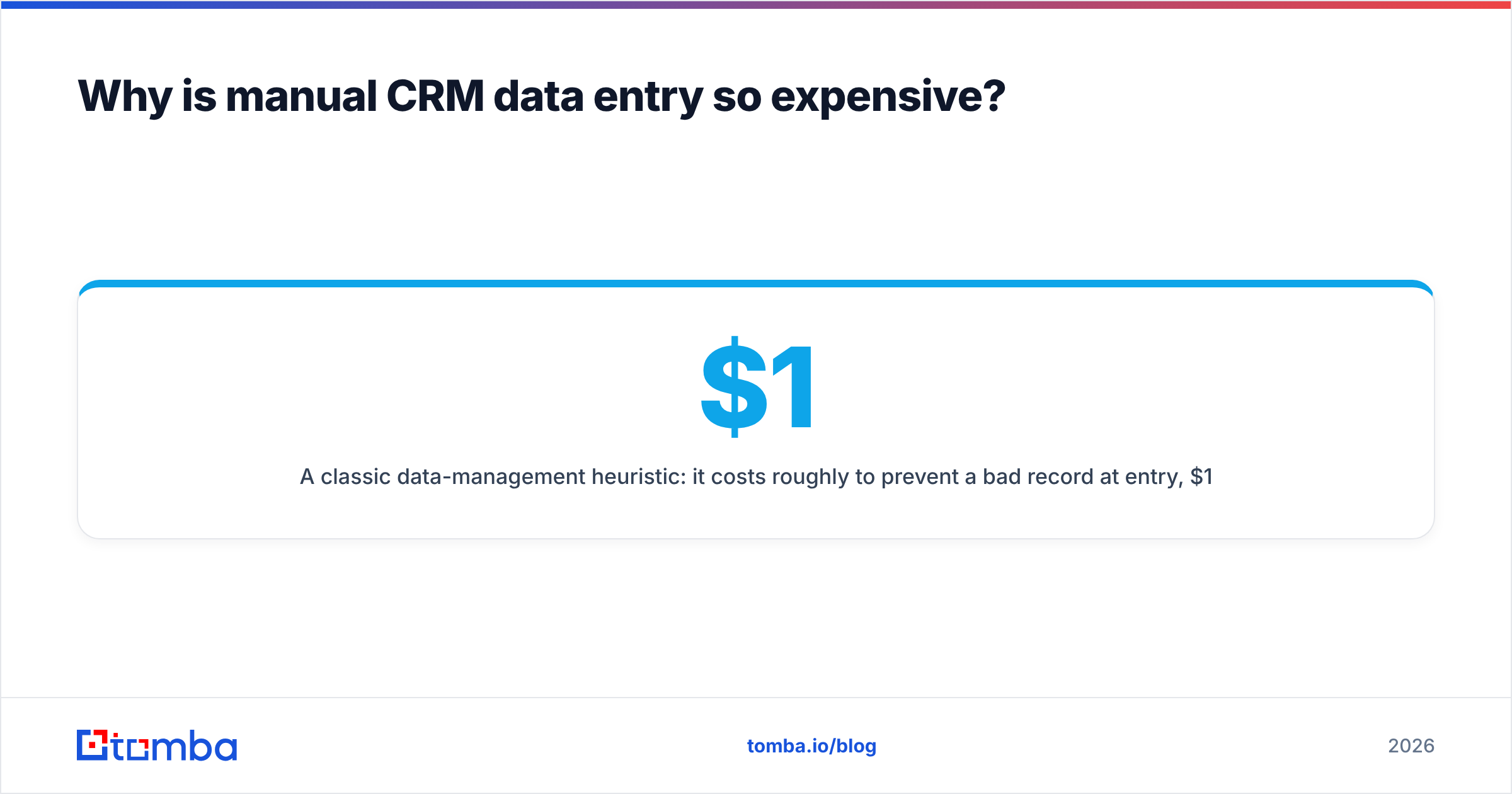
A classic data-management heuristic: it costs roughly $1 to prevent a bad record at entry, $10 to fix it later, and $100 if you do nothing and let it cause a downstream failure. The exact numbers are illustrative, but the shape is right—prevention is always the cheapest point of intervention. Manual entry is the most expensive strategy precisely because it optimizes for the $100 column.
Manual vs. automated CRM data entry: which wins?#
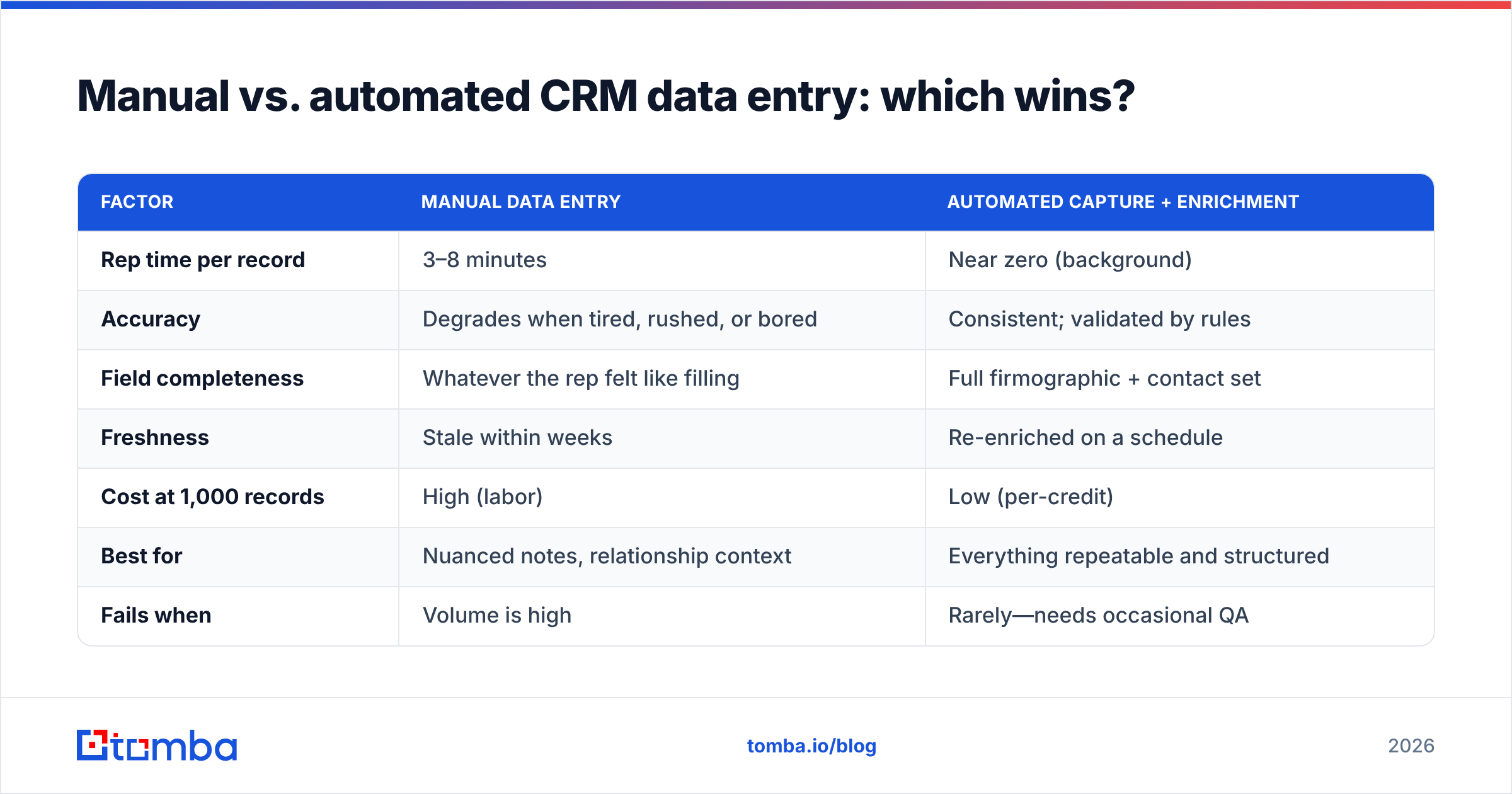
Here is the honest comparison. Manual entry is not worthless—it wins on judgment and edge cases. It just loses on everything that scales.
| Factor | Manual data entry | Automated capture + enrichment |
|---|---|---|
| Rep time per record | 3–8 minutes | Near zero (background) |
| Accuracy | Degrades when tired, rushed, or bored | Consistent; validated by rules |
| Field completeness | Whatever the rep felt like filling | Full firmographic + contact set |
| Freshness | Stale within weeks | Re-enriched on a schedule |
| Cost at 1,000 records | High (labor) | Low (per-credit) |
| Best for | Nuanced notes, relationship context | Everything repeatable and structured |
| Fails when | Volume is high | Rarely—needs occasional QA |
The takeaway is not "fire the humans." It is "stop making humans do the part machines are better at." Reps should be writing the one-line insight about a discovery call that no tool can infer—not retyping a company's headquarters city.
How do you automate CRM data entry?#
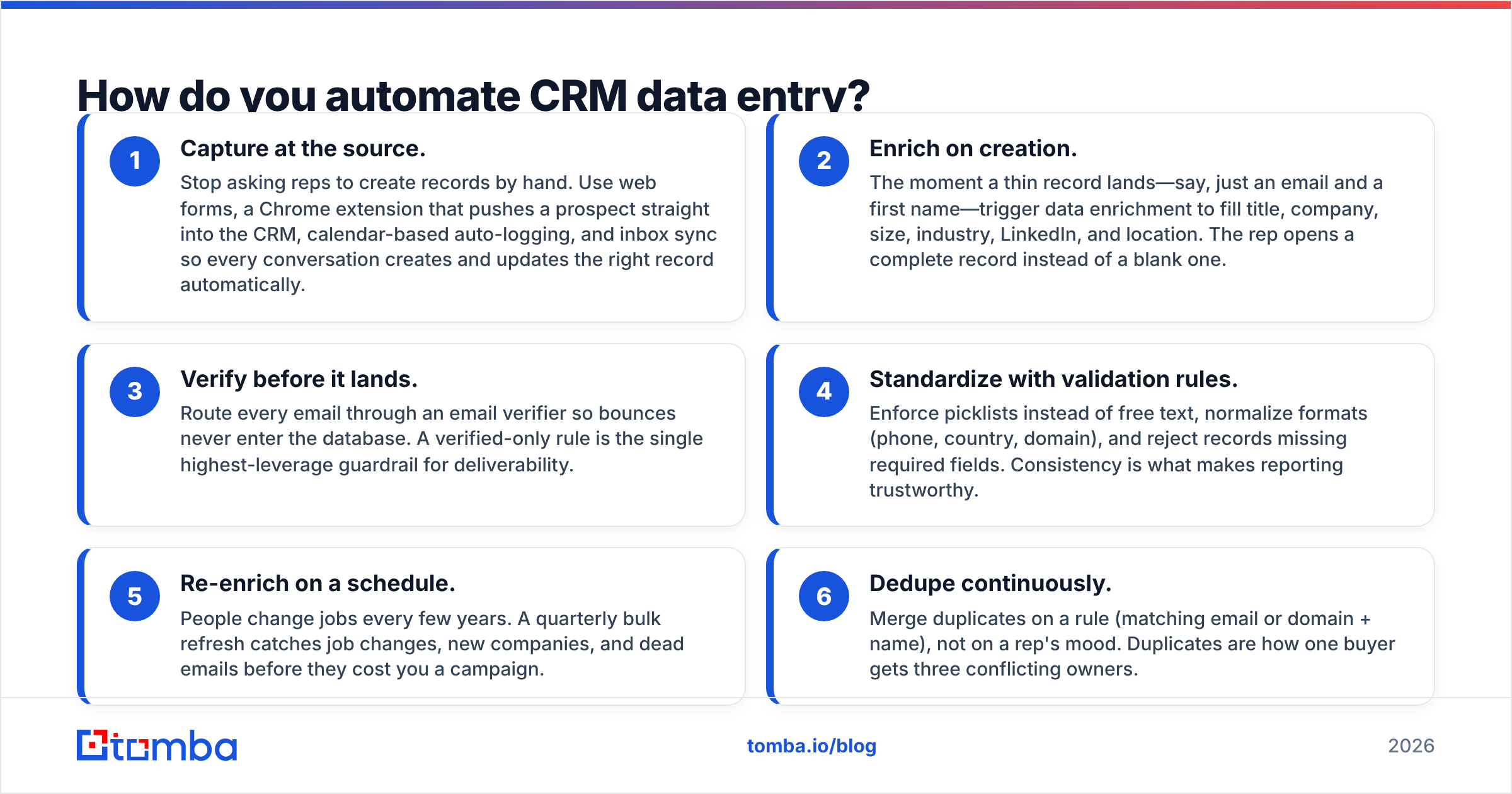
You automate CRM data entry by attacking all three jobs—capture, enrichment, maintenance—with the right layer for each. Here is the practical stack, in order of impact.
- Capture at the source. Stop asking reps to create records by hand. Use web forms, a Chrome extension that pushes a prospect straight into the CRM, calendar-based auto-logging, and inbox sync so every conversation creates and updates the right record automatically.
- Enrich on creation. The moment a thin record lands—say, just an email and a first name—trigger data enrichment to fill title, company, size, industry, LinkedIn, and location. The rep opens a complete record instead of a blank one.
- Verify before it lands. Route every email through an email verifier so bounces never enter the database. A verified-only rule is the single highest-leverage guardrail for deliverability.
- Standardize with validation rules. Enforce picklists instead of free text, normalize formats (phone, country, domain), and reject records missing required fields. Consistency is what makes reporting trustworthy.
- Re-enrich on a schedule. People change jobs every few years. A quarterly bulk refresh catches job changes, new companies, and dead emails before they cost you a campaign.
- Dedupe continuously. Merge duplicates on a rule (matching email or domain + name), not on a rep's mood. Duplicates are how one buyer gets three conflicting owners.
Do the first three and you have eliminated most manual entry. Do all six and your CRM stops being a liability and starts being an asset.
Where does the enrichment data come from?#
This is the question that decides whether automation helps or just fills your CRM with confident nonsense. Automated enrichment is only as good as its source. If the provider guesses email formats and never validates them, you have automated the creation of bad data—faster garbage is still garbage.
A trustworthy data layer should do three things: find the right contact from a name and domain, tell you why it believes the data (sources, confidence), and verify deliverability before handing it over. That is exactly the loop an email finder plus verifier is built for—turn a name and company into a verified, CRM-ready contact without a human touching the keyboard.
For teams building this into their own systems, pushing enrichment through an email finder API means every new CRM record can be enriched and verified at the moment of creation, inside your existing workflow. No exports, no CSV shuffle, no copy-paste.
What to look for in a data source#
- Verification built in, not bolted on—so bounces never reach your sender reputation.
- Transparent sourcing so you can trust confidence scores instead of guessing.
- Coverage for the segments you actually sell to, not just US tech logos.
- Bulk + API access so enrichment scales past one-record-at-a-time.
Providers range from broad databases like those reviewed on G2 to focused finders. The right pick depends on your motion, but the non-negotiable is verification. Reputable peers in this space—BookYourData among them—compete precisely on how clean their records are at delivery, which tells you where the real value sits.
How do you keep the CRM clean after it's automated?#
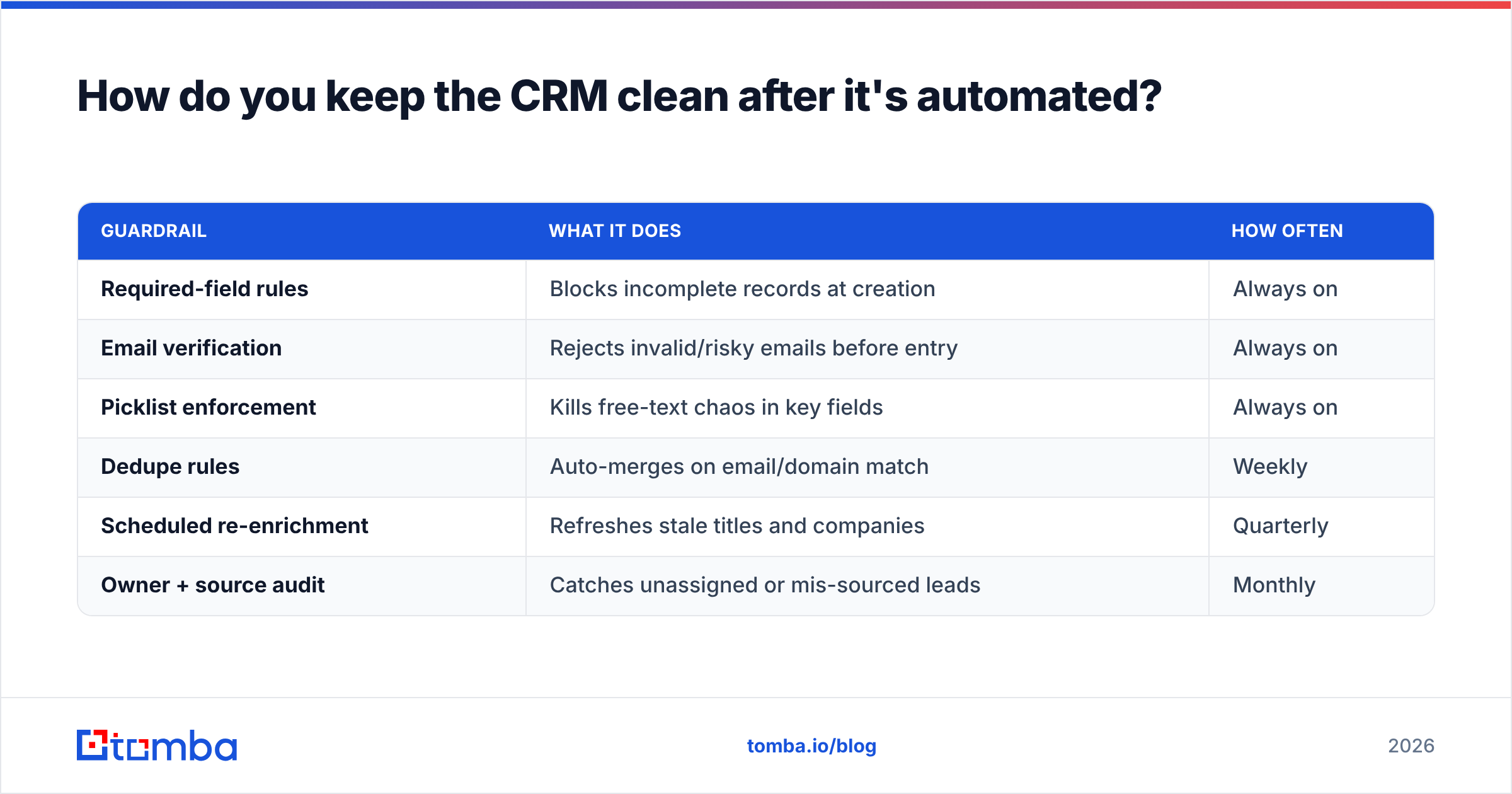
Automation gets you a clean database. Governance keeps it clean. Set these up once and revisit quarterly.
| Guardrail | What it does | How often |
|---|---|---|
| Required-field rules | Blocks incomplete records at creation | Always on |
| Email verification | Rejects invalid/risky emails before entry | Always on |
| Picklist enforcement | Kills free-text chaos in key fields | Always on |
| Dedupe rules | Auto-merges on email/domain match | Weekly |
| Scheduled re-enrichment | Refreshes stale titles and companies | Quarterly |
| Owner + source audit | Catches unassigned or mis-sourced leads | Monthly |
A useful mental model: treat your CRM like a subscription, not a purchase. Data decays whether you look at it or not—somewhere around 2–3% of B2B contacts go stale every month as people switch jobs. A record that was perfect in January is measurably wrong by summer. Scheduled maintenance is not optional overhead; it is the cost of the data staying true.
For high-volume cleanup, a bulk email finder lets you run an entire list through find-and-verify in one pass, so a quarterly refresh takes an afternoon instead of a sprint.
What does good CRM data entry look like day to day?#
Picture two SDRs.
SDR A works a list of 40 accounts. She opens LinkedIn, copies a name, guesses the email format, pastes it into the CRM, tabs over to type the title, forgets the industry, and moves on. Forty records, ninety minutes, a dozen unverified emails, and half the fields blank. Three of her emails bounce that afternoon.
SDR B works the same 40 accounts. Her extension pushes each prospect into the CRM with one click. Enrichment fills every field automatically. The verifier flags two risky addresses before she sends. She spends her ninety minutes writing forty genuinely researched opening lines. Zero bounces.
Same effort, radically different output. The difference is not talent or discipline—it is which parts of the job were handed to a machine. SDR B never "did data entry." The data entered itself, correctly, and she did the work only a human can.
That is the goal: not faster typing, but no typing at all for the parts that are mechanical, so your team's energy goes where judgment actually matters.
Common mistakes when automating data entry#
- Enriching without verifying. You will fill your CRM faster—with unverified emails that bounce. Always pair enrichment with an email verifier.
- Automating a messy schema. If your fields are inconsistent before automation, you will just generate inconsistency at scale. Standardize fields first.
- Set-and-forget enrichment. Data decays. A one-time enrichment looks great for a quarter, then quietly rots.
- Ignoring dedupe. Every integration that creates records is a duplicate factory unless you have merge rules.
- Trusting confidence scores blindly. Use them to route—auto-accept high confidence, human-review the middle, discard the low. Not everything belongs in a live field.
The bottom line#
CRM data entry is not a typing problem. It is a data-quality problem wearing a typing costume. Throwing more human hours at it makes the typing faster and the data no cleaner. The fix is architectural: capture automatically, enrich from a source that verifies its own work, validate before anything lands, and refresh on a schedule. Do that and your reps stop being data clerks and go back to being sellers—working from records they can actually trust.
Start at the source of clean data. Tomba's Email Finder turns a name and company domain into a verified, CRM-ready contact—so every record enters complete and correct instead of blank and guessed. Try it on your next 25 accounts free, wire it into your CRM through the Tomba API, and see how much of your team's "data entry" simply disappears. Check the Tomba pricing plans when you are ready to scale it across the whole pipeline.
Related guides#
Ready to find emails that actually work?
Join 150,000+ professionals who stopped guessing and started sending. Free credits on signup — no credit card required.
Get the Tomba newsletter
Practical outbound tactics and product updates — once every two weeks.
About the author