CRM Database Software in 2026: How to Choose the Right One
A neutral, no-fluff guide to CRM database software in 2026: what it actually is, the features that matter, how the top options compare, and how to keep your records from rotting.
Your CRM is only as good as the data inside it. You can buy the slickest pipeline software on the market, but if half your contact records are stale, duplicated, or missing an email, your reps are just moving broken data around a nicer-looking board. That is why "CRM database software" is a category worth understanding on its own — not as a synonym for CRM, but as the layer that decides whether your CRM is an asset or a liability.
This guide breaks down what CRM database software really is, the features that separate serious tools from spreadsheets with logos, how the main options compare in 2026, and the maintenance work nobody warns you about.
TL;DR#
- CRM database software is the structured store of your contact, company, and deal records — plus the tooling to search, segment, dedupe, enrich, and sync that data across your stack.
- A CRM is the workflow layer; the database is the data layer. Great software does both, but the database is what quietly makes or breaks ROI.
- The features that matter most: flexible data model, deduplication, enrichment, validation, permissions, and clean integrations.
- Contact data decays roughly 22–30% per year, so maintenance is a feature, not an afterthought. Budget for verification and enrichment from day one.
- Pair your CRM with a dedicated data enrichment and email verifier workflow to keep records accurate as they age.
What is CRM database software?#
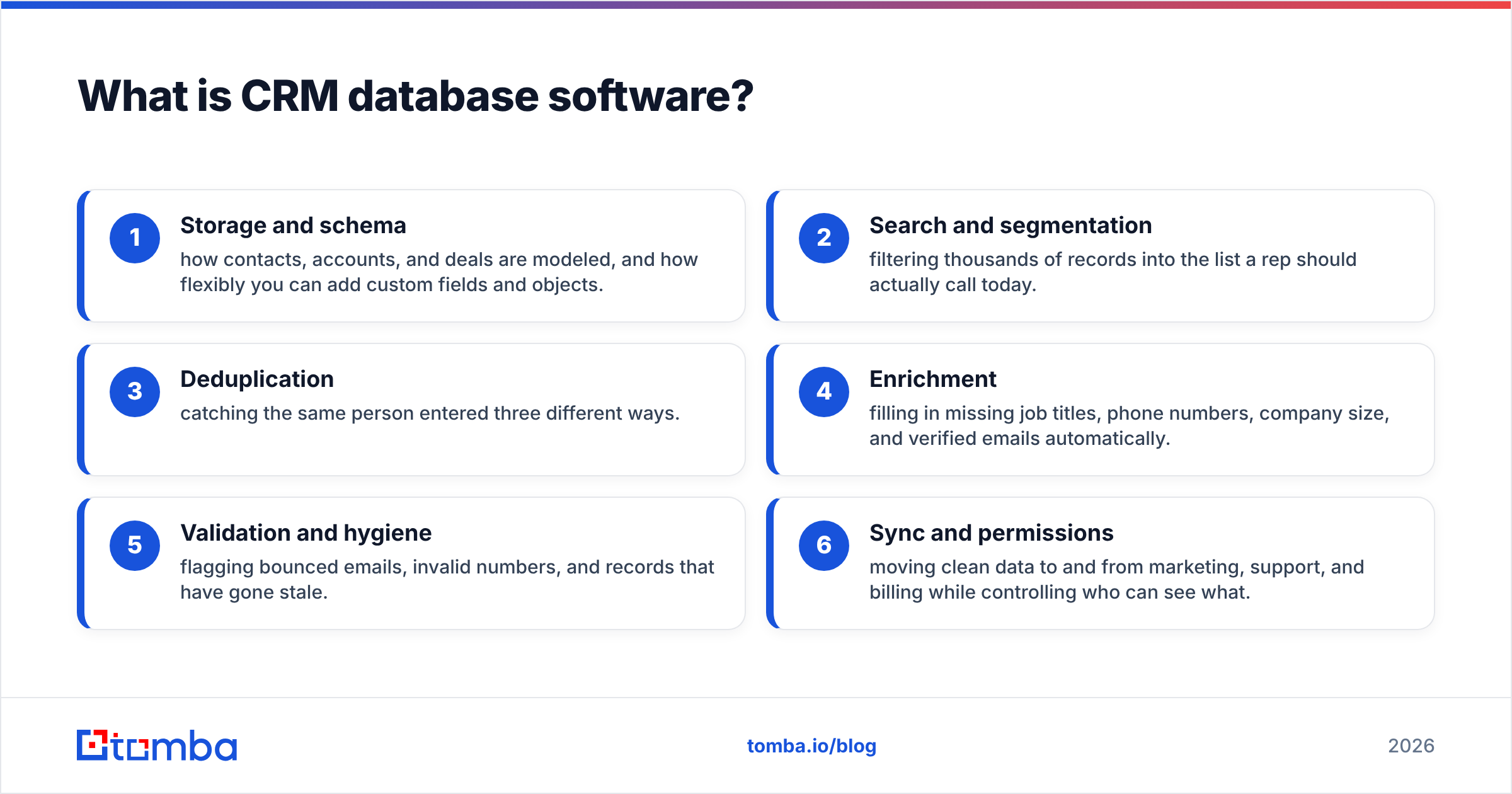
CRM database software is the system that stores and organizes every record your revenue team touches — people, companies, deals, activities, and the relationships between them — and gives you the tools to keep that data queryable and correct.
Think of it like a library. A CRM's dashboards and pipelines are the reading rooms where people do work. The database is the catalog and the shelving system underneath: it decides how records are indexed, how fast you can find one, whether two copies of the same book get filed as duplicates, and whether the catalog card still matches the book years later. A beautiful reading room over a broken catalog is still a bad library.
In practice, CRM database software combines several jobs:
- Storage and schema — how contacts, accounts, and deals are modeled, and how flexibly you can add custom fields and objects.
- Search and segmentation — filtering thousands of records into the list a rep should actually call today.
- Deduplication — catching the same person entered three different ways.
- Enrichment — filling in missing job titles, phone numbers, company size, and verified emails automatically.
- Validation and hygiene — flagging bounced emails, invalid numbers, and records that have gone stale.
- Sync and permissions — moving clean data to and from marketing, support, and billing while controlling who can see what.
How is a CRM database different from a plain CRM?#
The short version: a CRM is what your team does; the CRM database is what your team knows. Most commercial platforms bundle both, so the line blurs — but treating them as separate helps you diagnose problems.
When deals stall because reps can't find the right contact, that's a database problem. When deals stall because there's no follow-up step, that's a workflow problem. Buying a fancier pipeline tool won't fix bad data, and cleaning your data won't fix a broken sales process. You need to know which one you actually have.
Here's how the two layers split responsibilities:
- Workflow layer (the "CRM" people picture): pipelines, tasks, reminders, email sending, reporting dashboards, automation rules.
- Data layer (the CRM database): record schema, field validation, dedup logic, enrichment, import/export, and the quality guarantees on every value.
- Where they meet: segmentation. A good segment ("VP-level contacts at 50–200 person SaaS companies in the EU with a verified email") only works when the data layer actually holds title, company size, region, and email-validity for each record.
If your segments keep returning garbage, the fix lives in the data layer, not the workflow layer.
What features should CRM database software have?#
Not every tool needs every feature, but the following list is what separates a durable system from a glorified contact list. Prioritize based on how many records you manage and how fast they change.
- Flexible data model — custom objects and fields without begging an admin or a developer. Your business is not shaped like the vendor's default template.
- Deduplication — automatic and manual merge, with rules on which source wins. Duplicates are the number-one silent killer of CRM trust.
- Built-in or connected enrichment — the ability to turn a name and a company into a full, verified record. This is where a B2B database and enrichment provider earns its keep.
- Email and phone validation — real-time and bulk checks so you're not emailing dead addresses or dialing disconnected lines.
- Granular permissions — field-level and record-level access, plus audit logs, so you stay compliant as the team grows.
- Clean, two-way integrations — native connectors to your email tool, marketing platform, and data sources, not brittle CSV round-trips.
A quick self-check before you buy#
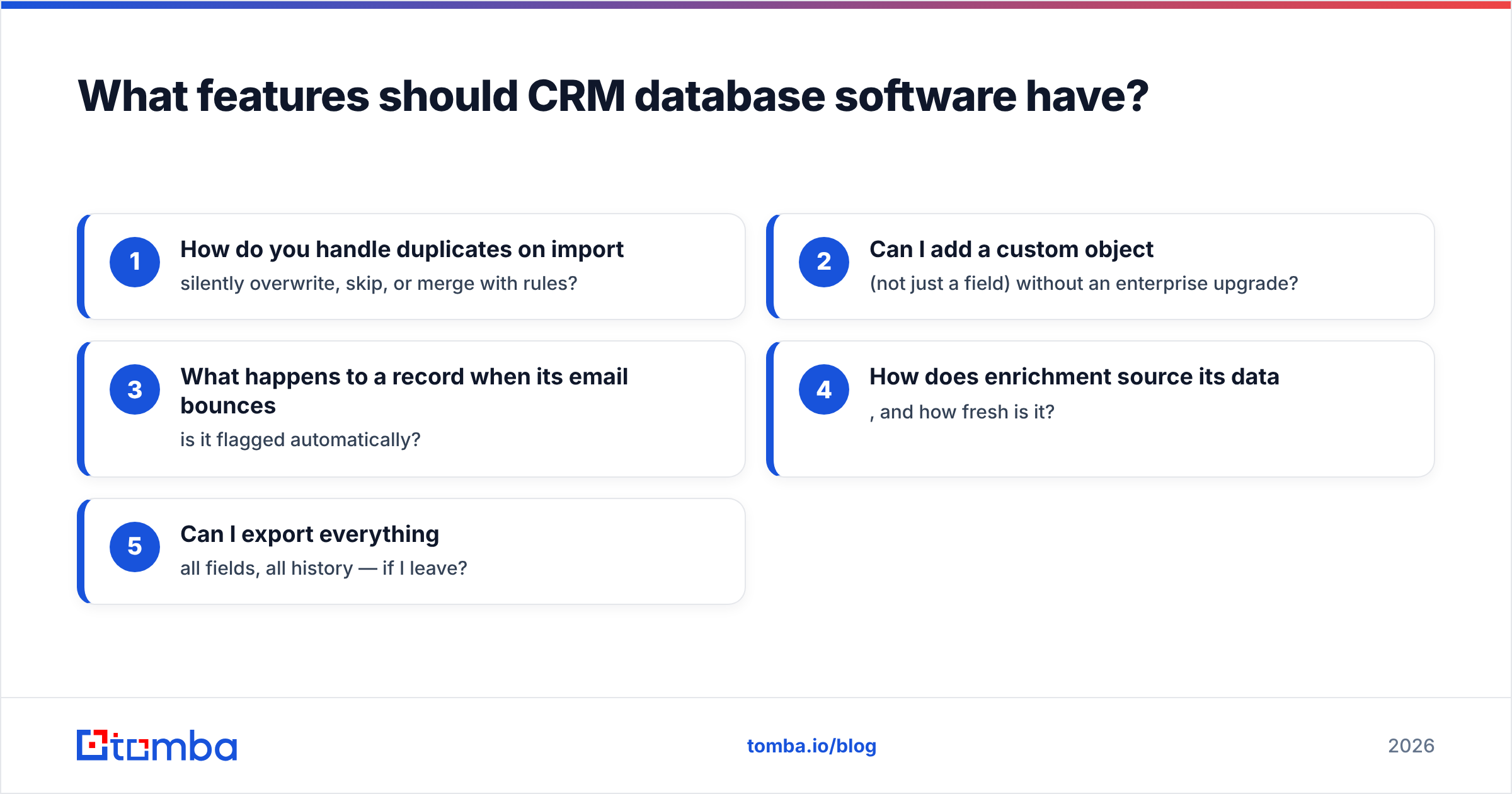
Ask a vendor these five questions and watch how they answer:
- How do you handle duplicates on import — silently overwrite, skip, or merge with rules?
- Can I add a custom object (not just a field) without an enterprise upgrade?
- What happens to a record when its email bounces — is it flagged automatically?
- How does enrichment source its data, and how fresh is it?
- Can I export everything — all fields, all history — if I leave?
Vague answers to any of these usually predict pain later.
Which CRM database software should you compare in 2026?#
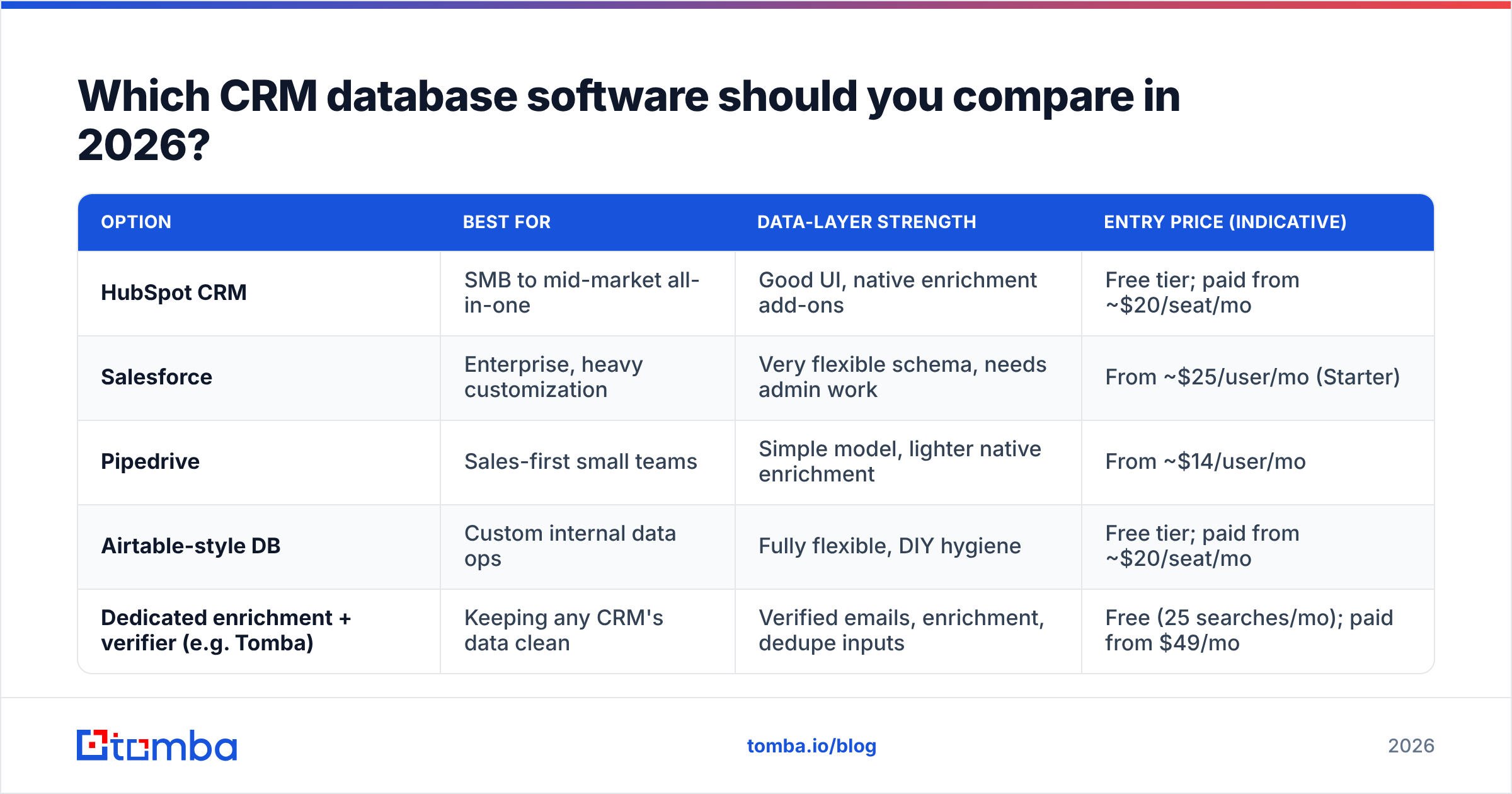
There's no single "best" — the right pick depends on team size, budget, and how data-heavy your motion is. Below is a neutral snapshot of common categories buyers evaluate. Prices are indicative entry points and change often, so confirm on each vendor's own page.
| Option | Best for | Data-layer strength | Entry price (indicative) |
|---|---|---|---|
| HubSpot CRM | SMB to mid-market all-in-one | Good UI, native enrichment add-ons | Free tier; paid from ~$20/seat/mo |
| Salesforce | Enterprise, heavy customization | Very flexible schema, needs admin work | From ~$25/user/mo (Starter) |
| Pipedrive | Sales-first small teams | Simple model, lighter native enrichment | From ~$14/user/mo |
| Airtable-style DB | Custom internal data ops | Fully flexible, DIY hygiene | Free tier; paid from ~$20/seat/mo |
| Dedicated enrichment + verifier (e.g. Tomba) | Keeping any CRM's data clean | Verified emails, enrichment, dedupe inputs | Free (25 searches/mo); paid from $49/mo |
The pattern most healthy teams land on: pick a workflow CRM you like, then bolt a dedicated data provider onto it so records stay accurate over time. A CRM stores what you give it; it does not go find better data on its own.
You can check current Tomba pricing if you want a concrete number for the data-hygiene side of that stack, and cross-reference platform reviews on an independent source like G2 before committing.
How do you keep a CRM database clean?#
You maintain it continuously, because contact data decays whether you touch it or not. People change jobs, companies rebrand, domains lapse, and email addresses stop working — industry estimates put B2B data decay at roughly 22–30% per year. A database you "finished cleaning" last quarter is already partly wrong.

A realistic hygiene routine looks like this:
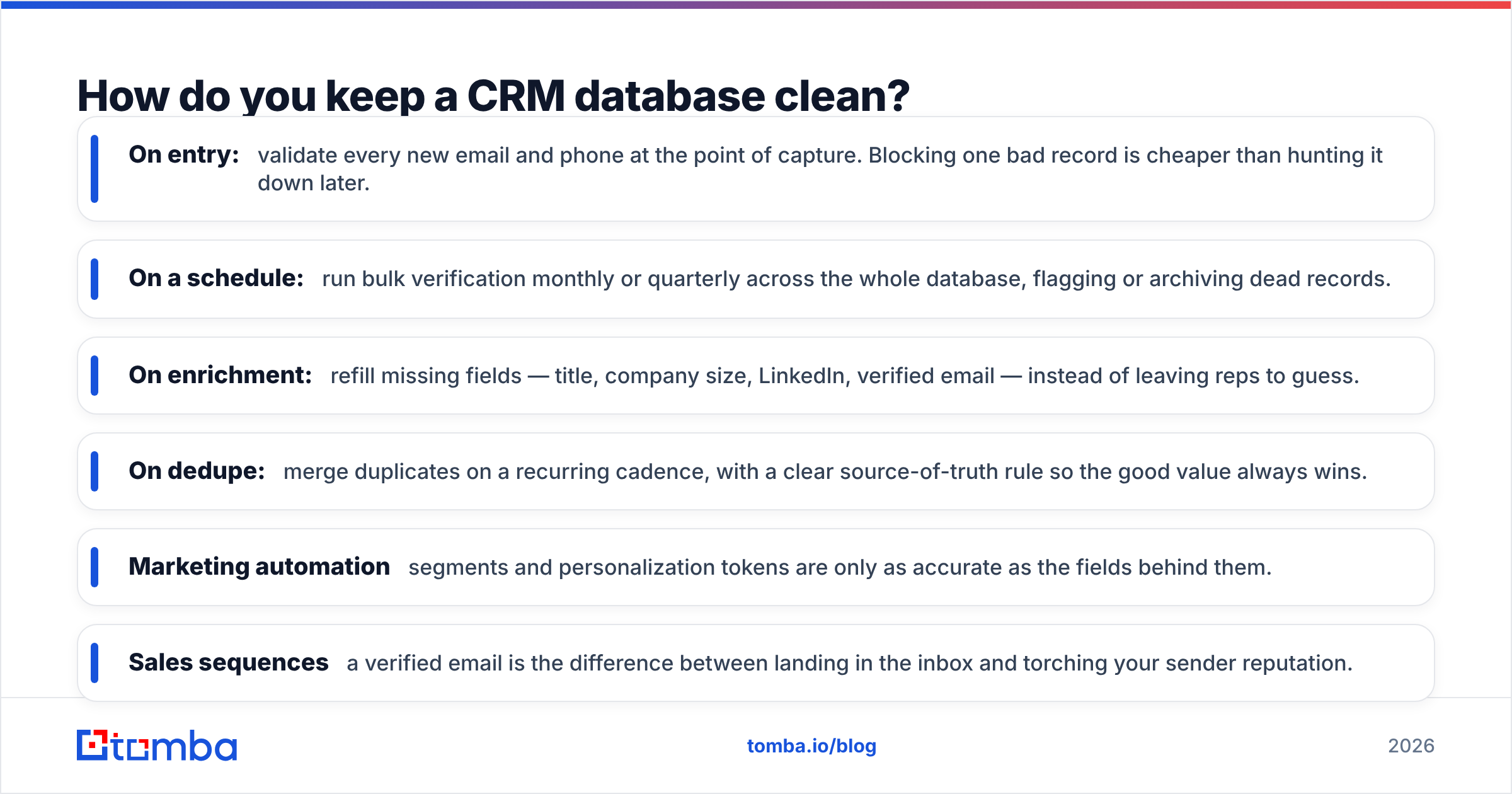
- On entry: validate every new email and phone at the point of capture. Blocking one bad record is cheaper than hunting it down later.
- On a schedule: run bulk verification monthly or quarterly across the whole database, flagging or archiving dead records.
- On enrichment: refill missing fields — title, company size, LinkedIn, verified email — instead of leaving reps to guess.
- On dedupe: merge duplicates on a recurring cadence, with a clear source-of-truth rule so the good value always wins.
This is exactly where a dedicated tool pays off. Instead of asking your CRM to be a data vendor too, you feed it verified inputs. Tomba's email verifier checks deliverability before a record ever pollutes your pipeline, and its data enrichment fills the gaps that make segmentation actually work. If you live in HubSpot or Salesforce, native connectors mean this happens without CSV gymnastics — see the HubSpot integration for one example of that workflow.
How the data layer connects to the rest of your stack#
Clean CRM data doesn't stay in the CRM. It flows outward, and every downstream system inherits its quality:
- Marketing automation — segments and personalization tokens are only as accurate as the fields behind them.
- Sales sequences — a verified email is the difference between landing in the inbox and torching your sender reputation.
- Reporting — pipeline forecasts built on duplicated or stale records lie to leadership.
- Support and billing — the same customer record has to be trustworthy across every team.
That's the real argument for taking the database layer seriously: it's not one team's problem, it's the shared foundation the whole revenue org stands on.
Is expensive CRM database software worth it?#
It depends on where your pain actually is. A high-end platform buys you flexibility, security controls, and deep customization — worth it for large or heavily regulated teams. But price does not buy data quality. You can spend five figures a year on an enterprise CRM and still fill it with bounced emails and duplicate accounts.
For most teams under a few hundred seats, the smarter allocation is a mid-priced CRM plus a focused budget for verification and enrichment. That combination fixes the problem that actually loses deals — bad records — instead of paying a premium for features you won't configure. Independent analyst coverage from firms like Gartner is useful for the platform decision, but no analyst grade substitutes for auditing your own data.
The bottom line#
CRM database software is the data layer under your revenue engine, and it deserves the same scrutiny you give the workflow layer on top. Choose a platform whose data model, dedup, and integrations fit how you actually work — then commit to ongoing hygiene, because decay is constant and silent.
The cheapest, highest-leverage move is to stop feeding your CRM bad data in the first place. Start free with the Tomba Email Finder to source verified professional emails, and pair it with Tomba's verifier and enrichment so every record that lands in your CRM is one you can actually sell to. Twenty-five searches a month cost nothing to try — and a clean database is worth far more than the fanciest pipeline view.
Related guides#
Ready to find emails that actually work?
Join 150,000+ professionals who stopped guessing and started sending. Free credits on signup — no credit card required.
Get the Tomba newsletter
Practical outbound tactics and product updates — once every two weeks.
About the author