CRM Features in 2026: The Ones That Actually Move Revenue
Most CRM feature lists are noise. Here's a no-fluff breakdown of the CRM features that actually move pipeline in 2026 — and the ones you can safely ignore.
Every CRM vendor ships a feature list longer than your arm. Contact management, pipelines, dashboards, "AI insights," a mobile app — check, check, check. The problem is that a checklist tells you nothing about which features actually help your team close deals and which ones sit unused after week two.
This guide cuts through it. We rank CRM features by whether they move revenue, show you what to look for in each, and flag the ones that are marketing filler. If you're evaluating a new system or auditing the one you have, start here.
TL;DR#
- The revenue-moving core is small: clean contact records, a visual pipeline, activity logging, and reporting you actually read. Everything else is optional.
- Data quality beats feature count. A CRM with 200 features and stale contacts loses to a lean CRM fed by verified, enriched leads.
- Automation and integrations are the multipliers — they turn a static database into a working system, but only after the fundamentals are solid.
- "AI" features vary wildly. Lead scoring and email drafting can help; generic chatbots usually don't. Judge them on output, not the label.
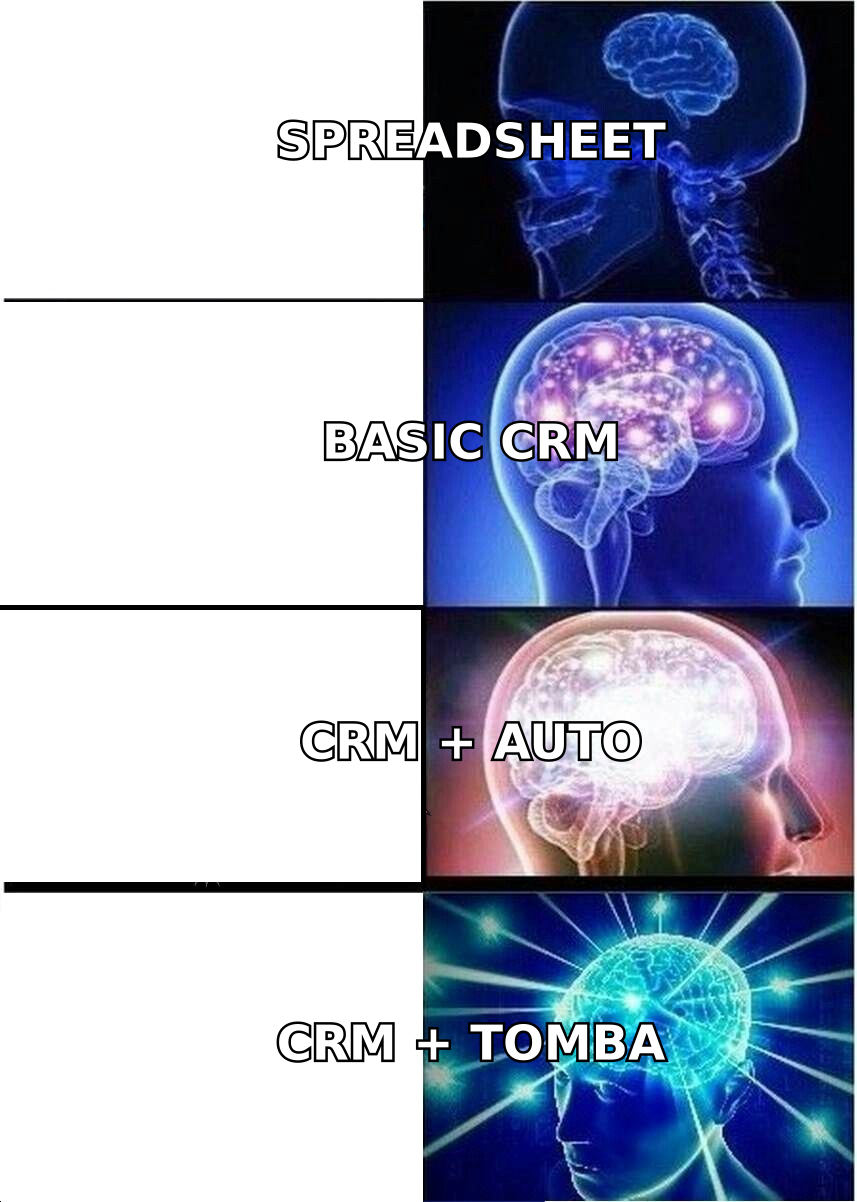
- Feed the CRM correctly. Use a tool like Tomba's domain search to populate records with accurate emails before you automate anything.
What are CRM features, really?#
A CRM (customer relationship management) system is the shared memory of your revenue team. Think of it like a restaurant's ticket rail: every order, every table, every special request is visible to the whole line so nobody drops a plate. A CRM does the same for deals — every contact, conversation, and next step lives in one place so no lead falls through the cracks.
"CRM features" are just the tools that make that memory useful. But they aren't equal. Some are load-bearing walls; others are decorative trim. The trap most buyers fall into is comparing feature counts instead of feature fit. A 40-item spec sheet impresses in a demo and disappoints in month three.
Here's the honest hierarchy.
Which CRM features actually move revenue?#
These are the features that, if removed, would visibly hurt your numbers. Everything a CRM does should support this core.
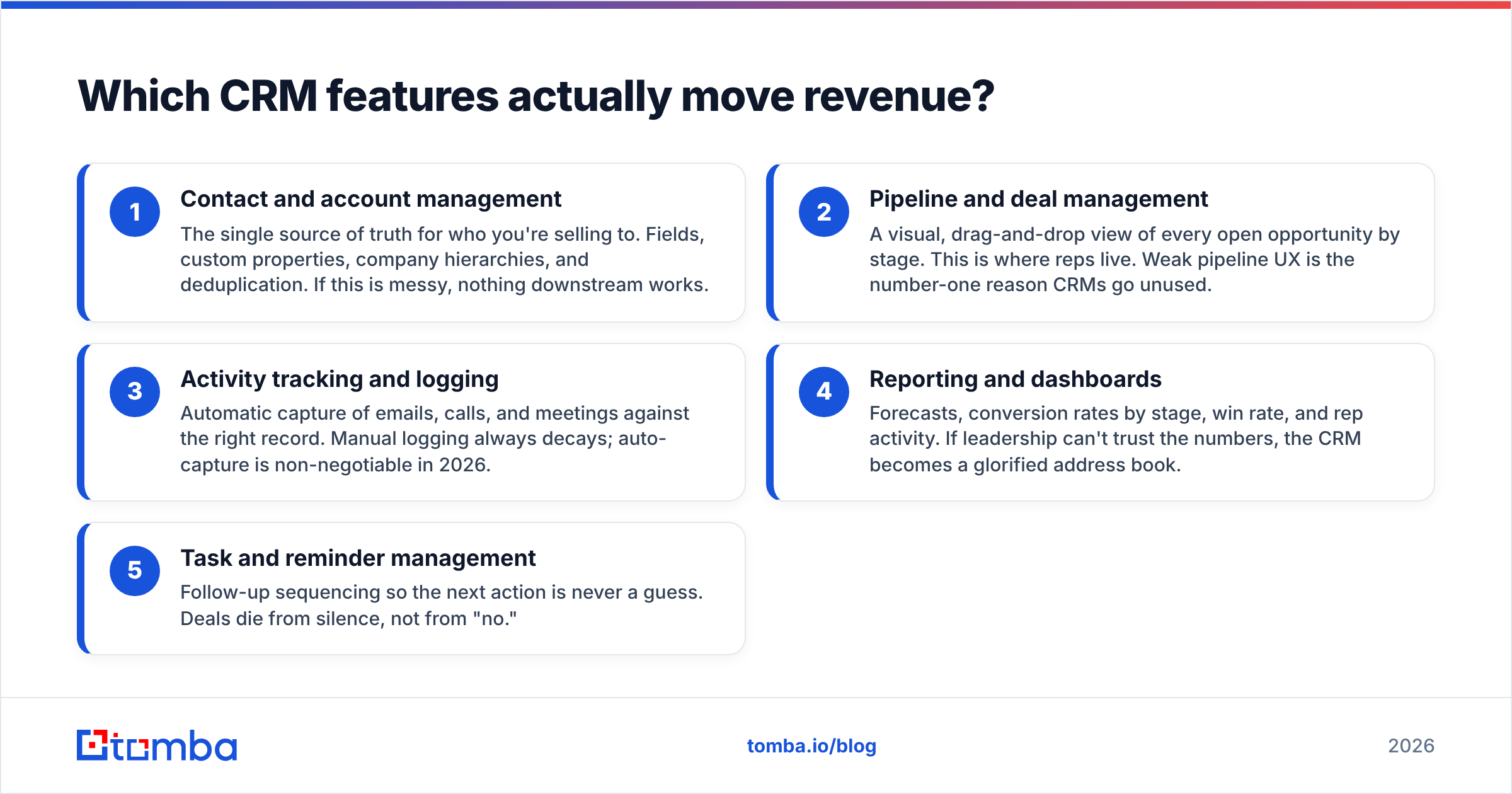
- Contact and account management — The single source of truth for who you're selling to. Fields, custom properties, company hierarchies, and deduplication. If this is messy, nothing downstream works.
- Pipeline and deal management — A visual, drag-and-drop view of every open opportunity by stage. This is where reps live. Weak pipeline UX is the number-one reason CRMs go unused.
- Activity tracking and logging — Automatic capture of emails, calls, and meetings against the right record. Manual logging always decays; auto-capture is non-negotiable in 2026.
- Reporting and dashboards — Forecasts, conversion rates by stage, win rate, and rep activity. If leadership can't trust the numbers, the CRM becomes a glorified address book.
- Task and reminder management — Follow-up sequencing so the next action is never a guess. Deals die from silence, not from "no."
If a CRM nails these five and nothing else, most teams would be fine. The mistake is buying for the long tail before the core is clean.
What CRM features are nice-to-have?#
These earn their keep once the fundamentals are solid. They're multipliers, not foundations.
- Workflow automation — Auto-assign leads, trigger tasks on stage change, send internal alerts. Read our take on sales automation before you automate a broken process — automating chaos just produces faster chaos.
- Email and sequence tools — Templates, tracking, and multi-step cadences inside the CRM. Useful, but only as good as the deliverability behind them.
- Lead scoring — Rank contacts by fit and intent so reps work the best leads first. Valuable when the inputs are real; garbage when they're guessed.
- Native integrations — Calendar, email, LinkedIn, marketing tools, and enrichment. A CRM that talks to your stack is worth more than one with more built-in bells.
- Mobile app — Critical for field sales, irrelevant for pure inside teams. Match the feature to the motion.
- Custom objects and fields — Model your actual business (subscriptions, properties, projects), not a generic sales funnel.
What CRM features can you usually skip?#
Not every feature deserves a line in your evaluation. Be honest about what your team will never touch.
- Built-in telephony you won't use — If reps live in a dedicated dialer, native calling is dead weight.
- Generic AI chatbots — Most add friction, not pipeline. Judge any AI feature by whether it changes a rep's next action.
- Social media publishing — A marketing tool bolted on. It rarely competes with a real social suite.
- Gamification leaderboards — Fun in a demo, ignored in practice unless your culture already runs on them.
- Over-configurable "enterprise" modules — Powerful, but they can turn a three-week rollout into a six-month project. Only buy the complexity you'll staff.
The point isn't that these are bad — it's that they shouldn't drive your decision. Buy for the core, treat the rest as bonus.
How do CRM features compare across tiers?#
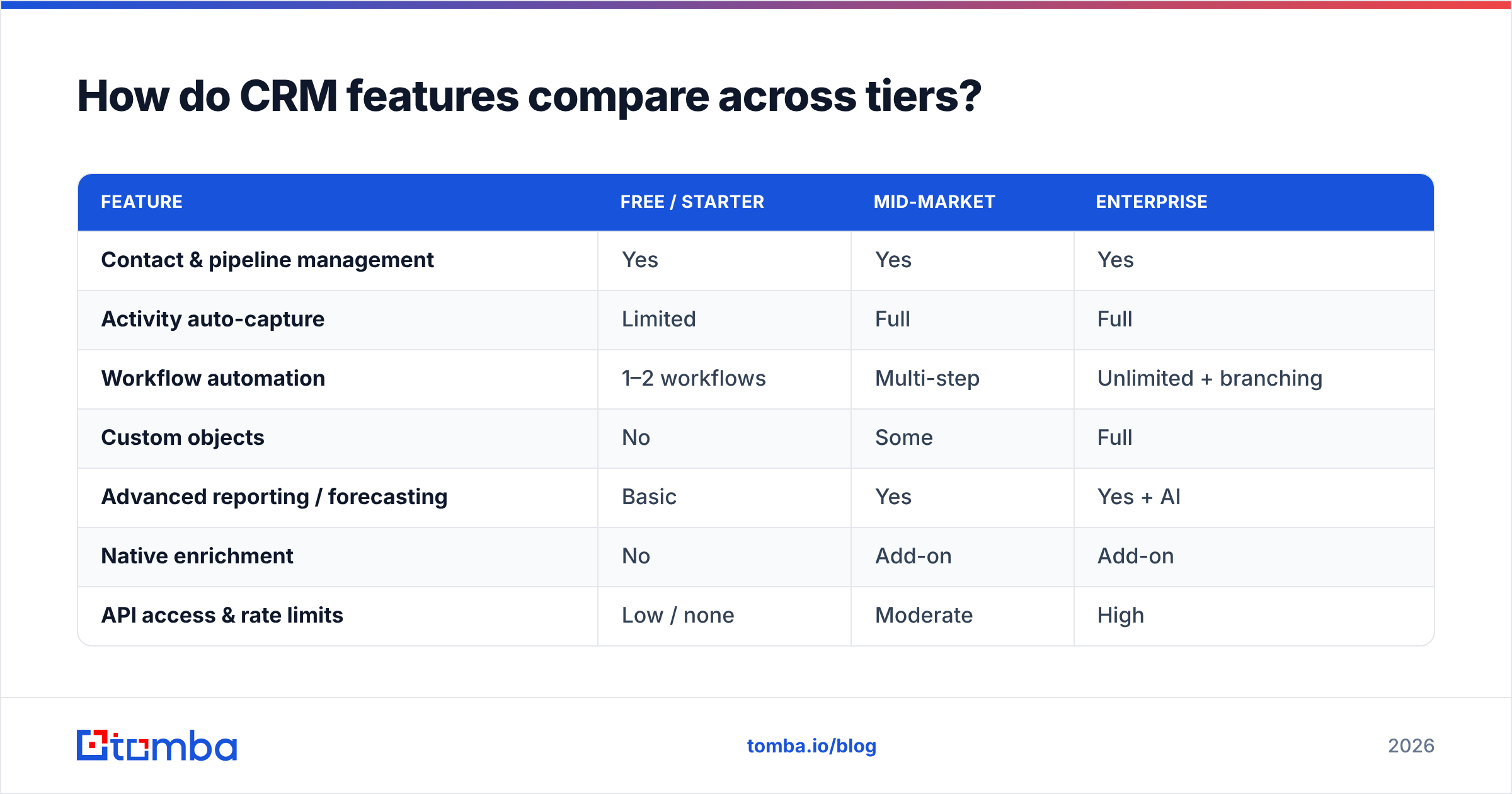
Feature availability usually tracks price tier and vendor focus. Here's a simplified view of how capabilities stack up, using representative categories rather than a single vendor's exact plan names. Always confirm against the vendor's current pricing page — tiers shift constantly.
| Feature | Free / Starter | Mid-Market | Enterprise |
|---|---|---|---|
| Contact & pipeline management | Yes | Yes | Yes |
| Activity auto-capture | Limited | Full | Full |
| Workflow automation | 1–2 workflows | Multi-step | Unlimited + branching |
| Custom objects | No | Some | Full |
| Advanced reporting / forecasting | Basic | Yes | Yes + AI |
| Native enrichment | No | Add-on | Add-on |
| API access & rate limits | Low / none | Moderate | High |
| Role-based permissions | Basic | Granular | Granular + audit |
Two takeaways. First, the core features are table stakes at every tier — you're mostly paying for automation depth, customization, and governance as you move up. Second, enrichment is almost always an add-on, not a native feature. That gap is where most CRMs quietly leak revenue.
Why does data quality matter more than the feature list?#
A CRM is only as good as the data inside it. This is the single most under-weighted factor in CRM buying, and it's worth more than any feature.
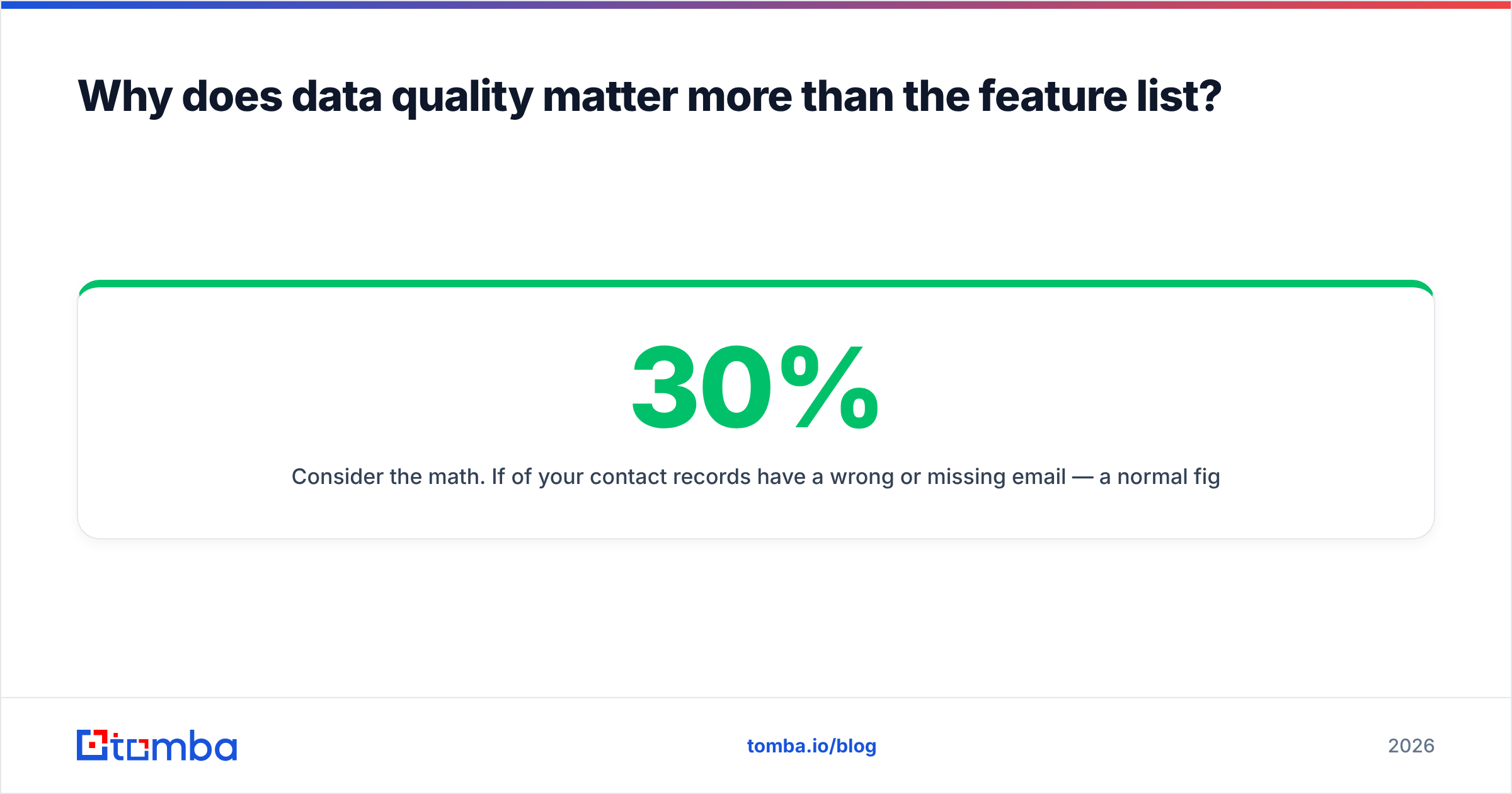
Consider the math. If 30% of your contact records have a wrong or missing email — a normal figure for B2B data that decays at roughly 2–3% per month — then a third of your automations misfire, a third of your sequences bounce, and your sender reputation takes damage that suppresses the deliverable 70%. The feature worked perfectly. The data killed it.
This is why the smartest CRM setups pair the platform with a dedicated data layer:
- Find the right contacts with an email finder instead of guessing formats.
- Verify before you send using an email verifier so bounces never reach your sending domain.
- Enrich records with job titles, company data, and phone numbers so scoring and routing have real inputs.
- Sync it in through a native HubSpot integration or Salesforce connector so clean data lands automatically, not via copy-paste.
No CRM feature compensates for bad data. Fix the inputs first, and average features start producing above-average results.
How should you evaluate CRM features for your team?#
Skip the generic "top 20 features" checklist. Run this instead:
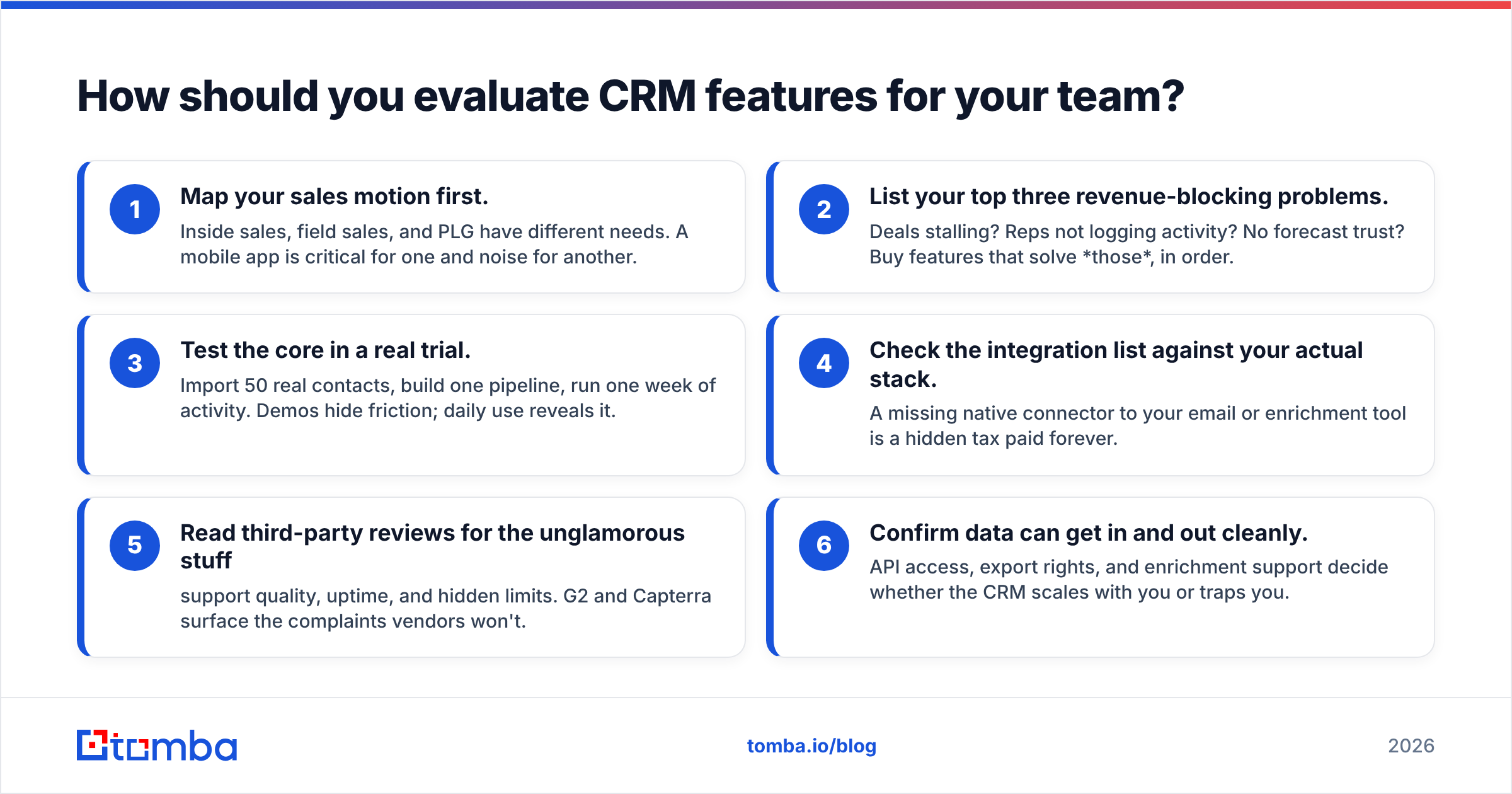
- Map your sales motion first. Inside sales, field sales, and PLG have different needs. A mobile app is critical for one and noise for another.
- List your top three revenue-blocking problems. Deals stalling? Reps not logging activity? No forecast trust? Buy features that solve those, in order.
- Test the core in a real trial. Import 50 real contacts, build one pipeline, run one week of activity. Demos hide friction; daily use reveals it.
- Check the integration list against your actual stack. A missing native connector to your email or enrichment tool is a hidden tax paid forever.
- Read third-party reviews for the unglamorous stuff — support quality, uptime, and hidden limits. G2 and Capterra surface the complaints vendors won't.
- Confirm data can get in and out cleanly. API access, export rights, and enrichment support decide whether the CRM scales with you or traps you.
If you want the reference implementations, HubSpot and Salesforce set the pattern most others follow — study their core, ignore their upsell.
Frequently asked questions#
What is the most important CRM feature? Clean contact and pipeline management, backed by accurate data. Every other feature depends on those two working. A powerful automation engine running on stale contacts still misses the target.
Do I need AI features in my CRM in 2026? Only where they change a rep's next action — lead scoring and email drafting can, generic chatbots usually don't. Evaluate the output, not the badge.
How many CRM features do I actually use? Most teams actively use 5–8 features daily, even when the platform ships 40+. Buy for the ones your team will touch every day, not the spec sheet.
Why do CRMs need external data tools? Because CRMs store data but don't source or verify it. Contact records decay 2–3% monthly, so a dedicated finder and verifier keep the database accurate enough for the features to work.
Get the data layer your CRM is missing#
The best CRM feature is the one you don't have to buy from your CRM: accurate, verified, enriched contact data flowing in automatically. That's where most teams lose deals — not to a missing dashboard, but to a database full of wrong emails.
Tomba's Email Finder fills that gap. Find professional emails by name, domain, or company, verify them before they hit your CRM, and enrich records with the fields your scoring and routing actually need. It plugs into HubSpot, Salesforce, Pipedrive, and Google Sheets, and the free tier gives you 25 searches a month to test it against your own list. Paid plans start at $49/mo when you're ready to scale.
Buy the CRM for the pipeline. Feed it with Tomba so the features have something real to work with.
Related guides#
Ready to find emails that actually work?
Join 150,000+ professionals who stopped guessing and started sending. Free credits on signup — no credit card required.
Get the Tomba newsletter
Practical outbound tactics and product updates — once every two weeks.
About the author