The Best CRM for Cold Calling in 2026: A Practical Guide
Not every CRM is built for the phone. Here's how to pick a CRM for cold calling that logs dials, powers the dialer, and actually moves pipeline in 2026.
The Best CRM for Cold Calling in 2026: A Practical Guide
Cold calling lives or dies on speed. If your reps lose ten seconds hunting for the next number, re-typing notes, or clicking through five tabs to log a call, you are burning the only resource that matters on the phone: dials per hour. The right CRM removes that friction. The wrong one adds it.
This guide cuts through the marketing to show you what a CRM for cold calling actually needs to do, which platforms do it well, and where the hidden costs hide.
TL;DR#
- A CRM built for cold calling must have a native or tightly integrated dialer, automatic call logging, and disposition tracking — not just a "log a call" button you fill in by hand.
- The three attributes that matter most: dials per hour, local presence / caller ID health, and how fast a rep can move from one call to the next.
- HubSpot, Salesforce (with Sales Engagement), Pipedrive, and Close cover most of the market — each wins for a different team size and budget.
- A CRM only pays off if the phone numbers inside it are real. Feed it verified data with a phone finder and data enrichment instead of stale lists.
- Watch the per-seat pricing math — dialer minutes, local numbers, and "sales engagement" add-ons stack up fast.
What makes a CRM good for cold calling?#
Think of a cold-calling CRM like a race car's cockpit. A commuter car (a generic CRM) technically drives, but everything a driver needs mid-race — the next turn, the fuel gauge, the radio to the pit crew — should be one glance and one motion away. A cold-calling CRM is judged the same way: how little the rep has to do between hanging up and dialing again.
Here is what separates a phone-ready CRM from a glorified contact database:
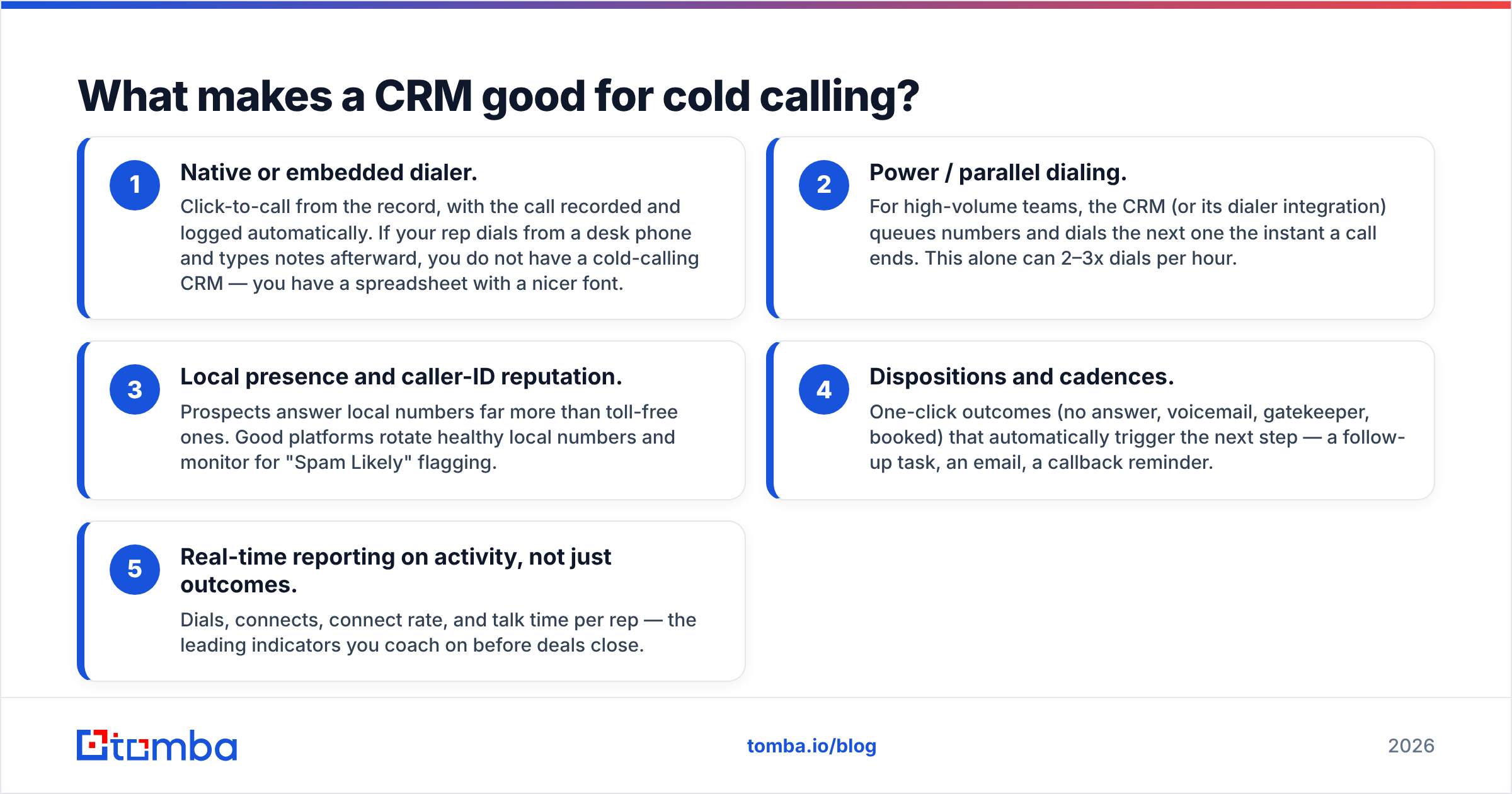
- Native or embedded dialer. Click-to-call from the record, with the call recorded and logged automatically. If your rep dials from a desk phone and types notes afterward, you do not have a cold-calling CRM — you have a spreadsheet with a nicer font.
- Power / parallel dialing. For high-volume teams, the CRM (or its dialer integration) queues numbers and dials the next one the instant a call ends. This alone can 2–3x dials per hour.
- Local presence and caller-ID reputation. Prospects answer local numbers far more than toll-free ones. Good platforms rotate healthy local numbers and monitor for "Spam Likely" flagging.
- Dispositions and cadences. One-click outcomes (no answer, voicemail, gatekeeper, booked) that automatically trigger the next step — a follow-up task, an email, a callback reminder.
- Real-time reporting on activity, not just outcomes. Dials, connects, connect rate, and talk time per rep — the leading indicators you coach on before deals close.
If a platform nails those five, the rest (email, pipeline stages, forecasting) is table stakes that almost every modern CRM already handles.
Which CRM for cold calling is right for your team?#
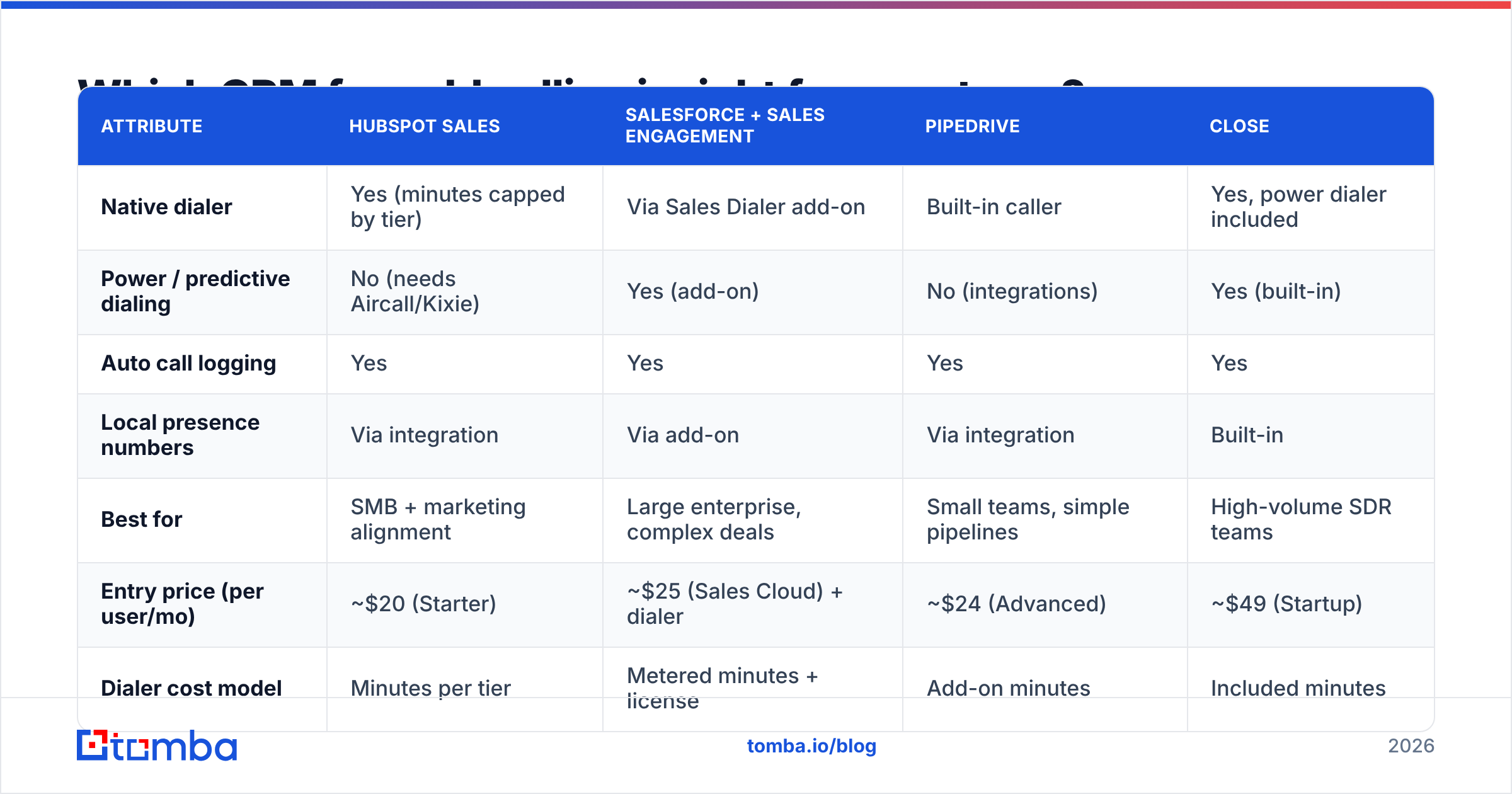
There is no single winner — the best CRM for cold calling depends on team size, budget, and how much of your motion is phone versus email. Here is how the major options stack up on the attributes that matter for dialing.
| Attribute | HubSpot Sales | Salesforce + Sales Engagement | Pipedrive | Close |
|---|---|---|---|---|
| Native dialer | Yes (minutes capped by tier) | Via Sales Dialer add-on | Built-in caller | Yes, power dialer included |
| Power / predictive dialing | No (needs Aircall/Kixie) | Yes (add-on) | No (integrations) | Yes (built-in) |
| Auto call logging | Yes | Yes | Yes | Yes |
| Local presence numbers | Via integration | Via add-on | Via integration | Built-in |
| Best for | SMB + marketing alignment | Large enterprise, complex deals | Small teams, simple pipelines | High-volume SDR teams |
| Entry price (per user/mo) | ~$20 (Starter) | ~$25 (Sales Cloud) + dialer | ~$24 (Advanced) | ~$49 (Startup) |
| Dialer cost model | Minutes per tier | Metered minutes + license | Add-on minutes | Included minutes |
A quick read of that table:
- Close is the most "batteries-included" for pure cold calling — the power dialer and local presence ship in the box, which is why high-volume SDR teams gravitate to it.
- HubSpot wins when calling is one channel among many and you want marketing and sales on one record. Its calling minutes are capped, so heavy dialers usually bolt on Aircall or Kixie.
- Salesforce is the enterprise default, but a genuine cold-calling motion requires the Sales Engagement (formerly High Velocity Sales) layer and the Sales Dialer — real capability, real cost.
- Pipedrive is the value pick for small teams that want a clean pipeline and a serviceable built-in caller without enterprise overhead.
Compare current plans directly on G2 before you commit — pricing pages move faster than any blog can track.
How much does a cold-calling CRM really cost?#
The sticker price is never the real price. The per-seat number you see on the pricing page is the beginning of the math, not the end.
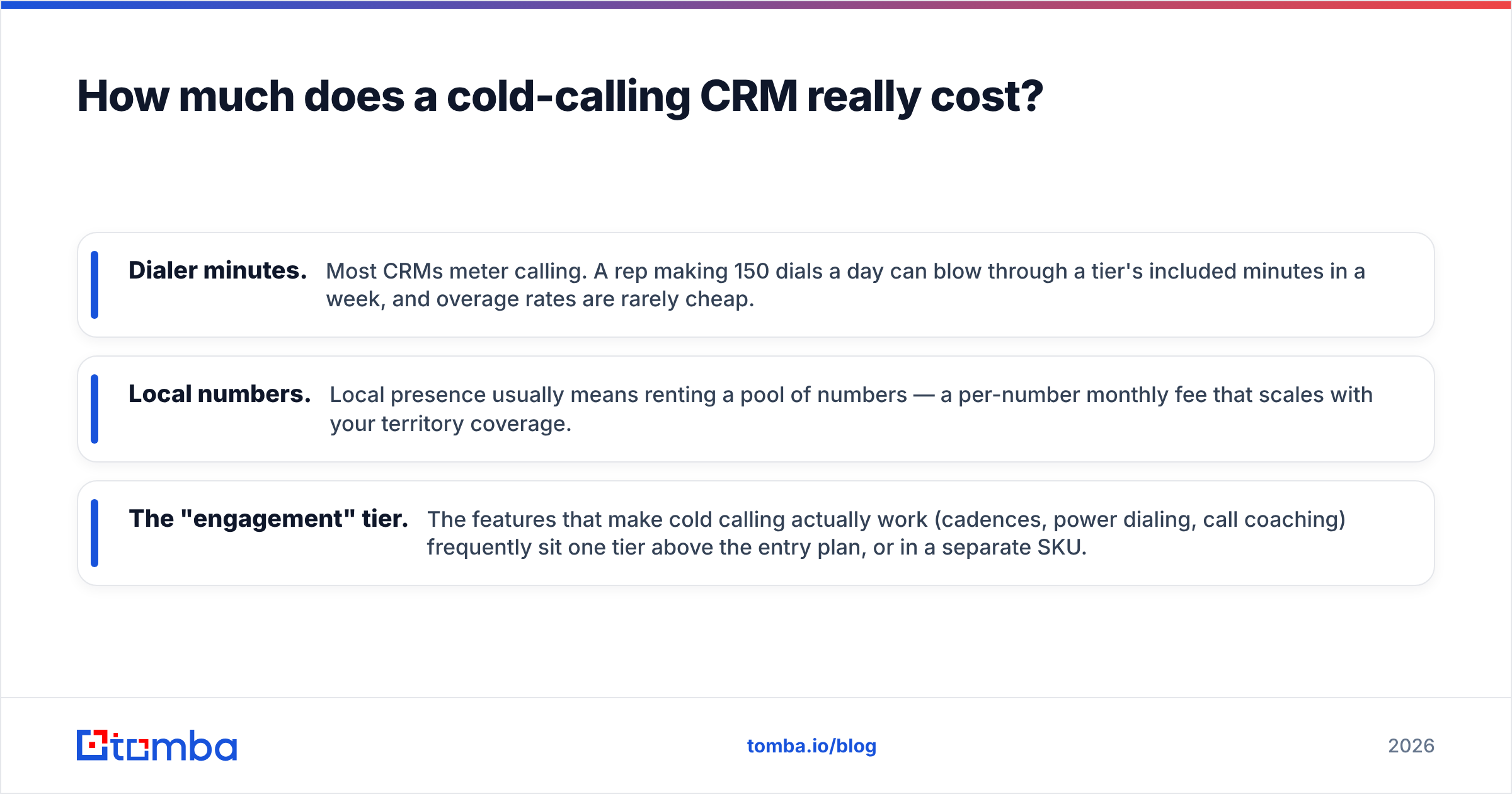
Three line items inflate the bill:
- Dialer minutes. Most CRMs meter calling. A rep making 150 dials a day can blow through a tier's included minutes in a week, and overage rates are rarely cheap.
- Local numbers. Local presence usually means renting a pool of numbers — a per-number monthly fee that scales with your territory coverage.
- The "engagement" tier. The features that make cold calling actually work (cadences, power dialing, call coaching) frequently sit one tier above the entry plan, or in a separate SKU.
Do the honest calculation: (per-seat license + dialer add-on + estimated overage minutes + local number rental) × seats. A "$25/user" CRM can land north of $90 all-in for a real dialing team. That is not a reason to avoid it — it is a reason to price it correctly against pipeline generated, not against the headline number.
For reference on how sales leaders frame cost-per-opportunity, HubSpot's sales blog and Salesforce's resources both publish benchmark data worth reading before you sign.
Does the CRM matter more than the data inside it?#
The best dialer in the world cannot connect a call to a wrong number. This is the part most "best CRM for cold calling" articles skip, and it is the part that quietly determines your connect rate.
A CRM is a system for acting on contact data. It does not create that data, verify it, or keep it fresh. If 20% of the phone numbers in your CRM are outdated — and in most B2B lists, that is optimistic — then one in five dials is dead on arrival before your rep says a word. No cadence fixes a disconnected line.
So the real stack for cold calling is two layers:
- The data layer — accurate phone numbers and direct dials, verified before they enter the CRM.
- The action layer — the CRM and dialer that work those numbers efficiently.
Teams obsess over layer two and neglect layer one. Flip that priority. Before you evaluate dialers, fix the inputs: enrich your contacts, validate the numbers, and drop the dead ones. You can pull direct dials with a dedicated phone finder, confirm they are live with a phone validator, and round out each record with contact enrichment so reps have the name, role, and email to reference on the call. Where a number is missing, having the verified email as a fallback keeps the touch from being wasted — that is where an email finder earns its keep in a phone-first workflow.
How do you set up a CRM for high-volume cold calling?#
Once you have picked a platform and cleaned your data, the setup is what turns it into a dialing machine. A checklist that maps to how top SDR teams configure their CRM:
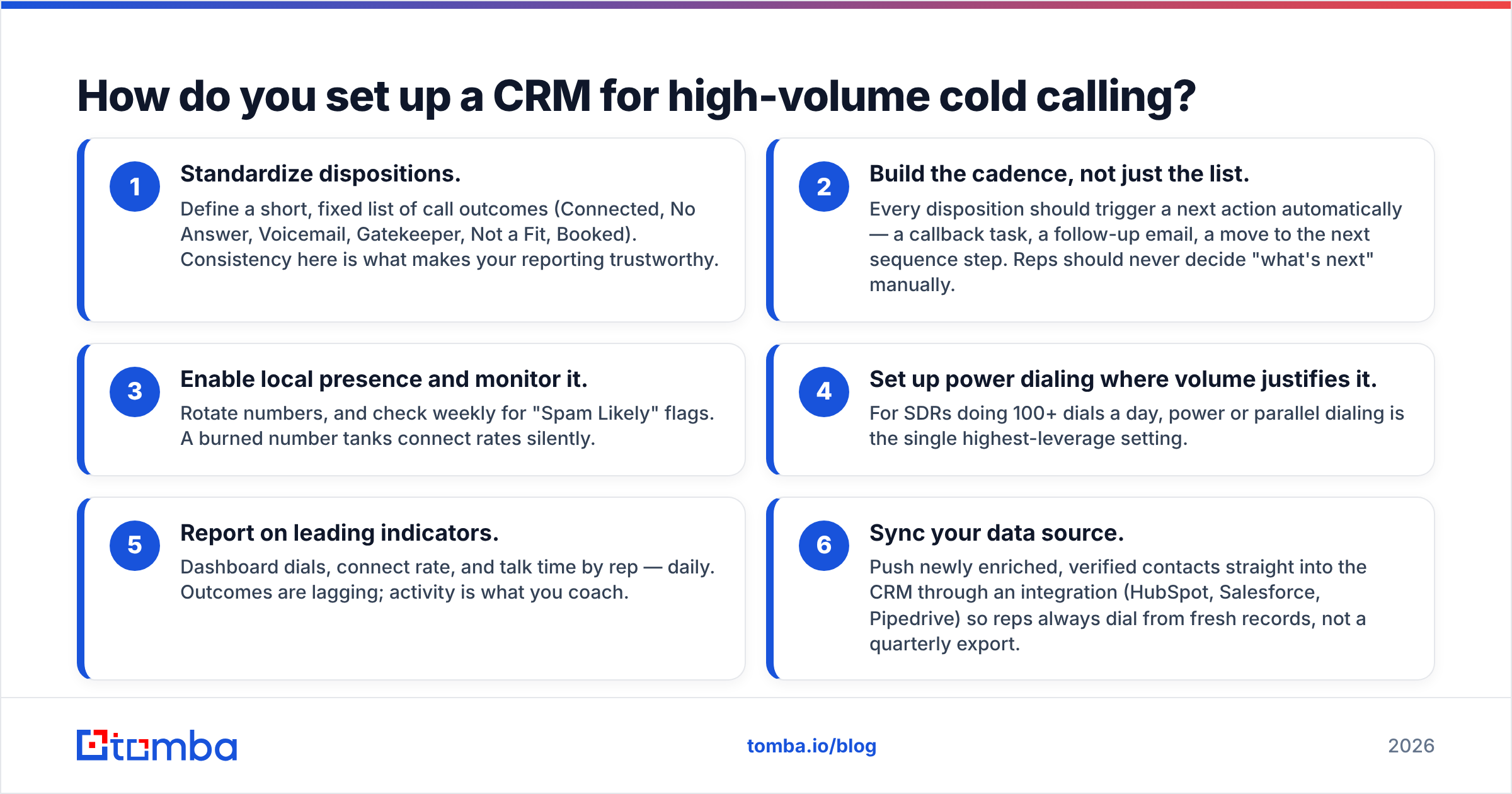
- Standardize dispositions. Define a short, fixed list of call outcomes (Connected, No Answer, Voicemail, Gatekeeper, Not a Fit, Booked). Consistency here is what makes your reporting trustworthy.
- Build the cadence, not just the list. Every disposition should trigger a next action automatically — a callback task, a follow-up email, a move to the next sequence step. Reps should never decide "what's next" manually.
- Enable local presence and monitor it. Rotate numbers, and check weekly for "Spam Likely" flags. A burned number tanks connect rates silently.
- Set up power dialing where volume justifies it. For SDRs doing 100+ dials a day, power or parallel dialing is the single highest-leverage setting.
- Report on leading indicators. Dashboard dials, connect rate, and talk time by rep — daily. Outcomes are lagging; activity is what you coach.
- Sync your data source. Push newly enriched, verified contacts straight into the CRM through an integration (HubSpot, Salesforce, Pipedrive) so reps always dial from fresh records, not a quarterly export.
Get those six right and the CRM stops being a place where activity gets recorded and becomes the thing that drives it.
What's the difference between a CRM and a sales dialer?#
A common point of confusion, so worth settling: a CRM is the system of record; a dialer is the calling engine. Some CRMs (Close, HubSpot) bundle a dialer. Others (Salesforce, Pipedrive) rely more heavily on integrations like Aircall, Kixie, or JustCall.
Neither approach is universally better. Bundled dialers are simpler to buy and administer, with one vendor and one bill. Best-of-breed dialers layered onto a CRM usually offer more advanced calling features — parallel dialing, AI call scoring, deeper coaching — at the cost of another integration to maintain.
The decision rule: if calling is 70%+ of your outbound motion, favor a CRM with a serious native dialer or a proven dialer integration. If calling is one channel among email and social, a good all-around CRM with a competent built-in caller is usually enough. Either way, the CRM is only as good as the B2B phone numbers you load into it.
Put verified numbers into whatever CRM you choose#
Pick the CRM that fits your team's size, budget, and channel mix — HubSpot for alignment, Salesforce for enterprise complexity, Pipedrive for lean teams, Close for pure dialing volume. That choice matters. But it matters far less than the quality of the numbers your reps dial.
Before your next calling block, fill your CRM with contacts worth calling. Use Tomba's phone finder to pull verified B2B direct dials, enrich each record so reps walk into the call informed, and push it all into your CRM through a native integration. The dialer handles the speed. Tomba makes sure every dial has a real person on the other end. Start free with 25 searches and see how much your connect rate moves when the data is clean — details on Tomba pricing.
Related guides#
Ready to find emails that actually work?
Join 150,000+ professionals who stopped guessing and started sending. Free credits on signup — no credit card required.
Get the Tomba newsletter
Practical outbound tactics and product updates — once every two weeks.
About the author