CRM Integration for Sales Teams: The 2026 Playbook
CRM integration keeps your sales team selling instead of copy-pasting. Here's how to connect your data stack, what to sync, and the mistakes that quietly kill pipeline.
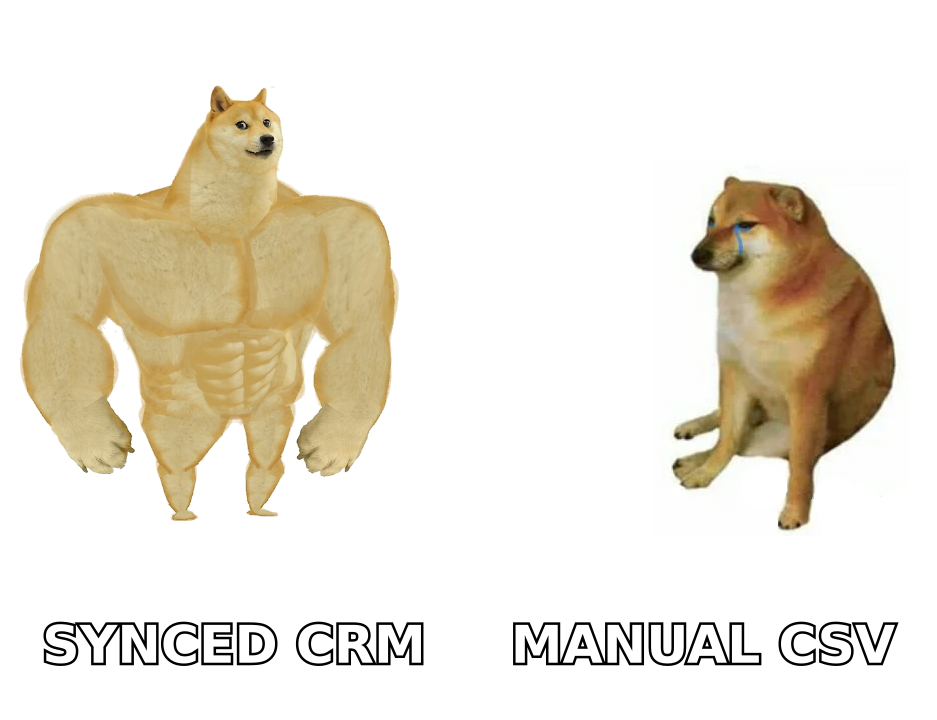
Your CRM is only as useful as the data flowing into it. When reps have to hand-key contacts, copy emails between tabs, and reconcile a spreadsheet at end of quarter, the CRM stops being a system of record and becomes a system of guilt. CRM integration for sales teams is the fix: wiring your prospecting, enrichment, email, and calendar tools directly into the CRM so data moves on its own.
This guide is for RevOps leads, sales managers, and founders who own the stack. No vendor hype — just what to connect, in what order, and where integrations quietly break.
TL;DR#
- CRM integration for sales teams means connecting your data sources (email finder, enrichment, sequencer, calendar, dialer) so records sync automatically instead of by copy-paste.
- Sync the right fields, not every field — over-syncing creates duplicates and dirty data faster than no integration at all.
- Native integrations beat middleware for the two or three tools reps touch daily; use Zapier/Make for the long tail.
- Bad contact data breaks every integration downstream, so verify emails and enrich records before they hit the CRM.
- Budget for maintenance: field mappings, dedupe rules, and permission scopes drift and need an owner.
What is CRM integration for sales teams?#
CRM integration is the plumbing that lets your CRM exchange data with the other tools in your sales stack without a human retyping anything. Think of it like a building's HVAC system: you don't see the ducts, but every room stays the right temperature because air moves automatically. When integration works, a rep books a meeting, and the CRM already knows the contact, the company, the email thread, and the next step — no one touched a keyboard to make that happen.
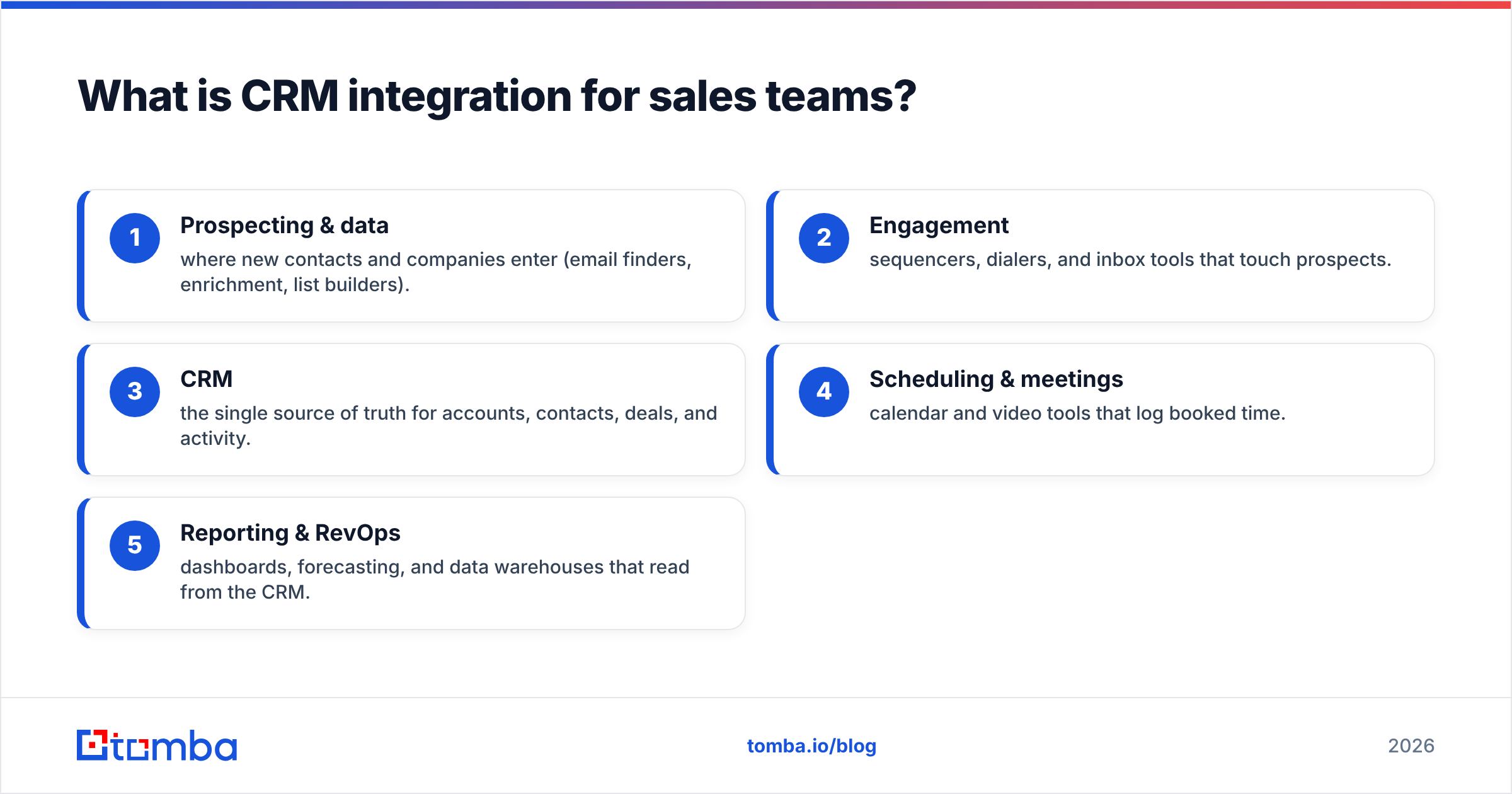
For a modern sales team, the integrated stack usually spans five layers:
- Prospecting & data — where new contacts and companies enter (email finders, enrichment, list builders).
- Engagement — sequencers, dialers, and inbox tools that touch prospects.
- CRM — the single source of truth for accounts, contacts, deals, and activity.
- Scheduling & meetings — calendar and video tools that log booked time.
- Reporting & RevOps — dashboards, forecasting, and data warehouses that read from the CRM.
Integration means changes in any layer show up in the others within minutes, mapped to the correct fields, with duplicates prevented.
Why do sales teams need CRM integration at all?#
Because manual data entry is the single most expensive habit in sales. Reps spend a meaningful chunk of every week updating records, and studies from vendors like HubSpot and analysts at Gartner consistently show data hygiene and admin work eating into selling time. Every minute spent reconciling a spreadsheet is a minute not spent talking to a buyer.
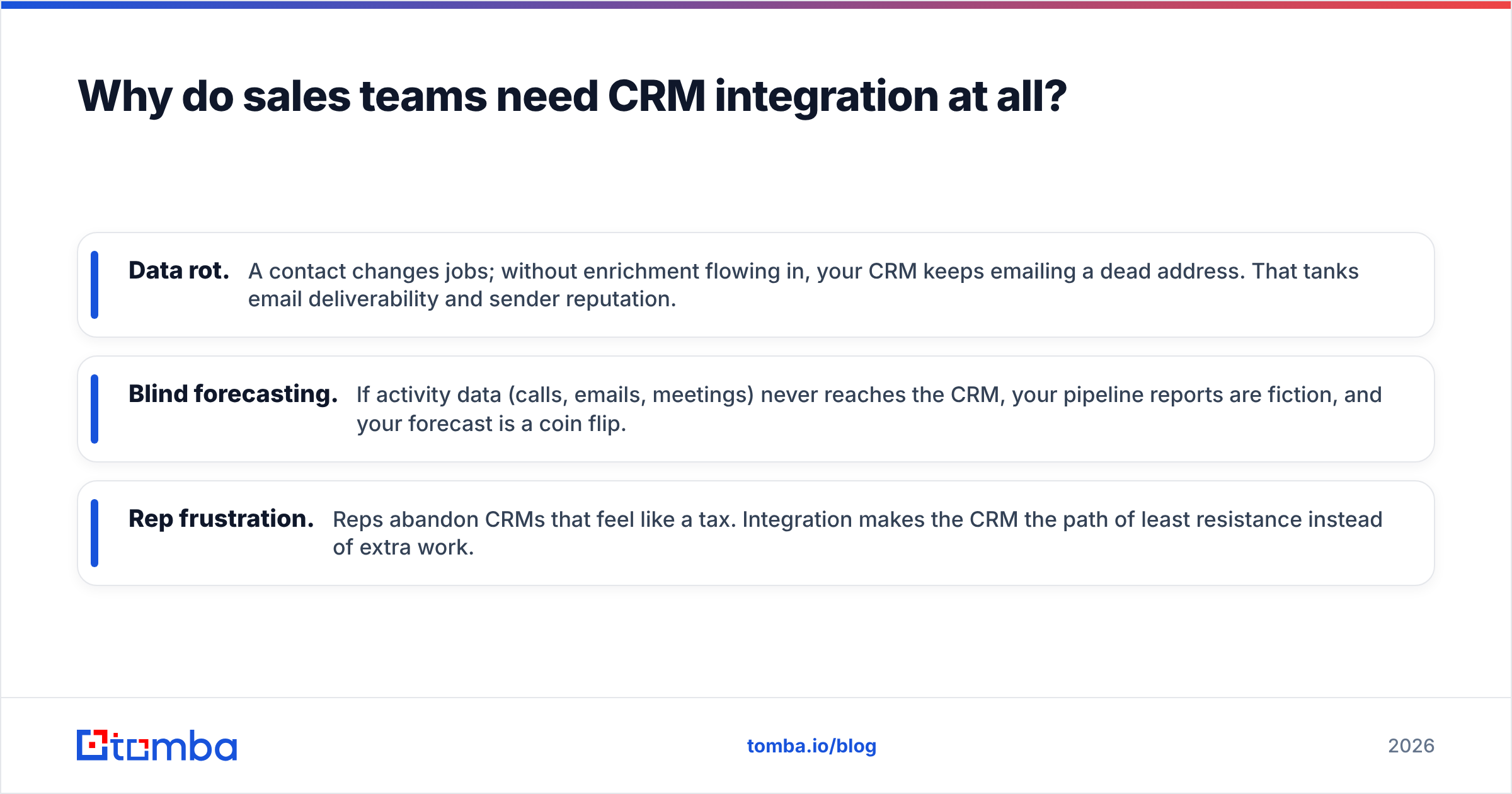
Beyond time, there are three failure modes integration prevents:
- Data rot. A contact changes jobs; without enrichment flowing in, your CRM keeps emailing a dead address. That tanks email deliverability and sender reputation.
- Blind forecasting. If activity data (calls, emails, meetings) never reaches the CRM, your pipeline reports are fiction, and your forecast is a coin flip.
- Rep frustration. Reps abandon CRMs that feel like a tax. Integration makes the CRM the path of least resistance instead of extra work.
The payoff is compounding: clean, complete records make lead scoring, routing, and automation actually trustworthy.
What should you actually sync (and what to leave out)?#
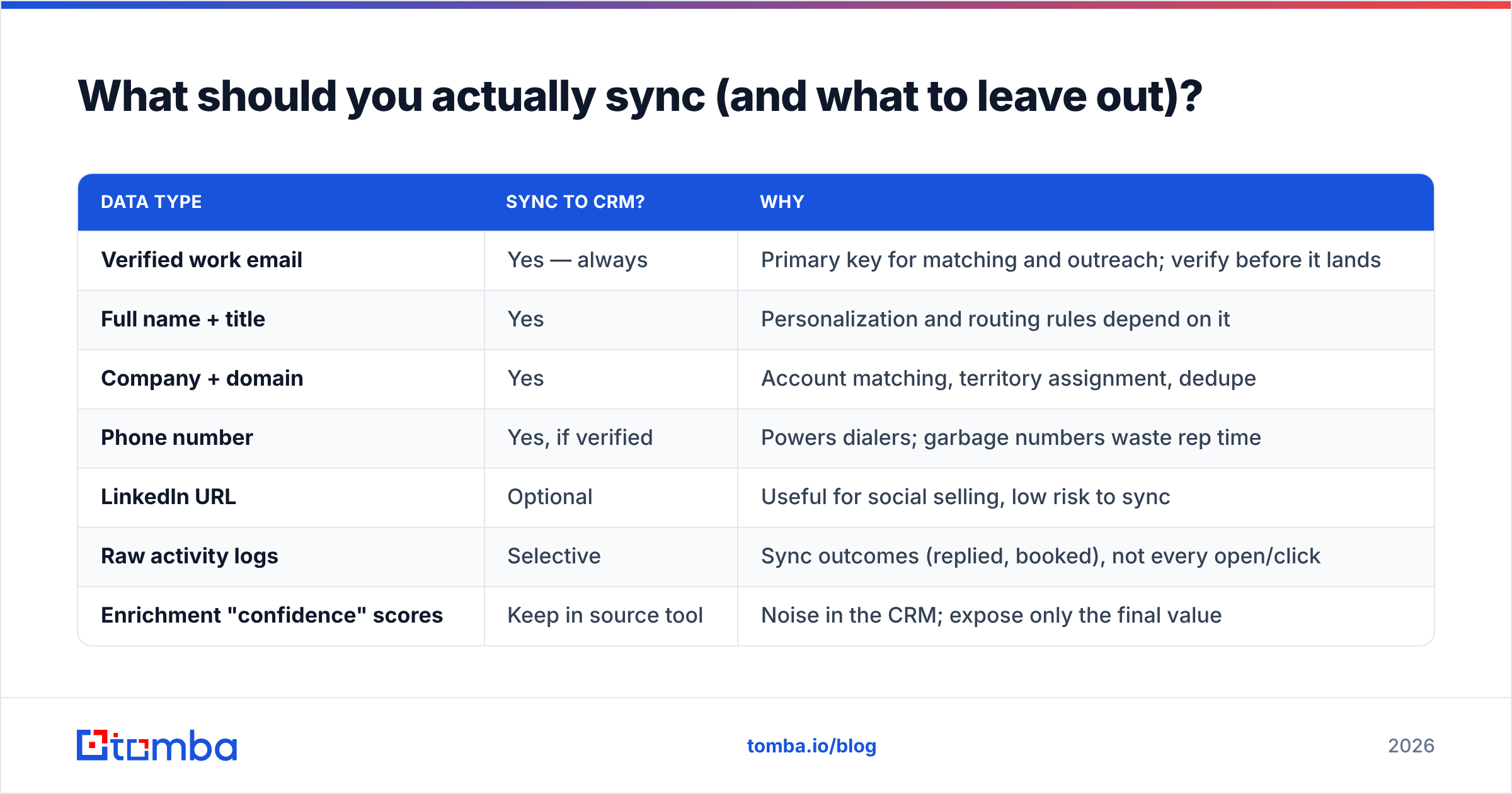
Sync the fields that drive decisions and routing — not every attribute a tool can export. Over-syncing is the number-one cause of duplicate records and conflicting "source of truth" fights between systems.
Here's a practical field-by-field starting point:
| Data type | Sync to CRM? | Why |
|---|---|---|
| Verified work email | Yes — always | Primary key for matching and outreach; verify before it lands |
| Full name + title | Yes | Personalization and routing rules depend on it |
| Company + domain | Yes | Account matching, territory assignment, dedupe |
| Phone number | Yes, if verified | Powers dialers; garbage numbers waste rep time |
| LinkedIn URL | Optional | Useful for social selling, low risk to sync |
| Raw activity logs | Selective | Sync outcomes (replied, booked), not every open/click |
| Enrichment "confidence" scores | Keep in source tool | Noise in the CRM; expose only the final value |
The rule of thumb: one system owns each field. Decide whether the CRM or the source tool is authoritative for each attribute, and let the integration write in one direction for that field. Bidirectional sync on every field is how you get two records fighting over whose "job title" is correct.
Native integration vs. middleware: which should you use?#
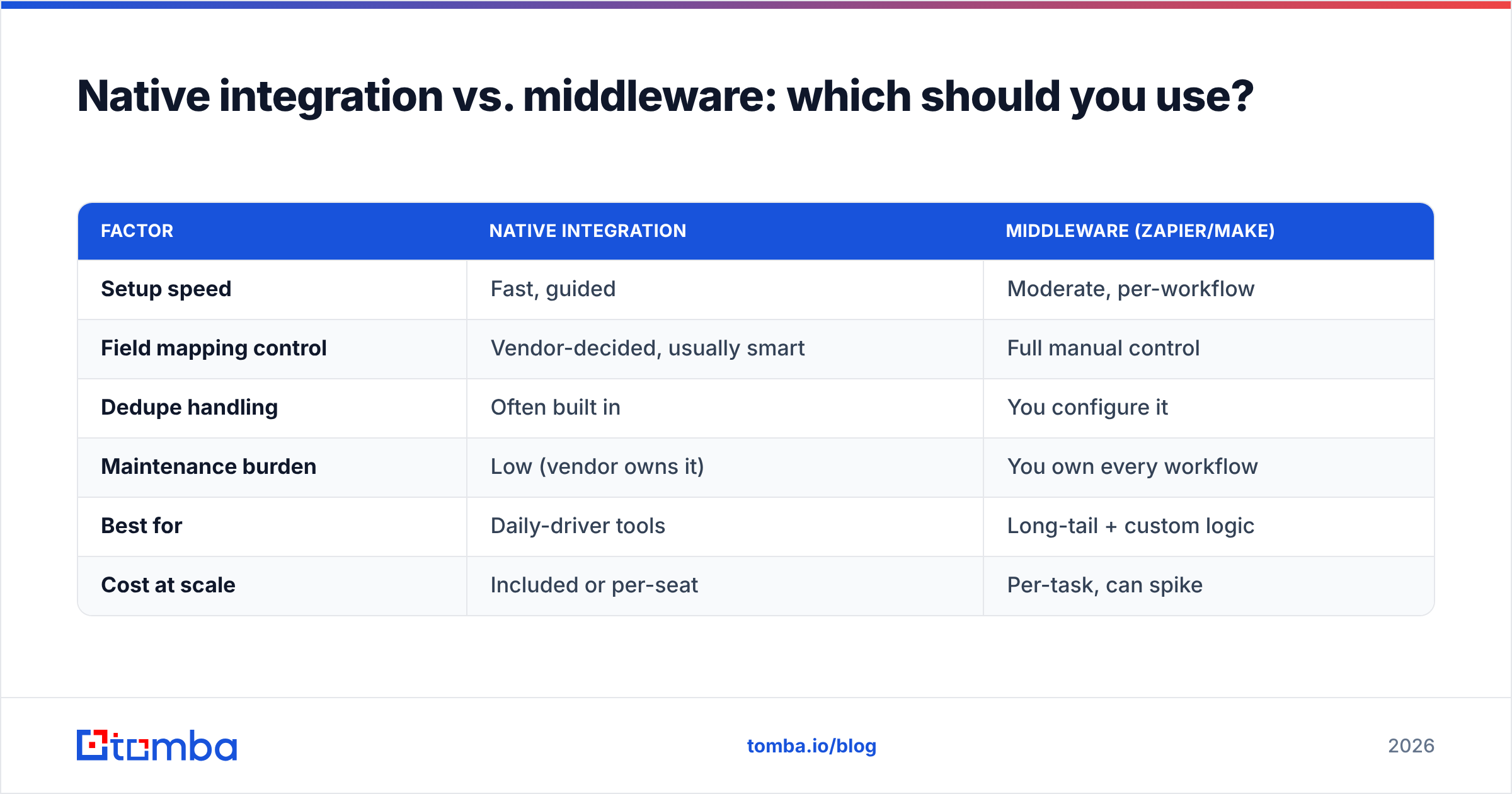
Use native integrations for the two or three tools your reps live in, and middleware (Zapier, Make) for everything else. Native connectors are maintained by the vendor, handle field mapping and dedupe intelligently, and break less often. Middleware is flexible and covers the long tail, but every custom Zap is a mini-integration you now own and must debug.
| Factor | Native integration | Middleware (Zapier/Make) |
|---|---|---|
| Setup speed | Fast, guided | Moderate, per-workflow |
| Field mapping control | Vendor-decided, usually smart | Full manual control |
| Dedupe handling | Often built in | You configure it |
| Maintenance burden | Low (vendor owns it) | You own every workflow |
| Best for | Daily-driver tools | Long-tail + custom logic |
| Cost at scale | Included or per-seat | Per-task, can spike |
Tomba, for example, offers native integrations with the CRMs most sales teams run — HubSpot, Salesforce, and Pipedrive — plus a Zapier integration and a Make.com integration for the workflows those don't cover. That combination lets you keep your core stack native and route edge cases through middleware.

How do you set up CRM integration without breaking your data?#
Do it in stages, and verify data quality before it ever reaches the CRM. Rushing every tool in at once guarantees duplicates and mismatched fields you'll spend a quarter untangling.
1. Audit what you have. List every tool that creates or edits contact data. Mark which field each one should own. This map is your integration contract.
2. Clean the base first. Deduplicate existing records and verify the emails already in your CRM. Integrating a dirty database just spreads the mess faster. Run your list through an email verifier so bounces don't poison deliverability.
3. Enrich at the point of entry. Wire your data enrichment and email finder into the top of the funnel so new contacts arrive complete — verified email, title, company, domain — instead of as a bare name you chase later.
4. Connect the daily drivers natively. Set up native connectors for your CRM's most-used partners first. Test with a handful of records, confirm field mapping, then open the floodgates.
5. Add middleware for the long tail. Build Zaps or Make scenarios for the tools without native connectors. Document each one — trigger, fields, direction — so future-you can debug it.
6. Set dedupe and matching rules. Decide the match key (usually verified email or company domain) and configure your CRM's dedupe before bulk syncs run.
7. Assign an owner. Integrations drift. API scopes expire, vendors change field names, someone renames a custom property. One person (usually RevOps) owns the health of the pipes.
What are the most common CRM integration mistakes?#
The failures are predictable, which means they're preventable. Watch for these:
- Syncing before verifying. Unverified emails flood the CRM, bounce, and drag down sender reputation. Verify first, always.
- Two-way sync on every field. This creates update loops and "which record is right?" conflicts. Pick one owner per field.
- No dedupe strategy. Without a match key, every integration multiplies records. Set the key before you connect anything.
- Ignoring API rate limits. Bulk operations can hit vendor limits and silently drop records. Use bulk tools built for volume rather than hammering an API meant for single lookups.
- Set-and-forget. Integrations aren't appliances. Review mappings and error logs monthly.
- Over-integrating. Not every tool needs a CRM connection. If reps never look at the data, syncing it just adds noise and cost.
A quick sanity check: if you can't name which system owns a given field and which direction it syncs, you have an integration waiting to break.
How does contact data quality affect every integration?#
Data quality is the foundation the whole stack sits on — get it wrong and no integration saves you. Garbage in, garbage synced everywhere, instantly. This is why the smartest teams treat verification and enrichment as an integration layer of their own, sitting in front of the CRM.
Concretely, high-quality contact data does three things for your integrations:
- It gives you a reliable match key. Verified, canonical emails and clean company domains let dedupe and routing rules actually work. Messy data means duplicate accounts and misrouted leads.
- It protects deliverability. Feeding verified addresses into your sequencer keeps bounce rates low and your domain out of spam folders.
- It makes automation trustworthy. Lead scoring, territory assignment, and forecasting all read from CRM fields. Complete, accurate fields mean the automation fires correctly instead of on bad assumptions.
Tools like Tomba's domain search and email finder exist to fill those fields correctly at the source, and reputable data providers — including comparison and enrichment vendors reviewed on marketplaces like G2 — differ widely on accuracy, so it's worth testing before you commit your whole funnel to one source.
What does a healthy integrated stack look like in practice?#
Picture a rep's day when the plumbing works. They find a target account, and the email finder surfaces a verified contact. That contact lands in the CRM already enriched — title, company, domain, verified email — via the native connector. The rep drops them into a sequence; replies and booked meetings sync back as activity automatically. The manager's forecast dashboard updates in real time because every touch is logged without anyone typing it.
No spreadsheets. No end-of-quarter reconciliation. No dead emails bouncing. That's the whole point of CRM integration for sales teams: the CRM becomes the effortless byproduct of selling, not a second job.
If you're standing up this stack from scratch, start with data quality and cost. Check the Tomba pricing tiers — the Free plan gives you 25 searches a month to test integration flows before committing, Starter runs $49/mo, and Growth at $99/mo covers most small sales teams — then wire the native CRM connectors before touching middleware.
The bottom line#
CRM integration for sales teams isn't a one-time project; it's a discipline. Connect the daily-driver tools natively, route the long tail through middleware, decide who owns each field, and — above all — verify and enrich contact data before it ever reaches the CRM. Do that, and your CRM finally earns its keep.
Ready to feed your CRM clean, verified contacts from day one? Start with the Tomba Email Finder — find professional email addresses by domain, name, or company, verify them, and push them straight into HubSpot, Salesforce, or Pipedrive through Tomba's native integrations. Your pipeline data is only as good as what enters it, so start at the source.
Related guides#
Ready to find emails that actually work?
Join 150,000+ professionals who stopped guessing and started sending. Free credits on signup — no credit card required.
Get the Tomba newsletter
Practical outbound tactics and product updates — once every two weeks.
About the author