CRM Leads in 2026: How to Capture, Clean, and Convert Them
Most CRMs are graveyards of half-filled records and stale contacts. Here's how to capture, enrich, score, and route your CRM leads so reps actually work the ones that close.
Your CRM is only as good as the leads inside it. Most aren't good. Duplicate records, missing job titles, dead email addresses, and contacts who left the company two years ago quietly pile up until reps stop trusting the system entirely. This guide is about fixing that — treating CRM leads as an asset you actively manage, not a bucket you dump form-fills into.
TL;DR#
- CRM leads are records, not people who want to buy. A lead is a contact plus context; without enrichment and scoring it's just a name and a maybe-valid email.
- Data decay is the silent killer. B2B contact data goes stale at roughly 25–30% per year — untended CRM leads rot fast.
- The four jobs are capture, clean, score, route. Skip any one and reps waste hours on records that were never going to close.
- Enrichment beats manual research. Pulling verified email, phone, and firmographic data automatically turns thin leads into workable ones.
- Verify before you sync. Pushing unverified emails into your CRM tanks deliverability and sender reputation downstream.
What are CRM leads, really?#
A CRM lead is a stored record representing a potential customer — a person or company you might sell to, held inside your CRM with whatever context you've attached. That context is the whole game. "Jane Doe, jane@acme.com" is barely a lead. "Jane Doe, VP of Marketing at Acme (250 employees, marketing-tech stack, opened three emails last week), verified work email and direct dial" is a lead a rep can act on today.
The distinction matters because teams conflate three things: a contact (any person in the system), a lead (a contact you're evaluating as a sales opportunity), and an opportunity (a lead that's entered your pipeline with a deal value). Muddying these inflates your numbers and hides where deals actually stall.
Think of your CRM like a kitchen pantry. A full pantry looks reassuring, but if half the cans are expired and unlabeled, you can't cook dinner. CRM leads work the same way — volume is comforting and mostly useless. What you want is a smaller shelf of fresh, labeled, ready-to-use ingredients.

Why do CRM leads go bad so fast?#
Because people change jobs, companies rebrand, and email servers retire addresses — constantly. Industry estimates from data vendors like ZoomInfo and others put B2B data decay at 25–30% per year, and some segments (startups, high-churn industries) decay faster. Left alone, a CRM you built in January is meaningfully wrong by summer.
Here's what "bad" concretely looks like in a typical CRM:
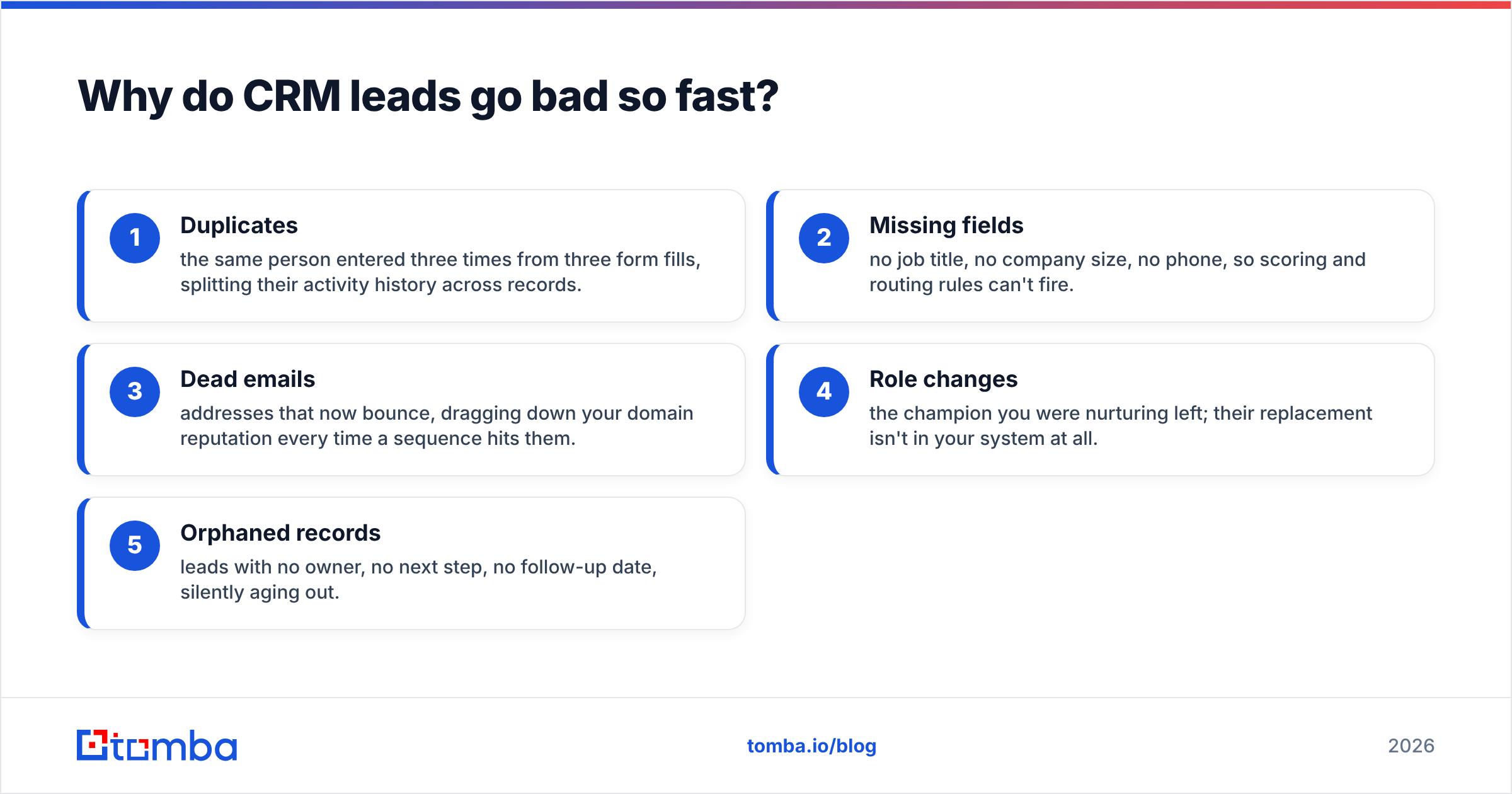
- Duplicates — the same person entered three times from three form fills, splitting their activity history across records.
- Missing fields — no job title, no company size, no phone, so scoring and routing rules can't fire.
- Dead emails — addresses that now bounce, dragging down your domain reputation every time a sequence hits them.
- Role changes — the champion you were nurturing left; their replacement isn't in your system at all.
- Orphaned records — leads with no owner, no next step, no follow-up date, silently aging out.
The consequence is predictable but still catches teams off guard: reps stop trusting the CRM, start keeping their "real" leads in a spreadsheet, and your reporting becomes fiction.

What's the difference between a contact, a lead, and an MQL?#
Terminology drift causes real pipeline confusion, so pin it down. A contact is anyone in the database. A lead is a contact you're actively qualifying. A marketing qualified lead (MQL) has cleared a bar — usually a mix of fit and engagement — that marketing considers worth handing to sales. A sales qualified lead (SQL) is one sales has accepted and is working.
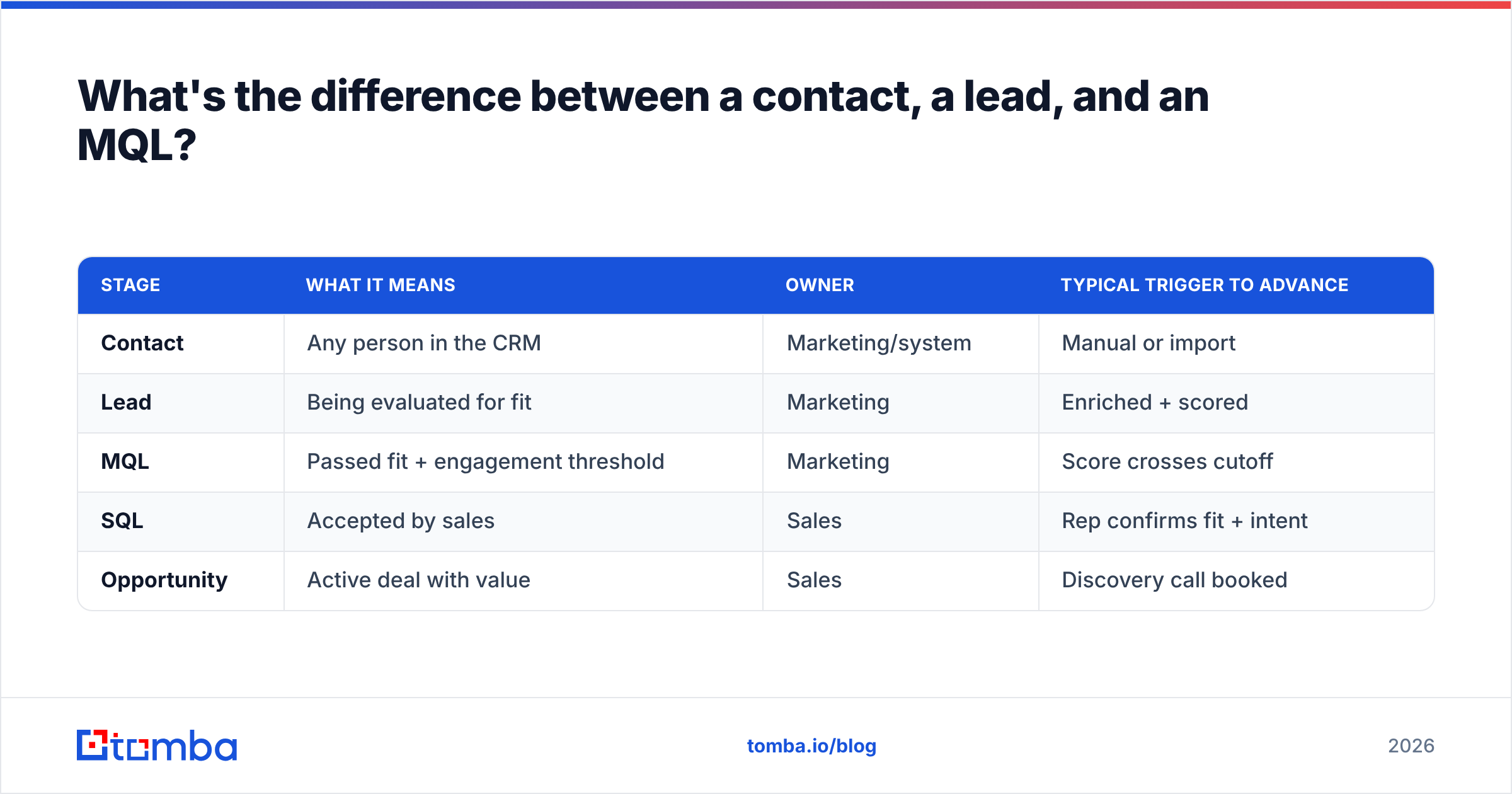
| Stage | What it means | Owner | Typical trigger to advance |
|---|---|---|---|
| Contact | Any person in the CRM | Marketing/system | Manual or import |
| Lead | Being evaluated for fit | Marketing | Enriched + scored |
| MQL | Passed fit + engagement threshold | Marketing | Score crosses cutoff |
| SQL | Accepted by sales | Sales | Rep confirms fit + intent |
| Opportunity | Active deal with value | Sales | Discovery call booked |
The reason to formalize this: every handoff is a place leads leak. When marketing and sales argue about "lead quality," they're usually arguing because they never agreed on these definitions in the first place.
How do you keep CRM leads clean and workable?#
Four jobs, done continuously rather than once a quarter: capture, clean, score, route.
1. Capture with the right fields from the start#
Garbage in stays garbage. If your web form only collects name and email, every record starts life half-empty. Capture the minimum you need to score and route — but don't punish conversion with a 12-field form. The fix is capturing little and enriching the rest automatically.
2. Clean and enrich#
This is where thin leads become workable ones. Data enrichment fills the gaps: verified work email, direct phone, job title, company size, industry, and social profiles appended to a record that arrived with just an email. Instead of a rep spending 10 minutes googling a prospect, the fields are already there.
Enrichment also catches decay. Re-running enrichment on aging records surfaces role changes and dead addresses before a rep wastes a call on them.
3. Verify before sync#
Never push an unverified email into your CRM and straight into a sequence. Use an email verifier to catch invalid, disposable, and risky addresses first. A single spike of bounces damages your sender reputation, and that damage follows you to every legitimate prospect afterward. Verification is cheap insurance against an expensive, slow-to-repair problem.
For domains that accept everything, a catch-all verifier helps you separate genuinely deliverable addresses from ones that merely don't bounce on the SMTP handshake.
4. Score and route#
Once records are complete and verified, scoring decides who gets worked first. Lead scoring combines fit (does this match your ideal customer profile?) and engagement (are they showing intent?). Route the high scores to reps immediately, nurture the mid, and suppress the poor fits. Automating this is where a modern CRM earns its keep — see the HubSpot lead scoring documentation for a concrete implementation model.
How do you enrich CRM leads without hiring a data team?#
You automate the lookup. The old way — a rep or SDR manually researching each contact on LinkedIn and the company website — doesn't scale past a few dozen leads a week and produces inconsistent data. The modern way is to run leads through an enrichment and finding layer that appends verified data on ingest and on a refresh schedule.
Here's how the manual and automated approaches compare on the metrics that actually matter:
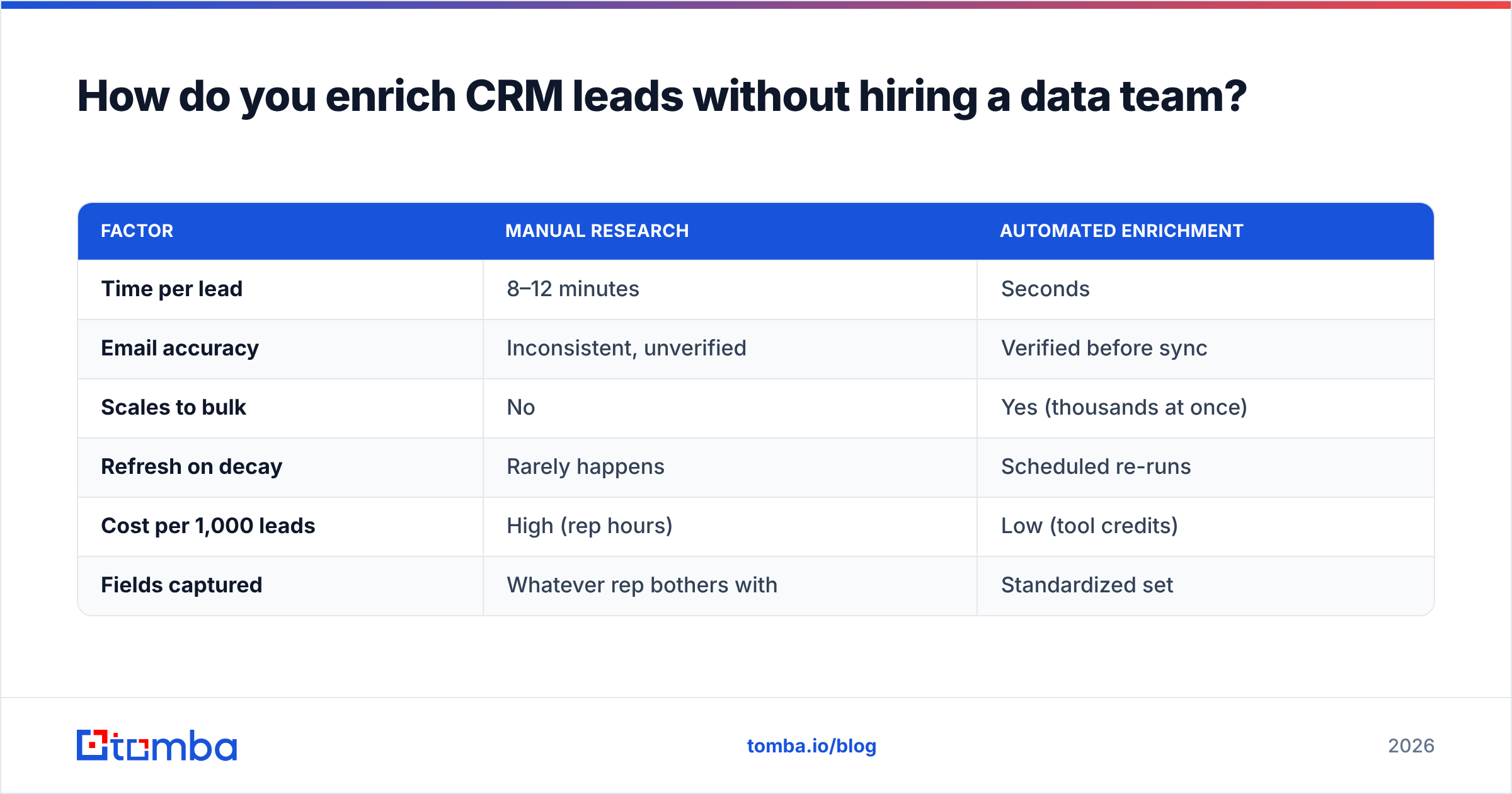
| Factor | Manual research | Automated enrichment |
|---|---|---|
| Time per lead | 8–12 minutes | Seconds |
| Email accuracy | Inconsistent, unverified | Verified before sync |
| Scales to bulk | No | Yes (thousands at once) |
| Refresh on decay | Rarely happens | Scheduled re-runs |
| Cost per 1,000 leads | High (rep hours) | Low (tool credits) |
| Fields captured | Whatever rep bothers with | Standardized set |
A practical setup: connect your enrichment tool to the CRM directly. Tomba integrates with HubSpot, Salesforce, and Pipedrive, so new records get enriched and verified without a manual export step. For one-off list building, the bulk email finder handles a whole spreadsheet of companies-plus-names in one pass, and the domain search pulls every reachable contact at a target account when you're building out an ABM list.
If your leads come in as raw company names or website URLs, start with the Tomba Email Finder to attach a verified email to each, then let enrichment fill in the firmographics.
Which CRM lead metrics actually matter?#
Vanity metrics — total leads, total contacts — feel good and tell you nothing. Track the ones tied to revenue and data health instead:
- Lead-to-opportunity conversion rate — of leads worked, how many become real deals? A low number often means bad data or bad scoring, not bad reps.
- Data completeness — what percentage of records have the fields your scoring rules need? Below ~80% and your automation is guessing.
- Bounce rate on outbound — climbing bounce rates mean your CRM leads are decaying and verification is slipping.
- Speed to lead — how fast does a hot lead get routed and contacted? Minutes matter; the odds of qualifying a lead drop sharply after the first hour.
- Response rate — the clearest signal that the leads you're reaching are the right ones, reached correctly.
Watch these together. A high lead count with low completeness and rising bounces is a CRM heading for the graveyard, no matter how impressive the top-line number looks.
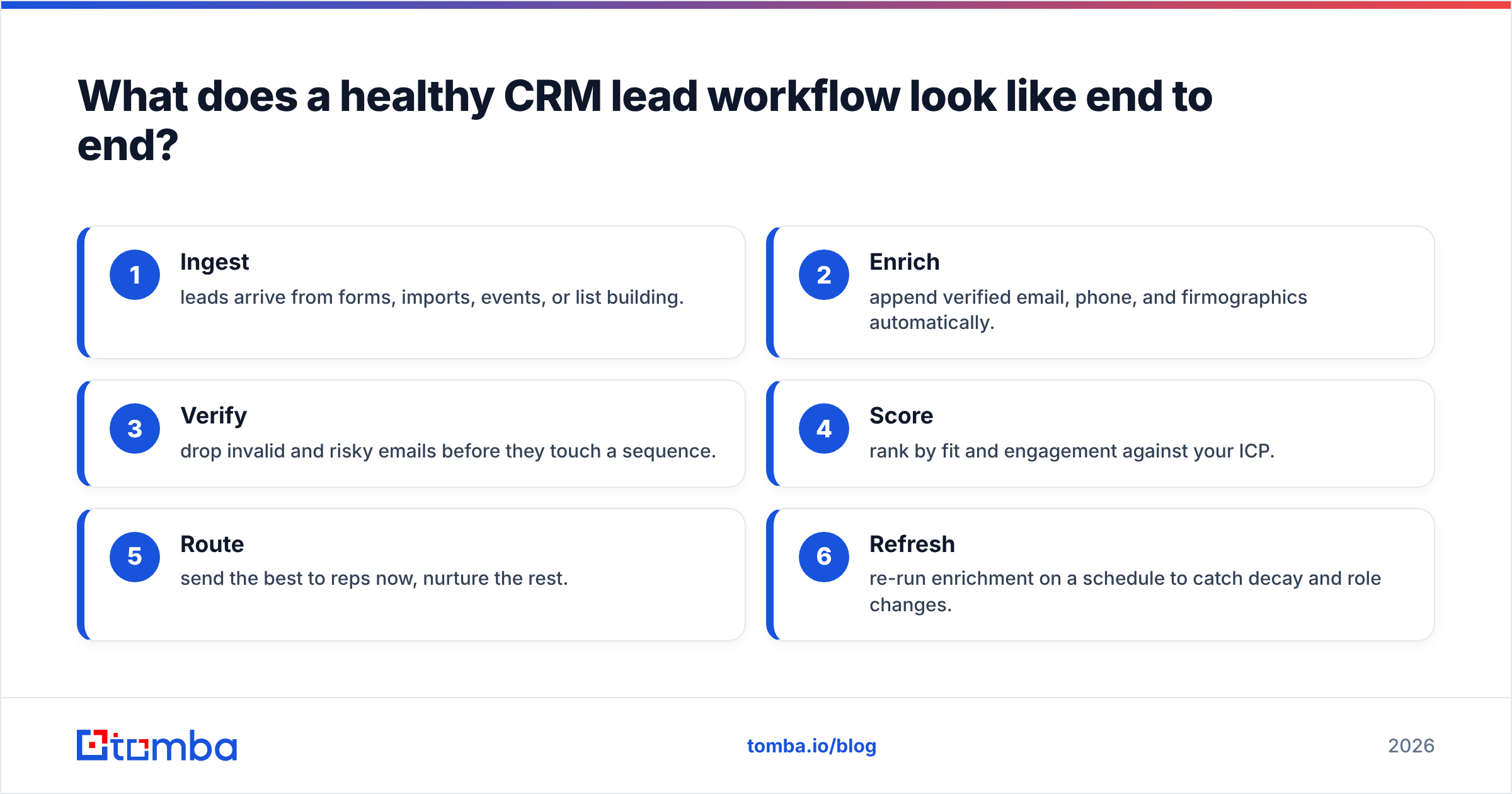
What does a healthy CRM lead workflow look like end to end?#
Put the pieces in order and it's a loop, not a one-time cleanup:
- Ingest — leads arrive from forms, imports, events, or list building.
- Enrich — append verified email, phone, and firmographics automatically.
- Verify — drop invalid and risky emails before they touch a sequence.
- Score — rank by fit and engagement against your ICP.
- Route — send the best to reps now, nurture the rest.
- Refresh — re-run enrichment on a schedule to catch decay and role changes.
The refresh step is the one everyone skips, and it's the one that keeps the whole system from rotting. Set it and your CRM stays trustworthy; skip it and you're back to spreadsheets in a year.
For teams that also work the phones, appending direct-dial data with a phone finder at the enrich step means reps aren't stuck with a generic switchboard number when the email channel goes quiet.
Are more CRM leads always better?#
No — and this is the most expensive misconception in the funnel. A thousand unverified, unenriched, unscored leads cost you more than a hundred clean ones: they inflate storage, dilute reporting, burn rep time on dead ends, and quietly poison your sending reputation. Quality compounds; quantity without quality compounds against you.
The teams that win treat their CRM as a curated asset. They'd rather have 500 records they trust completely than 5,000 they have to second-guess. Fewer, better, verified leads mean reps spend their hours on conversations that can actually close.
Get your CRM leads clean and verified#
Stop letting your pipeline rot from the inside. Run every new record through the Tomba Email Finder to attach a verified professional email, layer in enrichment for phone and firmographics, and verify before anything syncs to your CRM. It plugs into the tools you already use, works in bulk, and keeps your data fresh on a schedule instead of once a panicked quarter. Start on the free tier (25 searches a month), and when you're ready to scale, check the Tomba pricing — plans open at $49/mo. Clean CRM leads aren't a luxury; they're the difference between a system your reps trust and one they abandon.
Related guides#
Ready to find emails that actually work?
Join 150,000+ professionals who stopped guessing and started sending. Free credits on signup — no credit card required.
Get the Tomba newsletter
Practical outbound tactics and product updates — once every two weeks.
About the author