CRM for Small Business in 2026: The No-Fluff Buyer's Guide
Most small teams overpay for a CRM they use 10% of. Here's how to pick the right CRM for your small business in 2026 — real pricing, honest limits, and a side-by-side comparison.
CRM for Small Business in 2026: The No-Fluff Buyer's Guide
Picking a CRM for your small business should take an afternoon. Instead, most owners spend weeks demoing bloated enterprise tools, signing an annual contract, and then using maybe 10% of what they paid for. This guide fixes that.
TL;DR#
- The best CRM for a small business is the one your team actually opens every day — not the one with the longest feature list.
- Real starting prices in 2026 range from free to ~$25/user/mo; the pain comes from per-seat add-ons and forced annual billing, not the sticker price.
- HubSpot, Pipedrive, Zoho, and Folk cover ~90% of small-team needs. Salesforce is overkill until you're past ~20 reps.
- A CRM is only as good as the data in it. Clean contacts and verified emails matter more than the tool — pair your CRM with an email finder and enrichment so records don't rot.
- Skip the annual contract on your first CRM. Go month-to-month until the team proves it sticks.
What is a CRM, and does a small business actually need one?#
A CRM (customer relationship management) is a shared address book with a memory. Think of it like the notebook a great shopkeeper keeps behind the counter — who bought what, what they asked about last time, when to follow up — except it's searchable, it never gets lost, and your whole team writes in it at once.
Technically, a CRM stores contacts, companies, deals, and the history of every touchpoint, then automates the boring parts: reminders, follow-up sequences, pipeline reporting.
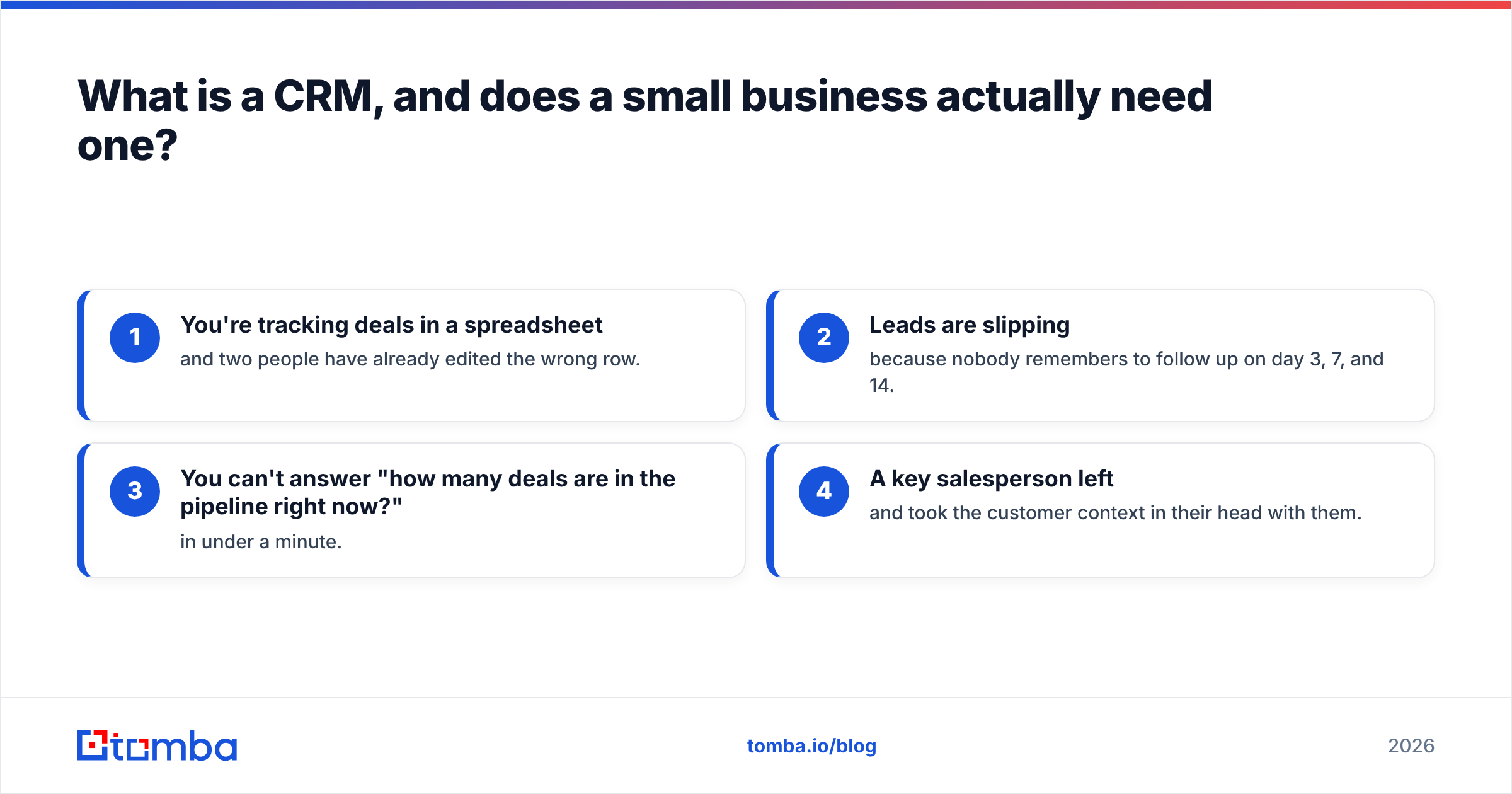
Do you need one? Here's the honest test. If any of these are true, yes:
- You're tracking deals in a spreadsheet and two people have already edited the wrong row.
- Leads are slipping because nobody remembers to follow up on day 3, 7, and 14.
- You can't answer "how many deals are in the pipeline right now?" in under a minute.
- A key salesperson left and took the customer context in their head with them.
If none of those hurt yet, a well-structured Google Sheet is fine. Don't buy software to solve a problem you don't have.
What should a small business CRM actually do?#
Ignore the 200-feature comparison charts. A small team needs exactly six things from a CRM, and everything else is noise until you scale:
- Contact and company management — a single source of truth for who you're talking to, deduplicated and enrich-able.
- A visual pipeline — drag-and-drop deal stages so you can see the whole board at a glance.
- Email integration — two-way sync with Gmail or Outlook so logging isn't a manual chore.
- Task and follow-up reminders — the CRM should nag you, not the other way around.
- Basic reporting — win rate, deal velocity, and forecast without building a spreadsheet.
- Import/export and integrations — because your data lives in Sheets, an email tool, and an invoicing app today.
If a tool nails those six and stays out of your way, it's a good CRM. The rest — AI scoring, custom objects, territory management — is stuff you buy later, if ever.
Which CRM is best for a small business in 2026?#
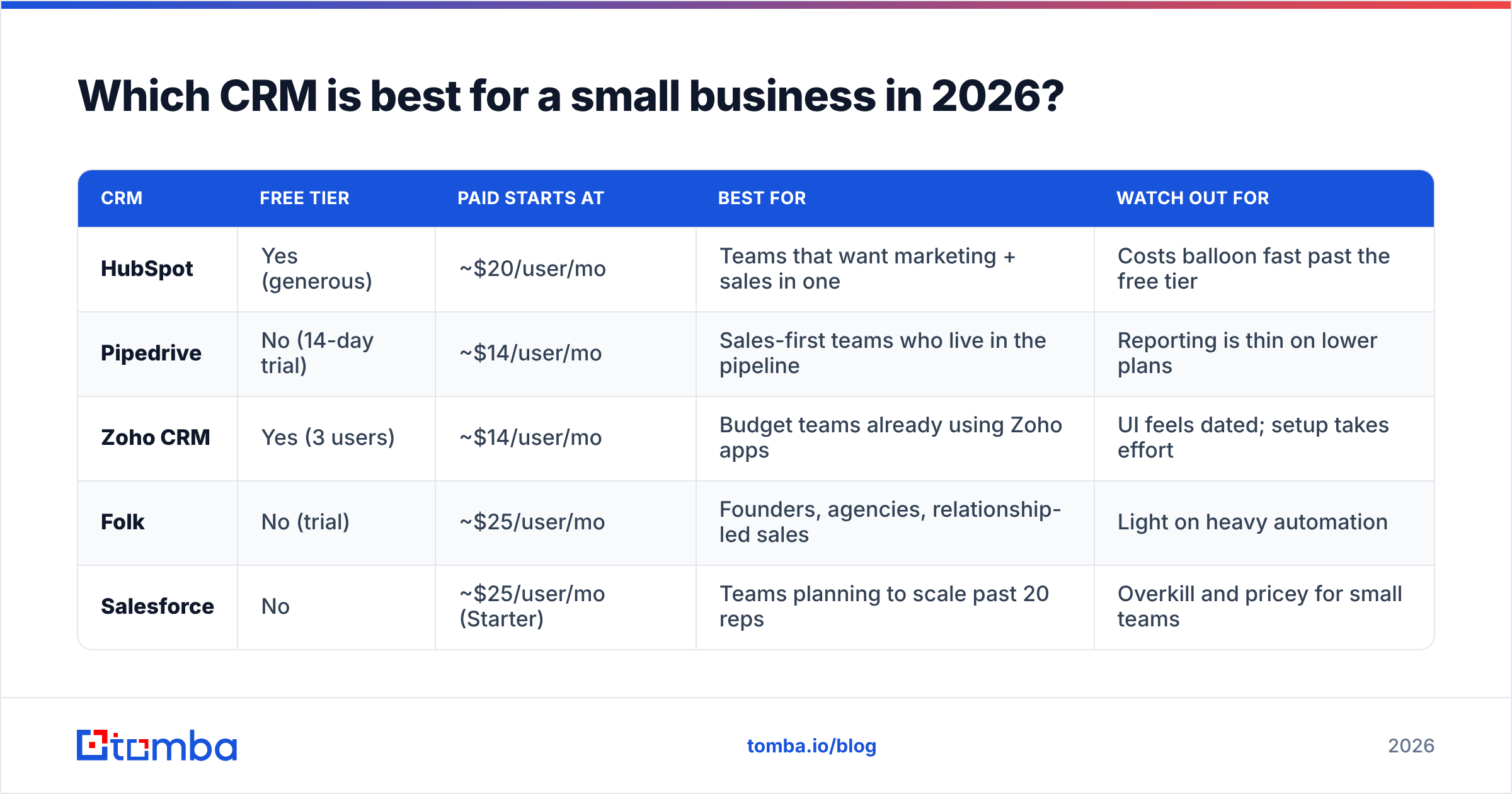
There's no single winner; there's a best fit for how you sell. Here's the honest side-by-side, using real 2026 entry pricing. Prices are per user, per month, billed annually unless noted.
| CRM | Free tier | Paid starts at | Best for | Watch out for |
|---|---|---|---|---|
| HubSpot | Yes (generous) | ~$20/user/mo | Teams that want marketing + sales in one | Costs balloon fast past the free tier |
| Pipedrive | No (14-day trial) | ~$14/user/mo | Sales-first teams who live in the pipeline | Reporting is thin on lower plans |
| Zoho CRM | Yes (3 users) | ~$14/user/mo | Budget teams already using Zoho apps | UI feels dated; setup takes effort |
| Folk | No (trial) | ~$25/user/mo | Founders, agencies, relationship-led sales | Light on heavy automation |
| Salesforce | No | ~$25/user/mo (Starter) | Teams planning to scale past 20 reps | Overkill and pricey for small teams |
A few notes the pricing pages won't put in bold:
- HubSpot's free CRM is genuinely usable and the strongest free tier here. The catch is the jump to paid Marketing or Sales Hub, where per-seat costs and contact tiers add up quickly. Verify the current numbers on the HubSpot pricing page before you commit.
- Pipedrive is the tightest pure-sales CRM for small teams. If your entire world is "move deals through stages," it's hard to beat on price and simplicity.
- Zoho wins on raw value if you can tolerate a less polished UI and you're already in the Zoho ecosystem.
- Folk is the modern favorite for agencies and founders who sell through relationships rather than a rigid funnel.
Cross-check any shortlist against real user reviews on G2 — filter to "small business" so you're reading reviews from teams your size, not enterprise buyers.
How much should a small business pay for a CRM?#
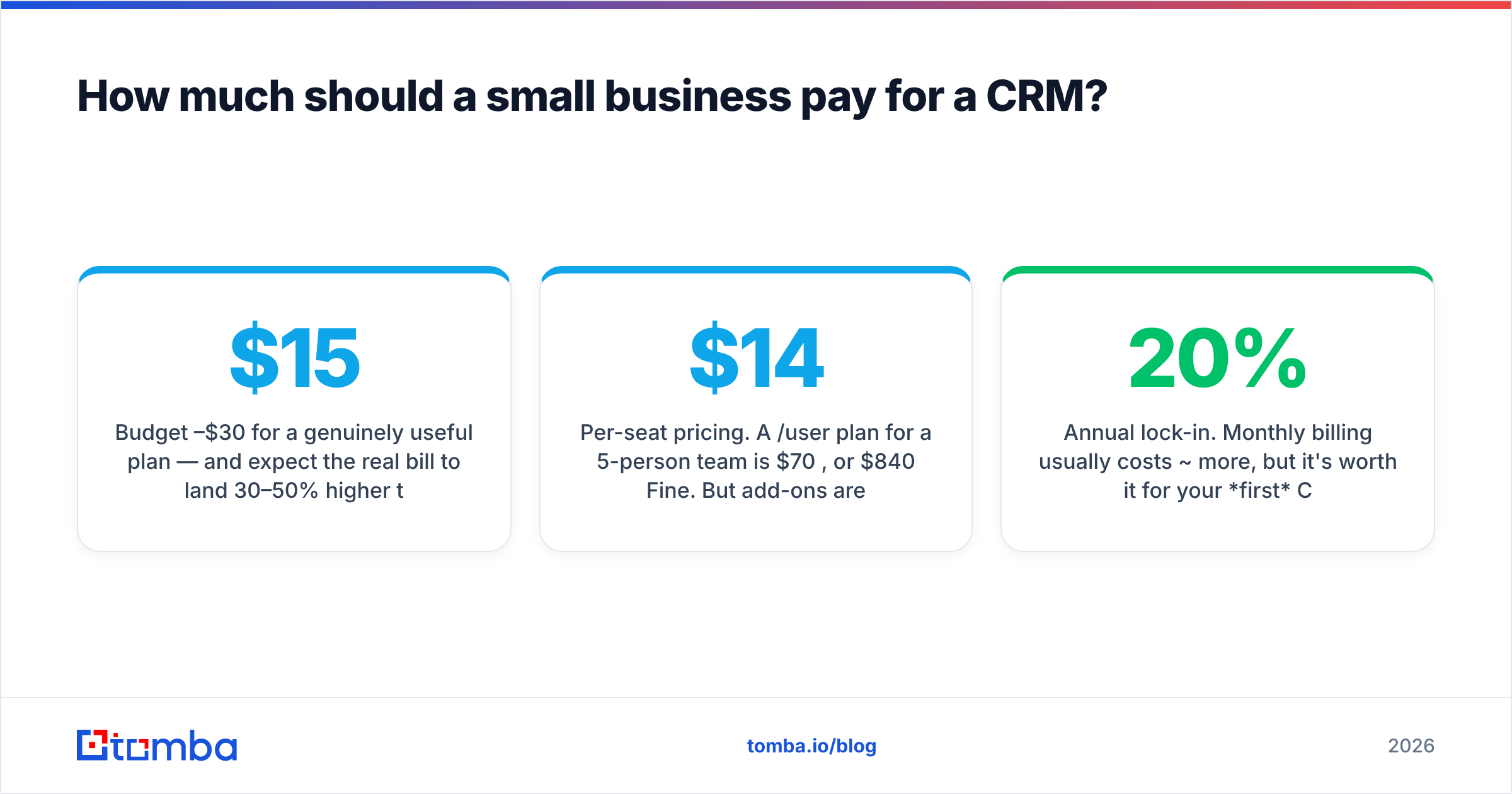
Budget $15–$30 per user per month for a genuinely useful plan — and expect the real bill to land 30–50% higher than the advertised entry price. That gap is where most owners get surprised.
Here's what actually drives the number up:
- Per-seat pricing. A $14/user plan for a 5-person team is $70/mo, or $840/year. Fine. But add-ons are also usually per-seat.
- Feature gating. Automation, custom reports, and email sequencing often live one tier above the entry plan. The feature you need is rarely on the cheapest plan.
- Contact/record caps. Marketing-flavored CRMs (looking at you, HubSpot) price partly by number of contacts. Your list grows; your bill grows.
- Annual lock-in. Monthly billing usually costs ~20% more, but it's worth it for your first CRM. Don't sign a year until the team proves adoption.
The tools themselves are rarely the expensive part. The expensive part is paying for seats and tiers you don't use because a slick demo talked you into "room to grow."
Is a free CRM good enough for a small business?#
Yes — for many teams, a free CRM is the correct answer, not a compromise. HubSpot's free tier and Zoho's 3-user free plan will carry a small team a long way.
Start free if:
- You have fewer than 5 salespeople.
- Your process is simple — a handful of pipeline stages, no complex automation.
- You want to learn what you actually use before paying for it.
Outgrow free when you hit real walls: you need multi-step automation, you're bumping contact limits, or you need reporting the free tier locks behind a paywall. The smart move is to start free, feel the specific pain, then pay to solve that pain — instead of pre-paying for problems you imagine you'll have.
The one thing free CRMs won't do is fill themselves with good data. Which brings us to the part most guides skip.
Why your CRM is only as good as its data#
A CRM full of stale, half-empty, or wrong contact records is worse than no CRM — because your team trusts it and acts on garbage. This is the failure mode nobody demos.
Think of your CRM as a fish tank. The tank (the software) can be beautiful, but if the water (your data) is dirty, everything in it dies. Bounced emails wreck your sender reputation, reps waste hours on disconnected numbers, and your pipeline forecast is built on contacts who left the company two years ago.
Small teams keep data clean with three habits:
- Find the right contact once. Use an email finder or domain search to get verified, current work emails before they hit the CRM — not a guessed
firstname@company.com. - Verify before you send. Run new addresses through an email verifier so bounces never touch your sending domain.
- Enrich on entry. Auto-fill job title, company size, and LinkedIn with data enrichment so records are complete the moment they're created.
Most of these plug straight into your CRM. Tomba connects to HubSpot, Pipedrive, and dozens of other tools, so verified contacts flow in without copy-paste. The CRM manages the relationship; the data layer makes sure the relationship is with a real, reachable person.
How do you actually roll out a CRM without wasting a month?#
The biggest CRM failure isn't picking the wrong tool — it's a rollout nobody adopts. Keep it to five steps and one week:
- Map your pipeline first, on paper. List your real deal stages (e.g., New → Qualified → Demo → Proposal → Won/Lost). Don't build in software until the stages are agreed.
- Import clean data only. Dedupe your list, verify emails, and drop dead contacts before import. A fresh CRM is your one chance at clean data — don't waste it.
- Connect email and calendar on day one. If logging activity is manual, adoption dies. Two-way sync is non-negotiable.
- Set 2–3 automations, max. A follow-up reminder and a "deal went stale" alert. Don't over-automate a process you haven't run yet.
- Make it the single source of truth. The rule: if it's not in the CRM, it didn't happen. No side spreadsheets. This is a management decision, not a software setting.
Run it for 30 days month-to-month. If the team lives in it, sign the annual deal and turn on more. If they don't, you've lost a month, not a year's contract.
Small business CRM: quick comparison by use case#
Not sure which way to lean? Match the CRM to your selling style:
- You sell through a clear funnel and want simplicity → Pipedrive. The pipeline is the product.
- You want marketing, forms, and sales in one free tool → HubSpot. Start free, upgrade only when you hit a wall.
- You're price-sensitive and already use Zoho or Google Workspace → Zoho CRM. Best raw value.
- You're an agency or founder selling through relationships → Folk. Modern, contact-centric, low overhead.
- You're deliberately building to scale past 20 reps in 18 months → Salesforce. Buy the runway, but not before you need it.
Whichever you choose, remember the pattern: the tool is a container; the contacts are the product. Teams that win with a CRM obsess over data quality first and features second.
Frequently asked questions#
What is the best free CRM for a small business? HubSpot's free CRM is the strongest all-around free option in 2026 — usable contact management, deal pipeline, and email tracking with no time limit. Zoho's free plan (up to 3 users) is the better pick if you're already in the Zoho ecosystem.
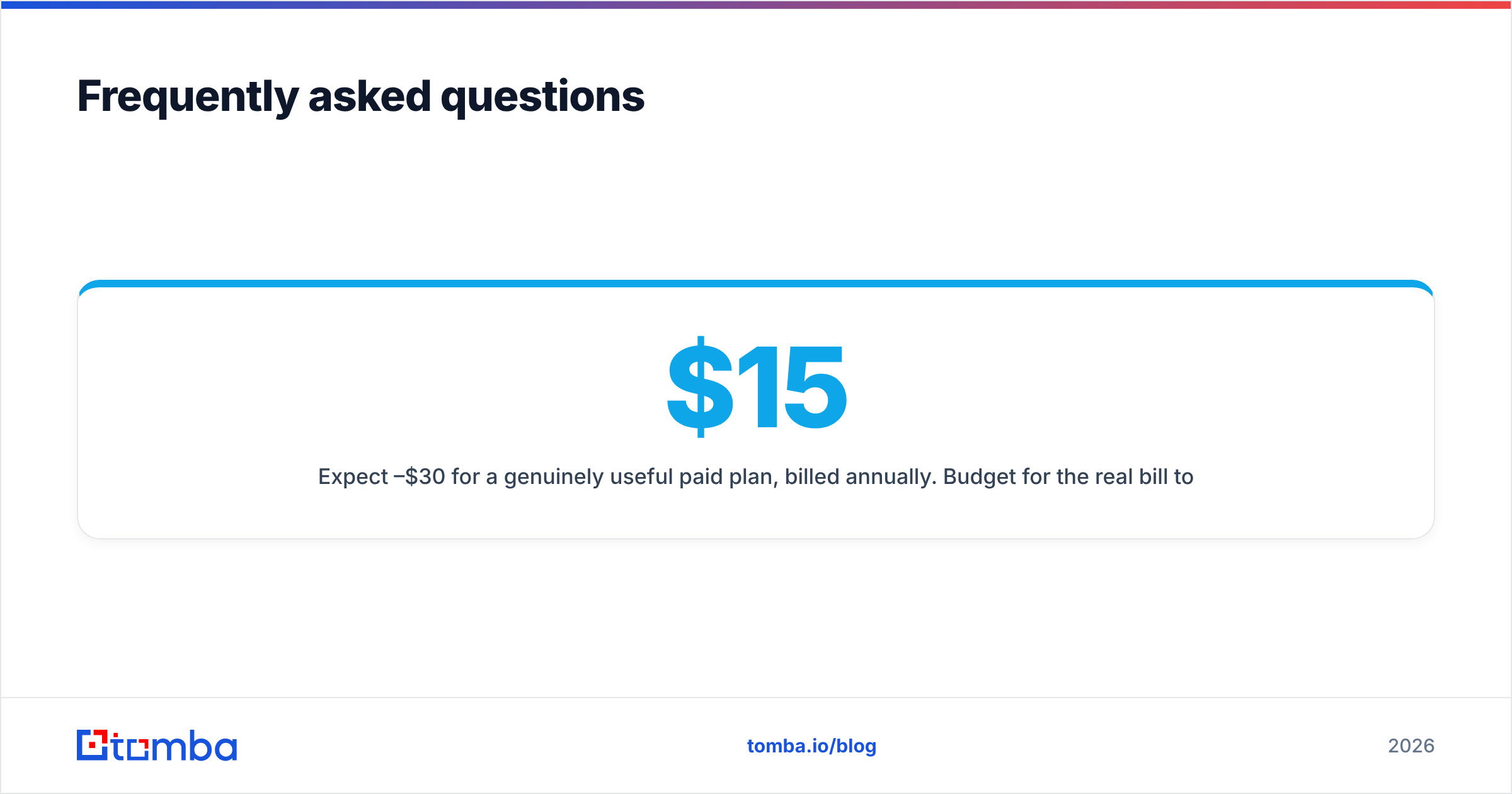
How much does a CRM cost for a small business? Expect $15–$30 per user per month for a genuinely useful paid plan, billed annually. Budget for the real bill to run 30–50% higher than the entry price once you add the tier that unlocks automation and reporting.
Do I need a CRM if I only have a few customers? Not necessarily. If you're tracking a handful of deals and nothing is slipping through the cracks, a structured spreadsheet is fine. Move to a CRM when follow-ups start falling through or more than one person needs the same customer context.
Can a CRM find email addresses for me? Most CRMs don't reliably find or verify emails — that's a data problem, not a CRM feature. Pair your CRM with a dedicated email finder and verifier so records are accurate before they enter the system.
The bottom line: buy the CRM your team will use, then feed it clean data#
The right CRM for your small business is the simplest one that covers those six core jobs and that your team opens every morning without being told to. Start free or month-to-month, map your pipeline before you build it, and don't sign an annual contract until adoption is proven.
But the CRM is only half the equation. A pipeline full of bounced emails and stale records will fail no matter how good the software is. Before contacts ever hit your CRM, find and verify them with the Tomba Email Finder — get accurate, current work emails by name or domain, verify them so bounces never hurt your sending reputation, and push them straight into HubSpot, Pipedrive, or your tool of choice. Start on the free plan (25 searches a month), and give your new CRM the one thing it can't create on its own: clean, reachable data.
Related guides#
Ready to find emails that actually work?
Join 150,000+ professionals who stopped guessing and started sending. Free credits on signup — no credit card required.
Get the Tomba newsletter
Practical outbound tactics and product updates — once every two weeks.
About the author