CRM With Sales Automation: Build a Pipeline That Closes
A CRM with sales automation only pays off when the data feeding it is clean. Here's how to pick, wire, and run one in 2026 without drowning reps in busywork.
Most teams buy a CRM with sales automation to stop doing manual work, then spend the next quarter doing manual work anyway. The tool isn't the problem. The setup is — and, more often, the data you pour into it.
This guide breaks down what "sales automation" actually means inside a CRM, which features move revenue versus which just look good in a demo, and the one input mistake that quietly sabotages every automated sequence you build.
TL;DR#
- A CRM with sales automation handles the repetitive parts of selling — data entry, follow-up scheduling, lead routing, task creation — so reps spend time talking to prospects instead of updating fields.
- The highest-ROI automations are the boring ones: activity logging, sequence enrollment, and lead assignment. Fancy AI scoring matters far less than most vendors imply.
- Automation amplifies whatever data you feed it. Bad emails and stale contacts mean you automate your way to a spam folder faster.
- Clean your inputs first. Use a dedicated email finder and email verifier before records ever hit the pipeline.
- Budget for the CRM and the data layer. They are two line items, not one.
What Is a CRM With Sales Automation?#
A CRM with sales automation is a customer relationship manager that also runs rules-based and AI-assisted workflows on your behalf. Think of the CRM as the filing cabinet and the automation layer as the assistant who files, reminds, and routes without being asked twice.
Concretely, the automation covers four repetitive jobs:
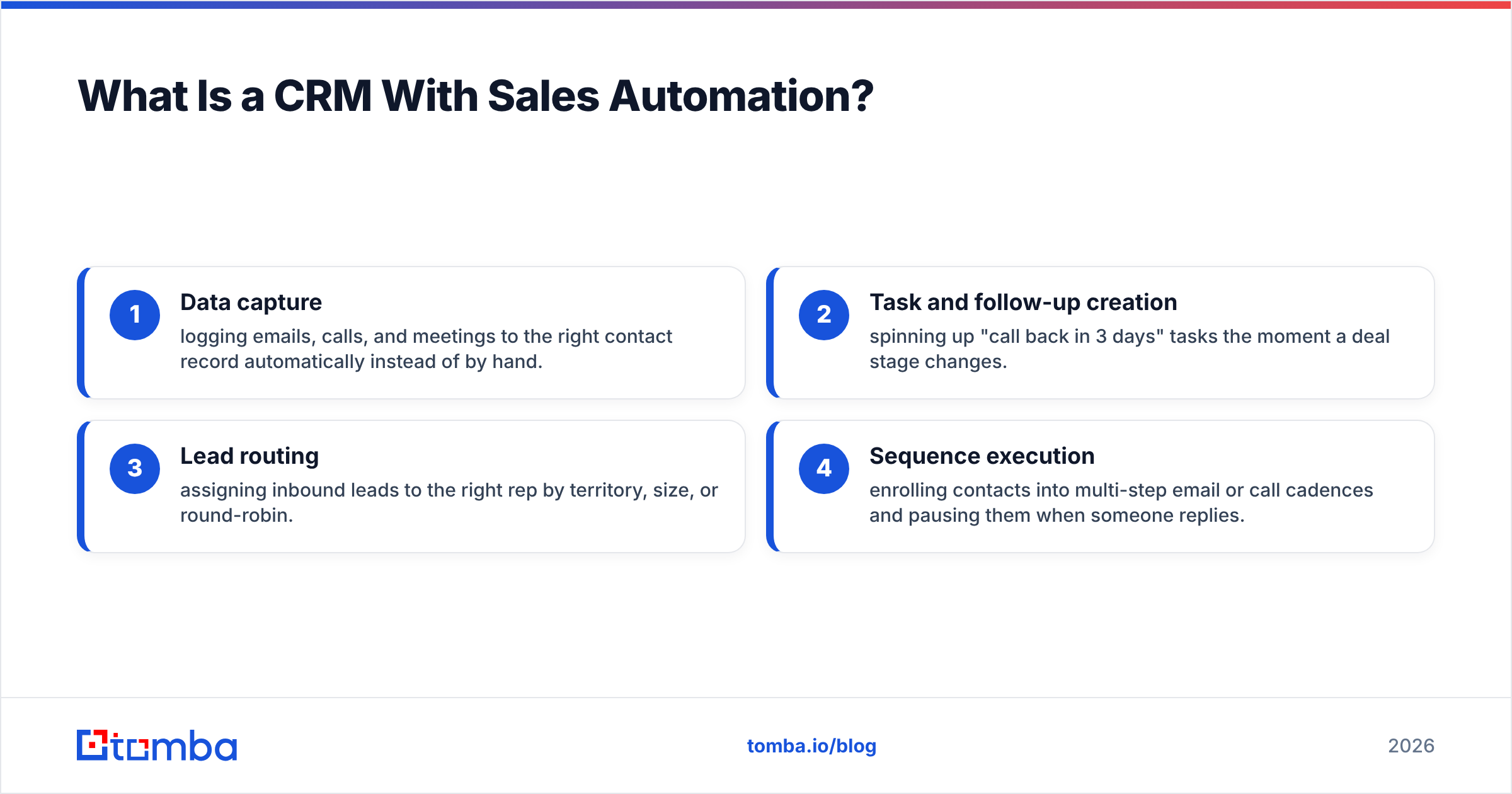
- Data capture — logging emails, calls, and meetings to the right contact record automatically instead of by hand.
- Task and follow-up creation — spinning up "call back in 3 days" tasks the moment a deal stage changes.
- Lead routing — assigning inbound leads to the right rep by territory, size, or round-robin.
- Sequence execution — enrolling contacts into multi-step email or call cadences and pausing them when someone replies.
The pattern to notice: none of these require judgment. They require consistency, which humans are bad at and software is good at. That's the whole value proposition. When people say a CRM "runs itself," they mean these four categories are handled without a rep remembering to click anything.
For a deeper primer on the discipline behind it, HubSpot's guide to sales automation is a solid neutral reference.

Which Sales Automation Features Actually Matter?#
Not all automation is created equal. Some features earn back their cost in a week; others are demo candy. Here's the honest split.
Features that pay for themselves:
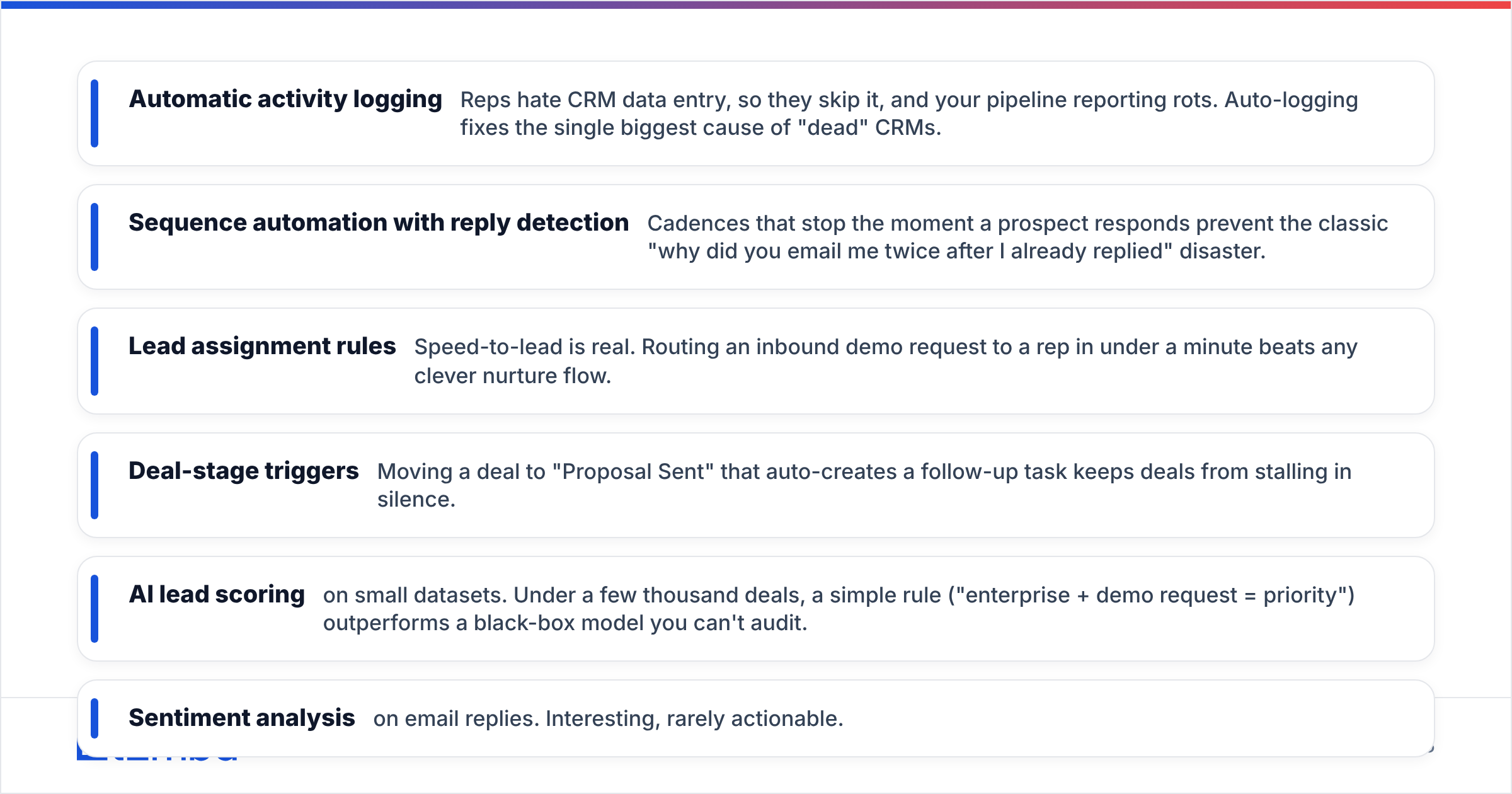
- Automatic activity logging — Reps hate CRM data entry, so they skip it, and your pipeline reporting rots. Auto-logging fixes the single biggest cause of "dead" CRMs.
- Sequence automation with reply detection — Cadences that stop the moment a prospect responds prevent the classic "why did you email me twice after I already replied" disaster.
- Lead assignment rules — Speed-to-lead is real. Routing an inbound demo request to a rep in under a minute beats any clever nurture flow.
- Deal-stage triggers — Moving a deal to "Proposal Sent" that auto-creates a follow-up task keeps deals from stalling in silence.
Features that are mostly hype:
- AI lead scoring on small datasets. Under a few thousand deals, a simple rule ("enterprise + demo request = priority") outperforms a black-box model you can't audit.
- Sentiment analysis on email replies. Interesting, rarely actionable.
- Auto-generated "insights" dashboards nobody opens.
The test is simple: does the feature remove a task a human currently does every day? If yes, it's worth wiring up. If it just produces another report, be skeptical. Gartner's research on sales technology adoption repeatedly finds that unused features are the norm, not the exception — buy for the workflows you'll actually run.
How Do the Popular Options Compare?#
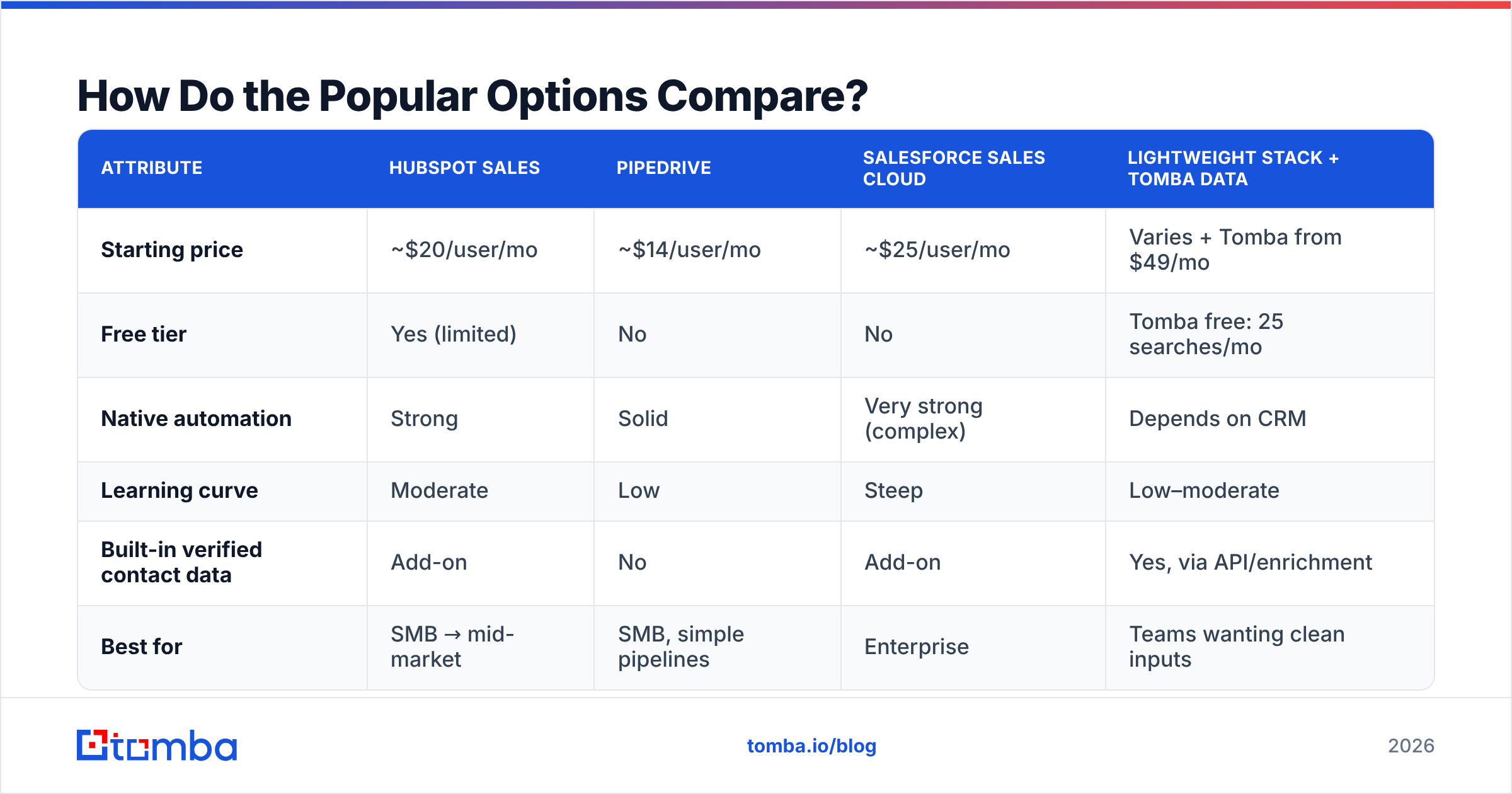
Here's a concrete look at how a mainstream CRM stacks against lighter, automation-forward tools. Prices are entry-level per user per month and shift often — treat them as directional, not gospel.
| Attribute | HubSpot Sales | Pipedrive | Salesforce Sales Cloud | Lightweight stack + Tomba data |
|---|---|---|---|---|
| Starting price | ~$20/user/mo | ~$14/user/mo | ~$25/user/mo | Varies + Tomba from $49/mo |
| Free tier | Yes (limited) | No | No | Tomba free: 25 searches/mo |
| Native automation | Strong | Solid | Very strong (complex) | Depends on CRM |
| Learning curve | Moderate | Low | Steep | Low–moderate |
| Built-in verified contact data | Add-on | No | Add-on | Yes, via API/enrichment |
| Best for | SMB → mid-market | SMB, simple pipelines | Enterprise | Teams wanting clean inputs |
Two takeaways. First, price-per-seat is the smaller half of your real cost — the data feeding the CRM is the other half, and most comparison charts hide it. Second, "very strong automation" (Salesforce) also means "very strong complexity." Match the tool to your team's appetite for admin work, not to the longest feature list. G2's CRM category is a useful place to sanity-check current pricing and reviews before you commit.
Why Does Data Quality Decide Everything?#
Automation multiplies your inputs — good and bad. This is the part every CRM demo skips.
Picture two identical automated sequences. Both send a five-step cold cadence. Team A feeds it a list where 30% of emails bounce. Team B feeds it verified addresses. Same CRM, same copy, same timing. Team A's sender reputation tanks within a week, their inbox placement collapses, and even the valid 70% of their list stops seeing messages. Team B keeps landing in the inbox.
The CRM did its job perfectly in both cases. It automated the sending. That's exactly the problem — it automated Team A straight into the spam folder, faster than a human ever could.

This is why "CRM with sales automation" is really a two-part purchase:
- The workflow engine — the CRM and its automation rules.
- The data layer — the source of accurate, verified contact records that the engine acts on.
Skip the second part and you've built a very efficient machine for annoying people. A quick pre-flight discipline fixes it:
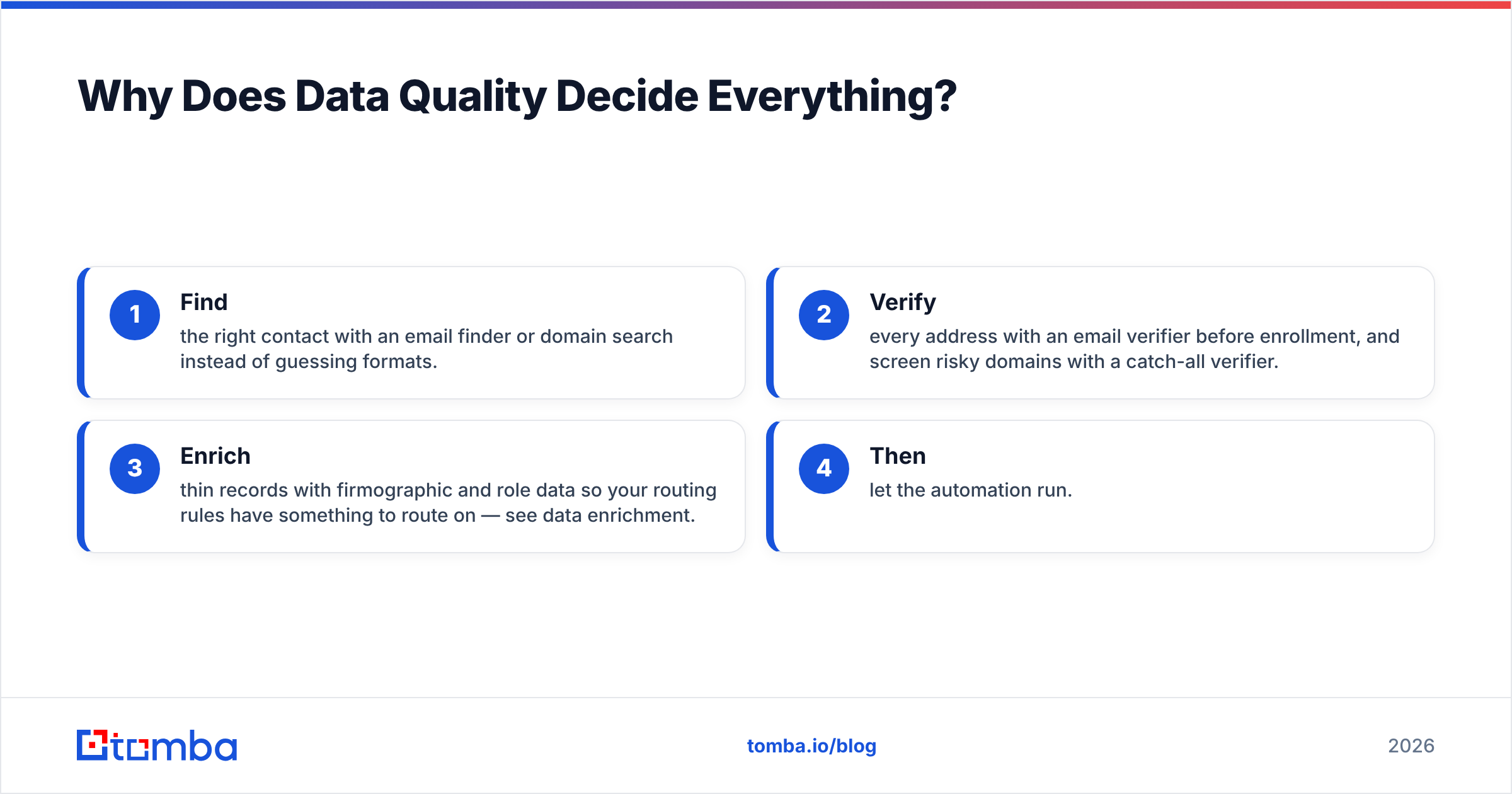
- Find the right contact with an email finder or domain search instead of guessing formats.
- Verify every address with an email verifier before enrollment, and screen risky domains with a catch-all verifier.
- Enrich thin records with firmographic and role data so your routing rules have something to route on — see data enrichment.
- Then let the automation run.
Do those three steps before records enter the CRM and your automation goes from liability to leverage.
How Do You Wire a CRM and Data Layer Together?#
You don't want reps copy-pasting emails between tabs — that defeats the point of automation. The clean pattern is API-first, with the data tool feeding the CRM directly.
A typical flow looks like this:
- A rep (or a form) identifies a target account.
- Your enrichment tool resolves and verifies the contact via API — for example, the Tomba API returns a verified email and role.
- The verified record lands in the CRM through a native connector like the HubSpot integration, Salesforce integration, or Pipedrive integration.
- The CRM's automation takes over: routing, task creation, and sequence enrollment.
For teams that live in spreadsheets, a Google Sheets add-on or bulk email finder handles list building at volume before the batch is pushed in. The rule of thumb: verification happens upstream of the CRM, automation happens inside it. Keep that boundary clean and you avoid the most common failure mode — automating on unverified junk.
What Does a Realistic Setup Look Like?#
Here's a grounded 30-day rollout that avoids the "we bought it but nobody uses it" graveyard.
Week 1 — Foundation. Pick your CRM based on team size and complexity tolerance, not feature count. Connect email and calendar so activity logging works from day one. Don't build a single automation yet.
Week 2 — Data hygiene. Wire in your data layer. Verify your existing contact list — expect to prune 10–25% of a list that's more than a year old. This step feels unglamorous and is the highest-leverage thing you'll do all month.
Week 3 — Core automations. Turn on the boring winners: auto-logging, lead assignment, and one follow-up task trigger per deal stage. Resist the urge to build twelve workflows. Three that reps trust beat a dozen they route around.
Week 4 — Sequences. Now enroll verified contacts into a cadence. Because your inputs are clean, bounce rates stay low and reputation stays intact. Measure reply rate, not send volume.
Notice the order: data before automation, always. Teams that reverse it spend Week 4 firefighting deliverability instead of booking meetings.
Is a CRM With Sales Automation Worth It?#
Yes — with one condition. The automation is only as good as the records it acts on.
A CRM with sales automation reliably removes the repetitive, judgment-free work that reps hate and skip: logging, routing, follow-up scheduling, and cadence execution. That alone justifies the cost for most teams above a couple of reps. The mistake is treating the CRM as a complete solution when it's really the engine. Without a clean data layer feeding it, you get a fast, tireless machine pointed at the wrong addresses.
Get both halves right and the compounding is real: reps talk to more qualified people, deals stop stalling in silence, and your pipeline reporting finally reflects reality instead of whatever someone remembered to type.
Where Should You Start?#
Start with the input, because that's where the leverage is. Before your CRM automates a single send, make sure the contact behind each record is real and reachable. Tomba's Email Finder finds professional email addresses by domain, name, or company, and its built-in verification means the records entering your CRM are ones your automation can safely act on. Pair it with the email verifier for ongoing list hygiene, connect it to your CRM through native integrations, and let your automation do what it's actually good at.
Try it on the free tier — 25 searches a month, no card — and clean one segment of your pipeline before you automate the rest. Your sender reputation, and your reps, will thank you.
Related guides#
Ready to find emails that actually work?
Join 150,000+ professionals who stopped guessing and started sending. Free credits on signup — no credit card required.
Get the Tomba newsletter
Practical outbound tactics and product updates — once every two weeks.
About the author