7 Best Crmio Alternatives in 2026: Compare CRM Tools
Crmio bundles a lot into one low price, but it is not the right CRM for every team. Here are 7 Crmio alternatives compared on price, features, data quality, and who each one actually fits.
Crmio (part of the 500apps suite) is one of the cheapest all-in-one CRMs on the market. For a flat monthly price you get contact management, a deal pipeline, email, and a stack of adjacent apps. That bundle is genuinely attractive when budget is the deciding factor — but "cheap and bundled" is not the same as "right for your team." If deal reporting feels thin, integrations break, or the contact data going into the pipeline is stale, the low price stops mattering.
This guide compares the seven best Crmio alternatives in 2026 — free and paid — across pricing, core CRM features, data quality, and the type of team each one fits. It also covers the piece most CRM roundups skip: the data layer that decides whether your pipeline is full of real, reachable contacts or dead records.
TL;DR: The Best Crmio Alternatives at a Glance#
- Best all-around CRM: HubSpot — generous free tier, scales from startup to enterprise, huge integration ecosystem.
- Best for pure sales pipelines: Pipedrive — visual, fast, built for reps who live in the deal board.
- Best value bundle (closest to Crmio): Zoho CRM — deep features, low price, part of a full business suite.
- Best for high-volume calling/emailing: Close — CRM with built-in dialer and outbound tooling.
- Best data foundation for any CRM: pair your CRM with an accurate email finder and data enrichment so records stay reachable, not just stored.
The CRM you pick matters less than most people think. The quality of the contacts you feed it matters more.
Why Look for a Crmio Alternative?#
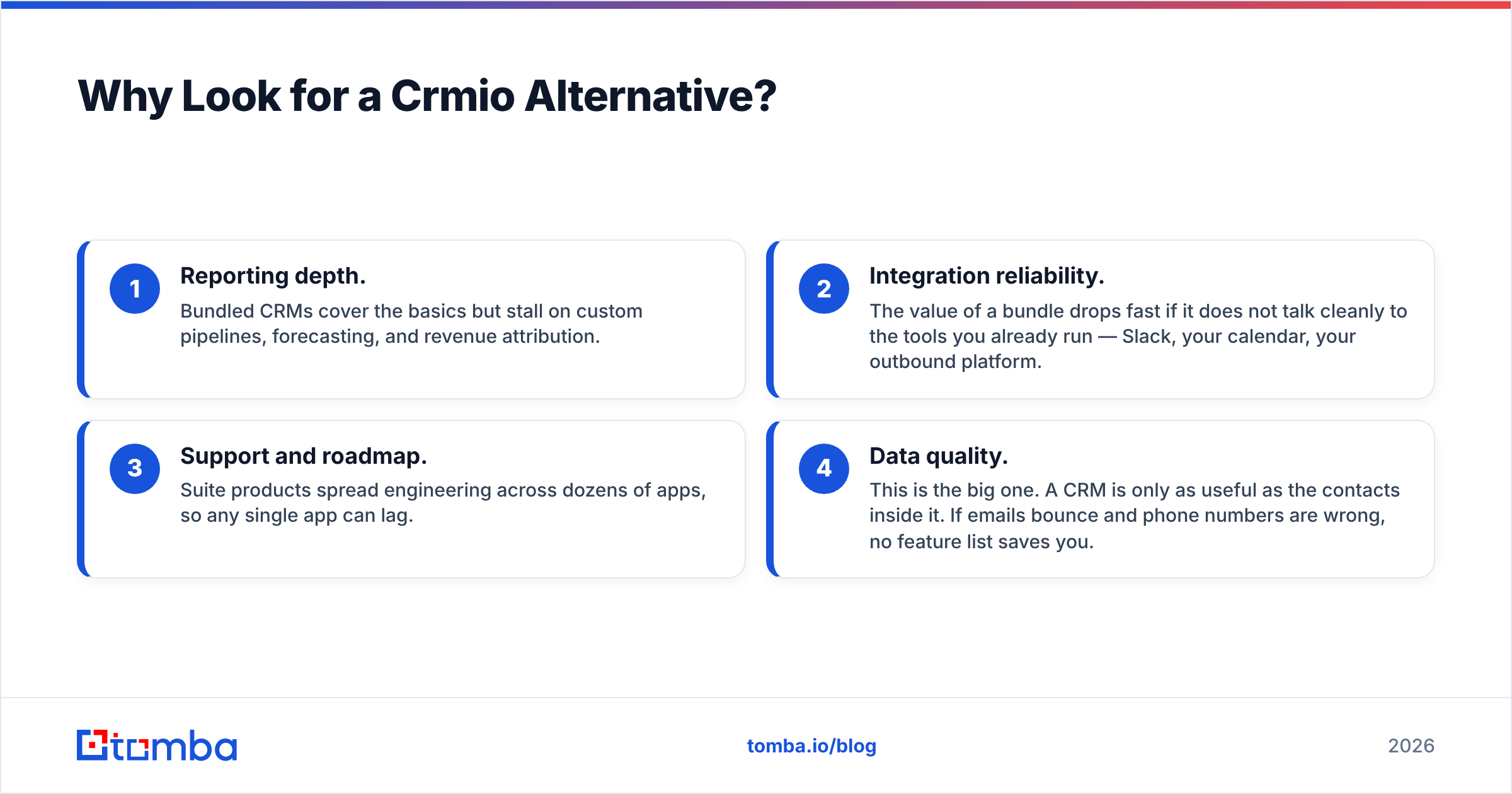
Crmio wins on price and breadth. Teams outgrow it for a few consistent reasons:
- Reporting depth. Bundled CRMs cover the basics but stall on custom pipelines, forecasting, and revenue attribution.
- Integration reliability. The value of a bundle drops fast if it does not talk cleanly to the tools you already run — Slack, your calendar, your outbound platform.
- Support and roadmap. Suite products spread engineering across dozens of apps, so any single app can lag.
- Data quality. This is the big one. A CRM is only as useful as the contacts inside it. If emails bounce and phone numbers are wrong, no feature list saves you.
That last point is why this comparison treats the CRM and the data feeding it as two separate decisions.
What Should a Crmio Alternative Actually Do?#
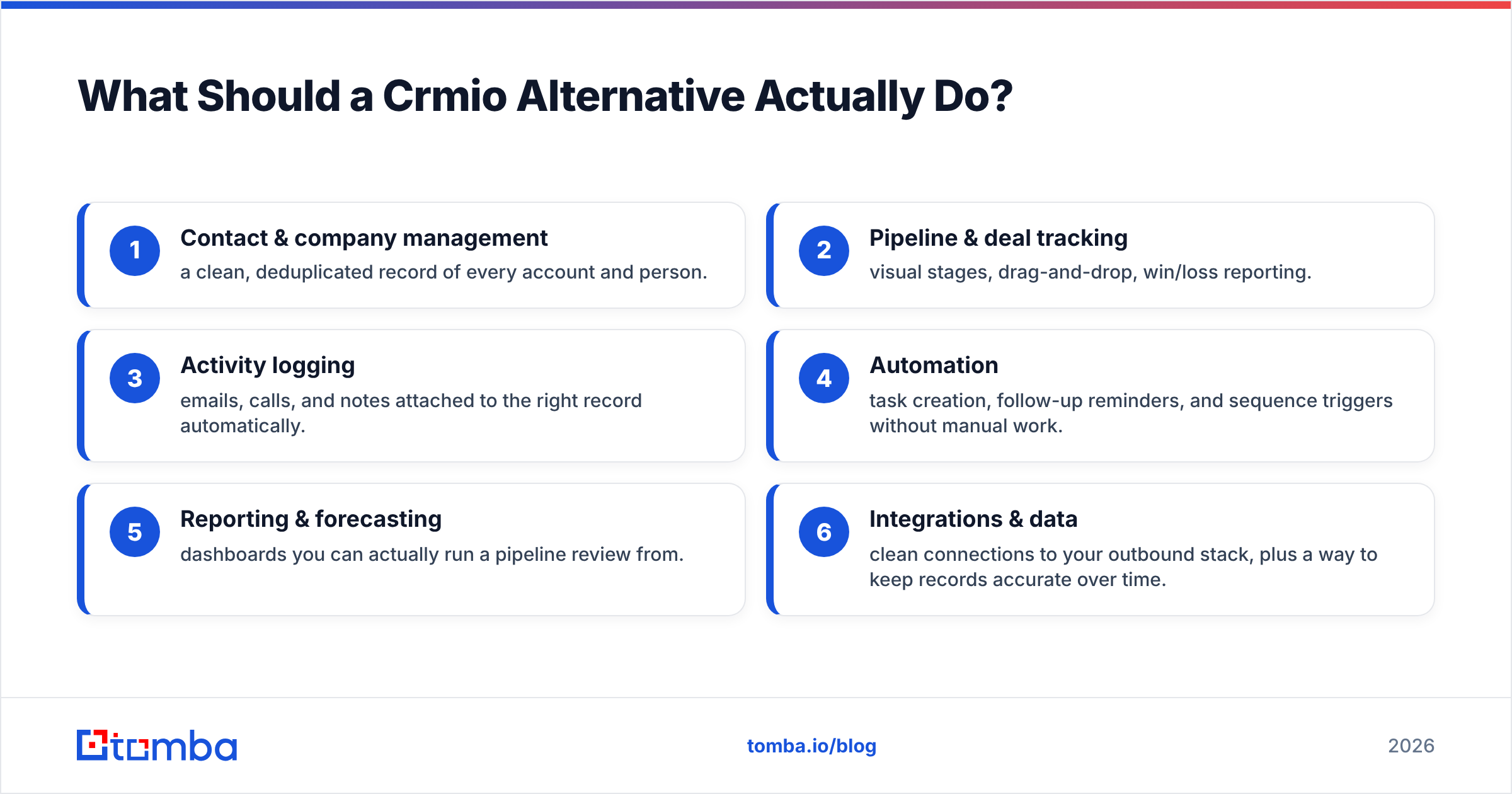
Before comparing tools, get clear on what "better" means for you. A strong CRM alternative should cover these six jobs:
- Contact & company management — a clean, deduplicated record of every account and person.
- Pipeline & deal tracking — visual stages, drag-and-drop, win/loss reporting.
- Activity logging — emails, calls, and notes attached to the right record automatically.
- Automation — task creation, follow-up reminders, and sequence triggers without manual work.
- Reporting & forecasting — dashboards you can actually run a pipeline review from.
- Integrations & data — clean connections to your outbound stack, plus a way to keep records accurate over time.
Most tools nail 1–5. The sixth — keeping data accurate — is where teams quietly lose the most money, and where a dedicated data tool beats any bundled feature.
The 7 Best Crmio Alternatives in 2026#
1. HubSpot — Best Overall CRM#
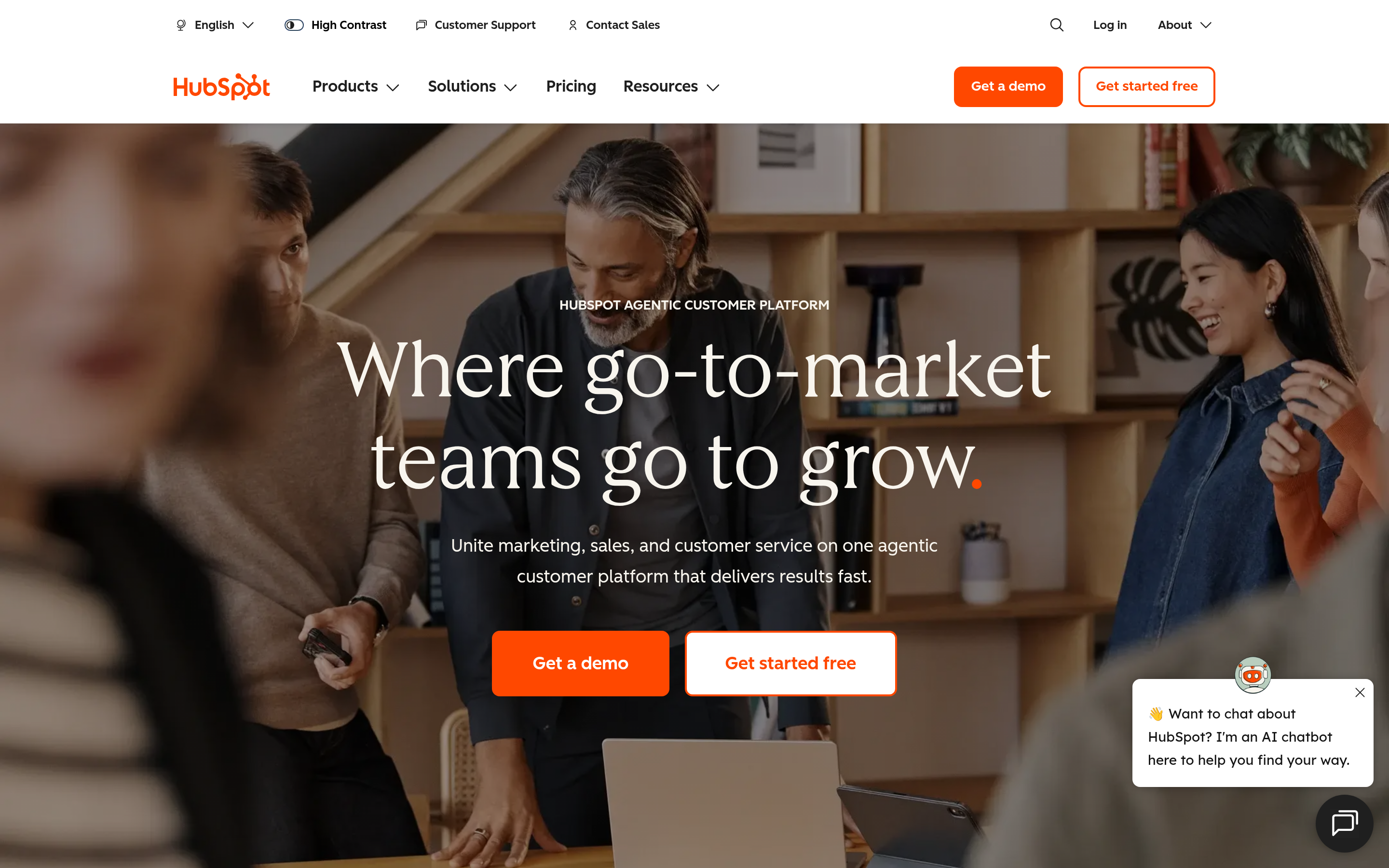
HubSpot is the default answer for most teams leaving a budget CRM. The free tier is genuinely usable for contact management and basic pipelines, and it scales into a full marketing, sales, and service platform. The tradeoff is cost: paid tiers climb quickly once you need automation and reporting seats.
- Best for: teams that want one platform to grow into for years.
- Watch out for: per-seat pricing and add-on costs at the higher tiers.
- Data tip: enrich inbound contacts before they hit a workflow so routing and scoring run on real firmographics. Tomba's HubSpot integration pushes verified emails straight into records.
Read more on hubspot.com.
2. Pipedrive — Best for Visual Sales Pipelines#
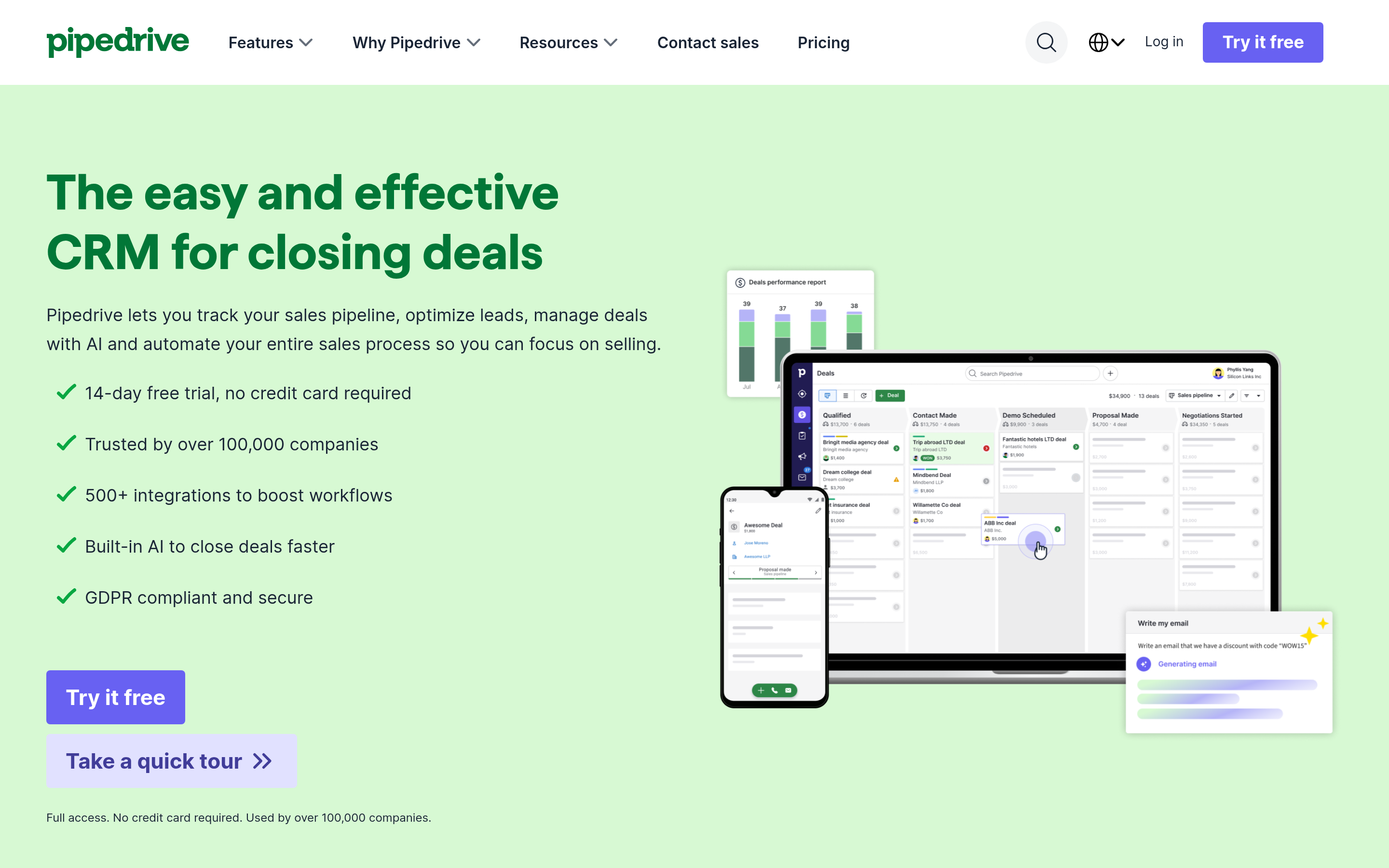
Pipedrive is built for salespeople who think in deal stages. The interface is fast, the pipeline view is the whole product, and setup takes minutes. It is less of a marketing-and-service suite than HubSpot, which is exactly why sales-led teams prefer it.
- Best for: SMB sales teams focused on closing, not campaigns.
- Watch out for: lighter native marketing and reporting than the bigger platforms.
- Data tip: connect via the Pipedrive integration to fill missing contact fields automatically.
3. Zoho CRM — Closest Value Match to Crmio#
If you liked Crmio's bundle-for-a-low-price model, Zoho CRM is the most natural upgrade. It sits inside a huge business suite (mail, projects, books, campaigns) and undercuts most competitors on price while offering deep customization and workflow automation.
- Best for: cost-conscious teams that still want serious feature depth.
- Watch out for: the admin experience gets complex as you enable more of the suite.
4. Salesforce — Best for Enterprise Scale#
Salesforce is the enterprise standard for a reason: near-infinite customization, an unmatched app marketplace, and reporting that satisfies the most demanding RevOps teams. It is overkill — and overpriced — for a small team, but it is the ceiling everyone else is measured against.
- Best for: larger orgs with dedicated admins and complex processes.
- Watch out for: implementation cost and time; you will need help to configure it well.
- Data tip: keep records clean at scale with the Salesforce integration.
5. Close — Best for Outbound Calling Teams#
Close builds the phone and email into the CRM instead of bolting them on. For teams doing high-volume outbound, the built-in dialer, call recording, and sequence tools remove the tab-switching that kills rep productivity.
- Best for: inside sales and SDR teams that live in calls and cold email.
- Watch out for: narrower ecosystem than HubSpot or Salesforce.
6. Freshsales — Best AI-Assisted Budget Option#
Freshsales (from Freshworks) pairs a clean interface with built-in AI lead scoring and a competitive free tier. It lands between Pipedrive's simplicity and Zoho's depth, and the AI features are useful without demanding a data-science team.
- Best for: small teams that want lead scoring without extra tooling.
- Watch out for: advanced automation lives behind higher tiers.
7. monday CRM — Best for Cross-Team Workflows#
Built on monday.com's flexible board system, monday CRM suits teams that want the CRM to live next to project and operations work. It is highly visual and configurable, though it leans more "flexible workspace" than "purpose-built sales engine."
- Best for: teams already using monday.com for other work.
- Watch out for: you build more of the CRM logic yourself.
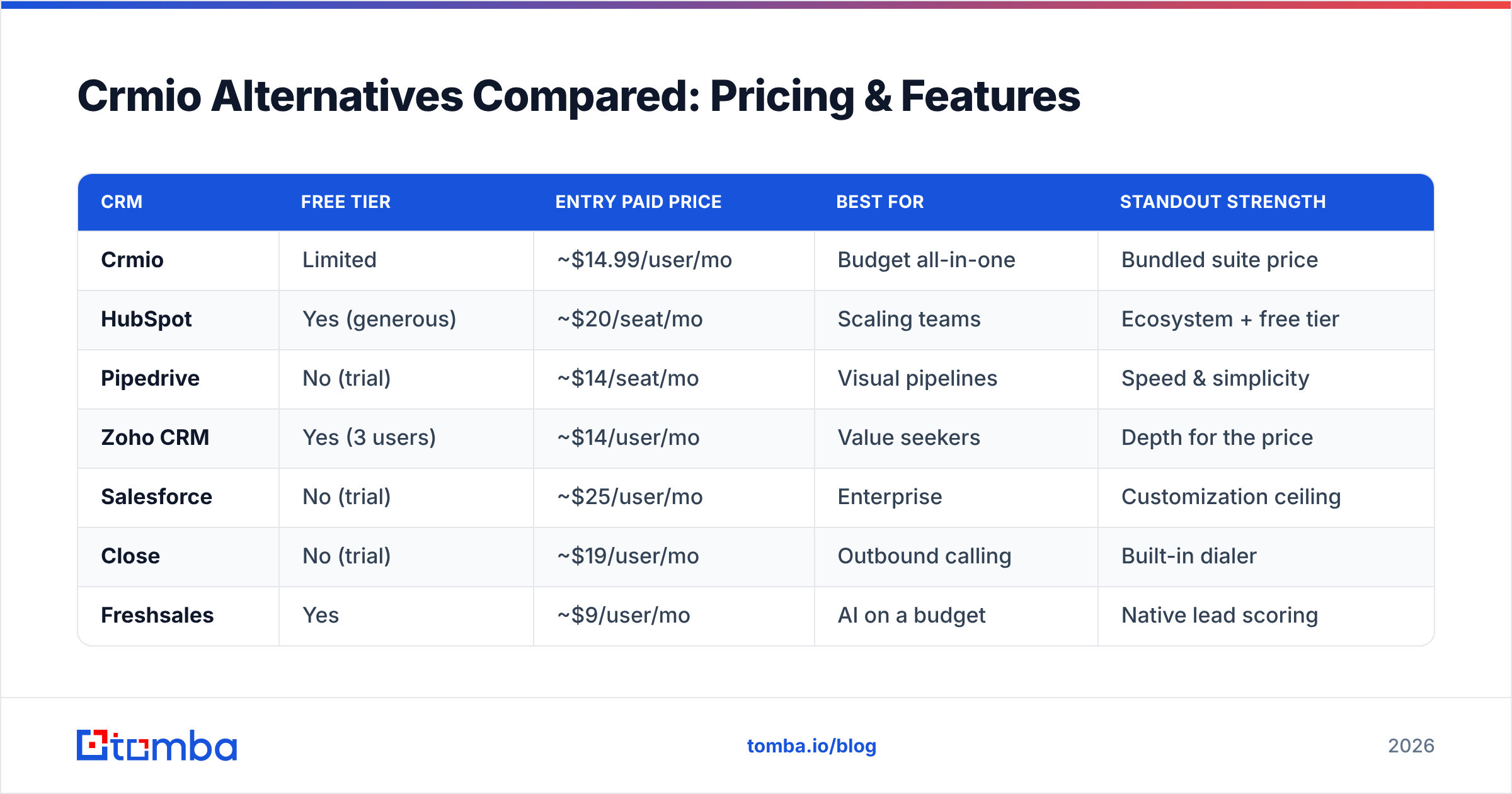
Crmio Alternatives Compared: Pricing & Features#
Here is how the main options stack up. Prices are entry paid tiers and move with seat count and billing term, so treat them as a starting reference.
| CRM | Free tier | Entry paid price | Best for | Standout strength |
|---|---|---|---|---|
| Crmio | Limited | ~$14.99/user/mo | Budget all-in-one | Bundled suite price |
| HubSpot | Yes (generous) | ~$20/seat/mo | Scaling teams | Ecosystem + free tier |
| Pipedrive | No (trial) | ~$14/seat/mo | Visual pipelines | Speed & simplicity |
| Zoho CRM | Yes (3 users) | ~$14/user/mo | Value seekers | Depth for the price |
| Salesforce | No (trial) | ~$25/user/mo | Enterprise | Customization ceiling |
| Close | No (trial) | ~$19/user/mo | Outbound calling | Built-in dialer |
| Freshsales | Yes | ~$9/user/mo | AI on a budget | Native lead scoring |
Cross-check current numbers on g2.com before you commit — CRM pricing changes often, and most vendors run annual discounts.
The Piece Every CRM Comparison Misses: Data Quality#
Switching CRMs fixes your interface. It does not fix your data.
Think of a CRM like a filing cabinet. A nicer cabinet does not make the papers inside it correct. If 20–30% of your contact records have wrong or outdated emails — which is normal after a year of B2B data decay — every downstream metric is polluted: your outreach bounces, your reporting lies, and your reps waste hours chasing dead ends.
That is why the smartest move when leaving Crmio is to separate two decisions:
- Which CRM stores and moves deals? (the tools above)
- What keeps the contacts inside it accurate? (a dedicated data layer)
For the second job, a purpose-built tool beats any bundled feature. Tomba covers the data side of the stack:
- Email finder — find verified professional emails by name or domain before you create a record.
- Email verifier — clean lists so campaigns hit real inboxes and your sender reputation survives.
- Data enrichment — fill missing job titles, companies, and phone numbers on existing records.
- Bulk email finder — build and refresh whole lists at once instead of one contact at a time.
Because Tomba connects to CRMs through native integrations, it slots behind whichever alternative you choose rather than replacing it.

How to Choose the Right Crmio Alternative#
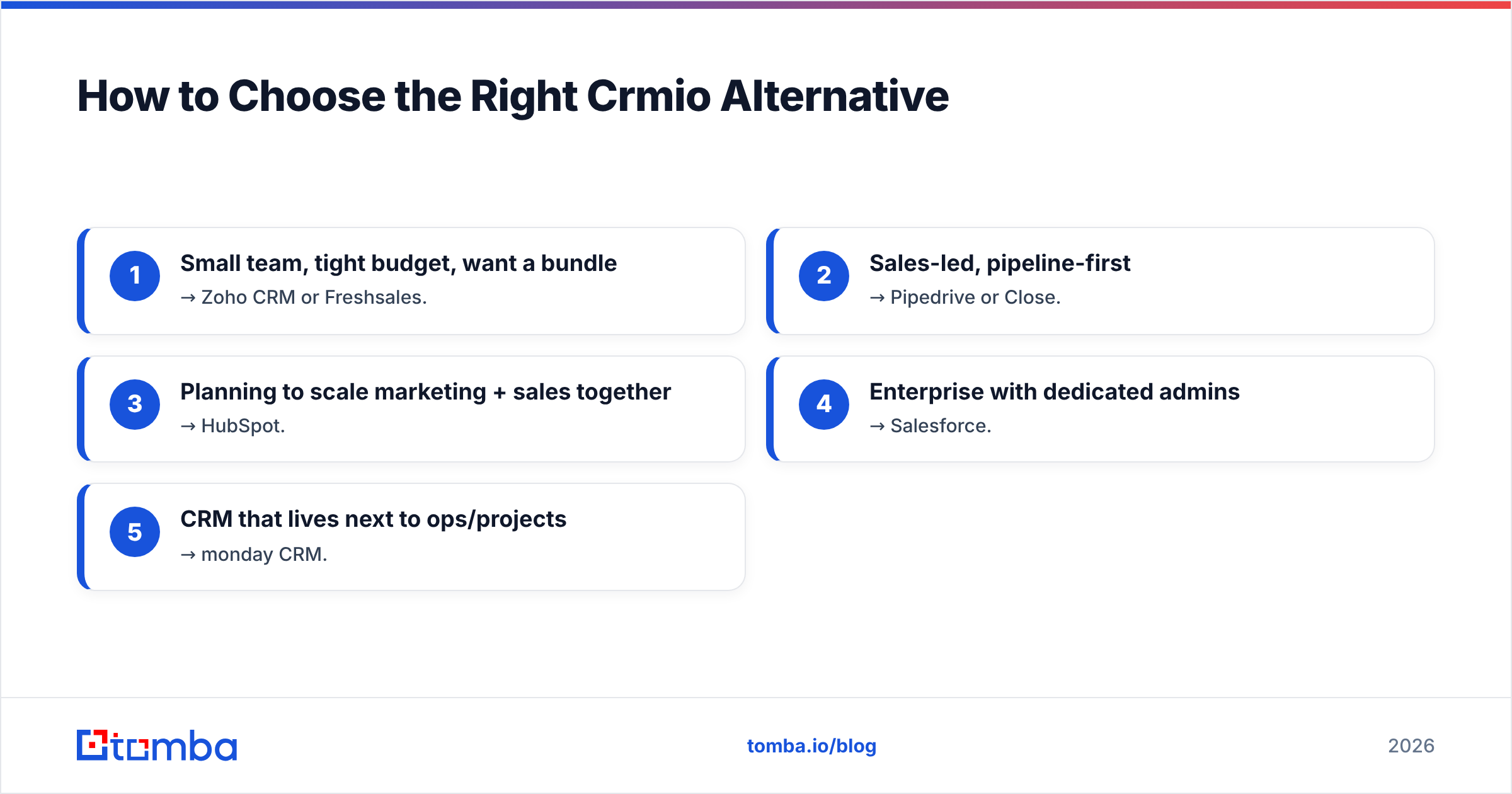
Match the tool to your situation instead of the longest feature list:
- Small team, tight budget, want a bundle → Zoho CRM or Freshsales.
- Sales-led, pipeline-first → Pipedrive or Close.
- Planning to scale marketing + sales together → HubSpot.
- Enterprise with dedicated admins → Salesforce.
- CRM that lives next to ops/projects → monday CRM.
Then, regardless of which you pick, add a data step: verify and enrich contacts on the way in. That single habit does more for pipeline health than any CRM feature comparison. If you also need direct dials, a phone finder keeps calling teams stocked with valid numbers.
Frequently Asked Questions#
Is there a free Crmio alternative? Yes. HubSpot, Zoho CRM, and Freshsales all offer real free tiers for small teams. Free CRMs cap seats, automation, or reporting, so confirm the limits match your headcount before committing.
What is the closest alternative to Crmio? Zoho CRM is the closest match — it follows the same low-price, all-in-one-suite model while offering deeper customization and automation.
Do I need a separate tool for contact data? For serious outbound, yes. CRMs store data well but rarely find or verify it. Pairing your CRM with a dedicated email finder and verifier keeps records accurate as they decay over time.
How much do CRM tools cost in 2026? Entry paid plans run roughly $9–$25 per user per month, with enterprise tiers going much higher. Check current pricing and annual discounts on a review site like G2 before you buy.
The Bottom Line#
Crmio is a fine budget CRM, but you have better options in 2026 depending on how you sell. Pick HubSpot to scale, Pipedrive or Close for pure sales motion, Zoho CRM or Freshsales for value, and Salesforce for enterprise complexity.
Whichever you choose, remember the decision that actually moves your numbers: the quality of the contacts inside it. Start filling your new CRM with verified, reachable people using the Tomba Email Finder — find professional emails by name, domain, or company, verify them before they hit your pipeline, and check current Tomba pricing (free tier included) to see which plan fits your volume. A clean data layer behind any of these CRMs beats an expensive CRM full of dead records every time.
Related guides#
Ready to find emails that actually work?
Join 150,000+ professionals who stopped guessing and started sending. Free credits on signup — no credit card required.
Get the Tomba newsletter
Practical outbound tactics and product updates — once every two weeks.
About the author