Csvgo vs Tomba: Which Email Finder Wins in 2026?
Csvgo vs Tomba compared on accuracy, pricing, verification, and API access — an honest, side-by-side breakdown to help you pick the right email finder in 2026.
Choosing between Csvgo and Tomba comes down to a simple question: do you want a bulk CSV-enrichment workflow, or a verified email-finding platform with an API you can build on? Both promise clean B2B contact data, but they optimize for different jobs. This comparison breaks down accuracy, pricing, verification depth, and integrations so you can pick without wasting credits on the wrong tool.
TL;DR — Csvgo vs Tomba in 30 seconds#
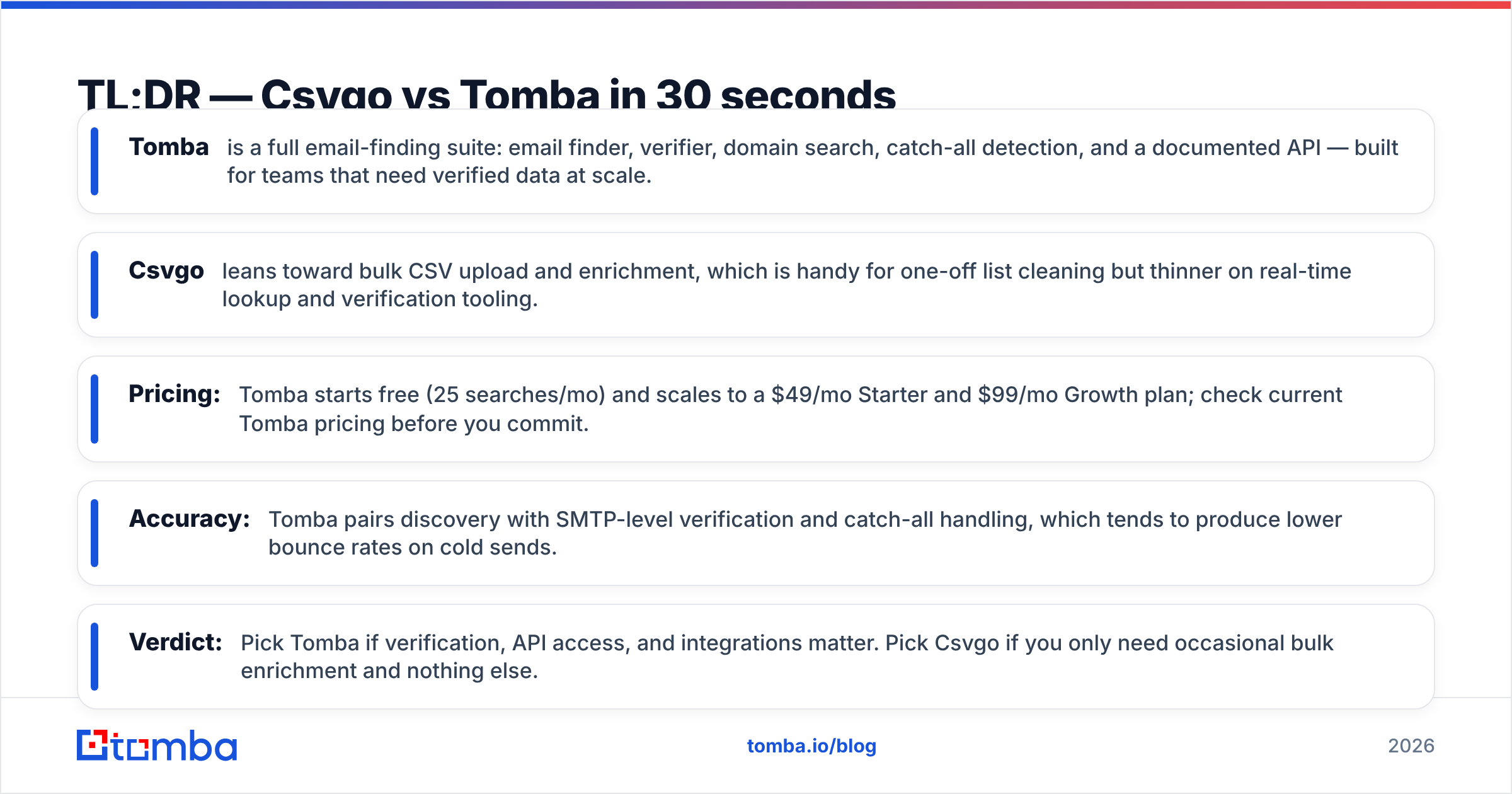
- Tomba is a full email-finding suite: email finder, verifier, domain search, catch-all detection, and a documented API — built for teams that need verified data at scale.
- Csvgo leans toward bulk CSV upload and enrichment, which is handy for one-off list cleaning but thinner on real-time lookup and verification tooling.
- Pricing: Tomba starts free (25 searches/mo) and scales to a $49/mo Starter and $99/mo Growth plan; check current Tomba pricing before you commit.
- Accuracy: Tomba pairs discovery with SMTP-level verification and catch-all handling, which tends to produce lower bounce rates on cold sends.
- Verdict: Pick Tomba if verification, API access, and integrations matter. Pick Csvgo if you only need occasional bulk enrichment and nothing else.
What is Csvgo?#
Csvgo is a data-enrichment tool aimed at people who already have a list — a CSV of names, domains, or companies — and want to append email addresses and firmographic fields in bulk. The workflow is upload-centric: you bring a spreadsheet, map columns, run enrichment, and download the result. That model is comfortable for marketers doing periodic list hygiene or a single campaign export.
Where that model gets tight is anything real-time or programmatic. If you want to find one email while looking at a LinkedIn profile, verify a catch-all domain before sending, or trigger lookups from inside your own app, an upload-and-download tool starts to feel like the wrong shape for the job.
What is Tomba?#
Tomba is a B2B email-finding and lead-enrichment platform. The core is the email finder — give it a name and a domain (or just a company domain) and it returns the professional address plus a confidence score and the sources it used. Around that sit a stack of tools that most outbound teams eventually need: an email verifier, domain search for pulling every address at a company, a catch-all verifier, a phone finder, and data enrichment.
Crucially, Tomba is API-first. The same lookups you run in the dashboard are available through the Tomba API, a CLI, a Chrome extension, and native integrations with tools like HubSpot, Salesforce, and Google Sheets. That means the tool grows with you from "I need 50 emails this week" to "our product enriches every signup automatically."

Csvgo vs Tomba: side-by-side comparison#
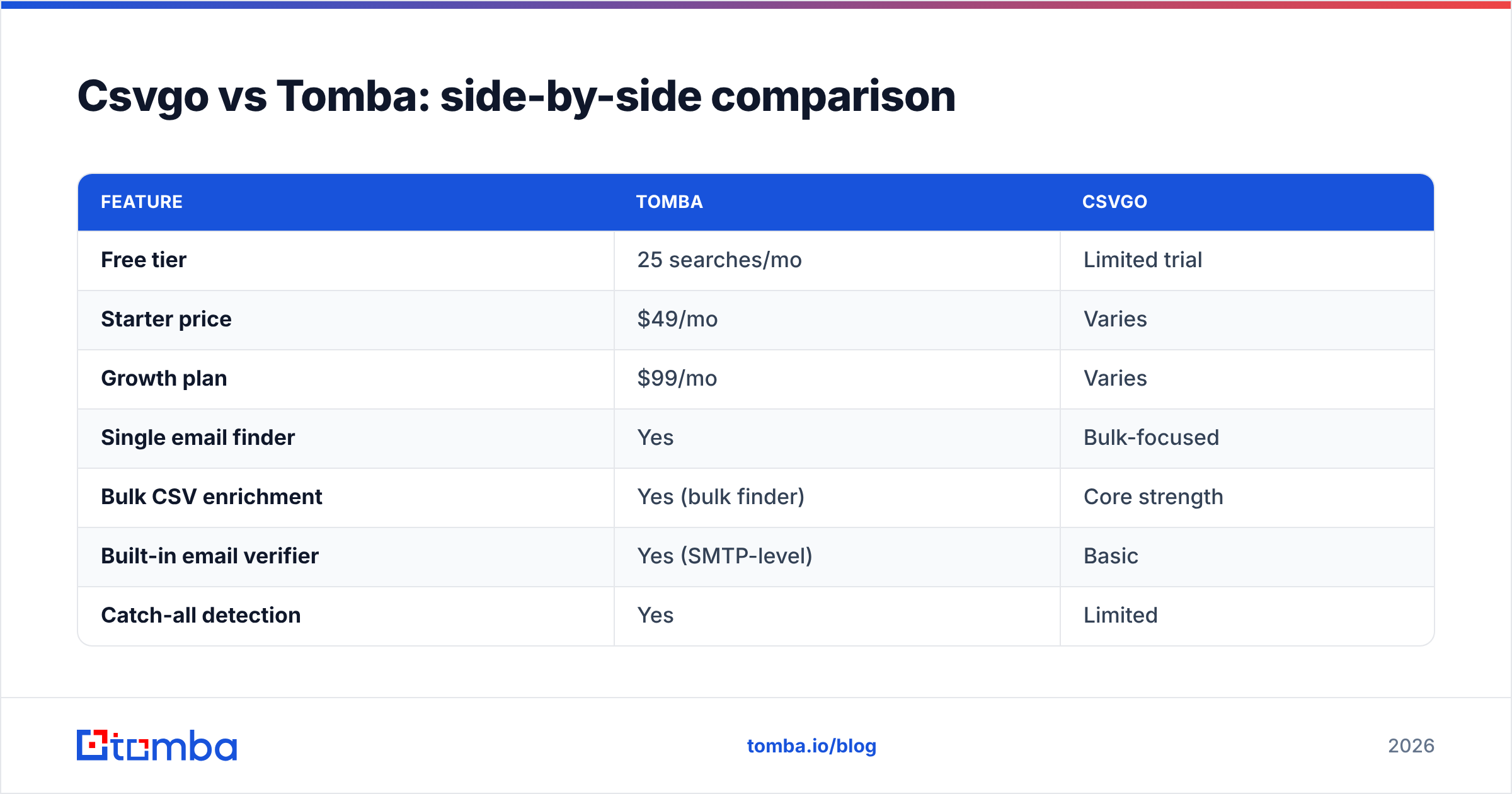
Here is the honest, feature-level breakdown. Both tools find emails; the differences are in verification depth, delivery model, and how far you can push the data.
| Feature | Tomba | Csvgo |
|---|---|---|
| Free tier | 25 searches/mo | Limited trial |
| Starter price | $49/mo | Varies |
| Growth plan | $99/mo | Varies |
| Single email finder | Yes | Bulk-focused |
| Bulk CSV enrichment | Yes (bulk finder) | Core strength |
| Built-in email verifier | Yes (SMTP-level) | Basic |
| Catch-all detection | Yes | Limited |
| Domain search | Yes | Partial |
| Public API + CLI | Yes | Limited |
| Chrome extension | Yes | No |
| Native CRM integrations | HubSpot, Salesforce, Pipedrive | Fewer |
| Phone finder | Yes | No |
The pattern is clear: Csvgo is competitive on the one thing it centers — bulk enrichment — while Tomba covers that plus real-time lookup, deeper verification, and the developer surface (API, CLI, extension) that makes data usable inside your existing stack.
How accurate is each email finder?#
Accuracy is where the two tools separate, and it is the metric that actually costs you money. A wrong address is not neutral — it inflates your bounce rate, drags down sender reputation, and can land your domain in spam filters for weeks.
Tomba's approach is discovery plus verification in the same pass. When it returns an address it checks the MX records, performs an SMTP handshake where possible, and flags catch-all domains that will accept anything. That last part matters more than most people realize: a catch-all domain returns "valid" for almost every address, so a finder without dedicated catch-all handling reports false confidence. Tomba's catch-all finder treats those domains honestly instead of guessing.
Csvgo verifies at a more basic level. For a warm list of well-known corporate domains that may be fine, but for long-tail SMBs, freelancers, and catch-all-heavy industries, the gap shows up as higher bounce rates. If you are sending cold, that difference compounds fast.

Independent buyers tend to weigh verification depth heavily, and review sites like G2 are a good place to sanity-check accuracy claims against real user reports rather than vendor marketing.
Which is better for pricing and value?#
For value, the deciding factor is whether you pay for verification separately or get it bundled.
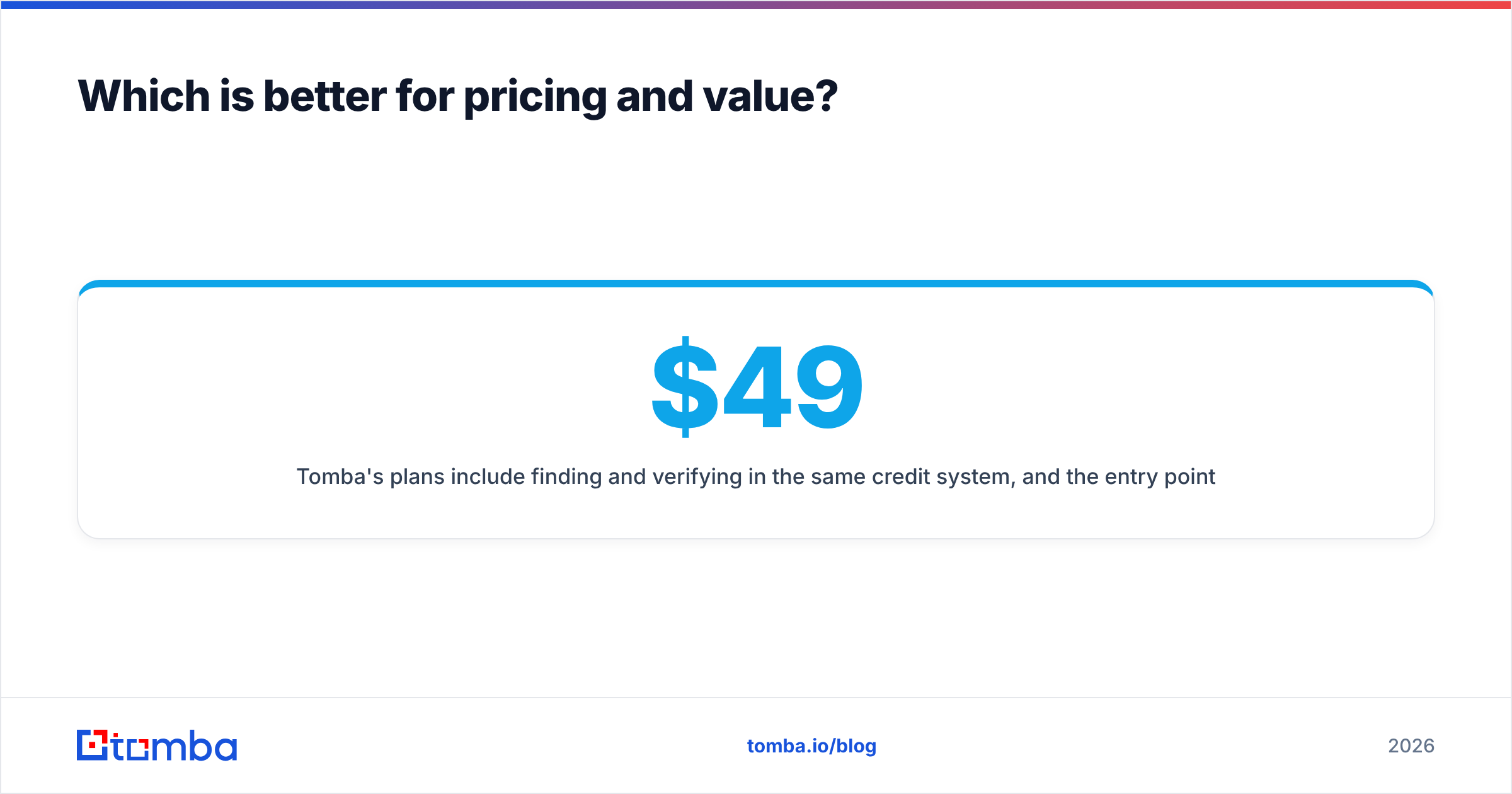
Tomba's plans include finding and verifying in the same credit system, and the entry points are transparent: a free tier with 25 searches per month, a $49/mo Starter, a $99/mo Growth plan, and a $249/mo Pro plan for higher volume. You can see the full breakdown on the Tomba plans page. Because verification is baked in, a "found" email has already been through quality checks before it costs you a send.
Csvgo's pricing is oriented around enrichment volume. If your only job is cleaning a static list a few times a month, that can be cost-effective. But if you need ongoing verification, API calls, or per-lookup finding, you often end up bolting on other tools — and the combined cost quietly exceeds an all-in-one platform.
A quick way to compare value:
- Cost per verified email, not cost per raw email — a cheap unverified address that bounces is more expensive than a verified one.
- Bundled vs add-on verification — factor in whether you will pay a second vendor to clean the output.
- API access on your plan — programmatic lookups are table stakes if you want to automate.
- Free tier for testing — run the same 25 real prospects through both and compare hit rate before paying.

Which should developers and RevOps teams choose?#
If anyone on your team writes code or automates workflows, Tomba is the more natural fit. The email finder API is documented and consistent, there is a CLI for scripting, an MCP server for AI agents, and drop-in integrations for Zapier, Make, HubSpot, and Salesforce. You can enrich a signup the moment it lands, score it, and route it — no CSV round-trip.
Csvgo's upload-and-download model works against automation here. Every enrichment is a manual export step, which is fine for a marketer but a bottleneck for a revenue operations team trying to keep the CRM continuously fresh. When enrichment needs to happen on every new record, the batch model becomes the thing you are trying to escape.
When does Csvgo actually make sense?#
To keep this honest: Csvgo is a reasonable pick in a few specific cases.
- One-off list cleaning. You inherited a spreadsheet, you need it enriched once, and you do not want to learn a platform.
- Marketing-only workflows. No developers, no CRM automation, no API ambitions — just periodic exports.
- Tight, single-purpose budget. If bulk enrichment is genuinely the only feature you will ever use, paying for a broader suite is overkill.
If that describes you, Csvgo does its job. The moment your needs include real-time lookup, deep verification, phone data, or automation, though, you will feel the ceiling.
How do you migrate from Csvgo to Tomba?#
Switching is low-friction because Tomba supports the same bulk workflow you already know, plus the extras.
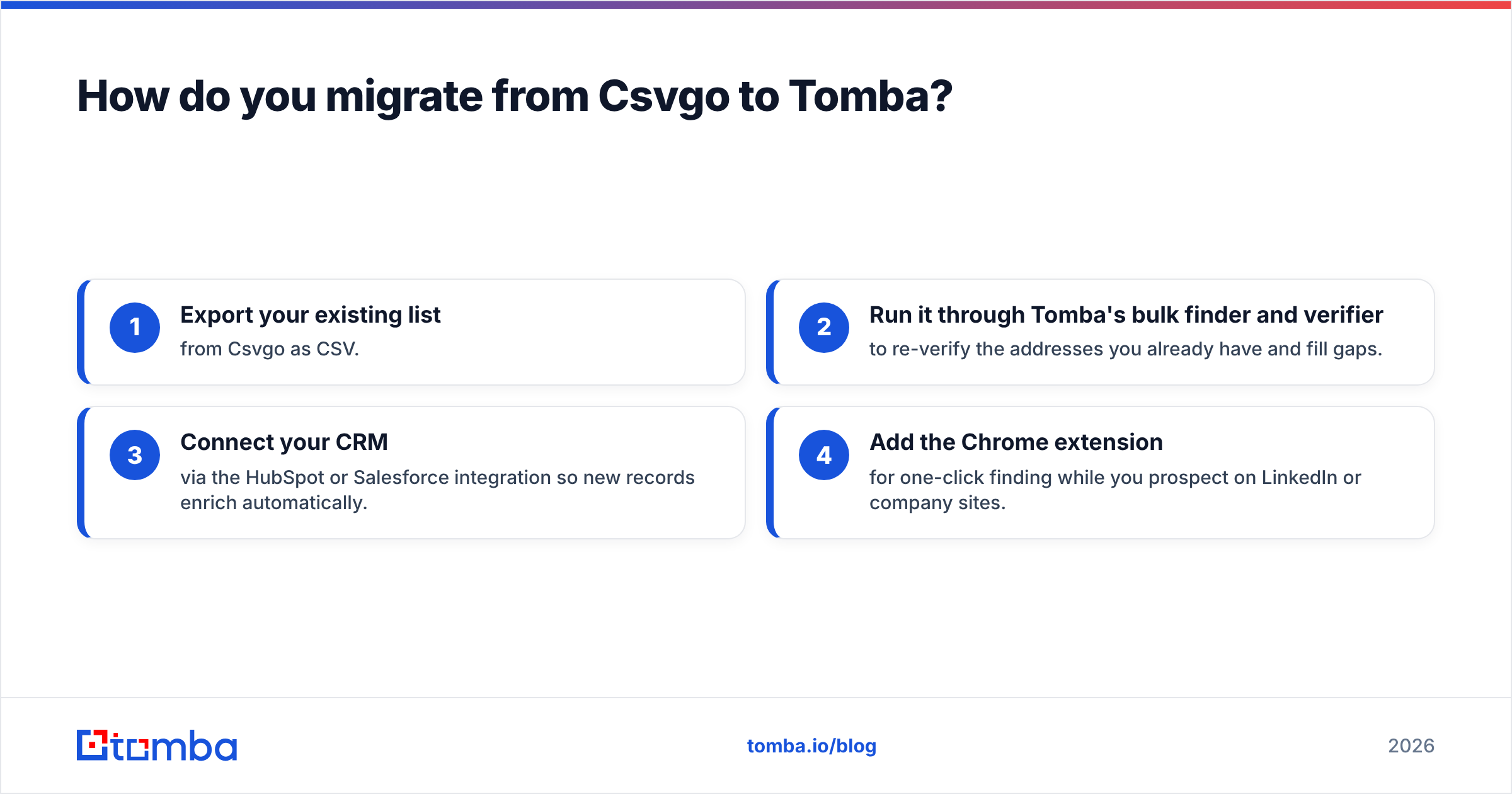
- Export your existing list from Csvgo as CSV.
- Run it through Tomba's bulk finder and verifier to re-verify the addresses you already have and fill gaps.
- Connect your CRM via the HubSpot or Salesforce integration so new records enrich automatically.
- Add the Chrome extension for one-click finding while you prospect on LinkedIn or company sites.
You keep the batch capability you relied on and gain real-time lookup, verification, and API access on top.
The verdict: Csvgo vs Tomba#
Tomba wins for most B2B teams in 2026. It matches Csvgo on bulk enrichment and then extends well past it — SMTP-level verification, catch-all handling, a real API and CLI, phone finding, and native CRM integrations, all inside a transparent pricing structure that starts free. Csvgo remains a fair choice for pure, occasional list cleaning with no automation ambitions, and it does that narrow job cleanly.
But if your outbound depends on low bounce rates, fresh CRM data, and the ability to automate lookups, the all-in-one platform pays for itself in cleaner sends and fewer tools to stitch together.
Ready to test the difference on your own prospects? Start with the Tomba Email Finder free tier — 25 searches, verified addresses, no credit card — and compare the hit rate against your current list. If verified data at scale is the goal, that is the fastest way to see which tool actually earns a place in your stack.
Related guides#
Ready to find emails that actually work?
Join 150,000+ professionals who stopped guessing and started sending. Free credits on signup — no credit card required.
Get the Tomba newsletter
Practical outbound tactics and product updates — once every two weeks.
About the author