Cufinder Pros and Cons in 2026: An Honest, No-Fluff Review
A neutral breakdown of Cufinder's real strengths and weaknesses—accuracy, pricing, enrichment, and where it falls short—so you can decide if it belongs in your 2026 prospecting stack.
Cufinder markets itself as an all-in-one B2B data engine: an email finder, phone lookup, company database, and enrichment API bundled together. That breadth is the pitch — and also the source of most complaints. Before you swipe a card, here is a neutral look at the real Cufinder pros and cons, what the platform does genuinely well, and where you'll hit friction.
TL;DR — Cufinder Pros and Cons at a Glance#
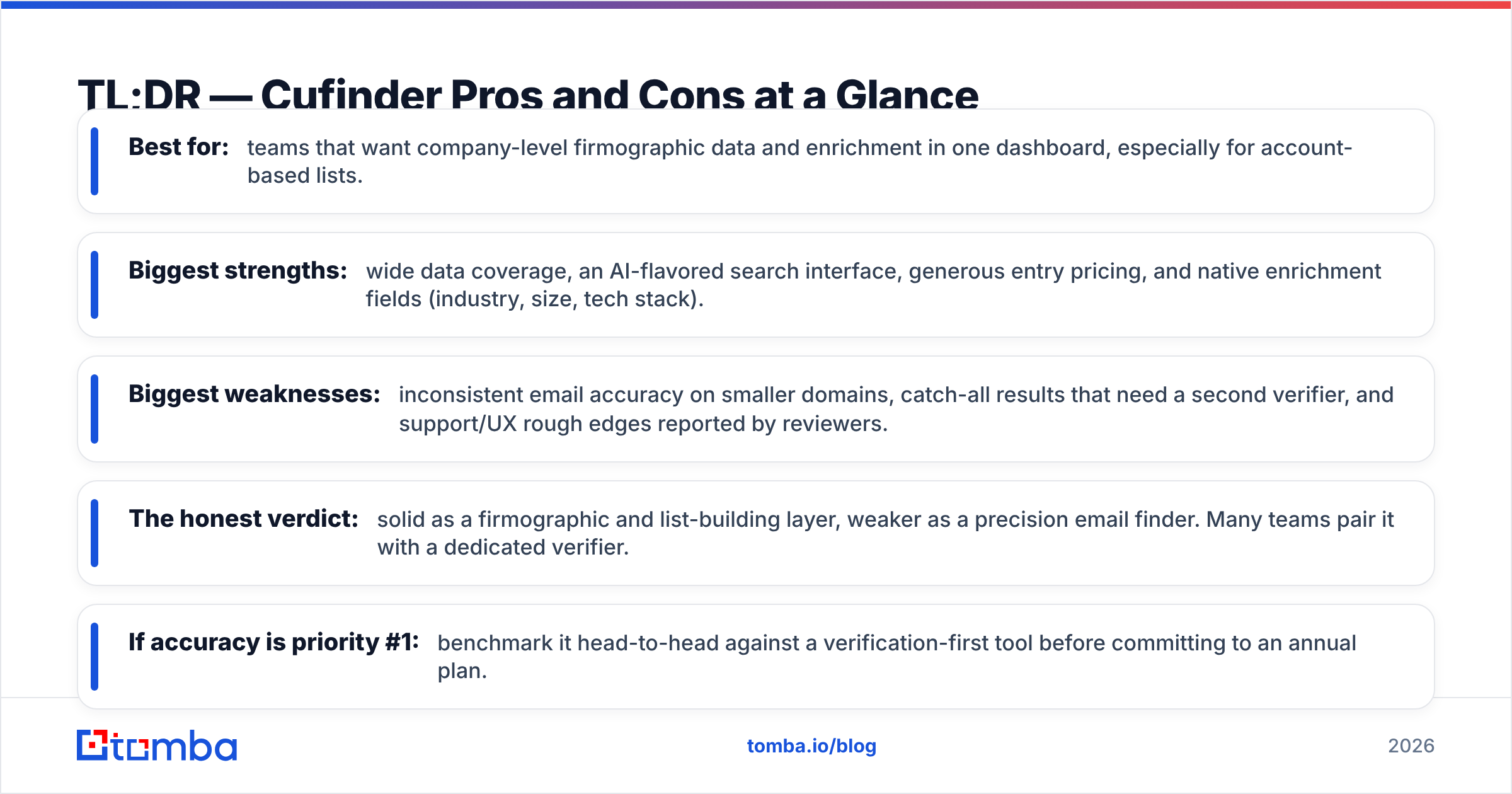
- Best for: teams that want company-level firmographic data and enrichment in one dashboard, especially for account-based lists.
- Biggest strengths: wide data coverage, an AI-flavored search interface, generous entry pricing, and native enrichment fields (industry, size, tech stack).
- Biggest weaknesses: inconsistent email accuracy on smaller domains, catch-all results that need a second verifier, and support/UX rough edges reported by reviewers.
- The honest verdict: solid as a firmographic and list-building layer, weaker as a precision email finder. Many teams pair it with a dedicated verifier.
- If accuracy is priority #1: benchmark it head-to-head against a verification-first tool before committing to an annual plan.
What Is Cufinder and Who Is It For?#
Cufinder is a B2B lead generation and data enrichment platform built around a large company and contact database. Instead of positioning itself purely as an email finder, it leans into "AI-powered" search: you describe an ideal customer profile, and it returns matching companies with enrichment attributes attached — headcount, industry, location, technologies, and contact points.
That makes the natural buyer a demand-gen or ABM team that thinks in accounts first, contacts second. If your workflow is "give me 500 SaaS companies in DACH with 50-200 employees, then find me a VP of Sales at each," Cufinder's model fits. If your workflow is "I have a name and a company, find me the exact verified email," you're using it against the grain — and that's where most of the negative reviews cluster.

What Are the Main Cufinder Pros?#
The upsides are real, and worth stating plainly before the criticism.
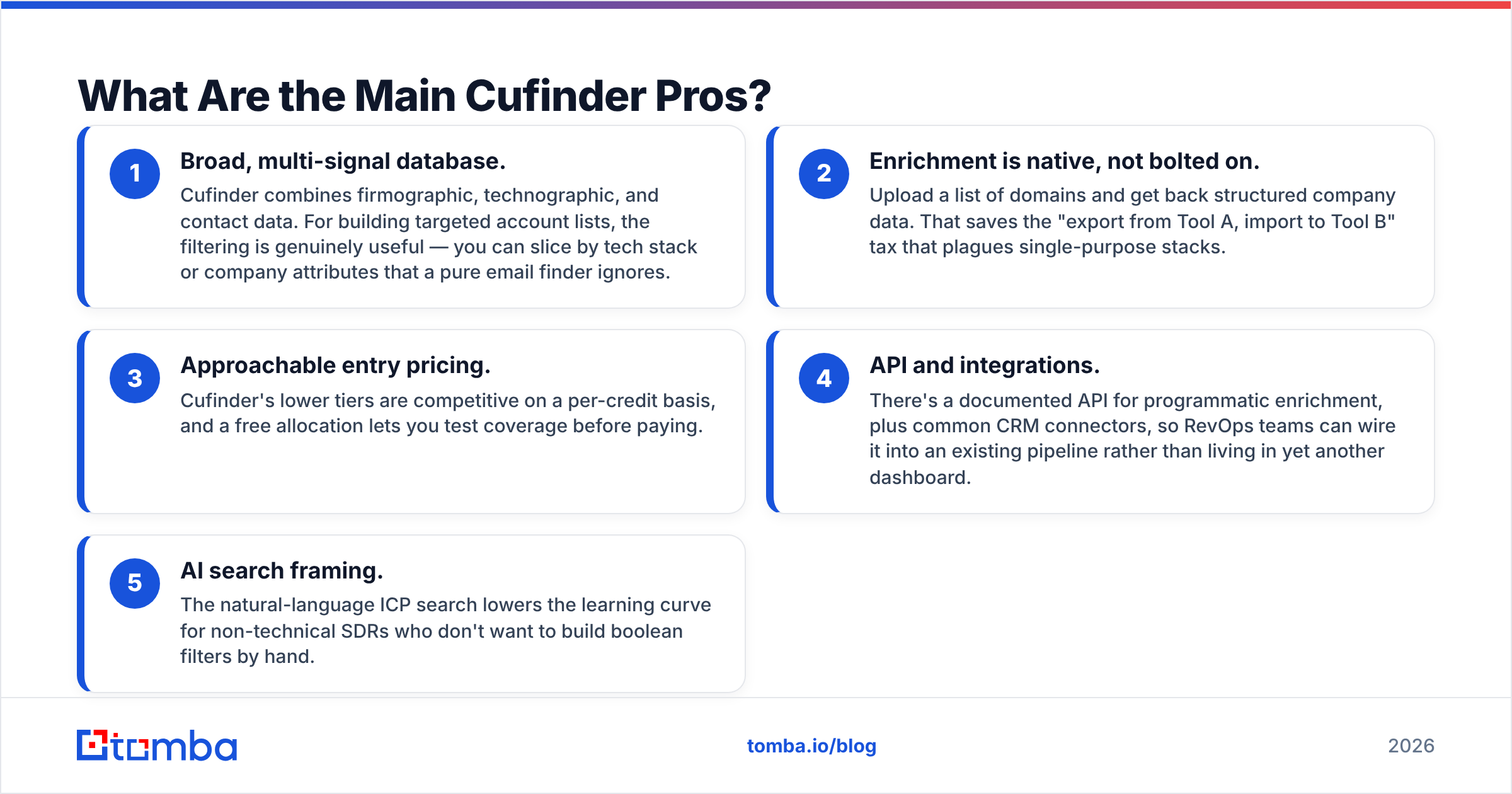
- Broad, multi-signal database. Cufinder combines firmographic, technographic, and contact data. For building targeted account lists, the filtering is genuinely useful — you can slice by tech stack or company attributes that a pure email finder ignores.
- Enrichment is native, not bolted on. Upload a list of domains and get back structured company data. That saves the "export from Tool A, import to Tool B" tax that plagues single-purpose stacks.
- Approachable entry pricing. Cufinder's lower tiers are competitive on a per-credit basis, and a free allocation lets you test coverage before paying.
- API and integrations. There's a documented API for programmatic enrichment, plus common CRM connectors, so RevOps teams can wire it into an existing pipeline rather than living in yet another dashboard.
- AI search framing. The natural-language ICP search lowers the learning curve for non-technical SDRs who don't want to build boolean filters by hand.
For teams whose bottleneck is finding the right companies, these strengths carry a lot of weight.
What Are the Main Cufinder Cons?#
Now the friction — the part vendors rarely put on their own pricing page.
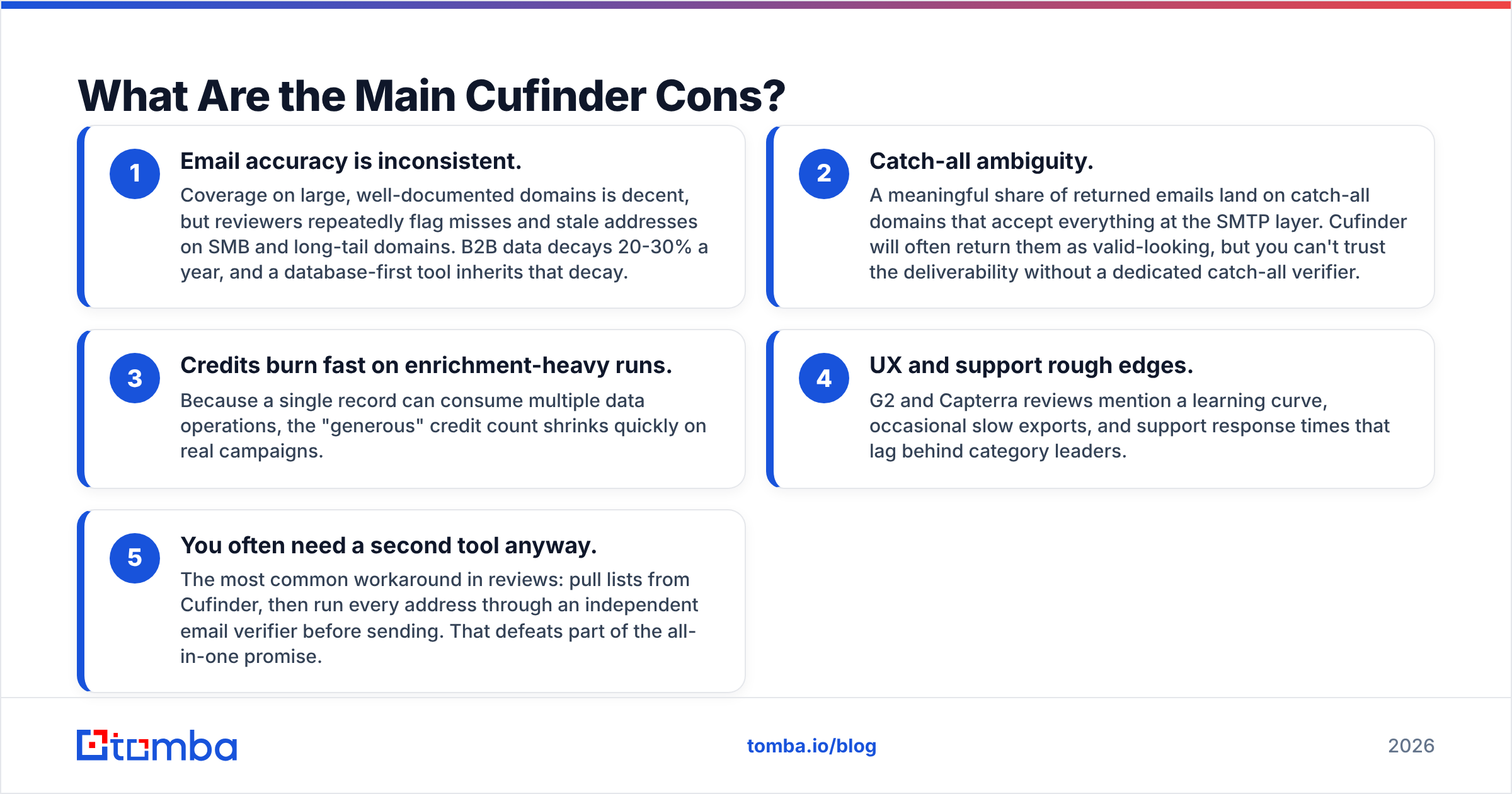
- Email accuracy is inconsistent. Coverage on large, well-documented domains is decent, but reviewers repeatedly flag misses and stale addresses on SMB and long-tail domains. B2B data decays 20-30% a year, and a database-first tool inherits that decay.
- Catch-all ambiguity. A meaningful share of returned emails land on catch-all domains that accept everything at the SMTP layer. Cufinder will often return them as valid-looking, but you can't trust the deliverability without a dedicated catch-all verifier.
- Credits burn fast on enrichment-heavy runs. Because a single record can consume multiple data operations, the "generous" credit count shrinks quickly on real campaigns.
- UX and support rough edges. G2 and Capterra reviews mention a learning curve, occasional slow exports, and support response times that lag behind category leaders.
- You often need a second tool anyway. The most common workaround in reviews: pull lists from Cufinder, then run every address through an independent email verifier before sending. That defeats part of the all-in-one promise.

How Accurate Is Cufinder's Email Data?#
Accuracy is the single most important axis for a prospecting tool, because a bounced email doesn't just waste a credit — it damages your sender reputation and drags down deliverability for every other email you send that day.
Cufinder's accuracy is best described as adequate on easy targets, shaky on hard ones. Fortune-5000-style domains with public patterns resolve well. Small agencies, regional firms, and freshly registered domains are where guessed-but-unverified addresses slip through. Because the platform optimizes for coverage and breadth, it is more permissive about returning a "probable" address than a verification-first tool would be.

The practical takeaway: treat any email finder's raw output as a hypothesis, not a fact. Whatever tool you use — Cufinder included — a verification pass is non-negotiable for cold outreach. Tools that bake SMTP-level verification and catch-all detection into the find step save you that second round trip.
Cufinder Pros and Cons vs. a Verification-First Alternative#
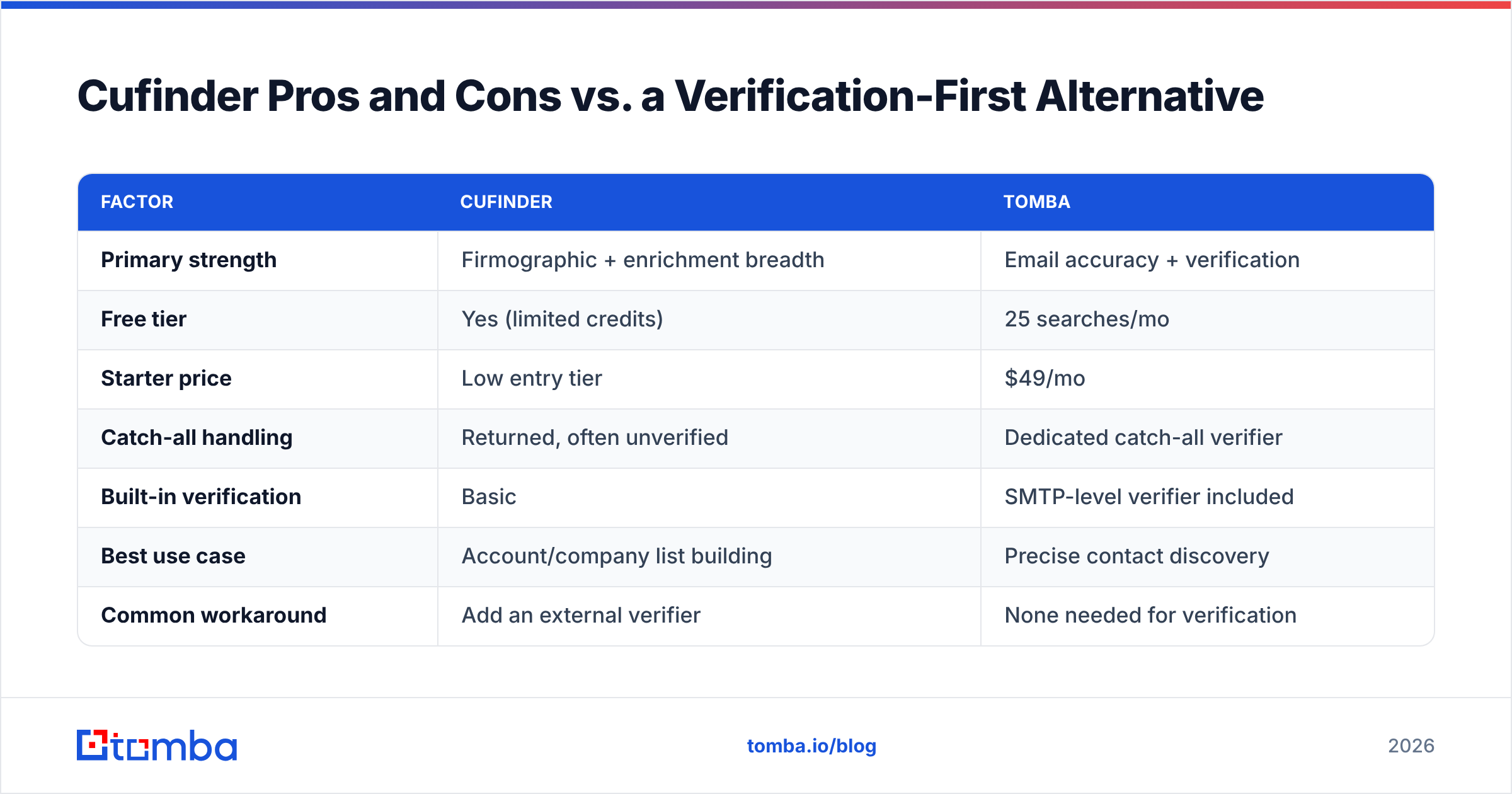
Here's a side-by-side to frame the trade-off honestly. Cufinder wins on breadth of firmographic data; a focused email finder like Tomba wins on precision and verification depth. Neither is universally "better" — it depends on what your pipeline is starved for.
| Factor | Cufinder | Tomba |
|---|---|---|
| Primary strength | Firmographic + enrichment breadth | Email accuracy + verification |
| Free tier | Yes (limited credits) | 25 searches/mo |
| Starter price | Low entry tier | $49/mo |
| Catch-all handling | Returned, often unverified | Dedicated catch-all verifier |
| Built-in verification | Basic | SMTP-level verifier included |
| Best use case | Account/company list building | Precise contact discovery |
| Common workaround | Add an external verifier | None needed for verification |
If you want the full plan breakdown for the accuracy-first side of that table, the Tomba pricing page lays out credits per tier so you can compare cost-per-verified-email rather than cost-per-raw-record — which is the number that actually matters for outbound.

How Much Does Cufinder Cost, and Is It Worth It?#
Cufinder uses a credit model across tiered plans, with a free allocation at the bottom and enterprise pricing at the top. On paper the entry price is attractive. The catch is effective cost, not sticker cost.
Two things inflate the real price:
- Enrichment operations consume credits. A record that needs company data and a contact email can cost several credits, so headline credit counts don't map 1:1 to leads.
- Failed and catch-all emails still cost you downstream. If you have to re-verify a third of your results elsewhere, you're paying twice — once to Cufinder, once to the verifier — plus the reputation cost of any bounces that slip through.
To judge value, calculate cost per verified, deliverable email, not cost per record returned. Run a 200-lead test batch, verify every result independently, and divide. That single exercise tells you more than any pricing table. When you run that math, budget-friendly tools sometimes lose to slightly pricier ones that return fewer, cleaner records.
When Should You Choose Cufinder — and When Shouldn't You?#
Choose Cufinder if:
- Your bottleneck is building targeted account lists with firmographic and technographic filters.
- You want enrichment (industry, size, tech stack) attached to contacts natively.
- You already run a separate verification step and are comfortable adding one more.
- You're early-stage and value one dashboard over best-in-class per function.
Look elsewhere if:
- Your #1 need is verified, ready-to-send email addresses with minimal cleanup.
- You send high-volume cold email where every bounce hurts deliverability.
- You want catch-all detection handled inside the find step, not after.
- You need fast, responsive support on a tight campaign timeline.
For that second column, a verification-first workflow is the safer default. You can start from a company using domain search to pull every known address on a domain, then let the built-in verifier filter to only the deliverable ones — collapsing find-and-verify into one motion instead of two tools.
What Do Real Users Say About Cufinder?#
Third-party review sites give the clearest neutral signal. On G2 and Capterra, Cufinder earns praise for database breadth, the AI search experience, and value at entry tiers. The recurring criticisms track exactly with the cons above: variable email accuracy, credits that deplete faster than expected, and support that can lag during crunch time.
The most telling pattern is how satisfied users describe their setup. Many happy customers explicitly mention pairing Cufinder with a separate verification tool. That's not a knock — plenty of good stacks are multi-tool — but it does mean the "all-in-one" framing on the marketing site is more aspiration than reality for outreach-heavy teams. You can read the vendor's own positioning at cufinder.io and weigh it against the review-site consensus.
Cufinder Pros and Cons: The Bottom Line#
Cufinder is a capable data-and-enrichment layer with a genuinely useful company-search experience and friendly entry pricing. Its weaknesses are precision-related: email accuracy wobbles on the long tail, catch-alls come back ambiguous, and credits vanish faster than the plan implies. None of that makes it a bad tool — it makes it a list-building tool that you should back with real verification before you ever hit send.
So decide by your bottleneck. If you're starved for well-filtered accounts, Cufinder earns its place. If you're starved for clean, deliverable emails, lead with accuracy and verification, and add breadth later.
If deliverable emails are the constraint, start with a tool built around verification from the first click. The Tomba Email Finder returns addresses with SMTP-level checks and catch-all detection built in, so the list you export is the list you can actually send to — no second tool, no reputation gamble. Try it free with 25 searches a month and run your own cost-per-verified-email test before you commit to anyone's annual plan.
Related guides#
Ready to find emails that actually work?
Join 150,000+ professionals who stopped guessing and started sending. Free credits on signup — no credit card required.
Get the Tomba newsletter
Practical outbound tactics and product updates — once every two weeks.
About the author