Cufinder vs LeadGibbon (2026): Which Email Finder Wins?
A neutral, hands-on comparison of Cufinder vs LeadGibbon—accuracy, pricing, data coverage, and workflow fit—so you can pick the right B2B data tool without wasting credits.
Choosing between Cufinder and LeadGibbon usually comes down to one honest question: which one puts more usable, deliverable contacts into your pipeline for the money you spend? Both promise B2B emails and enrichment, but they take different roads to get there — and the difference shows up in your bounce rate.
This is a neutral breakdown from people who test email data for a living. We'll look at what each tool actually does, where the data comes from, how pricing really works once you factor in credits, and who each one fits. We'll also flag a third option worth benchmarking before you commit.
TL;DR: Cufinder vs LeadGibbon at a glance#
- Cufinder is a broad AI-driven data platform: company enrichment, contact discovery, email and phone lookup, and API access aimed at teams that want to enrich records at scale.
- LeadGibbon is a lighter, LinkedIn-and-list-focused tool: build lead lists, pull business emails, and push them straight to a spreadsheet — popular with solo sellers and small teams.
- Accuracy is the real decider. Neither wins on marketing copy; you win by verifying before you send, whichever tool you pick.
- Pricing is credit-based for both, so the sticker price rarely equals your real cost per valid contact.
- If you care most about verified deliverability at a flat, predictable price, benchmark Tomba's email finder against both before deciding.
What is Cufinder?#
Cufinder positions itself as an AI-powered B2B data and enrichment engine. The pitch is breadth: give it a company name, domain, or partial record, and it returns firmographic data, contact details, emails, and phone numbers, then keeps those records enriched over time.
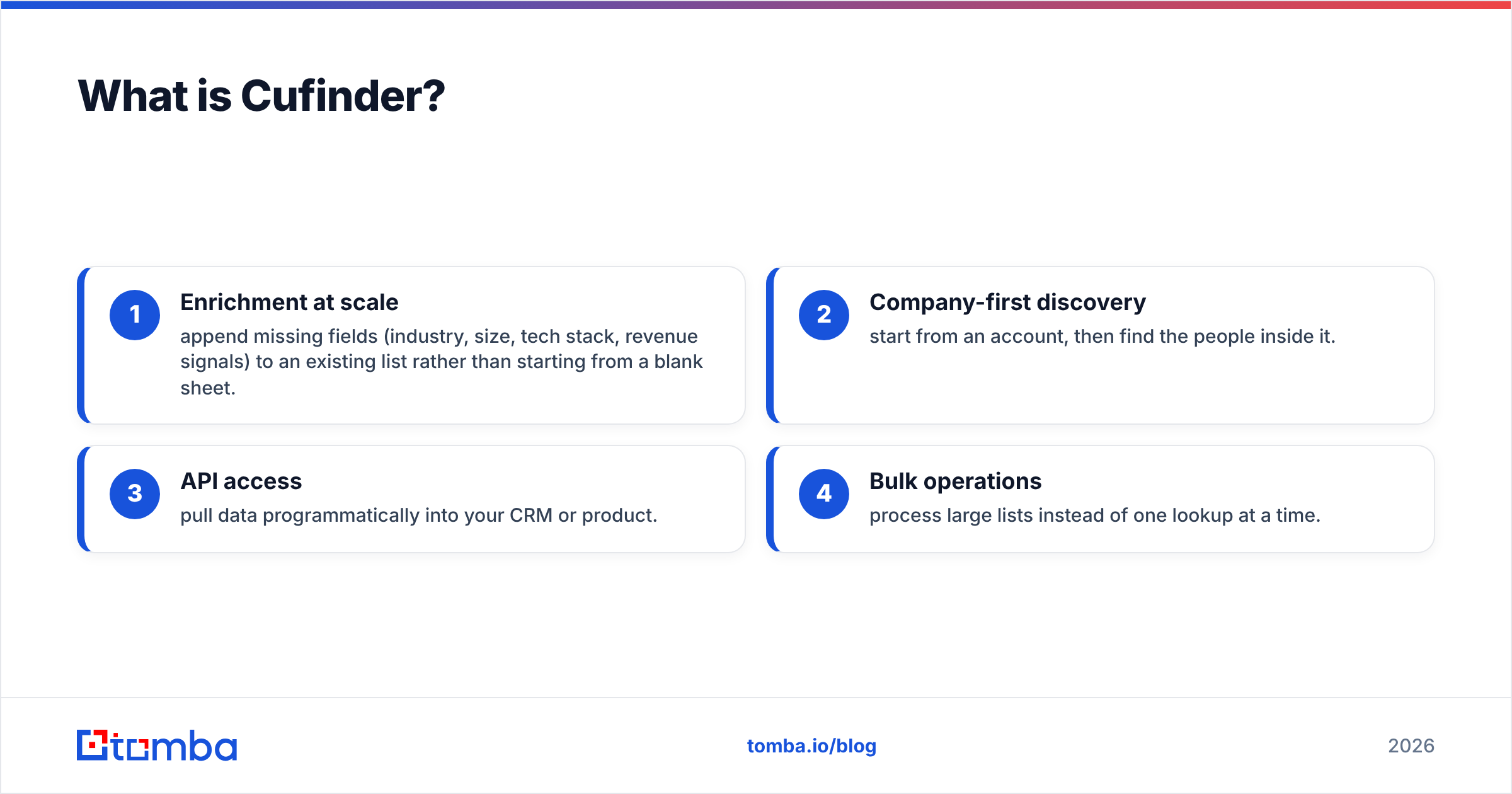
Its strengths are aimed at data and RevOps teams:
- Enrichment at scale — append missing fields (industry, size, tech stack, revenue signals) to an existing list rather than starting from a blank sheet.
- Company-first discovery — start from an account, then find the people inside it.
- API access — pull data programmatically into your CRM or product.
- Bulk operations — process large lists instead of one lookup at a time.
The trade-off is that a wide platform spreads its data quality unevenly. Company-level firmographics can be strong while individual email accuracy for smaller or non-US companies lags. That's normal for aggregators — the point is to verify, not to trust the label.
What is LeadGibbon?#
LeadGibbon is a lead-list builder with a Chrome extension and a heavy lean toward LinkedIn-sourced data. You browse or search for prospects, LeadGibbon surfaces business emails and basic company info, and you export the list — often directly into Google Sheets or a CSV.
Where it shines:
- Speed for solo prospecting — build a targeted list in minutes without learning a platform.
- Spreadsheet-native workflow — no CRM required; the output is a clean row of contacts.
- Low friction — the extension meets you where you already prospect.
Where it's thinner: LeadGibbon is not trying to be an enrichment platform or a data warehouse. If you need phone numbers, deep firmographics, deduplication across large datasets, or a robust API, you'll feel the ceiling quickly.

How accurate are Cufinder and LeadGibbon?#
Accuracy is the only metric that pays your bills, because a cheap email that bounces costs more than an expensive one that lands — it burns sender reputation you can't buy back.
Here's the uncomfortable truth about every email finder, these two included: the headline "95%+ accuracy" numbers come from the vendor's own best-case sample. Real-world hit rate depends on your target segment. US tech companies with public patterns verify well everywhere. A regional manufacturer in a non-English market? Accuracy drops across the board.

The practical takeaways:
- Cufinder tends to return more coverage (more records with something attached) because it aggregates widely. More coverage can mean more unverified guesses mixed in.
- LeadGibbon returns a narrower set focused on LinkedIn-visible professionals, which can be cleaner for that segment but leaves gaps outside it.
- Neither replaces verification. Run every list through an email verifier before your first send, and use a catch-all verifier for domains that accept everything. This single step matters more than which finder you chose.
If a tool won't tell you why it believes an email is valid (SMTP check, pattern match, source count), treat its confidence score as a starting point, not a guarantee.
Cufinder vs LeadGibbon: feature and pricing comparison#
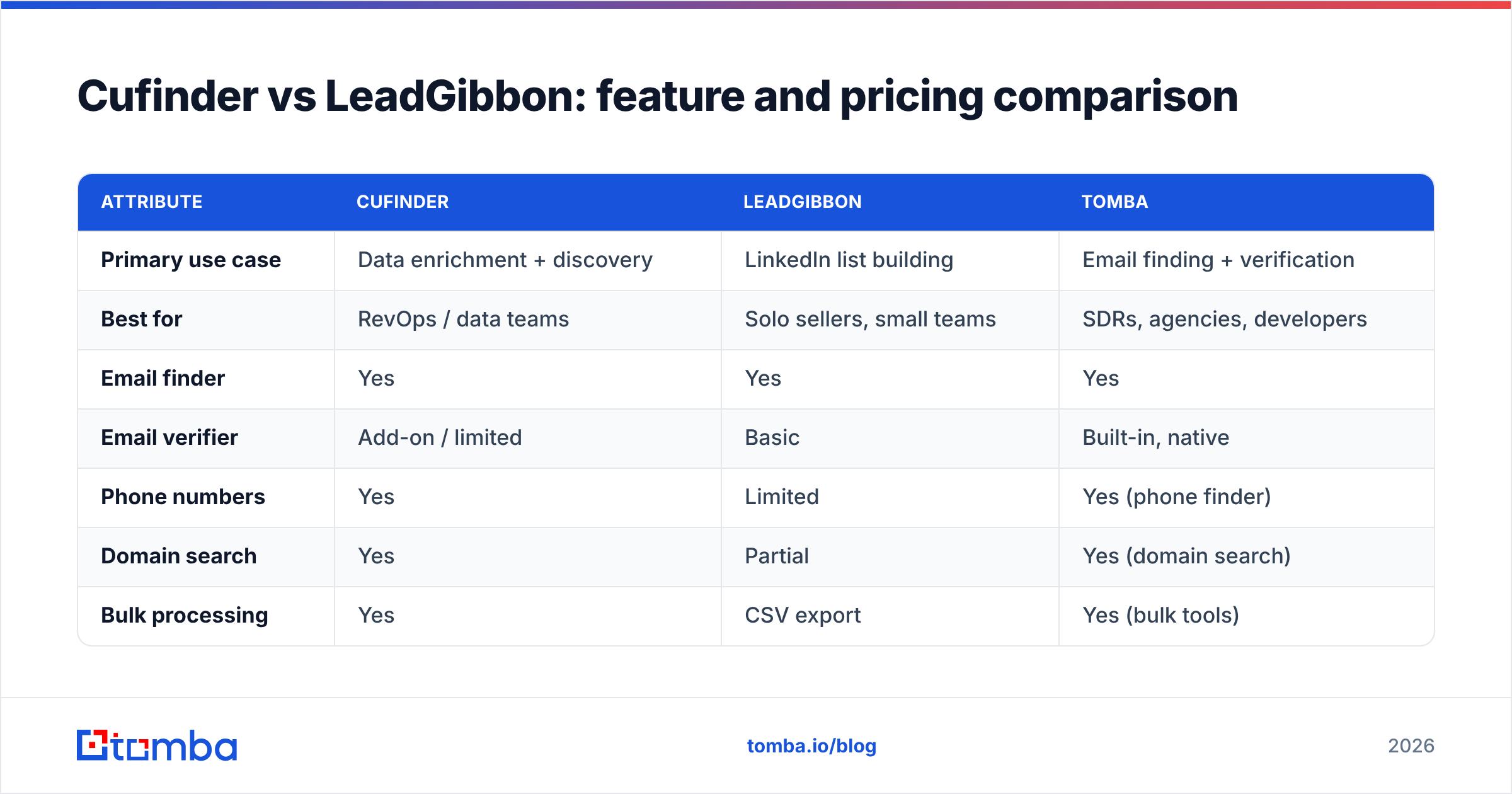
Both tools use credit-based pricing, so the monthly number is only half the story. What matters is cost per verified contact after bounces. The table below reflects general positioning at the time of writing — always confirm current numbers on each vendor's own pricing page, since plans change.
| Attribute | Cufinder | LeadGibbon | Tomba |
|---|---|---|---|
| Primary use case | Data enrichment + discovery | LinkedIn list building | Email finding + verification |
| Best for | RevOps / data teams | Solo sellers, small teams | SDRs, agencies, developers |
| Email finder | Yes | Yes | Yes |
| Email verifier | Add-on / limited | Basic | Built-in, native |
| Phone numbers | Yes | Limited | Yes (phone finder) |
| Domain search | Yes | Partial | Yes (domain search) |
| Bulk processing | Yes | CSV export | Yes (bulk tools) |
| API access | Yes | Limited | Yes (Tomba API) |
| Free tier | Limited trial | Limited trial | 25 searches/mo free |
| Entry paid plan | Credit-based | Credit-based | $49/mo Starter |
| Pricing model | Credits | Credits | Flat plans + credits |
A few honest notes on reading this table:
- Credits are the fine print. A plan that looks cheaper can cost more per usable contact if a chunk of credits returns unverified or bouncing emails. Model your real cost as price ÷ valid contacts, not price ÷ credits.
- Feature breadth isn't the same as depth. Cufinder's wide feature list is genuinely useful for enrichment; LeadGibbon's narrow focus is genuinely faster for quick lists. Match the tool to the job you actually do most days.
- Verification location matters. When the verifier is native (rather than a separate purchase), you spend fewer credits chasing bounces.
You can see how a flat-plan model compares in the full breakdown below.

Which one should you choose?#
Pick based on the shape of your work, not the length of the feature list.
Choose Cufinder if:
- You have an existing database and your main pain is enrichment — filling gaps, appending firmographics, keeping records fresh.
- You need an API to wire data into a CRM or product.
- You run large, account-based motions where company-level data matters as much as individual emails.
Choose LeadGibbon if:
- You prospect mostly on LinkedIn and want a fast, spreadsheet-native list builder.
- You're a solo seller or small team without a formal data stack.
- Your volumes are modest and you don't need phones, deep enrichment, or automation.
Consider a third option if your priority is deliverable emails at a predictable price with verification built in. That's the gap Tomba is designed for — more on that below.

Where does Tomba fit in this comparison?#
Tomba takes the "verify before you send" philosophy and bakes it into the core product rather than selling it as an add-on. The email finder returns a result with a verification status, so you're not paying twice — once to find, again to confirm — the way credit-heavy stacks often force you to.
What makes it worth benchmarking against Cufinder and LeadGibbon:
- Native verification. Finding and verifying live in the same tool, which keeps cost-per-valid-contact honest.
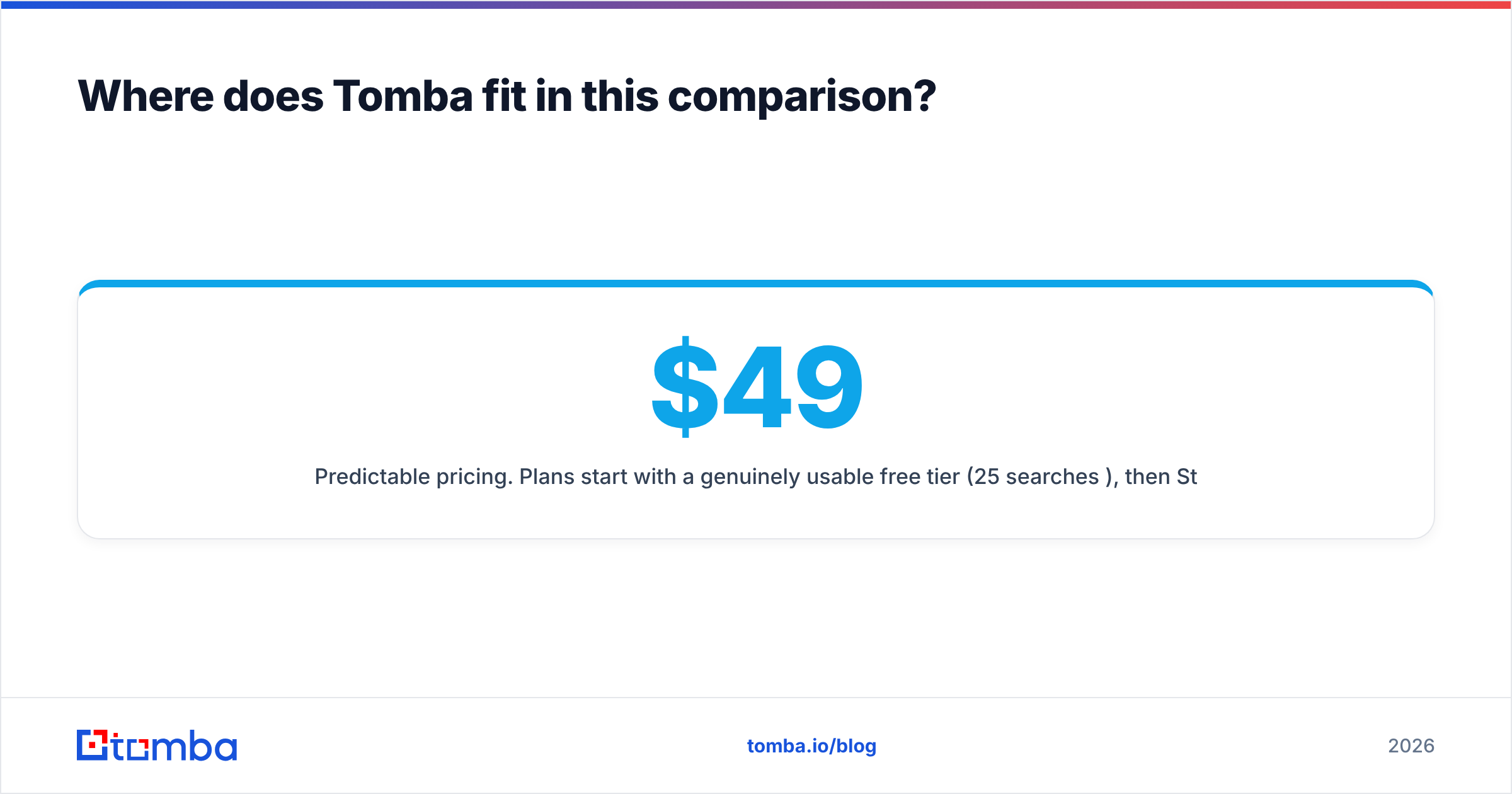
- Predictable pricing. Plans start with a genuinely usable free tier (25 searches/month), then $49/mo Starter, $99/mo Growth, $249/mo Pro, and custom Enterprise. See full Tomba pricing for credit details.
- Transparent data sourcing. Tomba documents where its data comes from, so confidence scores mean something.
- Full toolset around the finder. Domain search, catch-all handling, phone lookup, and data enrichment cover the same ground Cufinder does, while staying simpler than a broad platform.
This isn't a claim that Tomba wins every scenario — if you live inside LinkedIn all day, LeadGibbon's workflow is hard to beat, and if enrichment volume is your whole job, Cufinder's breadth is real. It's a claim that you should benchmark all three on your list before you decide.
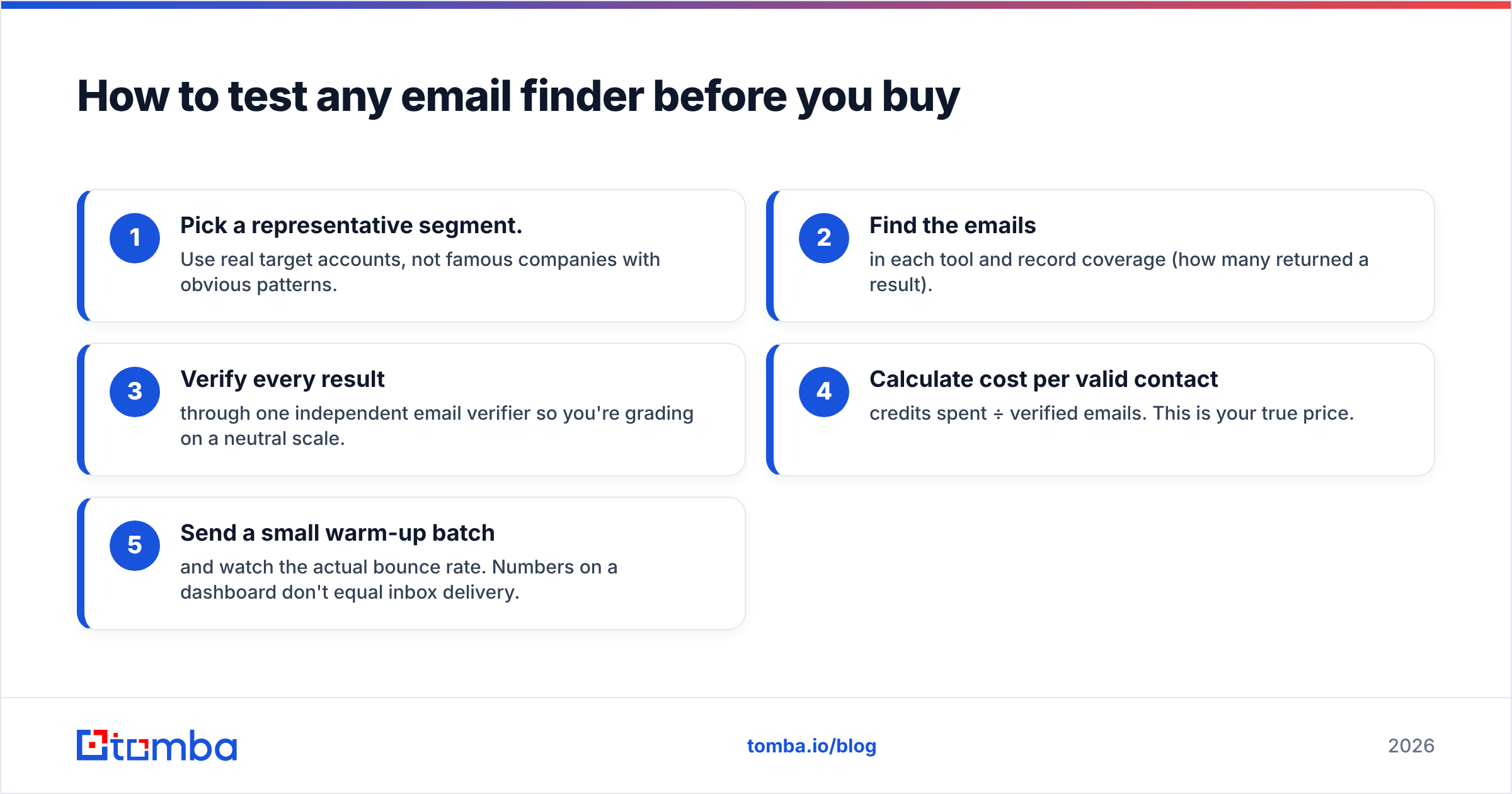
How to test any email finder before you buy#
Don't trust any comparison table — including this one — over your own data. Run the same 50-contact test through each tool:
- Pick a representative segment. Use real target accounts, not famous companies with obvious patterns.
- Find the emails in each tool and record coverage (how many returned a result).
- Verify every result through one independent email verifier so you're grading on a neutral scale.
- Calculate cost per valid contact — credits spent ÷ verified emails. This is your true price.
- Send a small warm-up batch and watch the actual bounce rate. Numbers on a dashboard don't equal inbox delivery.
Whichever tool wins your test is the right answer, regardless of who has the louder marketing.
Frequently asked questions#
Is Cufinder better than LeadGibbon? For enrichment, API access, and account-level data at scale, Cufinder is the broader tool. For fast LinkedIn list building on a small team, LeadGibbon is simpler and quicker. Neither is universally "better" — it depends on whether your job is enriching records or building lists.
Are Cufinder and LeadGibbon accurate? Both return usable data for their core segments, but real accuracy varies by industry and region, and vendor-published rates are best-case. Always verify emails independently before sending to protect your email deliverability.
Which is cheaper, Cufinder or LeadGibbon? Both use credit-based pricing, so the cheaper sticker price isn't always the cheaper outcome. Measure cost per verified contact, not cost per credit, and factor in whether verification is included or an extra purchase.
What's a good alternative to both? If native verification and flat, predictable pricing matter to you, benchmark Tomba alongside them. Its free tier lets you run the 50-contact test above at no cost.
The bottom line#
Cufinder and LeadGibbon solve different problems: one is an enrichment platform, the other a lead-list builder. Line them up against the work you actually do, run a real test on your own segment, and grade on verified deliverability rather than raw coverage.
If you want finding and verification in one place — with a free tier big enough to prove it on your own list — start with the Tomba Email Finder. Run your 50 contacts through it, verify the results, and compare the cost per valid contact against Cufinder and LeadGibbon. Let your bounce rate pick the winner.
Related guides#
Ready to find emails that actually work?
Join 150,000+ professionals who stopped guessing and started sending. Free credits on signup — no credit card required.
Get the Tomba newsletter
Practical outbound tactics and product updates — once every two weeks.
About the author