Cufinder vs LeadRocks: Which B2B Data Tool Wins in 2026?
Cufinder vs LeadRocks compared on data accuracy, pricing, coverage, and workflow fit — plus where a dedicated email finder beats both for cold outreach.
Choosing between Cufinder and LeadRocks comes down to one question: do you need broad company enrichment, or a fast LinkedIn-to-contact list? Both promise B2B emails and phone numbers, but they solve different problems — and neither is a drop-in replacement for a purpose-built email finder when deliverability is on the line.
This breakdown compares Cufinder vs LeadRocks on data accuracy, coverage, pricing, and real workflow fit, so you can pick the right tool without burning a month of credits to find out.
TL;DR: Cufinder vs LeadRocks at a glance#
- Cufinder is an enrichment-first platform: company data, technographics, and API-driven lookups aimed at RevOps and data teams.
- LeadRocks is a LinkedIn-centric B2B contact database with a lifetime-deal pricing history, aimed at founders and small sales teams building lists fast.
- Accuracy varies by segment — LeadRocks leans on a static contact store; Cufinder blends real-time lookups, so freshness differs by use case.
- For cold outreach specifically, verify every address before you send. A dedicated email finder plus verifier beats a raw database dump on bounce rate.
- Best combo: use either tool for discovery, then run a email verifier pass to protect your sender reputation.
What is Cufinder?#
Cufinder positions itself as an all-in-one B2B data and enrichment engine. Instead of just handing you a list, it focuses on turning a thin input — a company name, a domain, a LinkedIn URL — into a fuller record: firmographics, technologies used, employee counts, and contact details.
Its strength is the enrichment API and bulk workflows. If you already have a spreadsheet of company names and need to append emails, phone numbers, or tech stacks at scale, Cufinder is built for that shape of work. You can read more about how vendors source this kind of data on Cufinder's own product site.
The trade-off: enrichment platforms are only as good as their match rate on your accounts. Broad tools cover the mid-market and enterprise well, but hit-or-miss on SMBs, regional businesses, and anyone with a light digital footprint.

What is LeadRocks?#
LeadRocks is a B2B contact database built around LinkedIn data. You search by title, company, industry, or location, and it returns matching contacts with emails and phone numbers from its stored database of hundreds of millions of records.
It became popular through lifetime-deal pricing on marketplaces like AppSumo, which made it attractive to bootstrapped founders who wanted a one-time cost instead of a monthly subscription. The core loop is simple: filter, reveal contacts, export, and push into your outreach tool.
The catch with any static contact store is decay. People change jobs roughly every couple of years, and B2B email data degrades 2–3% per month. A database that looked great at purchase can quietly rot if it isn't continuously refreshed — which is why verification matters more than raw record count.

Cufinder vs LeadRocks: side-by-side comparison#
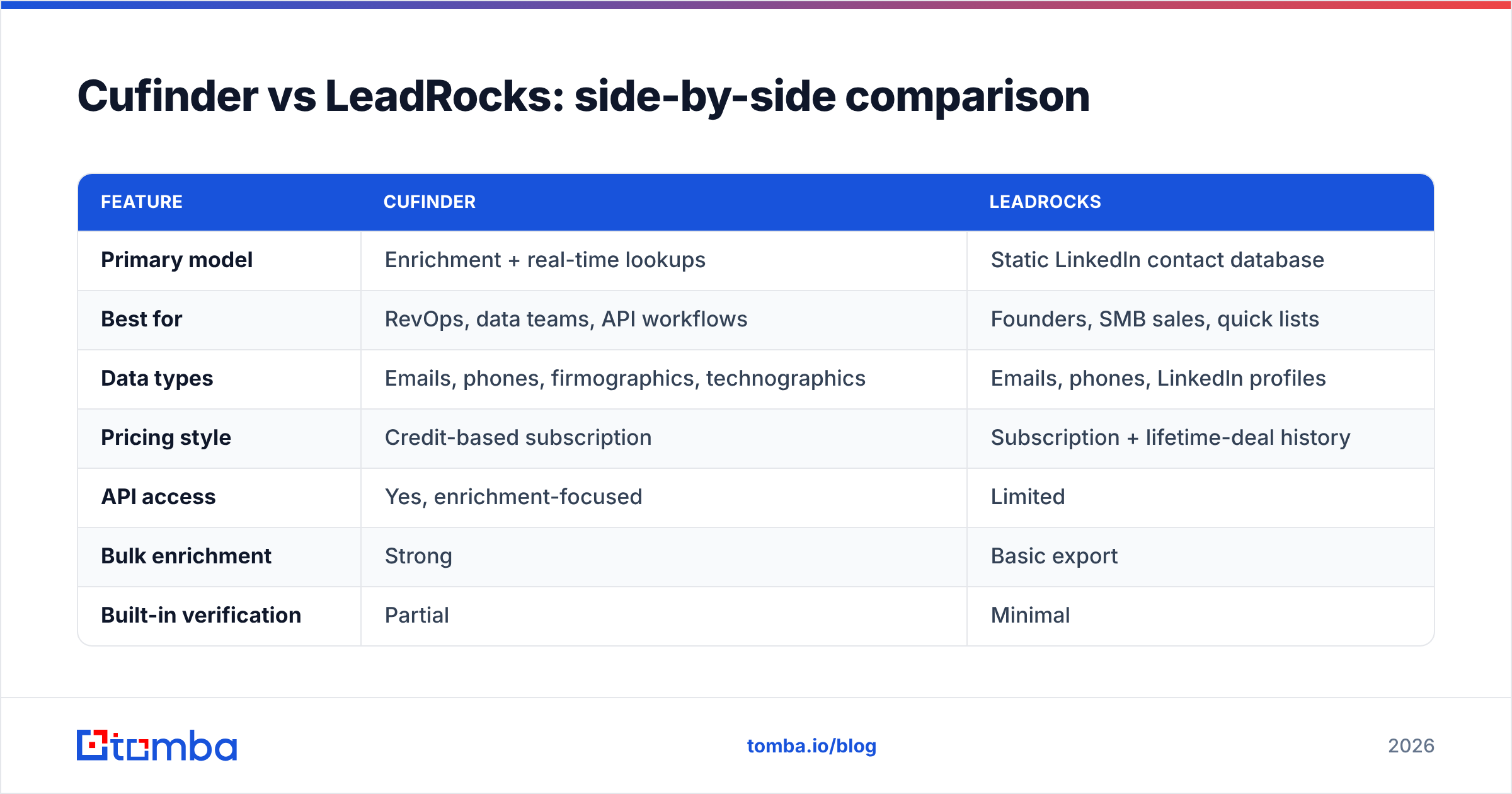
Here's the core comparison across the attributes that actually change your results:
| Feature | Cufinder | LeadRocks |
|---|---|---|
| Primary model | Enrichment + real-time lookups | Static LinkedIn contact database |
| Best for | RevOps, data teams, API workflows | Founders, SMB sales, quick lists |
| Data types | Emails, phones, firmographics, technographics | Emails, phones, LinkedIn profiles |
| Pricing style | Credit-based subscription | Subscription + lifetime-deal history |
| API access | Yes, enrichment-focused | Limited |
| Bulk enrichment | Strong | Basic export |
| Built-in verification | Partial | Minimal |
| Ideal team size | Mid-market to enterprise | 1–20 person teams |
The pattern is clear: Cufinder is the better platform if you live in APIs and enrichment pipelines, while LeadRocks is the better quick-start if you want a cheap, searchable list without engineering overhead.

Which has better data accuracy?#
Neither wins outright — accuracy depends on your target segment, and both should be verified before send.
Cufinder's real-time lookup approach tends to return fresher emails for domains with an active web presence, because it can validate patterns against live sources at query time. LeadRocks' database approach is faster and cheaper per record, but a stored contact is only as current as its last refresh.
Here's the part most comparison posts skip: any B2B data vendor quotes accuracy on their best-case segment. A "98% accuracy" claim usually reflects clean, enterprise, US-based records — not the long tail of SMBs and international contacts where most cold lists actually live. Independent reviews on G2 show wide variance in real-world hit rates for both tools depending on industry.
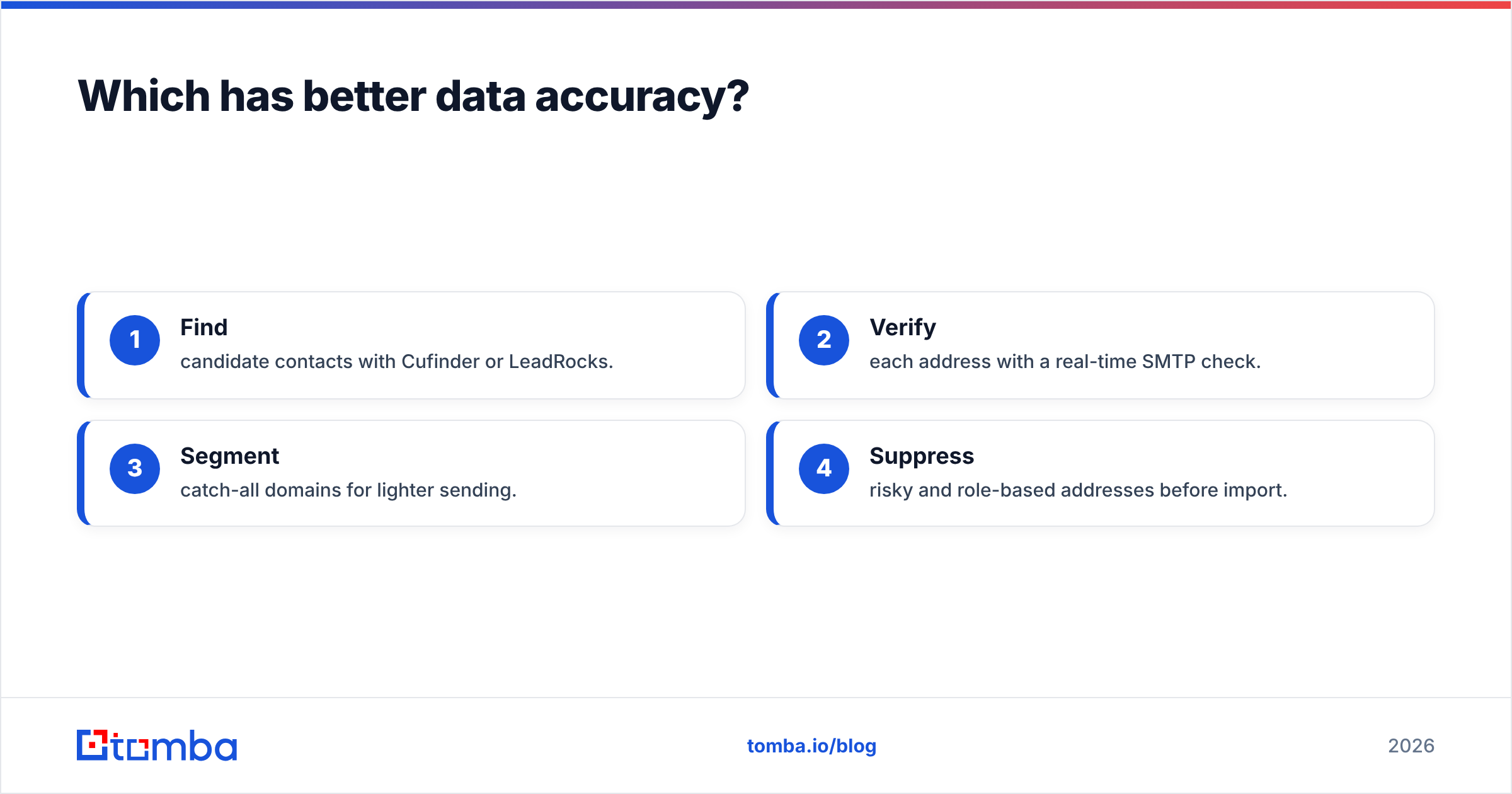
The only number that matters for outreach is your bounce rate after verification. That's why serious senders treat discovery and verification as two separate steps:
- Find candidate contacts with Cufinder or LeadRocks.
- Verify each address with a real-time SMTP check.
- Segment catch-all domains for lighter sending.
- Suppress risky and role-based addresses before import.
This is where a dedicated tool earns its place. Running your exported list through a catch-all verifier alone can cut bounce rates dramatically, because catch-all domains accept everything at the SMTP layer and fool most built-in checks.

How do Cufinder and LeadRocks price out?#
Pricing is where the two diverge most, and where total cost gets misleading.
Cufinder uses a credit-based subscription — you pay monthly and consume credits per enrichment or lookup. That's predictable for steady pipelines but can spike during big list builds. LeadRocks leaned on lifetime deals historically, which look cheap upfront but cap your monthly reveal volume and don't guarantee ongoing data freshness.
When you compare cost, don't just look at the sticker price. Calculate cost per verified, usable contact, which factors in:
- Records you pay for but can't use (bounces, duplicates, role-based).
- Credits burned on failed lookups.
- The re-verification pass you'll need to run anyway.
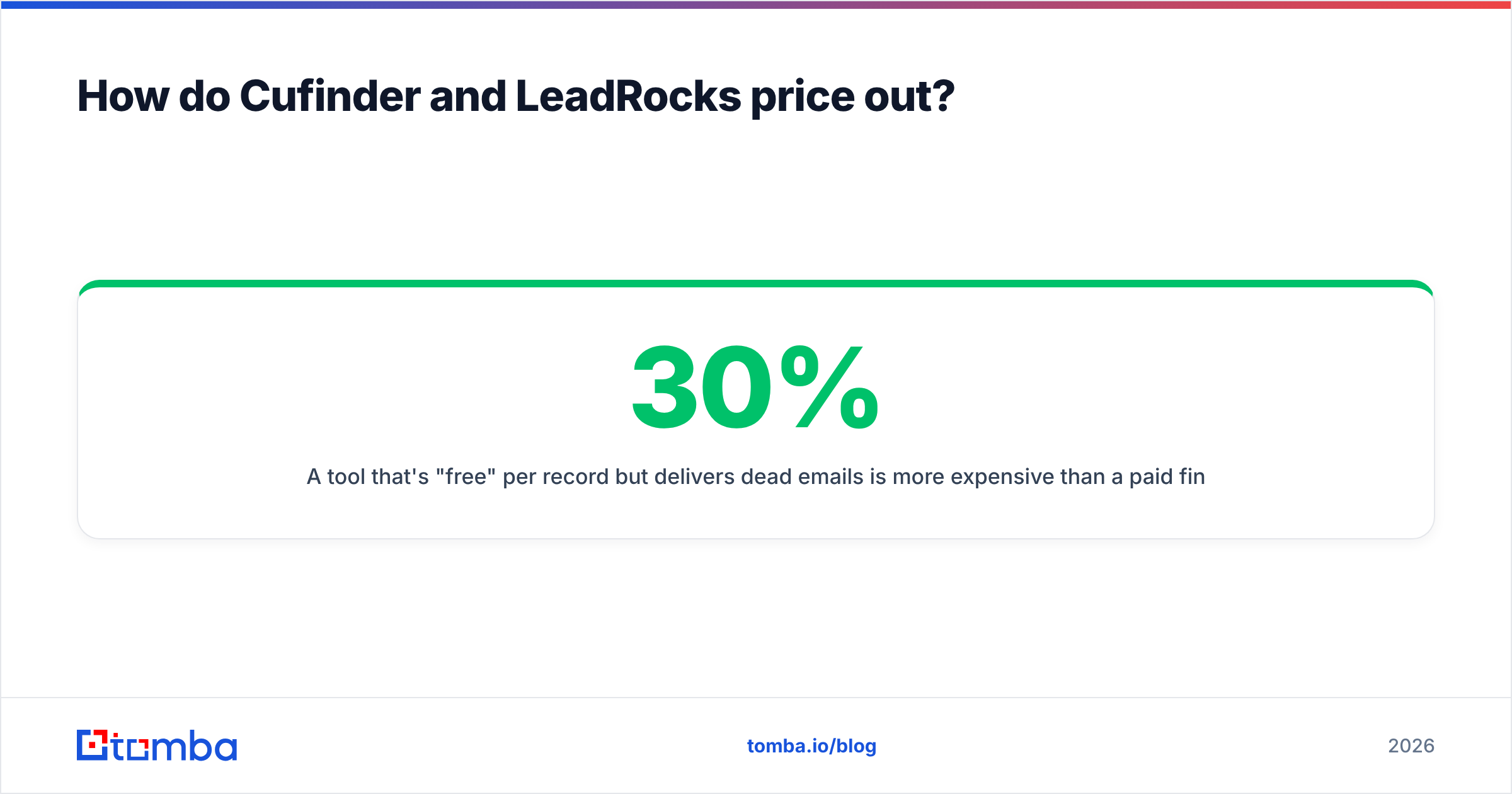
A tool that's "free" per record but delivers 30% dead emails is more expensive than a paid finder that lands 95% inbox-valid contacts. For reference, transparent per-search pricing like Tomba's plans — a free tier at 25 searches/mo, Starter at $49/mo, and Growth at $99/mo — makes that math easy to model before you commit.
Where does a dedicated email finder fit in?#
Use Cufinder or LeadRocks for discovery, then bring in a specialist finder for the addresses you'll actually email.
Cufinder and LeadRocks are optimized for breadth — pulling many records across many companies. A dedicated email finder is optimized for precision on the specific prospects you care about: a named person at a known company, verified at the moment of send.
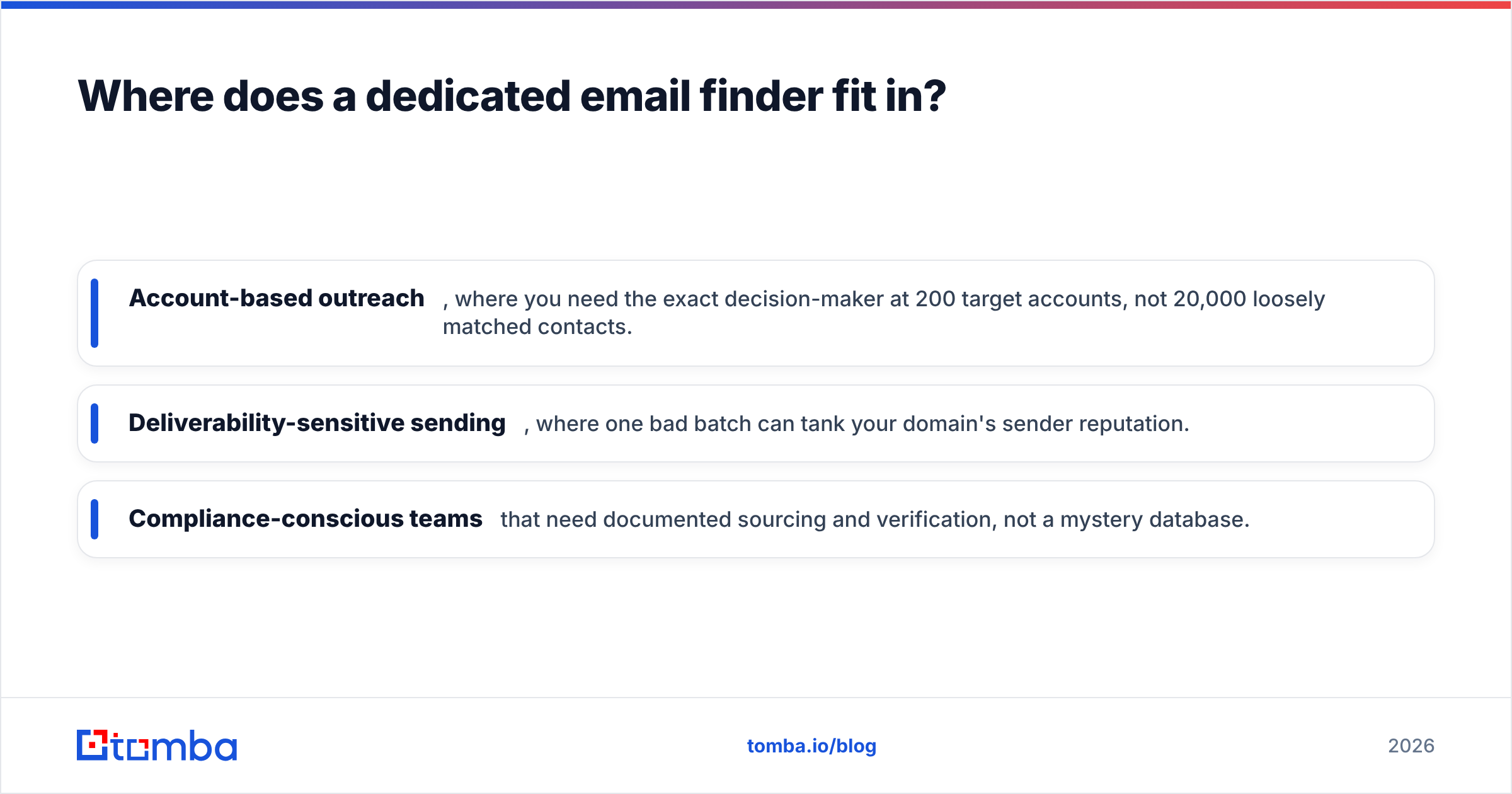
That specialist layer matters most in three situations:
- Account-based outreach, where you need the exact decision-maker at 200 target accounts, not 20,000 loosely matched contacts.
- Deliverability-sensitive sending, where one bad batch can tank your domain's sender reputation.
- Compliance-conscious teams that need documented sourcing and verification, not a mystery database.
A clean workflow looks like this: enrich broadly with your database tool, then use domain search and verification to lock in the contacts you'll message. Tomba's domain search returns known email patterns for a company and flags which addresses are verifiable, so your finder and your database reinforce each other instead of competing.
Cufinder vs LeadRocks: which should you choose?#
Pick based on your primary job, not the longest feature list.
Choose Cufinder if you're a RevOps or data team that needs enrichment at scale, API access, and technographic data to feed scoring models and CRM workflows. Its platform depth rewards teams with the technical resources to wire it in.
Choose LeadRocks if you're a founder or small sales team that wants a cheap, searchable LinkedIn-based list without a monthly commitment, and you're comfortable verifying the output yourself before sending.
Choose a dedicated finder + verifier if cold-email deliverability is the whole point — because both databases will hand you addresses that need a second opinion before they touch your sending domain.
For most teams, the honest answer is a combination: a database tool for reach, and a verification-first email finder for the contacts that go into live campaigns. The two aren't rivals; they're different stages of the same pipeline.
If your bottleneck is turning target companies into verified, ready-to-send contacts, start with the Tomba Email Finder. Find professional emails by domain, name, or company, verify them in the same flow, and export a list that actually lands — so whichever database you pair it with, your bounce rate stays low and your sender reputation stays intact. Spin up the free tier, run one target account through it, and compare the verified hit rate against your current tool before you renew anything.
Related guides#
Ready to find emails that actually work?
Join 150,000+ professionals who stopped guessing and started sending. Free credits on signup — no credit card required.
Get the Tomba newsletter
Practical outbound tactics and product updates — once every two weeks.
About the author