Cufinder vs OneMoreLead: B2B Data Accuracy Compared 2026
Cufinder vs OneMoreLead: a head-to-head on data accuracy, pricing, coverage, and enrichment so you can pick the right B2B lead tool without wasting credits on bounced emails.
Cufinder vs OneMoreLead: B2B Data Accuracy Compared 2026
Picking a B2B data vendor is really a bet on one number: how many of the contacts you pay for are still real. Cufinder and OneMoreLead both promise to fill your pipeline, but they solve the problem from opposite ends — one is a real-time enrichment engine, the other is a pre-built database you buy access to. That difference shapes everything downstream: accuracy, bounce rates, pricing, and how much cleanup work lands on your SDRs.
This is a neutral, hands-on comparison. No vendor wrote it. If one tool fits your workflow better, you'll see exactly why.
TL;DR#
- Cufinder is a real-time API and enrichment platform — good when you already have a company or name and need fresh emails, phones, and firmographics on demand.
- OneMoreLead is a static B2B contact list/database — good when you want to buy a bulk list of prospects fast and don't need per-record freshness.
- Accuracy favors real-time lookups: static lists decay ~22–30% a year as people change jobs, so a list bought in January is measurably worse by Q3.
- Pricing models differ: Cufinder sells credits/subscriptions tied to lookups; OneMoreLead sells list volume. Cost-per-usable-contact is the metric that matters, not sticker price.
- If your priority is verified, low-bounce email delivery at a transparent price, a real-time finder like Tomba Email Finder or Cufinder beats buying a static list you can't re-verify.
What is Cufinder?#
Cufinder is a B2B data enrichment and lead-generation platform built around an API and a set of lookup tools. You feed it an input you already have — a company name, a domain, a full name, or a LinkedIn URL — and it returns enriched fields: work email, phone number, company size, industry, tech stack, and more. It leans on real-time resolution rather than serving a frozen snapshot, which is the key architectural choice that separates it from list vendors.
The typical Cufinder buyer is a RevOps or growth team that already runs an outbound motion and needs to enrich records inside a CRM, a spreadsheet, or an automated workflow. Because it's API-first, it fits pipelines where data is pulled on demand — for example, enriching a form submission the second it lands, or topping up missing phone numbers on an existing account list.
You can read Cufinder's own feature breakdown on cufinder.io, but treat vendor claims about accuracy as marketing until you test them on your own domains.
What is OneMoreLead?#
OneMoreLead is a B2B prospecting database. Instead of resolving a contact in real time, it gives you filtered access to a large pre-collected pool of business contacts — you set filters (industry, title, location, company size), preview matches, and export or push the list into your outreach tool. The pitch is speed and volume: you can assemble a few thousand prospects in an afternoon without hunting record by record.
That model has real appeal for teams launching a brand-new campaign into a market they haven't touched, or for agencies that need list volume across many clients. The trade-off is freshness. A static database is only as good as its last refresh, and you generally can't force a re-verification of a specific record at the moment you send. You can review OneMoreLead's positioning on onemorelead.com and cross-check user reports on G2 before committing.

Cufinder vs OneMoreLead: the core difference?#
The one-line answer: Cufinder resolves contacts on demand; OneMoreLead sells you a snapshot. Everything else follows from that.
Think of it like produce. A real-time finder is the grocer who picks your fruit the morning you order — you get whatever's ripe today. A static list is a crate shipped weeks ago: convenient, bulk-priced, but some of it has already turned. Neither is "wrong," but they fail in different ways. Real-time lookups can miss a contact entirely (no match returned). Static lists confidently hand you a contact who left the company in March.
For cold email specifically, the failure mode of stale data is expensive. Bounces above 3–5% drag your sender reputation down and push future emails to spam, so a cheap list that bounces heavily can cost you more than a pricier verified lookup. If you're unfamiliar with why that matters, Tomba's primer on email deliverability explains the reputation math.
How do Cufinder and OneMoreLead compare on features?#
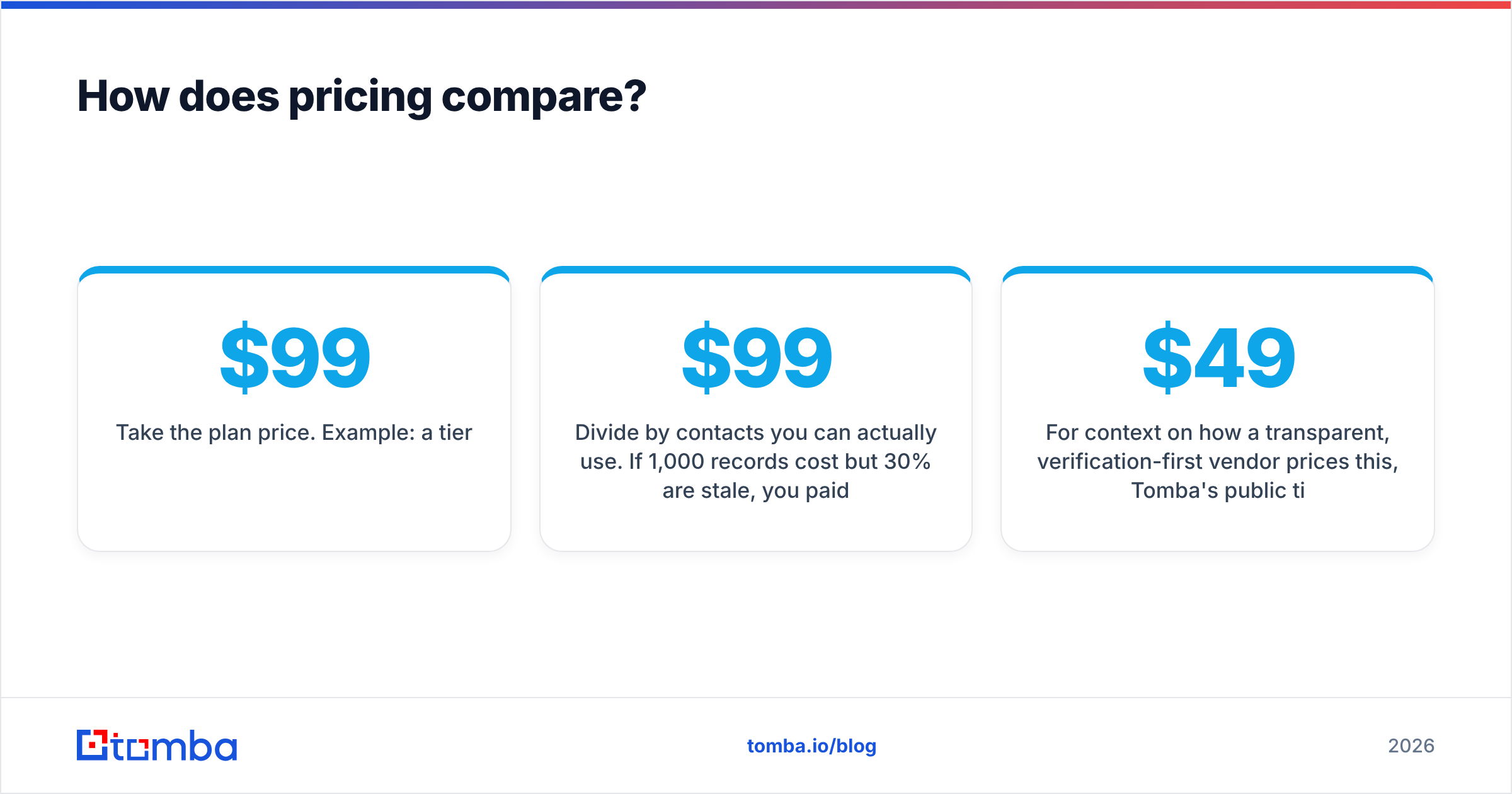
Here's a side-by-side on the attributes that actually change your results.
| Attribute | Cufinder | OneMoreLead |
|---|---|---|
| Primary model | Real-time enrichment + API | Static prospect database |
| Best for | Enriching known records on demand | Building bulk lists fast |
| Data freshness | Resolved at lookup time | Depends on last refresh |
| Email verification | Built-in verification on lookup | List-level, harder to re-verify |
| Phone numbers | Yes (mobile + direct) | Varies by record |
| API access | Yes, first-class | Limited / export-focused |
| Ideal user | RevOps, growth engineers | New-market campaigns, agencies |
| Pricing basis | Credits / subscription per lookup | List volume / seats |
Notice that "best for" is different, not better-or-worse. If your workflow is "I have 5,000 accounts and need direct dials," Cufinder's on-demand model wins. If it's "I need 3,000 net-new prospects in fintech by Friday," OneMoreLead's filter-and-export flow is faster out of the gate — as long as you re-verify before you send.
Which tool is more accurate?#
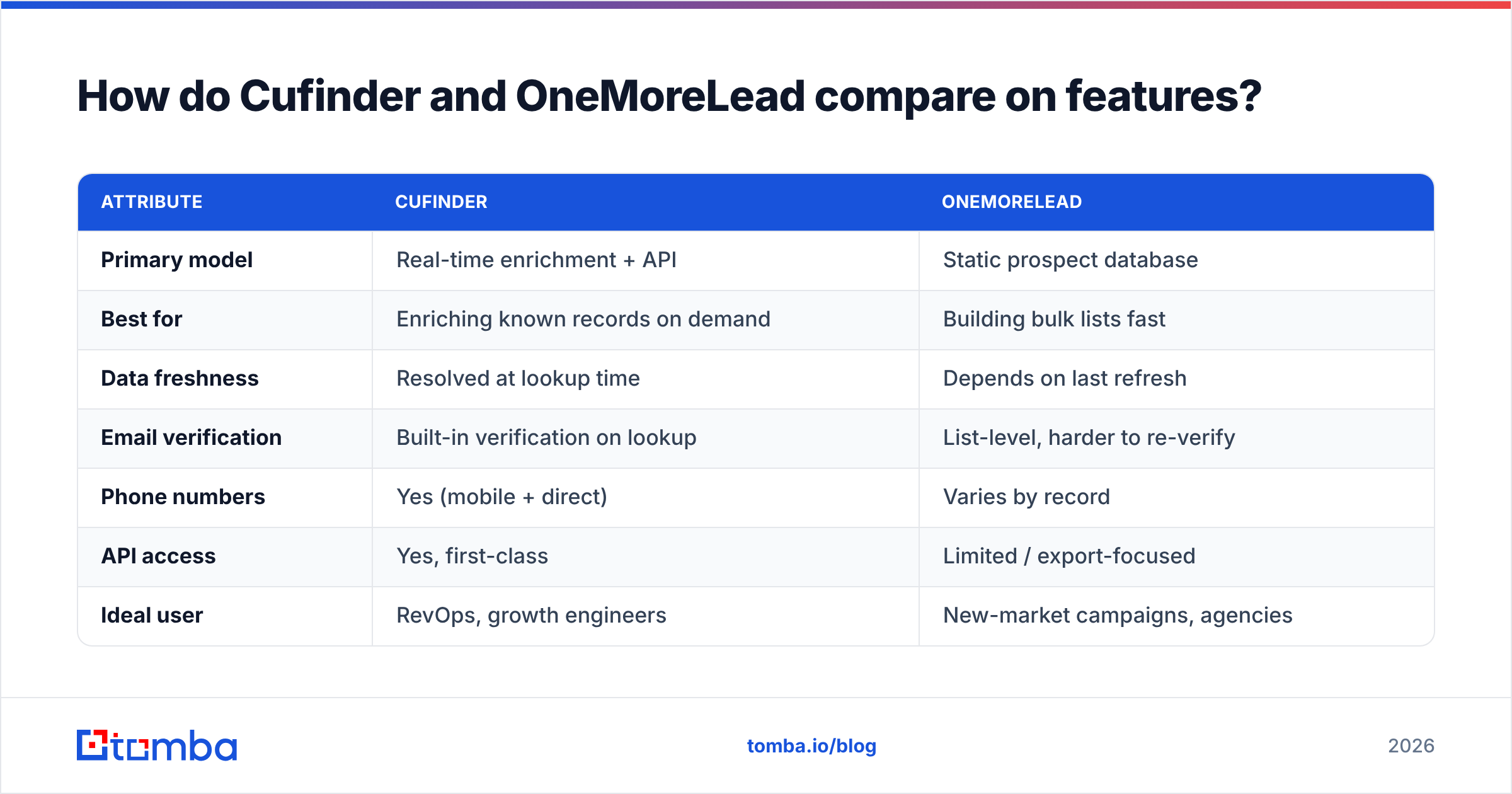
Accuracy is where the architectural difference becomes a dollar figure. Independent studies of B2B data decay consistently land around 22–30% of contacts going stale per year as people switch jobs, get promoted, or change companies. That means:
- A static list loses value the moment it's exported. Buy 10,000 contacts in Q1 and by Q4 roughly a quarter may be wrong — wrong email, wrong title, or wrong company.
- Real-time lookups sidestep most decay because the record is resolved when you ask, not when it was last bulk-collected.
- Verification at send time is the real safeguard. Whichever tool you use, running addresses through an email verifier before a campaign is what keeps bounce rates under control.
- Catch-all domains distort accuracy claims. Many corporate domains accept every address, so "verified" can be misleading unless the tool runs a proper catch-all verifier.
For a tool-versus-tool view of how accuracy stacks up across finders, this reference chart is a useful baseline:

The practical takeaway: don't judge a vendor by its headline accuracy percentage. Judge it by your own bounce rate on your own domains after a 200-record test. A tool that claims 98% but bounces 12% on your list is lying to you specifically.

How does pricing compare?#
Cufinder and OneMoreLead price on different axes, which makes sticker-to-sticker comparison useless. Cufinder charges by lookups/credits under a subscription; OneMoreLead charges for list volume and access. The number you actually care about is cost per usable (deliverable) contact, not cost per raw record.
A quick way to normalize:
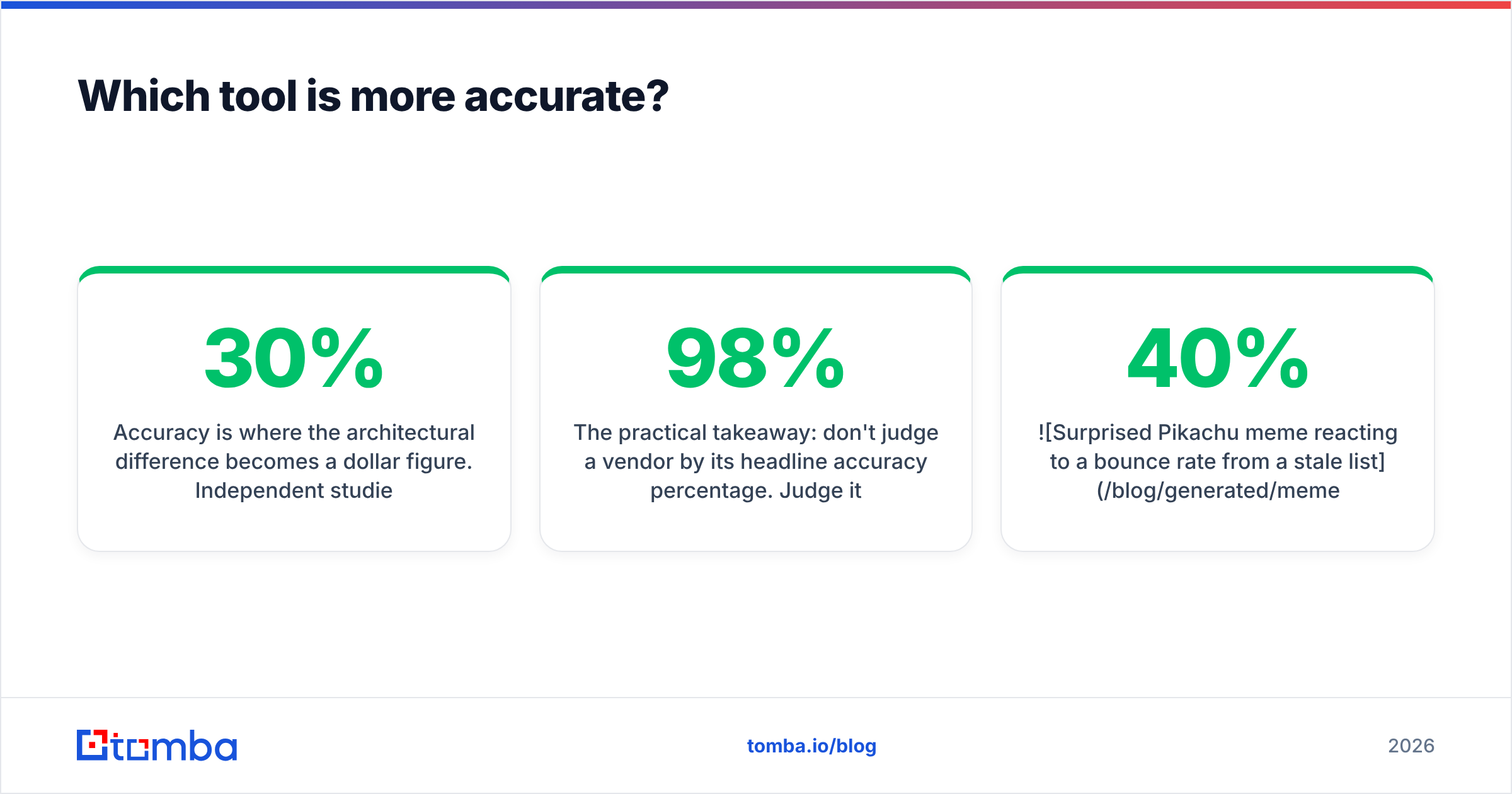
- Take the plan price. Example: a $99/mo tier.
- Divide by contacts you can actually use. If 1,000 records cost $99 but 30% are stale, you paid $99 for ~700 usable contacts — an effective $0.14 each, not $0.099.
- Add the cost of bounces. A damaged sender reputation that tanks a whole campaign doesn't show up on the invoice, but it's the biggest hidden line item.
For context on how a transparent, verification-first vendor prices this, Tomba's public tiers are a useful yardstick: a free tier (25 searches/mo), Starter at $49/mo, Growth at $99/mo, and Pro at $249/mo — full Tomba pricing is listed openly. The point isn't that one number beats another; it's that you should be able to compute cost-per-usable-contact before you buy, and any vendor that makes that hard is worth a second look.
When should you choose Cufinder?#
Choose Cufinder when:
- You already have partial data (company, domain, or name) and need to enrich it with fresh emails and phones.
- You run automated workflows — form enrichment, CRM top-ups, or API-driven scoring — where real-time resolution matters.
- Your team is technical enough to wire up an API or use enrichment inside tools like Zapier or a data warehouse.
- Freshness beats volume for your use case — you'd rather have 500 accurate contacts than 5,000 uncertain ones.
Cufinder is the stronger pick for continuous, in-pipeline enrichment rather than one-time bulk buys.
When should you choose OneMoreLead?#
Choose OneMoreLead when:
- You're entering a new market and need breadth fast — a wide net of prospects to test messaging against.
- You want a simple filter-and-export flow without building an API integration.
- You're an agency or run many campaigns where list volume across clients is the constraint.
- You'll re-verify before sending — treat the export as raw material, not a finished list, and clean it through a verifier first.
OneMoreLead earns its place when speed-to-first-list matters more than per-record precision, provided you budget time for verification.
What's the smarter third option?#
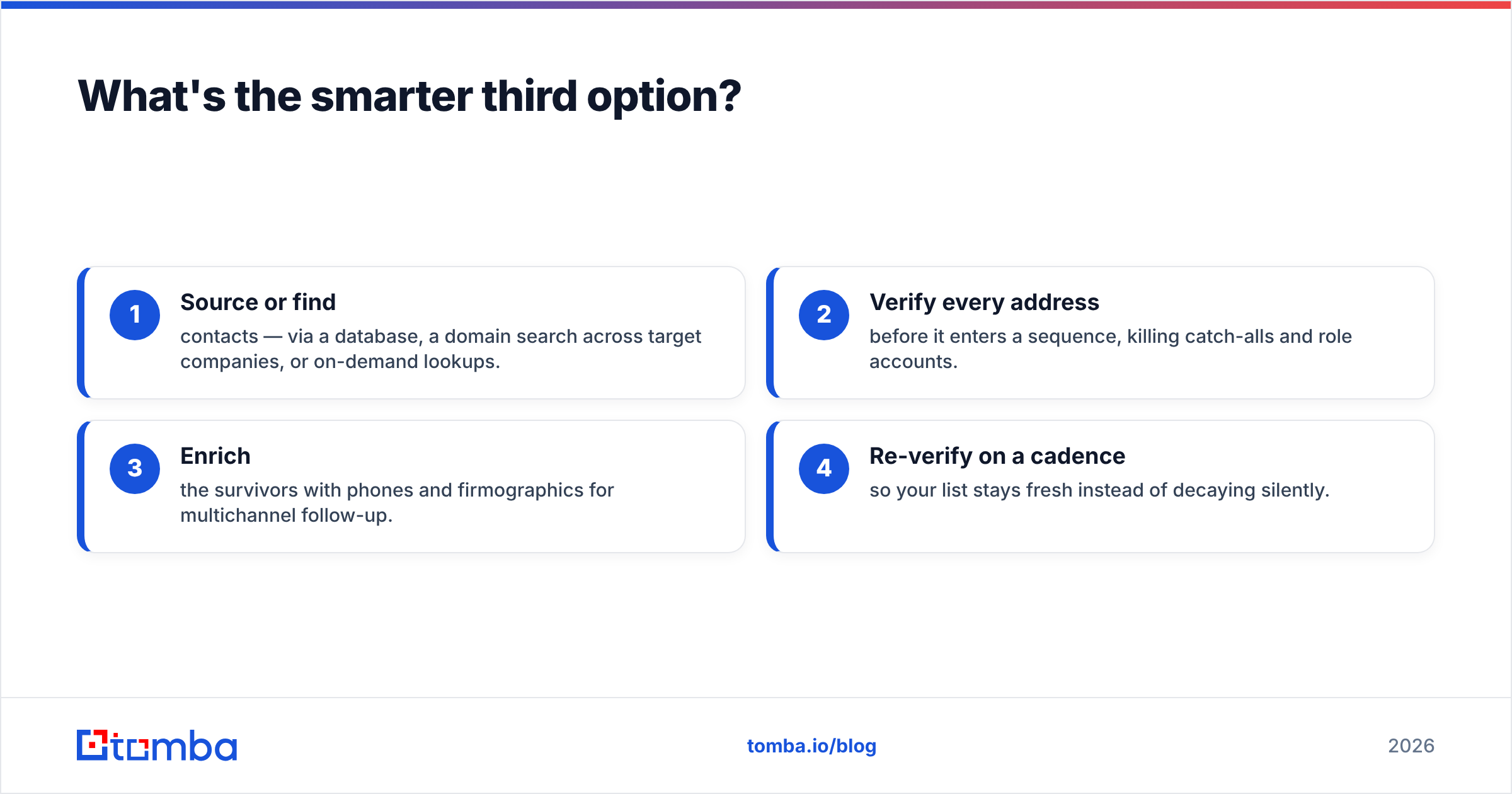
Sometimes the honest answer to "A or B?" is "combine the strengths." The winning pattern for most outbound teams in 2026 looks like this:
- Source or find contacts — via a database, a domain search across target companies, or on-demand lookups.
- Verify every address before it enters a sequence, killing catch-alls and role accounts.
- Enrich the survivors with phones and firmographics for multichannel follow-up.
- Re-verify on a cadence so your list stays fresh instead of decaying silently.
That workflow is exactly where a real-time finder shines over a frozen list. Here's how the finder landscape compares when you line the major tools up side by side:

If you already use OneMoreLead for volume, pairing it with a verification-and-enrichment layer closes the accuracy gap. If you already use Cufinder, you may not need a separate list tool at all.
Cufinder vs OneMoreLead: the verdict#
There's no universal winner — there's a winner for your motion:
- Pick Cufinder if you value freshness, run API-driven or in-CRM enrichment, and prefer accuracy over raw volume.
- Pick OneMoreLead if you need bulk prospect lists quickly, prefer a no-code export flow, and will verify before you send.
- Pick a verify-first finder if your top priority is low bounce rates and transparent, computable cost-per-usable-contact.
Whatever you choose, measure it the same way: run a small test batch, send it through verification, and check your real bounce rate. That single experiment tells you more than any vendor's homepage.
Ready to stop paying for bounced contacts?#
If the theme running through this comparison — freshness beats snapshots, verified beats bulk — matches how you think about pipeline, start where the accuracy actually comes from. The Tomba Email Finder resolves professional emails by domain, name, or company in real time, verifies them on the spot, and enriches with phones and firmographics, so your SDRs work a clean list instead of cleaning a dirty one. There's a free tier to test it on your own target accounts, and transparent Tomba plans once you scale. Run 200 of your real prospects through it, check the bounce rate, and let the numbers decide.
Related guides#
Ready to find emails that actually work?
Join 150,000+ professionals who stopped guessing and started sending. Free credits on signup — no credit card required.
Get the Tomba newsletter
Practical outbound tactics and product updates — once every two weeks.
About the author