Cufinder vs Power Almanac (2026): Which B2B Data Tool Wins?
Cufinder and Power Almanac solve very different B2B data problems. We compare coverage, accuracy, pricing, and use cases so you pick the right tool for your outbound in 2026 — and where a dedicated email finder beats both.
Cufinder vs Power Almanac (2026): Which B2B Data Tool Wins?
Picking between Cufinder and Power Almanac feels like a head-to-head, but it usually isn't. These two tools were built for different buyers, different territories, and different definitions of "good data." Choose on brand reputation alone and you'll overpay for coverage you don't need — or miss the contacts you actually sell to.
This comparison breaks down what each platform does, where the data comes from, how pricing really works, and which team each one fits. By the end you'll know which tool to shortlist — and when a dedicated email finder does the job better and cheaper than both.
TL;DR: Cufinder vs Power Almanac at a glance#
- Cufinder is a broad B2B company and contact enrichment engine (emails, phones, firmographics, technographics) aimed at general sales and marketing teams.
- Power Almanac is a narrow, deep database of U.S. local government officials — cities, counties, and townships — built for companies that sell to the public sector.
- If you sell to businesses across industries, Cufinder's coverage is far wider. If your entire pipeline is municipal government, Power Almanac's targeting is unmatched.
- Neither is a pure play for email accuracy at scale — that's where a verification-first tool like Tomba earns its place in the stack.
- Best move for most teams: match the tool to your ICP, then layer a dedicated email verifier on top of whatever list you build.

What is Cufinder and who is it for?#
Cufinder is a B2B data platform that combines company search, contact enrichment, and list building in one interface. You feed it a domain, a company name, or a LinkedIn URL and it returns firmographic details, contact records, email addresses, phone numbers, and technographic signals (the tools a company uses).
The target user is broad: SDRs building outbound lists, marketers enriching inbound leads, and RevOps teams cleaning a CRM. Its pitch is "one tool for the whole B2B graph" rather than a single vertical. That breadth is the appeal and the caveat — you get wide coverage, but accuracy varies by region and by how obscure the target company is.
Cufinder leans on a mix of public web crawling, partner data, and pattern-based email generation. For well-known companies in North America and Western Europe, hit rates are solid. For smaller firms, non-English markets, or role-specific contacts, results thin out — which is normal for any horizontal data vendor. You can read how any provider sources records matters as much as the headline database size; see how Tomba documents its data sources for the kind of transparency to look for.
What is Power Almanac and who is it for?#
Power Almanac is a specialist. It maintains a database of contact records for local government officials across roughly 40,000+ U.S. municipalities — mayors, city managers, council members, public works directors, finance officers, and more. Every record is tied to a specific role in a specific jurisdiction.
If you sell software, services, equipment, or consulting to cities, counties, and special districts, this focus is a genuine moat. Generic B2B databases treat "City of Springfield" as one blurry company row. Power Almanac treats it as a structured org chart with named officials, titles, and verified contact details, refreshed on a regular cadence because government turnover is constant.
The trade-off is obvious: outside U.S. local government, Power Almanac is not the tool. There's no private-sector coverage, no international data, and no technographics. It's a scalpel, not a Swiss Army knife — and priced as a subscription to a curated dataset rather than a general enrichment engine.
Cufinder vs Power Almanac: side-by-side comparison#
Here's the core comparison across the attributes that actually change a buying decision.
| Attribute | Cufinder | Power Almanac |
|---|---|---|
| Primary use case | General B2B enrichment & list building | Selling to U.S. local government |
| Data scope | Companies & contacts across industries | City/county/township officials only |
| Geographic coverage | Global (strongest in NA/EU) | United States only |
| Contact types | Emails, phones, firmographics, technographics | Names, titles, roles, gov contact info |
| Email verification | Basic / pattern-based | Curated, manually maintained |
| Best-fit buyer | SDRs, marketers, RevOps | GovTech, public-sector vendors |
| Pricing model | Credit / subscription tiers | Dataset subscription |
| Weak spot | Accuracy on long-tail firms | Zero private-sector coverage |
The pattern is clear: these tools rarely compete for the same deal. You choose Cufinder when your ICP is "businesses," and Power Almanac when your ICP is "governments." The mistake is buying the broad tool and hoping it covers a niche it was never built for — or buying the niche tool and expecting it to power all of outbound.
Is Cufinder better than Power Almanac?#
Neither is "better" — they answer different questions. Ask what your pipeline looks like:
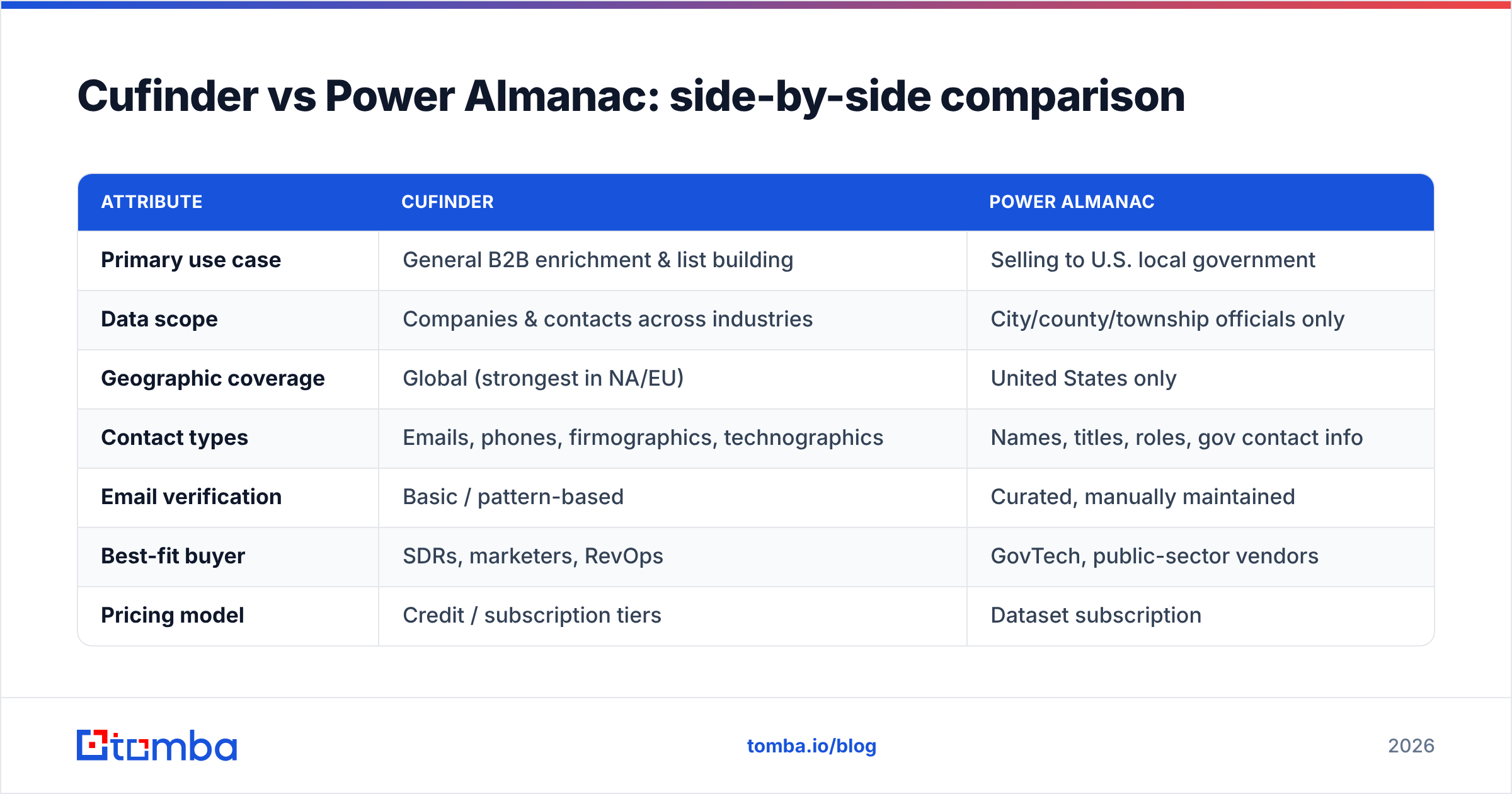
- Your buyers are private companies across sectors. Cufinder wins easily. Power Almanac has nothing for you outside government accounts.
- Your entire book of business is municipal government. Power Almanac wins on depth, role accuracy, and refresh cadence. Cufinder will return partial, stale rows for many small jurisdictions.
- You sell to both public and private buyers. You'll likely need both — or a flexible email finder plus a targeted gov list, which is often cheaper than two full subscriptions.
- You mostly need verified emails, not full firmographic profiles. A dedicated email-finding tool beats both on cost per verified contact.
That fourth scenario is more common than vendors admit. A lot of teams pay for a heavyweight data suite when what they truly need is an accurate email address tied to a name and a domain — and confidence it won't bounce.
How accurate is the data, really?#
Accuracy is the whole game in B2B data, and it decays fast — people change jobs, companies rebrand, and government officials rotate after every election cycle. A database that was 95% accurate at capture can drift below 80% within a year if it isn't re-verified.
Power Almanac addresses this by narrowing scope and manually maintaining records, which keeps its niche data fresh. Cufinder addresses it with scale and automated refresh, which covers more ground but with more variance on the long tail. Both approaches are legitimate; both leave a gap that only real-time verification closes.
That gap is exactly why a verification layer matters no matter which primary source you choose. Running any exported list through an email verifier before you send catches role changes, dead mailboxes, and catch-all domains that a static database can't flag. If you're wondering whether a whole domain is a catch-all trap, a dedicated catch-all verifier is the difference between a clean send and a reputation hit. For the mechanics of why bounces wreck your inbox placement, the fundamentals of email deliverability are worth ten minutes of reading before your next campaign.

What does Cufinder vs Power Almanac pricing look like?#
Pricing structures differ because the products differ. Cufinder sells credit-based and subscription plans scaled to how many lookups and enrichments you run — flexible, but costs climb as your volume grows. Power Almanac sells access to its curated dataset as a subscription, priced around the value of reaching a hard-to-build audience rather than per-lookup.
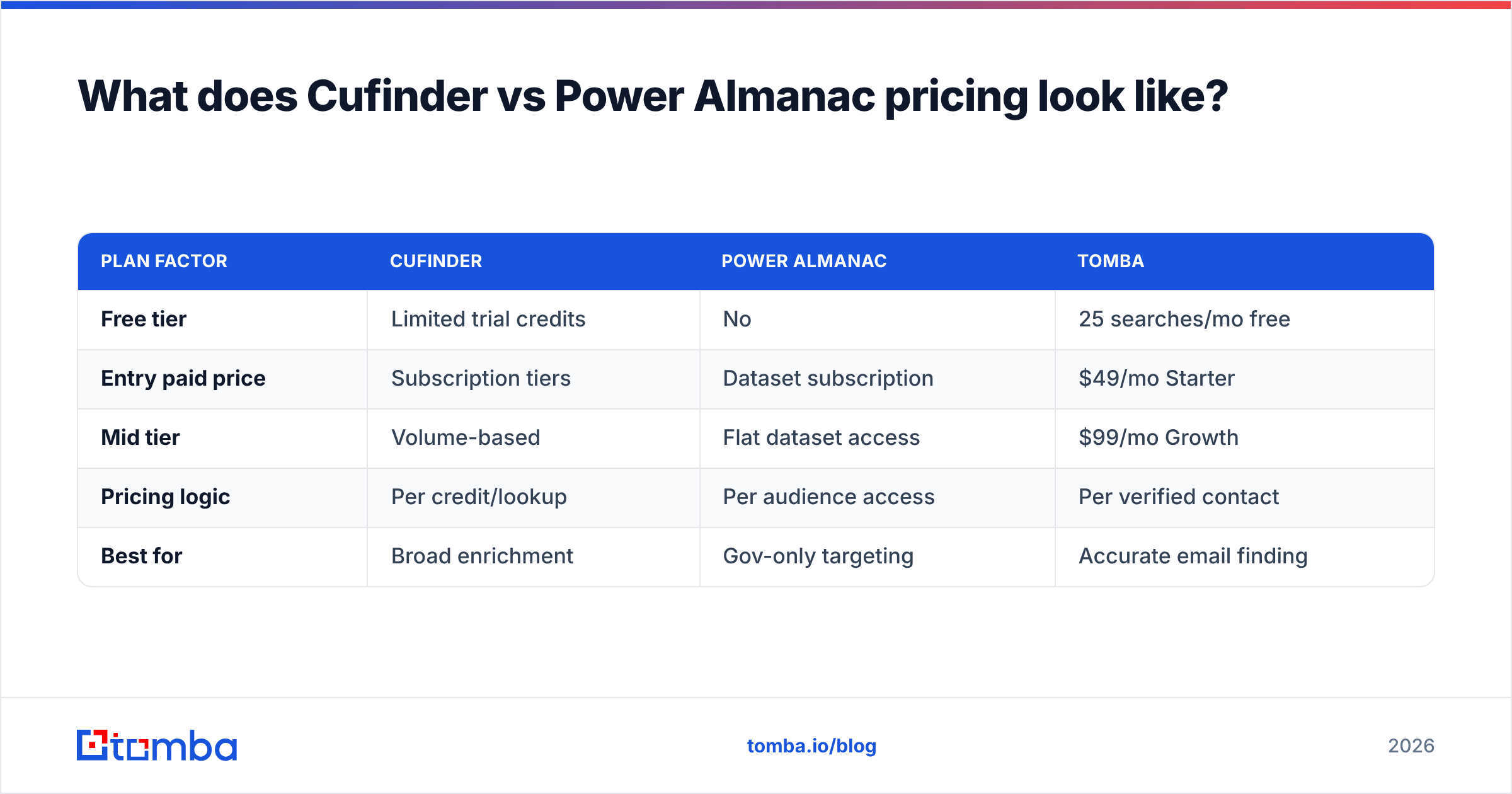
The honest read: if you only need a slice of either dataset, a full subscription is overkill. That's where a pay-for-what-you-find email finder changes the math. Here's how the three approaches compare on cost logic.
| Plan factor | Cufinder | Power Almanac | Tomba |
|---|---|---|---|
| Free tier | Limited trial credits | No | 25 searches/mo free |
| Entry paid price | Subscription tiers | Dataset subscription | $49/mo Starter |
| Mid tier | Volume-based | Flat dataset access | $99/mo Growth |
| Pricing logic | Per credit/lookup | Per audience access | Per verified contact |
| Best for | Broad enrichment | Gov-only targeting | Accurate email finding |
Tomba's transparent pricing starts with a free tier of 25 searches per month, then $49/mo (Starter), $99/mo (Growth), and $249/mo (Pro), with custom Enterprise plans. The point isn't that Tomba replaces a full government database — it's that most teams overspend on breadth they don't use when the real bottleneck is verified email addresses.
Where does a dedicated email finder fit?#
Think of Cufinder and Power Almanac as the map, and an email finder as the last mile. A map tells you which companies and roles to target. The last mile gets you a working inbox for the specific person you want to reach — verified, formatted, and ready to send.
For teams whose real job is "get the decision-maker's email and don't bounce," a focused tool covers the highest-value step at a fraction of a full data suite's cost. Tomba's Email Finder resolves emails by name and domain, its domain search pulls every public address at a company, and the bulk email finder handles list-scale jobs. Everything runs through verification so you're not shipping guesses.
A practical stack looks like this:
- Targeting layer — Cufinder for private-sector accounts, Power Almanac for government accounts.
- Contact layer — an email finder to resolve and verify the exact addresses you'll email.
- Deliverability layer — verification plus catch-all checks before every send.
You don't have to pick one vendor for all three. The teams with the cleanest pipelines mix a targeting source with a verification-first finder, and it usually costs less than forcing one tool to do everything.
How to choose the right tool for your team#
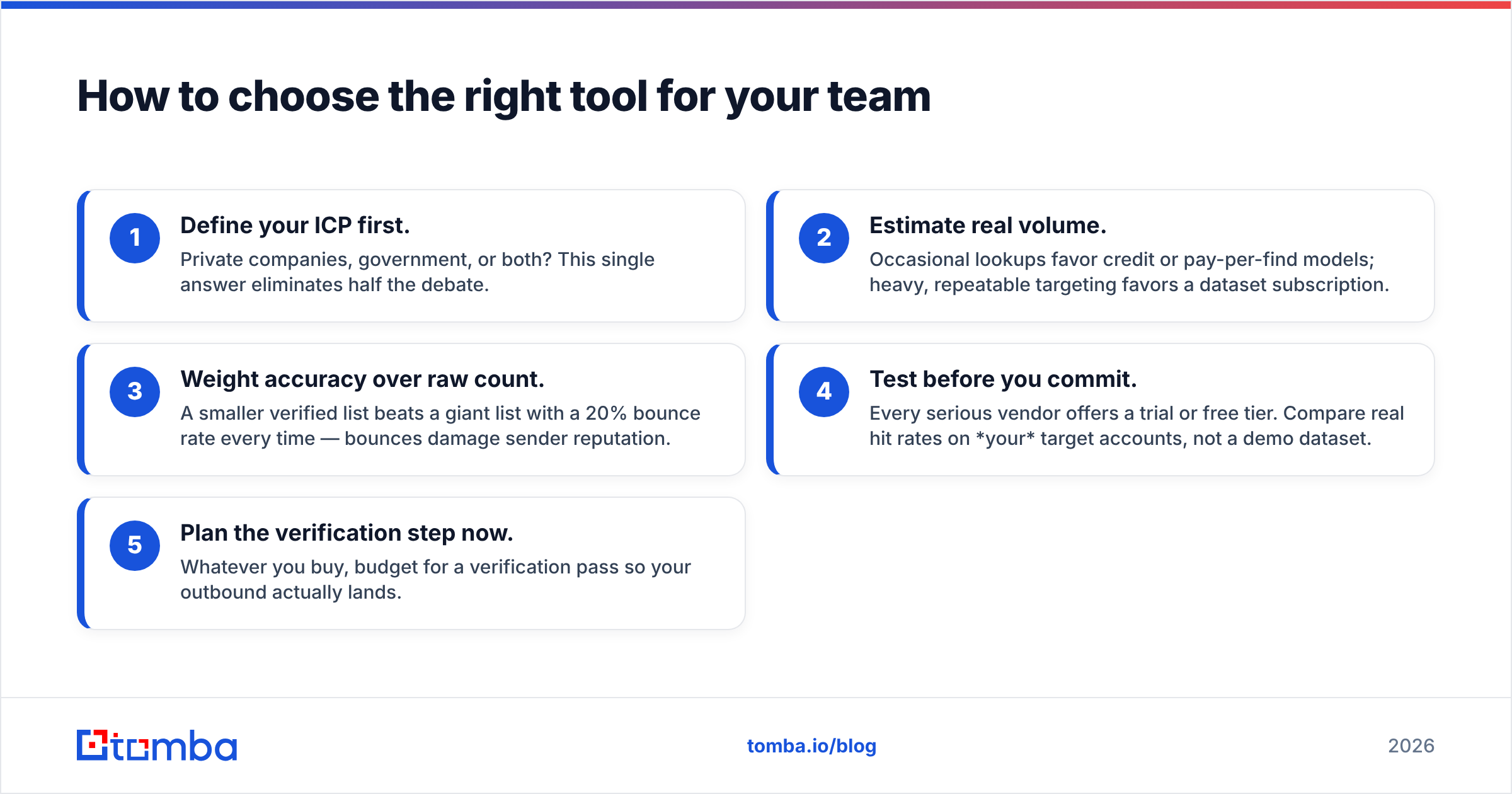
Run this quick decision path:
- Define your ICP first. Private companies, government, or both? This single answer eliminates half the debate.
- Estimate real volume. Occasional lookups favor credit or pay-per-find models; heavy, repeatable targeting favors a dataset subscription.
- Weight accuracy over raw count. A smaller verified list beats a giant list with a 20% bounce rate every time — bounces damage sender reputation.
- Test before you commit. Every serious vendor offers a trial or free tier. Compare real hit rates on your target accounts, not a demo dataset.
- Plan the verification step now. Whatever you buy, budget for a verification pass so your outbound actually lands.
For broader vendor context, independent review sites like G2 and Capterra are useful for reading unfiltered user feedback on both platforms before you sign anything. And if government sales is new to you, the U.S. Census Bureau's data on local government counts helps you size the actual market before paying for a niche database.
The bottom line#
Cufinder and Power Almanac aren't really rivals — they're specialists for different buyers. Choose Cufinder for wide, cross-industry B2B enrichment. Choose Power Almanac if your pipeline lives inside U.S. local government. And in both cases, remember that a targeting database is only as good as the verified email it eventually produces.
If your core problem is getting accurate, deliverable email addresses for the people you actually want to reach — without paying for a data suite you'll half-use — start with the Tomba Email Finder. Find emails by name, company, or domain, verify them in the same workflow, and try it free with 25 searches a month before you spend a dollar. Build the targeting layer that fits your ICP, then let Tomba handle the last mile so your outbound lands in the inbox instead of the bin.
Related guides#
Ready to find emails that actually work?
Join 150,000+ professionals who stopped guessing and started sending. Free credits on signup — no credit card required.
Get the Tomba newsletter
Practical outbound tactics and product updates — once every two weeks.
About the author