Cufinder vs Truelist (2026): Which B2B Data Tool Wins?
Cufinder finds and enriches B2B contacts; Truelist verifies email lists. See how the two compare on accuracy, pricing, and workflow fit — plus where a third option beats both.
Cufinder vs Truelist (2026): Which B2B Data Tool Wins?
Picking between Cufinder and Truelist is easier once you notice they aren't really the same product. One finds and enriches B2B contacts. The other checks whether the emails you already have are safe to send to. Buying the wrong one means you either pay for enrichment you don't need or send campaigns to a list nobody scrubbed.
This comparison breaks down what each tool actually does, where the accuracy holds up, what you pay, and which workflow each one fits. We'll also flag where a combined finder-plus-verifier approach beats owning two narrow tools.
TL;DR: Cufinder vs Truelist at a glance#
- Cufinder is a B2B data platform — email finder, company enrichment, and a large contact database. Use it to build lists from a domain, company name, or LinkedIn URL.
- Truelist is a focused email verification service. Use it to clean a list you already have and cut bounces before you hit send.
- They solve different problems. Cufinder answers "who do I contact and what's their email?" Truelist answers "will these emails bounce?"
- Accuracy is the real battleground. A finder that returns stale emails wastes a verifier's budget; a verifier that mislabels catch-all domains wastes a finder's work.
- The cheaper path for most teams is one tool that finds and verifies in the same step — which is where a platform like Tomba Email Finder changes the math.
What is Cufinder and who is it for?#
Cufinder is a B2B lead generation and data enrichment platform. You feed it a company name, domain, or LinkedIn profile, and it returns business emails, phone numbers, firmographics, and technographic data. Its pitch is breadth: a large contact and company database you can query one record at a time or in bulk.
It fits teams that start from nothing — you know the account you want to break into, but you don't have contacts yet. Cufinder's enrichment API and CRM-style workflows are aimed at sales and marketing teams building outbound lists from scratch.
The trade-off with any database-first tool is freshness. People change jobs constantly, and a record that was accurate six months ago may point to an inbox nobody reads. That's why the smart workflow always pairs finding with a verification step — and it's exactly the gap Truelist targets.
What is Truelist and who is it for?#
Truelist is an email verification tool. It takes a list you already own — exported from a CRM, a signup form, an old spreadsheet — and tells you which addresses are valid, invalid, risky, or catch-all. The goal is simple: protect your sender reputation and keep bounce rates low.
Truelist fits teams that already have contacts but don't trust them. Newsletter operators, marketers importing legacy lists, and RevOps teams cleaning data before a migration are the core users. It does not find new emails — if your list is empty, Truelist has nothing to work with.
Verification matters more than people expect. Mailbox providers treat a spike in bounces as a spam signal, and poor email deliverability can quietly tank an entire domain's inbox placement. A good verifier is insurance against that.
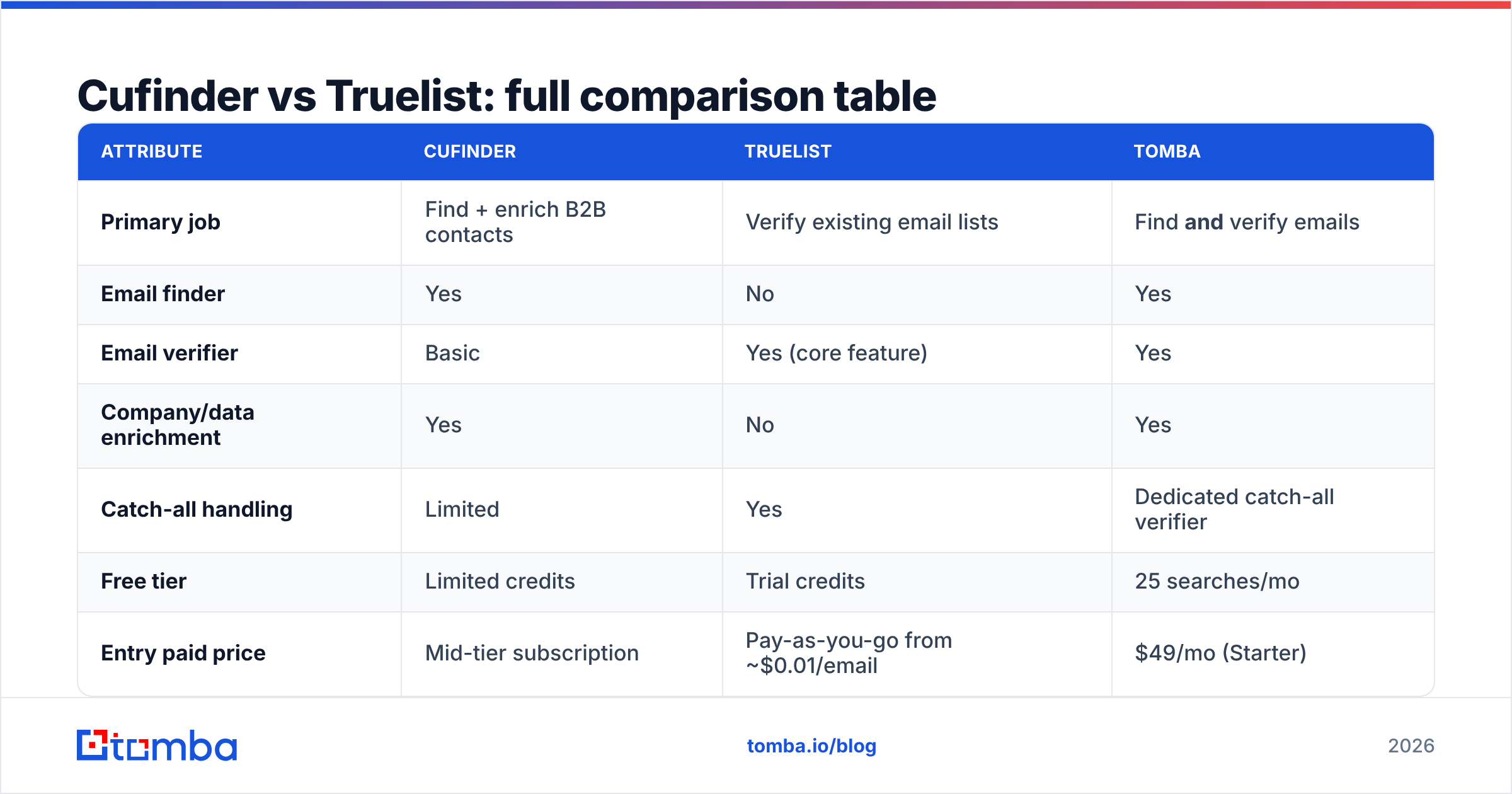
Cufinder vs Truelist: full comparison table#
Here's the head-to-head on the attributes that actually drive a buying decision.
| Attribute | Cufinder | Truelist | Tomba |
|---|---|---|---|
| Primary job | Find + enrich B2B contacts | Verify existing email lists | Find and verify emails |
| Email finder | Yes | No | Yes |
| Email verifier | Basic | Yes (core feature) | Yes |
| Company/data enrichment | Yes | No | Yes |
| Catch-all handling | Limited | Yes | Dedicated catch-all verifier |
| Free tier | Limited credits | Trial credits | 25 searches/mo |
| Entry paid price | Mid-tier subscription | Pay-as-you-go from ~$0.01/email | $49/mo (Starter) |
| Bulk processing | Yes | Yes | Yes |
| API access | Yes | Yes | Yes |
| Best for | Building lists from scratch | Cleaning lists you own | Doing both in one workflow |
The pattern is clear: Cufinder and Truelist each own one half of the pipeline. If you buy only one, you'll eventually need the other.
Is Cufinder more accurate than Truelist?#
This is the wrong question — they measure different things. Cufinder's accuracy is about whether the email it found is the right one for that person. Truelist's accuracy is about whether an email is deliverable right now. You need both to run a clean campaign.
Where accuracy actually breaks down is the handoff. Say Cufinder returns 1,000 emails and 220 of them are on catch-all domains. A catch-all accepts every address at the SMTP layer, so a naive verifier marks them all "valid" — then a third of them bounce anyway. This is why catch-all verification is a specific, hard problem, not a checkbox.

The teams that get burned are the ones who assume a finder's output is send-ready or a verifier's "valid" is a guarantee. Neither is true in isolation. The most reliable setup runs the finder and verifier as one loop, so a found email is confidence-scored against live SMTP and pattern data before it ever enters your sequence.
How do Cufinder and Truelist pricing compare?#
Pricing structures differ enough that a flat "which is cheaper" answer misleads you.
- Cufinder uses a credit-based subscription. You pay monthly for a bucket of enrichment/finder credits. Heavy list-builders burn through tiers fast, and enrichment fields can consume extra credits per record.
- Truelist leans pay-as-you-go, roughly a cent per verified email at entry volumes, with cheaper unit rates as you buy in bulk. If you only verify occasionally, you're not locked into a subscription.
- The hidden cost is owning two tools. A finder subscription plus a per-email verifier means two invoices, two dashboards, and two APIs to maintain — for a job many teams could do under one roof.
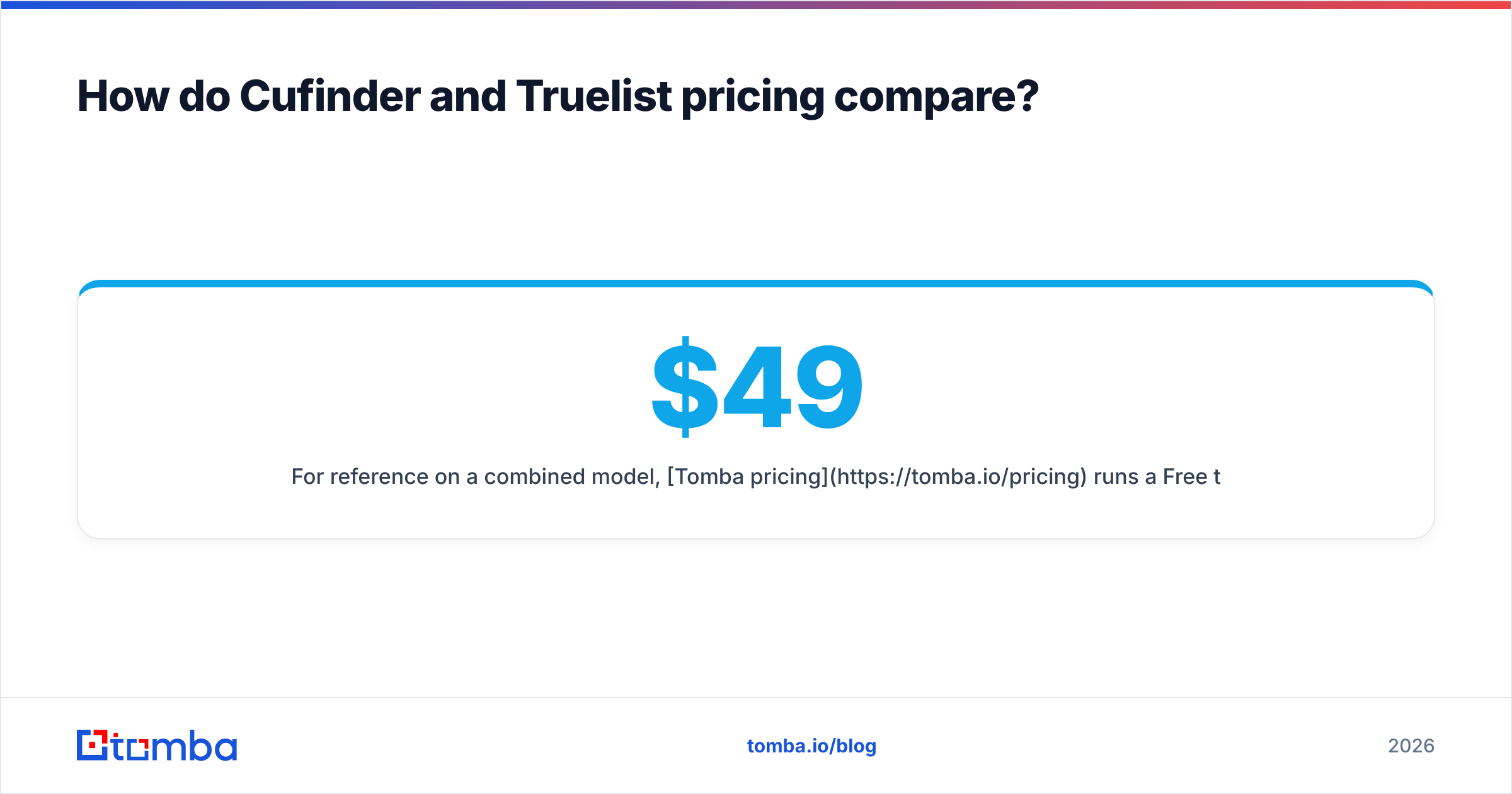
For reference on a combined model, Tomba pricing runs a Free tier at 25 searches/month, Starter at $49/mo, Growth at $99/mo, and Pro at $249/mo — with finding and verification in the same credit pool. When you're comparing totals, add up both Cufinder and Truelist before deciding either is the budget option.

When should you use Cufinder vs Truelist?#
Match the tool to the job you're actually doing this quarter.
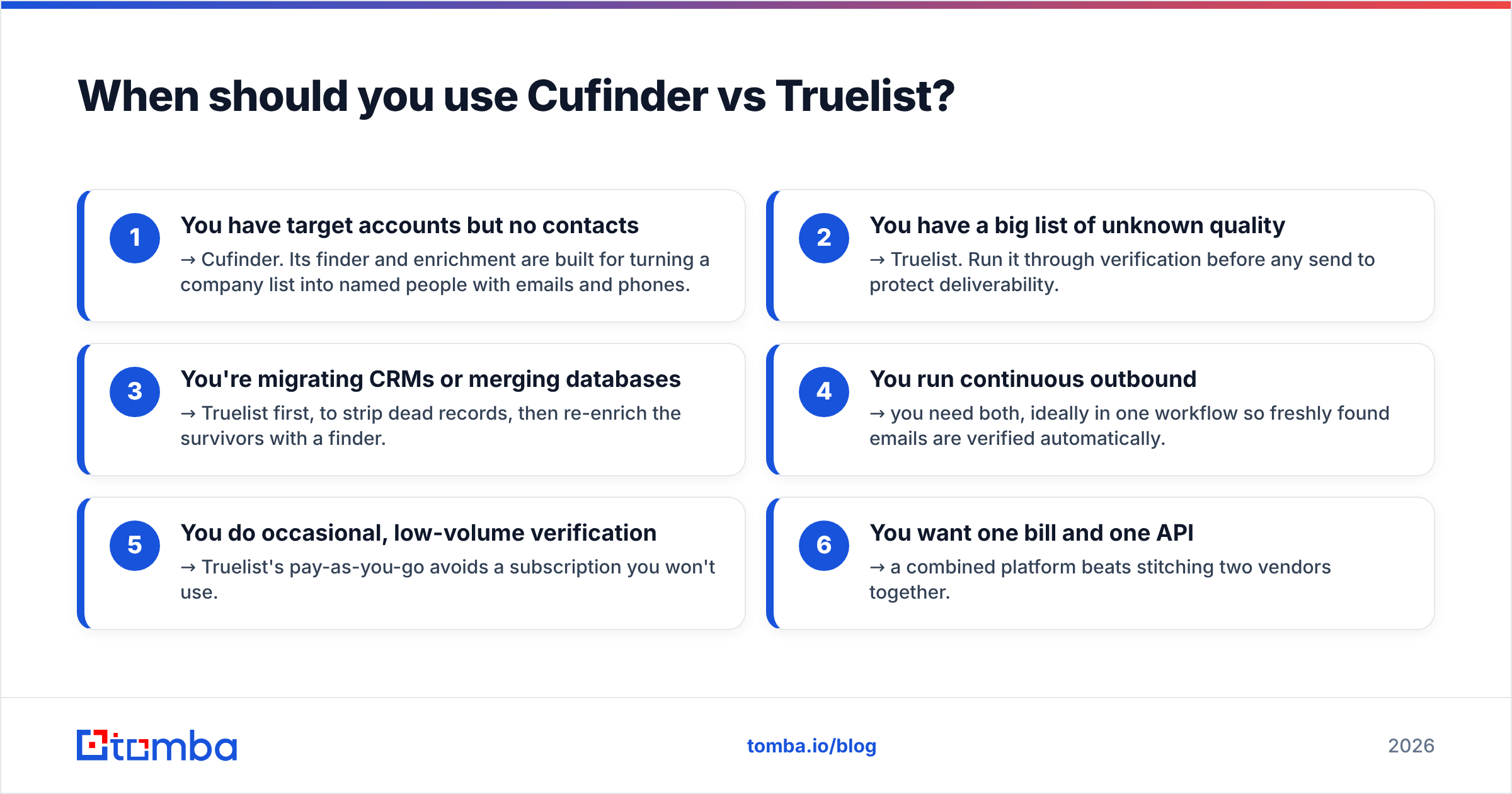
- You have target accounts but no contacts → Cufinder. Its finder and enrichment are built for turning a company list into named people with emails and phones.
- You have a big list of unknown quality → Truelist. Run it through verification before any send to protect deliverability.
- You're migrating CRMs or merging databases → Truelist first, to strip dead records, then re-enrich the survivors with a finder.
- You run continuous outbound → you need both, ideally in one workflow so freshly found emails are verified automatically.
- You do occasional, low-volume verification → Truelist's pay-as-you-go avoids a subscription you won't use.
- You want one bill and one API → a combined platform beats stitching two vendors together.
If you find yourself in category 4 or 6 — which covers most growing sales teams — the two-tool split starts to feel like overhead rather than a feature.
What are the main limitations of each tool?#
Cufinder's limits. As a database-first finder, its weak spot is verification depth. Finding an email is only useful if it still works, and lighter built-in verification means catch-all and role-based addresses can slip through into your sequences. You may still need a dedicated verifier downstream.
Truelist's limits. It's verification-only. It can't find a single new email, enrich a company, or pull a phone number. The moment your list runs dry, Truelist has nothing to do — you're back to needing a finder. It's a specialist, and specialists leave gaps.
The shared limit. Neither tool closes the loop on its own. That handoff — export from one, import to the other, reconcile the results — is where hours and accuracy leak. Tools like ZeroBounce and others in the verification space have the same structural ceiling: great at one job, silent on the other.
Cufinder vs Truelist vs Tomba: which should you pick?#
Choose by how much of the pipeline you want one tool to own.
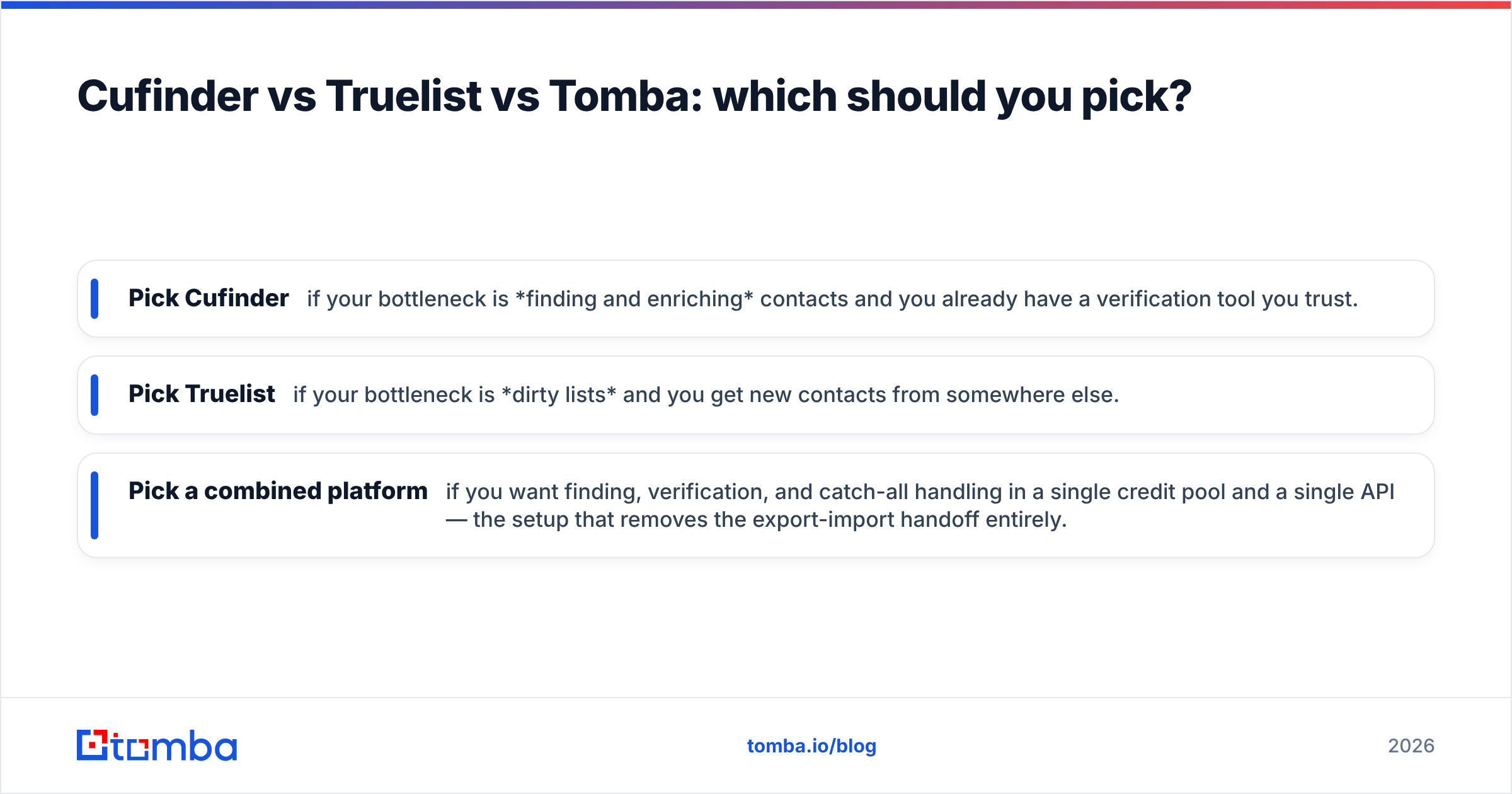
- Pick Cufinder if your bottleneck is finding and enriching contacts and you already have a verification tool you trust.
- Pick Truelist if your bottleneck is dirty lists and you get new contacts from somewhere else.
- Pick a combined platform if you want finding, verification, and catch-all handling in a single credit pool and a single API — the setup that removes the export-import handoff entirely.
That last option is where Tomba fits. Its email verifier and catch-all finder run alongside the core finder, so an email is scored for deliverability the moment it's discovered. You compare vendors like this all the time — G2's email verification category is a useful neutral reference for how buyers rate accuracy and support across the field before committing.

The bottom line#
Cufinder and Truelist aren't rivals so much as two halves of the same job. Cufinder builds your list; Truelist keeps it clean. Buy one and you'll shop for the other within a quarter — which is the real cost most comparisons skip.
If you'd rather not run two subscriptions, two dashboards, and a fragile export-import handoff between them, start with a platform that finds and verifies in the same step. Try the Tomba Email Finder — find professional emails by domain, name, or company, with verification and catch-all detection built in, on a free tier of 25 searches a month before you commit a dollar. Build the list and trust it in one place, then spend your saved budget on the campaign instead of the cleanup.
Related guides#
Ready to find emails that actually work?
Join 150,000+ professionals who stopped guessing and started sending. Free credits on signup — no credit card required.
Get the Tomba newsletter
Practical outbound tactics and product updates — once every two weeks.
About the author