Customer Email Verification in 2026: The Complete Guide
Bad customer emails quietly wreck deliverability, skew analytics, and burn ad spend. Here's how customer email verification works in 2026 — the checks that matter, where to run them, and how to keep lists clean without adding friction.
Customer Email Verification in 2026: The Complete Guide
Every invalid email in your database is a small tax you pay forever: on deliverability, on analytics, on ad retargeting, and on the trust mailbox providers place in your domain. Customer email verification is how you stop paying it.
This guide breaks down what verification actually checks, where to run it in your stack, how real-time and bulk approaches differ, and how to handle the messy cases (catch-all domains, role accounts, typos) that trip up most teams.
TL;DR#
- Customer email verification confirms an address is real, correctly formatted, and safe to send to — before it damages your sender reputation.
- The core checks are syntax, domain/MX records, SMTP mailbox existence, and risk flags (disposable, role-based, catch-all).
- Verify at two points: real-time at the point of capture (signup, checkout) and in bulk across your existing database on a schedule.
- A clean list can lift inbox placement dramatically and cut hard bounces below the ~2% threshold that keeps you out of trouble.
- Tools like Tomba's email verifier run all these checks through one API so you don't have to build SMTP logic yourself.
What is customer email verification?#
Customer email verification is the process of checking whether an email address a customer gave you is valid, deliverable, and low-risk — without sending them an actual email that could bounce.
Think of it like a bouncer at a venue checking IDs. The bouncer doesn't just glance at the name; they confirm the ID is real, the photo matches, and the person isn't on a blocklist. Verification does the same for an address: it confirms the format is legal, the domain can receive mail, the specific mailbox exists, and the address isn't a throwaway or a spam trap.
The distinction that matters: verification is not the same as sending a confirmation email. Double opt-in (sending a "click to confirm" link) proves intent and consent. Verification proves the address is technically deliverable. Mature teams do both — verification first to avoid bouncing the confirmation email itself.
Why does customer email verification matter?#
Because mailbox providers judge your entire domain by how your recipients behave. Send to dead addresses and you signal "low-quality sender," which pushes even your good mail toward spam folders.
Here's what unverified lists cost you:
- Hard bounces tank your reputation. Gmail, Outlook, and Yahoo track your bounce rate. Cross roughly 2% and placement suffers; cross 5% and some ESPs will throttle or suspend you.
- Spam traps get you blocklisted. Recycled or pristine trap addresses look normal but flag you the moment you hit them. One trap can land your domain on a public blocklist.
- Analytics get poisoned. Open and click rates calculated against fake addresses understate real performance and misguide every downstream decision.
- Ad spend leaks. Uploading dirty lists to Meta or Google for custom/lookalike audiences wastes match budget on addresses that will never convert.
- Sales teams waste time. Reps chasing bounced leads is pure friction with zero pipeline upside.
According to HubSpot's research on email marketing, list hygiene is one of the strongest levers on deliverability — and email deliverability is the whole game once your content is decent.
How does email verification actually work?#
Verification runs a layered set of checks, cheapest and fastest first, escalating only when needed. Each layer filters out a class of bad addresses.
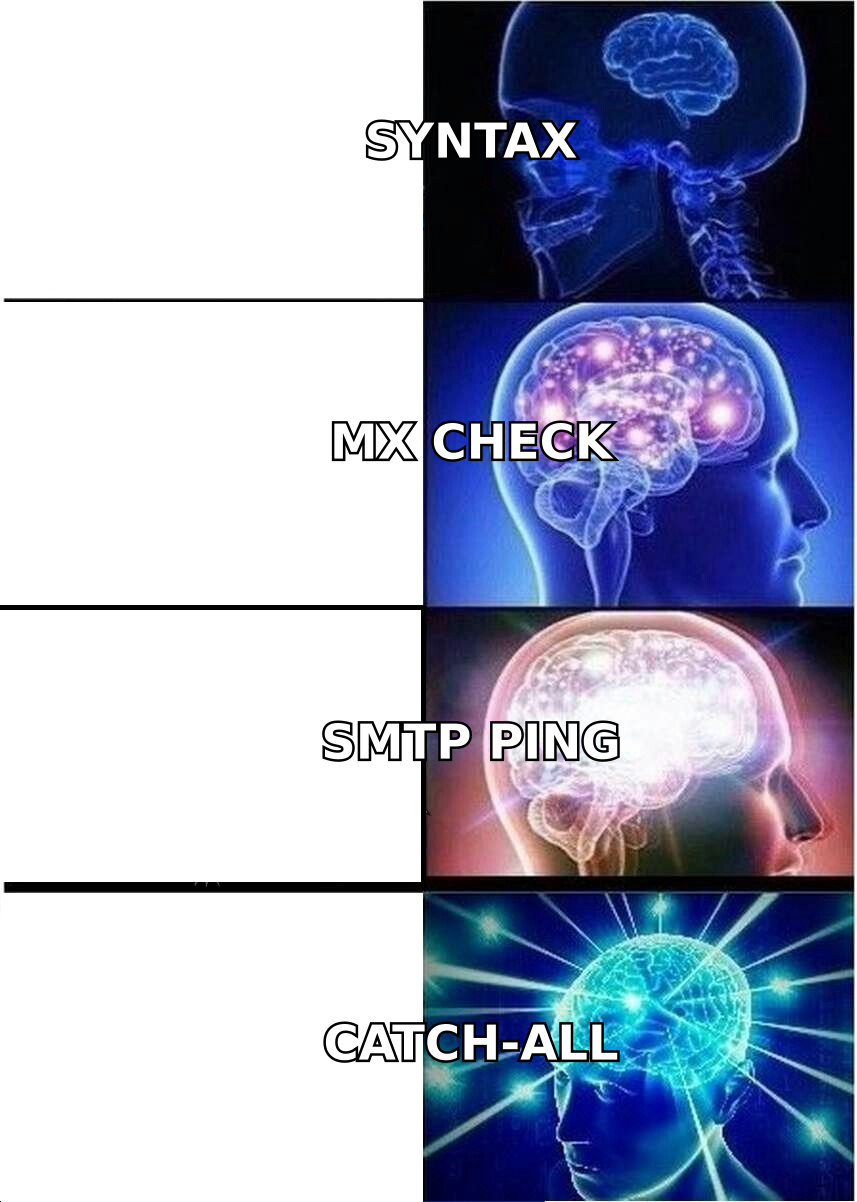
Here's the escalation, from surface to deep:
- Syntax check — Is the address formatted per RFC 5322? Catches
john@@gmail, missing TLDs, illegal characters. Instant, free, and rejects a surprising share of typos. - Domain & MX record lookup — Does the domain exist and publish MX records that accept mail? A domain with no MX can't receive email, full stop.
- SMTP handshake — The verifier opens a connection to the recipient's mail server and asks whether the specific mailbox exists, without actually delivering a message. This is the core deliverability signal.
- Risk classification — Flags disposable domains (like
mailinator.com), role-based addresses (info@,sales@), and catch-all domains that accept everything.
The tricky layer is the catch-all domain. These servers reply "yes" to every mailbox, so the SMTP check can't tell a real inbox from a fake one. A good verifier flags these as "accept-all / risky" rather than falsely marking them valid. Tomba offers a dedicated catch-all verifier for exactly this case, so you can decide your own risk tolerance instead of getting a misleading green light.
What do the verification result statuses mean?#
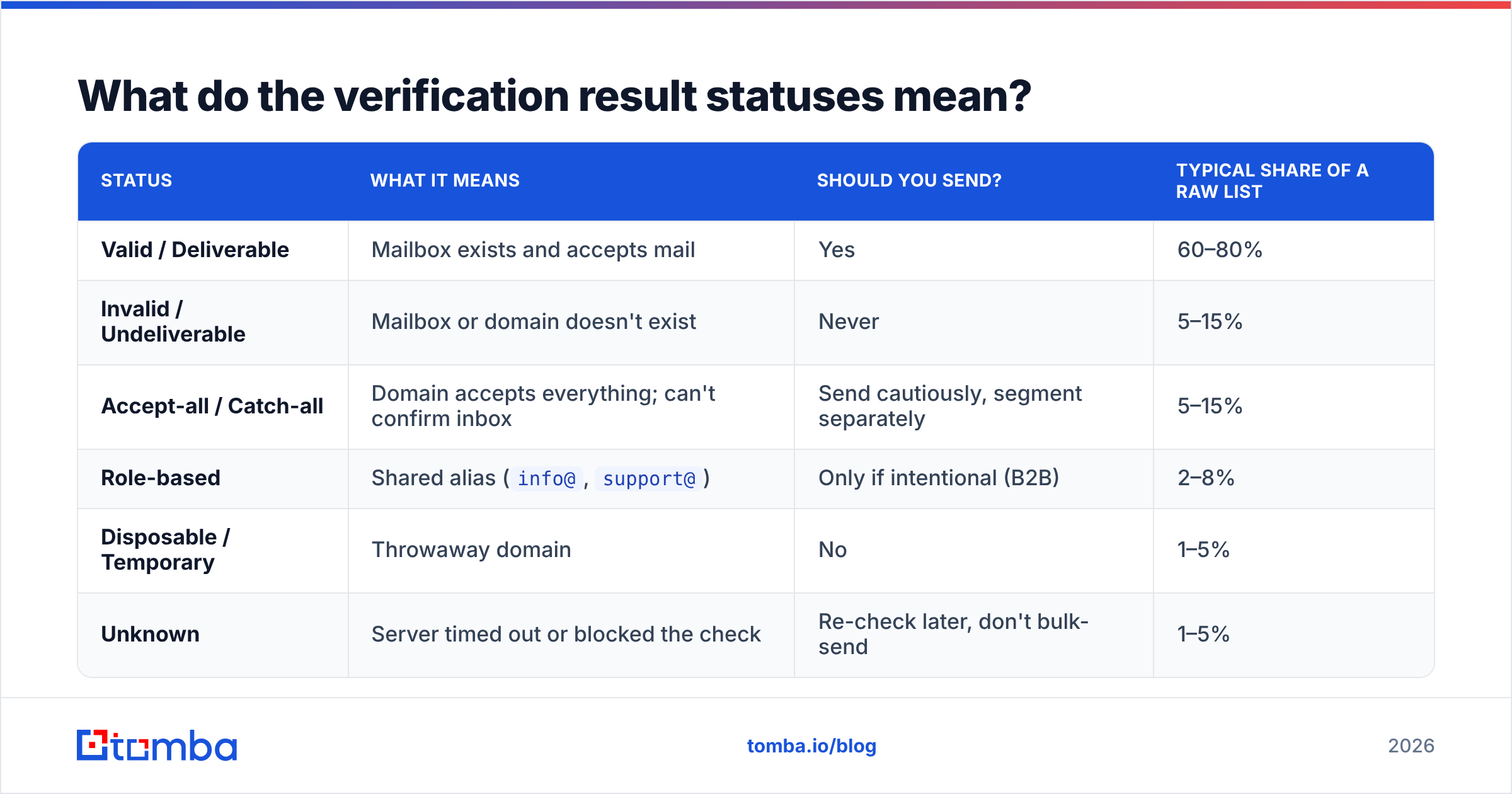
Most verification tools return a status per address. Knowing what to do with each one is where teams win or lose. Here's a practical decision table.
| Status | What it means | Should you send? | Typical share of a raw list |
|---|---|---|---|
| Valid / Deliverable | Mailbox exists and accepts mail | Yes | 60–80% |
| Invalid / Undeliverable | Mailbox or domain doesn't exist | Never | 5–15% |
| Accept-all / Catch-all | Domain accepts everything; can't confirm inbox | Send cautiously, segment separately | 5–15% |
| Role-based | Shared alias (info@, support@) |
Only if intentional (B2B) | 2–8% |
| Disposable / Temporary | Throwaway domain | No | 1–5% |
| Unknown | Server timed out or blocked the check | Re-check later, don't bulk-send | 1–5% |
The rule of thumb: send confidently to valid, suppress invalid and disposable, and treat catch-all and unknown as their own low-volume segments you warm up carefully.
Real-time vs. bulk verification: which do you need?#
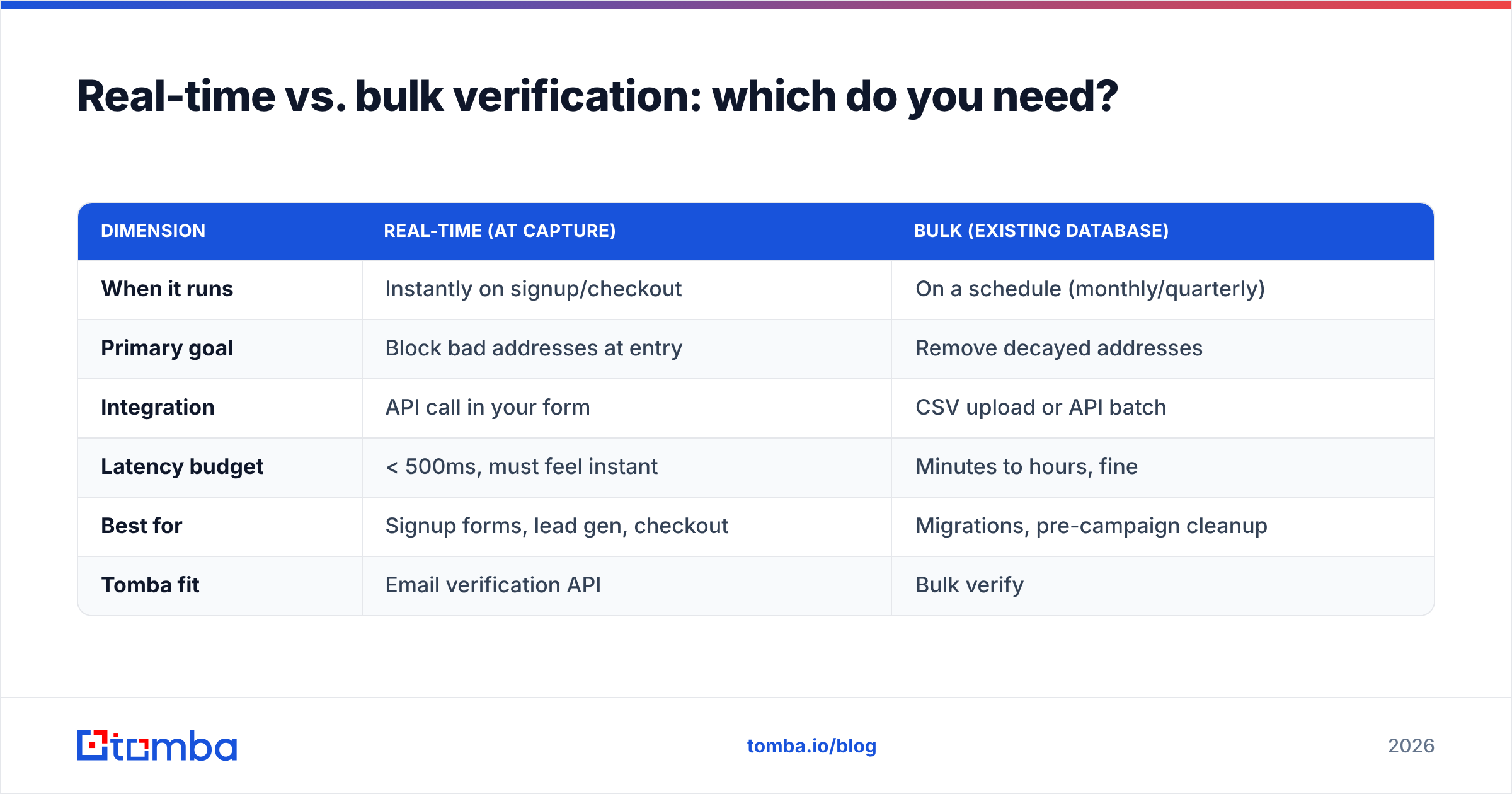
Both — they solve different problems. Real-time protects the front door; bulk cleans the house you already live in.
| Dimension | Real-time (at capture) | Bulk (existing database) |
|---|---|---|
| When it runs | Instantly on signup/checkout | On a schedule (monthly/quarterly) |
| Primary goal | Block bad addresses at entry | Remove decayed addresses |
| Integration | API call in your form | CSV upload or API batch |
| Latency budget | < 500ms, must feel instant | Minutes to hours, fine |
| Best for | Signup forms, lead gen, checkout | Migrations, pre-campaign cleanup |
| Tomba fit | Email verification API | Bulk verify |
Real-time verification stops the problem at the source. When a customer fat-fingers gmial.com, you catch it while they're still on the page and can prompt a correction — far better than a silent bounce three days later.
Bulk verification handles list decay. Roughly a fifth to a quarter of B2B email addresses go stale every year as people change jobs. Even a perfectly captured list rots, so periodic bulk cleaning is not optional. If you just need a quick one-off check, the free email checker tool handles single addresses without an account.
How do you add customer email verification to your stack?#
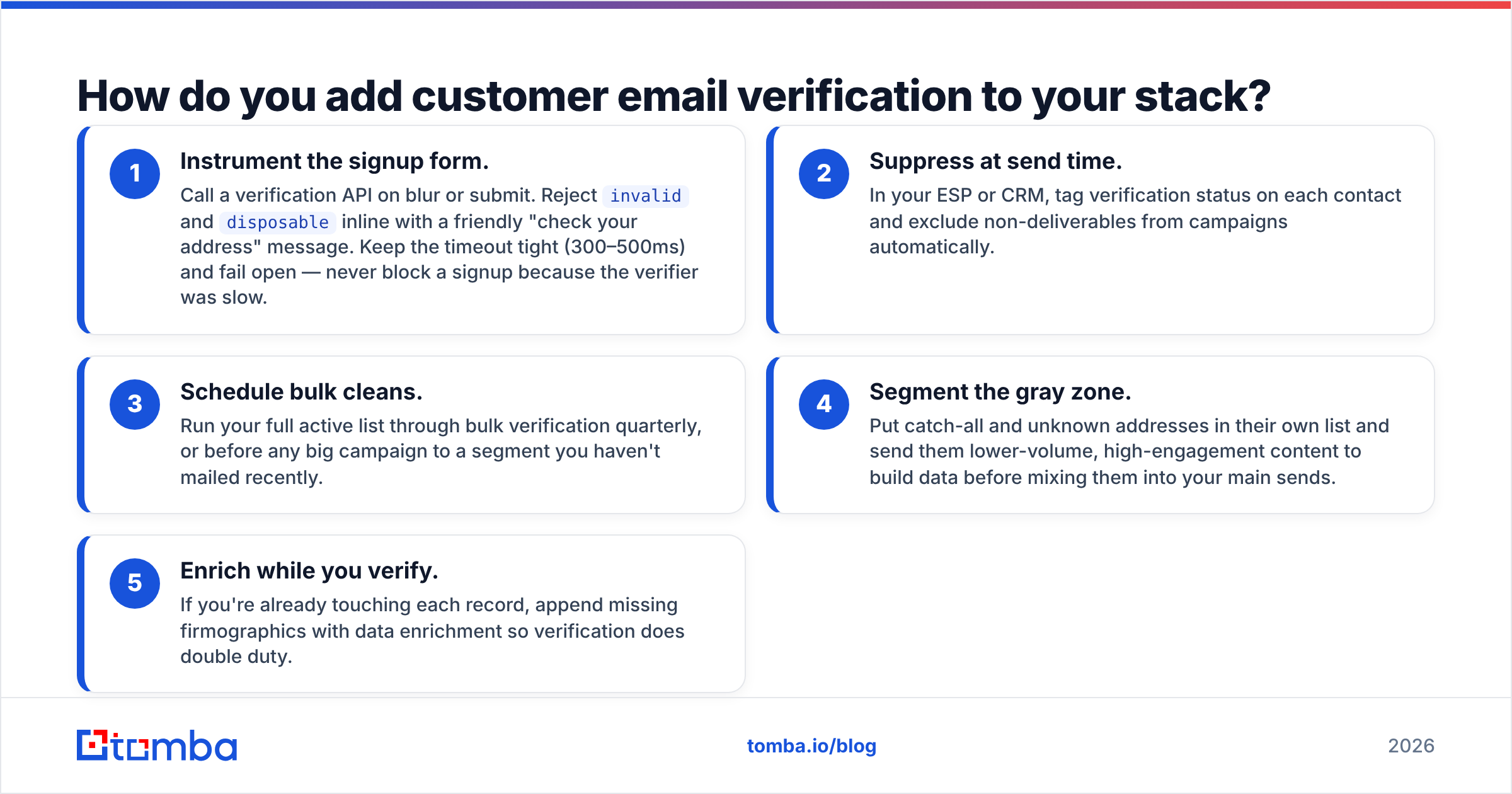
Here's a pragmatic rollout that most teams can ship in a sprint.
- Instrument the signup form. Call a verification API on blur or submit. Reject
invalidanddisposableinline with a friendly "check your address" message. Keep the timeout tight (300–500ms) and fail open — never block a signup because the verifier was slow. - Suppress at send time. In your ESP or CRM, tag verification status on each contact and exclude non-deliverables from campaigns automatically.
- Schedule bulk cleans. Run your full active list through bulk verification quarterly, or before any big campaign to a segment you haven't mailed recently.
- Segment the gray zone. Put catch-all and unknown addresses in their own list and send them lower-volume, high-engagement content to build data before mixing them into your main sends.
- Enrich while you verify. If you're already touching each record, append missing firmographics with data enrichment so verification does double duty.
For B2B teams, wire this into your CRM directly — Tomba's HubSpot integration and Salesforce integration keep verification status synced where reps and marketers actually work. That closes the loop so a bounced address gets flagged instead of quietly re-entering the next campaign.
What should you look for in a verification tool?#
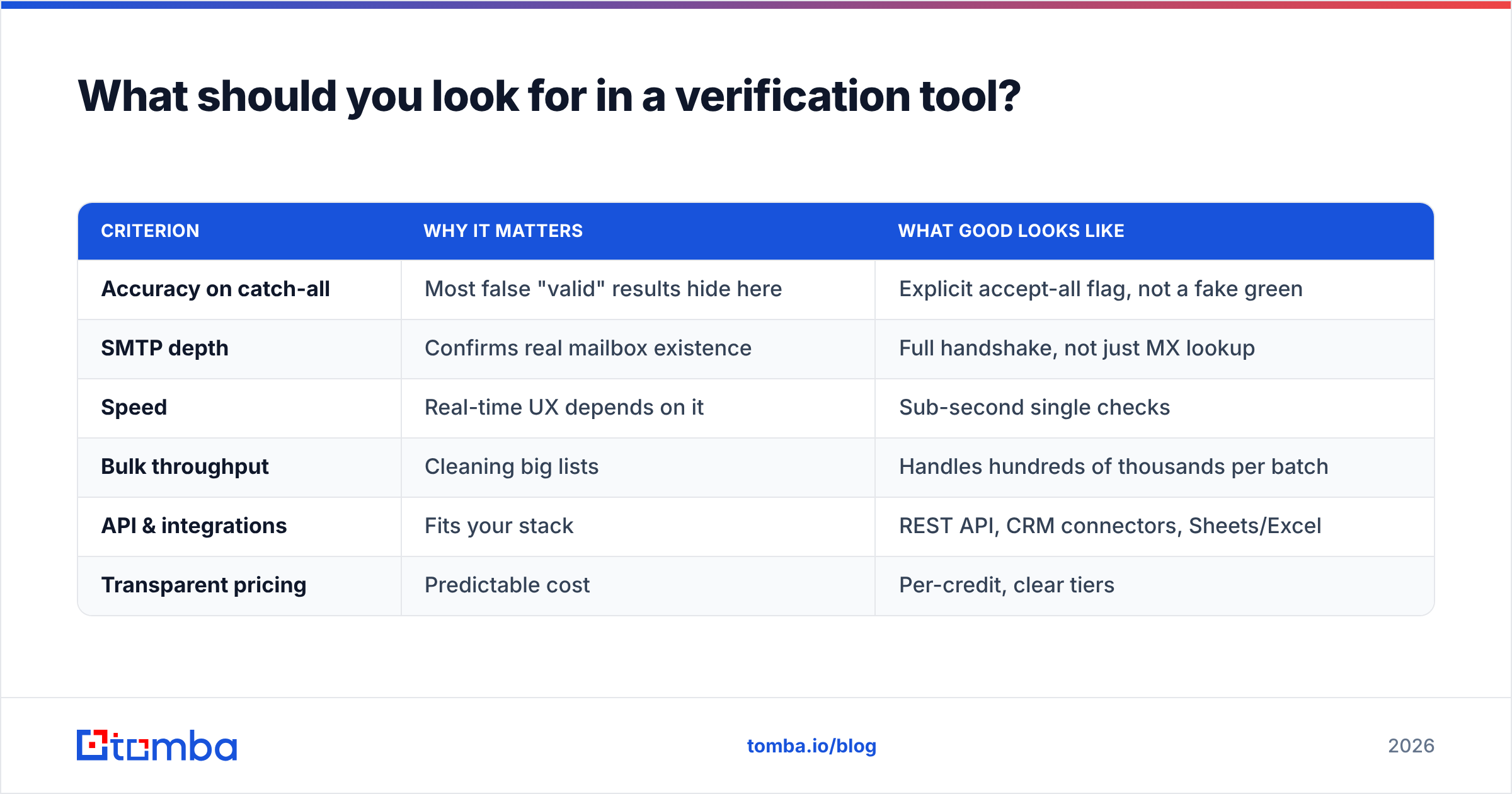
Not all verifiers are equal. The gap shows up on the hard cases — catch-all handling, spam-trap detection, and honest "unknown" reporting instead of false positives.
| Criterion | Why it matters | What good looks like |
|---|---|---|
| Accuracy on catch-all | Most false "valid" results hide here | Explicit accept-all flag, not a fake green |
| SMTP depth | Confirms real mailbox existence | Full handshake, not just MX lookup |
| Speed | Real-time UX depends on it | Sub-second single checks |
| Bulk throughput | Cleaning big lists | Handles hundreds of thousands per batch |
| API & integrations | Fits your stack | REST API, CRM connectors, Sheets/Excel |
| Transparent pricing | Predictable cost | Per-credit, clear tiers |
You can compare tools on independent sites like G2 before committing, and always test on a sample of your own list — vendor accuracy claims mean little until they're run against your real data.
On pricing, Tomba's plans start with a free tier (25 searches/month), then Starter at $49/month, Growth at $99/month, and Pro at $249/month, with verification, finding, and enrichment sharing one credit pool — so you're not buying three separate tools.
How often should you re-verify your list?#
Match cadence to how fast your data decays and how often you send.
- High-volume senders (weekly+): verify continuously in real-time, plus a monthly bulk sweep.
- Moderate senders (monthly): bulk-verify quarterly and before major campaigns.
- Reactivation of a cold list: always verify the entire list before the first send — cold lists have the highest bounce risk and the most spam traps.
A dormant list you haven't mailed in six months should be treated as untrusted until proven otherwise. Re-verify it, then warm it up gradually rather than blasting the whole segment on day one.
Common mistakes to avoid#
- Trusting double opt-in alone. Consent isn't deliverability. A confirmed address can still bounce later after a job change.
- Bulk-sending to catch-all as if valid. Segment them; don't assume.
- Verifying once and never again. Lists decay continuously.
- Blocking signups on verifier downtime. Fail open, log the miss, re-check async.
- Ignoring role accounts in B2C.
info@addresses rarely engage in consumer flows and drag down metrics.
The bottom line#
Customer email verification is one of the highest-ROI, lowest-effort things you can do for your email program. It protects your sender reputation, sharpens your analytics, and stops you from paying the invisible tax of dead addresses on every send. Verify at capture, clean in bulk, and treat the gray-zone addresses with the caution they deserve.
Ready to stop guessing which addresses are real? Run your list through the Tomba Email Verifier — it bundles syntax, MX, SMTP, catch-all, and risk checks behind one simple API and a bulk uploader, so you can clean a list in minutes and keep it clean automatically. Start on the free tier and see how many bad addresses are quietly hiding in your database.
Related guides#
Ready to find emails that actually work?
Join 150,000+ professionals who stopped guessing and started sending. Free credits on signup — no credit card required.
Get the Tomba newsletter
Practical outbound tactics and product updates — once every two weeks.
About the author