Customer Profile Template: How to Build One in 2026 (Free)
A customer profile template turns vague targeting into a repeatable system. Here are the exact fields, a fill-in framework, and examples for B2B teams in 2026.
Every list you build, every email you send, and every discovery call you take gets better or worse based on one document most teams never write down: the customer profile. A customer profile template forces you to say out loud who you actually sell to — the firmographics, the buying triggers, the pain, and the person who signs. Do it well and prospecting stops being guesswork.
This guide gives you the fields, a copy-ready framework, real filled-in examples, and the workflow to turn the profile into a live prospect list.
TL;DR#
- A customer profile template is a structured document that defines the exact companies and people worth selling to, so targeting is repeatable instead of intuitive.
- The best templates cover four layers: firmographics, technographics, buyer persona, and behavioral triggers.
- Don't confuse a customer profile (the company you target) with a buyer persona (the person inside it) — you need both.
- Build the profile from real closed-won data, not wishful thinking. Your best 20 customers tell you more than any brainstorm.
- Once the profile exists, tools like the Tomba Email Finder turn it into a contactable list in minutes.
What is a customer profile template?#
A customer profile template is a reusable blueprint that captures the traits of an organization (and the people in it) that make a great fit for your product. Think of it like a recipe card: instead of remembering "that one deal that closed fast" every time, you write down the ingredients — company size, industry, tech stack, trigger event — so anyone on the team can cook the same dish.
In B2B, "customer profile" almost always means the Ideal Customer Profile (ICP): a description of the company that gets the most value from you and gives you the most value back. It answers "which accounts should we even bother with?" before anyone worries about individual contacts.
A good template is short enough to fit on one screen and specific enough that two salespeople reading it would build nearly identical target lists.
Customer profile vs. buyer persona: what's the difference?#
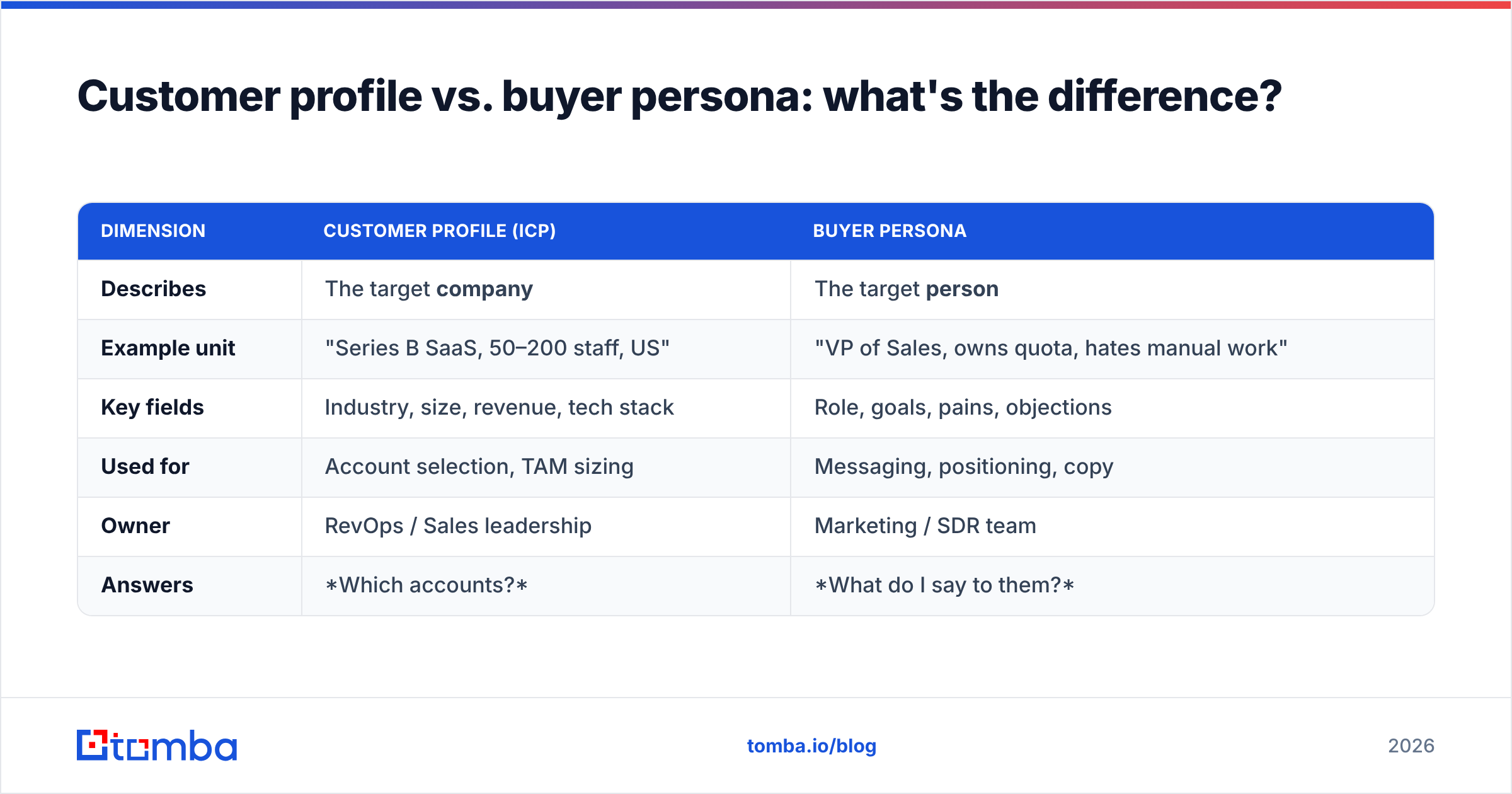
These get used interchangeably and they shouldn't be. One describes an account; the other describes a human.
| Dimension | Customer Profile (ICP) | Buyer Persona |
|---|---|---|
| Describes | The target company | The target person |
| Example unit | "Series B SaaS, 50–200 staff, US" | "VP of Sales, owns quota, hates manual work" |
| Key fields | Industry, size, revenue, tech stack | Role, goals, pains, objections |
| Used for | Account selection, TAM sizing | Messaging, positioning, copy |
| Owner | RevOps / Sales leadership | Marketing / SDR team |
| Answers | Which accounts? | What do I say to them? |
You need both. The customer profile narrows a universe of millions of companies down to a few thousand worth pursuing. The buyer persona tells you who to email inside those accounts and what will make them reply. Skip the profile and you waste effort on bad-fit accounts; skip the persona and you email the right company with the wrong message.
What fields belong in a customer profile template?#
A complete template has four layers. Fill every field with a specific, filterable value — "mid-market" is weaker than "$10M–$50M revenue, 50–250 employees."
- Firmographics — Industry/vertical, employee count, annual revenue, headquarters and target geographies, company stage (bootstrapped, funded, public), and business model (B2B, B2C, marketplace).
- Technographics — The tools they already run that signal fit: CRM, marketing automation, cloud provider, or a competing product you replace. A company using HubSpot and Salesforce is a different buyer than one still on spreadsheets.
- Buyer persona — The decision-maker's title, the economic buyer, the champion, and the blocker. Include their top goal, their biggest pain, and the objection they always raise.
- Behavioral & trigger signals — Recent funding, new leadership hires, job postings, expansion into a new market, or a compliance deadline. Triggers turn a "good-fit someday" account into a "reach out this week" account.
- Disqualifiers — Just as important: write down what makes an account bad fit (too small, wrong region, no budget authority). This saves reps from chasing ghosts.
- Value fit — The specific outcome you deliver to this profile (e.g., "cuts SDR list-building time by 70%"). If you can't name it, the profile isn't tight enough.
The disqualifier and value-fit rows are the ones most teams skip — and they're where the sharpest targeting comes from.
How do you build a customer profile from real data?#
Conclusion first: build it backward from your best existing customers, not forward from a whiteboard.
Step 1 — Pull your closed-won list. Export your last 20–50 won deals. If you're pre-revenue, use your strongest pilot users or design partners.
Step 2 — Score them. Rank by the metrics that matter to you: contract value, retention length, expansion, referral volume, and speed to close. Your top decile is the raw material for the profile.
Step 3 — Find the patterns. Look across the top group for shared firmographics and technographics. You're hunting for the traits that repeat: "11 of our 15 best accounts had just raised a Series A and used a modern CRM."
Step 4 — Interview a few. Talk to three or four of those best customers. Ask what problem they were solving, who was in the buying committee, and what nearly stopped the deal. This fills the persona and objection fields.
Step 5 — Write the disqualifiers. Now pull your churned and lost deals. The traits that cluster there become your "do not target" list.
Step 6 — Validate against the market. Cross-check your draft profile with third-party data. Provider directories like G2 and analyst coverage from Gartner help you see whether your target segment is large and growing, or a shrinking niche.
The output of these six steps is a one-page template you can hand to any rep. For a refresher on how the ICP concept ties into broader pipeline strategy, HubSpot's buyer persona guide is a useful companion read.
A filled-in customer profile template example#
Templates feel abstract until you see one populated. Here's a realistic B2B SaaS example you can adapt.
| Field | Value |
|---|---|
| Industry | B2B SaaS (sales & marketing tech) |
| Employees | 50–250 |
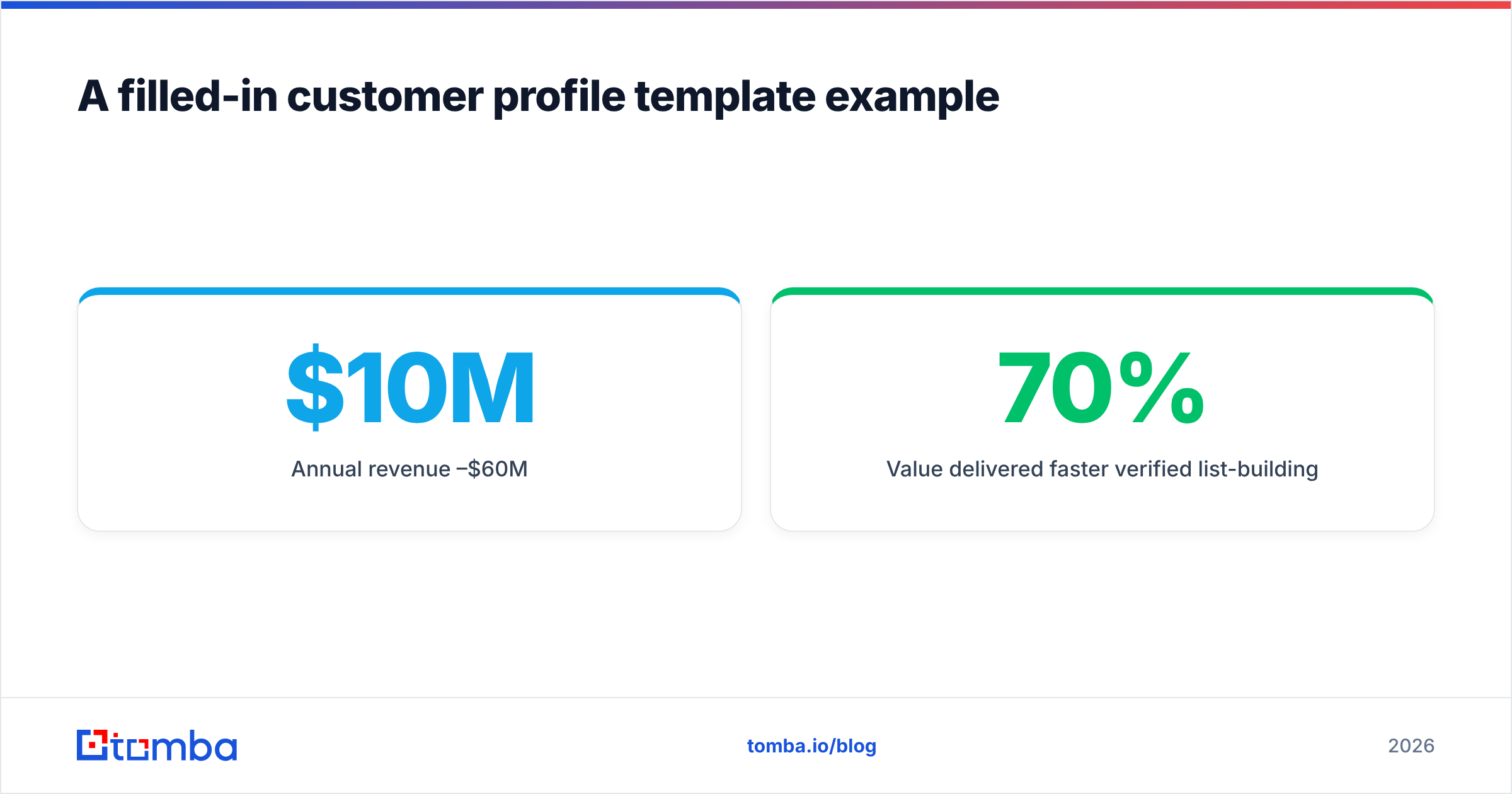
| Annual revenue | $10M–$60M |
| Geography | US, UK, Canada |
| Company stage | Series A–B, VC-backed |
| Tech stack | Salesforce or HubSpot + an outbound tool |
| Economic buyer | VP of Sales / CRO |
| Champion | SDR Manager or RevOps lead |
| Primary pain | Reps waste hours building and cleaning lists |
| Trigger signal | New VP Sales hire or fresh funding round |
| Value delivered | 70% faster verified list-building |
| Disqualifiers | <20 employees, no CRM, non-target region |
Notice how every row is filterable. Given this table, a rep could open a data source and build a target list without asking a single clarifying question — because the ambiguity was removed up front.
How do you turn the profile into a prospect list?#
A profile that lives in a slide deck is worthless. The point is activation: converting the template into named accounts and reachable contacts.
Here's the practical workflow:
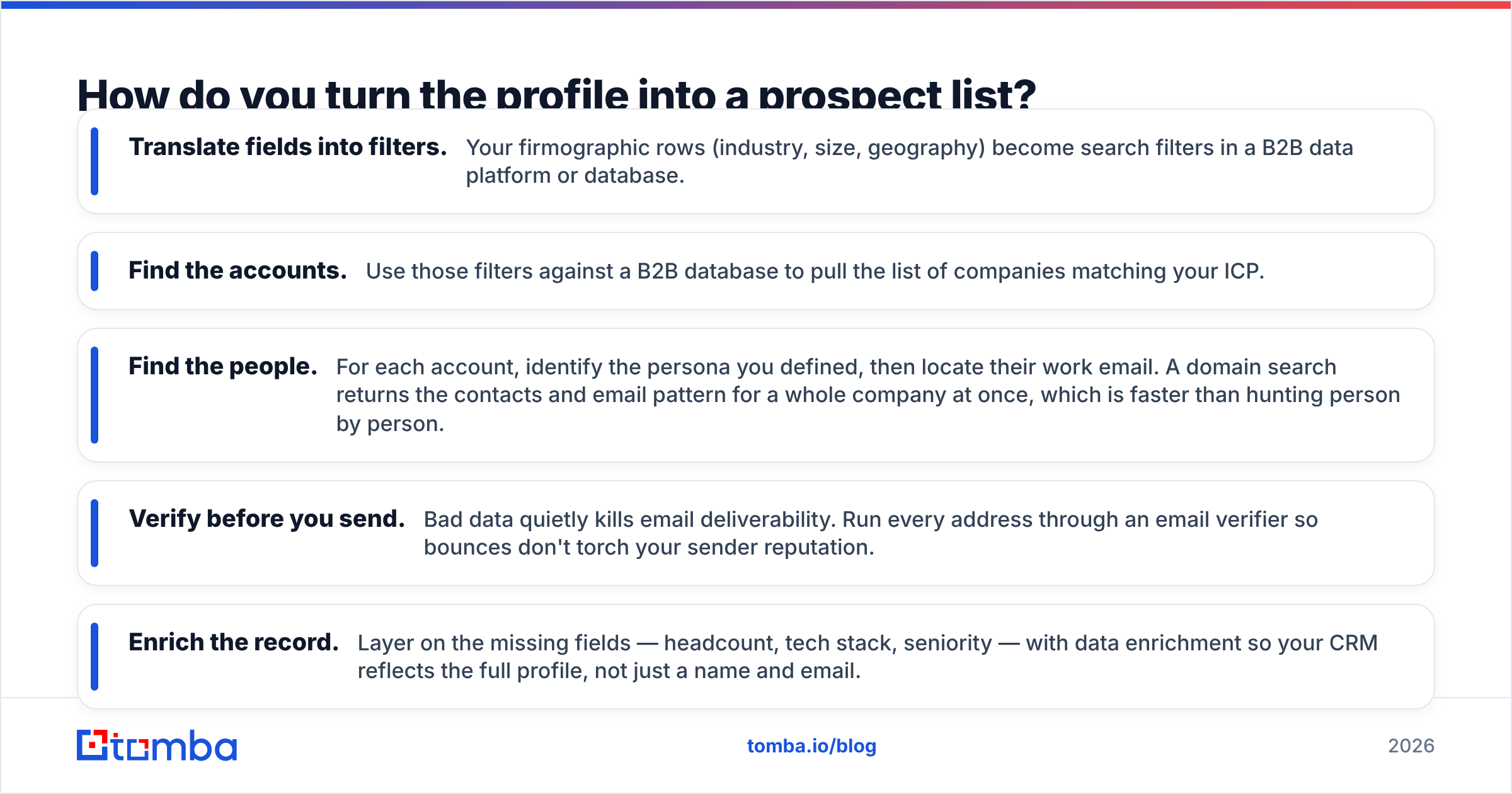
- Translate fields into filters. Your firmographic rows (industry, size, geography) become search filters in a B2B data platform or database.
- Find the accounts. Use those filters against a B2B database to pull the list of companies matching your ICP.
- Find the people. For each account, identify the persona you defined, then locate their work email. A domain search returns the contacts and email pattern for a whole company at once, which is faster than hunting person by person.
- Verify before you send. Bad data quietly kills email deliverability. Run every address through an email verifier so bounces don't torch your sender reputation.
- Enrich the record. Layer on the missing fields — headcount, tech stack, seniority — with data enrichment so your CRM reflects the full profile, not just a name and email.
Done in this order, the customer profile stops being documentation and becomes a repeatable list-building machine. New market, new campaign, new rep onboarding — you re-run the same filters.
How do you keep the customer profile from going stale?#
Your profile is a snapshot, and markets move. Treat it as a living document with a review cadence.
| Trigger to revisit | Why it matters |
|---|---|
| Every quarter | Closed-won patterns drift as you move upmarket or launch features |
| New product line | A new offer often serves a different profile entirely |
| Win rate drops | Falling conversion in a segment signals the profile is too broad |
| Expansion into a region | Firmographics and buying behavior shift by geography |
| Competitor entry | You may need to sharpen disqualifiers to avoid head-to-head losses |
The single best signal that your profile needs work: reps ignoring it. If the team keeps sourcing deals that don't match the template, either the template is wrong or the market has changed. Either way, that's data — go update the document rather than blaming the reps.
A quarterly re-scoring of closed-won data (Step 2 above) usually takes an hour and keeps the whole go-to-market motion pointed at accounts that actually convert.
Common mistakes to avoid#
- Building it from opinion, not data. The loudest voice in the room is not your ICP. Closed-won records are.
- Making it too broad. "Any company that needs sales software" is not a profile. If it can't disqualify anyone, it can't focus anyone.
- Forgetting the persona. A perfect account list emailed to the wrong title still fails. Pair the profile with buyer personas.
- Never activating it. A profile that isn't wired into your list-building tools is just a nice PDF.
- Set-and-forget. An ICP written in 2024 and never revisited is targeting a market that no longer exists.
Where does Tomba fit?#
Once your customer profile template is defined, the bottleneck becomes reaching the right people — and that's exactly what Tomba was built for. Feed your firmographic filters into the Tomba Email Finder and it returns verified, professional email addresses for the exact personas in your ICP, sourced against Tomba's own data. Pair it with the bulk tools and API when you're ready to scale, and check the current Tomba pricing — the free tier gives you 25 searches a month to test the fit before you commit, with the Starter plan at $49/mo when you're ready to run real volume.
Write the profile once. Turn it into contactable pipeline every day after that.
Frequently asked questions#
What is a customer profile template used for? It standardizes who you target so every rep builds the same high-quality account lists, and marketing writes to the same personas. It's the foundation for prospecting, ABM, and TAM sizing.
Is a customer profile the same as an ideal customer profile? In B2B they're used interchangeably — both describe the ideal company to sell to. Just don't confuse either with a buyer persona, which describes the individual person inside that company.
How many customer profiles should I have? Start with one tight profile. Add a second only when you have a distinct product line or segment with genuinely different firmographics and buying behavior. More profiles means more complexity, so earn each one.
How often should I update it? Review quarterly, or immediately after a product launch, a shift upmarket, or a noticeable drop in win rate within a segment.
Related guides#
Ready to find emails that actually work?
Join 150,000+ professionals who stopped guessing and started sending. Free credits on signup — no credit card required.
Get the Tomba newsletter
Practical outbound tactics and product updates — once every two weeks.
About the author