Data Sourcing Tools in 2026: A Practical Buyer's Guide
Data sourcing tools decide whether your pipeline runs on fresh, accurate contacts or a bounce-prone list. Here is how the categories compare and how to pick one in 2026.
Data sourcing tools are the software you use to find, collect, and refresh the contact and company data that feeds your sales and marketing pipeline. Pick the wrong category and you spend the year cleaning bounces instead of booking meetings. This guide breaks down the real options in 2026, how they differ, and how to choose one that fits your motion and budget.
TL;DR#
- Data sourcing tools fall into five buckets: email finders/enrichment APIs, sales-intelligence databases, list vendors, web-scraping platforms, and website-visitor reveal tools. Most teams need two, not five.
- Accuracy and freshness beat raw volume. A 200-million-record database that is 18 months stale bounces harder than a smaller source verified at the moment of export.
- Static list purchases decay fast — B2B data goes stale at roughly 25–30% per year as people change jobs, so an on-demand API usually wins on total cost.
- Verify before you send. Even good sources need an email-verification step to protect your sender reputation.
- For most SMB and mid-market teams, an email finder with a built-in verifier plus a light enrichment layer covers 80% of needs at a fraction of enterprise-database pricing.
What are data sourcing tools?#
Data sourcing tools are how you answer three questions at scale: Who should I contact? How do I reach them? Is that information still true? Think of them as the difference between a chef who forages fresh ingredients each morning and one who cooks from a pantry stocked two years ago. Both technically have "data" — only one produces something you'd want to serve.
In practice, a data sourcing tool does one or more of the following:
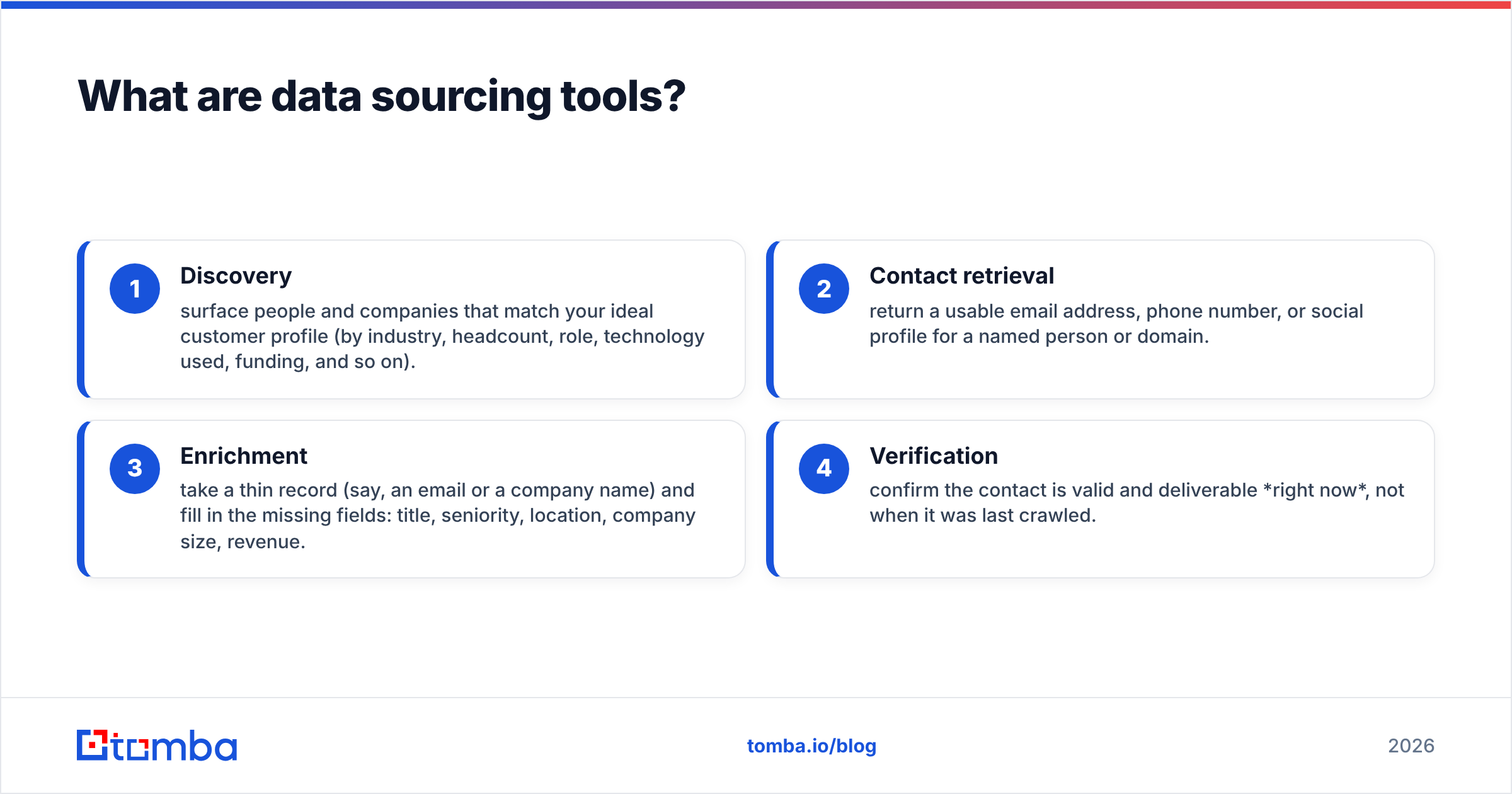
- Discovery — surface people and companies that match your ideal customer profile (by industry, headcount, role, technology used, funding, and so on).
- Contact retrieval — return a usable email address, phone number, or social profile for a named person or domain.
- Enrichment — take a thin record (say, an email or a company name) and fill in the missing fields: title, seniority, location, company size, revenue.
- Verification — confirm the contact is valid and deliverable right now, not when it was last crawled.
The tools that matter most in 2026 combine at least discovery, retrieval, and verification, because those three together are what keep your email deliverability from collapsing.

What are the main categories of data sourcing tools?#
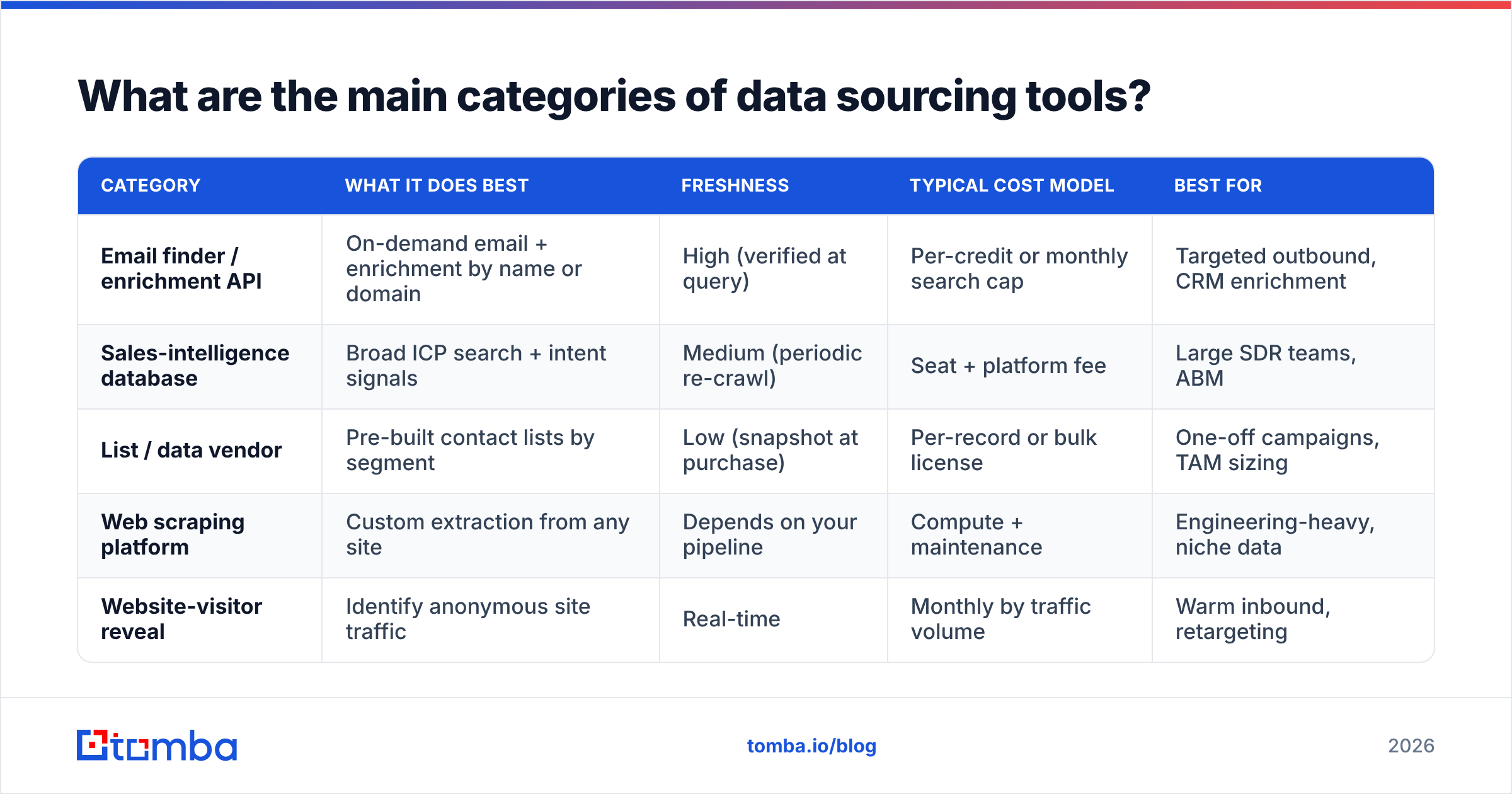
Not all sources work the same way, and mixing them up is the most common buying mistake. Here is how the five categories actually compare.
| Category | What it does best | Freshness | Typical cost model | Best for |
|---|---|---|---|---|
| Email finder / enrichment API | On-demand email + enrichment by name or domain | High (verified at query) | Per-credit or monthly search cap | Targeted outbound, CRM enrichment |
| Sales-intelligence database | Broad ICP search + intent signals | Medium (periodic re-crawl) | Seat + platform fee | Large SDR teams, ABM |
| List / data vendor | Pre-built contact lists by segment | Low (snapshot at purchase) | Per-record or bulk license | One-off campaigns, TAM sizing |
| Web scraping platform | Custom extraction from any site | Depends on your pipeline | Compute + maintenance | Engineering-heavy, niche data |
| Website-visitor reveal | Identify anonymous site traffic | Real-time | Monthly by traffic volume | Warm inbound, retargeting |
A few takeaways from the table. First, freshness is the axis buyers most often ignore. A list vendor can quote a huge record count, but that count is a photograph of a moving crowd — accurate the instant it was taken and drifting every day after. Second, cost model shapes behavior. Per-credit APIs make you deliberate about who you pull; seat-based databases push teams to over-export because "it's already paid for," which quietly inflates your bounce rate.
If you want to see how a discovery-first workflow feels, a domain search that returns every known address on a company's domain is a good mental model for the API category — you point it at a website and get a structured, current list back instead of a static file.
How do you judge data quality?#
Judge quality on four things, in this order: accuracy, freshness, coverage, and compliance. Volume is a distant fifth, even though vendors lead with it.
- Accuracy — What percentage of returned emails actually deliver? Good sources publish or will share a verification rate. Below ~95% deliverable, your sender reputation takes damage. Independent review sites like G2 are useful for sanity-checking vendor accuracy claims against real user reports.
- Freshness — How recently was each record confirmed? Ask whether verification happens at export time or on a crawl schedule. "Verified at query" is the gold standard.
- Coverage — Does the source have depth in your market? A tool that's strong on US tech but thin on EU manufacturing is the wrong tool if you sell to EU manufacturers, regardless of its global total.
- Compliance — Where does the data come from, and can the vendor document a lawful basis under GDPR and CCPA? Reputable providers publish a data-sourcing statement; if a vendor is cagey about provenance, treat that as a red flag.
The trap here is that the impressive-sounding metric (total records) is the least predictive of results. A 12-million-contact source verified this week will out-perform a 300-million-contact archive last refreshed in 2024. You can pressure-test any provider by pulling a sample and running it through an independent email verifier before you commit budget.

Is it better to buy a list or use an on-demand tool?#
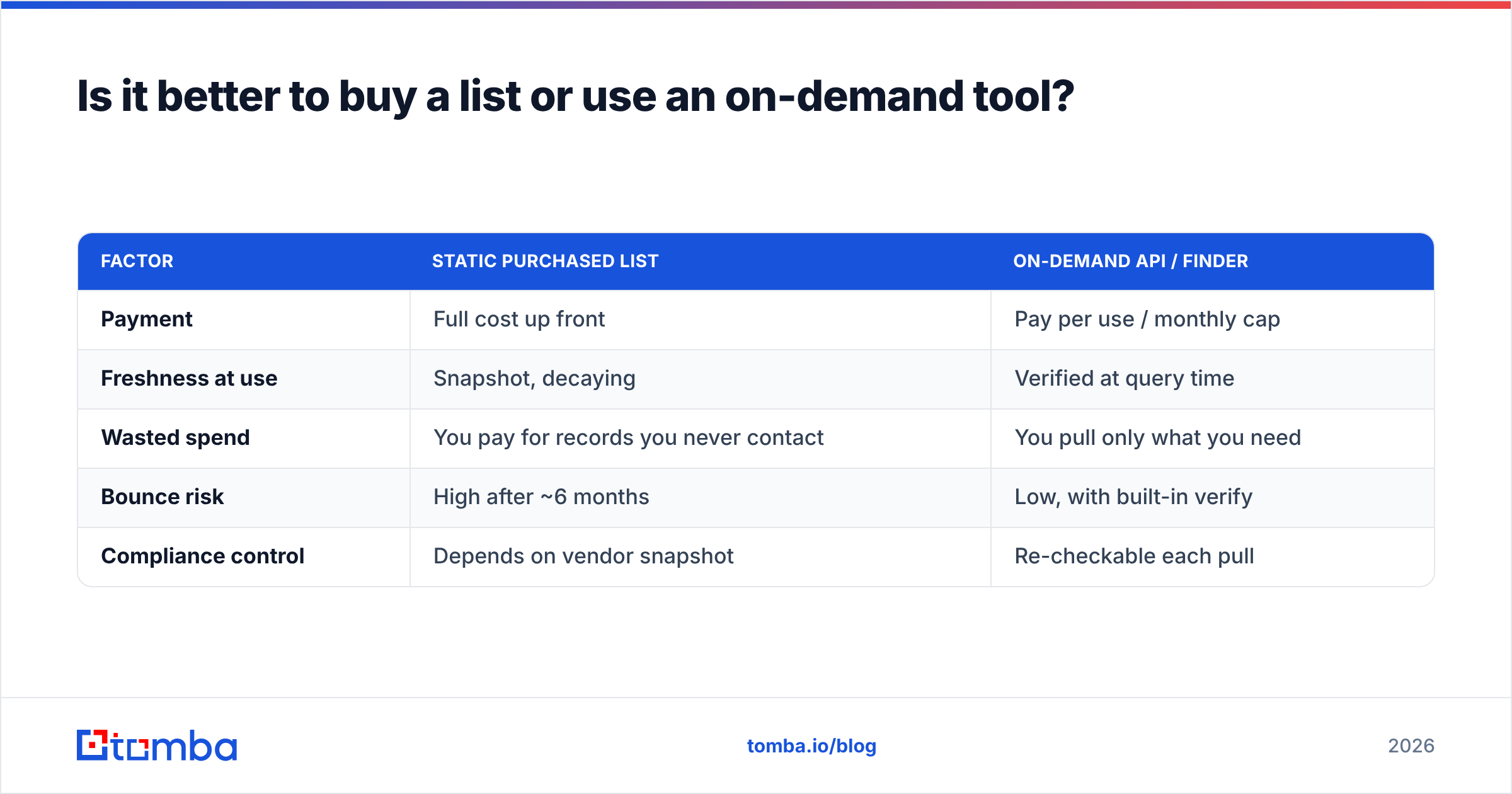
For almost every team, an on-demand tool wins — because purchased lists decay faster than most buyers expect. B2B contact data degrades at roughly 25–30% per year: people switch jobs, companies rebrand, domains change, inboxes get deactivated. That means a list you buy in January is meaningfully wrong by summer, and you paid for the whole thing up front.
Here's the cost comparison that matters:
| Factor | Static purchased list | On-demand API / finder |
|---|---|---|
| Payment | Full cost up front | Pay per use / monthly cap |
| Freshness at use | Snapshot, decaying | Verified at query time |
| Wasted spend | You pay for records you never contact | You pull only what you need |
| Bounce risk | High after ~6 months | Low, with built-in verify |
| Compliance control | Depends on vendor snapshot | Re-checkable each pull |
The one honest case for buying a curated list is speed and simplicity for a single, well-scoped campaign — and here a reputable, compliance-focused vendor like BookYourData is a respected option, since they sell verified records with documented sourcing rather than a scraped dump. Even then, the discipline is the same: verify the list on arrival and again before each send. A snapshot from a careful vendor still ages, so treat any purchased file as a starting point you re-check, not a finished asset.
For ongoing prospecting, though, the math favors an on-demand model. You stop paying for the 60–70% of any list you'll never actually work, and every record is current the moment you use it.
What should a modern data sourcing stack look like?#
Keep it lean. Most teams over-buy, stacking three overlapping databases and using 10% of each. A tight 2026 stack usually needs just three layers:
- A finder + verifier core. This is your workhorse: find the email by name or domain, confirm it's deliverable, done. Because catch-all domains (which accept every address) are a common blind spot, a dedicated catch-all verifier matters more than it used to — it tells you whether a catch-all address is actually safe to send to.
- An enrichment layer. When your CRM record is missing title, company size, or phone, data enrichment fills the gaps so routing, scoring, and personalization work. This is also where a phone finder earns its place for teams that pair email with calling.
- A trigger source (optional). Website-visitor reveal or intent signals tell you when to reach out, not just who to reach. Add this only once your finder + verifier + enrichment core is producing clean, actionable records — buying signals on top of dirty data just help you spam faster.
The reason this structure works is separation of concerns. Each layer is independently swappable, so if one vendor's coverage weakens in your market you replace that layer instead of ripping out an all-in-one platform. It also keeps spend legible: you can see exactly what you pay for discovery versus verification versus signals.
For teams that live in a CRM, the practical move is to wire the finder and enrichment layers directly into your pipeline through native integrations or an email finder API, so records are enriched and verified on creation rather than in a monthly cleanup scramble.
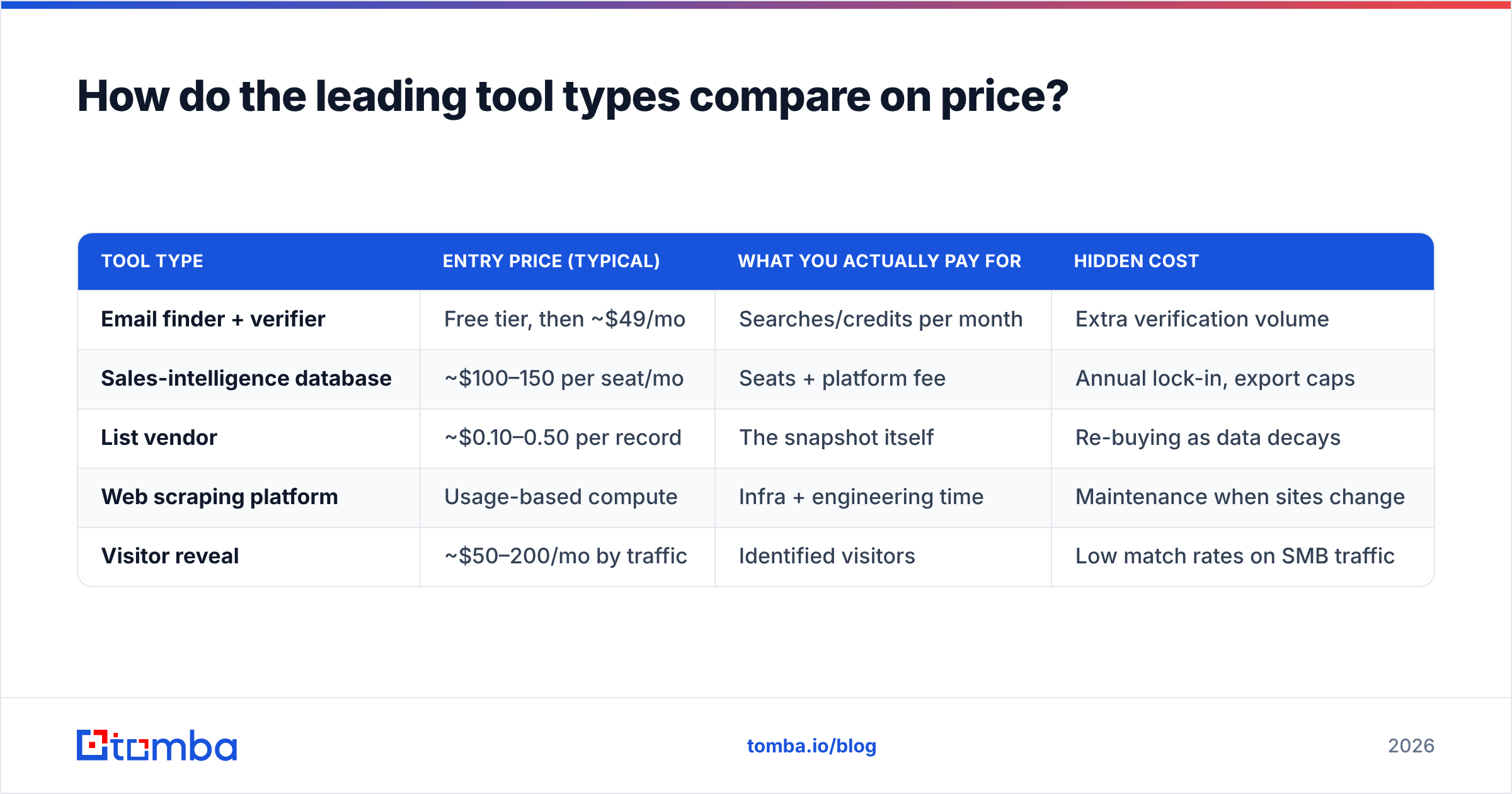
How do the leading tool types compare on price?#
Pricing spans a wide range, and the headline number rarely reflects true cost. Here's a realistic 2026 snapshot of what each category tends to cost, plus the hidden cost that catches buyers off guard.
| Tool type | Entry price (typical) | What you actually pay for | Hidden cost |
|---|---|---|---|
| Email finder + verifier | Free tier, then ~$49/mo | Searches/credits per month | Extra verification volume |
| Sales-intelligence database | ~$100–150 per seat/mo | Seats + platform fee | Annual lock-in, export caps |
| List vendor | ~$0.10–0.50 per record | The snapshot itself | Re-buying as data decays |
| Web scraping platform | Usage-based compute | Infra + engineering time | Maintenance when sites change |
| Visitor reveal | ~$50–200/mo by traffic | Identified visitors | Low match rates on SMB traffic |
As a concrete reference point in the finder-plus-verifier category, Tomba pricing runs a free tier at 25 searches per month, then Starter at $49/mo, Growth at $99/mo, and Pro at $249/mo, with an Enterprise tier for higher volume. That structure is typical of the on-demand category: a free tier to test accuracy on your own domains, then a predictable monthly cap you scale as your outbound grows — no per-seat multiplier, no annual snapshot to re-buy.
The database category looks more expensive per line item but can be justified for large SDR orgs that need shared search and intent data across many seats. The failure mode is buying database-tier tooling for a three-person team that only needs targeted finds — you pay enterprise prices to use a fraction of the platform.
How do you avoid wrecking deliverability with sourced data?#
Verify everything, throttle new domains, and keep your bounce rate under 2%. Sourced data is only as good as your sending hygiene, and even accurate records need a gate before they hit your outbox.
The workflow that keeps you safe:
- Verify at import and again pre-send. Data can go stale between the day you source it and the day you send. A quick re-check with an email verifier catches contacts who left their job last week.
- Segment catch-all and risky addresses. Don't blast them with your main domain. Route uncertain addresses to a separate, lower-risk sending stream.
- Watch your bounce rate like a hawk. Above 2% and mailbox providers start throttling you; the fix is upstream, in your sourcing and verification, not in your copy.
- Protect your domain reputation. Warm up new sending domains gradually and monitor sender reputation so one bad batch doesn't poison months of good sending.
The principle underneath all four: sourcing and deliverability are one system, not two. Teams that treat data as "marketing's problem" and inbox placement as "ops' problem" end up with clean-looking lists that still land in spam. The tools that win in 2026 close that loop by verifying at the point of use.
Which data sourcing tool should you choose?#
Match the tool to your motion, not to the vendor with the biggest logo wall.
- Small or mid-market team doing targeted outbound? An email finder with a built-in verifier and light enrichment covers most of what you need, at the lowest total cost. Start on a free tier and measure real deliverability on your own target accounts before you upgrade.
- Large SDR org running ABM with intent? A sales-intelligence database earns its seat cost — but layer an independent verifier on top of it, because big databases trade freshness for breadth.
- Engineering-heavy team with a niche data need? A scraping platform plus your own verification pipeline gives you control no packaged tool will.
- Inbound-heavy with real traffic? Add visitor reveal to a solid finder core so you catch warm accounts while they're still browsing.
Whatever category you land on, the non-negotiable is a verification step. Volume is cheap; deliverable, current, compliant data is the actual product you're buying.
Start with a clean, on-demand core#
If you're building or rebuilding your stack this year, start with the layer that everything else depends on: a finder that returns current, verified contacts on demand. The Tomba Email Finder lets you find professional email addresses by domain, name, or company, with verification built in — so the data entering your CRM is deliverable from day one instead of a bounce waiting to happen. Test it on your own target accounts with the free tier, compare the deliverability against whatever list you're using now, and let the numbers decide. That single comparison usually settles the "buy a list or use a tool" debate faster than any vendor pitch.
Related guides#
Ready to find emails that actually work?
Join 150,000+ professionals who stopped guessing and started sending. Free credits on signup — no credit card required.
Get the Tomba newsletter
Practical outbound tactics and product updates — once every two weeks.
About the author