Datagma Pros and Cons: An Honest 2026 Review for B2B Teams
A no-fluff breakdown of Datagma's real strengths, weaknesses, pricing, and the alternatives worth testing before you commit budget in 2026.
Datagma Pros and Cons: An Honest 2026 Review for B2B Teams
Datagma is a real-time B2B enrichment and lead-generation tool. Feed it a name, domain, or LinkedIn URL, and it returns a full contact record. It has genuine strengths. But it also has trade-offs that quietly drain credits and budget when you pick it for the wrong job. This guide lays out the Datagma pros and cons in plain terms, with pricing, a side-by-side comparison, and the alternatives worth testing first.
TL;DR#
- Datagma is strongest at real-time enrichment and LinkedIn-based lookups — feeding it a profile URL or domain and getting back emails, phone numbers, and firmographics.
- The biggest cons are opaque credit math, a steep learning curve on the API, and accuracy that varies by region and seniority.
- Pricing starts low but scales unpredictably — heavy enrichment users can outspend simpler, flat-rate tools fast.
- If your core job is finding verified emails by domain or name, a dedicated email finder is often cheaper and more accurate than a broad enrichment suite.
- Best fit: teams that already live in LinkedIn and want one API to enrich records mid-workflow. Poor fit: teams that mostly need clean, verified email lists at volume.
What is Datagma?#
Datagma is a B2B data platform built around one idea. Give it a fragment of information — an email, a full name plus company, a domain, or a LinkedIn profile — and it returns an enriched record. That record can include professional emails, direct-dial and mobile numbers, job titles, company size, funding data, and social profiles.
Think of it like a translation desk at an airport. You walk up with the one phrase you know ("this person, this company"). It hands back the full conversation you need for outreach. In technical terms, it's a real-time enrichment API. A spreadsheet add-on and a Chrome extension sit on top for people who don't want to touch code.
Datagma competes in a crowded space. Broad platforms like Apollo and Clearbit sit on one side. Focused tools like email finders and data enrichment services sit on the other. Datagma tries to stand out on speed — real-time rather than batch — and on its LinkedIn-to-data workflow. Check how the market rates it on G2 before you trust any single review, including this one.

What are the main pros of Datagma?#
The upsides are real. They cluster around workflow speed rather than raw data volume.
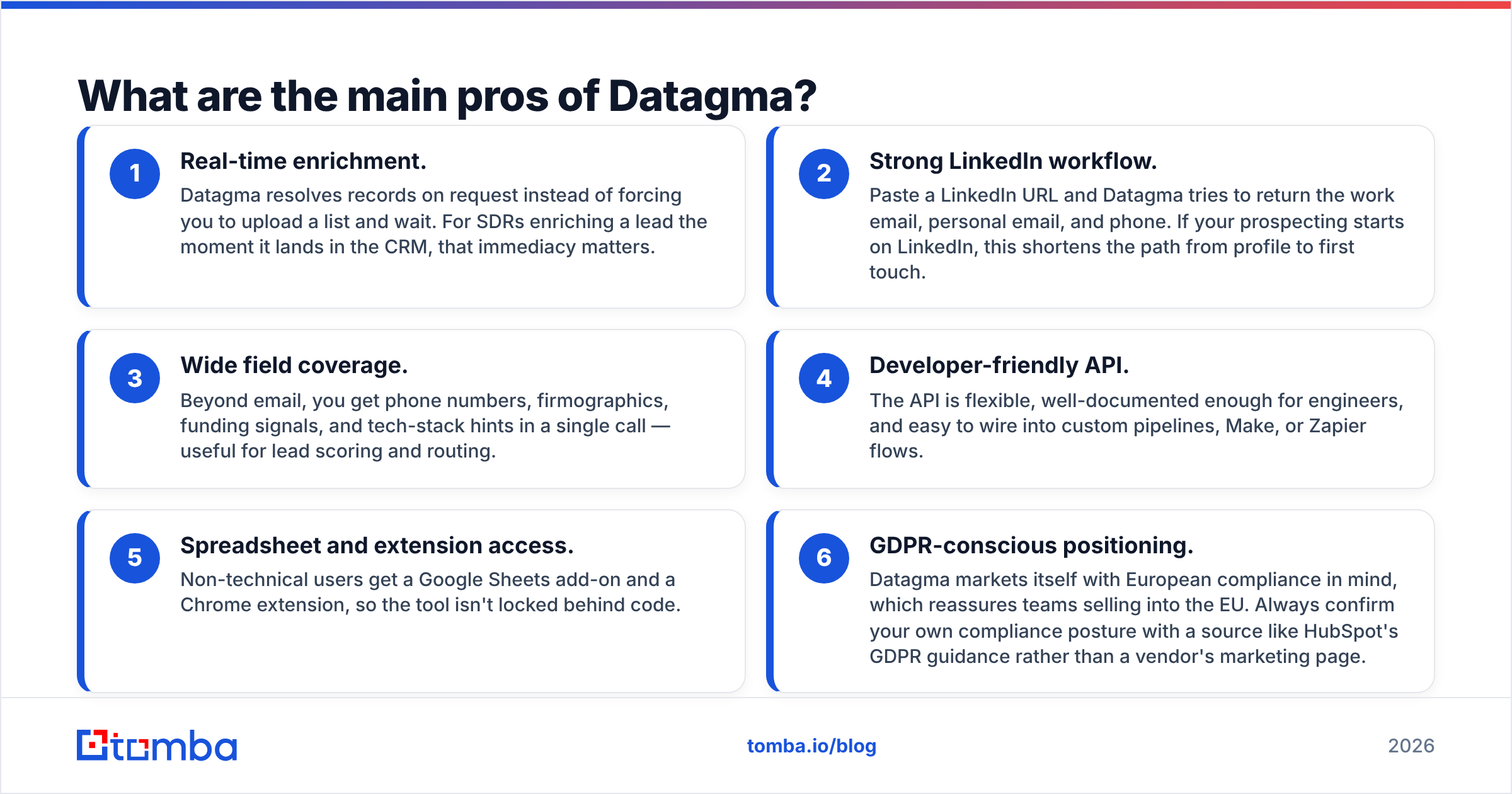
- Real-time enrichment. Datagma resolves records on request. You don't upload a list and wait. For SDRs enriching a lead the moment it lands in the CRM, that immediacy matters.
- Strong LinkedIn workflow. Paste a LinkedIn URL and Datagma tries to return the work email, personal email, and phone. If your prospecting starts on LinkedIn, this shortens the path from profile to first touch.
- Wide field coverage. Beyond email, one call can return phone numbers, firmographics, funding signals, and tech-stack hints. That helps with lead scoring and routing.
Those three points are the core of the Datagma pros and cons on the upside. Three more perks round out the list.
- Developer-friendly API. The API is flexible and well-documented. Engineers can wire it into custom pipelines, Make, or Zapier flows with little friction.
- Spreadsheet and extension access. Non-technical users get a Google Sheets add-on and a Chrome extension. The tool isn't locked behind code.
- GDPR-conscious positioning. Datagma markets itself with European compliance in mind, which reassures teams selling into the EU. Still, confirm your own compliance posture with a source like HubSpot's GDPR guidance rather than a vendor's marketing page.
Put simply: if your bottleneck is "I have a LinkedIn tab open and need this person's contact info right now," Datagma does that job well.
What are the cons of Datagma?#
Here's where the honest part earns its keep. The Datagma pros and cons don't cancel out. They apply to different use cases.
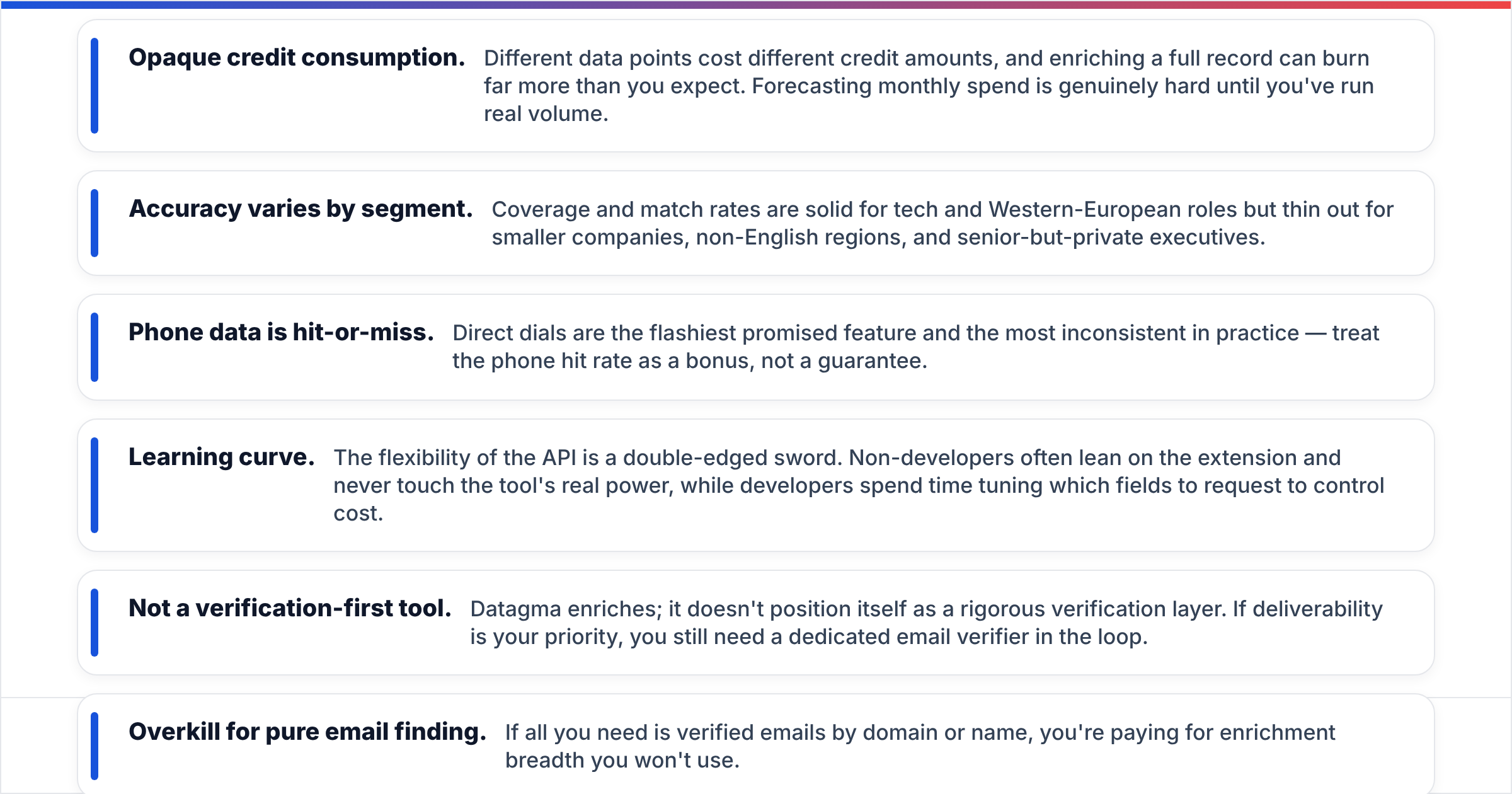
- Opaque credit consumption. Different data points cost different credit amounts. Enriching a full record can burn far more than you expect. Forecasting monthly spend is hard until you've run real volume.
- Accuracy varies by segment. Match rates are solid for tech and Western-European roles. They thin out for smaller companies, non-English regions, and senior-but-private executives.
- Phone data is hit-or-miss. Direct dials are the flashiest promised feature and the most inconsistent in practice. Treat the phone hit rate as a bonus, not a guarantee.
Those first three are the costs most teams feel first. The rest of the Datagma pros and cons show up once you scale.
- Learning curve. The flexibility of the API cuts both ways. Non-developers often lean on the extension and never touch the tool's real power. Developers spend time tuning which fields to request to control cost.
- Not a verification-first tool. Datagma enriches; it doesn't claim to be a rigorous verification layer. If deliverability is your priority, you still need a dedicated email verifier in the loop.
- Overkill for pure email finding. If all you need is verified emails by domain or name, you're paying for enrichment breadth you won't use.

How does Datagma compare to the alternatives?#
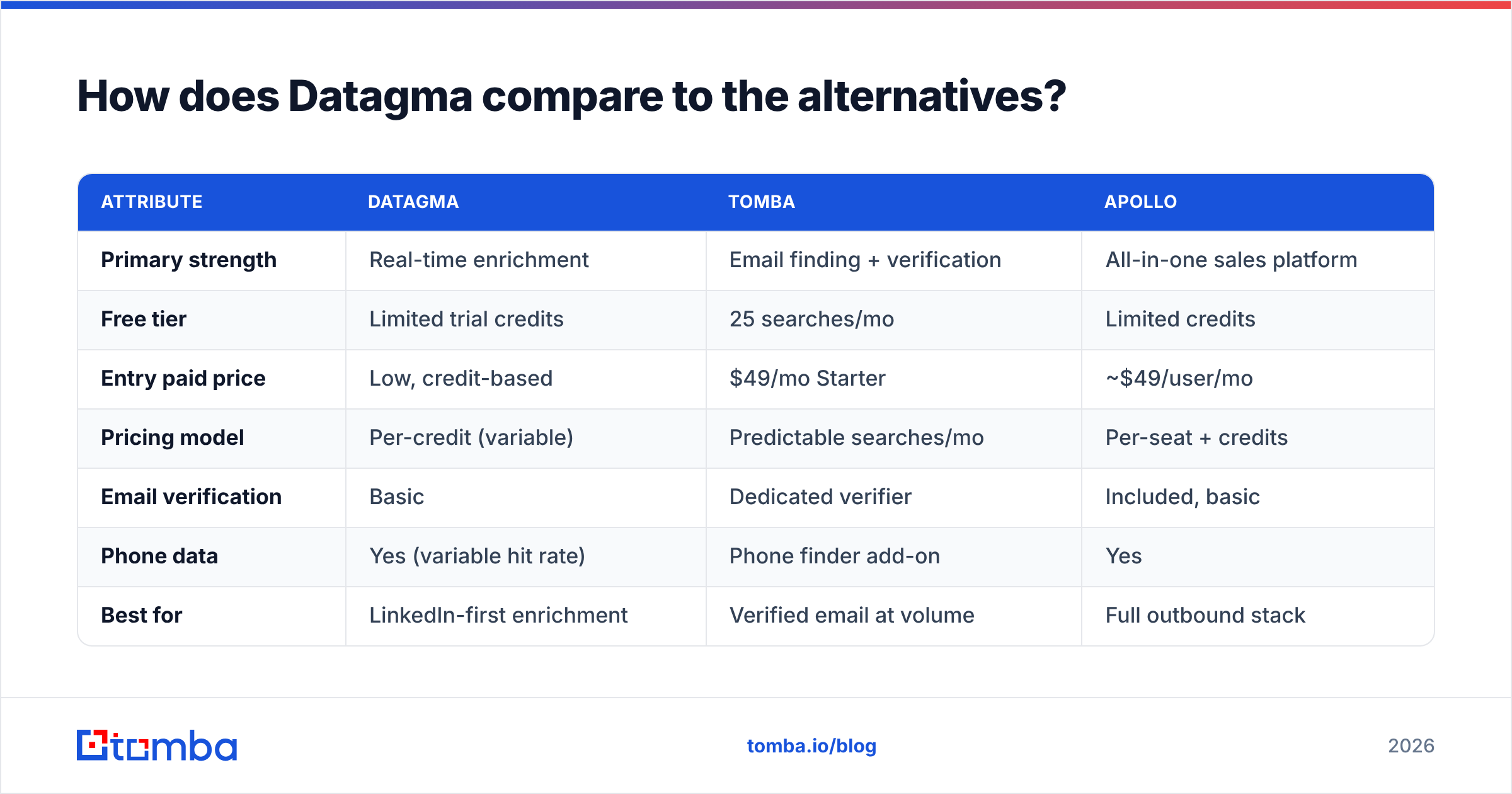
No single tool wins every job. The table below compares Datagma against a focused email-finding approach and a broad all-in-one platform. Match the tool to your actual bottleneck.
| Attribute | Datagma | Tomba | Apollo |
|---|---|---|---|
| Primary strength | Real-time enrichment | Email finding + verification | All-in-one sales platform |
| Free tier | Limited trial credits | 25 searches/mo | Limited credits |
| Entry paid price | Low, credit-based | $49/mo Starter | ~$49/user/mo |
| Pricing model | Per-credit (variable) | Predictable searches/mo | Per-seat + credits |
| Email verification | Basic | Dedicated verifier | Included, basic |
| Phone data | Yes (variable hit rate) | Phone finder add-on | Yes |
| Best for | LinkedIn-first enrichment | Verified email at volume | Full outbound stack |
| Learning curve | Moderate–high (API) | Low | Moderate |
The takeaway is simple. Datagma's credit model rewards light, precise use and punishes heavy, indiscriminate enrichment. A flat, search-based model like Tomba pricing is easier to forecast when you pull contacts at volume. If you're weighing enrichment suites, scope the broader data enrichment category before you commit a seat budget.
How much does Datagma cost?#
Datagma uses a credit-based model with a low entry point. Cost scales as you add volume and data types. On paper that looks cheap. In practice, measure the cost per complete enriched record — email plus verified phone plus firmographics. A single record can consume several credits.
Three rules keep you honest on cost:
- Model your real record, not the sticker price. Estimate credits for the exact fields you request, then multiply by monthly volume.
- Separate "nice to have" from "need." Requesting phone numbers on every lead when you call only 10% of them is pure waste.
- Compare against flat-rate options. For teams pulling thousands of emails a month, a predictable plan such as a Starter tier at $49/mo can undercut variable credit spend. Check current Tomba plans and Datagma's own live pricing on datagma.com before deciding.
The trap is treating the low entry price as the true cost. Enrichment platforms make money on the fields you didn't budget for.
Is Datagma worth it in 2026?#
The Datagma pros and cons come down to one question: what is your bottleneck? Datagma is worth it if enrichment speed inside your workflow is the constraint. You're LinkedIn-first. You enrich records one at a time as they arrive. You value a single API that returns email, phone, and firmographics together. For that profile, it earns its place.
Datagma is not worth it if your real job is building verified email lists at scale. Then you're paying for enrichment breadth you won't use, wrestling variable credit costs, and still bolting on a verification step. A focused stack usually costs less and lands more messages: a domain search to map a company's addresses, an email finder to resolve individuals, and a verifier to protect deliverability.
Before you sign anything, run a 100-record test with your own target segment. Measure match rate, verified-email rate, phone hit rate, and total credits burned. Vendor averages don't predict your niche. Your own sample does.
What are the best Datagma alternatives?#
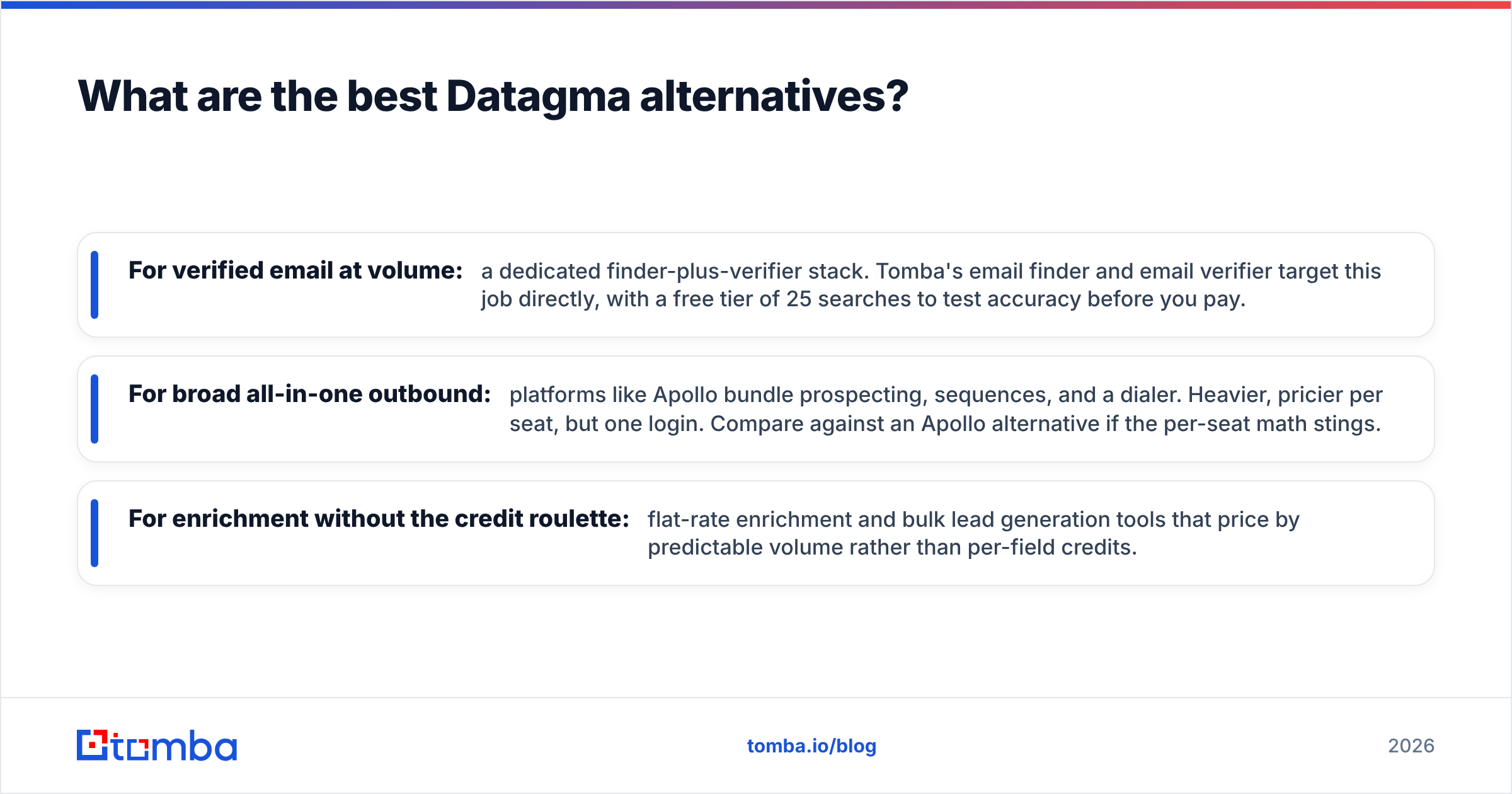
If the cons above hit close to home, three directions are worth testing:
- For verified email at volume: a dedicated finder-plus-verifier stack. Tomba's email finder and email verifier target this job directly. A free tier of 25 searches lets you test accuracy before you pay.
- For broad all-in-one outbound: platforms like Apollo bundle prospecting, sequences, and a dialer. They're heavier and pricier per seat, but one login. Compare against an Apollo alternative if the per-seat math stings.
- For enrichment without the credit roulette: flat-rate enrichment and bulk lead generation tools that price by predictable volume rather than per-field credits.
The right answer depends on your constraint. Is it speed of enrichment, Datagma's home turf? Or cost-predictable verified data at scale, where focused tools win?
Frequently asked questions#
Is Datagma accurate? Accuracy is strong for tech and Western-European roles. It's weaker for small companies, non-English regions, and private senior contacts. Always verify emails before sending, whatever the source.
Does Datagma verify emails? It provides basic validation, but it's an enrichment tool first. For deliverability-critical outreach, run results through a dedicated email verification step.
Is Datagma good for cold email? It can source contacts. But cold email success hinges on verified addresses and sender reputation. Pair any enrichment tool with proper verification and warmup.
What's the biggest hidden cost? Variable credit consumption. A single fully enriched record can cost several credits, so heavy users often spend more than the entry price implies.
The Bottom Line on Datagma Pros and Cons#
Datagma is a capable real-time enrichment tool. It has a genuine LinkedIn-first advantage — and a credit model that rewards precision and punishes volume. Weigh the Datagma pros and cons against your actual bottleneck, not the marketing.
If your real need is finding professional email addresses by domain, name, or company — verified, at a predictable price — start with the Tomba Email Finder. The free tier gives you 25 searches a month. Benchmark accuracy against Datagma on your own target list before you commit a dollar. Test both on the same 100 leads, count the verified hits, and let the data pick your tool.
Related guides#
Ready to find emails that actually work?
Join 150,000+ professionals who stopped guessing and started sending. Free credits on signup — no credit card required.
Get the Tomba newsletter
Practical outbound tactics and product updates — once every two weeks.
About the author