Datanyze Pros and Cons in 2026: An Honest, No-Fluff Review
A neutral breakdown of Datanyze's real strengths and weaknesses in 2026 — technographics, pricing, data accuracy, and where it falls short for email-led outbound.
Datanyze Pros and Cons in 2026: An Honest, No-Fluff Review
Datanyze built its reputation on technographics — telling you what software a company runs before you ever pick up the phone. In 2026 it still does that job, but the sales-intelligence market has shifted hard toward accurate, verified contact data and email-led outbound. So the real question isn't "is Datanyze good?" It's "is Datanyze good for what you're actually trying to do this year?"
This is a neutral breakdown. Where Datanyze wins, we say so. Where it costs you pipeline, we say that too.
TL;DR — Datanyze pros and cons at a glance#
- Best at: lightweight technographic signals and a browser-first workflow for finding contact info on LinkedIn and company sites.
- Weakest at: email accuracy, verification, and bulk contact discovery — the parts that actually feed a cold-email engine.
- Pricing: a freemium tier plus a low-cost paid plan, but credits run out fast and enterprise-grade data lives elsewhere.
- Who it fits: SDRs who prospect one contact at a time and care about tech-stack targeting.
- Who should look elsewhere: teams running volume outbound who need verified emails, catch-all handling, and API access — a dedicated email finder closes that gap.

What is Datanyze and what does it actually do?#
Datanyze is a sales-intelligence and technographics tool, now part of the ZoomInfo family. Its core promise is context: instead of a raw list of names, it tells you which technologies a target company uses — the CRM, the ad pixels, the ecommerce platform, the analytics stack — so you can tailor your pitch. You can read the pitch straight from the source on the official Datanyze site.
In practice, most people use Datanyze through its Chrome extension. You land on a prospect's LinkedIn profile or company website, click the extension, and it surfaces contact details plus a technographic snapshot. That browser-first design is genuinely convenient for one-off prospecting.
The tension is that Datanyze is a signals product wearing a contact-data coat. The technographics are the differentiator; the emails and phone numbers are table stakes it doesn't lead on. Understanding that split is the key to the rest of this review — and it's why we'll keep coming back to where the data comes from as the deciding factor.
What are the pros of Datanyze?#
Here's what Datanyze does well, without hedging:
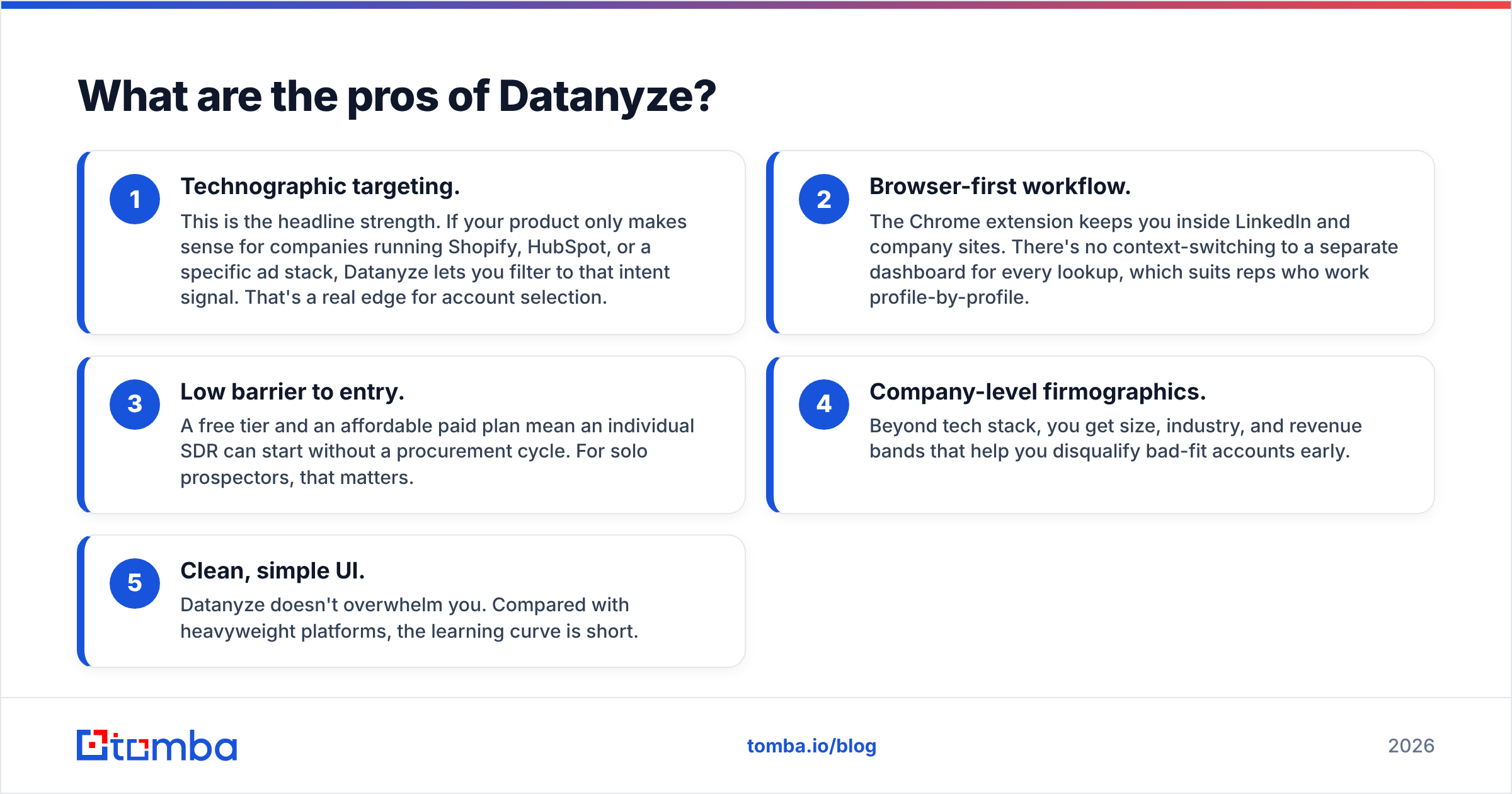
- Technographic targeting. This is the headline strength. If your product only makes sense for companies running Shopify, HubSpot, or a specific ad stack, Datanyze lets you filter to that intent signal. That's a real edge for account selection.
- Browser-first workflow. The Chrome extension keeps you inside LinkedIn and company sites. There's no context-switching to a separate dashboard for every lookup, which suits reps who work profile-by-profile.
- Low barrier to entry. A free tier and an affordable paid plan mean an individual SDR can start without a procurement cycle. For solo prospectors, that matters.
- Company-level firmographics. Beyond tech stack, you get size, industry, and revenue bands that help you disqualify bad-fit accounts early.
- Clean, simple UI. Datanyze doesn't overwhelm you. Compared with heavyweight platforms, the learning curve is short.
Those are legitimate reasons teams still keep it in the stack. None of them are contact-data reasons — and that's the theme.
What are the cons of Datanyze?#
Now the honest part. These are the weaknesses that show up once you move from "researching an account" to "running outbound at volume."
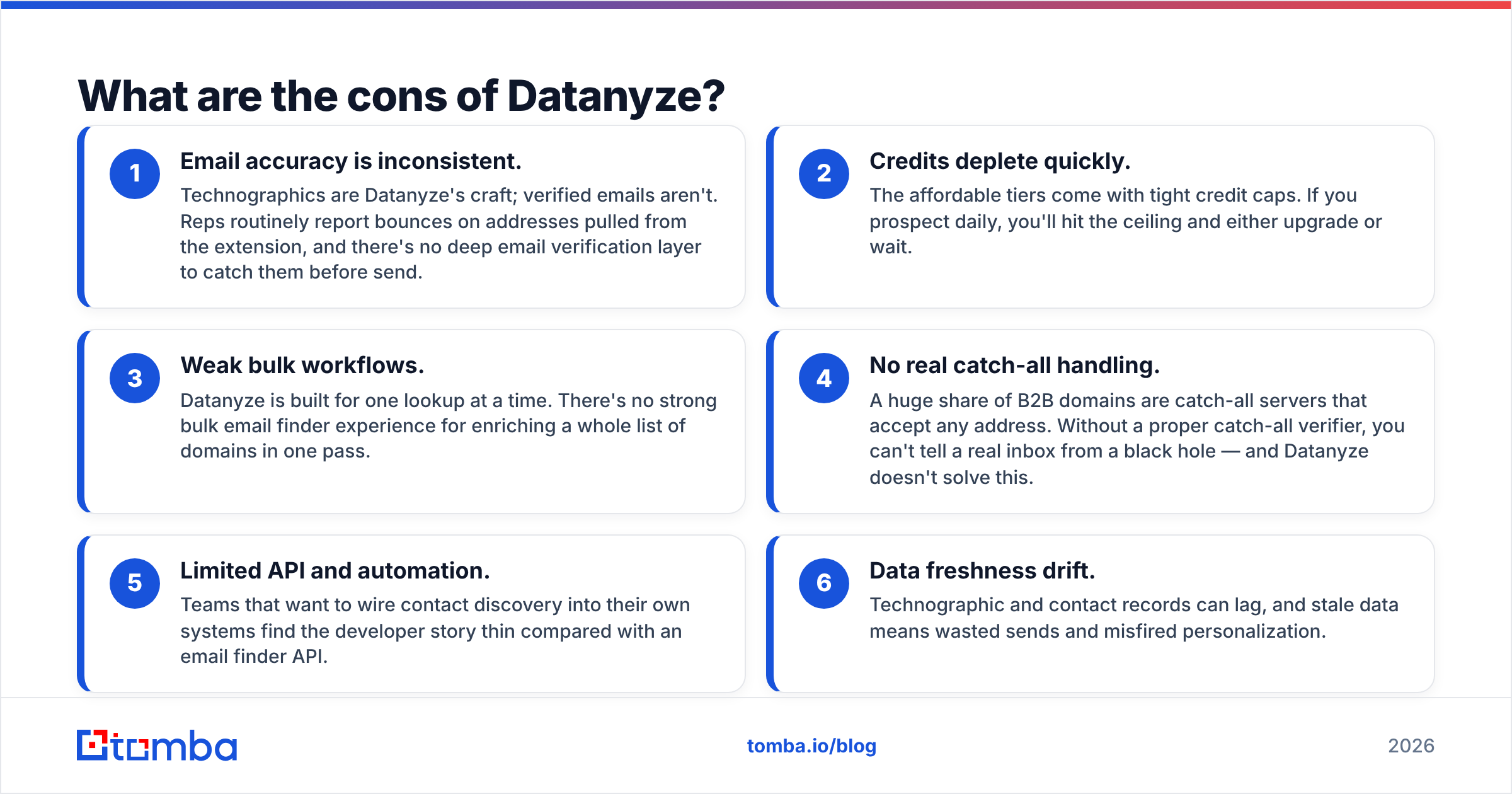
- Email accuracy is inconsistent. Technographics are Datanyze's craft; verified emails aren't. Reps routinely report bounces on addresses pulled from the extension, and there's no deep email verification layer to catch them before send.
- Credits deplete quickly. The affordable tiers come with tight credit caps. If you prospect daily, you'll hit the ceiling and either upgrade or wait.
- Weak bulk workflows. Datanyze is built for one lookup at a time. There's no strong bulk email finder experience for enriching a whole list of domains in one pass.
- No real catch-all handling. A huge share of B2B domains are catch-all servers that accept any address. Without a proper catch-all verifier, you can't tell a real inbox from a black hole — and Datanyze doesn't solve this.
- Limited API and automation. Teams that want to wire contact discovery into their own systems find the developer story thin compared with an email finder API.
- Data freshness drift. Technographic and contact records can lag, and stale data means wasted sends and misfired personalization.

Datanyze pros and cons compared to a dedicated email finder#
Since most Datanyze evaluations end with "…but I still need clean emails," here's a direct side-by-side against a purpose-built contact-data tool like Tomba. This isn't apples-to-apples — Datanyze leads on tech signals, Tomba leads on verified contact data — and that's exactly the point.
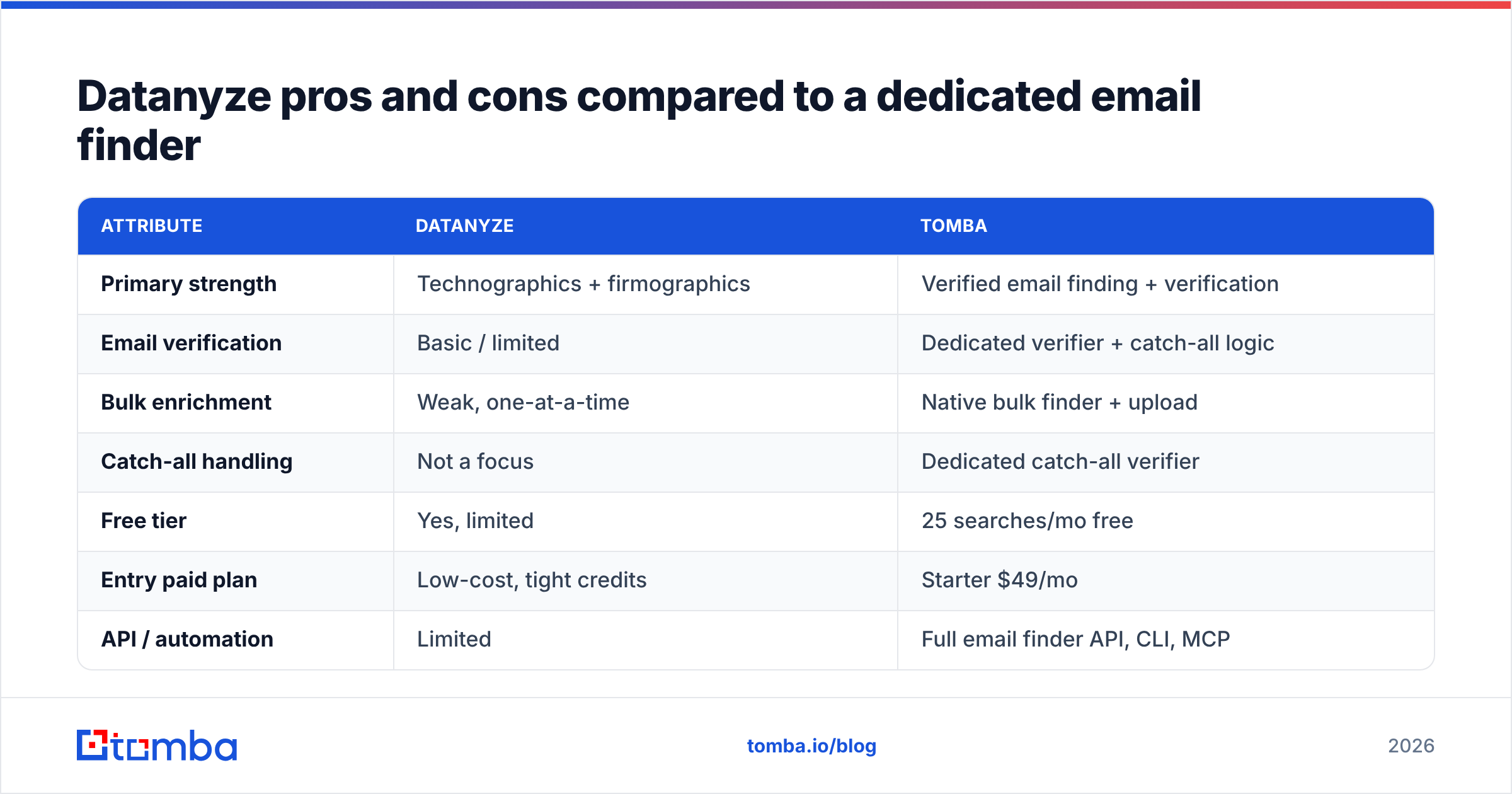
| Attribute | Datanyze | Tomba |
|---|---|---|
| Primary strength | Technographics + firmographics | Verified email finding + verification |
| Email verification | Basic / limited | Dedicated verifier + catch-all logic |
| Bulk enrichment | Weak, one-at-a-time | Native bulk finder + upload |
| Catch-all handling | Not a focus | Dedicated catch-all verifier |
| Free tier | Yes, limited | 25 searches/mo free |
| Entry paid plan | Low-cost, tight credits | Starter $49/mo |
| API / automation | Limited | Full email finder API, CLI, MCP |
| Best use case | Tech-stack account targeting | Email-led outbound at volume |
The takeaway: they're complementary, not identical. Datanyze answers "which accounts?" A tool like Tomba answers "which verified inbox, right now?" If your bottleneck is deliverable emails — and for most outbound teams it is — the second question is the one that funds your pipeline.
Is Datanyze accurate enough for cold outbound?#
Short answer: accurate enough to target, not always accurate enough to send. Datanyze's technographic and firmographic data is useful for building a shortlist. But the moment you rely on its emails for a cold campaign, accuracy becomes the whole ballgame, because a bad address does three things at once: it wastes a credit, it burns a send, and it dings your sender reputation.
That reputation cost is the hidden tax. Every hard bounce signals mailbox providers that you're not maintaining list hygiene, which quietly lowers inbox placement for the good addresses in the same campaign. Protecting email deliverability is why verification isn't optional at volume — and it's the exact layer Datanyze under-invests in.
If you take one thing from this section: use Datanyze to decide who to contact, then run those contacts through a real verification step before a single message goes out.
How much does Datanyze cost, and is it worth it?#
Datanyze uses a freemium model: a free tier to sample the product and a low-priced paid plan on top. On paper that's attractive. In practice, the credit limits mean the effective cost per usable, verified contact is higher than the sticker price suggests — because you'll spend credits on addresses you still have to verify elsewhere.
Compare that with transparent per-plan pricing built around contact discovery. Tomba's pricing runs Free (25 searches/mo), Starter at $49/mo, Growth at $99/mo, and Pro at $249/mo, with each tier bundling both finding and verification. When you're budgeting, the honest metric isn't "price per credit" — it's "price per contact you can actually email." Datanyze looks cheaper until you add the verification tooling it doesn't include.
For an objective read on how buyers rate each tool, cross-check the review counts and category rankings on G2 before you commit budget.
Who should use Datanyze — and who shouldn't?#
Use Datanyze if:
- Your ICP is defined by technology stack, and technographic filtering is a genuine sales edge.
- Your reps prospect one account at a time inside the browser and value context over volume.
- You already have a separate verification and email-finding layer, and you want Datanyze purely for signals.
Look elsewhere if:
- You run volume cold email and live or die by deliverable addresses.
- You need bulk enrichment, catch-all detection, or a solid API to automate discovery.
- You want one tool that both finds and verifies contacts without a second subscription.
For that second group, the cleaner architecture is a signals tool for targeting plus a dedicated contact-data tool for execution. Many teams pair account research with domain search to pull every verified email at a target company in one move — that's the workflow Datanyze alone doesn't deliver.
The honest verdict on Datanyze's pros and cons#
Datanyze is a good technographics tool with a convenient browser workflow and a friendly entry price. It is not a strong standalone engine for email-led outbound, because verification, bulk workflows, catch-all handling, and automation — the things that convert a list into replies — aren't where it invests. Judge it for what it is: a targeting layer, not a contact-data backbone.
If Datanyze is solving your "which accounts?" problem, keep it. Just don't ask it to solve your "which verified email?" problem too.
Close the gap: find and verify the emails Datanyze can't#
Datanyze can tell you who to reach. To actually reach them, you need addresses that land. That's where the Tomba Email Finder fits: search by domain, name, or company, get verified professional emails with built-in verification and catch-all logic, and push them straight into your outreach with a full API. Start on the free tier — 25 searches a month, no card — and see how many more of your Datanyze-targeted accounts turn into deliverable, reply-ready contacts. Pair smart targeting with clean data, and your outbound stops bouncing and starts booking.
Related guides#
Ready to find emails that actually work?
Join 150,000+ professionals who stopped guessing and started sending. Free credits on signup — no credit card required.
Get the Tomba newsletter
Practical outbound tactics and product updates — once every two weeks.
About the author