Datanyze vs DiscoverOrg: Which B2B Data Tool Wins in 2026?
Datanyze and DiscoverOrg are both ZoomInfo-owned now, but they solve very different problems. Here's an honest breakdown of pricing, data accuracy, and which one your team should actually pay for in 2026.
Datanyze vs DiscoverOrg: Which B2B Data Tool Wins in 2026?
Choosing between Datanyze and DiscoverOrg looks like a straight tool-vs-tool fight, but there's a twist most comparison posts skip: both are now owned by the same company. ZoomInfo acquired Datanyze in 2016 and merged with DiscoverOrg in 2019. So you're not really comparing two rival vendors — you're comparing a lightweight technographics tool against an enterprise data engine that share a corporate parent. That changes how you should decide.
This guide breaks down what each tool actually does, what they cost, how accurate the data is, and where a focused email-and-enrichment stack beats both.
TL;DR#
- Datanyze is a lightweight, Chrome-extension technographics and contact tool aimed at individual reps who want quick company data and a few verified emails per month.
- DiscoverOrg is the enterprise-grade B2B database that became the core of ZoomInfo — deep org charts, buying signals, and intent data at a much higher price.
- Both are ZoomInfo-owned, so "Datanyze vs DiscoverOrg" is really "cheap self-serve" vs "full enterprise contract."
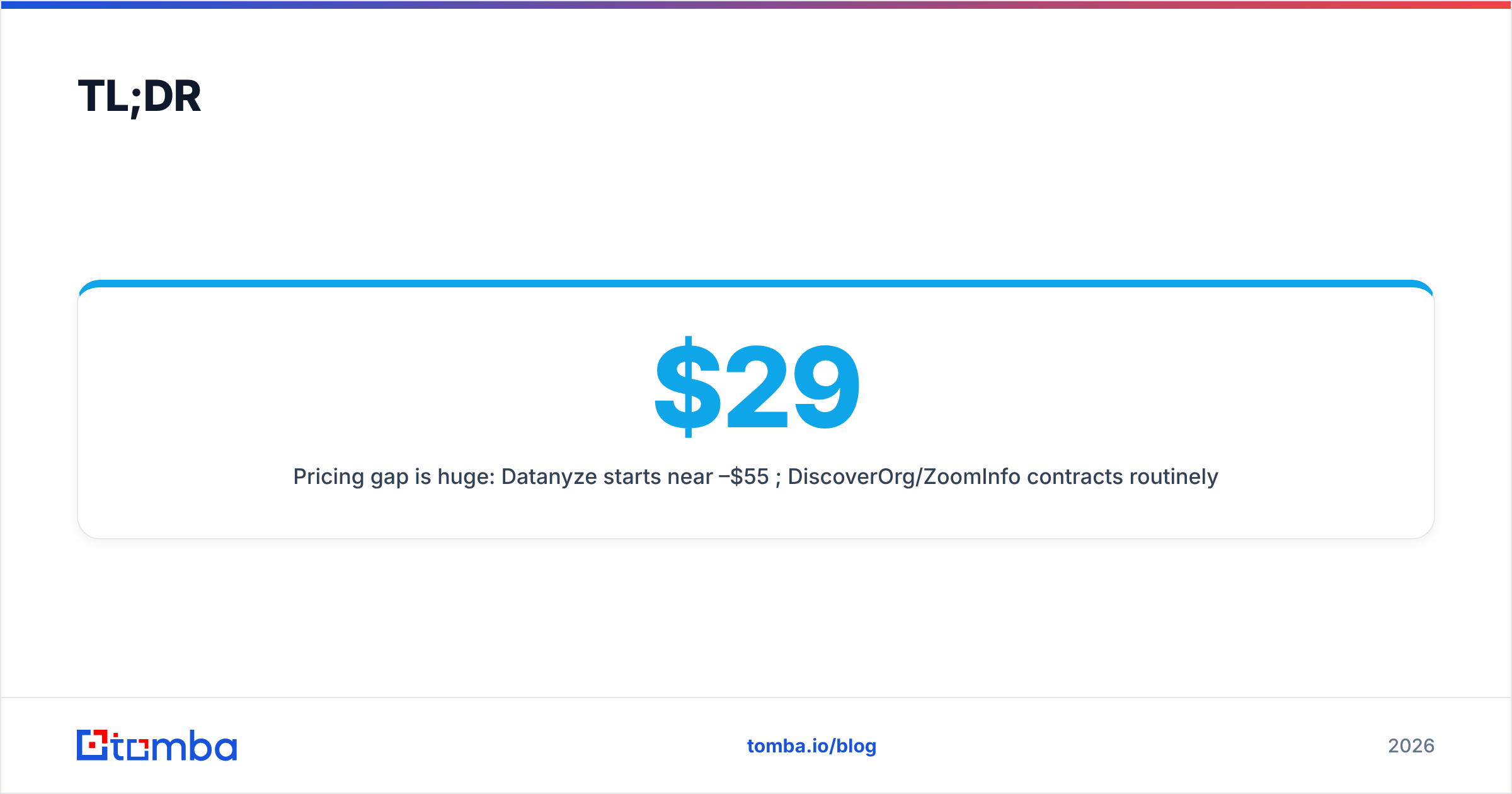
- Pricing gap is huge: Datanyze starts near $29–$55/mo per user; DiscoverOrg/ZoomInfo contracts routinely land in the $15,000–$40,000+/year range.
- If your core need is finding and verifying business emails at a fair price, a focused tool like Tomba often beats paying enterprise rates for data you won't fully use.
What is Datanyze?#
Datanyze is a sales intelligence tool built around technographics — the practice of identifying which technologies a company uses (their CRM, ad pixels, hosting, ecommerce platform, and so on). It runs mainly as a Chrome extension that surfaces company info and contact details while you browse a prospect's website or LinkedIn profile.
After the ZoomInfo acquisition, Datanyze was repositioned as a lightweight, self-serve product for individual reps and small teams rather than a full data platform. Its headline features are:
- Technographic lookups — see the tech stack behind any domain.
- Contact reveal — grab a prospect's business email and direct-dial from the extension.
- Credit-based access — you buy a monthly bucket of contact credits.
- Icebreakers — light personalization data (local weather, news) for cold outreach.
- Freemium trial — a limited free window to test the extension.
It's cheap, fast, and shallow by design. Datanyze is for the rep who wants a few dozen contacts a month, not the RevOps team building a territory model.
What is DiscoverOrg?#
DiscoverOrg was, for years, the gold standard for deep, human-verified B2B org data. It specialized in detailed organizational charts, reporting structures, direct dials, and buying-committee mapping — the kind of intelligence enterprise sales teams use to run account-based plays.
In 2019, DiscoverOrg merged with ZoomInfo, and the combined data now powers the ZoomInfo platform. If you buy "DiscoverOrg" today, you're effectively buying ZoomInfo, which layers on:
- Company and contact records at massive scale.
- Org charts and hierarchy showing who reports to whom.
- Intent and buying signals — which accounts are actively researching your category.
- Scoops — timely triggers like leadership changes, funding, and expansion.
- Integrations with Salesforce, HubSpot, Outreach, and the rest of the enterprise stack.
The trade-off is cost and commitment. This is annual-contract, seat-based, sales-assisted software — not something you swipe a card for on a Tuesday.
Datanyze vs DiscoverOrg: how do they compare?#
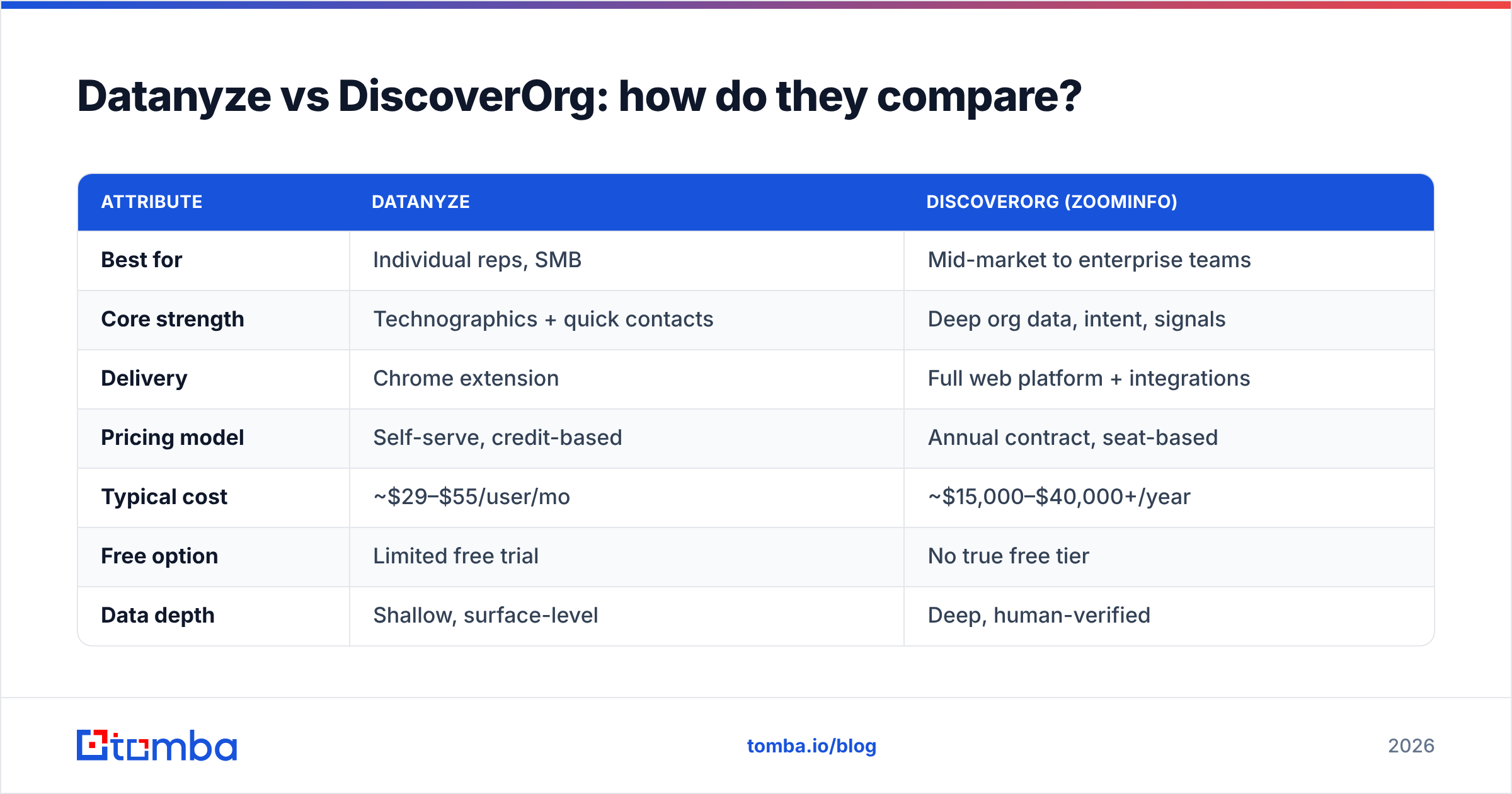
Here's the honest side-by-side. Because ZoomInfo doesn't publish DiscoverOrg pricing, the figures below reflect widely reported market ranges — treat them as directional, not gospel.
| Attribute | Datanyze | DiscoverOrg (ZoomInfo) |
|---|---|---|
| Best for | Individual reps, SMB | Mid-market to enterprise teams |
| Core strength | Technographics + quick contacts | Deep org data, intent, signals |
| Delivery | Chrome extension | Full web platform + integrations |
| Pricing model | Self-serve, credit-based | Annual contract, seat-based |
| Typical cost | ~$29–$55/user/mo | ~$15,000–$40,000+/year |
| Free option | Limited free trial | No true free tier |
| Data depth | Shallow, surface-level | Deep, human-verified |
| Intent data | No | Yes |
| Contract lock-in | Low (monthly) | High (annual, sales-gated) |
| Ramp time | Minutes | Weeks (onboarding, seats) |
The pattern is clear: Datanyze is the fast, cheap, shallow option; DiscoverOrg is the deep, expensive, committed one. Neither is "better" in the abstract — they serve different buyers. A solo SDR prospecting into 50 accounts a month does not need a five-figure ZoomInfo contract, and an enterprise ABM team can't run on a Chrome extension.
For a deeper primer on how these categories fit together, ZoomInfo's own product line and third-party reviews on G2 are worth scanning before any purchase decision.
Which one has more accurate data?#
DiscoverOrg wins on depth; both share the same freshness problem every static database has. DiscoverOrg's legacy reputation was built on human-verified org charts, and that verification still gives it an edge for complex account mapping. Datanyze, being lighter, leans more on automated collection, so its contact accuracy is more variable.
But here's the catch that applies to any prepackaged B2B database, cheap or expensive: the data decays. People change jobs constantly, companies restructure, and a contact record that was accurate at collection time can be dead months later. Buying a bigger, pricier database doesn't stop decay — it just gives you more records that are quietly going stale.
That's why serious teams pair a database with real-time verification at the point of use. It doesn't matter how impressive a record looks in the platform if the email bounces when you actually send. Running your list through a dedicated email verifier before a campaign catches the dead addresses that both Datanyze and DiscoverOrg will inevitably carry, protecting your sender reputation and your reply rates.
Where does a focused email-and-enrichment stack fit?#
If your real job is finding and verifying business emails — not building enterprise org charts — you're probably overpaying with either tool. Datanyze bundles technographics you may never use; DiscoverOrg bundles intent, scoops, and seats that only make sense at enterprise scale.
A focused stack flips the model. Instead of renting a giant static database, you look up and verify contacts on demand:
- Find emails by name and domain — search a company and pull the people you need, when you need them.
- Verify before you send — every address checked in real time, not months after collection.
- Enrich leads with company and role data to prioritize the right accounts.
- Automate at scale through a clean email finder API instead of a seat-locked platform.
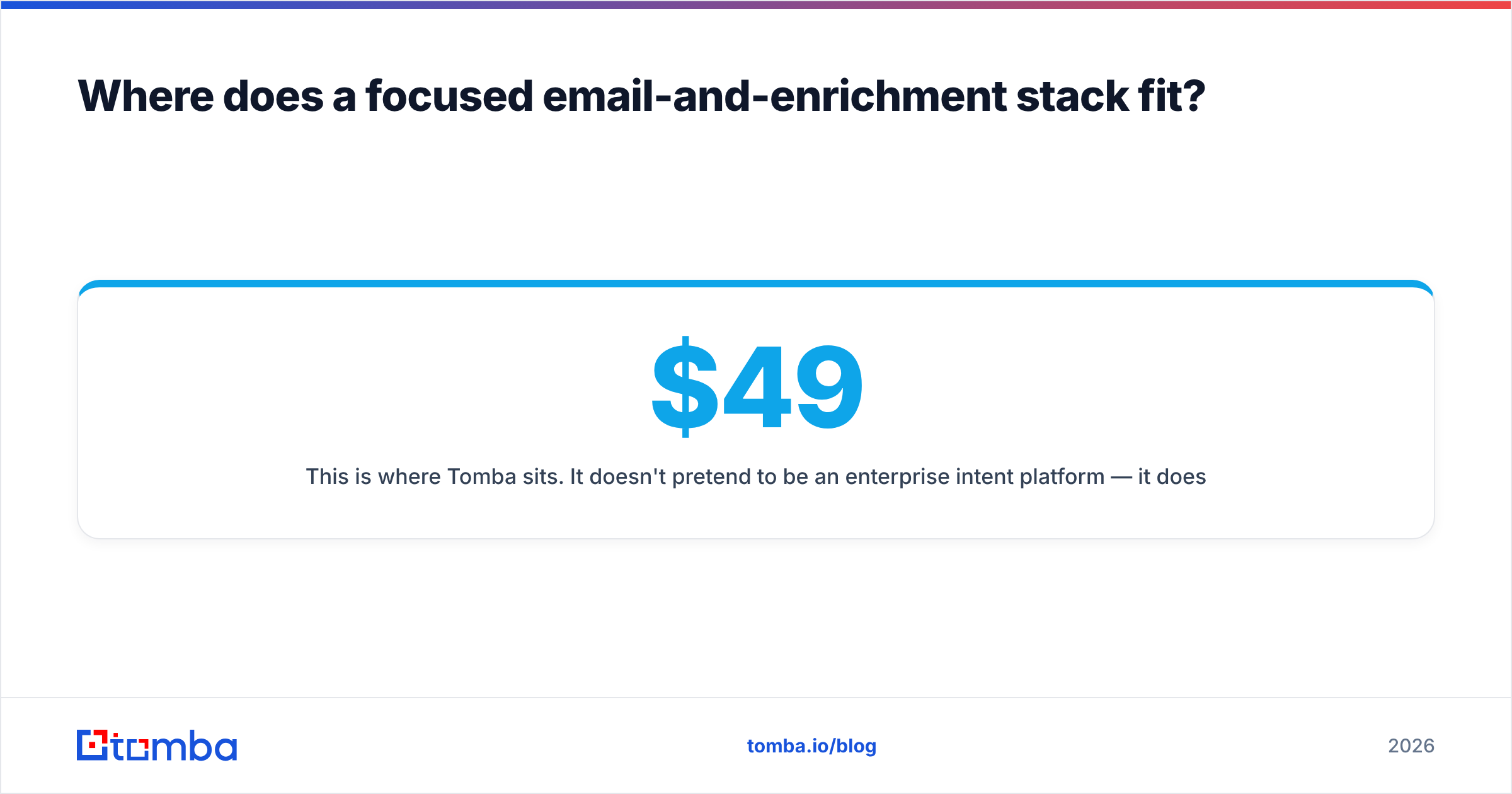
This is where Tomba sits. It doesn't pretend to be an enterprise intent platform — it does the email-finding and verification job well, at pricing that a solo rep or a small team can actually justify: a free tier with 25 searches/month, Starter at $49/mo, Growth at $99/mo, and Pro at $249/mo. No annual lock-in, no five-figure minimum, no sales call to see a number.

Datanyze vs DiscoverOrg vs Tomba: quick decision guide#
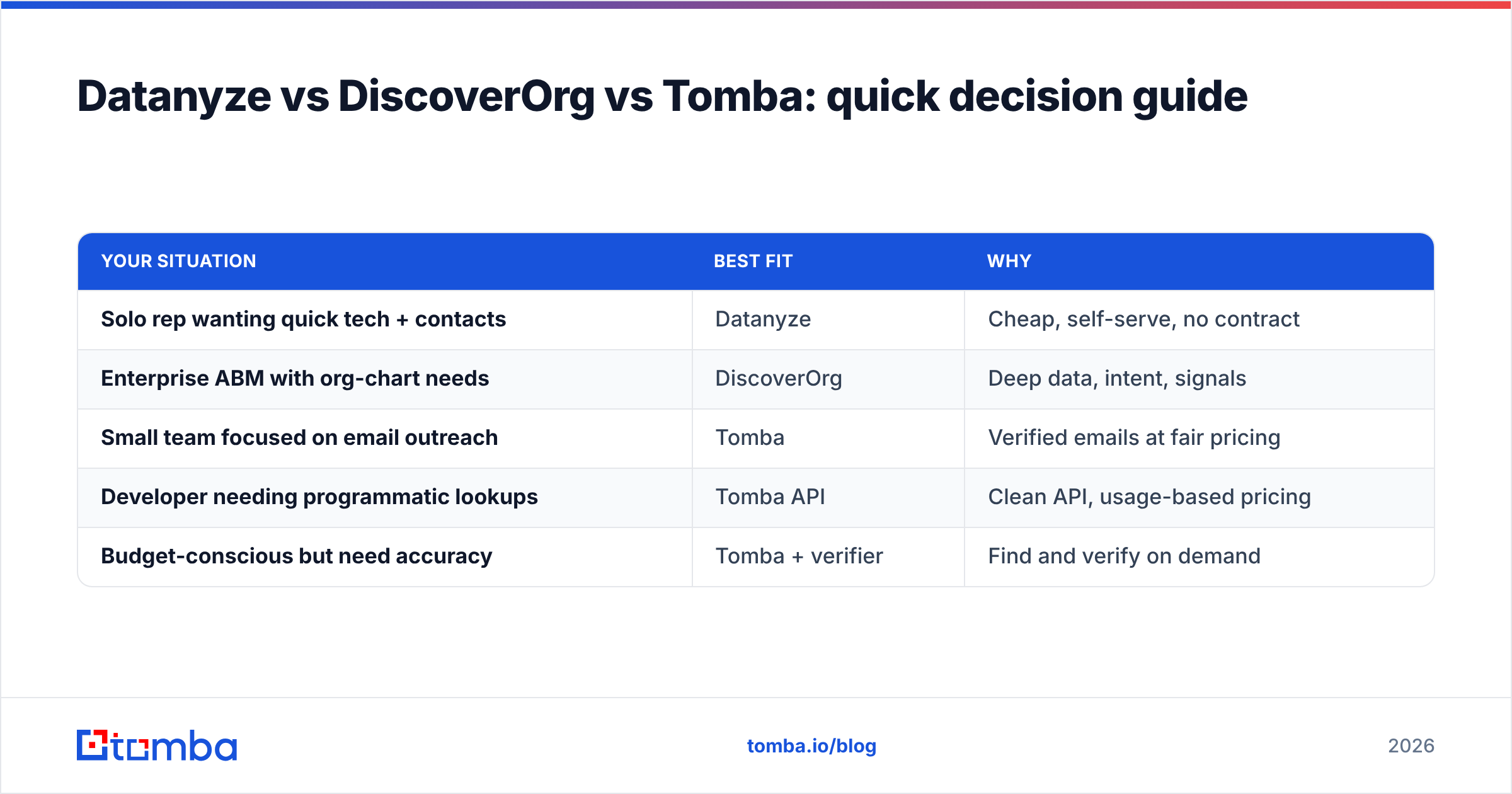
Use this to shortcut the choice based on what you're actually optimizing for.
| Your situation | Best fit | Why |
|---|---|---|
| Solo rep wanting quick tech + contacts | Datanyze | Cheap, self-serve, no contract |
| Enterprise ABM with org-chart needs | DiscoverOrg | Deep data, intent, signals |
| Small team focused on email outreach | Tomba | Verified emails at fair pricing |
| Developer needing programmatic lookups | Tomba API | Clean API, usage-based pricing |
| Budget-conscious but need accuracy | Tomba + verifier | Find and verify on demand |
Is DiscoverOrg worth the price over Datanyze?#
Only if you'll use the depth. DiscoverOrg's data quality and intent signals are genuinely strong, and for a well-funded enterprise team running account-based motions across thousands of target accounts, the ROI can be there. Org charts and buying-committee mapping are hard to replicate cheaply, and that's what you're paying for.
But most teams don't run that motion. If you find yourself justifying a $20,000+/year contract by pointing at features you "might use later," that's a sign you're buying the wrong tier. The honest questions:
- Do you need org charts and reporting structure, or just the right person's email?
- Do you need intent data, or a reliable way to reach the prospects you already know?
- Can your outreach volume justify per-seat enterprise pricing, or would usage-based credits cost a fraction?
If the answers point at "I mostly need accurate contacts," neither Datanyze's shallow reveal nor DiscoverOrg's enterprise contract is the efficient choice.
What are the main drawbacks of each?#
Datanyze drawbacks:
- Shallow data depth — fine for quick lookups, weak for account planning.
- Credit limits can feel tight if you prospect heavily.
- Technographics are its focus; contact accuracy is secondary.
- No intent or buying-signal data.
DiscoverOrg (ZoomInfo) drawbacks:
- Opaque, high pricing gated behind sales calls.
- Annual contracts with real lock-in.
- Overkill (and overspend) for SMBs and solo reps.
- Data still decays — you pay premium rates for records that age like any other.
The shared blind spot: both bill you for a big bundle. You either get too little (Datanyze) or pay for far more than you'll use (DiscoverOrg). A focused email-finding workflow sidesteps that by charging you for the one job you actually do every day.
How should you decide?#
Match the tool to the motion, not the marketing:
- Map your real workflow. Are you finding individual emails, or modeling enterprise accounts? Be honest about volume.
- Price it per outcome. Divide annual cost by the number of usable contacts you'll actually action. Enterprise tools often look worse under this lens.
- Separate database from verification. Whatever source you use, verify at send time — decay is universal.
- Start cheap, scale up. A free tier or self-serve plan tells you more in a week than any sales demo.
- Avoid lock-in until you're sure. Monthly, usage-based pricing keeps you flexible while you learn what you need.
For most B2B teams whose day-to-day is outbound email, the answer to "Datanyze vs DiscoverOrg" is "neither, quite" — you want accurate, verified contacts without technographic bloat or an enterprise contract.
The bottom line#
Datanyze and DiscoverOrg are two ends of the same ZoomInfo-owned spectrum: one cheap and shallow, one deep and expensive. Pick Datanyze if you're a solo rep who wants quick technographics and a handful of contacts. Pick DiscoverOrg if you're an enterprise team that will genuinely use org charts and intent data — and can absorb the annual commitment.
But if your actual job is finding and verifying professional emails so your outreach lands, you don't need either extreme. Tomba's Email Finder gives you accurate, verified business emails by name, domain, or company — with a free tier to start and transparent plans from $49/mo, no enterprise contract required. Start with 25 free searches, verify before you send, and pay only for the results you use. That's the version of "data intelligence" that pays for itself.
Related guides#
Ready to find emails that actually work?
Join 150,000+ professionals who stopped guessing and started sending. Free credits on signup — no credit card required.
Get the Tomba newsletter
Practical outbound tactics and product updates — once every two weeks.
About the author