Datanyze vs Enrichley: Which B2B Data Tool Wins in 2026?
Datanyze and Enrichley both promise clean B2B contact data, but they solve different problems. Here's an honest, side-by-side breakdown of accuracy, pricing, and fit—plus where a dedicated email finder beats both.
Choosing between Datanyze and Enrichley usually comes down to one question: do you need technographic prospecting inside your browser, or a bulk enrichment engine that fills gaps in a list you already have? They look similar on a features page, but they were built for different jobs—and picking the wrong one wastes budget on data you can't use.
This is a neutral, side-by-side breakdown. No vendor spin. We'll cover what each tool actually does well, where each falls short, real pricing signals, and the scenarios where a focused email finder beats both.
TL;DR: Datanyze vs Enrichley at a glance#
- Datanyze is a Chrome-extension prospecting tool with strong technographics (what tech a company runs). It's best for reps who research accounts live on a website or LinkedIn.
- Enrichley is positioned as a bulk data-enrichment layer—upload a CSV or connect a CRM, and it backfills missing firmographic and contact fields.
- Accuracy is the real battleground. Neither wins on volume alone; verified, deliverable emails matter more than raw record counts.
- Pricing favors focus. If you only need verified B2B emails, a dedicated tool like the Tomba Email Finder is usually cheaper per usable contact than a broad platform.
- Our pick depends on the job: Datanyze for live account research, Enrichley for CRM cleanup, and a specialist email finder when deliverability is the whole point.

What is Datanyze and who is it for?#
Datanyze is a sales-intelligence and prospecting tool that lives primarily as a Chrome extension. It became well known for technographics—identifying which technologies a company uses (analytics, hosting, chat widgets, e-commerce platforms) so reps can time outreach around a prospect's tech stack. It's now part of the ZoomInfo family, which shapes its data pipeline and roadmap.
The core workflow is fast: you're on a company website or a LinkedIn profile, you click the extension, and Datanyze surfaces contact details plus company signals. For a rep doing one-account-at-a-time research, that in-context speed is the whole appeal.
Where Datanyze is strong:
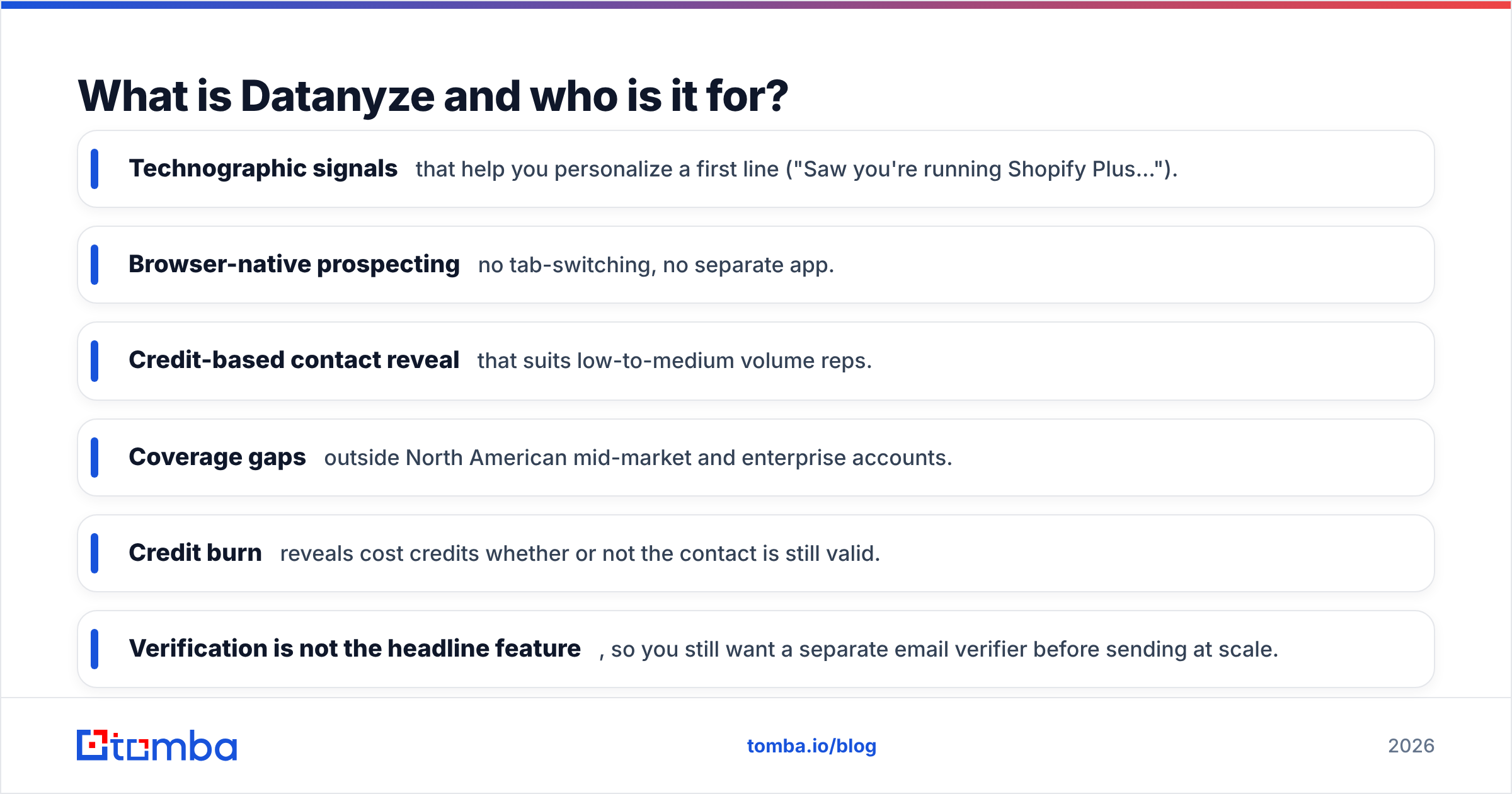
- Technographic signals that help you personalize a first line ("Saw you're running Shopify Plus…").
- Browser-native prospecting—no tab-switching, no separate app.
- Credit-based contact reveal that suits low-to-medium volume reps.
Where it frustrates people:
- Coverage gaps outside North American mid-market and enterprise accounts.
- Credit burn—reveals cost credits whether or not the contact is still valid.
- Verification is not the headline feature, so you still want a separate email verifier before sending at scale.
What is Enrichley and who is it for?#
Enrichley approaches the problem from the opposite end. Instead of one-off, in-browser lookups, it's built to enrich lists in bulk. You bring a spreadsheet of company names, domains, or partial contacts, and Enrichley appends the missing pieces—firmographics (industry, size, revenue), and where possible, contact fields.
This makes it a natural fit for operations and RevOps teams who already have a messy database and want to fill it rather than build it from scratch. Think of it less like a flashlight you point at one prospect and more like a dishwasher you load a full rack into and run.
Where Enrichley is strong:
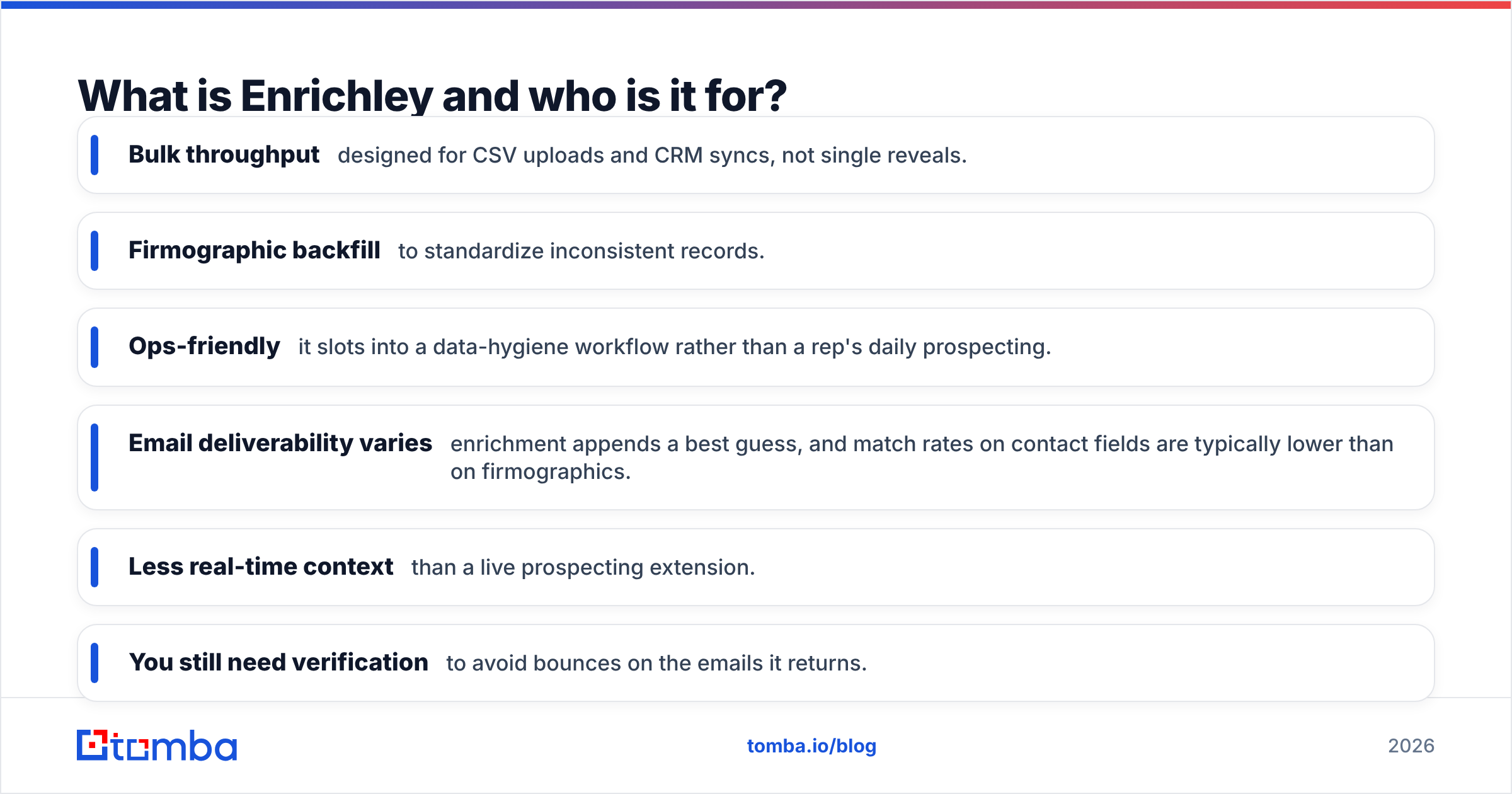
- Bulk throughput—designed for CSV uploads and CRM syncs, not single reveals.
- Firmographic backfill to standardize inconsistent records.
- Ops-friendly—it slots into a data-hygiene workflow rather than a rep's daily prospecting.
Where it frustrates people:
- Email deliverability varies—enrichment appends a best guess, and match rates on contact fields are typically lower than on firmographics.
- Less real-time context than a live prospecting extension.
- You still need verification to avoid bounces on the emails it returns.
Datanyze vs Enrichley: the head-to-head comparison#
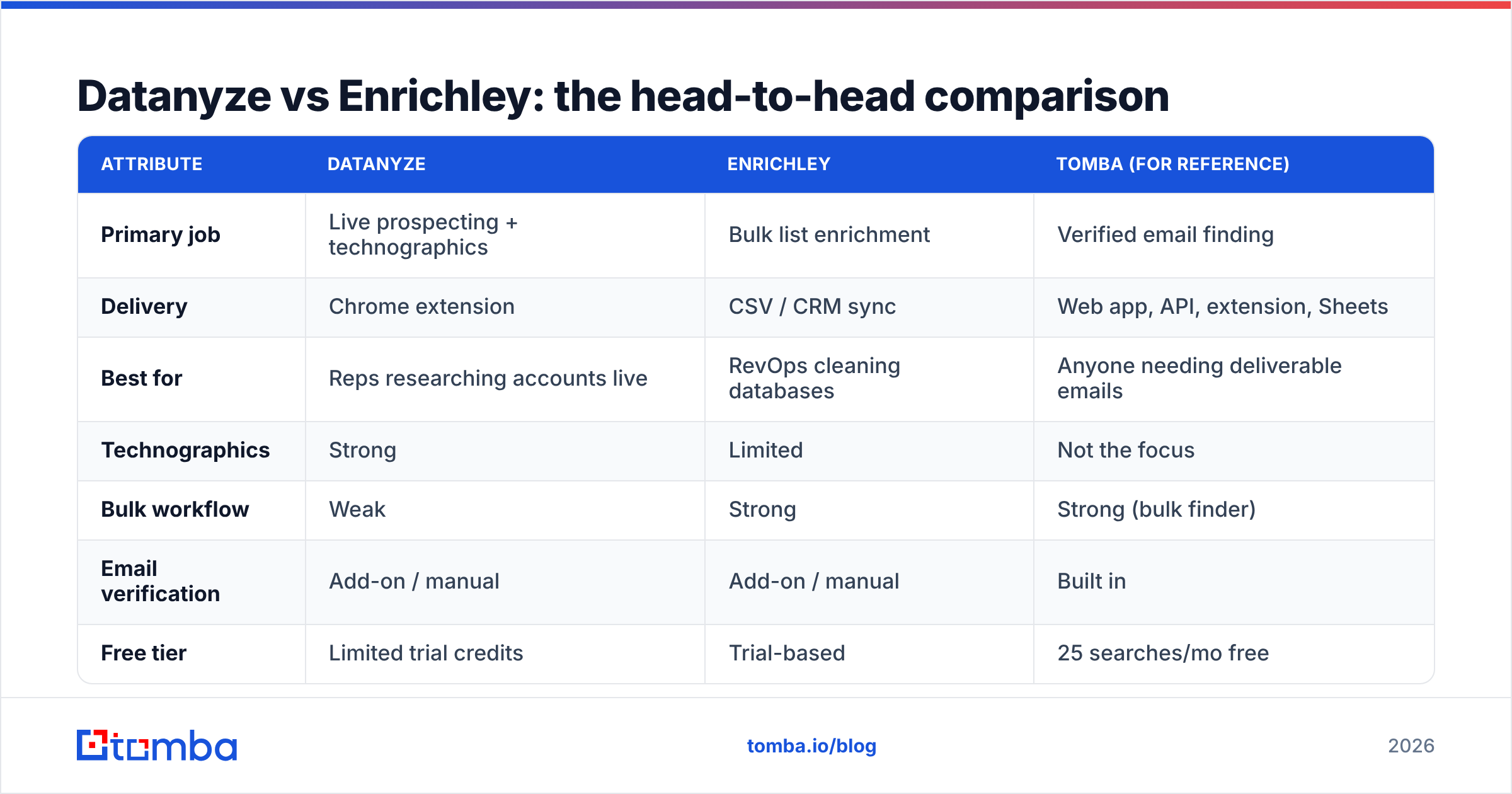
Here's the practical breakdown across the attributes that actually change your results. Pricing figures reflect publicly signaled ranges and typical credit models; always confirm current numbers on each vendor's page before you buy.
| Attribute | Datanyze | Enrichley | Tomba (for reference) |
|---|---|---|---|
| Primary job | Live prospecting + technographics | Bulk list enrichment | Verified email finding |
| Delivery | Chrome extension | CSV / CRM sync | Web app, API, extension, Sheets |
| Best for | Reps researching accounts live | RevOps cleaning databases | Anyone needing deliverable emails |
| Technographics | Strong | Limited | Not the focus |
| Bulk workflow | Weak | Strong | Strong (bulk finder) |
| Email verification | Add-on / manual | Add-on / manual | Built in |
| Free tier | Limited trial credits | Trial-based | 25 searches/mo free |
| Entry paid price | ~$29+/mo (credit-based) | Quote / tiered | $49/mo Starter |
| API access | Limited | Yes | Yes (Tomba API) |
A few honest takeaways from that table:
- They rarely compete directly. Datanyze wins the "I'm looking at one account right now" moment; Enrichley wins the "I have 10,000 rows to fix" moment.
- Neither guarantees deliverability. Both return contacts, but a returned email is not the same as a verified, inbox-safe email.
- Cost per usable contact is the metric that matters. A cheap credit is expensive if 30% of the emails bounce.
Which tool is more accurate—Datanyze or Enrichley?#
Accuracy is where "record count" marketing falls apart. The number you should care about is deliverable rate: of the emails a tool hands you, how many actually reach a real inbox.
Datanyze tends to be reliable on the accounts it covers well (US mid-market and enterprise) and thinner elsewhere. Enrichley's firmographic accuracy is usually solid, but appended contact fields—especially personal-looking emails—carry more risk, which is common for any bulk enrichment engine working from partial inputs.
The safe conclusion for both: verify before you send. Whichever tool sources the address, run it through verification and treat catch-all domains carefully. Skipping that step is the single fastest way to torch your sender reputation.
If you want to see how independent reviewers score contact-data tools on match rate and freshness, G2 is a reasonable neutral reference—read the low-star reviews, not just the average.
How much do Datanyze and Enrichley cost in 2026?#
Both use models that make true cost hard to eyeball:
- Datanyze is credit-based. A monthly plan gives you a bucket of credits, and each contact reveal spends one—valid or not. Reps who research heavily can burn a month's credits in a week.
- Enrichley leans toward volume-tiered or quote-based pricing, which suits ops teams enriching large batches but can feel opaque for a small team that just wants a predictable line item.
The trap in both is the same: you pay for records, not for outcomes. If half your revealed contacts are stale or unverified, your effective cost per usable lead can quietly double.
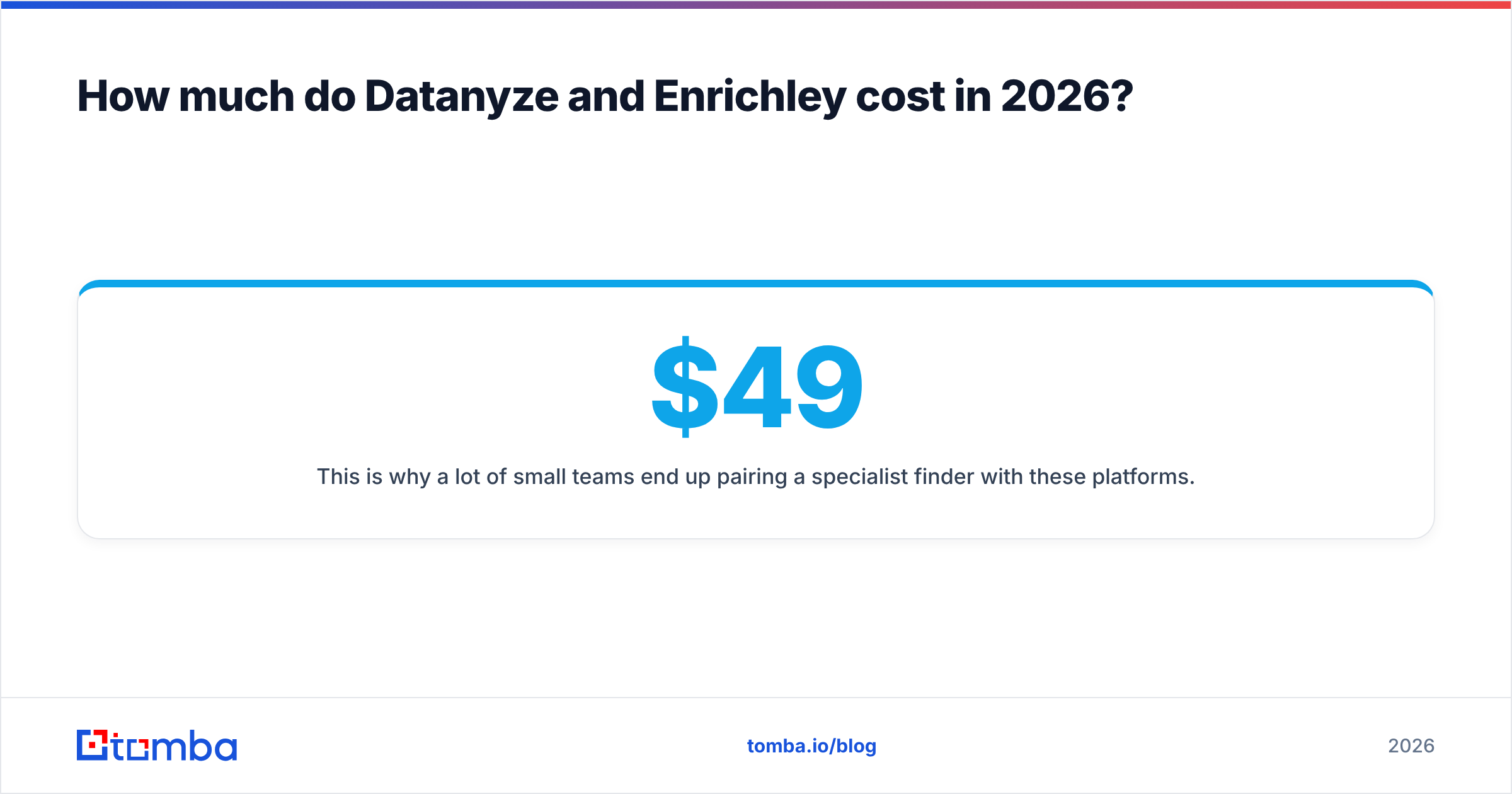
This is why a lot of small teams end up pairing a specialist finder with these platforms. For transparent, seat-plus-search pricing, compare against Tomba pricing: a free tier of 25 searches/month, Starter at $49/mo, Growth at $99/mo, and Pro at $249/mo—with built-in verification so you're not paying twice for the same contact.

When should you skip both and use a dedicated email finder?#
Skip the all-in-one platforms when your actual bottleneck is verified email addresses, not technographics or firmographic enrichment.
Consider a focused email finder if:
- You send cold email at volume and every bounce hurts your domain reputation.
- You already have a CRM for firmographics and just need clean contact points.
- You want predictable pricing instead of credit anxiety.
- You need coverage by domain—give a company URL, get the pattern and people behind it via domain search.
- You want enrichment without a heavyweight contract, using targeted data enrichment to fill only the fields you're missing.
A specialist tool trades breadth for depth: fewer dashboards, more deliverable emails. For most outbound and lead-gen teams, that trade is the right one.
Datanyze vs Enrichley: which should you choose?#
Here's the honest decision tree, stripped of marketing:
- Choose Datanyze if your reps prospect live, one account at a time, and technographic signals genuinely change how you pitch. Its browser-native speed is the differentiator.
- Choose Enrichley if you're an ops/RevOps owner with a large, messy database and your main job is backfilling and standardizing records in bulk.
- Choose a dedicated email finder if deliverable B2B emails are the actual goal and you want to control cost per usable contact.
Many teams end up running two tools, not one: a research or enrichment layer for context, plus a verification-first finder so nothing goes out the door unchecked. That combination usually beats forcing a single platform to do a job it wasn't designed for.
Frequently asked questions#
Is Datanyze better than Enrichley? Neither is universally "better"—they solve different problems. Datanyze is stronger for live, in-browser prospecting and technographics; Enrichley is stronger for bulk enrichment of existing lists. Match the tool to your workflow, not the other way around.
Do Datanyze or Enrichley verify emails automatically? Not as a headline feature. Both can return contacts, but you should run addresses through dedicated verification before sending to protect deliverability and avoid bounces.
What's the cheapest way to get verified B2B emails? A focused email finder with verification built in typically has the lowest cost per usable contact, because you're not paying credits for stale or invalid records. Tomba's free tier lets you test 25 searches per month before committing.
Can I use these tools together? Yes. A common stack is an enrichment or research tool for context plus a verification-first finder for clean contact points—each doing the part it's best at.
The bottom line#
Datanyze and Enrichley are both legitimate tools, and the "winner" depends entirely on your job-to-be-done: live prospecting with technographics (Datanyze) versus bulk database enrichment (Enrichley). But if you strip the comparison down to the one thing outbound teams actually live or die on—deliverable email addresses—both leave a verification-shaped gap you'll need to fill anyway.
If clean, verified B2B emails are your real goal, start with a tool built specifically for that. Try the Tomba Email Finder free—25 searches a month, verification included, transparent pricing—and see how many usable contacts you get before spending a credit on anything else.
Related guides#
Ready to find emails that actually work?
Join 150,000+ professionals who stopped guessing and started sending. Free credits on signup — no credit card required.
Get the Tomba newsletter
Practical outbound tactics and product updates — once every two weeks.
About the author