Datanyze vs Kipplo (2026): Which Sales Data Tool Wins?
Datanyze and Kipplo both promise clean B2B contact and company data, but they win at very different jobs. Here is an honest, side-by-side breakdown of accuracy, pricing, coverage, and where a leaner tool beats both.
Picking between Datanyze vs Kipplo comes down to one question. It's a question neither pricing page answers: which tool returns data your reps can dial and email today? Both sell "B2B intelligence." But they solve different halves of the prospecting problem. Neither is the obvious default for every team.
This is a neutral breakdown, not a sales sheet. We compare what each tool does well and where it falls short. We look at what you'll really pay. And we show when a lean, accuracy-first tool beats a heavier platform you'll barely use. The Datanyze vs Kipplo choice is rarely as simple as it looks.
TL;DR — Datanyze vs Kipplo at a glance#
- Datanyze is a light technographic and contact tool. Its Chrome extension surfaces emails and company tech stacks while you browse LinkedIn or a company site. It's now part of the ZoomInfo family.
- Kipplo is a newer all-in-one prospecting platform. It pairs a B2B contact database with list building and outbound sending. It suits teams that want data plus sending in one place.
- Accuracy is the real battleground. Both tools pull from database snapshots. So freshness and verification matter more than raw record counts.
- Pricing favors different buyers. Datanyze is credit-light and cheap to start. Kipplo bundles more, but costs more once you add seats.
- If your core need is accurate email addresses, a focused tool like Tomba Email Finder often beats both on cost per valid contact.

What is Datanyze and who is it for?#
Datanyze is a technographics-first prospecting tool. Its first claim to fame was detecting the tech a website runs: analytics, ad tech, hosting, and e-commerce. That let SaaS and martech sellers target companies that use (or miss) a given tool. Later it added contact data. A browser extension surfaces business emails and direct-dial phone numbers.
The typical user is a single rep or small SDR team. They live inside LinkedIn and company websites. They want quick contact grabs without opening a heavy platform. Datanyze is owned by ZoomInfo. ZoomInfo positions it as the low-cost, self-serve tier below its enterprise product.
Strengths:
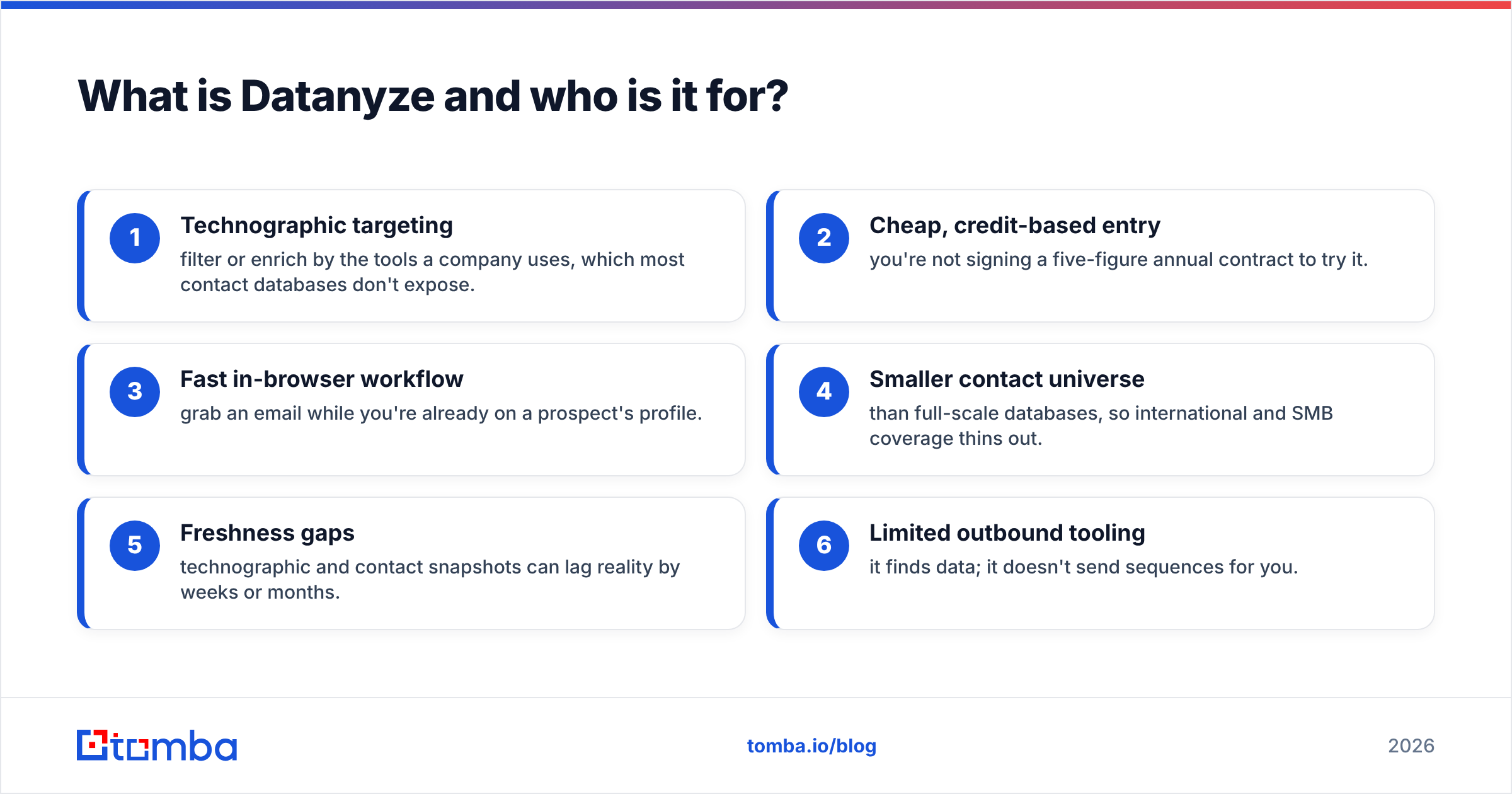
- Technographic targeting — filter or enrich by the tools a company uses. Most contact databases don't expose this.
- Cheap, credit-based entry — you don't sign a five-figure annual contract to try it.
- Fast in-browser workflow — grab an email while you're already on a prospect's profile.
Weaknesses:
- Smaller contact universe than full-scale databases. International and SMB coverage thins out.
- Freshness gaps — technographic and contact snapshots can lag reality by weeks or months.
- Limited outbound tooling — it finds data; it doesn't send sequences for you.
What is Kipplo and who is it for?#
Kipplo is an all-in-one outbound platform. It doesn't just hand you contact data. It bundles a B2B database, list building, email finding, and sending. So a team can prospect and reach out without stitching three tools together. That "one dashboard" pitch targets founders and small revenue teams. They don't want a separate finder, verifier, and sequencer.
The typical Kipplo user is a growth-stage team that values consolidation. That means fewer logins, one invoice, and a single place to build a list and start emailing. If you run lean and hate tool sprawl, that appeal is real.
Strengths:
- Database plus sending in one platform — less integration glue to maintain.
- Modern UX built for outbound teams rather than data analysts.
- List-building workflow that moves you from filter to campaign quickly.
Weaknesses:
- Newer data supply chain — less independent track record on accuracy than incumbents.
- Bundle pricing — you pay for sending features even if you already own a sequencer.
- Depth vs. breadth — an all-in-one rarely matches a specialist on any single dimension, including email deliverability.
Datanyze vs Kipplo: the side-by-side comparison#
Here's the honest head-to-head. Figures for third-party tools change over time. Treat pricing as directional. Confirm it on each vendor's site before you buy. This Datanyze vs Kipplo comparison is a starting point, not gospel.
| Attribute | Datanyze | Kipplo |
|---|---|---|
| Primary job | Technographics + contact grabs | All-in-one prospecting + outbound |
| Best for | Solo reps, martech/SaaS sellers | Small teams wanting one platform |
| Contact data | Email + direct dials | Email-focused database |
| Standout feature | Website tech-stack detection | List building + sending in one place |
| Outbound sending | Not included | Included |
| Entry pricing | Low, credit-based (~$29–$39/mo tier historically) | Mid, plan-based |
| Free option | Limited free trial/credits | Trial-based |
| Data freshness | Snapshot, can lag | Newer, less independently verified |
| Owned by | ZoomInfo | Independent |
The pattern is clear. Datanyze wins on niche targeting and low entry cost. Kipplo wins on consolidation. Neither is built around email accuracy. And that's where a lot of prospecting budget quietly leaks.
Is Datanyze better than Kipplo for accuracy?#
Neither tool "wins" accuracy by default. Accuracy is a process, not a database size. Every provider that sells from a stored snapshot fights the same enemy: decay. Each year, roughly a third of B2B contact data goes stale. People change jobs. Companies rebrand. Domains migrate. A record that was correct in January can bounce by June.
So the number that matters isn't how many contacts a database holds. It's cost per valid, deliverable contact. A cheaper tool with a higher bounce rate can cost you more. Wasted sends add up. So does damaged sender reputation and rep hours chasing dead addresses.
Two habits protect you regardless of which platform you pick:
- Verify before you send. Run every address through a dedicated email verifier. Don't trust a database's internal status.
- Enrich at the moment of use. Don't rely on a list you exported months ago. Fresh data enrichment beats a stale bulk pull every time.
This is where a focused finder-and-verifier stack beats a broad platform. It's tuned for one metric: deliverability. And deliverability decides whether your outbound actually lands.

How much do Datanyze and Kipplo really cost?#
Sticker price and real cost are two different things. Both tools use credit or plan gates. The entry number looks small. Then it scales with usage and seats.
- Datanyze starts cheap and credit-limited. That suits a solo rep doing light prospecting. But heavy users burn credits fast. The per-credit math gets less friendly at volume.
- Kipplo bundles sending. So the plan price includes features you may already pay for elsewhere. If you don't need the built-in sequencer, you're subsidizing it.
Watch for these hidden costs on either side:
- Credit overages — the second half of the month is where light plans hurt.
- Seat multiplication — team pricing scales per user, not per company.
- Wasted sends — every bounce is spend you can't recover, plus reputation damage.
- Tool overlap — paying for an all-in-one and your existing CRM/sequencer.
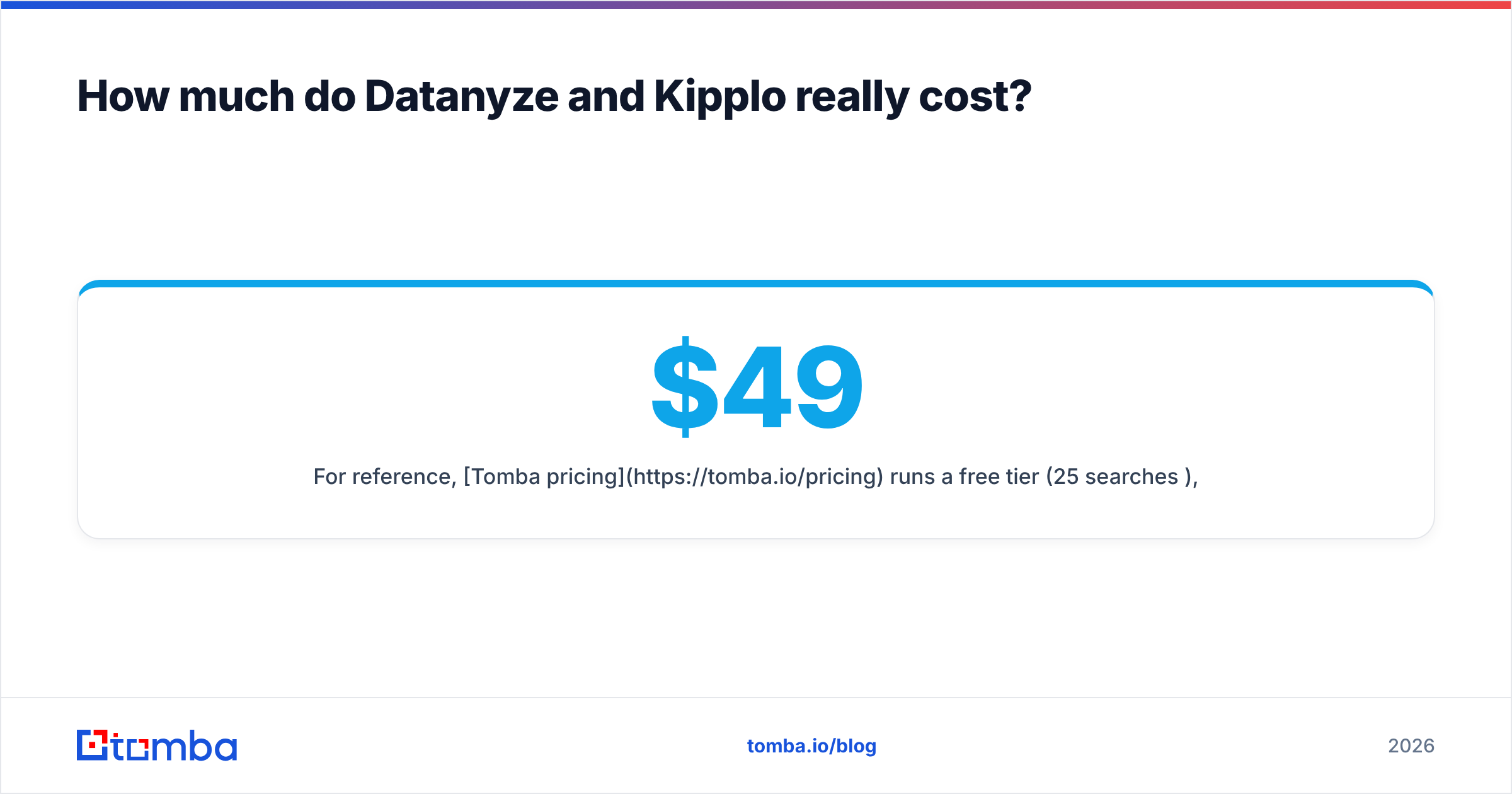
For reference, Tomba pricing has a free tier (25 searches a month). Paid plans run Starter at $49/mo, Growth at $99/mo, and Pro at $249/mo. The same credits work across finding, verifying, and enrichment. So you don't double-pay for separate tools.
When should you skip both and use a focused email finder?#
Choose a specialist tool when your bottleneck is accurate, deliverable contact details. Not managing an all-in-one workflow. Honestly, that describes most outbound teams. You already own the sequencer and CRM. The data feeding them is the weak link.
A dedicated finder-and-verifier approach gives you:
- Higher deliverability per dollar, because verification is native, not an afterthought.
- Flexible inputs — search by domain, name, or company, and pull whole teams with domain search.
- Scale without seat traps — a real email finder API and bulk tools instead of clicking through a browser extension.
- No forced bundle — you pay for data quality, not a sending engine you don't need.
Here's how the three approaches line up on the job most teams actually care about:
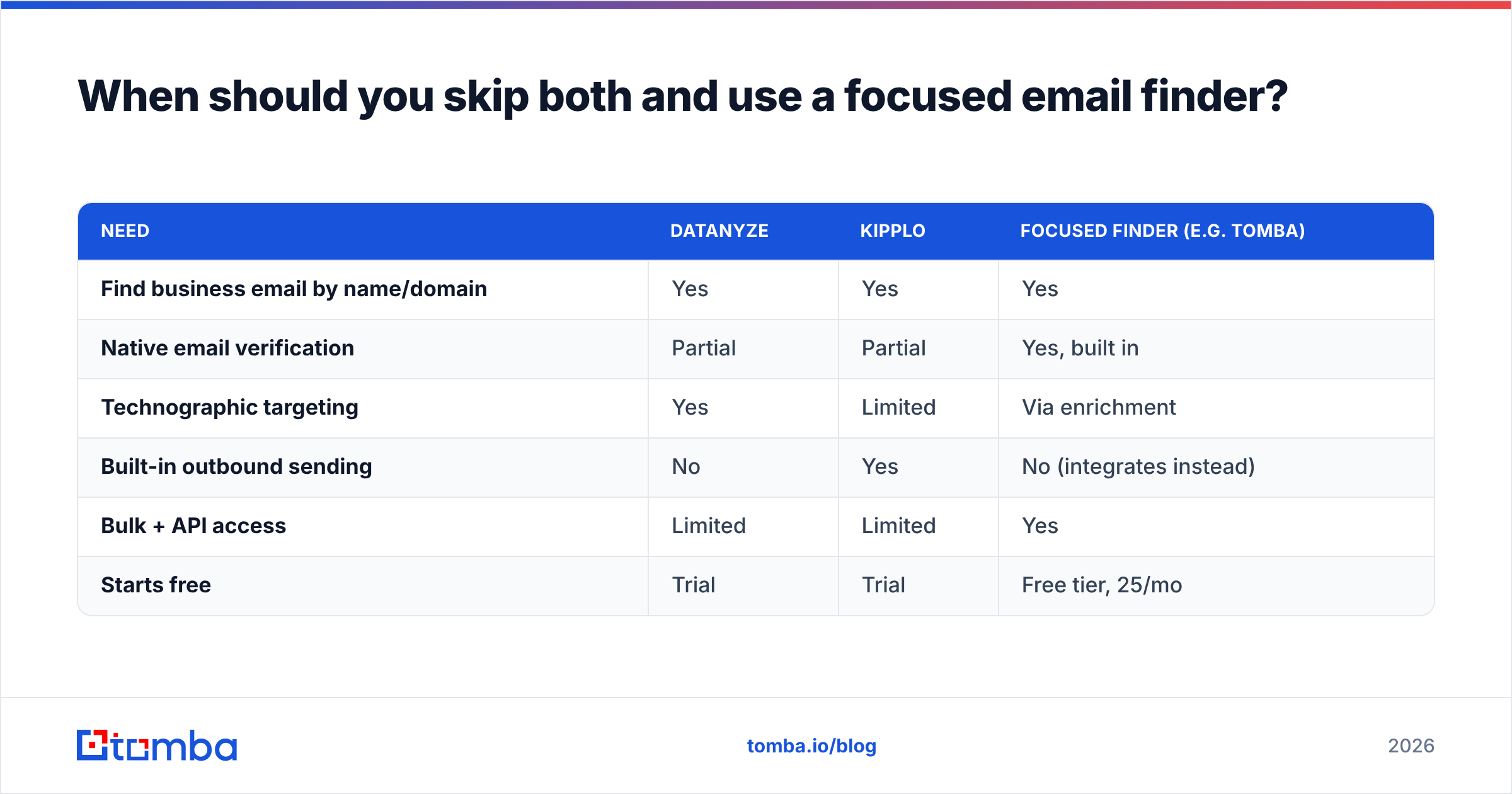
| Need | Datanyze | Kipplo | Focused finder (e.g. Tomba) |
|---|---|---|---|
| Find business email by name/domain | Yes | Yes | Yes |
| Native email verification | Partial | Partial | Yes, built in |
| Technographic targeting | Yes | Limited | Via enrichment |
| Built-in outbound sending | No | Yes | No (integrates instead) |
| Bulk + API access | Limited | Limited | Yes |
| Starts free | Trial | Trial | Free tier, 25/mo |
Does your G2 or Capterra shortlist keep circling back to "the data wasn't accurate enough"? That's your signal. A finder built for verification will serve you better than either generalist.
Datanyze vs Kipplo: which should you choose?#
Pick Datanyze if you sell martech or SaaS and lean on technographic targeting. Knowing a prospect runs a competitor's tool can beat a bigger database. It's also a low-risk way to try contact data without a contract.
Pick Kipplo if you're a small team that wants one platform for lists and sending. You'll trade best-in-class depth for the ease of a single login and invoice.
Pick a focused finder if bounce rates and wasted sends keep you up at night. Reps chasing dead addresses is an accuracy problem. And accuracy is what a purpose-built tool is made to win. Compare vendors on G2 and Datanyze's own site. But test every claim against your own list before you spend.
The bottom line#
Datanyze and Kipplo are both reasonable tools. They're just good at different things: niche targeting versus workflow consolidation. Neither is a scam. Neither is a silver bullet. The mistake in any Datanyze vs Kipplo decision is expecting one to fix data accuracy. Accuracy is a separate discipline. It's built on fresh finding and rigorous verification.
Is deliverable contact data your real goal? Start with a tool that treats accuracy as the product, not a feature. Tomba Email Finder finds professional emails by domain, name, or company. It verifies them in the same workflow. And it scales from a free 25-search tier to API-driven bulk runs. So every address your reps touch is one that actually lands. Test it against your current list. Let the bounce rate settle the argument.
Related guides#
Ready to find emails that actually work?
Join 150,000+ professionals who stopped guessing and started sending. Free credits on signup — no credit card required.
Get the Tomba newsletter
Practical outbound tactics and product updates — once every two weeks.
About the author