Datanyze vs Leadsforge (2026): Which B2B Data Tool Wins?
Datanyze leans on technographics and free browser tools; Leadsforge pitches AI-built lead lists. Here's an honest, side-by-side look at accuracy, pricing, and which one actually fits your outbound in 2026.
Choosing between Datanyze and Leadsforge usually comes down to one question you won't find on either pricing page: do you need to understand accounts, or do you need to reach people? Datanyze is built around technographics — knowing what software a company runs. Leadsforge is built around speed — spinning up AI-generated lead lists on demand. They sound similar in a demo, but they solve different halves of the prospecting problem.
This comparison breaks down what each tool actually does, where the data holds up, what you'll pay, and where a focused email-finding stack fits better than both.
TL;DR: Datanyze vs Leadsforge at a glance#
- Datanyze is a technographics and sales-intelligence tool (now part of the ZoomInfo family). Its edge is knowing a company's tech stack, size, and revenue — plus a set of free browser tools for spot-checking contacts.
- Leadsforge is an AI lead-generation tool that builds targeted contact lists from a natural-language prompt. Its edge is speed and simplicity for teams that want a list, not a database.
- Accuracy is the real battleground: technographic signals decay fast, and AI-assembled lists still need a verification step before you send.
- Neither is a dedicated email finder. If your bottleneck is valid, deliverable email addresses at a low cost per contact, a specialist tool wins on price and hit rate.
- Our pick depends on the job: Datanyze for account research, Leadsforge for fast list-building, and a focused finder-plus-verifier stack for the actual outreach.
What is Datanyze and who is it for?#
Datanyze is a sales intelligence platform best known for technographics — data about the technologies a company uses, from its CRM and analytics stack to its ecommerce platform. If you sell a product that only makes sense for companies already running Shopify, Salesforce, or a specific marketing suite, that signal is genuinely useful for targeting.
Beyond technographics, Datanyze offers company firmographics (industry, size, revenue) and a Chrome extension that surfaces contact details while you browse LinkedIn or a company website. It also ships a handful of free micro-tools — an email verifier, a tech lookup, and similar utilities — which is a smart way to get reps in the door.
Datanyze is a good fit if you are:
- A technographic-driven seller — your ICP is defined by the software a company runs, not just its size or industry.
- An account researcher — you want context on a company before a call more than you want a giant contact list.
- A single rep or small team — the per-seat model and browser workflow suit individual prospecting more than large-scale list pulls.
Where Datanyze gets criticized on review sites like G2 and Capterra is coverage depth and data freshness — technographic data ages quickly as companies switch tools, and direct-dial and email coverage can be thin outside North America. You can see the current feature set on the official Datanyze site.
What is Leadsforge and who is it for?#
Leadsforge is an AI-powered lead-generation tool. Instead of building filters across a database, you describe your ideal customer in plain language — "marketing directors at US SaaS companies with 50–200 employees" — and it assembles a matching contact list, typically with names, titles, companies, and emails.
The pitch is speed and low friction. For a founder or a lean team that doesn't want to learn a heavyweight platform, "type a sentence, get a list" is genuinely appealing. Leadsforge positions itself around getting to a usable prospect list in minutes rather than hours.
Leadsforge is a good fit if you are:
- A founder or solo GTM operator who wants lists without database training.
- Running high-volume, top-of-funnel outbound where speed of list assembly matters more than deep account context.
- Comfortable adding your own verification layer before you send, because AI-assembled lists vary in quality by segment.
The honest caveat: AI list-builders are only as good as the underlying data they draw from, and a natural-language prompt hides how those matches were made. That makes an independent verification step non-negotiable — a point we'll come back to.
Datanyze vs Leadsforge: side-by-side comparison#
Here's how the two stack up on the attributes that actually affect your pipeline. Pricing can change, so treat the figures as directional and confirm on each vendor's site.
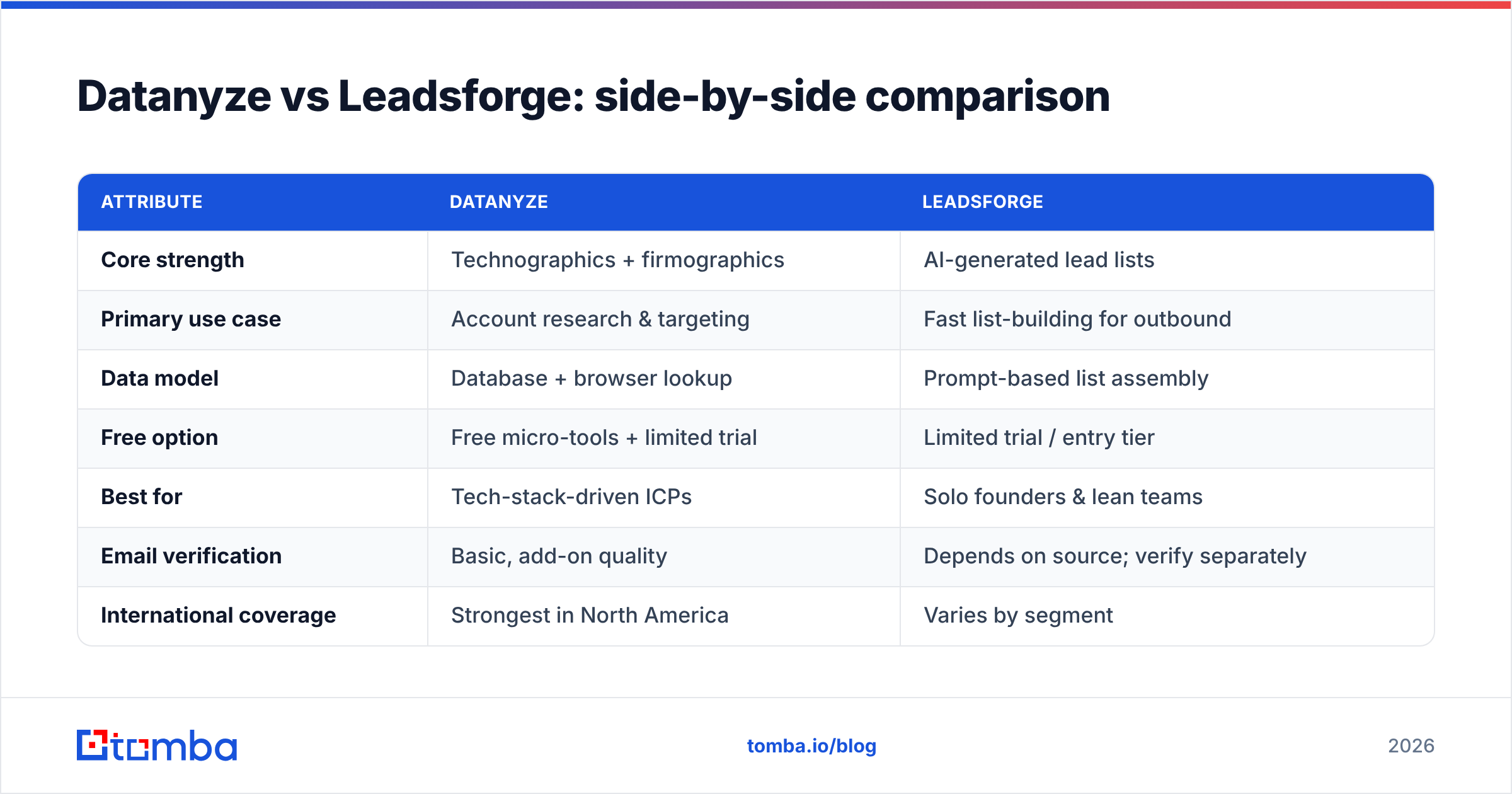
| Attribute | Datanyze | Leadsforge |
|---|---|---|
| Core strength | Technographics + firmographics | AI-generated lead lists |
| Primary use case | Account research & targeting | Fast list-building for outbound |
| Data model | Database + browser lookup | Prompt-based list assembly |
| Free option | Free micro-tools + limited trial | Limited trial / entry tier |
| Best for | Tech-stack-driven ICPs | Solo founders & lean teams |
| Email verification | Basic, add-on quality | Depends on source; verify separately |
| International coverage | Strongest in North America | Varies by segment |
| Learning curve | Moderate (extension-led) | Low (natural language) |
The pattern is clear: Datanyze gives you context, Leadsforge gives you volume. Neither one is optimized to be the single source of truth for verified, sendable email addresses — which is where most cold outreach actually breaks.
Is Datanyze or Leadsforge more accurate?#
Accuracy is where "it depends" earns its keep, because the two tools fail in different ways.
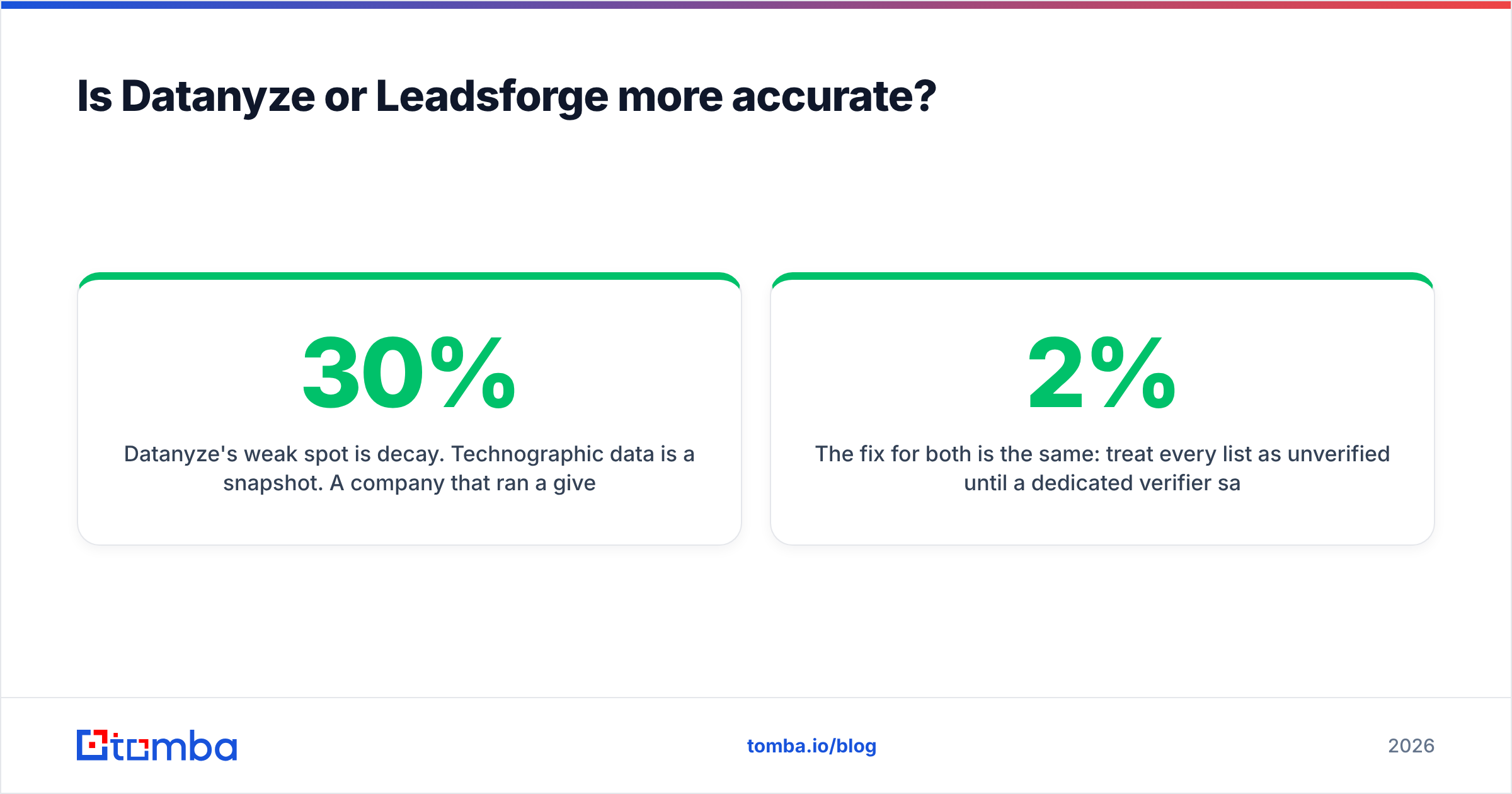
Datanyze's weak spot is decay. Technographic data is a snapshot. A company that ran a given analytics tool last quarter may have churned off it this quarter, and the signal that made them a fit is now wrong. Firmographic and contact data also drift — people change jobs at roughly 20–30% per year in many B2B segments — so a database that isn't continuously re-verified quietly rots.
Leadsforge's weak spot is opacity. When an AI assembles a list from a prompt, you don't always see how confident it is in each match. A "marketing director" might be a former title; an email might be a pattern-guessed address that was never validated. The list looks clean because it's formatted cleanly — that's a different thing from being correct.
The fix for both is the same: treat every list as unverified until a dedicated verifier says otherwise. Running your export through a real-time email verifier before you load it into a sequence is the single highest-ROI step in this whole workflow. It's the difference between a 2% bounce rate and a 20% one — and bounce rate is what wrecks your sender reputation.

What do Datanyze and Leadsforge cost in 2026?#
Both vendors gate detailed pricing behind sign-up or sales conversations, which makes a clean apples-to-apples table hard. Here's the honest shape of it:
- Datanyze has historically used a per-seat subscription with tiers based on contact credits and feature access, plus its free browser tools as an on-ramp. Expect a meaningful monthly commitment once you move past the trial, and watch how credits are metered per export.
- Leadsforge leans toward usage- or list-based pricing aimed at smaller teams, with an entry point designed to get you a first list quickly. As with any AI list tool, the real cost is per usable contact after you subtract the ones that don't verify.
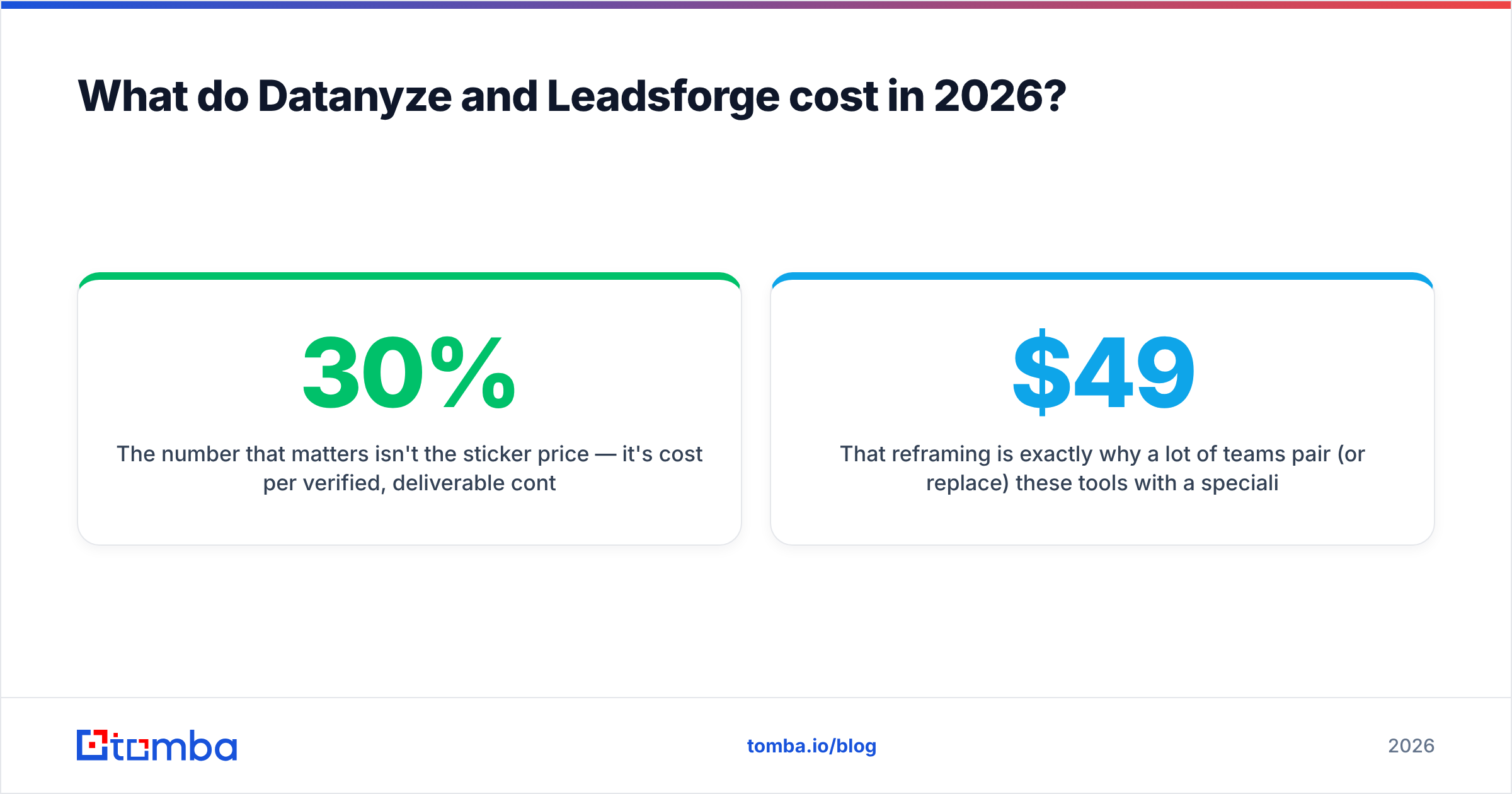
The number that matters isn't the sticker price — it's cost per verified, deliverable contact. A cheaper plan that produces a list where 30% of emails bounce is more expensive than a pricier plan with a 95%+ deliverable rate, once you count the damage to your domain reputation.
That reframing is exactly why a lot of teams pair (or replace) these tools with a specialist finder. For reference, transparent Tomba pricing starts with a free tier of 25 searches/month, then $49/mo (Starter), $99/mo (Growth), and $249/mo (Pro) — with every result run against a built-in verifier so you're paying for contacts you can actually reach.
Where does a dedicated email finder fit?#
Here's the workflow most successful outbound teams actually run, regardless of which "intelligence" tool they start with:
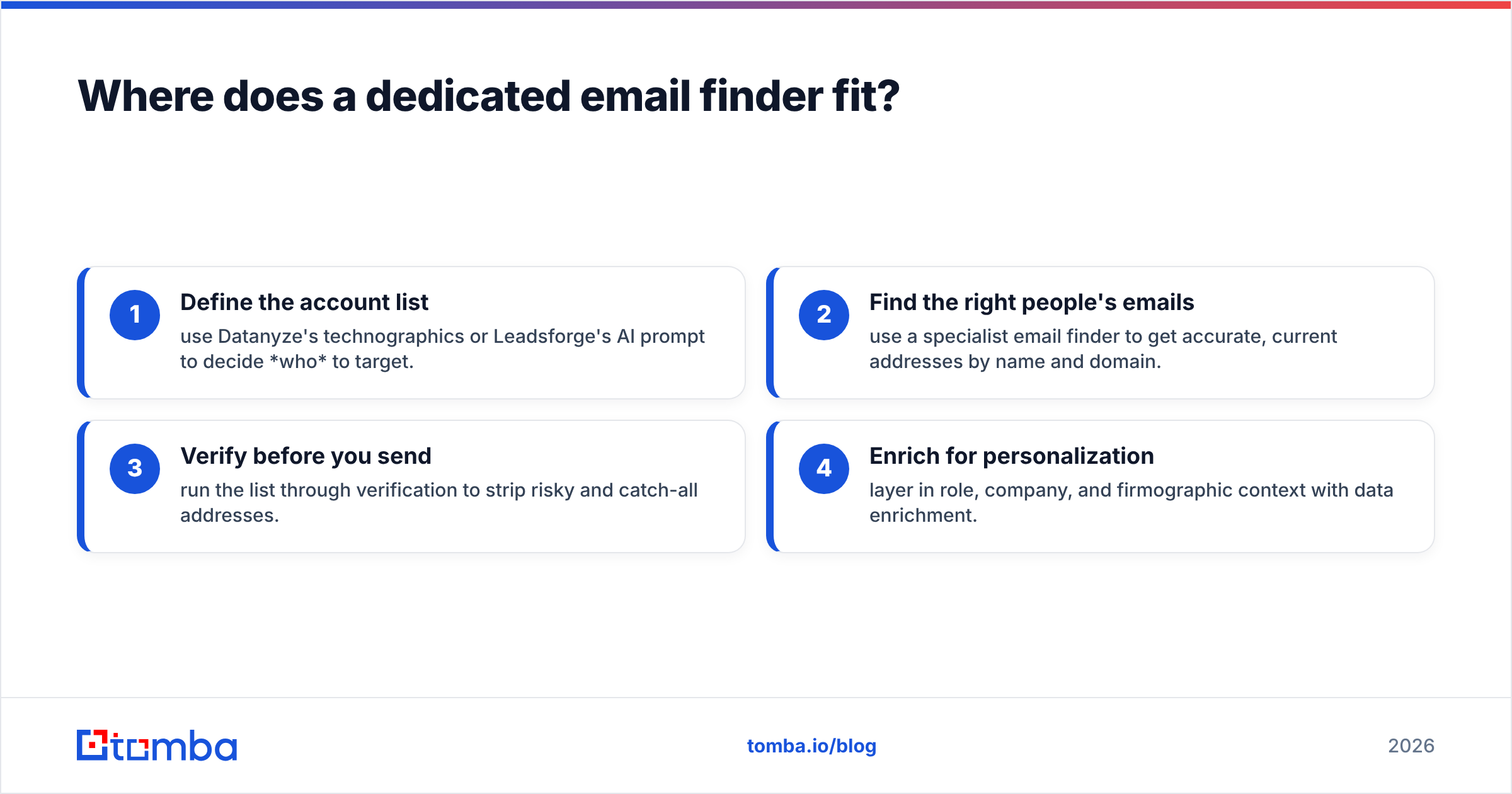
- Define the account list — use Datanyze's technographics or Leadsforge's AI prompt to decide who to target.
- Find the right people's emails — use a specialist email finder to get accurate, current addresses by name and domain.
- Verify before you send — run the list through verification to strip risky and catch-all addresses.
- Enrich for personalization — layer in role, company, and firmographic context with data enrichment.
Steps 2 and 3 are where Datanyze and Leadsforge are weakest, and where a purpose-built tool earns its place. Tomba, for example, focuses narrowly on that job: finding professional emails by domain or name, verifying them in real time, and drawing from documented data sources so you know where a contact came from. It won't tell you what CRM a company runs — but it will get you a deliverable address, which is the part that decides whether your campaign lands.
Think of it like building a house: Datanyze and Leadsforge hand you the blueprint and the plot of land, but you still need the tool that actually drives the nails. Targeting is planning; verified contact data is construction.
Datanyze vs Leadsforge: which should you choose?#
Match the tool to the job rather than looking for a single winner:
- Choose Datanyze if your ICP is defined by technology signals and you value deep account context for research and warm calls. Just budget for a verification layer, because contact freshness is its soft spot.
- Choose Leadsforge if you're a founder or small team that wants targeted lists fast without learning a database. Just don't send those lists raw — verify first.
- Choose a dedicated finder + verifier if your real bottleneck is deliverable emails at a low, predictable cost per contact. This is the part both tools under-serve, and it's the part that most directly moves reply rates.
For most outbound teams in 2026, the answer isn't either/or — it's using an intelligence tool for targeting and a specialist tool for contact data and deliverability. That combination beats stretching one platform to do a job it wasn't built for.
The bottom line#
Datanyze wins on account context and technographics. Leadsforge wins on speed and simplicity for lean teams. But both leave the same gap: neither is engineered to be your source of verified, deliverable email addresses — and that gap is where cold outreach quietly fails.
If reaching the right person with an email that actually lands is your priority, start with a tool built for exactly that. Try the Tomba Email Finder — find professional emails by domain, name, or company, verify them in real time, and start on the free tier before you commit. Use Datanyze or Leadsforge to decide who to target, then let a specialist handle the part that determines whether your message ever gets read.
Related guides#
Ready to find emails that actually work?
Join 150,000+ professionals who stopped guessing and started sending. Free credits on signup — no credit card required.
Get the Tomba newsletter
Practical outbound tactics and product updates — once every two weeks.
About the author