Datanyze vs Vulcan7: Which B2B Data Tool Wins in 2026?
Datanyze and Vulcan7 both sell contact data, but they serve completely different buyers. Here's an honest 2026 breakdown of features, pricing, accuracy, and the best fit for your team.
Datanyze and Vulcan7 get compared constantly in "best prospecting data" threads, yet they barely compete. One is a B2B technographic and contact-data tool built for SaaS and tech sellers. The other is a real estate lead engine built for agents chasing expired listings. Picking between them without understanding that gap is how teams waste a quarter of budget on the wrong stack.
This guide breaks down what each tool actually does, what it costs, how accurate the data is, and which one fits your motion — plus where a dedicated email finder beats both if outbound email is your channel.
TL;DR: Datanyze vs Vulcan7 at a glance#
- Datanyze is for B2B tech/SaaS sales — technographics, company firmographics, and a Chrome extension that surfaces contact emails and direct dials while you browse.
- Vulcan7 is for real estate agents — expired listings, FSBO, FRBO, and pre-foreclosure leads paired with a power dialer and neighborhood search.
- They are not true competitors; they serve different industries. If you're comparing them, you likely need one and not the other.
- Datanyze pricing starts cheap but caps credits hard; Vulcan7 is a flat monthly subscription that's expensive but includes daily lead delivery.
- For pure B2B outbound where verified email is the goal, a focused email finder like Tomba often delivers better coverage and accuracy per dollar than a bundled intelligence suite.
What is Datanyze and who is it for?#
Datanyze is a sales intelligence tool now owned by ZoomInfo, focused on technographics — the technologies a company uses — layered on top of standard firmographic and contact data. Its signature feature is a Chrome extension that overlays contact details (business email, direct dial, LinkedIn) onto company websites and profiles as you research.
The typical Datanyze user is a B2B SDR, account executive, or marketer selling software or tech services. If your ideal customer profile is "companies running Shopify" or "teams using HubSpot," technographic filtering is genuinely useful — you can build lists by tech stack rather than just industry code.
Where Datanyze gets criticized is credit economics and data freshness. Cheaper plans hand you a small monthly credit pool, and each revealed contact burns credits fast. Data accuracy is decent for mid-market and enterprise tech firms but thins out for small businesses and non-US regions. Because it's part of the ZoomInfo family, some buyers treat it as an entry point rather than a standalone long-term platform.

If you rely on any single provider's contact data, run it through a email verifier before you send. Even the best B2B databases carry stale rows, and bounces punish your sender reputation harder than a slightly smaller list ever would.
What is Vulcan7 and who is it for?#
Vulcan7 lives in an entirely different world: residential real estate lead generation. It sells daily lists of motivated seller leads — expired listings, for-sale-by-owner (FSBO), for-rent-by-owner (FRBO), pre-foreclosures, and "just sold / just listed" neighborhood data — bundled with contact phone numbers and a built-in power dialer.
The Vulcan7 user is a real estate agent or team lead who wants a predictable pipeline of homeowners likely to sell. Its value isn't technographics or firmographics; it's speed to a phone conversation. You get fresh leads each morning, load them into the dialer, and start calling. Vulcan7 markets high phone-number match rates and skip-tracing quality as its core differentiator.
None of that helps a SaaS SDR, and none of Datanyze's tech-stack filtering helps a listing agent. That's the crux: comparing them is really a question about which industry you sell into, not which product is "better."
Datanyze vs Vulcan7: full comparison table#
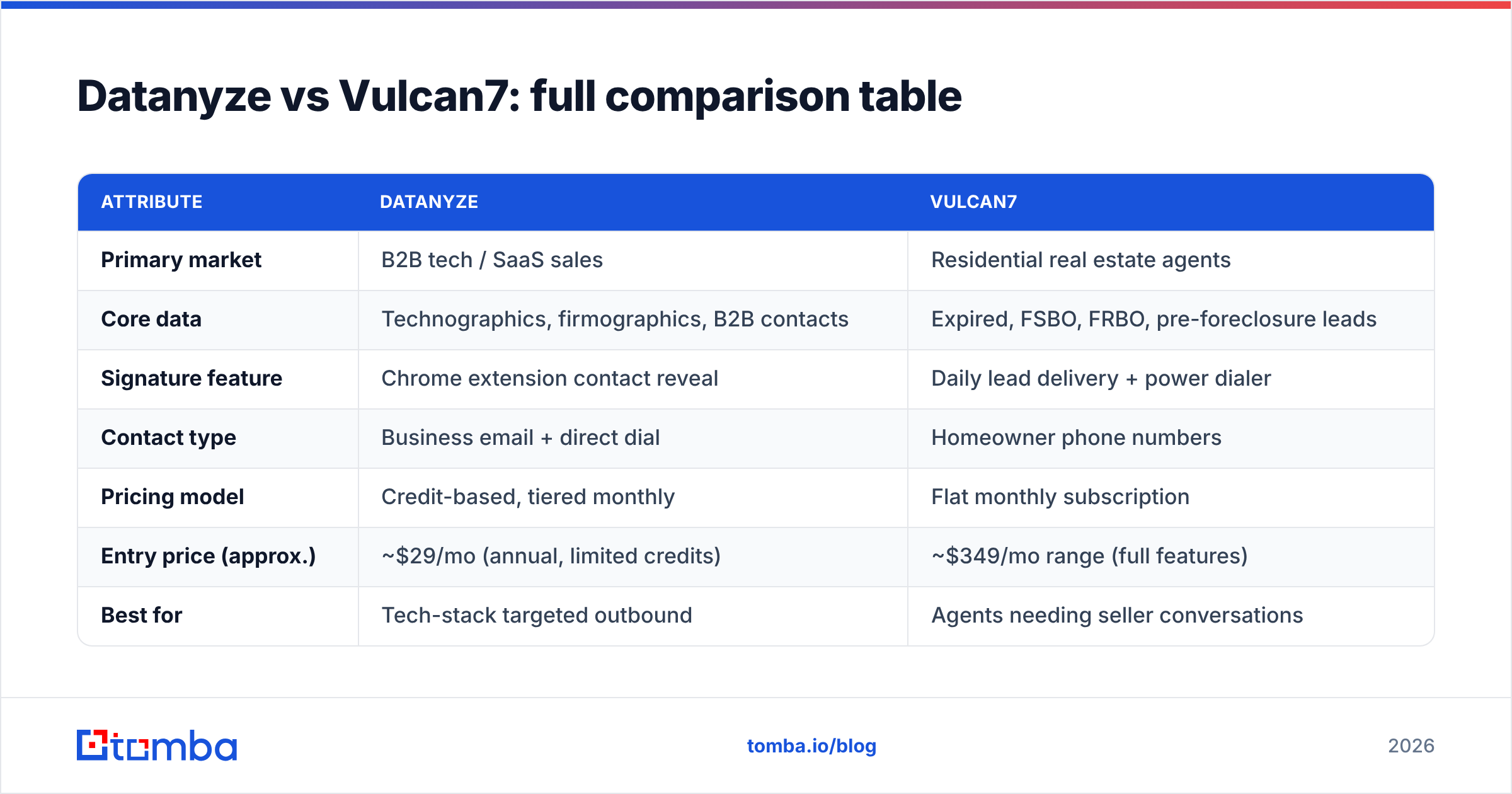
| Attribute | Datanyze | Vulcan7 |
|---|---|---|
| Primary market | B2B tech / SaaS sales | Residential real estate agents |
| Core data | Technographics, firmographics, B2B contacts | Expired, FSBO, FRBO, pre-foreclosure leads |
| Signature feature | Chrome extension contact reveal | Daily lead delivery + power dialer |
| Contact type | Business email + direct dial | Homeowner phone numbers |
| Pricing model | Credit-based, tiered monthly | Flat monthly subscription |
| Entry price (approx.) | ~$29/mo (annual, limited credits) | ~$349/mo range (full features) |
| Best for | Tech-stack targeted outbound | Agents needing seller conversations |
| Weak spot | Credit caps, SMB/non-US gaps | Useless outside real estate |
| Free option | Limited trial | Trial/demo only |
Prices shift with promotions and annual commitments — always confirm current numbers on datanyze.com and vulcan7.com before you buy. Third-party reviews on G2 are also worth a scan for real usage complaints.
Which tool is more accurate?#
Accuracy depends entirely on the data type each tool specializes in. Judging Datanyze on homeowner phone matches or Vulcan7 on tech-stack signals is meaningless — neither is built for the other's job.
For Datanyze, accuracy is strongest in these situations:
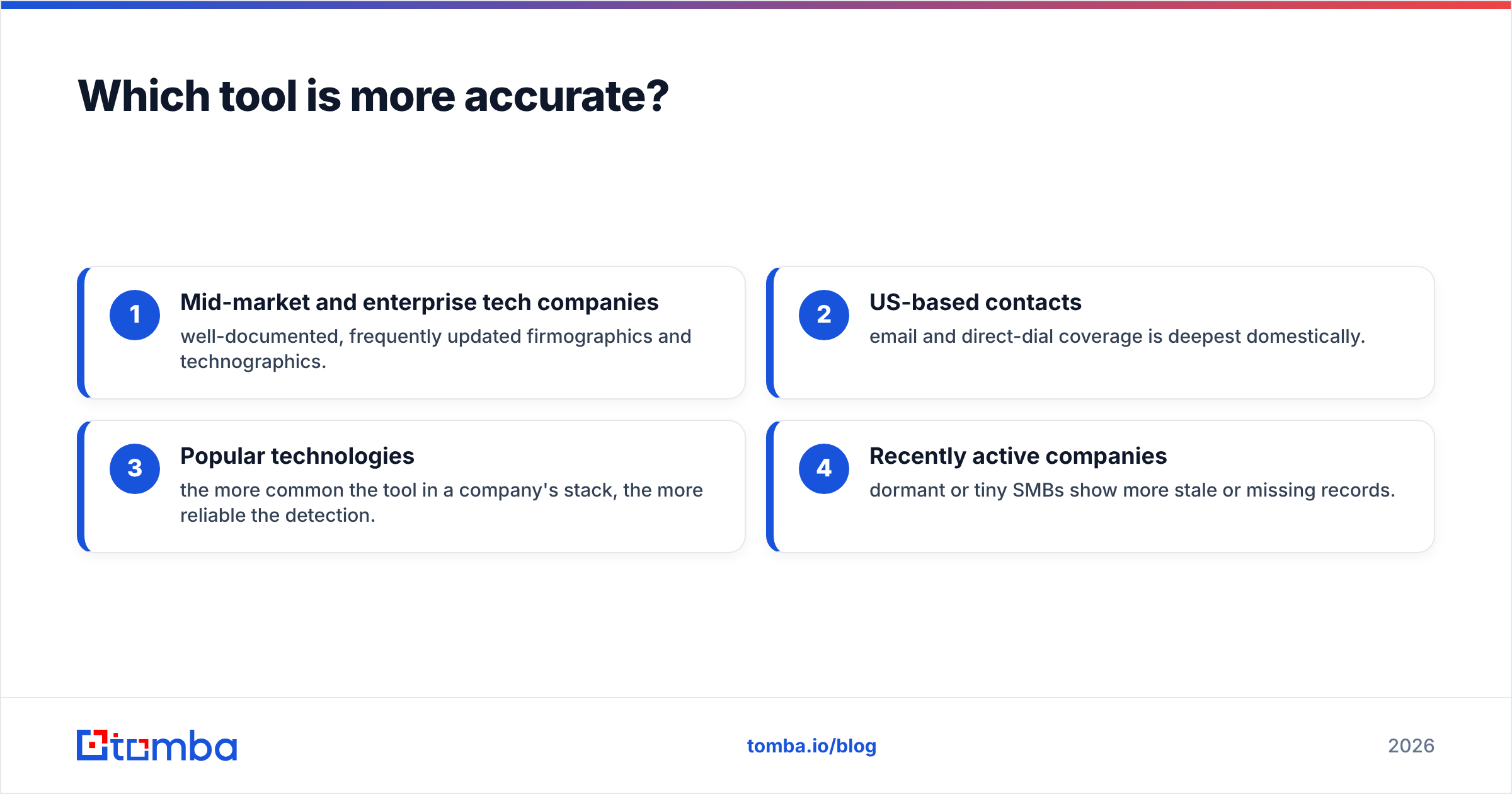
- Mid-market and enterprise tech companies — well-documented, frequently updated firmographics and technographics.
- US-based contacts — email and direct-dial coverage is deepest domestically.
- Popular technologies — the more common the tool in a company's stack, the more reliable the detection.
- Recently active companies — dormant or tiny SMBs show more stale or missing records.
For Vulcan7, accuracy is really about phone match rate and lead freshness — how many of today's expired listings come with a working, correct homeowner number. Agents generally rate its skip-tracing well, but no consumer-data provider hits 100%, and DNC compliance is on you.
The universal rule for both: verify before you act. For email specifically, a quick pass through an email verification step catches invalids before they bounce. For phones, expect to dial through some dead numbers regardless of the vendor's marketing claims.
Which is better value for the money?#
Datanyze wins on entry cost; Vulcan7 wins on predictability — but only in real estate. They price for different psychologies.
Datanyze uses a credit model: a low headline price with a monthly credit allowance that depletes as you reveal contacts. This is attractive for light users and testers, but heavy prospecting teams blow through credits and end up on higher tiers — or supplementing with another tool. The real cost is "price per verified, usable contact," not the sticker.
Vulcan7 charges a flat, higher monthly fee and delivers a steady stream of leads plus the dialer. For a full-time listing agent, that predictability can pay for itself with a single closed deal. For anyone outside real estate, the value is zero — there's no partial use case.
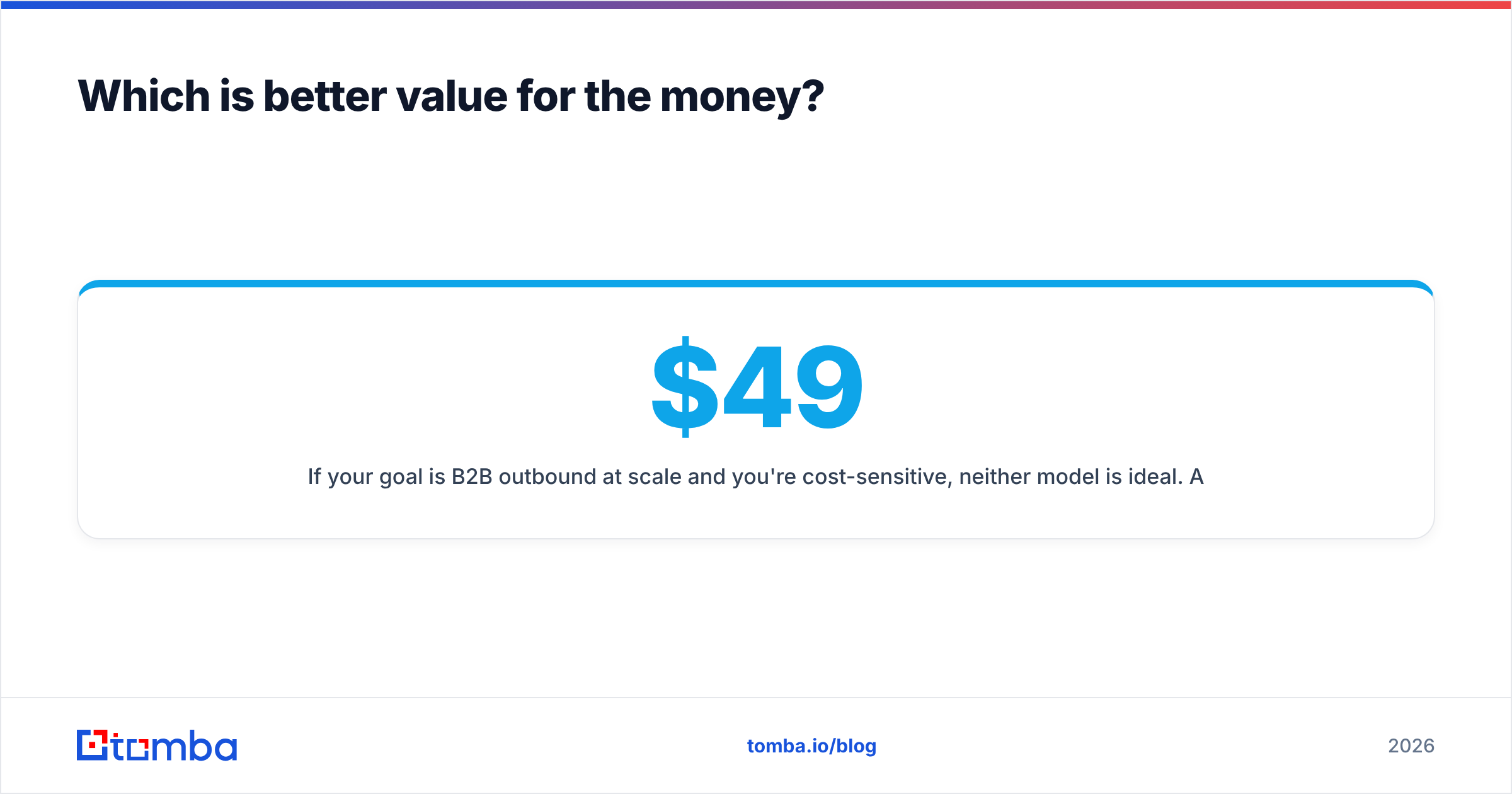
If your goal is B2B outbound at scale and you're cost-sensitive, neither model is ideal. A dedicated finder priced on searches rather than opaque "credits" is easier to forecast. Compare Tomba pricing — Free (25 searches/mo), Starter $49/mo, Growth $99/mo, and Pro $249/mo — against a Datanyze plan sized to the same monthly contact volume and the per-contact math often favors the specialist. For company-wide list building, a domain search pulls every public address at a domain in one pass instead of one reveal at a time.
When should you pick a dedicated email finder instead?#
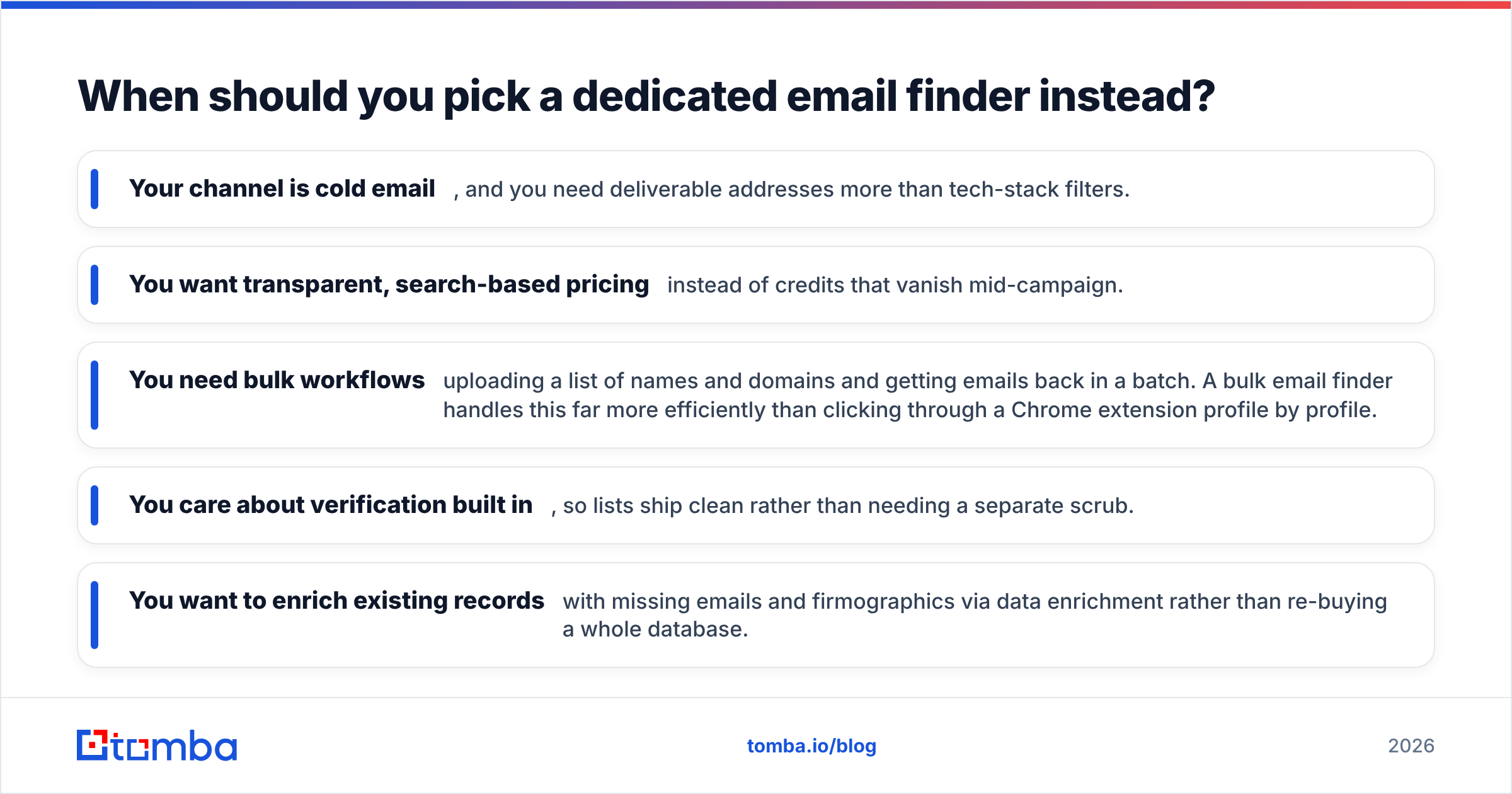
Pick a focused email finder when verified B2B email — not technographics or homeowner phones — is your actual bottleneck. Bundled intelligence suites make you pay for signal you may never use.
Choose a specialist tool if:
- Your channel is cold email, and you need deliverable addresses more than tech-stack filters.
- You want transparent, search-based pricing instead of credits that vanish mid-campaign.
- You need bulk workflows — uploading a list of names and domains and getting emails back in a batch. A bulk email finder handles this far more efficiently than clicking through a Chrome extension profile by profile.
- You care about verification built in, so lists ship clean rather than needing a separate scrub.
- You want to enrich existing records with missing emails and firmographics via data enrichment rather than re-buying a whole database.
This is where Tomba fits. It's not trying to be a real estate dialer or a technographic suite — it finds and verifies professional email addresses by name, company, or domain, with an email finder API for teams that want to automate it inside their own systems. For a B2B outbound team, that focus usually means better email coverage per dollar than a general intelligence platform that treats email as one feature among many.
Datanyze vs Vulcan7: which should you choose?#
Here's the honest verdict, industry by industry:
- You sell B2B software or tech services → Datanyze is the relevant option of these two. Use its technographics to build tech-stack-targeted lists, but verify contacts and watch credit burn.
- You're a real estate agent or team → Vulcan7 is the relevant option. Neither Datanyze nor a B2B finder replaces its expired-listing and FSBO pipeline plus dialer.
- You do B2B outbound email at volume and want predictable cost → a dedicated email finder is likely the better core tool, with Datanyze as an optional technographic add-on only if tech-stack filtering drives your targeting.
The mistake is treating this as one "winner takes all" fight. Datanyze and Vulcan7 rarely land on the same shortlist for a rational buyer, because a SaaS SDR and a listing agent don't share a data problem.
The bottom line#
Datanyze vs Vulcan7 isn't really a head-to-head — it's a fork in the road based on what you sell. Datanyze serves B2B tech sellers with technographics and contact reveal; Vulcan7 serves real estate agents with motivated-seller leads and a dialer. Match the tool to your market and either can be worth it. Force the wrong one and neither is.
If your real need is verified B2B email for cold outreach, skip the bundled-suite premium and start with a specialist. The Tomba Email Finder finds and verifies professional addresses by name, company, or domain, with transparent search-based pricing and a free tier to test it — so you can validate coverage on your own target list before committing a dollar. Run 25 free searches, check the accuracy against contacts you already know, and let the data decide.
Related guides#
Ready to find emails that actually work?
Join 150,000+ professionals who stopped guessing and started sending. Free credits on signup — no credit card required.
Get the Tomba newsletter
Practical outbound tactics and product updates — once every two weeks.
About the author