Deals Pipeline: How to Build One That Forecasts Right
Most deals pipelines are storage, not forecasting. Here's how to design stages with real exit criteria, measure coverage that holds up, and keep the data clean enough to trust on a Friday call.

TL;DR
- A deals pipeline is a forecasting instrument, not a storage cabinet. If a stage change doesn't reflect a verifiable buyer action, the pipeline is decoration.
- Stage definitions must have exit criteria written from the buyer's side ("buyer confirmed budget owner in writing"), not the rep's side ("sent proposal").
- The 3x coverage rule fails for most teams because it's applied to raw pipeline value instead of stage-weighted, age-adjusted value.
- Pipeline rot is mostly a data problem: dead contacts, wrong titles, and duplicate accounts. Fix the contact layer first and half the "process" problems disappear.
- Weekly reviews should audit stage integrity and slipped close dates, not recite deal names.
What is a deals pipeline?#
A deals pipeline is the ordered set of stages an open opportunity moves through from qualification to close, plus the value and probability attached to each one. Think of it as a hospital triage board rather than a filing cabinet: every entry has a status, an owner, a next action, and a time-in-state that tells you whether it's progressing or quietly dying.
The distinction matters because most teams treat the pipeline as a record of what happened. A working pipeline is a prediction of what will happen. That flips how you design it. Every stage has to answer one question: what did the buyer do that makes the next stage more likely than the last?
If your Stage 3 exit criterion is "demo delivered," you've recorded a rep activity. If it's "buyer scheduled a follow-up with a second stakeholder," you've recorded a buying signal. The first predicts nothing. The second predicts a lot.

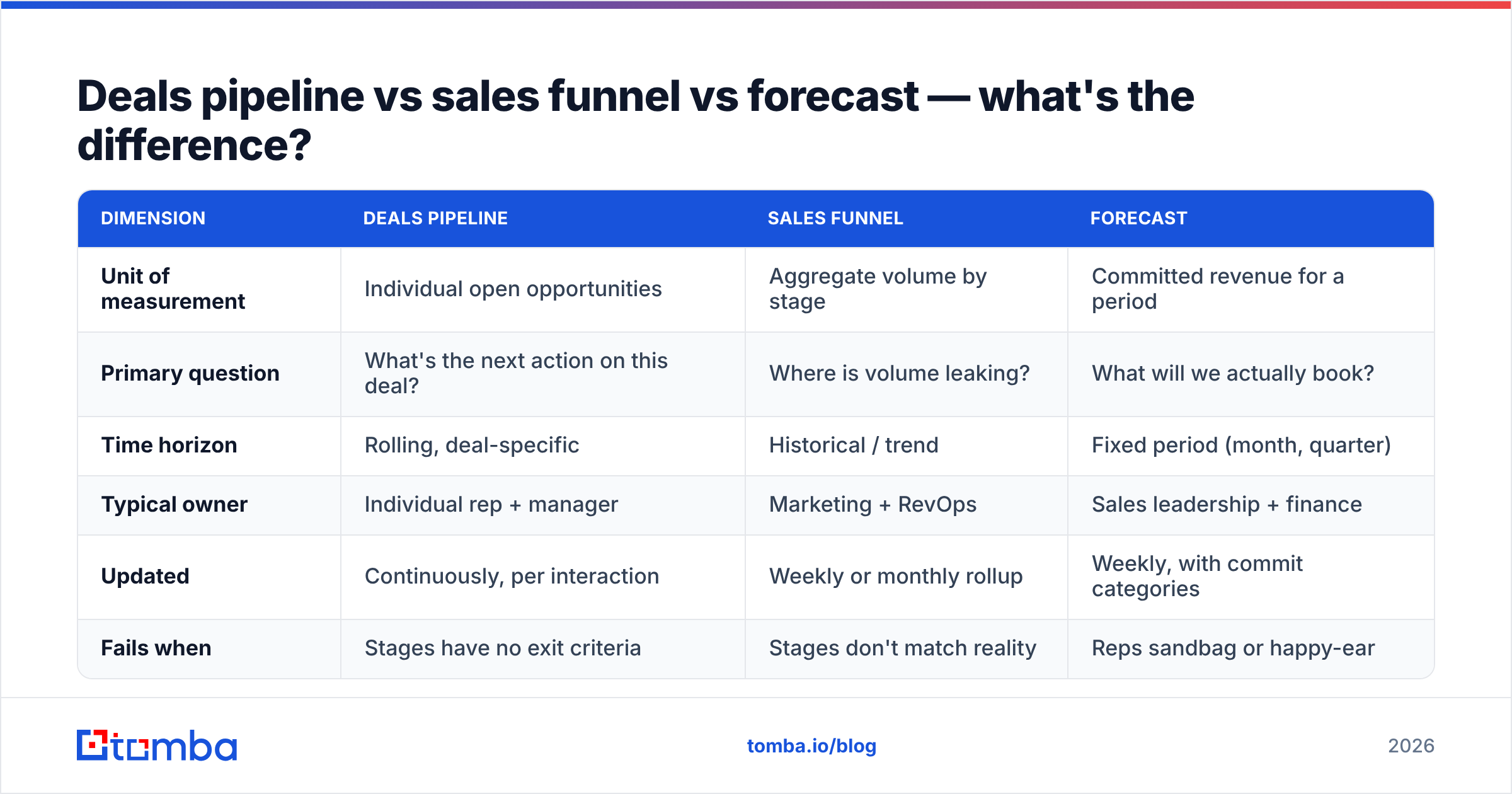
Deals pipeline vs sales funnel vs forecast — what's the difference?#
These three get used interchangeably in meetings and it costs teams real money, because each answers a different question and each has a different owner.
| Dimension | Deals pipeline | Sales funnel | Forecast |
|---|---|---|---|
| Unit of measurement | Individual open opportunities | Aggregate volume by stage | Committed revenue for a period |
| Primary question | What's the next action on this deal? | Where is volume leaking? | What will we actually book? |
| Time horizon | Rolling, deal-specific | Historical / trend | Fixed period (month, quarter) |
| Typical owner | Individual rep + manager | Marketing + RevOps | Sales leadership + finance |
| Updated | Continuously, per interaction | Weekly or monthly rollup | Weekly, with commit categories |
| Fails when | Stages have no exit criteria | Stages don't match reality | Reps sandbag or happy-ear |
The funnel is a shape. The pipeline is a list. The forecast is a promise. A healthy revenue operations function keeps all three consistent, but you cannot fix a broken forecast by tweaking the forecast — you fix it upstream in stage definitions.
What stages should a deals pipeline have in 2026?#
Fewer than you think. Teams keep adding stages to capture nuance and end up with a 9-stage pipeline where 70% of deals sit in two of them. Five to seven stages is the practical ceiling for most B2B motions.
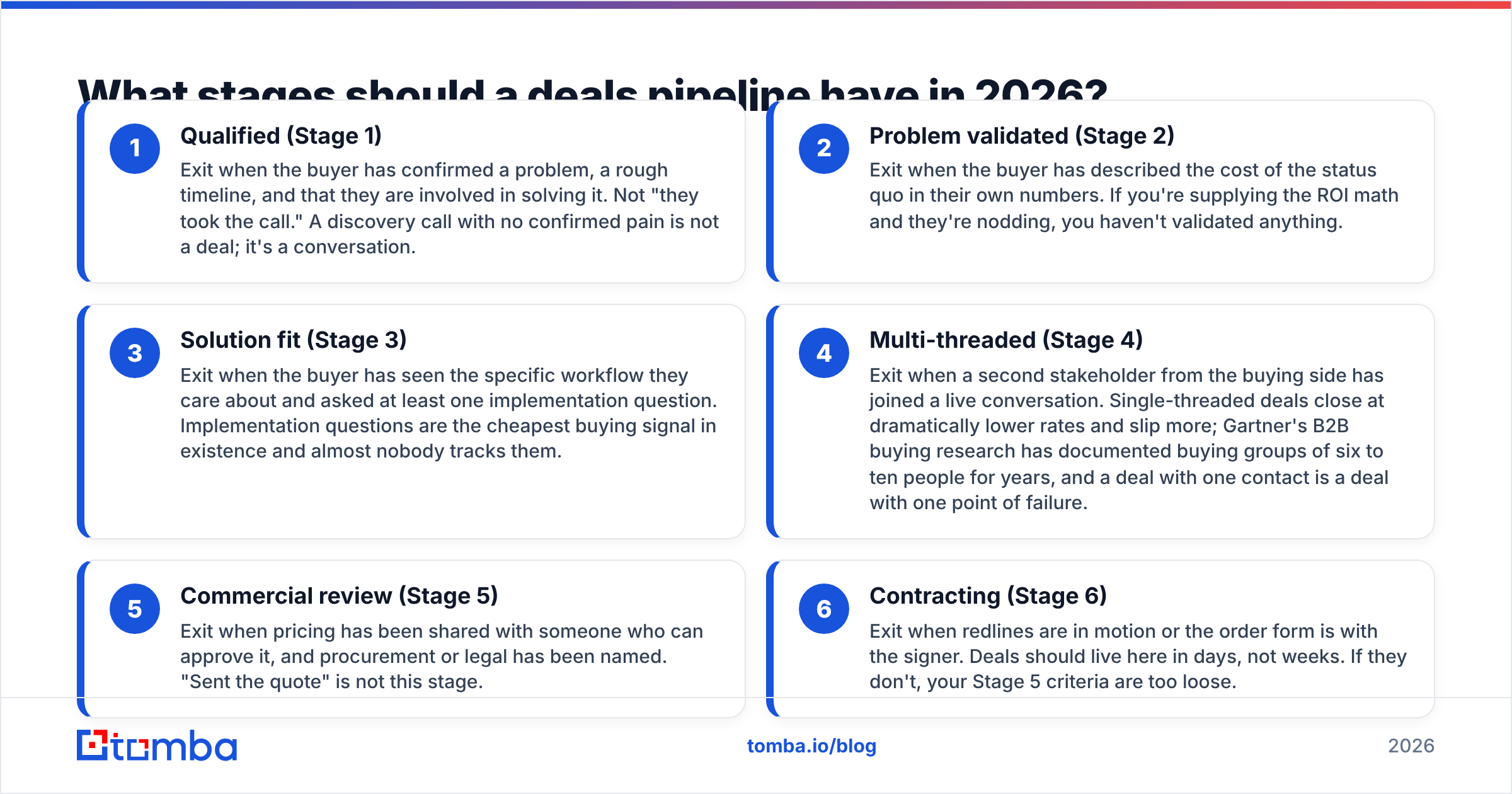
Here's a stage set that survives contact with reality, with buyer-side exit criteria:
Qualified (Stage 1) — Exit when the buyer has confirmed a problem, a rough timeline, and that they are involved in solving it. Not "they took the call." A discovery call with no confirmed pain is not a deal; it's a conversation.
Problem validated (Stage 2) — Exit when the buyer has described the cost of the status quo in their own numbers. If you're supplying the ROI math and they're nodding, you haven't validated anything.
Solution fit (Stage 3) — Exit when the buyer has seen the specific workflow they care about and asked at least one implementation question. Implementation questions are the cheapest buying signal in existence and almost nobody tracks them.
Multi-threaded (Stage 4) — Exit when a second stakeholder from the buying side has joined a live conversation. Single-threaded deals close at dramatically lower rates and slip more; Gartner's B2B buying research has documented buying groups of six to ten people for years, and a deal with one contact is a deal with one point of failure.
Commercial review (Stage 5) — Exit when pricing has been shared with someone who can approve it, and procurement or legal has been named. "Sent the quote" is not this stage.
Contracting (Stage 6) — Exit when redlines are in motion or the order form is with the signer. Deals should live here in days, not weeks. If they don't, your Stage 5 criteria are too loose.
Notice what's missing: no "nurturing," no "on hold," no "verbal commit." Those are not stages, they're excuses. A deal that isn't progressing belongs in a closed-lost bucket with a reason code, or in a separate recycle list that marketing owns.
How do you tell if a deals pipeline is actually healthy?#
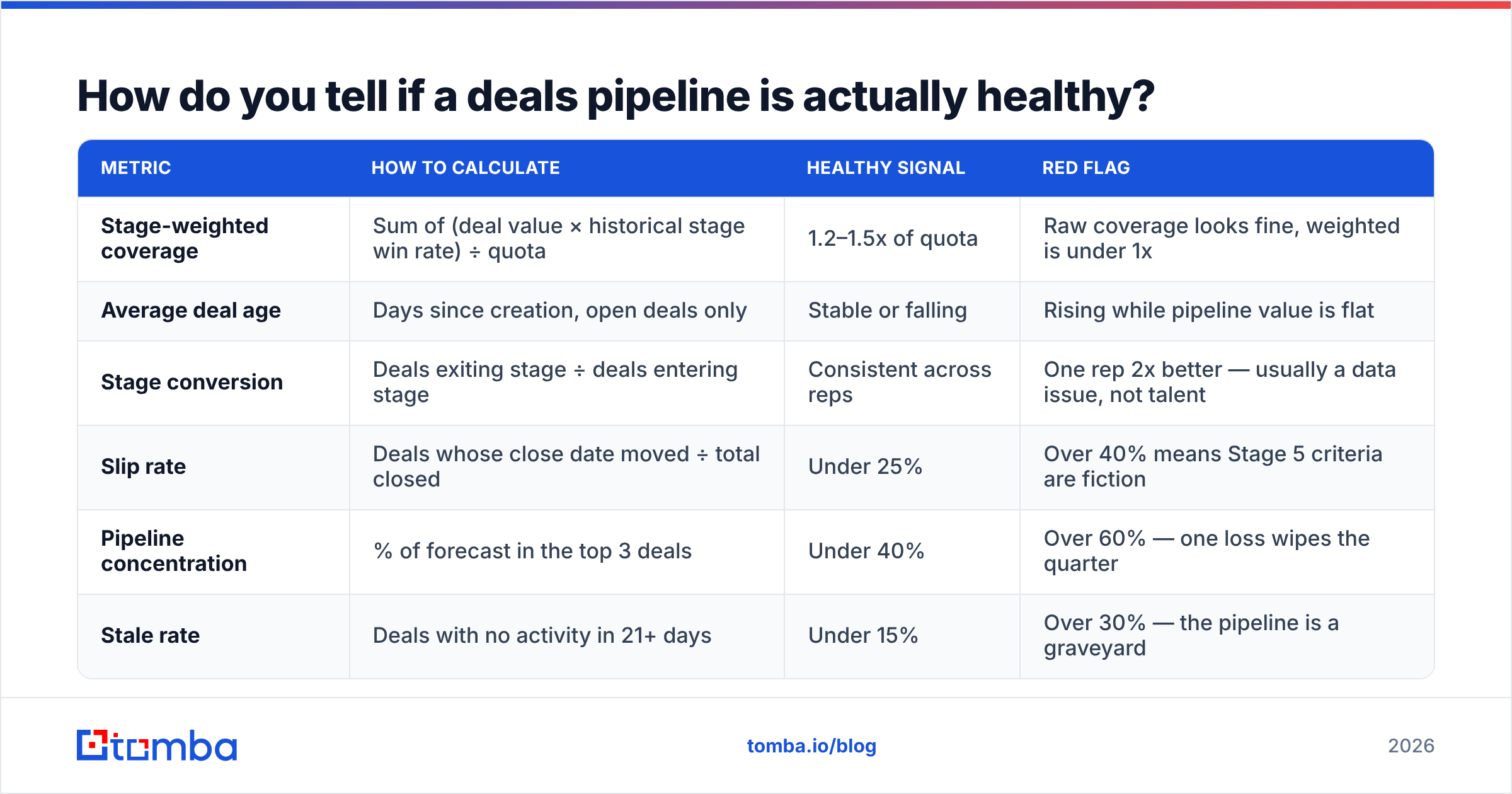
Six numbers tell you almost everything. Pull them monthly and trend them, because absolute values mean nothing without a baseline.
| Metric | How to calculate | Healthy signal | Red flag |
|---|---|---|---|
| Stage-weighted coverage | Sum of (deal value × historical stage win rate) ÷ quota | 1.2–1.5x of quota | Raw coverage looks fine, weighted is under 1x |
| Average deal age | Days since creation, open deals only | Stable or falling | Rising while pipeline value is flat |
| Stage conversion | Deals exiting stage ÷ deals entering stage | Consistent across reps | One rep 2x better — usually a data issue, not talent |
| Slip rate | Deals whose close date moved ÷ total closed | Under 25% | Over 40% means Stage 5 criteria are fiction |
| Pipeline concentration | % of forecast in the top 3 deals | Under 40% | Over 60% — one loss wipes the quarter |
| Stale rate | Deals with no activity in 21+ days | Under 15% | Over 30% — the pipeline is a graveyard |
The one people ignore is stage-weighted coverage. The classic advice is to carry 3x pipeline against quota. That rule was derived from a 33% win rate environment. If your win rate is 18%, you need closer to 5.5x. If it's 45% on a well-qualified pipeline, 2.2x is plenty. Applying a borrowed multiplier to your own win rate is how teams get to the last two weeks of a quarter and discover the coverage was theater.
Why does pipeline data rot so fast?#
Because the underlying contact records decay, and nobody budgets for it.
B2B contact data degrades at roughly 25–30% per year through job changes, role changes, and company changes. That's not a marketing statistic — it's the reason your Stage 4 "multi-threaded" deal has two contacts, one of whom left in March. The deal looks healthy in the CRM and is functionally dead.
Three specific failure modes:
- The champion left. Nobody updated the record, so the deal keeps aging in Stage 4 with a next-step date that gets pushed weekly. This is the single largest source of phantom pipeline.
- The account is duplicated. Two reps working the same logo under "Acme Inc" and "Acme, Inc." Your coverage number is inflated and your reporting is wrong.
- The email bounces. Sequences stop reaching the buying group entirely, but the deal stays open because activity logging counts sends, not deliveries.
Fixing this is unglamorous and highly leveraged. Run a quarterly sweep: re-verify every contact email on open opportunities, re-check titles against LinkedIn, and merge duplicates before the quarter starts. A bulk verify pass across your open-deal contact list takes an afternoon and typically flags 10–20% of records on a pipeline that hasn't been cleaned in a year.
When contacts do turn out to be gone, you need a fast path to their replacement rather than a two-week gap. Pulling the current org chart for the account through domain search and re-threading to the new owner of the problem is the difference between a stalled deal and a re-engaged one. The same applies when you're building net-new pipeline: sourcing verified contacts up front with an email finder beats discovering in Stage 3 that half your buying group never received a message.
For teams that prefer buying lists outright rather than sourcing per-account, providers like BookYourData offer pay-as-you-go verified B2B contact data, which pairs reasonably with a verification step of your own before import. Whichever route you take, the rule is the same: nothing enters the pipeline unverified.
Which tools should manage your deals pipeline?#
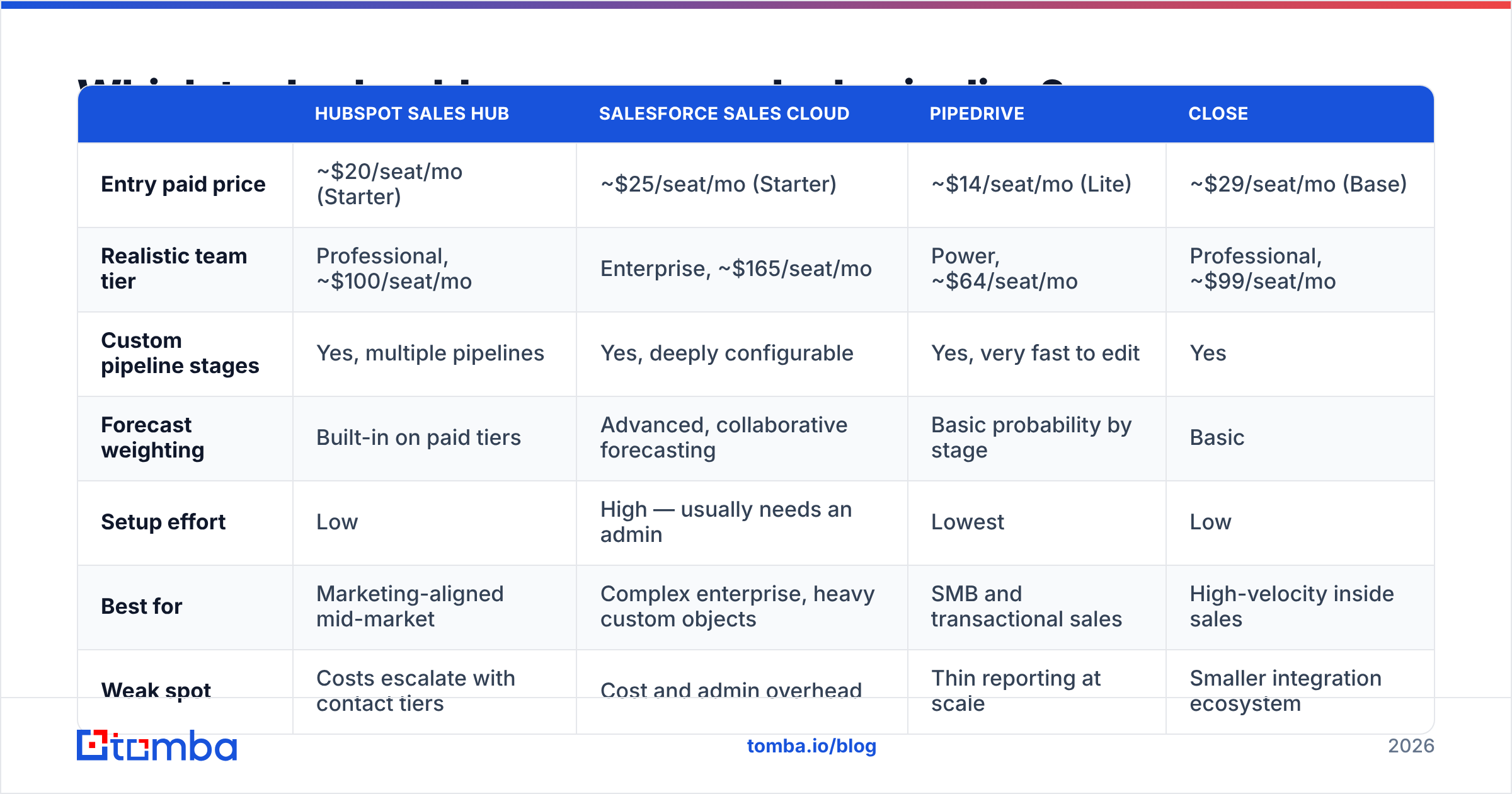
The honest answer is that pipeline tooling is a solved problem and the differences are about workflow fit and cost, not capability. Here's how the main options actually compare for pipeline management specifically.
| HubSpot Sales Hub | Salesforce Sales Cloud | Pipedrive | Close | |
|---|---|---|---|---|
| Entry paid price | ~$20/seat/mo (Starter) | ~$25/seat/mo (Starter) | ~$14/seat/mo (Lite) | ~$29/seat/mo (Base) |
| Realistic team tier | Professional, ~$100/seat/mo | Enterprise, ~$165/seat/mo | Power, ~$64/seat/mo | Professional, ~$99/seat/mo |
| Custom pipeline stages | Yes, multiple pipelines | Yes, deeply configurable | Yes, very fast to edit | Yes |
| Forecast weighting | Built-in on paid tiers | Advanced, collaborative forecasting | Basic probability by stage | Basic |
| Setup effort | Low | High — usually needs an admin | Lowest | Low |
| Best for | Marketing-aligned mid-market | Complex enterprise, heavy custom objects | SMB and transactional sales | High-velocity inside sales |
| Weak spot | Costs escalate with contact tiers | Cost and admin overhead | Thin reporting at scale | Smaller integration ecosystem |
Prices are list rates and change; check HubSpot, Salesforce, and current G2 CRM reviews before committing. The pattern that holds across all of them: teams overbuy on CRM tier and underinvest in the data flowing into it. A $165/seat Enterprise instance full of bounced contacts forecasts worse than a $14/seat Pipedrive with clean records.
Whatever you pick, wire enrichment into deal creation rather than doing it manually. Pushing verified contact and company attributes into the record at creation time — through a HubSpot integration or via API — means your stage criteria can reference real firmographics instead of whatever the rep typed.
How do you run a weekly pipeline review that isn't theater?#
Most pipeline reviews are a reading of deal names with optimistic adjectives attached. Replace that with an audit. Ninety minutes, same agenda every week:
Stage integrity check (20 min). Pull every deal in Stage 4 and above. For each, name the buyer-side action that justifies the stage. No action, deal moves back. This is uncomfortable for two weeks and then it fixes itself, because reps stop inflating stages when the inflation gets caught.
Slipped close dates (15 min). List every deal whose close date moved since last week. A date that has moved three times is not a Q3 deal. Move it out or close it lost. Chronic slip is the leading indicator of a missed quarter and it's visible six weeks early.
Stale deals (15 min). Anything with 21+ days of no buyer-initiated activity. Either there's a specific re-engagement action taken this week or it's closed. "I'll follow up" is not an action.
Single-threaded deals (15 min). Any deal over your average deal size with one contact gets a named second stakeholder to reach this week — and someone actually finds that person's contact details before the meeting ends.
New pipeline created (15 min). Compare against the weekly rate you need. If creation is below the run rate, no amount of late-stage heroics fixes the quarter. This is where the conversation should get loud, not in Stage 6.
One deal, deeply (10 min). Pick a single deal and actually work it as a group. This is the only part of the meeting that teaches anything.
Notice what's absent: no rep-by-rep recitation of every open deal. That's what the CRM dashboard is for. The meeting exists to catch lies in the data and to allocate effort, and both are faster when you filter rather than enumerate.
What's the fastest way to fix a broken deals pipeline?#
Do these in order, because each one makes the next one cheaper:
- Week 1: Rewrite stage exit criteria as buyer actions. Publish them. Nothing else changes yet.
- Week 2: Re-stage the entire open pipeline against the new criteria. Expect the pipeline value to drop 20–40%. That drop was always there; you just couldn't see it.
- Week 3: Verify and enrich every contact on the surviving deals. Kill deals whose only contact is unreachable. Re-thread the ones worth saving.
- Week 4: Recalculate coverage using stage-weighted values and your real win rate. Set the new pipeline creation target from that number.
- Ongoing: Run the weekly audit. Re-verify contacts quarterly. Review stage conversion rates every six months and adjust.
The uncomfortable part is week 2. Leadership will see the pipeline halve and assume something broke. Nothing broke — you just stopped measuring the wrong thing. A smaller honest pipeline forecasts within a few percent. A large dishonest one forecasts within thirty, which is the same as not forecasting at all.
Where do you go from here?#
Pipeline discipline is process work, but it runs on data quality. Every stage criterion above depends on reaching the right human at the right company at the right time — the champion who left, the second stakeholder you need to multi-thread, the procurement contact nobody captured.
If you want your stages to reflect reality, start by making sure the contacts behind them are real. Tomba Email Finder finds and verifies professional email addresses by name, domain, or company, so open deals stay reachable and new pipeline enters clean. The free tier covers 25 searches a month to test it against your own account list, and paid plans start at $49/mo — see Tomba pricing for the full breakdown. Clean the contact layer first; the forecast follows.
Related guides#
Ready to find emails that actually work?
Join 150,000+ professionals who stopped guessing and started sending. Free credits on signup — no credit card required.
Get the Tomba newsletter
Practical outbound tactics and product updates — once every two weeks.
About the author