Delta Sales App Pricing, Reviews, Pros and Cons (2026)
A neutral breakdown of Delta Sales App pricing, real user reviews, and the pros and cons that matter before you commit a field sales team to per-user billing.
Delta Sales App pricing looks simple on the website: a low per-user rate, billed each month. The real bill depends on seat minimums, billing term, and setup work. This guide breaks down the cost, the reviews, and the trade-offs.
TL;DR
- Delta Sales App is a field sales force automation (SFA) tool. It suits distributors, FMCG brands, and outside reps. You get GPS attendance, beat plans, order booking, and retailer visits. It is not a prospecting tool.
- Delta Sales App pricing is per user, per month. Annual plans cost less, and there is a seat minimum. Budget single digits to low teens in dollars per rep, plus setup.
- Reviews on G2 and Capterra praise support and value for money. The common gripes: dated UI, offline sync bugs, and shallow reporting.
- The big gap: the app manages reps you have and accounts you already sell to. It does not find new B2B contacts. You still need a data layer for that.
- Best fit: distribution teams with 10+ field reps. Poor fit: inside-sales SaaS teams, agencies, and anyone whose "field" is a laptop.
What is Delta Sales App, exactly?#
Delta Sales App is field sales force automation software. Think of it as a time clock, a route planner, and an order pad in one phone app. It is the digital version of the clipboard a distributor's rep used to carry from shop to shop.
The product targets businesses that move physical goods through a distribution network: FMCG, pharma, building materials, farm inputs, packaged foods. Reps in those firms do not book meetings. They walk a beat, visit 20–40 shops a day, take orders, collect payments, and log stock. Delta Sales App makes that day visible from head office.
The core modules, in the order most buyers use them:
- Attendance and GPS tracking — reps check in from the phone. Managers see a live map and a replay of the route. This is the top reason teams buy it.
- Beat plan / journey plan — set which shops each rep must visit on which day. Then compare planned coverage with actual coverage.
- Order booking and invoicing — reps take orders offline from a catalogue with price lists and schemes. Head office sees them in near-real time.
- Party (retailer) management — shop master data, credit terms, unpaid balances, and visit history per outlet.
- Expense and leave management — travel claims use real GPS distance, not a rep's guess.
- Reports and dashboards — sales by rep, product, and territory, plus calls per day and strike rate.
That list also shows what Delta Sales App is not. There is no email sequencer, no intent data, and no contact database. It assumes you already know your customers.
Delta Sales App pricing in 2026: how much does it cost?#
Short answer: you pay per user, per month. The headline rate is one of the lowest in field sales. But the real number depends on three things most buyers forget to model.
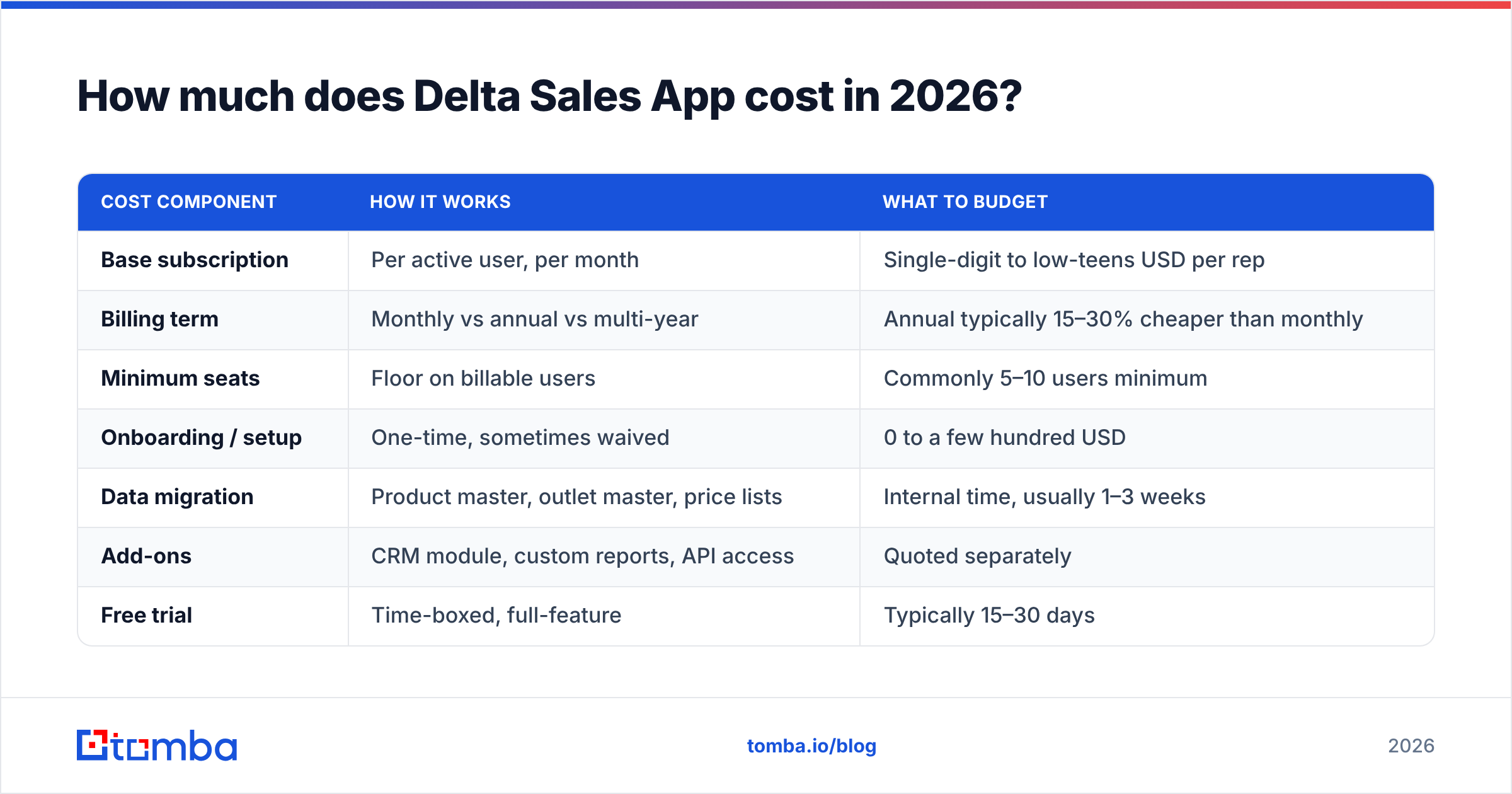
The vendor lists its rates on deltasalesapp.com. Like most SFA vendors, it runs promotions, regional rates, and volume discounts. Confirm the current figure with the vendor rather than trusting a blog table — including this one. What stays stable is the shape of Delta Sales App pricing:
| Cost component | How it works | What to budget |
|---|---|---|
| Base subscription | Per active user, per month | Single-digit to low-teens USD per rep |
| Billing term | Monthly vs annual vs multi-year | Annual typically 15–30% cheaper than monthly |
| Minimum seats | Floor on billable users | Commonly 5–10 users minimum |
| Onboarding / setup | One-time, sometimes waived | 0 to a few hundred USD |
| Data migration | Product master, outlet master, price lists | Internal time, usually 1–3 weeks |
| Add-ons | CRM module, custom reports, API access | Quoted separately |
| Free trial | Time-boxed, full-feature | Typically 15–30 days |
Three multipliers move real spend:
- Seat inflation. You buy 20 seats for reps. Then supervisors, ASMs, and the warehouse team ask for access. By month four the deal is 32 seats.
- The annual lock. The discount is real, and so is the commitment. If your field team is seasonal, monthly billing can cost less over a full year.
- Custom work. Distributors run odd schemes, slabs, and credit rules. Anything the standard setup cannot handle becomes a paid tweak or a spreadsheet.
Take a 25-rep distributor on an annual plan. A fair first-year number is the base subscription plus about one month's equivalent in setup and internal time. That is still cheap next to enterprise SFA. Salesforce or SAP field tools start at several times that price per user.
What do Delta Sales App reviews actually say?#
Ratings on the major review sites sit between 4.3 and 4.7. That is normal to good for this category. The written reviews tell you more than the star count.
What reviewers praise:
- Support. This is the most repeated positive. Reviewers report fast replies and hands-on onboarding. That is rare at this price.
- Value for money. Teams moving off spreadsheets or WhatsApp call it an obvious upgrade.
- Rep adoption. The app is simple. Reps with little tech experience pick it up in a week or two. In field sales, adoption is the whole game. A perfect tool nobody opens is worth zero.
- Offline mode. Reps in weak-signal areas can log orders and sync later.
What reviewers criticise:
- The UI looks dated. It works, but it is not pretty.
- Reporting is shallow. Basic reports are fine. Deeper analysis means exporting to Excel or a BI tool.
- Sync bugs. A few reviews mention orders that double or lag after long offline spells. Test this during the trial.
- Integrations. ERP and accounting connectors exist, but they are not plug-and-play. Budget developer time.
- GPS pushback. Tracking changes how reps feel about the job. Frame the rollout around better routes, not surveillance.
One caveat about reviews in this category: the buyer and the user are different people. Managers write the reviews. Reps live in the app. A 4.6 from a sales director says little about whether reps log visits honestly.
What are the pros and cons of Delta Sales App?#
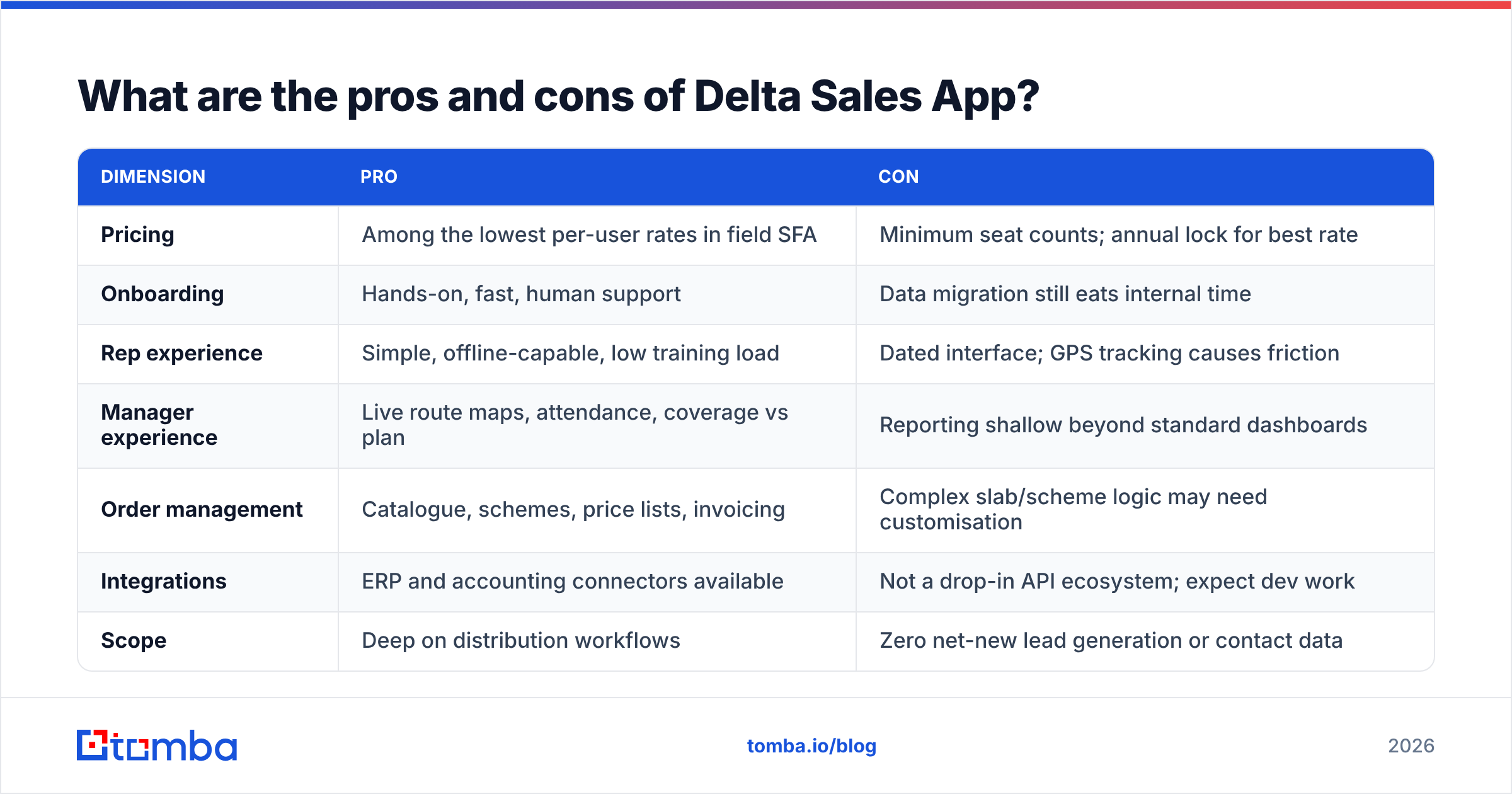
| Dimension | Pro | Con |
|---|---|---|
| Pricing | Among the lowest per-user rates in field SFA | Minimum seat counts; annual lock for best rate |
| Onboarding | Hands-on, fast, human support | Data migration still eats internal time |
| Rep experience | Simple, offline-capable, low training load | Dated interface; GPS tracking causes friction |
| Manager experience | Live route maps, attendance, coverage vs plan | Reporting shallow beyond standard dashboards |
| Order management | Catalogue, schemes, price lists, invoicing | Complex slab/scheme logic may need custom work |
| Integrations | ERP and accounting connectors available | Not a drop-in API ecosystem; expect dev work |
| Scope | Deep on distribution workflows | Zero net-new lead generation or contact data |
| Scale fit | Strong at 10–200 field reps | Thin for enterprise governance and multi-country ops |
The honest summary: Delta Sales App is well priced and well supported. It does one job — it makes a field force measurable. It does not pretend to do more. Whether that is a pro or a con depends on what you thought you were buying.
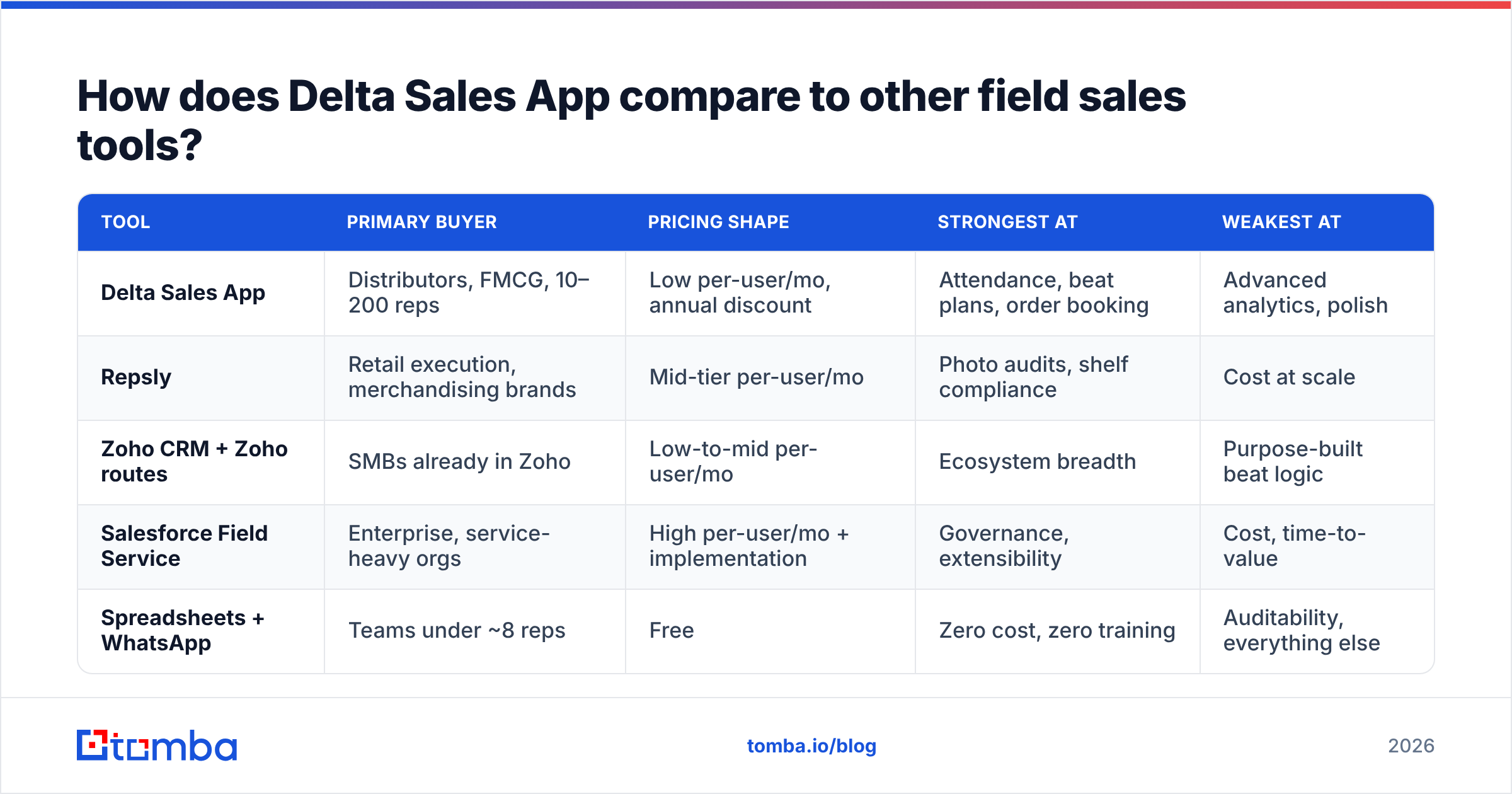
How does Delta Sales App compare to other field sales tools?#
| Tool | Primary buyer | Pricing shape | Strongest at | Weakest at |
|---|---|---|---|---|
| Delta Sales App | Distributors, FMCG, 10–200 reps | Low per-user/mo, annual discount | Attendance, beat plans, order booking | Advanced analytics, polish |
| Repsly | Retail execution, merchandising brands | Mid-tier per-user/mo | Photo audits, shelf compliance | Cost at scale |
| Zoho CRM + Zoho routes | SMBs already in Zoho | Low-to-mid per-user/mo | Ecosystem breadth | Purpose-built beat logic |
| Salesforce Field Service | Enterprise, service-heavy orgs | High per-user/mo + implementation | Governance, extensibility | Cost, time-to-value |
| Spreadsheets + WhatsApp | Teams under ~8 reps | Free | Zero cost, zero training | Auditability, everything else |
The pattern is clear. Delta Sales App sits in the value tier. It gives you more structure than spreadsheets at a fraction of the cost of enterprise platforms. It is also closer to distribution work than a generic CRM with a routing add-on.
The real comparison is rarely Delta versus Salesforce. It is Delta versus "we'll keep doing this in Google Sheets for one more quarter." Against that baseline, Delta Sales App pricing is trivial next to the money lost to unlogged visits and unpaid balances.
Who should buy Delta Sales App — and who shouldn't?#
Buy it if:
- You have 10 or more reps who visit customers in person.
- Your revenue moves through shops, dealers, or distributors rather than inbound demos.
- You cannot answer "which shops did rep X visit last Tuesday?" in under a minute.
- Order accuracy and payment collection are leaking money.
Skip it if:
- Your sales team works from a desk. Route planning for a Zoom calendar is a non-problem.
- You need net-new pipeline. Delta manages known accounts; it does not find unknown ones.
- You need enterprise audit, SSO, multi-entity, and regional data residency out of the box.
- Your process depends on deep analytics. You will end up in a BI tool anyway.
What does Delta Sales App not do — and how do you fill the gap?#
This is the section most Delta Sales App reviews skip. It is also the one that decides whether the tool pays for itself.
Field SFA improves coverage of accounts you already have. It has no view on where the next 200 accounts come from. In distribution that is often fine, because the shop universe is finite and known. But most firms with a field team also want growth: new dealers, new regional distributors, new B2B buyers, new channel partners. That growth needs contact data, and Delta Sales App has none.
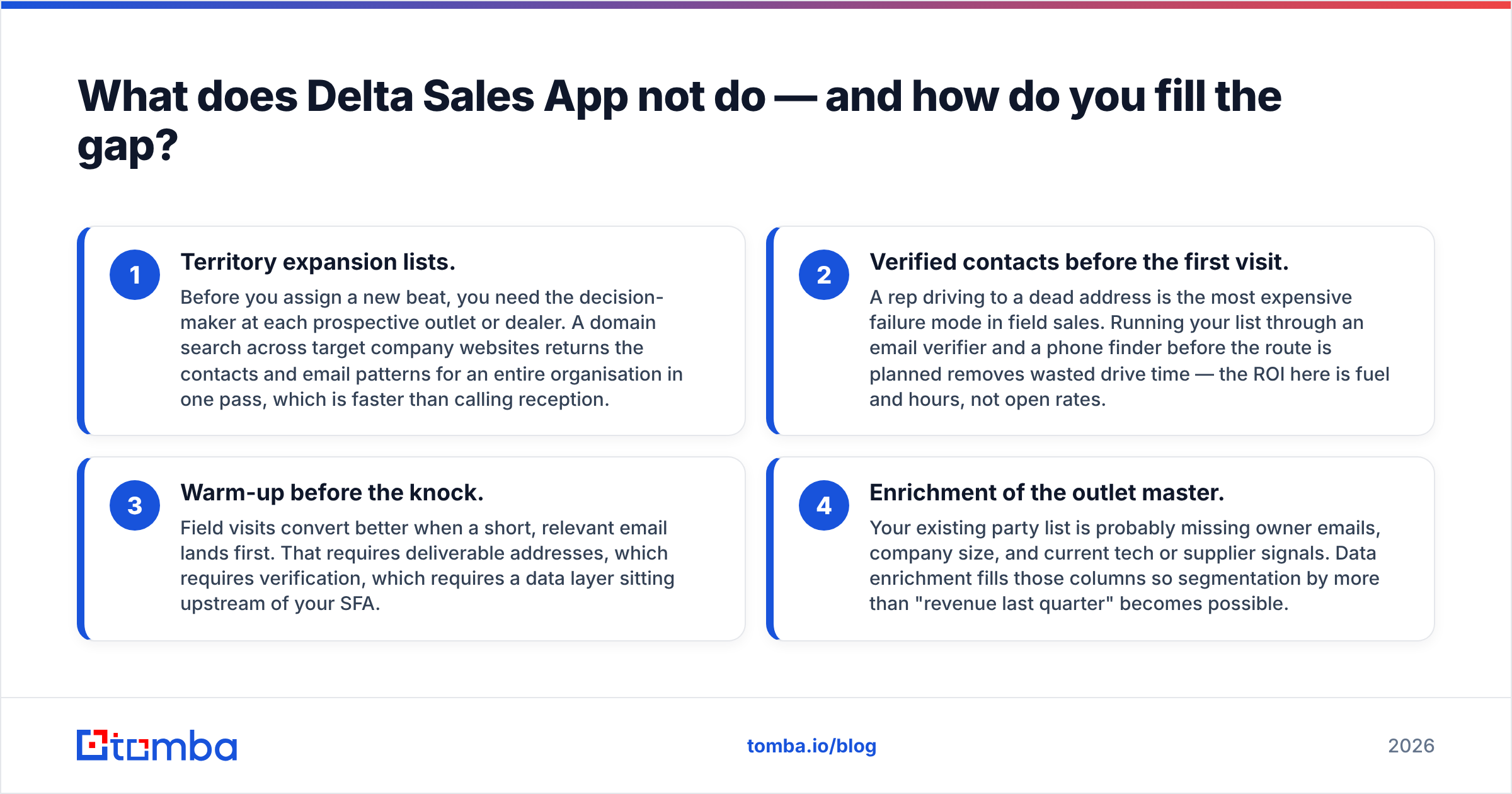
Four practical ways teams fill the gap:
- Territory expansion lists. Before you assign a new beat, you need the decision-maker at each target shop or dealer. A domain search across target websites returns contacts and email patterns for a whole company in one pass. That beats calling reception.
- Verified contacts before the first visit. A rep driving to a dead address is the costliest failure in field sales. Run your list through an email verifier and a phone finder before you plan the route. The payoff here is fuel and hours, not open rates.
- Warm-up before the knock. Visits convert better when a short, relevant email lands first. That needs deliverable addresses, so verification has to sit upstream of your SFA.
- Enrichment of the shop list. Your party list probably lacks owner emails, company size, and supplier signals. Data enrichment fills those columns, so you can segment by more than last quarter's revenue.
The stack that works looks like this. A data layer finds and verifies who to sell to. A CRM or SFA like Delta Sales App governs how reps work that list. A BI layer reads both. Delta covers the middle box well. It was never built to cover the first.
Is Delta Sales App worth it in 2026?#
For its intended buyer, yes — with two conditions.
Condition one: run the trial like an audit, not a demo. Put three real reps on it for two weeks in your worst-signal territory. Log real orders with your own scheme logic. If offline sync or slab pricing breaks, you will find out there and nowhere else.
Condition two: price the total, not the seat. Count every seat you will really need, supervisors included. Multiply by twelve months. Add setup, two weeks of someone's time for data migration, and any custom quote. Compare that to the money you lose today to unlogged visits and stale shop data. In most distribution firms the gap is wide.
The value case gets weaker when a buyer expects the app to grow pipeline. It will not. It makes existing effort measurable. That is a smaller promise, and Delta Sales App pricing reflects it fairly.
Where Tomba fits in a field sales stack#
If your field team is well run but your target list is thin, the constraint is data, not software. Delta Sales App will faithfully measure reps knocking on the wrong doors.
Start upstream. Use Tomba Email Finder to pull verified decision-maker emails for the dealers, distributors, and shops you want on next quarter's beat plan. Verify them before a rep gets in the car, then push the clean records into your CRM. The free tier gives you 25 searches a month, so you can test data quality on your own territory list. Paid plans start at $49/mo — see full Tomba pricing for API access if you want to enrich the shop list programmatically. Get the list right first. The field app only amplifies the list you hand it.
Related guides#
Ready to find emails that actually work?
Join 150,000+ professionals who stopped guessing and started sending. Free credits on signup — no credit card required.
Get the Tomba newsletter
Practical outbound tactics and product updates — once every two weeks.
About the author