Derrick Pricing, Reviews, Pros and Cons (2026 Breakdown)
A neutral look at Derrick's pricing, real user reviews, and the honest pros and cons of running lead enrichment inside Google Sheets — plus where it falls short and a cheaper, more accurate alternative.

This guide breaks down Derrick pricing, reviews, pros and cons in plain terms. Derrick promises what many sales teams want: lead enrichment and email finding without leaving Google Sheets. There is no new dashboard to learn and no CSV export shuffle. A sidebar just fills in company data and contact emails next to the rows you already have. The pitch is clean. The real question is whether the price, the accuracy, and the daily workflow hold up at real volume.
This is a neutral look at Derrick, written for someone deciding whether to spend budget — not someone who already made up their mind.
TL;DR: Is Derrick worth it?#
- What it is: Derrick is a Google Sheets add-on for lead scraping, company enrichment, and email finding. Everything happens inside a spreadsheet sidebar.
- Best for: Solo founders, small teams, and spreadsheet-first operators who want enrichment without a full sales platform.
- Pricing reality: Credit-based tiers look cheap at the entry level. They scale unpredictably once you enrich thousands of rows a month.
- The main tradeoff: Convenience is excellent. Email accuracy and verification depth are where reviews get mixed. Bounces cost you sender reputation, not just credits.
- Bottom line: It works well as a lightweight Sheets helper. If deliverability and accuracy matter, pair it with (or replace it with) a dedicated email finder and verifier.
What is Derrick and who is it for?#
Derrick lives inside Google Sheets as an add-on. You install it, open the sidebar, and use it to pull company data, scrape lists, and append contact details — including email addresses — to rows you already have. Because it is spreadsheet-native, there is almost no learning curve for anyone who lives in Sheets.
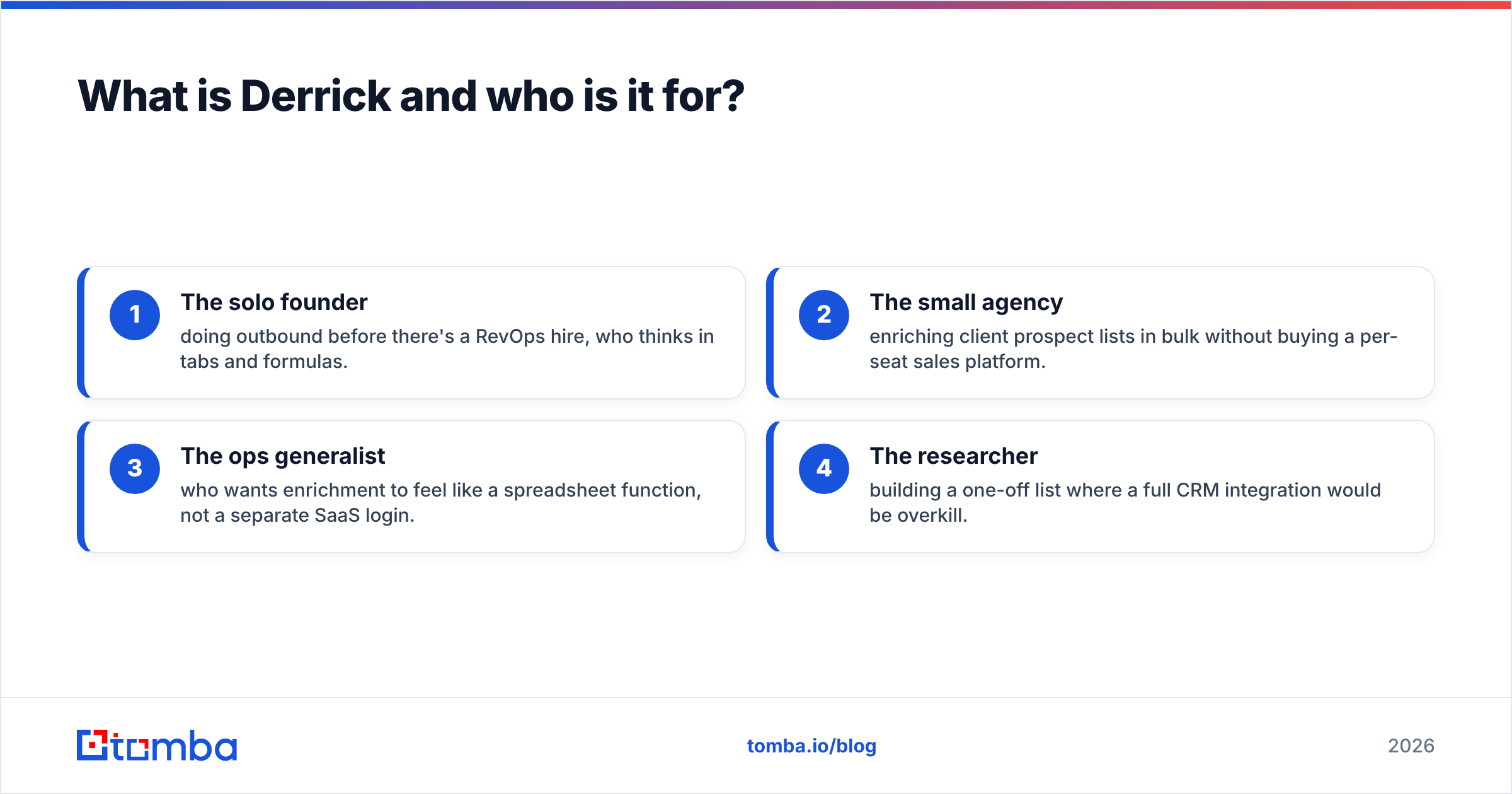
The ideal Derrick user is easy to picture:
- The solo founder doing outbound before there is a RevOps hire, who thinks in tabs and formulas.
- The small agency enriching client prospect lists in bulk without a per-seat sales platform.
- The ops generalist who wants enrichment to feel like a spreadsheet function, not a separate login.
- The researcher building a one-off list where a full CRM would be overkill.
If that is you, the appeal is obvious. The friction starts when volume, accuracy, and deliverability enter the picture. That is exactly where pricing and reviews deserve a closer read.

How much does Derrick cost in 2026?#
Derrick uses a credit-based model. There is a free tier to try it, then paid plans that unlock more monthly credits and features. Each enrichment or email lookup spends credits. So your real cost depends on how many rows you process, not just the sticker price of the plan.
That structure is common. It is also where teams get surprised. A plan that looks cheap at 500 lookups a month behaves very differently at 10,000. The table below shows the shape of Derrick's pricing next to a dedicated email-finding platform. Treat the Derrick figures as representative published tiers. Always confirm current numbers on Derrick's own site before you buy, since credit-based tools change pricing often.
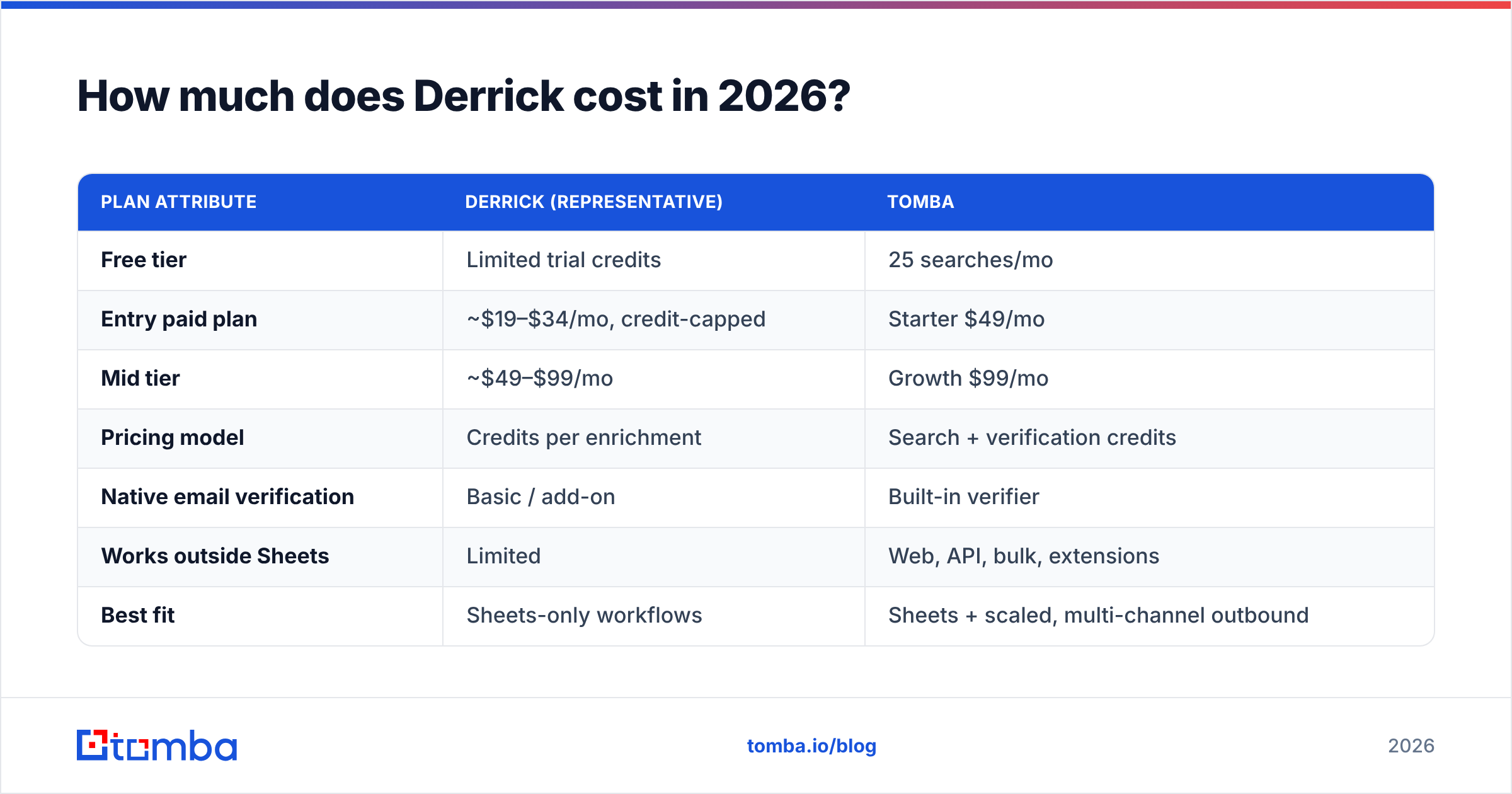
| Plan attribute | Derrick (representative) | Tomba |
|---|---|---|
| Free tier | Limited trial credits | 25 searches/mo |
| Entry paid plan | ~$19–$34/mo, credit-capped | Starter $49/mo |
| Mid tier | ~$49–$99/mo | Growth $99/mo |
| Pricing model | Credits per enrichment | Search + verification credits |
| Native email verification | Basic / add-on | Built-in verifier |
| Works outside Sheets | Limited | Web, API, bulk, extensions |
| Best fit | Sheets-only workflows | Sheets + scaled, multi-channel outbound |
The takeaway is not "Derrick is expensive." At the entry level it can beat a full platform. The real point is that credit math compounds. If a chunk of those credits returns unverified or guessed emails, you pay twice. You pay once for the lookup, and again in bounce damage. For a like-for-like comparison, keep Tomba pricing open in the next tab while you read Derrick's tiers.
What do Derrick reviews say — the honest pros and cons?#
Pull together user feedback from review sites like G2 and Capterra, and a clear picture emerges. People love the workflow. They are more cautious about data quality at scale.
Pros reviewers consistently mention:
- Zero context switching. Enrichment happens where the data already lives. There is no export/import loop.
- Gentle learning curve. If you can use a Sheets formula, you can use Derrick.
- Good for lightweight lists. For a few hundred rows, it is fast and satisfying.
- Approachable entry pricing. The low starting tier lowers the barrier for solo users.
Cons that show up repeatedly:
- Email accuracy is inconsistent. Guessed or pattern-based emails slip through without strong verification, which drives bounces.
- Credit consumption surprises. Bulk jobs burn credits faster than users expect.
- Sheets is the ceiling. The power comes from the spreadsheet. There is limited room for API-driven or multi-channel workflows.
- Verification is shallow. Catch-all domains and risky addresses are not always flagged clearly, so bad data reaches your sending tool.
None of this makes Derrick a bad product. It makes it a specialized one. The reviews basically say this: a great convenience layer, but weaker as a source of truth for deliverability-critical sending.
Does Derrick's email accuracy hold up?#
This section should drive your decision. Accuracy is where enrichment tools quietly cost you money.
Here is the mechanism in plain terms. Finding an email is only half the job. The other half is proving it is real and safe to send to. A tool may guess an address from a name-and-domain pattern. It then looks like a win in your spreadsheet. But you send, it bounces, and your sender reputation takes the hit. Even a few percent of bounced sends can push future campaigns into spam folders. That is a cost no credit counter shows you.
That is why serious outbound teams treat verification as a separate, non-negotiable step. A dedicated email verifier checks syntax, domain, mailbox, and catch-all status before an address enters a sequence. If Derrick is your finder, you still want a real verification pass on top. This matters most for catch-all domains, which pattern-matching tools tend to over-report as valid.

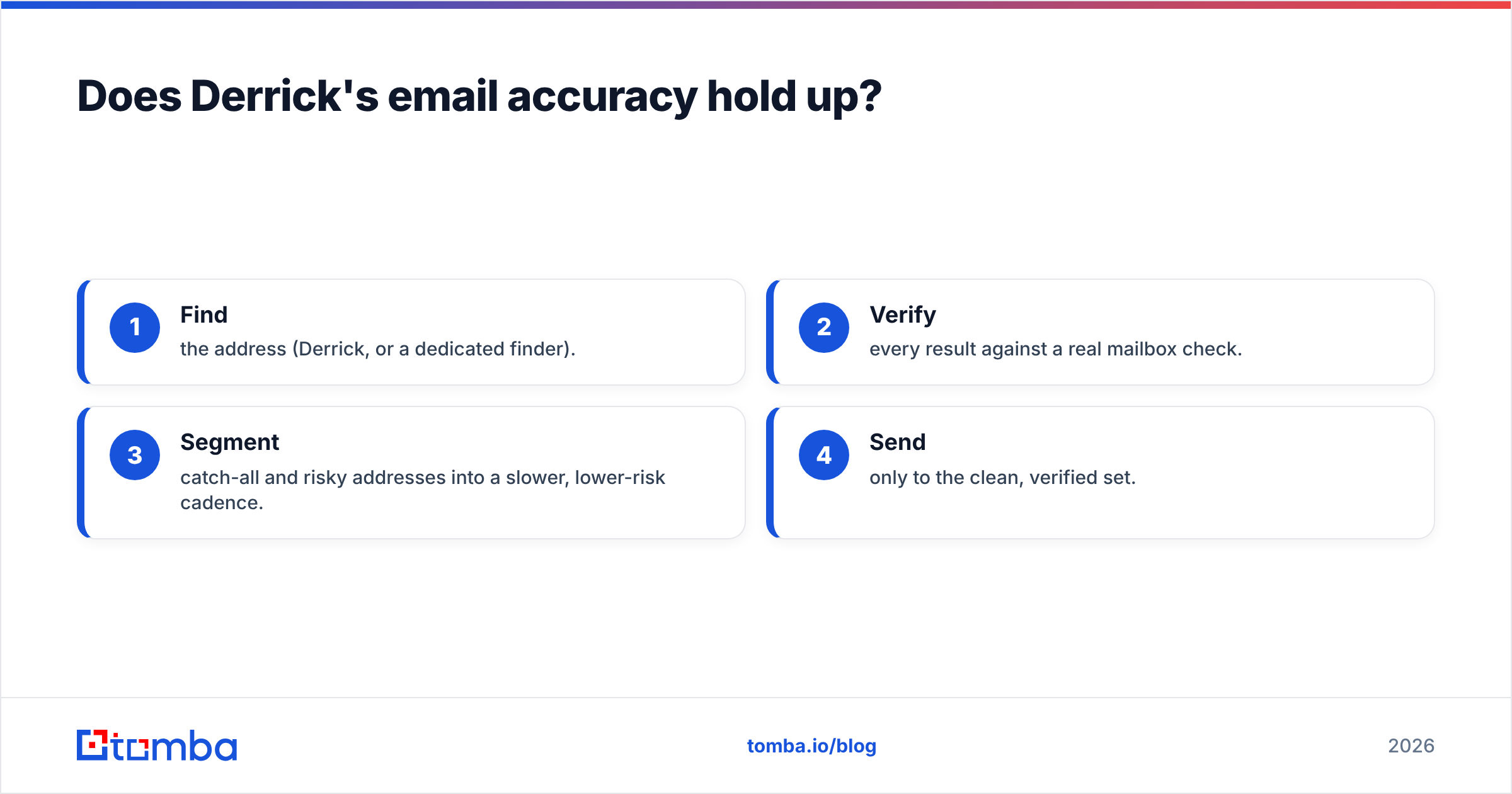
For high-volume work, the workflow that actually protects deliverability looks like this:
- Find the address (Derrick, or a dedicated finder).
- Verify every result against a real mailbox check.
- Segment catch-all and risky addresses into a slower, lower-risk cadence.
- Send only to the clean, verified set.
Skip step two and you gamble your domain reputation on a guess. HubSpot's deliverability guidance and most ESP docs say the same thing. HubSpot's own research ties bounce rate directly to inbox placement.
Derrick vs. a dedicated email-finding platform#
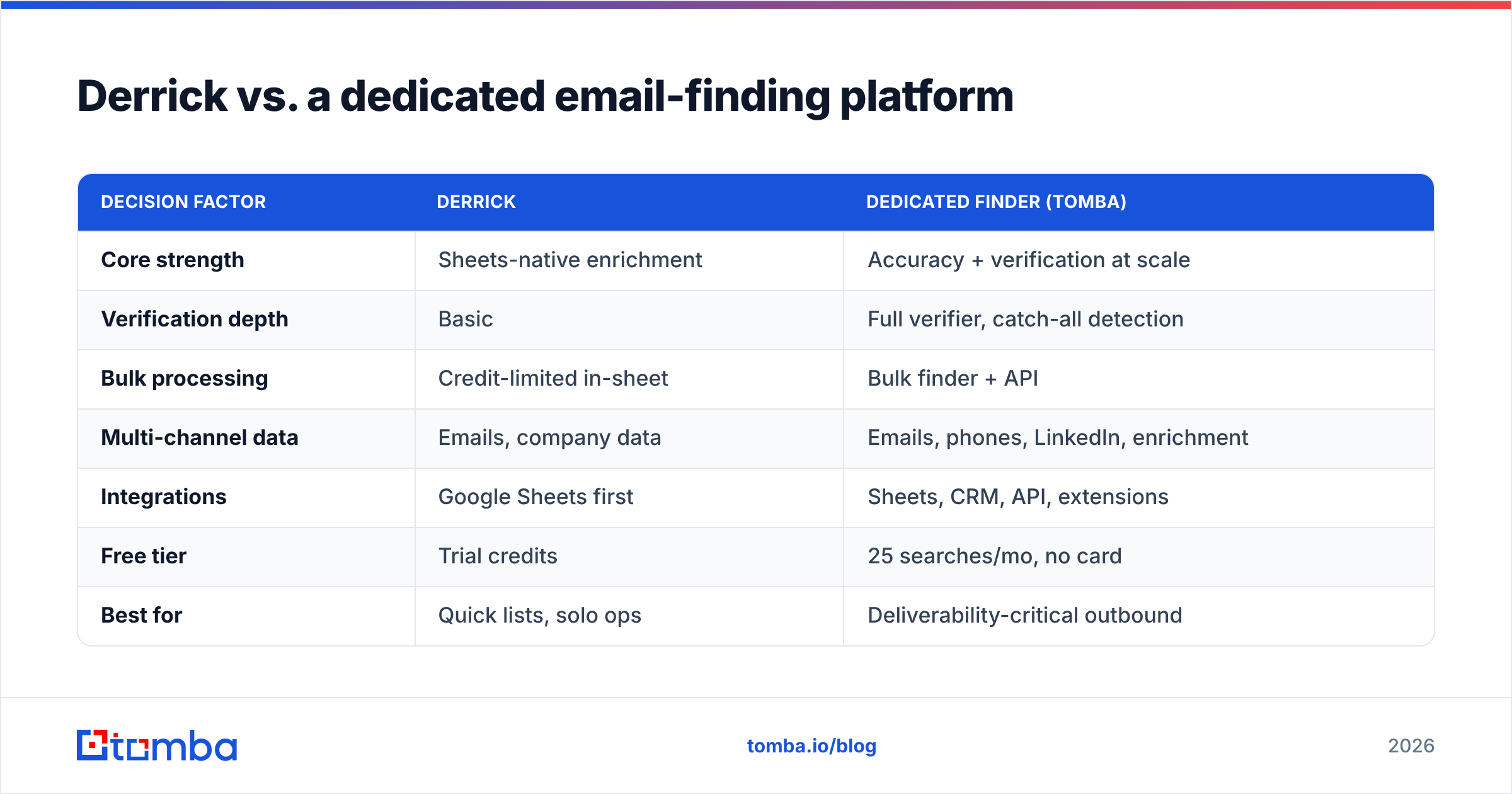
Derrick and a platform like Tomba are not really the same category. That is the point. One is a Sheets-native convenience tool. The other is an accuracy-and-scale engine. The right question is which job you are hiring for.

| Decision factor | Derrick | Dedicated finder (Tomba) |
|---|---|---|
| Core strength | Sheets-native enrichment | Accuracy + verification at scale |
| Verification depth | Basic | Full verifier, catch-all detection |
| Bulk processing | Credit-limited in-sheet | Bulk finder + API |
| Multi-channel data | Emails, company data | Emails, phones, LinkedIn, enrichment |
| Integrations | Google Sheets first | Sheets, CRM, API, extensions |
| Free tier | Trial credits | 25 searches/mo, no card |
| Best for | Quick lists, solo ops | Deliverability-critical outbound |
Here is the honest read. If your whole workflow is a spreadsheet and you send small, careful batches, Derrick's convenience is a real advantage. But if you scale outbound, feed a CRM, or send thousands of emails a month, the accuracy gap and the credit ceiling become real limits. Many teams start with Derrick and add a dedicated finder once bounce rates start to hurt. Tomba keeps the Sheets workflow they liked through its Google Sheets add-on, so you do not lose the spreadsheet-native feel.
When should you choose Derrick — and when shouldn't you?#
Choose Derrick if:
- Your outbound lives entirely inside Google Sheets.
- You enrich a few hundred rows at a time, not tens of thousands.
- You value zero-learning-curve convenience over deep verification.
- Budget is tight and the entry tier fits your volume comfortably.
Look elsewhere (or add a second tool) if:
- Deliverability is business-critical and bounces cost you deals.
- You send at volume and need reliable catch-all handling.
- You want data beyond email — phone numbers, LinkedIn, firmographics.
- You need API access to wire enrichment into a real pipeline.
The mistake to avoid is simple: do not treat a convenience tool as an accuracy tool. Derrick is a fine on-ramp. On its own, it is not a deliverability strategy.
Derrick pricing, reviews, pros and cons: the bottom line#
Derrick earns its reviews on convenience. The Sheets-native experience is genuinely pleasant, the entry pricing is approachable, and for small, deliberate lists it does exactly what it says. The pros are real.
But the cons are just as real. They cluster around the one thing that decides outbound ROI: verified, accurate email data. Credit-based pricing scales unpredictably, and reviewers call the verification shallow. So the true cost of Derrick is not the monthly fee. It is the bounces you never see on the invoice. Price it against a dedicated platform on a cost-per-verified-email basis, not cost-per-lookup, and the math often shifts.
So here is the short version of Derrick pricing, reviews, pros and cons: great convenience, weaker accuracy. If you want the spreadsheet convenience and accuracy you can send behind, run finding and verification through a tool built for it. Tomba's Email Finder gives you domain-, name-, and company-based lookups with built-in verification, a free tier of 25 searches a month to test the accuracy yourself, and the same Sheets, bulk, and API access your workflow will grow into. Find the address, verify it before you send, and protect the sender reputation that every future campaign depends on. Start free and compare the hit rate against your current list.
Related guides#
Ready to find emails that actually work?
Join 150,000+ professionals who stopped guessing and started sending. Free credits on signup — no credit card required.
Get the Tomba newsletter
Practical outbound tactics and product updates — once every two weeks.
About the author