9 Best DocuSign Alternatives in 2026: Cheaper E-Signature Tools
DocuSign works, but per-seat pricing and envelope caps push a lot of sales teams to shop around. Here are nine DocuSign alternatives compared on price, API access, free tiers, and how they fit a real deal flow.
TL;DR
- DocuSign is still the safest default for legal and enterprise procurement, but most sales teams overpay for it because of per-seat pricing and annual envelope caps.
- The cheapest credible swaps are SignWell, Zoho Sign, and SignNow — all land under $20/user/mo with unlimited or generous document volumes.
- If your contracts are really proposals, PandaDoc or Proposify replace both DocuSign and your quoting doc.
- Developers shipping signatures inside a product should look at Dropbox Sign or Documenso (open source, self-hostable) before paying DocuSign API rates.
- An e-signature tool only matters if deals reach it. Fix the top of the funnel first — a signature platform can't rescue an empty pipeline.
Why are teams looking for DocuSign alternatives in 2026?#
DocuSign is not bad software. It is the category default, it holds up in court, and procurement teams recognize the name. The reasons people leave are almost always commercial, not technical.
Four patterns come up repeatedly in G2 reviews and renewal conversations:
- Per-seat pricing scales badly. You pay for every person who sends, even the AE who sends three contracts a quarter. A 12-person sales team on Business Pro is roughly $5,760/year before add-ons.
- Envelope limits are the hidden cost. Standard plans on DocuSign include a capped number of envelopes per user per year (100 on most seat plans). High-volume teams hit the ceiling and get pushed into a custom quote.
- API access is gated. If you want signatures embedded in your own product or workflow, you're into developer plans priced well above what Dropbox Sign or Documenso charge for the same job.
- You're paying for a signature but you need a document. Half the teams shopping for DocuSign alternatives actually want proposal software with signing attached — pricing tables, analytics, content library — not a bare signature field.
If none of those four apply to you, stay. DocuSign's compliance footprint (21 CFR Part 11, eIDAS QES via partners, SOC 2 Type II) is genuinely hard to match. If two or more apply, you are almost certainly overpaying.
What should you actually compare in an e-signature tool?#
Feature lists all look identical at the top. The differences that decide renewals sit one layer down:
- Pricing model — per user, per envelope, or flat. Per-envelope pricing wins when few people send a lot; per-user wins when many people send a little.
- Volume caps — "unlimited signatures" often means unlimited signers on a capped number of documents. Read the footnote.
- Legal weight — ESIGN/UETA compliance in the US and eIDAS in the EU are table stakes. Qualified Electronic Signatures (QES) and audit-trail depth are not.
- API and webhooks — flat-rate API calls, sandbox quality, embedded signing, and whether webhooks fire reliably on decline and void events.
- Document intelligence — templates, conditional logic, pricing tables, and view analytics. This is where proposal tools separate from pure signing tools.
- CRM depth — a "HubSpot integration" can mean anything from a full bidirectional sync to a Zapier recipe. Ask which objects it writes to.
Score each candidate on those six before you look at the logo wall.
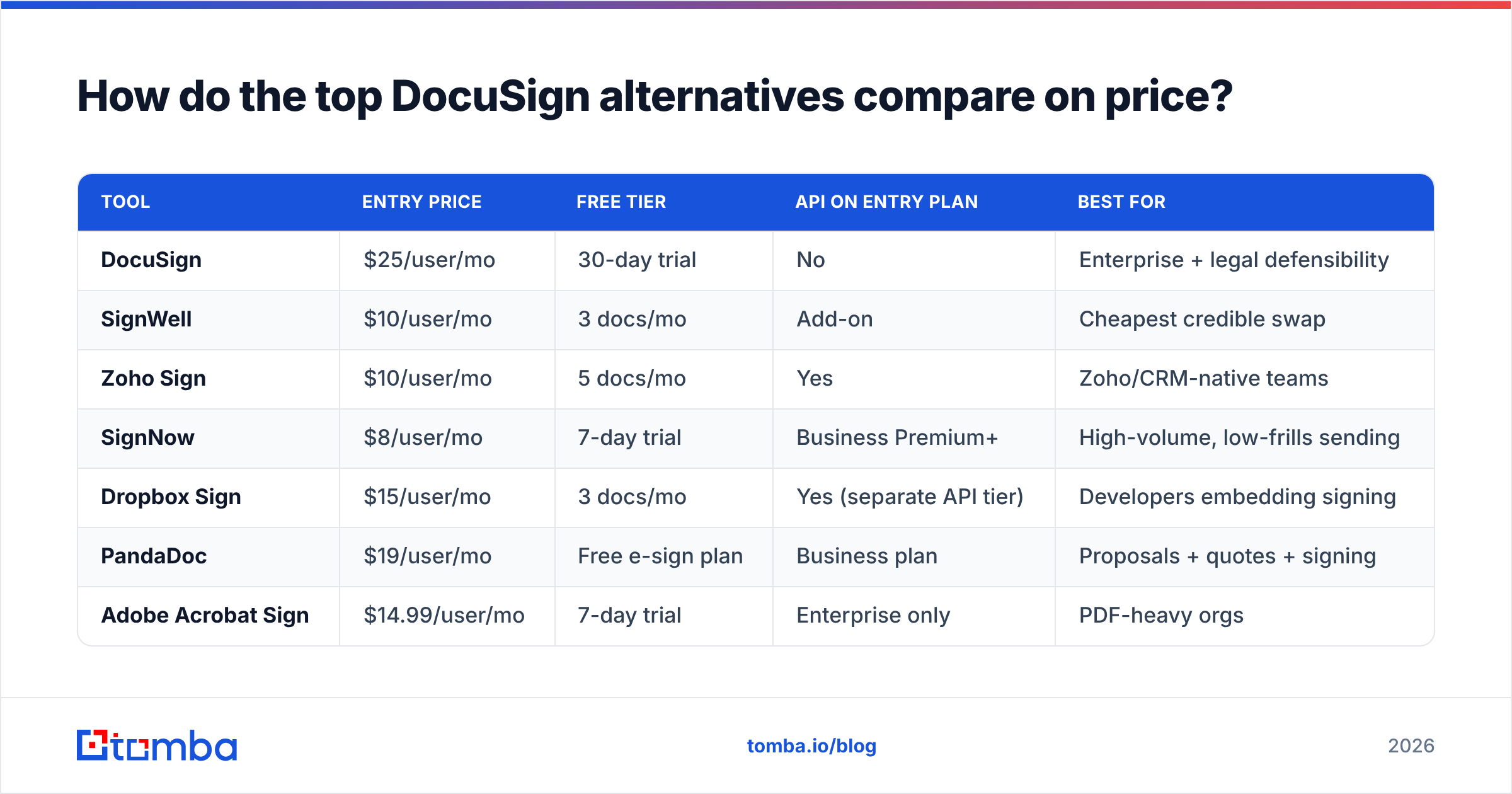
How do the top DocuSign alternatives compare on price?#
List prices as published at the time of writing — always verify on the vendor's own pricing page before you sign, since e-signature vendors change packaging often.
| Tool | Entry price | Free tier | API on entry plan | Best for |
|---|---|---|---|---|
| DocuSign | $25/user/mo | 30-day trial | No | Enterprise + legal defensibility |
| SignWell | $10/user/mo | 3 docs/mo | Add-on | Cheapest credible swap |
| Zoho Sign | $10/user/mo | 5 docs/mo | Yes | Zoho/CRM-native teams |
| SignNow | $8/user/mo | 7-day trial | Business Premium+ | High-volume, low-frills sending |
| Dropbox Sign | $15/user/mo | 3 docs/mo | Yes (separate API tier) | Developers embedding signing |
| PandaDoc | $19/user/mo | Free e-sign plan | Business plan | Proposals + quotes + signing |
| Adobe Acrobat Sign | $14.99/user/mo | 7-day trial | Enterprise only | PDF-heavy orgs |
| Proposify | $29/user/mo | Trial only | Higher tiers | Design-led proposals |
| Documenso | Free (self-host) | Unlimited self-hosted | Yes | Open-source / data residency |
Two things jump out. First, the price gap between DocuSign Standard and the mid-market pack is roughly 40-60% for near-identical core signing. Second, free tiers are real but small — three to five documents a month is a solo-founder allowance, not a team plan.
Which DocuSign alternatives are worth shortlisting?#
PandaDoc — best when the contract is a proposal#
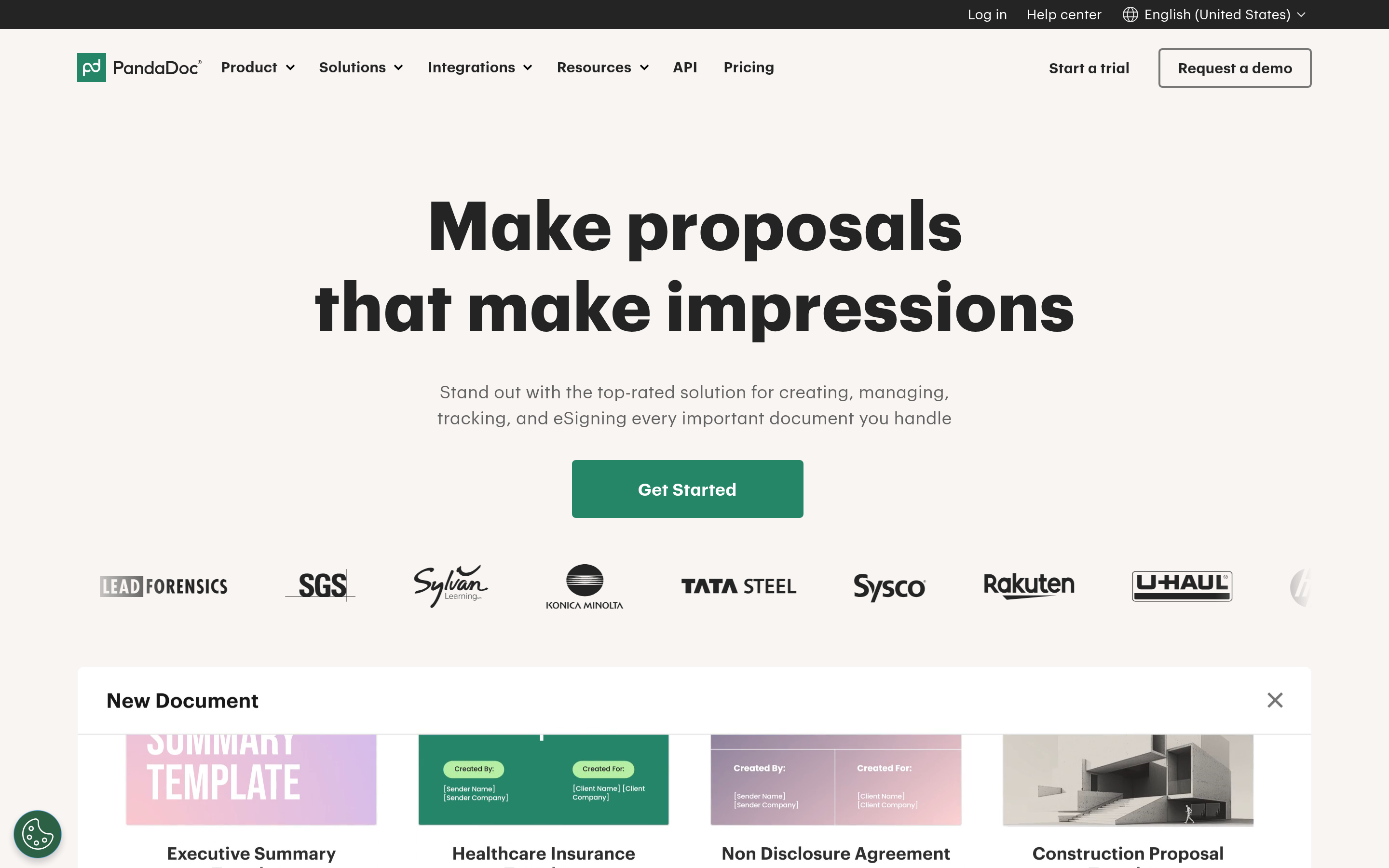
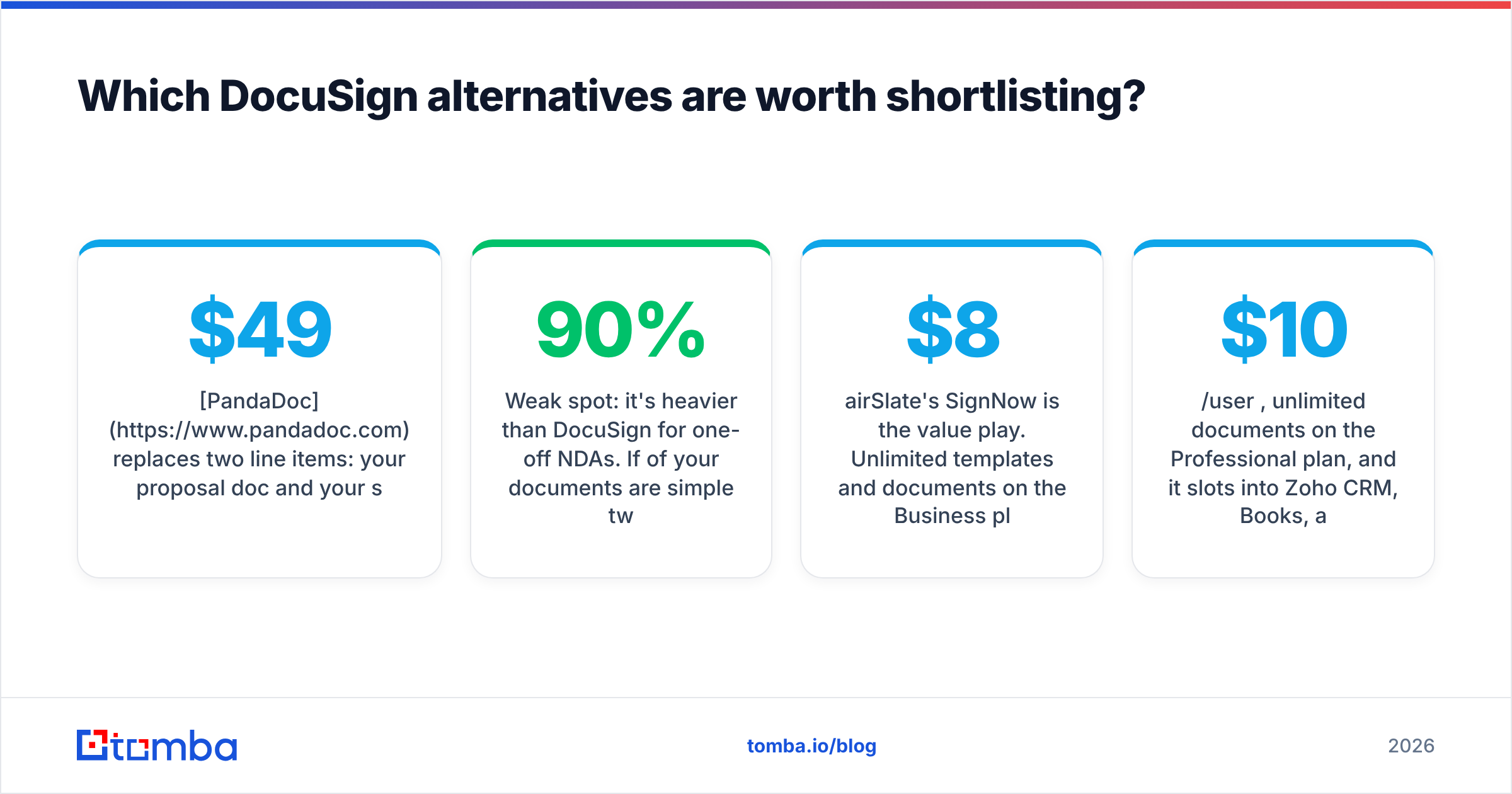
PandaDoc replaces two line items: your proposal doc and your signature tool. You get a content library, pricing tables with quantity toggles, per-section view analytics, and native CRM sync. The Business plan is where CRM integrations and approval workflows unlock, so budget for $49/user/mo rather than the $19 headline if you're a real sales team.
Weak spot: it's heavier than DocuSign for one-off NDAs. If 90% of your documents are simple two-field agreements, you're paying for a proposal builder you won't open.
Dropbox Sign — best developer experience#
Formerly HelloSign. The API documentation is the cleanest in the category, embedded signing works without an iframe fight, and the sandbox actually mirrors production. Pricing for the API is separate from seats, which is exactly what you want if signatures happen inside your product rather than inside a sales rep's browser.
Weak spot: light on document assembly. It signs; it doesn't sell.
SignNow — best price-to-volume ratio#
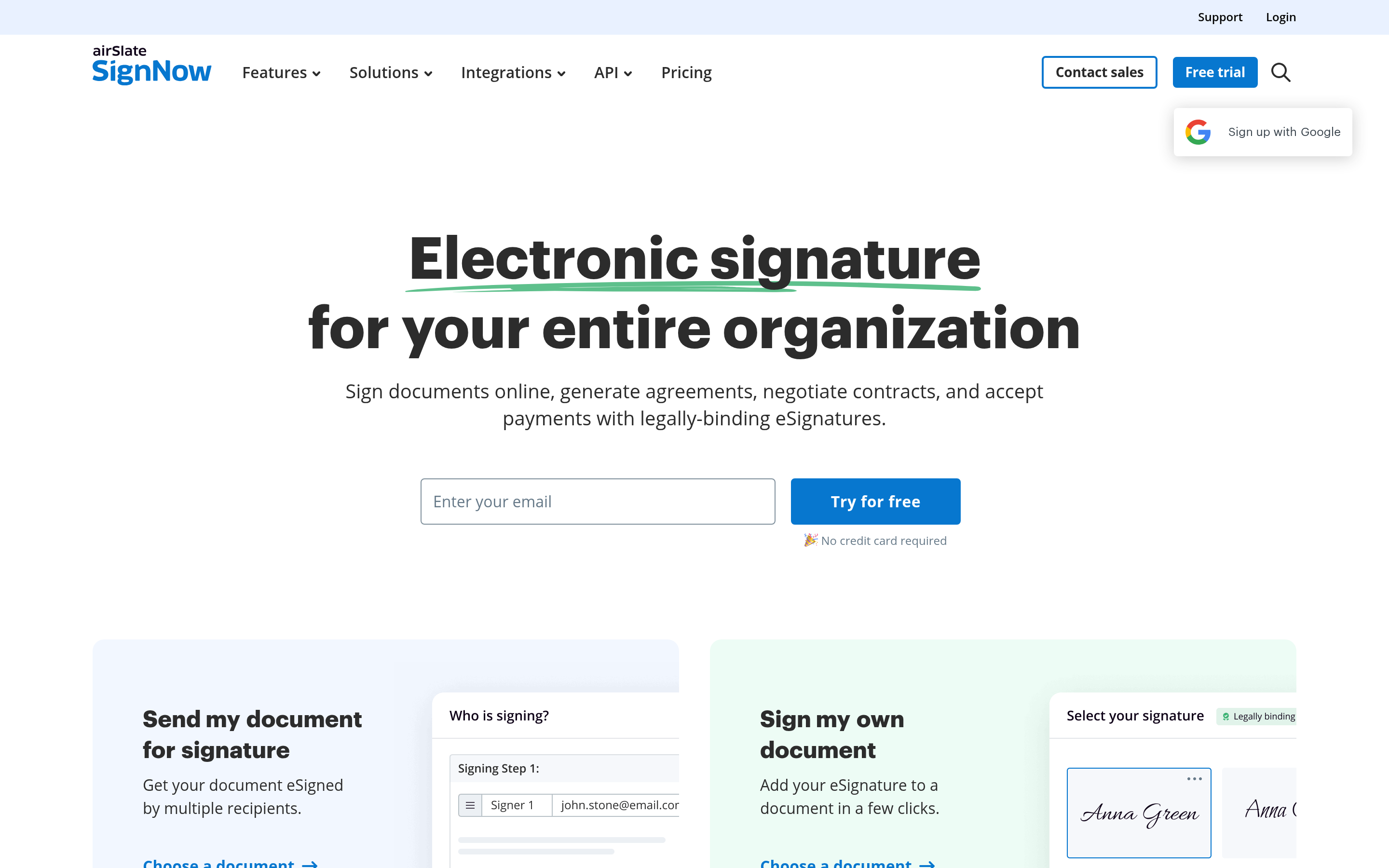
airSlate's SignNow is the value play. Unlimited templates and documents on the Business plan at $8/user/mo (annual) makes it the obvious pick for teams sending hundreds of routine agreements — staffing contracts, rental agreements, onboarding paperwork.
Weak spot: the UI feels a generation behind, and support tiers are aggressive about upselling.
Zoho Sign — best if you already run Zoho#
$10/user/mo, unlimited documents on the Professional plan, and it slots into Zoho CRM, Books, and Recruit with no glue code. Even outside the Zoho suite it's a legitimate standalone with eIDAS and ESIGN compliance plus a real REST API on the entry plan — rare at that price.
Adobe Acrobat Sign — best for PDF-native workflows#
If your documents are already born in Acrobat and legal insists on the Adobe stack, Acrobat Sign removes a conversion step. It also carries the deepest compliance certifications outside DocuSign. The catch is packaging: meaningful API access sits behind enterprise agreements, and the small-business tiers cap transactions.
SignWell — best cheap swap#
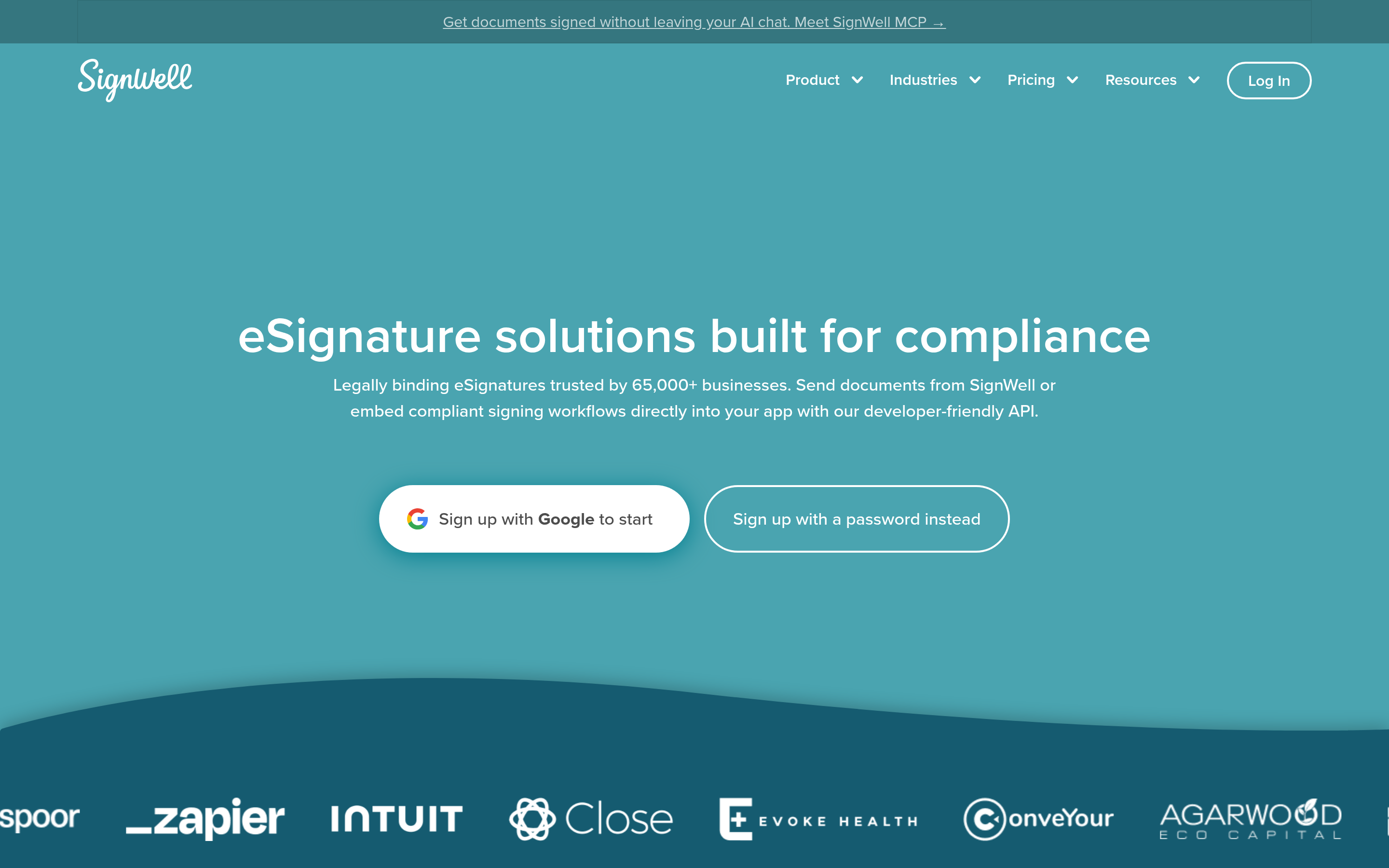
Formerly Docsketch. $10/user/mo, clean interface, template reuse, reminders, and a free tier that covers three documents a month. It's the tool to pick when you want DocuSign's job done for less and don't need anything exotic.
Documenso — best open source option#
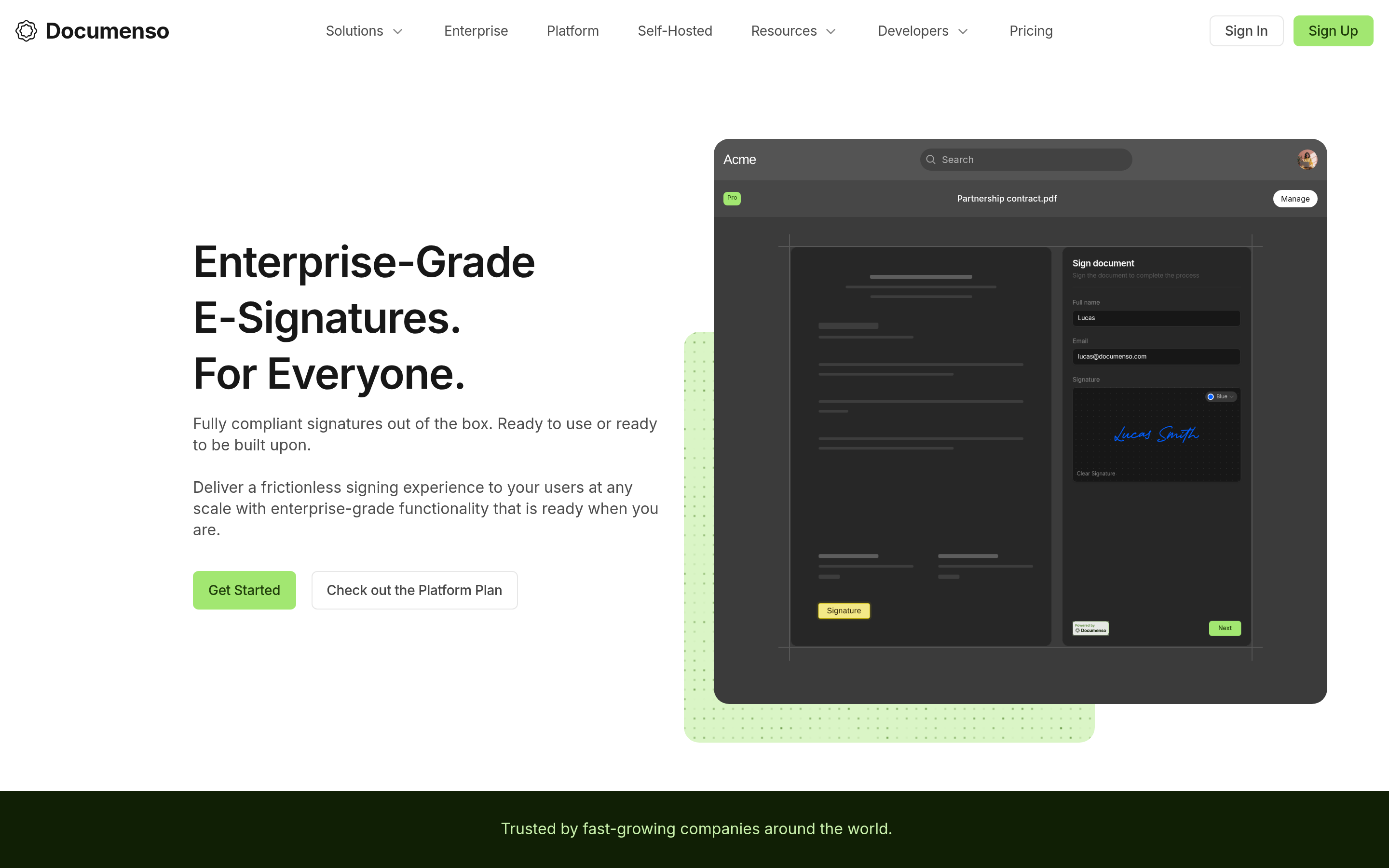
Documenso is the self-hostable signing platform. Zero per-seat cost if you run it yourself, full control over where signed documents live, and an active repo. Choose it when data residency is a hard requirement or when your engineering team would rather own the stack than expense it.
Weak spot: you own uptime, backups, and compliance evidence. That's a real cost, just not a line item.
Proposify — best for design-controlled proposals#
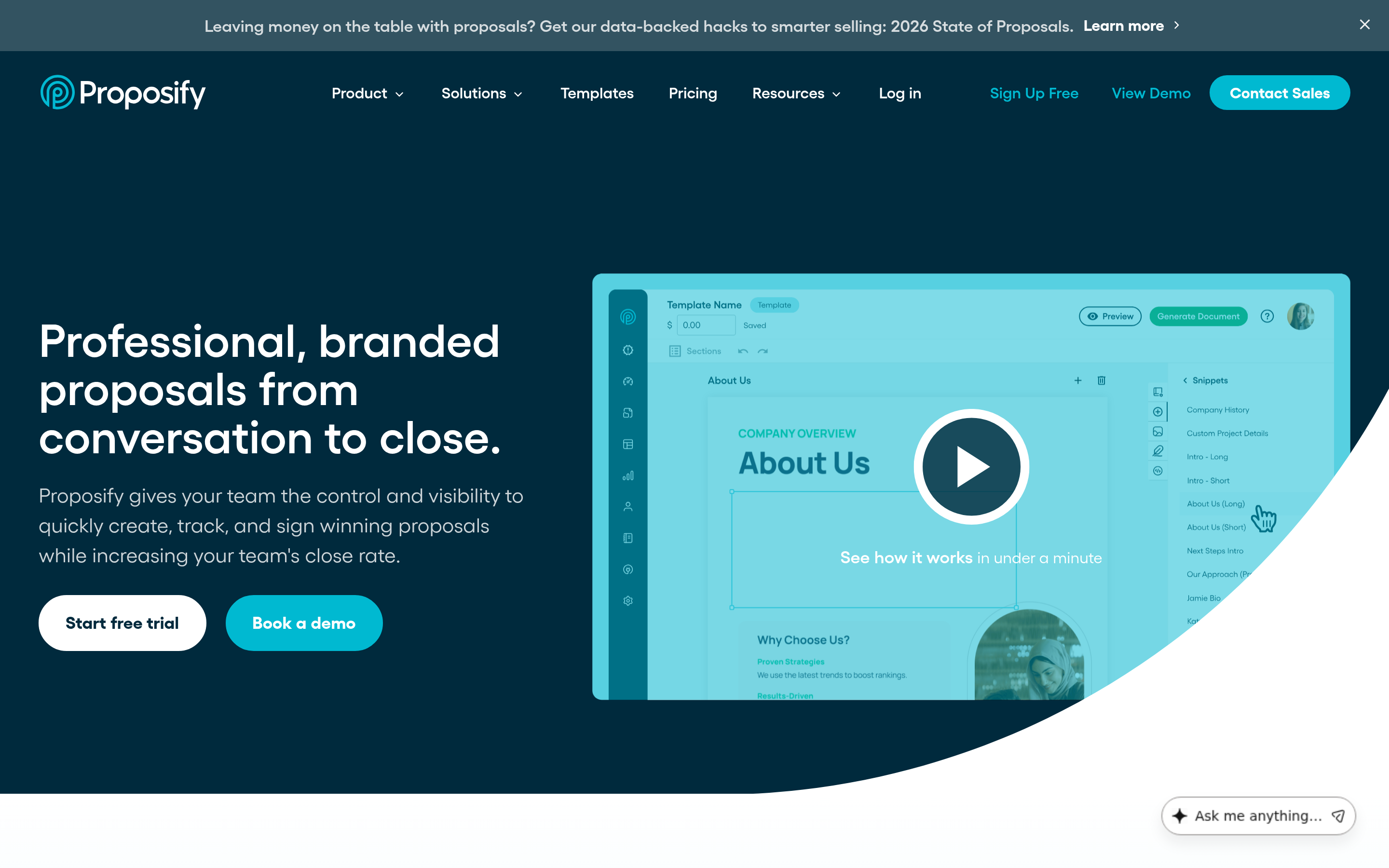
Locked-down templates so reps can't mangle brand guidelines, plus deal-desk approval flows. $29/user/mo entry. Overkill for transactional sales, excellent for agencies and services firms where the proposal is the pitch.
Foxit eSign / eSignatures.com — best per-document pricing#
Both offer models closer to pay-per-document than pay-per-seat. If you have 30 people who each send two contracts a year, seat pricing is a tax and per-document pricing is the fix. Run the arithmetic on your actual send volume before dismissing this category.
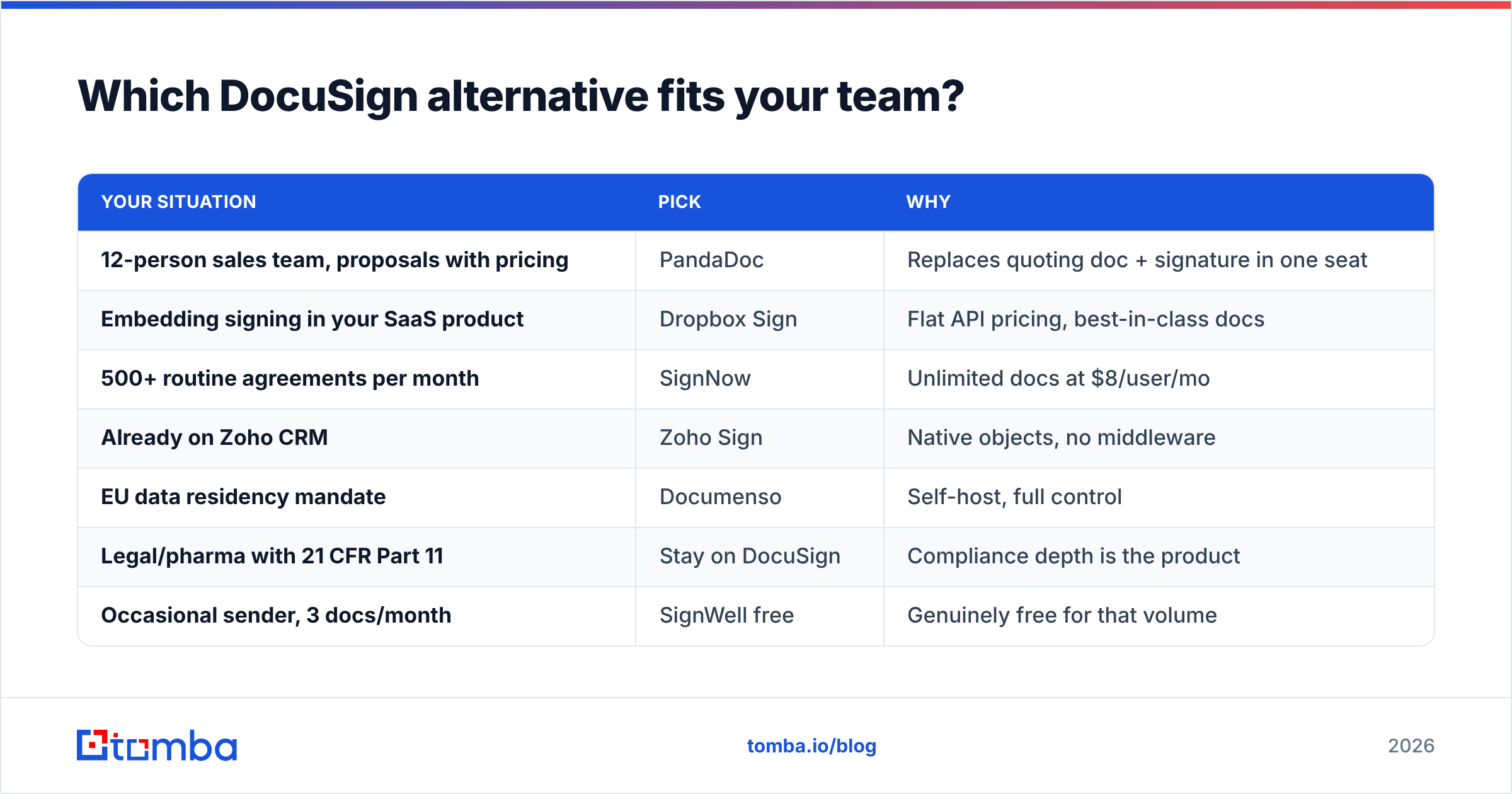
Which DocuSign alternative fits your team?#
| Your situation | Pick | Why |
|---|---|---|
| 12-person sales team, proposals with pricing | PandaDoc | Replaces quoting doc + signature in one seat |
| Embedding signing in your SaaS product | Dropbox Sign | Flat API pricing, best-in-class docs |
| 500+ routine agreements per month | SignNow | Unlimited docs at $8/user/mo |
| Already on Zoho CRM | Zoho Sign | Native objects, no middleware |
| EU data residency mandate | Documenso | Self-host, full control |
| Legal/pharma with 21 CFR Part 11 | Stay on DocuSign | Compliance depth is the product |
| Occasional sender, 3 docs/month | SignWell free | Genuinely free for that volume |
The last row matters more than people admit. A meaningful share of DocuSign seats belong to people who send fewer than ten documents a year. Audit your sender list before you renegotiate — seat reduction often beats vendor migration.
Is switching worth the migration cost?#
Honest answer: only if you clear roughly $3,000/year in savings or unlock a capability you actually need.
Migration costs are real and predictable:
- Template rebuild — 4 to 20 hours depending on field complexity. Nobody exports templates cleanly between vendors.
- Integration rewiring — every Zapier zap, CRM workflow, and internal script that references envelope IDs breaks.
- Archive access — you need signed documents from the last seven years. Export them before you cancel; some vendors restrict bulk export post-termination.
- Internal retraining — small, but a signature flow that confuses a customer costs you a deal, not just an hour.
Budget one focused week. If the savings are under $3k/year, renegotiate with DocuSign instead — they discount hard against a named competitor quote, especially at renewal.
How do e-signatures fit into the rest of your outbound stack?#
Here's the part most "best DocuSign alternatives" lists skip: the signature platform is the last five percent of the revenue process. It converts an already-won deal into a countersigned PDF. It does not create pipeline.
If contract volume is low, the bottleneck is upstream — you don't have enough qualified conversations reaching proposal stage. The order of operations that actually moves the number:
- Build a clean target list — firmographic filters first, then named roles, not the other way around.
- Find the decision-maker's contact details — an email finder resolves name + domain into a verified work address, which is where the signature request will eventually land anyway.
- Verify before you send — bounces damage sender reputation and inflate your "no reply" bucket with contacts who never received anything. Run the list through an email verifier first.
- Enrich into the CRM — job title, company size, and tech stack turn a flat list into segmented sequences. Data enrichment is what makes personalization scale past 50 accounts.
- Then automate the paperwork — with the CRM populated, your HubSpot integration can trigger contract generation from a closed-won stage change instead of a rep remembering to do it.
A team sending 40 contracts a month has a different e-signature problem than a team sending four. If you're in the second group, the $15/user/mo you save on signing software is noise compared to what a properly built prospect list would do to volume.
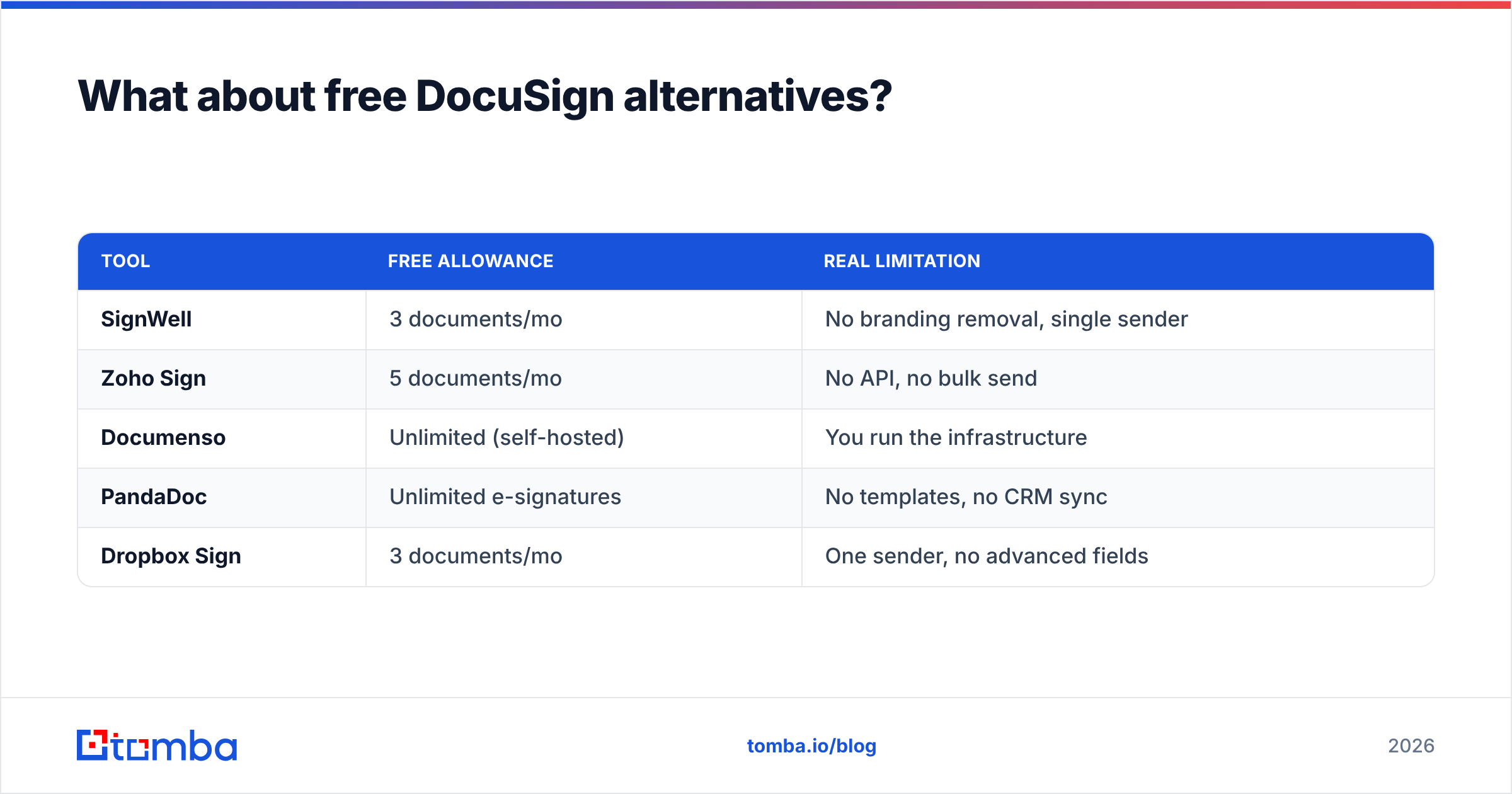
What about free DocuSign alternatives?#
Free tiers exist and they're usable — with limits worth stating plainly:
| Tool | Free allowance | Real limitation |
|---|---|---|
| SignWell | 3 documents/mo | No branding removal, single sender |
| Zoho Sign | 5 documents/mo | No API, no bulk send |
| Documenso | Unlimited (self-hosted) | You run the infrastructure |
| PandaDoc | Unlimited e-signatures | No templates, no CRM sync |
| Dropbox Sign | 3 documents/mo | One sender, no advanced fields |
PandaDoc's free e-sign plan is the most generous for pure signing volume. Documenso is the only genuinely unlimited option, and only if "free" excludes your engineering time.
Avoid the fake-free trap: tools that advertise free plans but require a paid seat to send to more than one recipient. Test with a two-signer document before you commit a workflow to any of them.
Frequently asked questions#
Are e-signatures from these tools legally binding? Yes, in the US under ESIGN and UETA, and in the EU under eIDAS, provided the platform captures intent, consent, and a tamper-evident audit trail. All nine tools above do. Qualified Electronic Signatures (a higher eIDAS tier) require identity verification and are supported by fewer vendors — check specifically if you operate in Germany, Italy, or Spain.
Can I keep my existing DocuSign templates? No vendor imports DocuSign templates directly. Plan to rebuild. Export your signed archive as PDFs plus the certificate of completion for each document.
Which alternative is closest to DocuSign feature-for-feature? Adobe Acrobat Sign on compliance, Dropbox Sign on API quality, SignNow on price. No single tool matches all three dimensions — that combination is what the DocuSign premium buys.
Does switching affect deal velocity? Briefly. Expect two to three weeks of slightly slower turnaround while reps relearn the send flow. Migrate at the start of a quarter, not the end.
Where to start#
Pick your constraint first. If it's budget, shortlist SignWell and SignNow and run a two-week pilot on live deals. If it's document sophistication, trial PandaDoc against Proposify with your actual highest-value proposal. If it's engineering, spin up Documenso locally on a Friday afternoon and see how it feels.
And if the honest diagnosis is that you don't send enough contracts to care which tool signs them, the fix isn't in this category at all. Start with Tomba Email Finder — find and verify the decision-makers at your target accounts, load them into your sequences, and see what happens to proposal volume in 60 days. The free tier covers 25 searches a month, and Tomba pricing starts at $49/mo for Starter when you're ready to scale the list. Get the pipeline right, then optimize the paperwork.
Related guides#
Ready to find emails that actually work?
Join 150,000+ professionals who stopped guessing and started sending. Free credits on signup — no credit card required.
Get the Tomba newsletter
Practical outbound tactics and product updates — once every two weeks.
About the author