12 Best Doodle Alternatives for B2B Sales Teams in 2026
Doodle is fine for scheduling a team lunch. It falls apart the moment scheduling becomes part of a revenue process. Here are 12 alternatives ranked by what they actually do for pipeline.
TL;DR
- Doodle solves group polling well and almost nothing else. If your scheduling problem is "eight people, one time slot," it's still the cheapest correct answer.
- If scheduling is part of a revenue process — inbound routing, round-robin, CRM writeback, sequence-linked booking — Doodle is the wrong category of tool entirely.
- Calendly, Cal.com, SavvyCal, and Chili Piper cover the vast majority of the migration paths. HubSpot Meetings is free if you already pay HubSpot.
- Cal.com is the pick if you want self-hosting or an API; Chili Piper is the pick if inbound lead routing is the actual bottleneck.
- No scheduling tool fixes an empty calendar. Booking links convert traffic you already have — pipeline comes from finding and reaching the right people first.
Why are people looking for Doodle alternatives in 2026?#
Doodle launched as a group-poll utility, and that's still its center of gravity. You post times, people tick boxes, you pick the winner. For a board meeting or a cross-company kickoff with nine attendees across three calendars, that's genuinely the right shape.
The problem is that most teams outgrow that shape without realizing it. Three complaints show up repeatedly in G2 reviews and in migration threads:
1. The free tier got tighter. Ad-supported free polling with limited booking pages pushes serious users to paid quickly, and the paid tiers price per user in a way that stings for a 15-person sales team.
2. No routing logic. Doodle can't look at a form submission, decide the lead is enterprise-tier and in EMEA, and drop it on the right AE's calendar in under five seconds. That's table stakes for inbound teams now.
3. Weak CRM writeback. A meeting booked outside your CRM is a meeting your forecasting doesn't see. Doodle's integrations are calendar-first, not CRM-first.
If any of those describe your situation, you're not looking for a better Doodle. You're looking for a different category.
What are the different types of scheduling tools?#
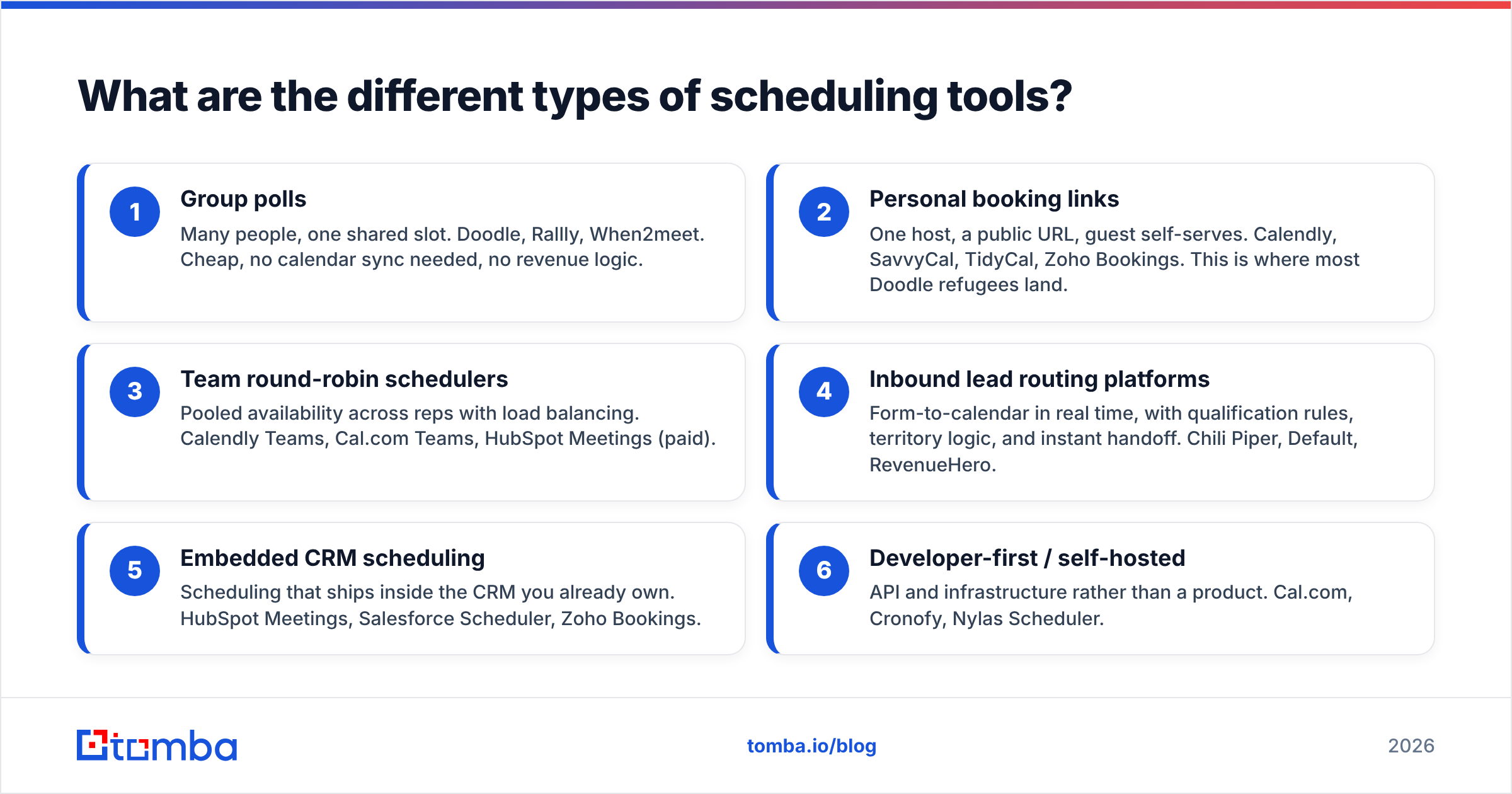
Before comparing products, get the categories straight. Buying the wrong tier is the most common mistake here — teams pay for enterprise routing when they needed a $12 booking link, or they buy a booking link when the actual bottleneck was speed-to-lead.
- Group polls — Many people, one shared slot. Doodle, Rallly, When2meet. Cheap, no calendar sync needed, no revenue logic.
- Personal booking links — One host, a public URL, guest self-serves. Calendly, SavvyCal, TidyCal, Zoho Bookings. This is where most Doodle refugees land.
- Team round-robin schedulers — Pooled availability across reps with load balancing. Calendly Teams, Cal.com Teams, HubSpot Meetings (paid).
- Inbound lead routing platforms — Form-to-calendar in real time, with qualification rules, territory logic, and instant handoff. Chili Piper, Default, RevenueHero.
- Embedded CRM scheduling — Scheduling that ships inside the CRM you already own. HubSpot Meetings, Salesforce Scheduler, Zoho Bookings.
- Developer-first / self-hosted — API and infrastructure rather than a product. Cal.com, Cronofy, Nylas Scheduler.
Pick the row that matches your actual constraint. Everything below is organized against these six.
Which Doodle alternatives are worth paying for?#
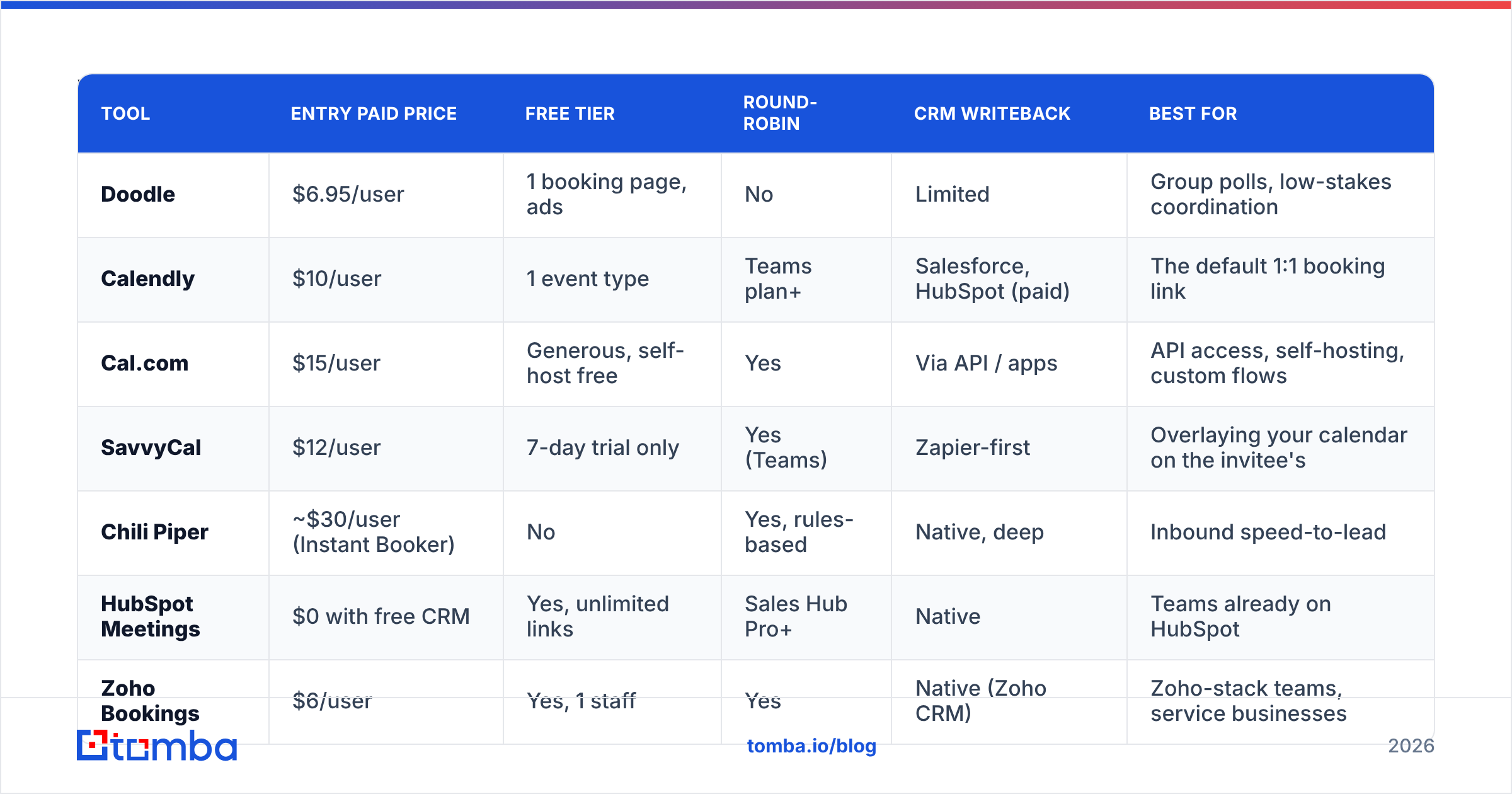
Here's the head-to-head on the attributes that decide most migrations. Prices are list, per user per month, billed annually, as published on each vendor's pricing page in mid-2026 — always re-check before you buy.
| Tool | Entry paid price | Free tier | Round-robin | CRM writeback | Best for |
|---|---|---|---|---|---|
| Doodle | $6.95/user | 1 booking page, ads | No | Limited | Group polls, low-stakes coordination |
| Calendly | $10/user | 1 event type | Teams plan+ | Salesforce, HubSpot (paid) | The default 1:1 booking link |
| Cal.com | $15/user | Generous, self-host free | Yes | Via API / apps | API access, self-hosting, custom flows |
| SavvyCal | $12/user | 7-day trial only | Yes (Teams) | Zapier-first | Overlaying your calendar on the invitee's |
| Chili Piper | ~$30/user (Instant Booker) | No | Yes, rules-based | Native, deep | Inbound speed-to-lead |
| HubSpot Meetings | $0 with free CRM | Yes, unlimited links | Sales Hub Pro+ | Native | Teams already on HubSpot |
| Zoho Bookings | $6/user | Yes, 1 staff | Yes | Native (Zoho CRM) | Zoho-stack teams, service businesses |
| TidyCal | $39 lifetime | Yes, 1 calendar | No | Zapier | Solo founders avoiding subscriptions |
| Rallly | Free / $5 self-host | Yes, open source | No | No | A pure, ad-free Doodle poll clone |
Calendly — the safe default#
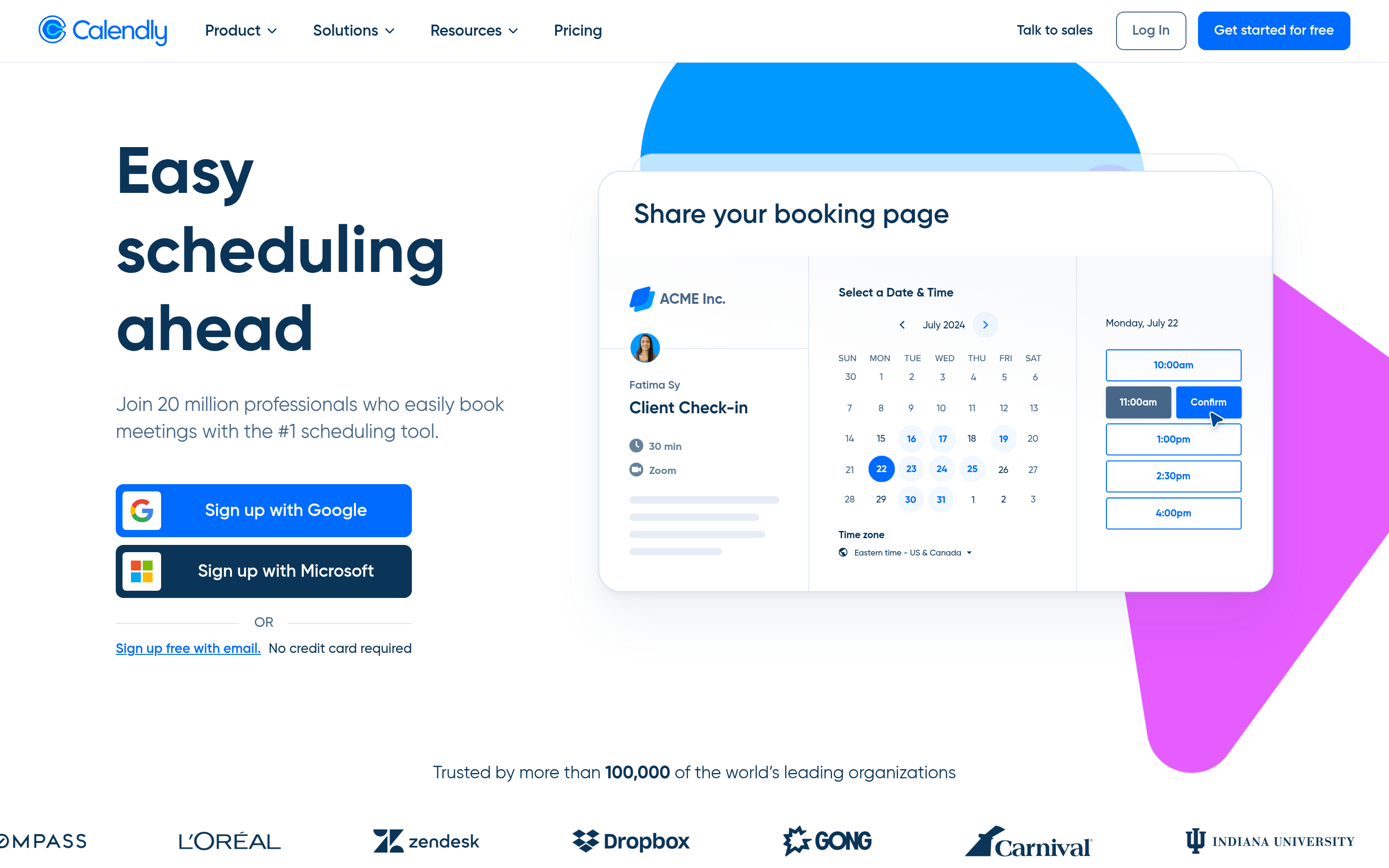
Calendly is what most people mean when they say "the scheduling link." Booking pages, buffers, workflows, reminder sequences, payment collection through Stripe. The Teams plan adds round-robin and collective events, which is the actual reason sales orgs upgrade.
The honest downside: routing forms and Salesforce writeback sit behind the higher tiers, so the effective per-seat cost for a sales team runs well above the $10 headline. See the current plans on calendly.com before you budget.
Pick it if: you want the thing that works, everyone recognizes the UI, and you don't need custom logic.
Cal.com — the open-source one#
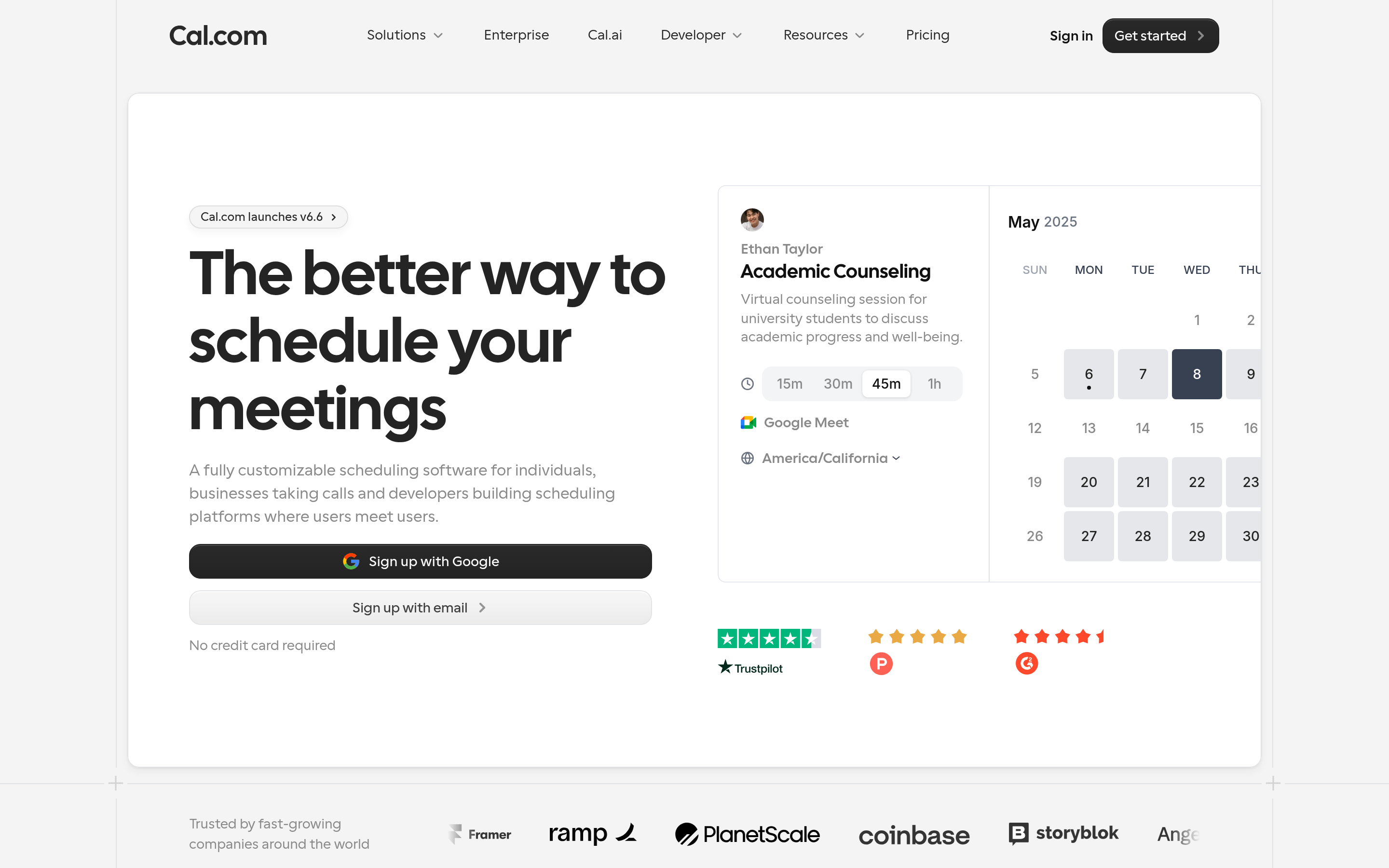
Cal.com is Calendly's architecture rebuilt as open source. Self-host it and pay nothing but infrastructure. Use the cloud version and you get an API, webhooks, an app store, and routing forms without an enterprise contract.
For anyone building scheduling into a product — a marketplace, a services platform, an internal tool — this is the correct choice. The trade-off is that self-hosting means you own uptime, calendar-sync bugs, and OAuth token refreshes. That's real work.
Pick it if: you have engineering resources, or data residency requirements that rule out US-hosted SaaS.
SavvyCal — the one invitees like#
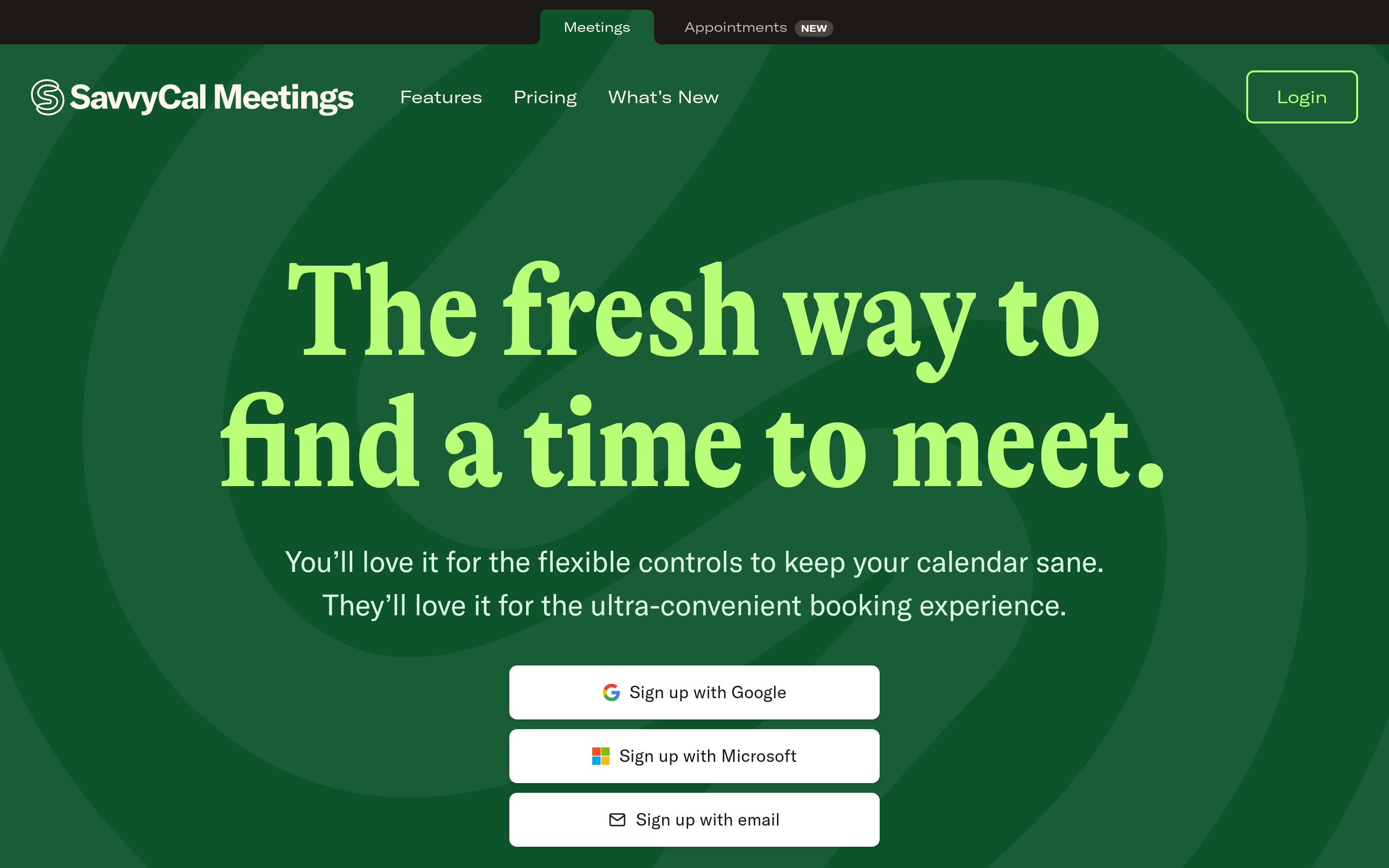
SavvyCal's differentiator is a genuinely better invitee experience: the recipient overlays their own calendar on top of yours and picks a slot that works for both, instead of squinting at a wall of times. Ranked availability lets you nudge bookings toward your preferred blocks without hiding the rest.
It's a smaller company with a thinner integration catalog. For a founder or an AE doing high-value 1:1 booking, the conversion lift on the booking page itself is usually worth it.
Chili Piper — when speed-to-lead is the metric#
This is a different product class. Chili Piper sits on your demo request form, qualifies the submission against your CRM in real time, and books the right rep instantly — no email round-trip, no "our team will be in touch."
The research on lead response times is unambiguous: the gap between responding in minutes versus hours is enormous. If your inbound demo requests currently wait for a human to triage them, the ROI math here is easy.
The cost is real, though. Expect meaningful per-seat pricing plus implementation effort, and it only pays off at inbound volume. Below roughly 100 inbound demo requests a month, a Calendly Teams round-robin does the same job for a fraction of the cost.
HubSpot Meetings — free if you're already paying#
If you run HubSpot, you already own a scheduler. Meetings links write directly to contact records, attach to deals, and appear in reporting without any middleware. Round-robin requires Sales Hub Pro, which is a real jump in price — but if you already have that tier, cancel your standalone scheduler today.
Zoho Bookings, TidyCal, Rallly — the budget tier#
Zoho Bookings is the value pick for anyone in the Zoho stack, with native CRM writeback at a price nobody else matches. TidyCal is a one-time lifetime purchase, which is genuinely appealing for solo operators tired of $12/month bleeds. Rallly is open-source group polling — if you liked Doodle's core poll and just wanted it without ads, this is a direct swap in under ten minutes.
How do you choose between them?#
Work through these in order. Most teams over-buy because they start at step four.
- Name the bottleneck. Is it coordinating groups, converting inbound, or distributing meetings across a team? Those are three different products.
- Check what your CRM already includes. HubSpot, Salesforce, and Zoho all ship scheduling. Paying twice is common and avoidable.
- Count seats honestly. Per-user pricing scales fast. Ten reps on a $16/user tier is $1,920/year — enough to matter in a tools budget review.
- Test the invitee side. You'll see your booking page maybe twice. Your prospects see it every time. Book a meeting with yourself on each shortlist candidate from a phone.
- Verify the writeback path. Book a test meeting and confirm it lands on the right CRM record with the right owner and the right activity type. Half of scheduling-tool disappointment is a broken sync nobody checked.
- Confirm the exit. Can you export booking history and redirect old links? Dead scheduling URLs on old email signatures cost real meetings.

Does a better scheduler actually get you more meetings?#
No. And this is where most scheduling-tool comparisons quietly mislead you.
A booking link is a conversion tool. It improves the rate at which people who already want to talk to you successfully get on your calendar. Swapping Doodle for Calendly might lift that conversion from 60% to 75% — real, worth having, and entirely bounded by the size of the funnel above it.
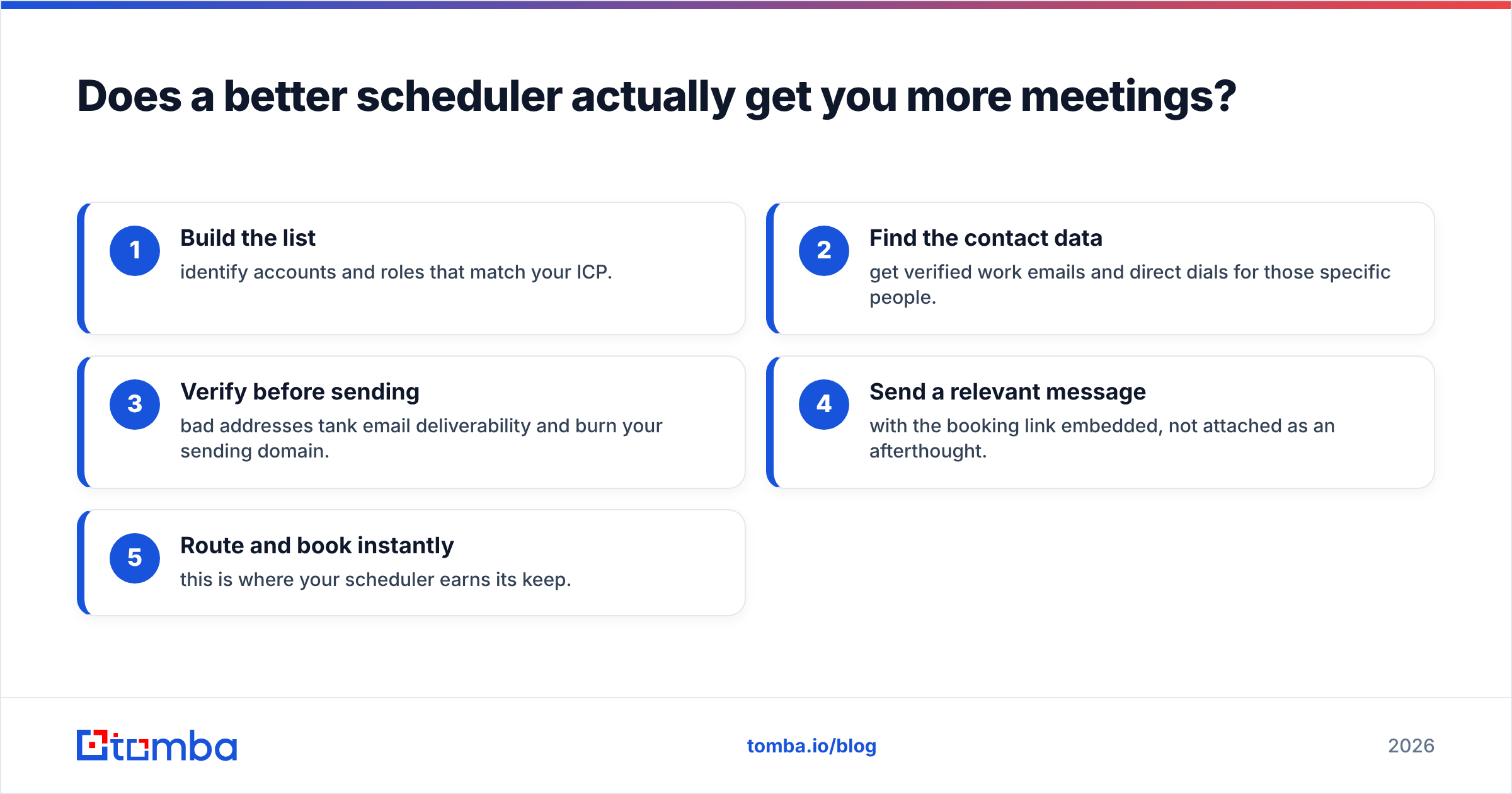
If you're sending 40 cold emails a week and booking two meetings, the constraint isn't your scheduling UX. It's volume and targeting at the top. The sequence that actually generates meetings looks like this:
- Build the list — identify accounts and roles that match your ICP.
- Find the contact data — get verified work emails and direct dials for those specific people.
- Verify before sending — bad addresses tank email deliverability and burn your sending domain.
- Send a relevant message — with the booking link embedded, not attached as an afterthought.
- Route and book instantly — this is where your scheduler earns its keep.
Steps 1–3 determine whether step 5 ever fires. That's the part teams skip when they spend a quarter evaluating schedulers.
A practical version: pull target companies, run a domain search to surface the relevant contacts at each one, verify the addresses with an email verifier before they touch your sequencer, and only then worry about which booking page converts best. Contact quality is upstream of everything.
Worth noting on the data side: if you're buying a static contact list, BookYourData is a solid option with a pay-as-you-go model and a verification guarantee. If you'd rather query live and enrich on demand — one domain at a time, or in bulk through an API — a search-and-verify tool fits the workflow better. Both approaches work; they just suit different buying patterns.
What does this cost across a full stack?#
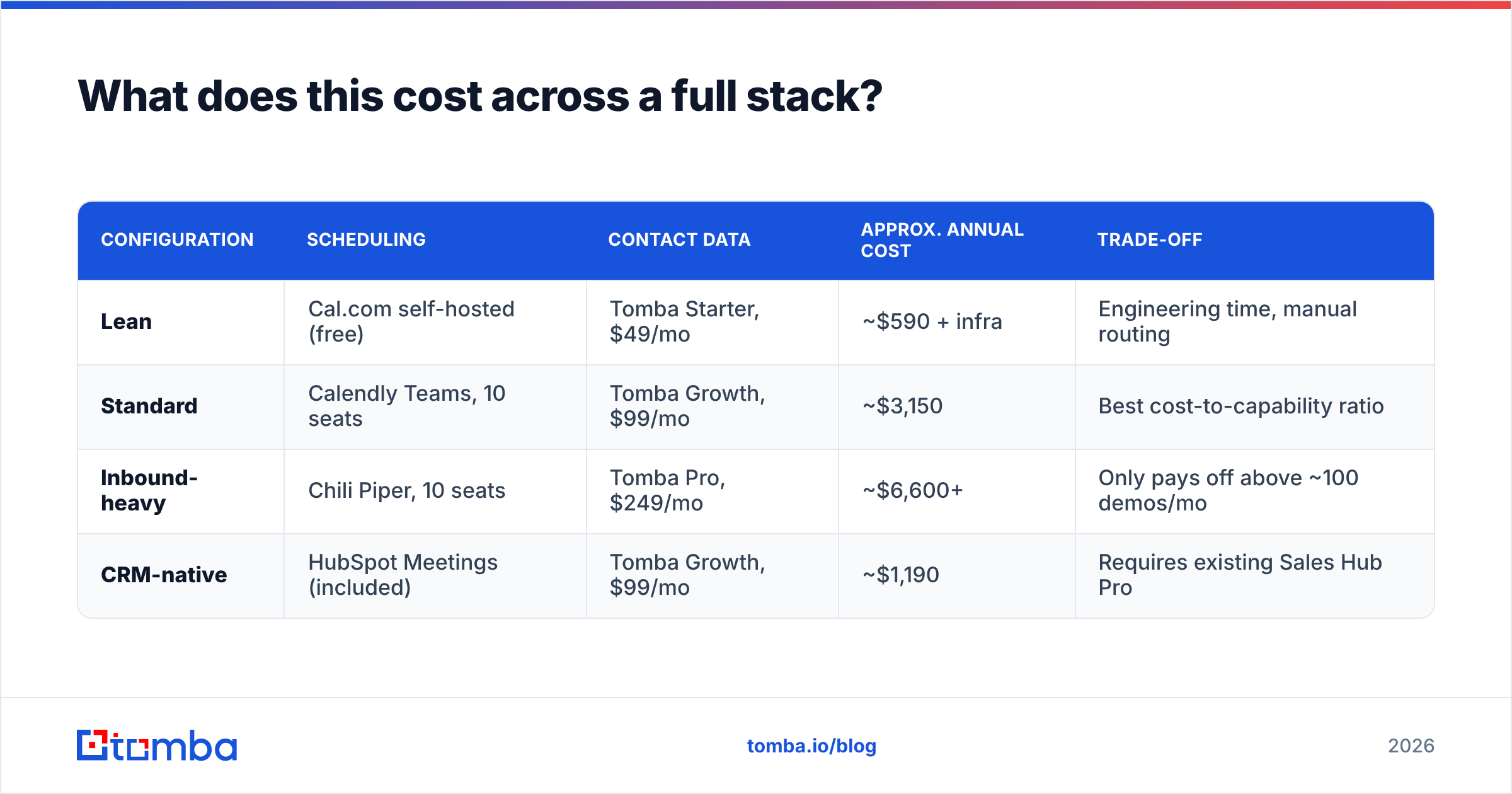
Here's a realistic annual picture for a ten-person sales team, comparing three sane configurations.
| Configuration | Scheduling | Contact data | Approx. annual cost | Trade-off |
|---|---|---|---|---|
| Lean | Cal.com self-hosted (free) | Tomba Starter, $49/mo | ~$590 + infra | Engineering time, manual routing |
| Standard | Calendly Teams, 10 seats | Tomba Growth, $99/mo | ~$3,150 | Best cost-to-capability ratio |
| Inbound-heavy | Chili Piper, 10 seats | Tomba Pro, $249/mo | ~$6,600+ | Only pays off above ~100 demos/mo |
| CRM-native | HubSpot Meetings (included) | Tomba Growth, $99/mo | ~$1,190 | Requires existing Sales Hub Pro |
The "Standard" row is where most 10–30 person teams should land. The Lean row is legitimate if you have a developer who wants the project. The Inbound-heavy row only makes sense when you can point at a specific number of monthly form fills being lost to slow follow-up.
What should you do next?#
Pick by constraint, not by feature list:
- Just need group polls without ads → Rallly, free.
- One person, one link, no subscription → TidyCal lifetime.
- Standard sales team, want it to just work → Calendly Teams.
- Best invitee experience for high-value calls → SavvyCal.
- Need an API or self-hosting → Cal.com.
- Inbound volume with slow follow-up → Chili Piper.
- Already on HubSpot, Salesforce, or Zoho → use what you own.
Then go fix the actual constraint. A perfectly-configured round-robin routing zero inbound leads is an expensive piece of decoration.
If your calendar is quiet because you don't have enough of the right contacts to reach out to, start upstream. The Tomba Email Finder pulls verified professional email addresses by domain, name, or company, so the outreach that fills your booking page is aimed at people who exist and inboxes that accept mail. The free tier gives you 25 searches a month to test the data quality against a domain you already know; paid plans start at $49/mo, with full Tomba pricing laid out per tier. Fix the top of the funnel first — then let whichever scheduler you picked do its comparatively easy job.
Related guides#
Ready to find emails that actually work?
Join 150,000+ professionals who stopped guessing and started sending. Free credits on signup — no credit card required.
Get the Tomba newsletter
Practical outbound tactics and product updates — once every two weeks.
About the author