11 Best Dooly Alternatives in 2026 (Free and Paid Tools)
Dooly's sunset left sales teams hunting for a new note-taking and CRM-hygiene layer. Here are 11 alternatives compared on pricing, CRM sync depth, and where each one actually earns its seat.
TL;DR
- Dooly was acquired and wound down, so "Dooly alternatives" is now a migration question, not a comparison-shopping one. You need a replacement before your reps go back to Notion docs that never touch the CRM.
- The category split into three: AI meeting recorders (Gong, Fathom, Fireflies), CRM-hygiene note apps (Scratchpad, Salesforce Inspector-style tools), and all-in-one revenue platforms (Clari, Salesloft).
- Scratchpad is the closest functional replacement for Salesforce teams. Fathom is the cheapest credible option. Gong is the enterprise answer if budget is not the constraint.
- Note-taking is downstream of pipeline. If your reps have clean notes but empty calendars, fix the top of the funnel first — that is a data problem, not a note problem.
- Budget reality: most Dooly replacements land at $19–$100/user/month. Pair one with a data source rather than paying enterprise prices for both.
What happened to Dooly and why are you reading this?#
Dooly shut down. The company was acquired in 2023, the product was wound down, and teams that built their entire Salesforce hygiene workflow on Dooly's note templates and pipeline views had to move. If you are searching for Dooly alternatives in 2026, you are almost certainly one of three people: a RevOps lead who inherited a broken workflow, a sales manager whose reps stopped updating the CRM the day Dooly went dark, or someone evaluating the category fresh and finding stale listicles.
Here is the honest framing. Dooly did one specific thing extremely well: it made updating Salesforce feel like writing in a text editor. Notes synced to fields. Templates enforced MEDDIC or BANT without anyone opening a CRM tab. Pipeline views let reps bulk-edit deals in a spreadsheet-like grid. Nothing on the market replicates all three perfectly, which is why the replacement decision depends on which of the three you actually cared about.
What should a Dooly replacement actually do?#
Before you look at a single pricing page, decide which of these five jobs matters to your team. Most tools do two or three well and fake the rest.
- Structured note capture — templates that force reps to fill in qualification fields (MEDDIC, SPICED, BANT) instead of writing prose nobody reads.
- Bidirectional CRM sync — notes written in the tool write back to Salesforce or HubSpot fields, and CRM changes reflect in the tool. One-way sync is a downgrade.
- Pipeline bulk editing — a grid view where a rep updates 20 close dates in 90 seconds instead of clicking through 20 records.
- Meeting intelligence — automatic transcription, summary, and action items from calls. This is where the category moved after 2023.
- Playbook enforcement — real-time prompts during calls, or post-call scoring against a methodology.
Dooly scored high on 1, 2, 3, and 5, and ignored 4. Most 2026 alternatives invert that: excellent on 4, mediocre on 3. That trade-off is the whole story of this market.
Which Dooly alternatives are worth evaluating in 2026?#
Eleven tools clear the bar. Not all of them are direct replacements — some solve an adjacent problem better than Dooly ever did.
1. Scratchpad — the closest direct replacement#
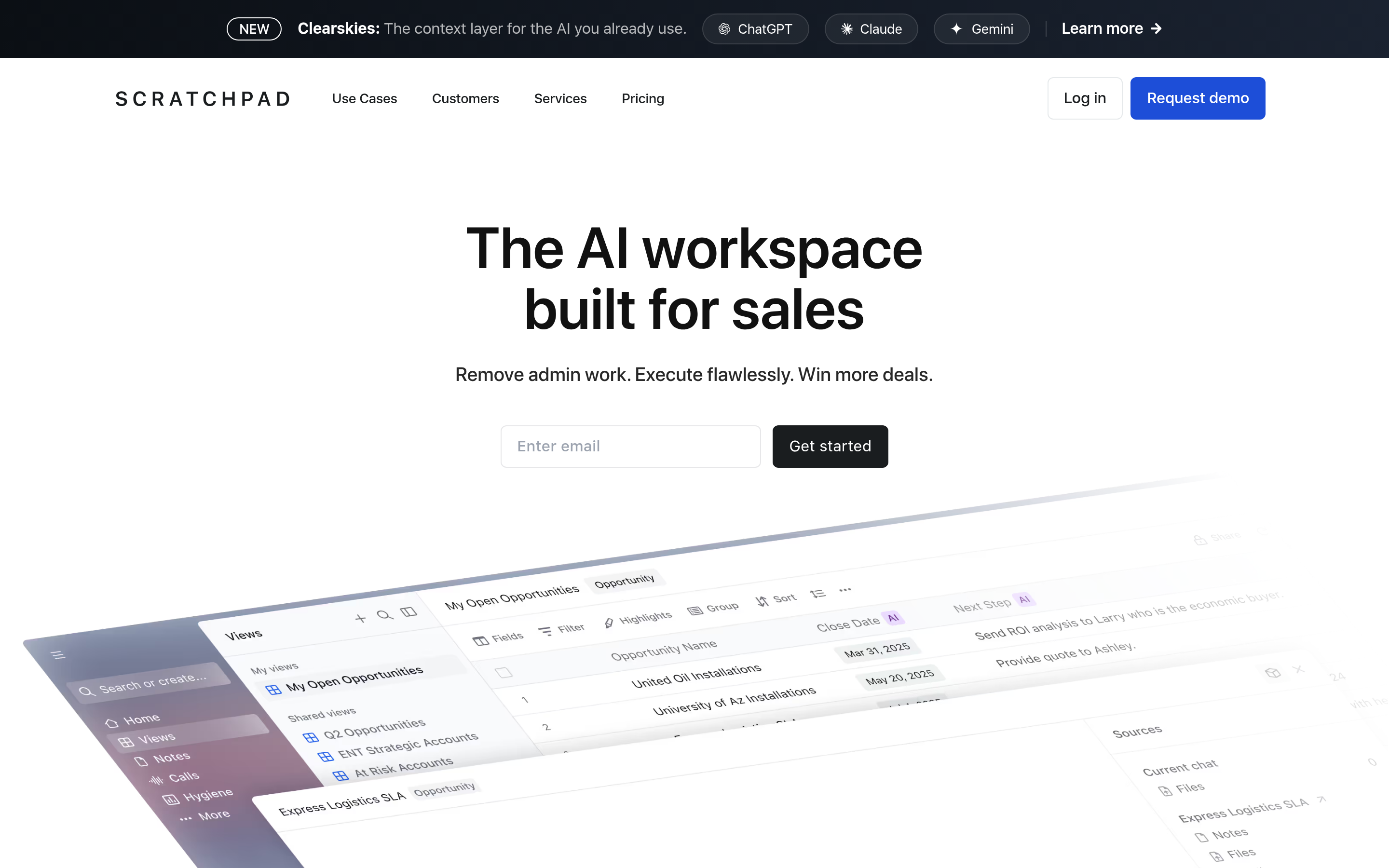
Scratchpad is the tool Dooly customers most often landed on, and for good reason. It is built for Salesforce specifically, offers the same spreadsheet-style pipeline grid, and its note editor writes back to Salesforce fields inline. If your Dooly workflow was "rep takes notes in a doc, fields update in Salesforce," Scratchpad is a near drop-in.
Weakness: Salesforce-only. HubSpot teams should stop reading here.
2. Gong — the enterprise revenue intelligence answer#
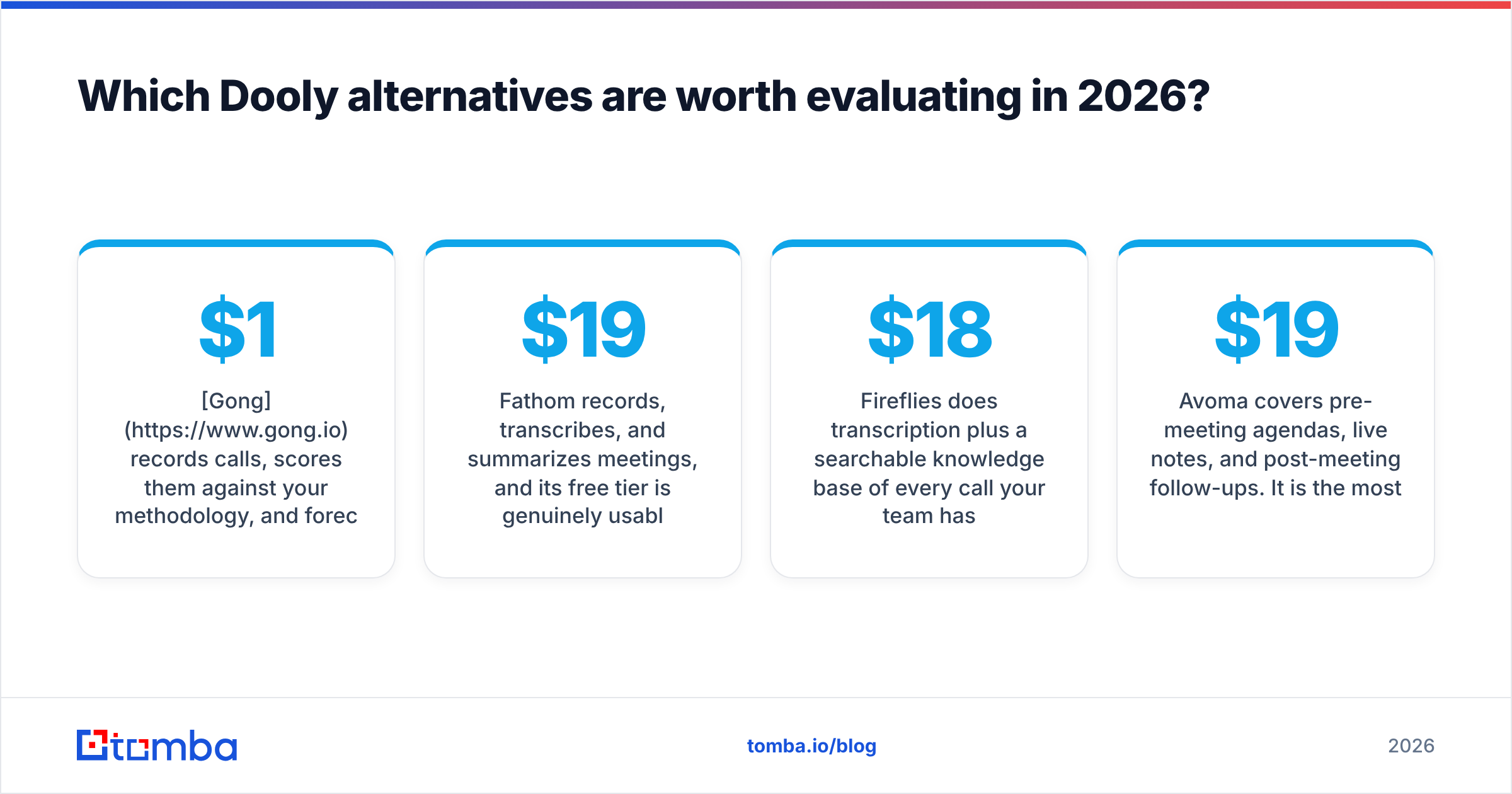
Gong records calls, scores them against your methodology, and forecasts from actual conversation signal rather than rep optimism. It is a bigger product than Dooly and priced accordingly — typically $1,200–$1,600 per user per year plus a platform fee. If you have 30+ reps and forecast accuracy is a board-level problem, this is the answer. If you have eight reps and wanted better notes, it is wildly oversized.
3. Fathom — the free-tier winner#
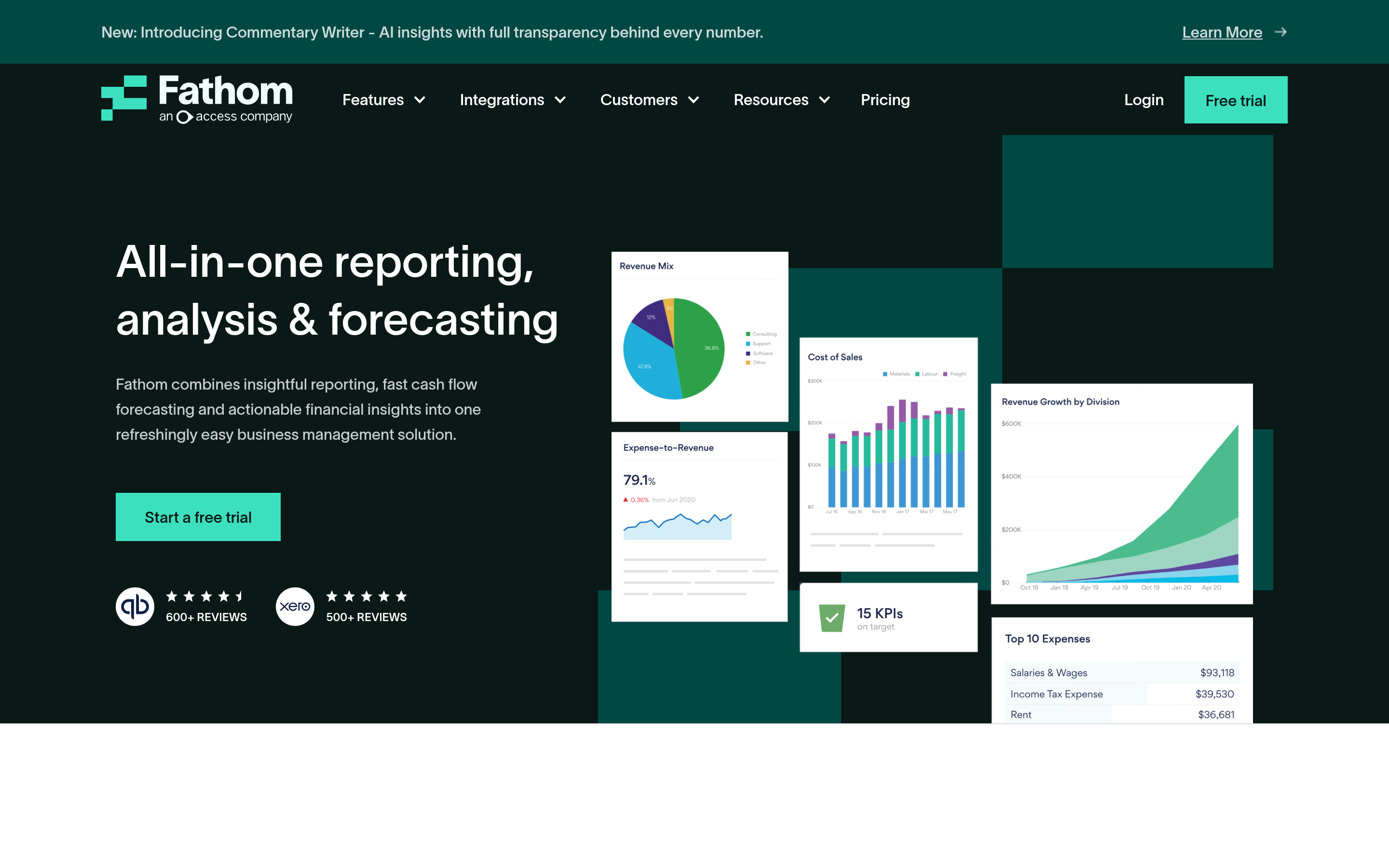
Fathom records, transcribes, and summarizes meetings, and its free tier is genuinely usable rather than a trap. CRM sync sits on the paid plan (around $19–$29/user/month). No pipeline grid, no note templates in the Dooly sense — but for teams whose real gap was "nobody remembers what was said on the call," it closes it cheaply.
4. Fireflies.ai — broad integration coverage#

Fireflies does transcription plus a searchable knowledge base of every call your team has ever had. The integration list is long (Salesforce, HubSpot, Pipedrive, Slack, Notion). Free tier exists with limits; paid starts around $18/user/month. Search quality across a large call archive is its real differentiator.
5. Clari — forecasting first, notes second#
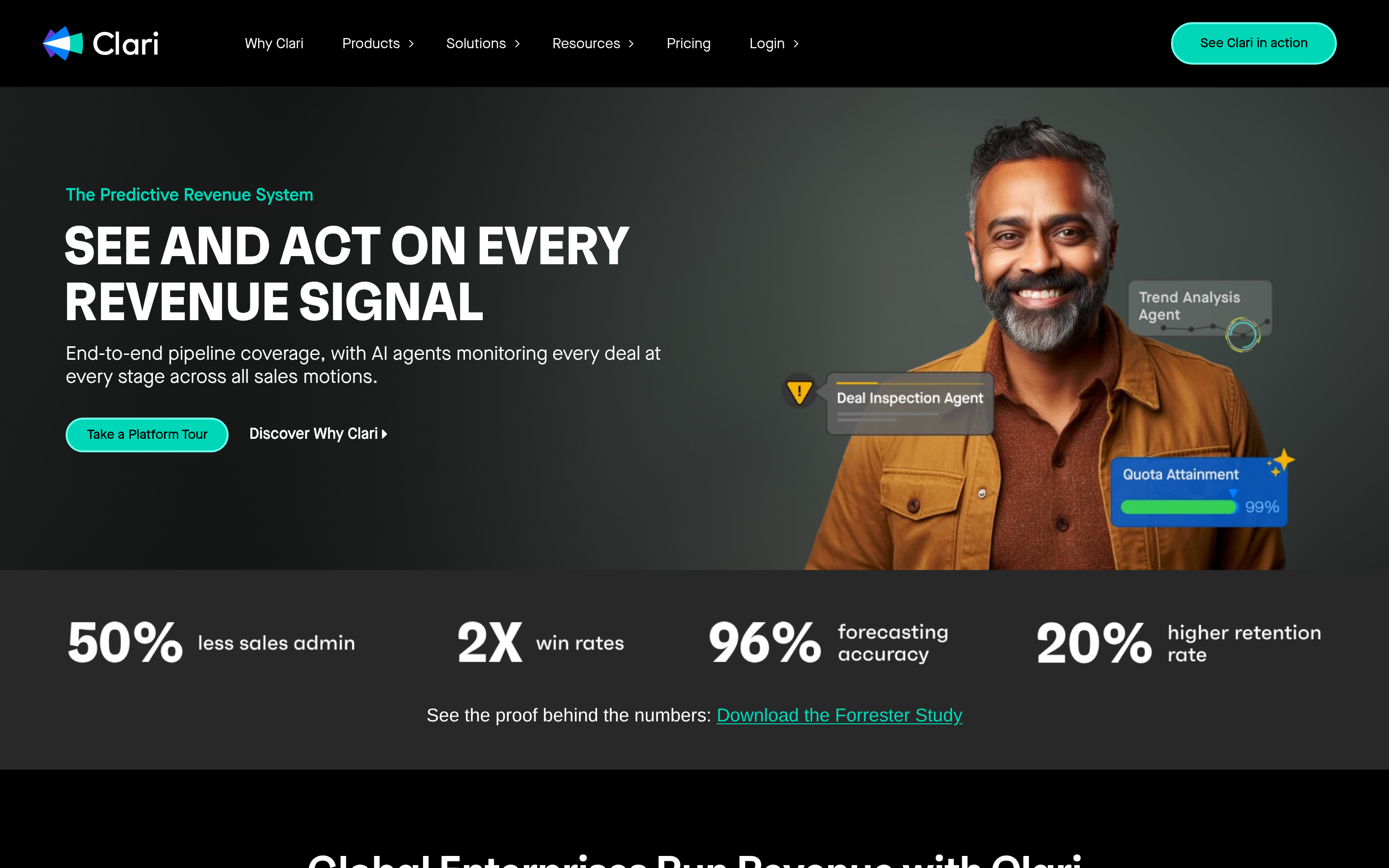
Clari treats notes as an input to a forecast, not an end product. If your CRO's actual complaint is "the forecast is wrong," Clari addresses that directly. Enterprise pricing, enterprise sales cycle, enterprise implementation. Not a Dooly swap.
6. Salesloft — sequences plus conversation intelligence#
Salesloft absorbed Drift and now bundles cadences, call recording, and deal management. Reasonable if you are consolidating vendors. If you already run a separate sequencer, you are paying twice. Teams evaluating this often also look at a Salesloft alternative with narrower scope and lower cost.
7. HubSpot Sales Hub — if you are already on HubSpot#
HubSpot's native note templates, task queues, and meeting notes have improved enough that a Dooly-shaped gap may not exist for HubSpot teams. Check HubSpot's own documentation before buying a third tool. The HubSpot integration path also means your enrichment data lands in the same place as your notes.
8. Avoma — meeting lifecycle management#
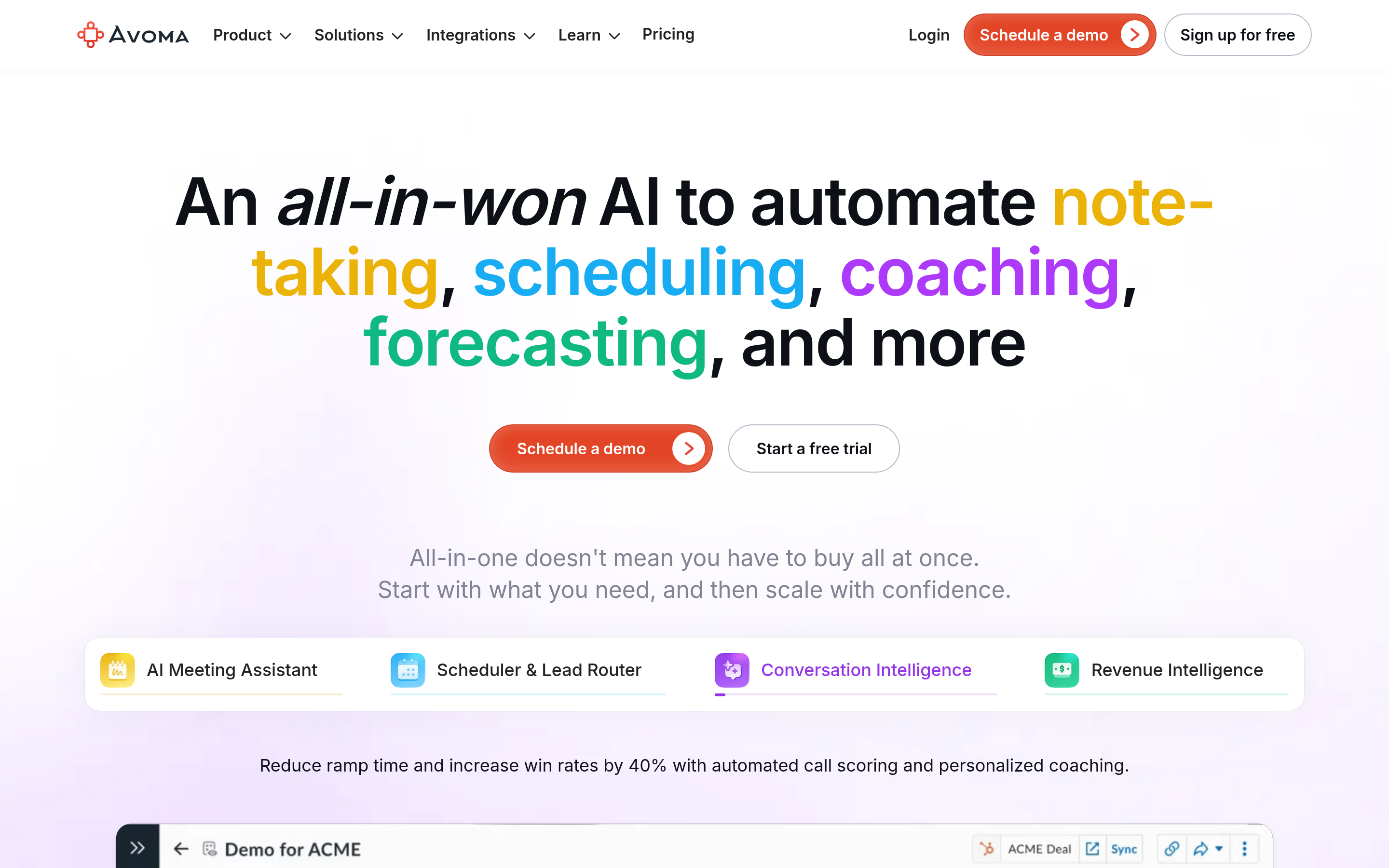
Avoma covers pre-meeting agendas, live notes, and post-meeting follow-ups. It is the most "workflow-complete" of the mid-market recorders. Pricing starts around $19/user/month with the useful features gated higher.
9. Momentum — Slack-native CRM updates#
Momentum pushes call summaries into Slack channels and writes updates back to Salesforce automatically. Reps never open a CRM. Good fit for Slack-heavy orgs, weird fit for everyone else.
10. Attention — AI that fills CRM fields from calls#
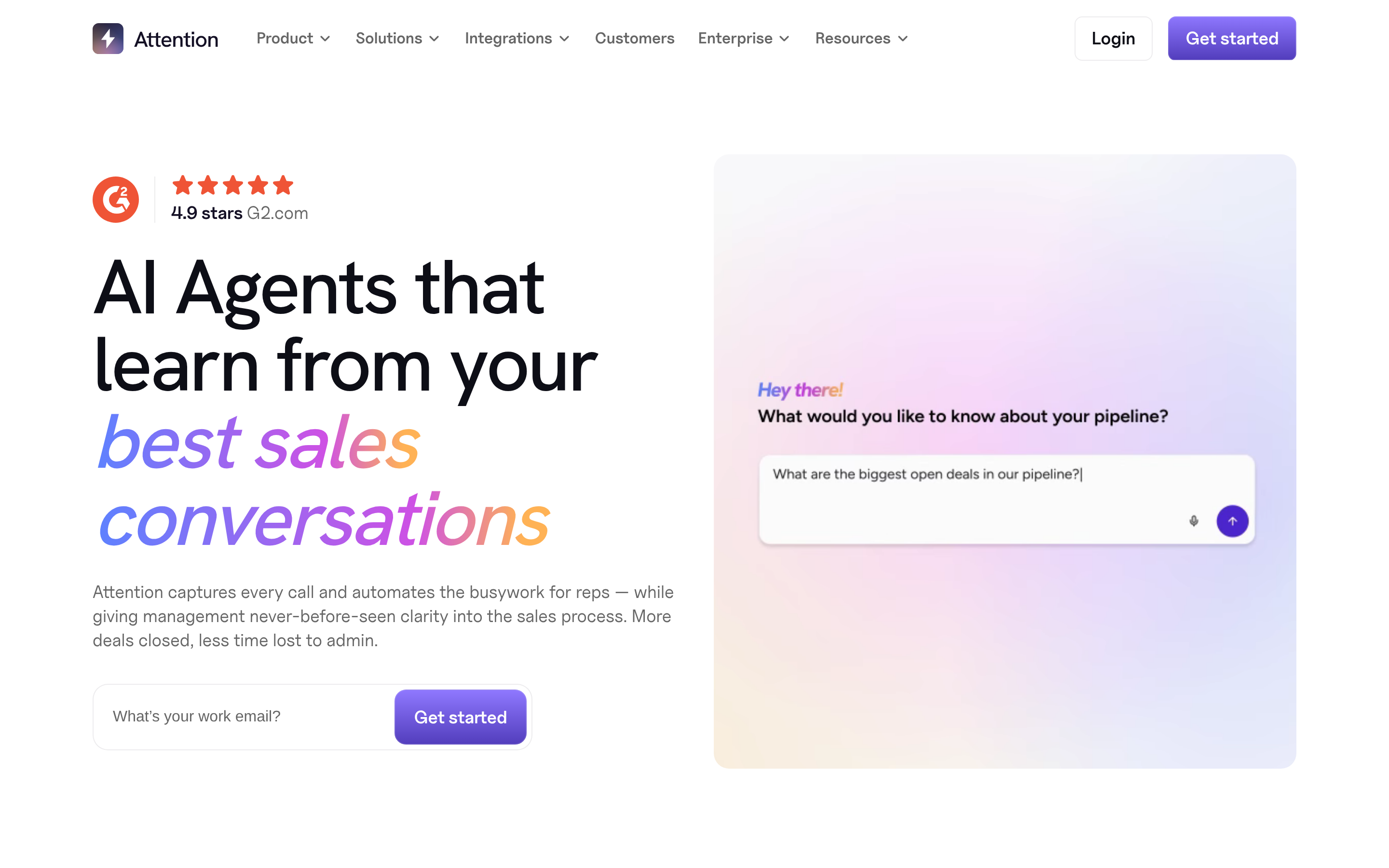
Attention listens to the call and populates CRM fields without a rep typing anything. The most direct answer to "why did we ever need note templates?" Accuracy varies by how idiosyncratic your field schema is.
11. Notion or Google Docs plus discipline#
The honest zero-cost option. It fails within a quarter unless a manager audits it weekly. Included because plenty of teams landed here after Dooly and pretend they made a decision.
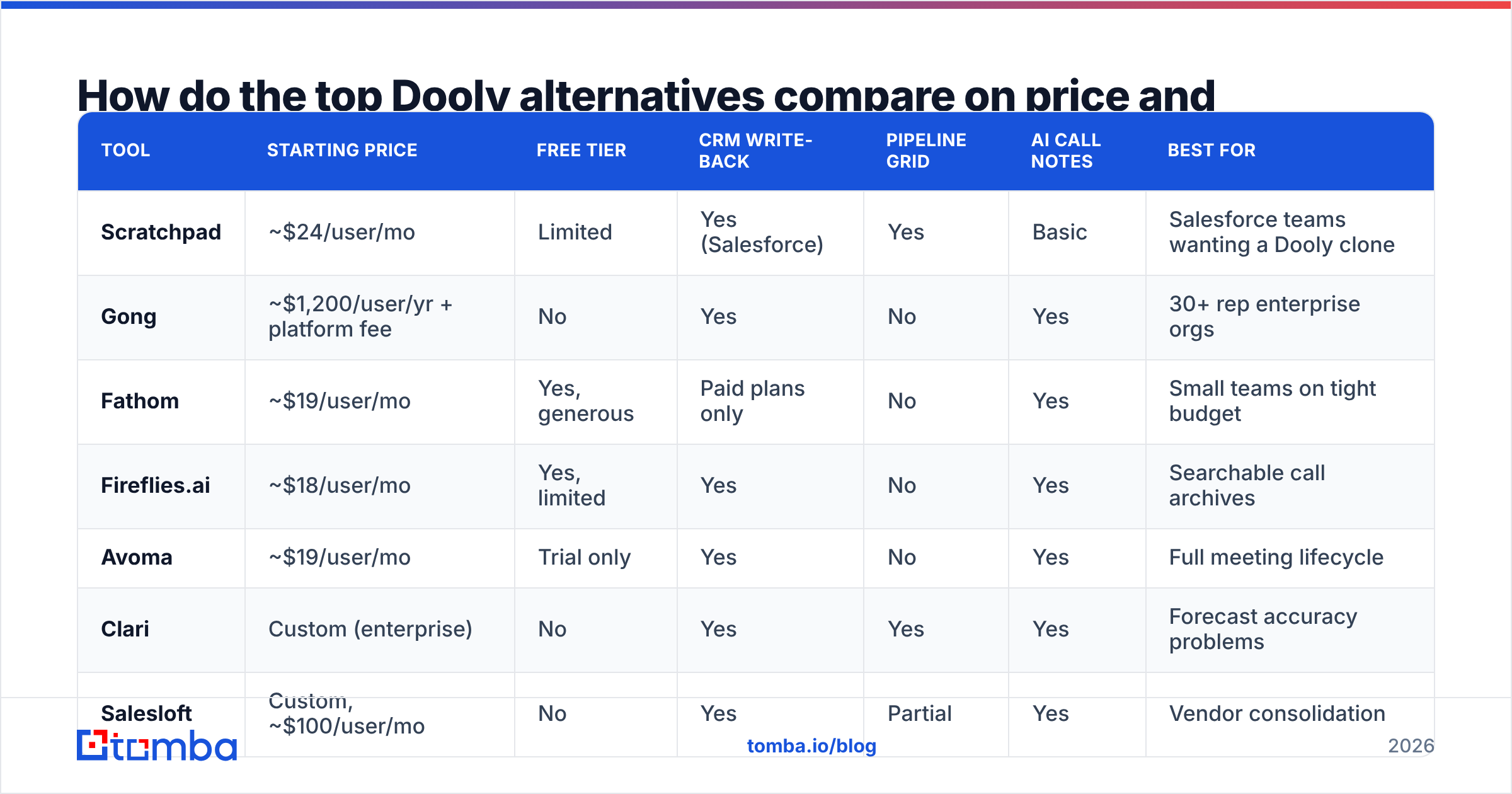
How do the top Dooly alternatives compare on price and features?#
| Tool | Starting price | Free tier | CRM write-back | Pipeline grid | AI call notes | Best for |
|---|---|---|---|---|---|---|
| Scratchpad | ~$24/user/mo | Limited | Yes (Salesforce) | Yes | Basic | Salesforce teams wanting a Dooly clone |
| Gong | ~$1,200/user/yr + platform fee | No | Yes | No | Yes | 30+ rep enterprise orgs |
| Fathom | ~$19/user/mo | Yes, generous | Paid plans only | No | Yes | Small teams on tight budget |
| Fireflies.ai | ~$18/user/mo | Yes, limited | Yes | No | Yes | Searchable call archives |
| Avoma | ~$19/user/mo | Trial only | Yes | No | Yes | Full meeting lifecycle |
| Clari | Custom (enterprise) | No | Yes | Yes | Yes | Forecast accuracy problems |
| Salesloft | Custom, ~$100/user/mo | No | Yes | Partial | Yes | Vendor consolidation |
| Momentum | Custom | No | Yes | No | Yes | Slack-first sales orgs |
| Attention | Custom | No | Yes (automated) | No | Yes | Eliminating manual CRM entry |
Two patterns fall out of that table. First, nobody bundles the pipeline grid with modern AI notes at a small-team price — Scratchpad and Clari are the only grid options, and they sit at opposite ends of the cost spectrum. Second, the $18–$24/user/month band is crowded with functionally similar recorders, which means switching costs between them are low and you should not over-agonize.
Are you solving the right problem with a Dooly replacement?#
This is the section most alternatives roundups skip, so read it before you swipe a card.
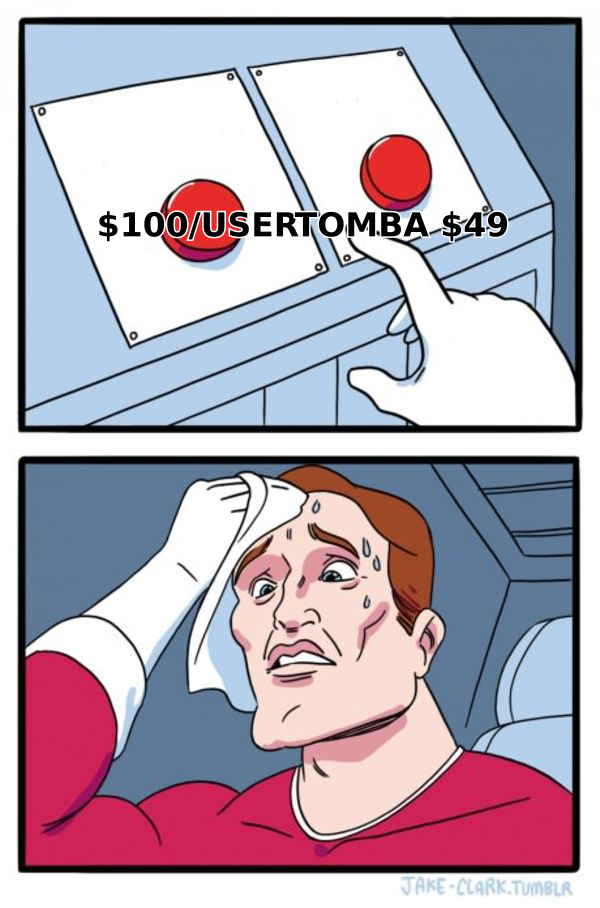
Dooly's core value was making CRM hygiene painless. But hygiene only matters if there is something in the pipeline to keep clean. A team with 40 well-documented opportunities and no new ones entering the funnel does not have a note-taking problem — it has a sourcing problem, and a $100/user/month conversation intelligence platform will document the decline in exquisite detail without reversing it.
Run this diagnostic honestly:
- Meetings booked per rep per week is healthy, CRM data is a mess → buy a Dooly alternative. Scratchpad or Avoma.
- CRM is fine, meetings booked is flat or declining → your money belongs at the top of the funnel: contact data, list building, outbound infrastructure.
- Both are broken → fix sourcing first. Clean notes on an empty pipeline are just a well-organized record of a bad quarter.
- Forecast is wrong but activity looks fine → this is a Clari or Gong problem, not a note-taking one.
If you land in bucket two or three, the spend that moves your number is contact data. Verified emails and direct dials feed the pipeline that a hygiene tool later keeps tidy. A bulk email finder plus a working email verifier costs a fraction of a Gong seat and changes the input variable rather than the reporting on it.
Prospect data quality also compounds into the note layer. If your CRM is full of records with bad email addresses and missing titles, every note template in the world just adds structured commentary on top of unreliable rows. Fix the underlying data enrichment first and the hygiene tooling has something worth organizing.
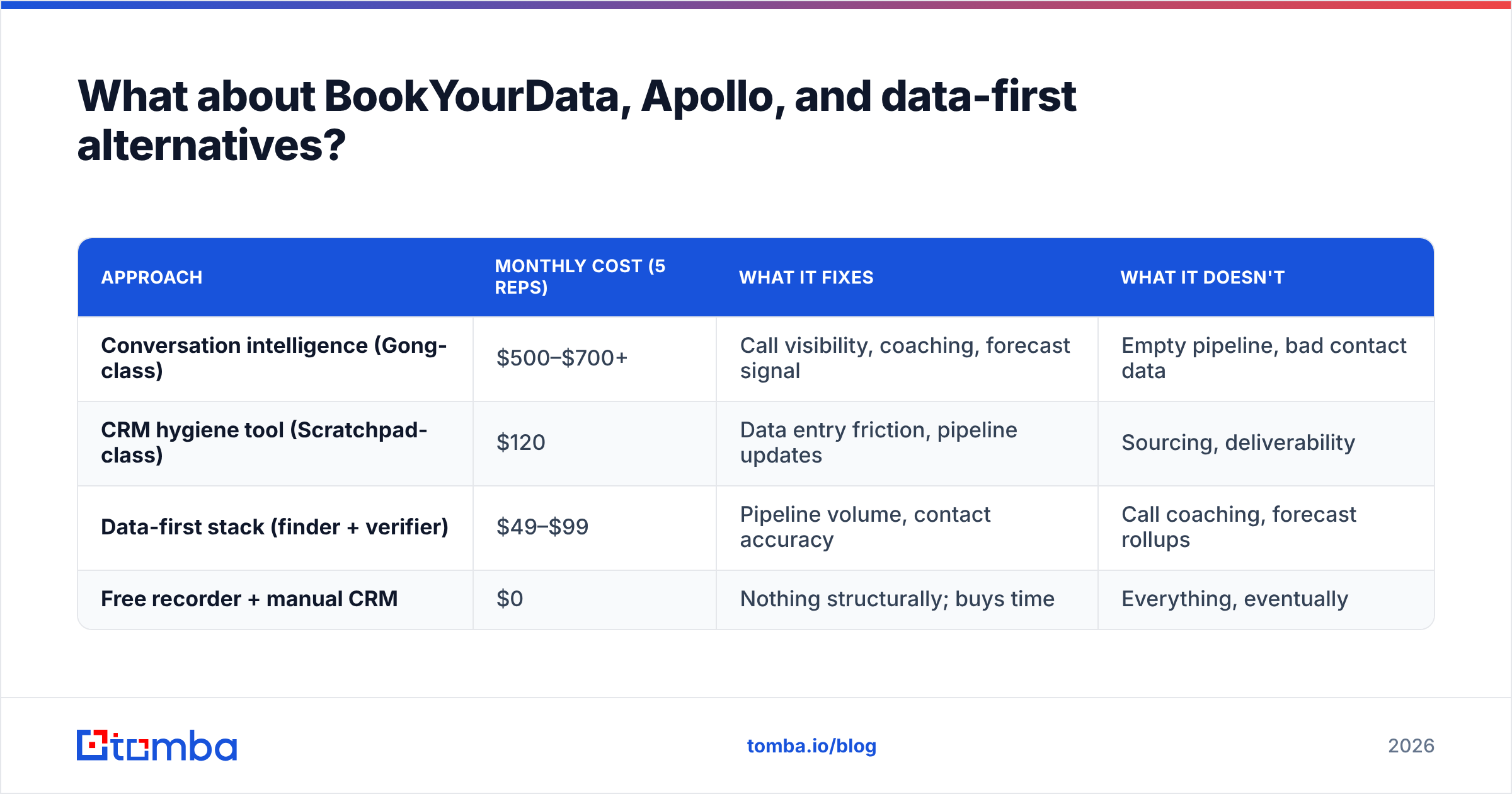
What about BookYourData, Apollo, and data-first alternatives?#
Some teams that left Dooly did not replace it with another note app at all. They looked at their stack, noticed they were paying for three overlapping tools, and consolidated toward data plus a lightweight CRM workflow.
BookYourData is a solid choice here if you want pay-as-you-go verified B2B contact lists without a subscription commitment — its per-record model suits teams that buy data in bursts around campaign launches rather than continuously. It solves a different job than Dooly, which is exactly the point: it fills the pipeline rather than documenting it.
Apollo bundles data and sequencing, which some ex-Dooly teams treat as a one-stop consolidation. The trade-off is data freshness on smaller or non-US companies, which is why plenty of teams run a dedicated finder alongside it. If you are weighing that path, the Apollo alternative comparison covers where the bundled-data model breaks down.
| Approach | Monthly cost (5 reps) | What it fixes | What it doesn't |
|---|---|---|---|
| Conversation intelligence (Gong-class) | $500–$700+ | Call visibility, coaching, forecast signal | Empty pipeline, bad contact data |
| CRM hygiene tool (Scratchpad-class) | $120 | Data entry friction, pipeline updates | Sourcing, deliverability |
| Data-first stack (finder + verifier) | $49–$99 | Pipeline volume, contact accuracy | Call coaching, forecast rollups |
| Free recorder + manual CRM | $0 | Nothing structurally; buys time | Everything, eventually |
How should you actually run the migration?#
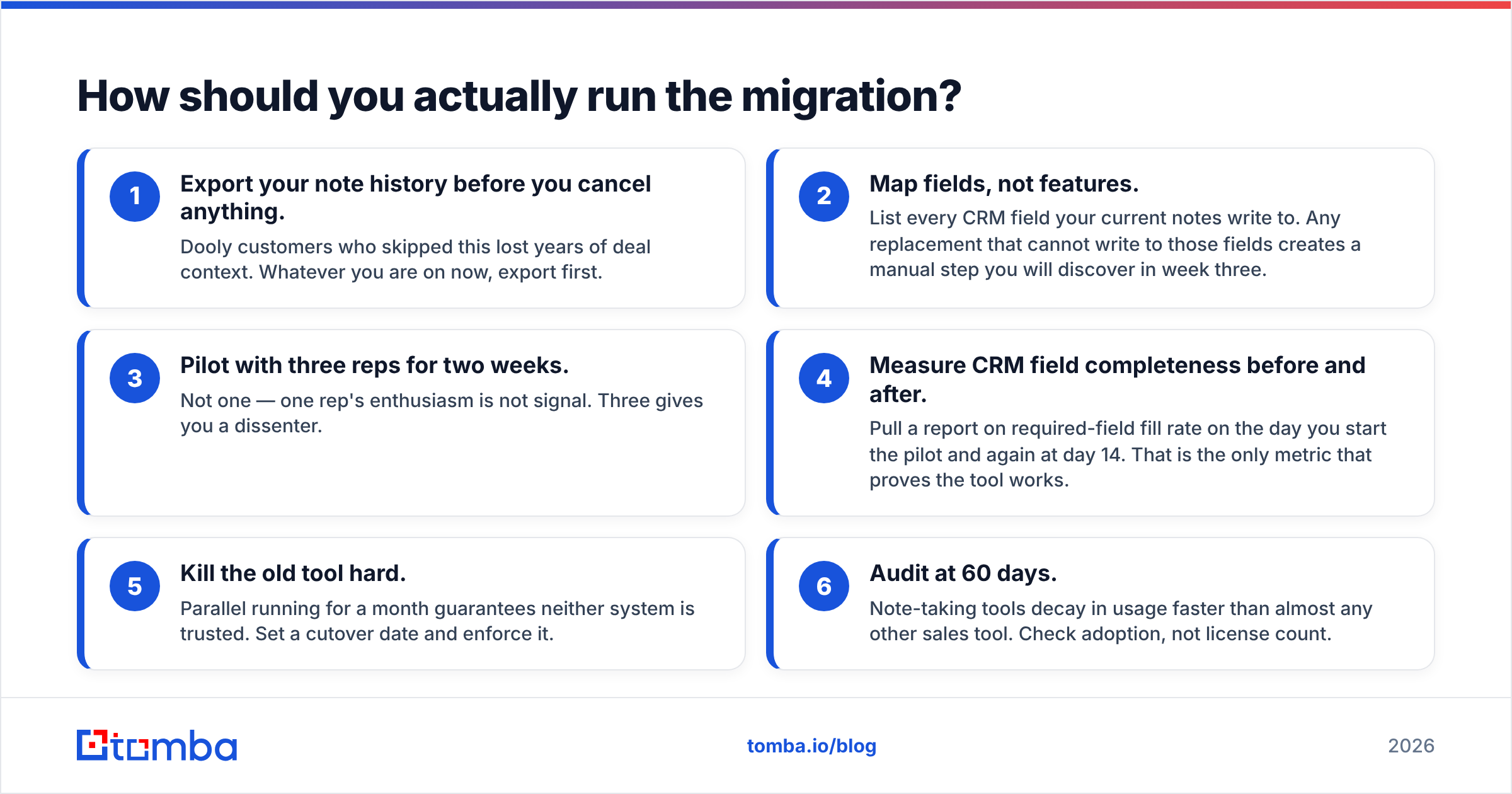
If you are moving off a dead tool or switching between the options above, the sequence matters more than the tool choice.
- Export your note history before you cancel anything. Dooly customers who skipped this lost years of deal context. Whatever you are on now, export first.
- Map fields, not features. List every CRM field your current notes write to. Any replacement that cannot write to those fields creates a manual step you will discover in week three.
- Pilot with three reps for two weeks. Not one — one rep's enthusiasm is not signal. Three gives you a dissenter.
- Measure CRM field completeness before and after. Pull a report on required-field fill rate on the day you start the pilot and again at day 14. That is the only metric that proves the tool works.
- Kill the old tool hard. Parallel running for a month guarantees neither system is trusted. Set a cutover date and enforce it.
- Audit at 60 days. Note-taking tools decay in usage faster than almost any other sales tool. Check adoption, not license count.
On step 2, one detail catches teams repeatedly: if your CRM contains contact records with unverifiable or stale email addresses, the migration surfaces them all at once. Running a bulk verify pass before cutover means your new tool inherits clean rows instead of importing the mess. Cleaner input data also protects email deliverability on any outbound that runs off those same records.
Which Dooly alternative should you pick?#
Short version, by situation:
- Salesforce shop, wanted the note grid back → Scratchpad.
- Under 10 reps, budget-constrained → Fathom, upgrade when CRM sync becomes necessary.
- 30+ reps, forecast credibility problem → Gong or Clari.
- HubSpot shop → try native HubSpot Sales Hub first; you may not need a third tool.
- Slack-native culture → Momentum.
- Real problem is empty pipeline, not messy notes → skip this category entirely and invest in contact data.
Independent review data on these tools is worth checking before you commit; G2's sales enablement category has recent verified reviews that surface implementation complaints the vendor demos will not.
Start with the data layer#
If your diagnostic pointed at sourcing rather than hygiene, start where the pipeline gets built. The Tomba Email Finder locates verified professional email addresses by name, domain, or company, so your reps fill the calendar that a note-taking tool later documents. The free tier gives you 25 searches a month to test accuracy against your own target list, and paid plans start at $49/month — less than a single seat of most tools in the comparison table above. Check Tomba pricing to see where your volume lands, then spend what's left on the hygiene tool your reps will actually open.
Related guides#
Ready to find emails that actually work?
Join 150,000+ professionals who stopped guessing and started sending. Free credits on signup — no credit card required.
Get the Tomba newsletter
Practical outbound tactics and product updates — once every two weeks.
About the author