Easy Email Verification vs Generect: Which Wins in 2026
One tool cleans lists. The other builds them. Here's an honest head-to-head on accuracy, pricing, API depth, and which one actually belongs in your outbound stack in 2026.
TL;DR
- Easy Email Verification and Generect are not really competitors — one cleans email lists, the other creates them. Comparing them head-to-head only makes sense if you're deciding where your next $100/month goes.
- Pick Easy Email Verification if you already have lists (CRM exports, form signups, scraped CSVs) and your problem is bounce rate.
- Pick Generect if your problem is empty pipeline — you need LinkedIn-sourced company and people data, delivered by API into your own workflow.
- Neither one covers the full find → verify → enrich loop on its own. Most teams end up paying for two vendors or consolidating into a platform that does both.
- If you're consolidating, compare on verified-email yield per dollar, not on raw credit price. A cheap credit that returns "unknown" is a wasted credit.
What are you actually comparing here?#
Start with the honest framing, because it determines everything else: these two tools sit at opposite ends of the same pipeline.
Email verification answers "will this address accept mail?" Lead sourcing answers "who should I be emailing at all?" A verifier with no data source is a very precise tool pointed at nothing. A data source with no verification layer is a fast way to torch your sending domain.
So the real question is not "which is better." It's: which gap in your stack is currently costing you more revenue? If your last campaign bounced at 9% and got throttled by Google, you have a verification problem. If your last campaign had a 4% reply rate but only went to 180 people, you have a sourcing problem.

What is Easy Email Verification?#
Easy Email Verification is a single-purpose bulk email validation service. You upload a list — CSV, XLSX, or push records through the API — and it returns a status per address: valid, invalid, accept-all/catch-all, disposable, role-based, or unknown.
What it does well:
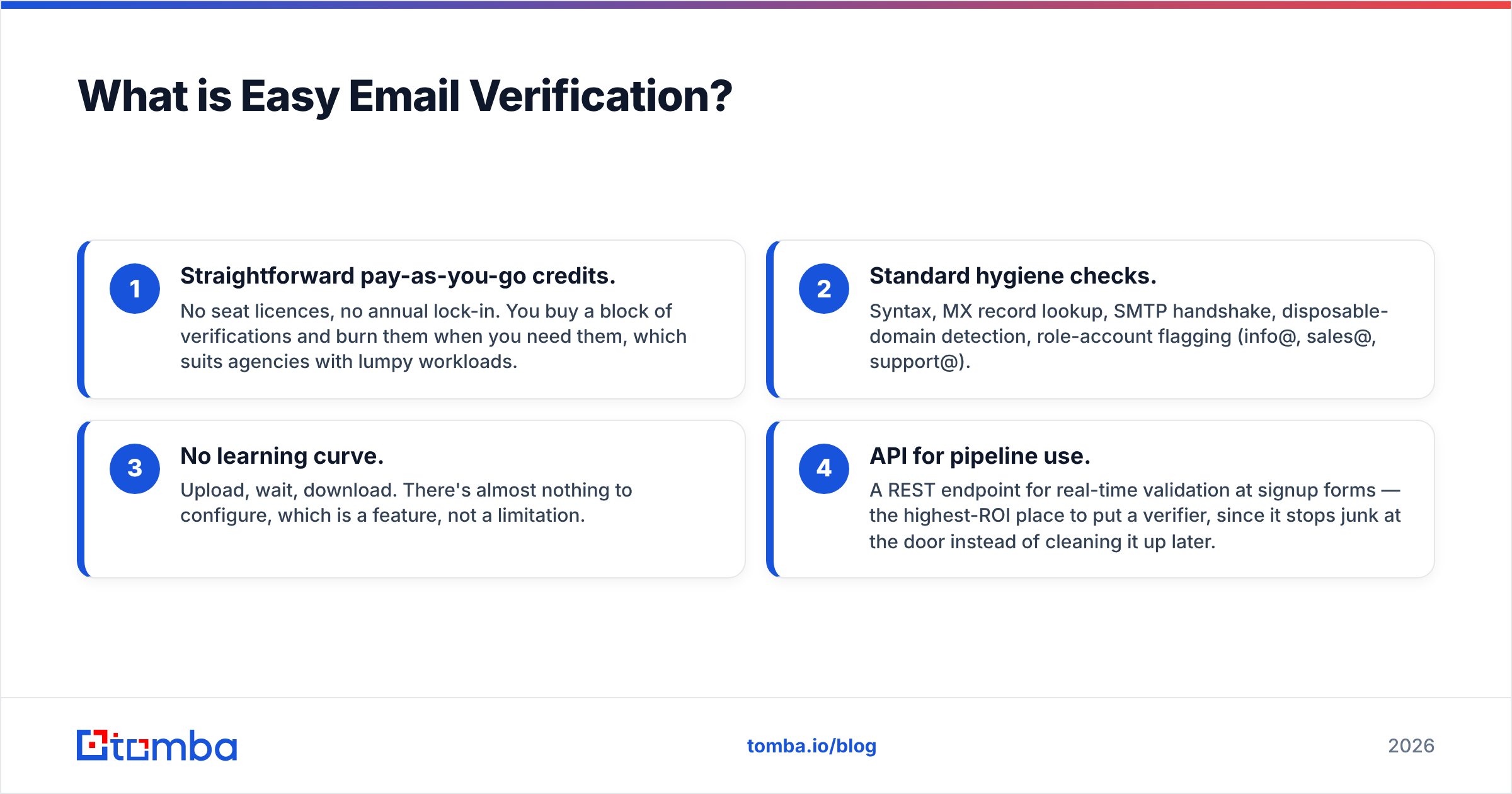
- Straightforward pay-as-you-go credits. No seat licences, no annual lock-in. You buy a block of verifications and burn them when you need them, which suits agencies with lumpy workloads.
- Standard hygiene checks. Syntax, MX record lookup, SMTP handshake, disposable-domain detection, role-account flagging (info@, sales@, support@).
- No learning curve. Upload, wait, download. There's almost nothing to configure, which is a feature, not a limitation.
- API for pipeline use. A REST endpoint for real-time validation at signup forms — the highest-ROI place to put a verifier, since it stops junk at the door instead of cleaning it up later.
What it does not do: it will not find you a single new contact. It has no company database, no people search, no enrichment. It is a filter, and it is priced like one.
The other thing worth knowing before you buy any standalone verifier: catch-all domains are the whole ballgame. Somewhere between a quarter and a third of B2B domains are configured to accept mail at every address, which means a basic SMTP handshake can't distinguish a real mailbox from a typo. Vendors handle this differently — some return "accept-all" and leave you to guess, others run additional heuristics. Check how your candidate handles it with a catch-all verifier test on 50 known-good and 50 known-fake addresses at the same domain before you commit budget.
What is Generect?#
Generect sits on the opposite side. It's a B2B lead generation platform built around LinkedIn-derived data, with a strong API-first angle: search for companies or people by filters (industry, headcount, geography, job title, tech stack), and pull structured records — including work emails and, on some plans, phone numbers — straight into your own system.
Its natural buyers are:
- RevOps and growth engineering teams who want lead data as a service, piped into a warehouse or CRM rather than downloaded as CSVs.
- Agencies building lists at volume across many client ICPs, where manual prospecting doesn't scale.
- Product teams embedding B2B data into their own app.
Generect does apply email validation to what it returns — most modern data vendors do, because returning bounces destroys trust fast. But that validation is a quality gate on its own data. It is not a general-purpose service you can point at the 40,000-row list you inherited from the previous SDR.
That's the asymmetry: Generect partially overlaps Easy Email Verification's job, but Easy Email Verification does not overlap Generect's job at all.
Which one is more accurate — and what does accuracy even mean here?#
Accuracy claims in this category are close to meaningless unless you pin down what's being measured. Three different numbers get called "accuracy":
- Bounce rate on delivery. The only number that matters to your sending reputation. A good verifier should get you under 2%.
- Match rate / coverage. What percentage of your input rows returned a usable answer. A verifier that marks 30% of your list "unknown" has technically not lied to you, but it also hasn't helped.
- Precision on catch-alls. Where nearly all vendor differences actually show up.

For a pure verifier like Easy Email Verification, judge it on bounce rate and unknown rate together. For a data source like Generect, judge it on deliverable contacts per 1,000 records pulled — because a record with a valid-but-wrong person attached is worse than no record.
Run your own benchmark before signing anything. Take 500 addresses you know the ground truth for (your own customer list works), split them across both tools plus a control, and compare. It takes an afternoon and it beats every G2 review you'll read. Speaking of which, G2's email verification category is useful for spotting recurring complaints — support responsiveness, billing surprises, credit expiry — that vendors never put on their pricing page.
How do Easy Email Verification, Generect, and Tomba compare feature by feature?#
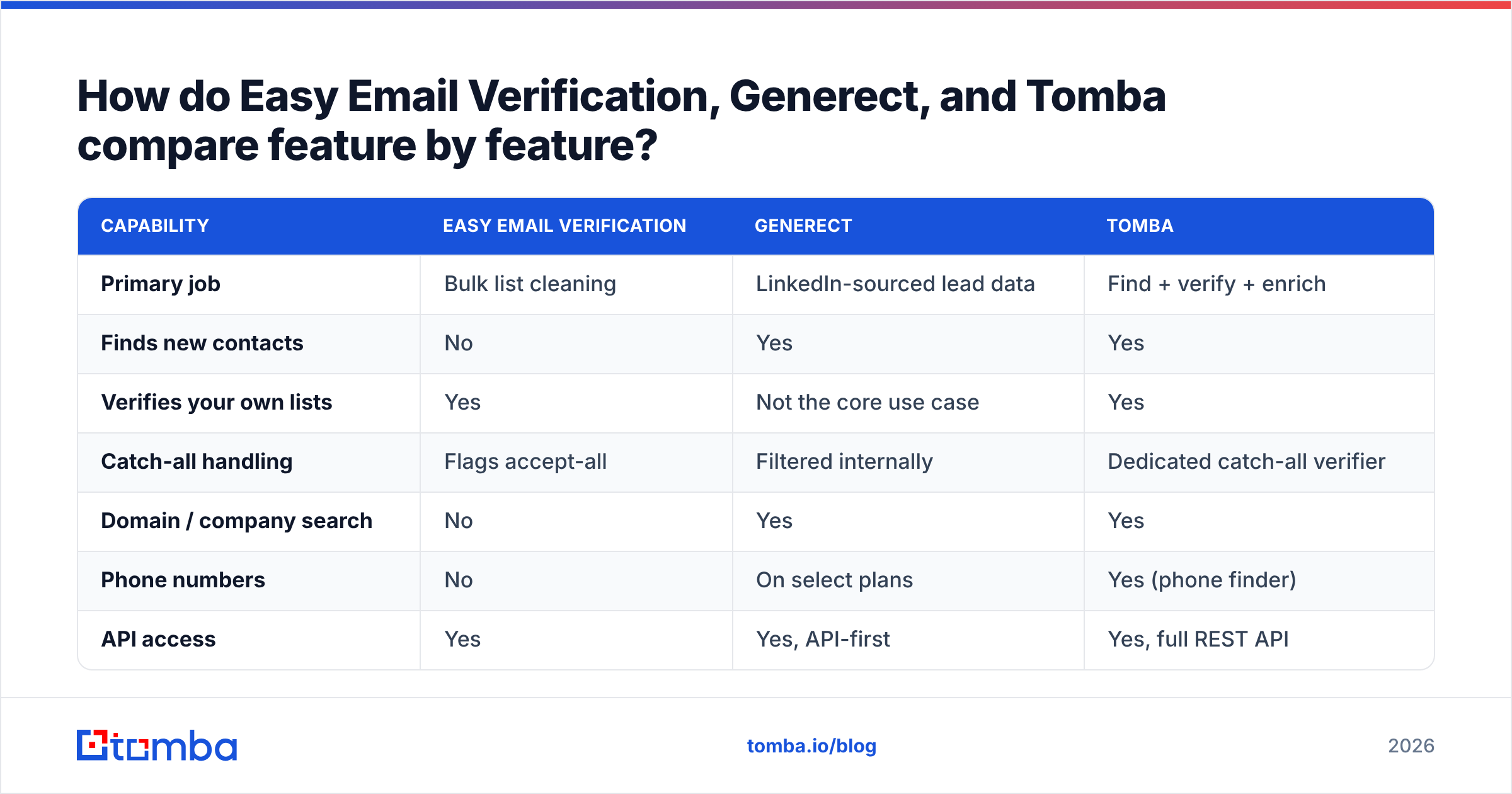
Here's the practical breakdown. Pricing for third-party tools moves constantly, so treat the cost rows as shape-of-the-model rather than a quote — check each vendor's current page before you buy.
| Capability | Easy Email Verification | Generect | Tomba |
|---|---|---|---|
| Primary job | Bulk list cleaning | LinkedIn-sourced lead data | Find + verify + enrich |
| Finds new contacts | No | Yes | Yes |
| Verifies your own lists | Yes | Not the core use case | Yes |
| Catch-all handling | Flags accept-all | Filtered internally | Dedicated catch-all verifier |
| Domain / company search | No | Yes | Yes |
| Phone numbers | No | On select plans | Yes (phone finder) |
| API access | Yes | Yes, API-first | Yes, full REST API |
| Entry price | Pay-as-you-go credits | Subscription, quote-based | Free tier (25/mo), Starter $49/mo |
| Free tier | Trial credits | Demo / trial on request | Yes — 25 searches/mo |
| Chrome extension | No | Yes | Yes |
| Spreadsheet add-ons | Limited | Via API | Google Sheets, Excel, Airtable |
| Best for | Fixing an existing list | Building lists at scale | Running the whole loop in one place |

Read that table row by row and the decision usually makes itself. If most of the rows you care about are in the top half, you want a verifier. If they're in the middle, you want a data provider. If you keep circling both halves, you want consolidation — which is the case for most teams past their first 100 outbound emails a week.
How much should you actually expect to pay?#
Three pricing models are in play, and they behave very differently as you scale:
- Pay-as-you-go credits (Easy Email Verification). Cheap to start, no commitment, credits typically don't expire. Excellent for irregular work. Gets expensive per-unit at high volume compared to subscriptions.
- Subscription with quota (Generect, most data vendors). Predictable monthly cost, better unit economics at volume, but you pay in slow months too. Enterprise data plans are frequently quote-only, which means a sales call before you see a number.
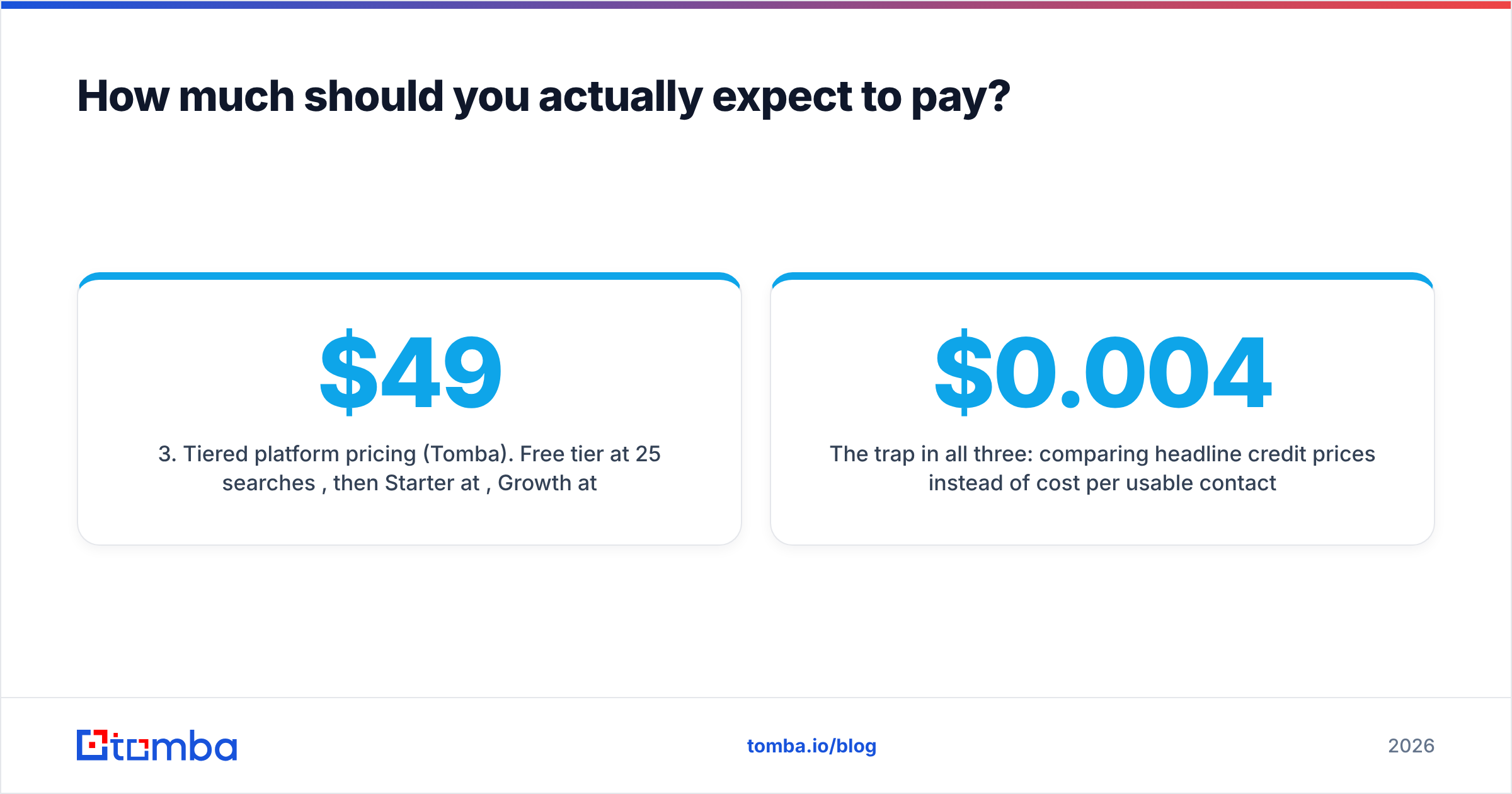
- Tiered platform pricing (Tomba). Free tier at 25 searches/month, then Starter at $49/mo, Growth at $99/mo, Pro at $249/mo, and custom Enterprise. Full breakdown on the Tomba pricing page. Finding and verifying draw from the same pool, so you're not reconciling two invoices and two credit balances.
The trap in all three: comparing headline credit prices instead of cost per usable contact. If Vendor A charges $0.004 per verification and returns 22% "unknown", while Vendor B charges $0.007 and returns 6% "unknown", Vendor B is cheaper on every metric that touches your pipeline. Do the arithmetic on your own test set, not on the pricing page.
When should you pick each one?#
Choose Easy Email Verification when:
- You have a large existing list — a CRM export, an old newsletter file, a purchased database — and you need it clean before it touches a sending tool.
- Your volume is spiky and you don't want a subscription sitting idle.
- You want real-time validation on a signup or demo-request form and nothing else.
Choose Generect when:
- Your bottleneck is list volume, not list quality.
- You want lead data delivered by API into a warehouse, CRM, or your own product — not as CSV downloads.
- Your ICP is well-defined by LinkedIn-shaped filters (title, headcount, industry, geography).
Choose a consolidated platform when:
- You're doing both jobs every week and paying two vendors for one workflow.
- You need catch-all resolution, not just catch-all flagging.
- You want enrichment (job title, company size, social profiles, phone) attached to the same record you just found — see data enrichment for what that looks like in practice.
What does a working 2026 outbound data stack look like?#
Whatever you buy, the sequence is the same. Four steps, in this order:
- Define the account list first. Domains before people. Pull target companies by firmographics, then find contacts inside them — not the reverse. This alone cuts wasted credits more than any vendor switch.
- Find contacts by domain. Use domain search to pull every discoverable address at a target company, then filter by department and seniority rather than guessing individual name patterns.
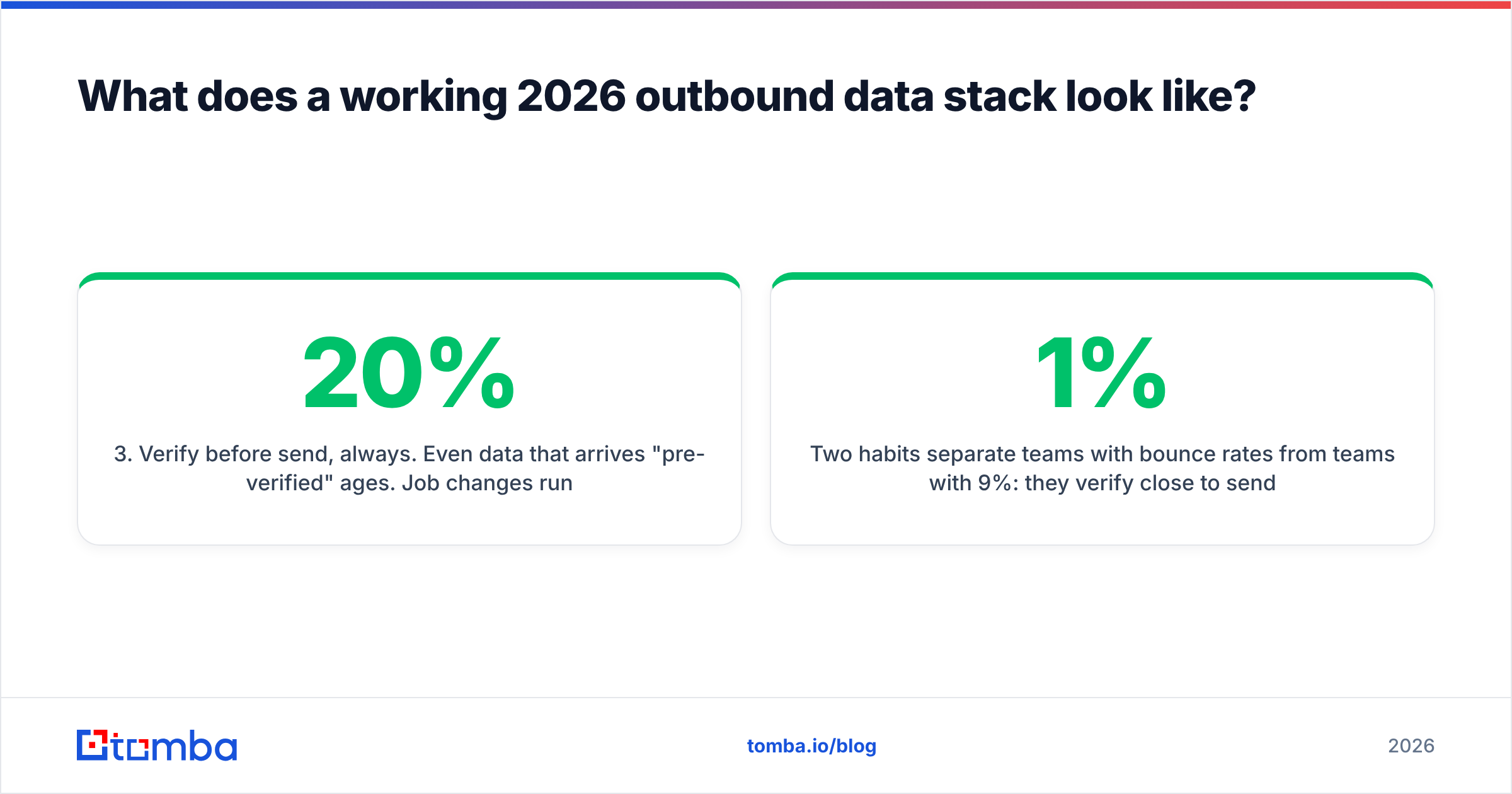
- Verify before send, always. Even data that arrives "pre-verified" ages. Job changes run around 20% annually in B2B, so a six-month-old record is materially worse than a fresh one. Run everything through an email verifier inside the same week you send.
- Segment by confidence, not by valid/invalid. Send to confirmed-valid on your primary domain. Send to resolved catch-alls on a secondary domain. Drop unknowns, or park them for a re-check next quarter. Treating all three the same is how good domains get burned.
Two habits separate teams with 1% bounce rates from teams with 9%: they verify close to send time, and they never let a single "unknown" bucket ride along with the valid ones because the list looked too small otherwise.
Is one tool enough, or do you need both?#
If you're strictly cleaning inherited lists, one verifier is enough and Easy Email Verification is a reasonable, no-frills choice. If you're strictly sourcing, Generect is a credible API-first option worth a trial.
The moment you're doing both — which is nearly everyone running real outbound — the two-vendor setup starts costing you in ways that don't appear on either invoice: two credit balances to monitor, two APIs to maintain, two support queues, two sets of rate limits, and a data-freshness gap between the moment a contact is sourced and the moment it's validated.
That's the argument for consolidation, and it's a practical one rather than a philosophical one. Fewer moving parts, one source of truth, one number to watch.
Where does Tomba fit in this comparison?#
Tomba is built for the whole loop rather than one end of it: find the address, verify it, resolve the catch-all, enrich the record, and push it to your CRM — on one credit pool and one API.
Concretely, that means the email finder and verification run against the same infrastructure, so a contact found on Tuesday is validated with Tuesday's data, not with a snapshot from whenever your data vendor last refreshed. Bulk workflows, a Chrome extension, Google Sheets and Excel add-ins, and native integrations with HubSpot, Salesforce, Pipedrive, and Zapier cover the ways teams actually work. And the free tier means you can test the accuracy claims in this article against your own list before spending anything.
Start with the Tomba Email Finder. Run 25 free searches against a domain you know well, verify the results, and compare the deliverable-contact yield to whatever you're paying for today. If a single tool covers both halves of your pipeline at that quality, the two-vendor question answers itself.
Related guides#
Ready to find emails that actually work?
Join 150,000+ professionals who stopped guessing and started sending. Free credits on signup — no credit card required.
Get the Tomba newsletter
Practical outbound tactics and product updates — once every two weeks.
About the author